


















To link TikTok to Instagram, open TikTok, go to Profile → Edit profile, select Add beside Links, choose Instagram, and complete the login. TikTok notes that this feature is not available everywhere, so the Instagram option may be missing for some accounts or regions.
Use the native profile link if TikTok offers it. If it is unavailable, add your Instagram profile through an available website or profile-link field. Linking profiles helps discovery, but it does not automatically publish TikTok videos as Instagram Reels.
Connecting Your Social Worlds Your Complete Guide
Creators usually hit this problem after a post performs well. A TikTok takes off, comments start coming in, and then the next task appears immediately. Upload it again to Instagram, rewrite the caption, check formatting, and repeat the same routine later for the next video.
A profile link helps with discovery, but it doesn't handle distribution. That's the gap many users feel. They don't just want their TikTok audience to find Instagram. They want a cleaner system for moving content across both platforms without wasting time.
What linking actually does
There are three different layers people often lump together:
- Native profile linking: TikTok adds an Instagram icon to your profile, so viewers can tap through.
- Manual linking: You paste your Instagram URL into your TikTok bio when the native option isn't available.
- Content distribution: You publish once and get the content onto multiple platforms with less manual work.
Those are related, but they aren't the same thing. A clickable icon improves navigation. It does not publish Reels for you, adapt captions, or keep posting consistent.
A lot of confusion comes from using "link TikTok to Instagram" to mean both "connect my profiles" and "share my content workflow." They require different setups.
The practical goal
For a casual account, adding the Instagram icon or a bio URL is enough. For a business, agency, or creator who posts often, the primary objective is reducing repetitive work while keeping both profiles active and easy to find.
That's the lens to use throughout this guide. Start with the cleanest profile connection available. Then decide whether you need a workaround or a distribution system.
Adding the Official Instagram Link to Your TikTok Profile
The official option is still the cleanest one. When it works, TikTok places an Instagram camera icon directly on your profile, and viewers can move to your Instagram in one tap.
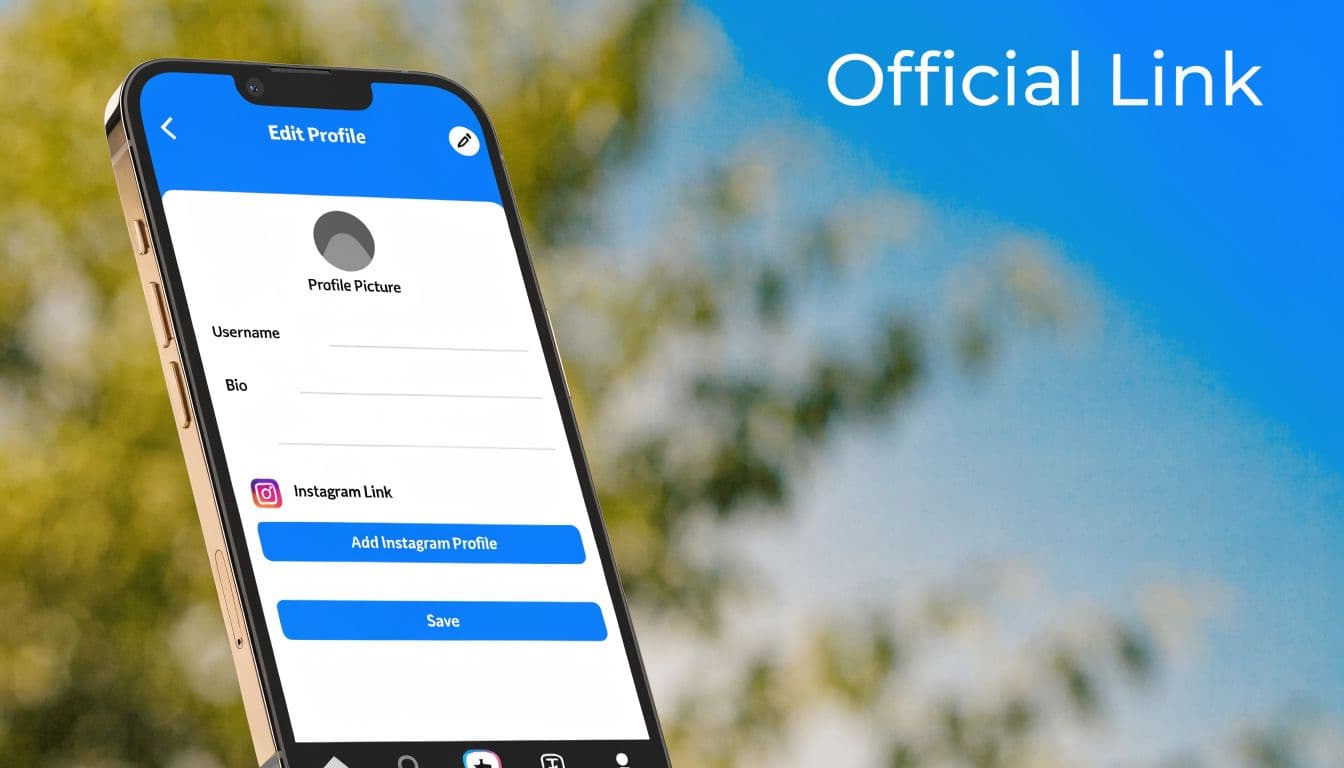
TikTok's current support steps are:
- Open the TikTok app and tap Profile.
- Tap Edit profile.
- Beside Links, tap Add.
- Select Instagram and follow the authorization steps.
TikTok states that social-account linking is not available everywhere. If the option is missing, update the app, confirm you are using the intended account, and try again later before changing account types unnecessarily. See TikTok's official social media account linking instructions.
How to confirm it worked
The easiest confirmation is visual. Once the link is active, the Instagram icon appears beneath your TikTok bio. Tap it yourself from another account or in a clean browser session if you want to verify the redirect.
If you want your profile to convert better after linking, tighten the surrounding bio copy too. A weak bio wastes the placement. I like using short CTA language that tells visitors what they'll get on Instagram, and resources with strategic TikTok bio ideas can help if your profile text feels generic. If you need a faster starting point, a TikTok bio generator is useful for drafting options you can refine.
What this method does not do
Many users often expect too much from the connection. The official Instagram icon is a profile bridge, not a publishing bridge.
- It does help discovery: people can move from TikTok to Instagram with less friction.
- It doesn't auto-post content: your TikToks won't suddenly appear as Instagram Reels because the accounts are linked.
- It can be removed later: unlinking happens in TikTok under Edit profile, and full permission revocation can be handled from Instagram's app permissions area.
Practical rule: If your goal is only profile discovery, use the native Instagram icon when TikTok gives it to you. If your goal is content distribution, this setup alone won't solve it.
Manual Workarounds When Direct Linking Is Unavailable
Sometimes the official button never appears. Sometimes it's missing because of account setup. Sometimes it's a regional limitation. When that happens, the fallback is old-school but reliable. Put your Instagram profile URL directly into your TikTok bio.
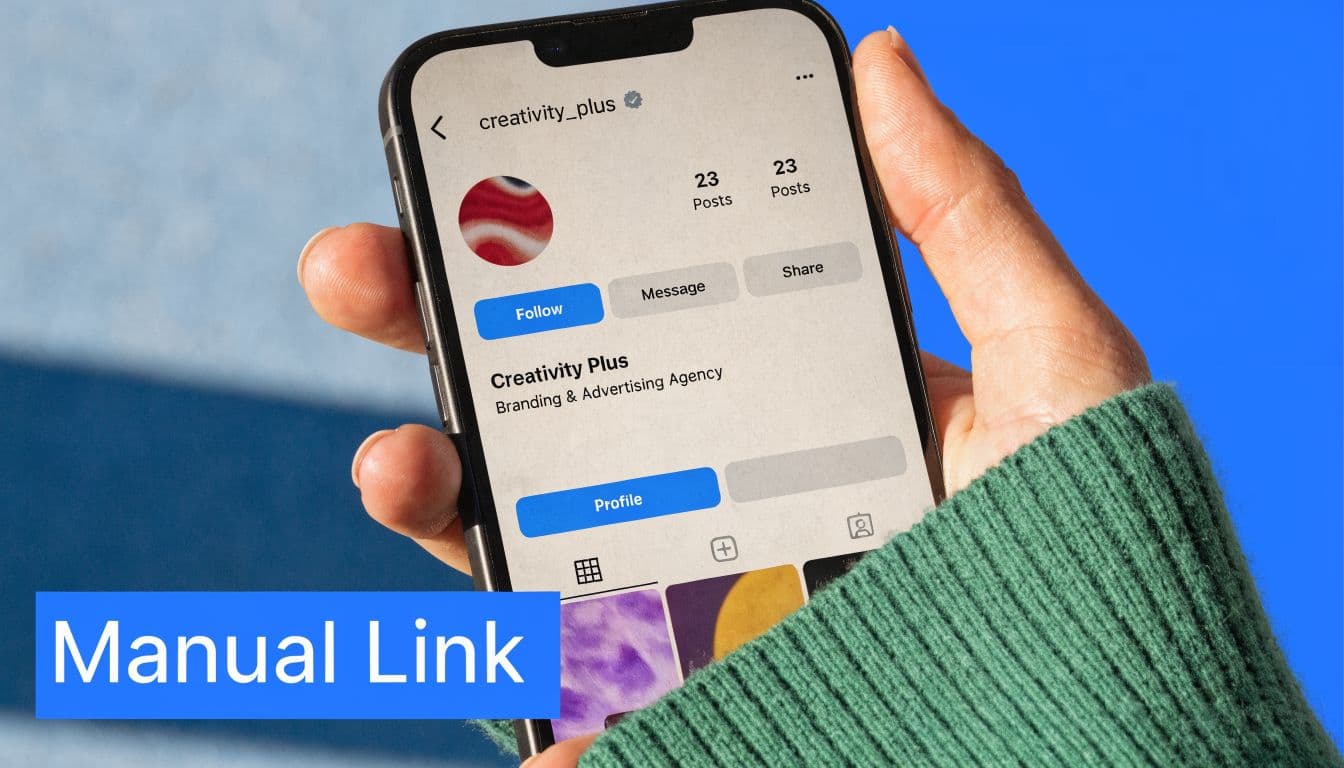
This method is less elegant, but it gives visitors another route to your Instagram profile when the native social-link option is unavailable. Availability of clickable website links depends on TikTok's current account and regional rules.
The fallback that almost always works
Grab your Instagram profile link from the Instagram app. In most cases, that's your public profile URL. Then go back to TikTok, open Edit profile, and paste the URL into the bio or website-style field available on your account.
Keep it short. Long strings eat bio space and look messy. A simple line like "IG: instagram.com/@yourhandle" is usually enough.
The two-way version works better
Don't treat this as a one-direction setup. Add your TikTok URL to Instagram too. That gives people another path to move between platforms depending on where they discover you first.
A simple two-way setup usually looks like this:
- On TikTok: add your Instagram URL in the bio if the native icon isn't available.
- On Instagram: add your TikTok profile link in your profile links area.
- In content: mention the other platform only when the audience has a reason to go there, such as behind-the-scenes, product drops, or longer comment threads.
For creators repurposing content manually, this matters because profile links and posting workflow affect each other. If you also want the content side handled better, this guide on posting TikTok videos to Instagram more efficiently is the more useful next step.
The real drawbacks
Manual linking is functional, not smooth. On some devices, people won't get a clean one-tap experience. They have to copy, search, or switch apps themselves. Every extra action loses some of them.
If direct linking is blocked, use the manual URL and move on. Waiting for the perfect profile setup usually costs more growth than using a slightly clunky fallback.
Go Beyond Linking Automate Your Content with PostOnce
The profile link solves discovery. It doesn't solve the work.
Most creators asking how to link TikTok to Instagram are trying to reduce friction. They want fewer repeated uploads, less caption rewriting, and a cleaner publishing routine across multiple platforms. That's where automation makes more sense than thinking only about profile links.
The walkthrough above shows how to connect TikTok and Instagram in PostOnce, then route both new TikTok posts and existing content to Instagram automatically.
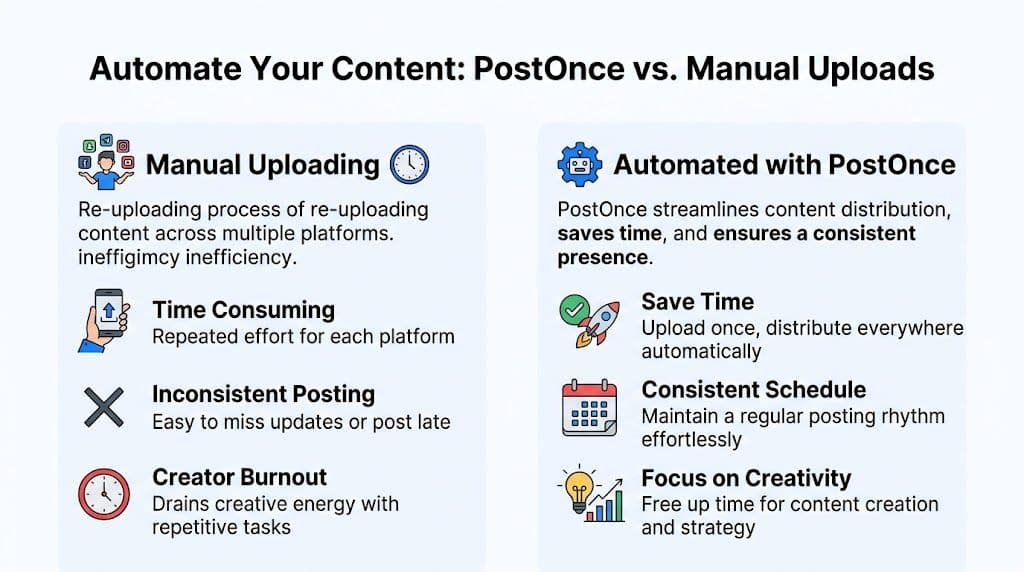
Linking profiles versus linking workflow
A profile connection tells people where else you exist. A workflow connection handles the actual distribution of content. Those are not interchangeable.
The better setup for an active account is usually this:
| Method | Effort Level | Follower Conversion | Best For |
|---|---|---|---|
| Official TikTok Instagram link | Low after setup | Higher than manual bio linking | Creators who want clean profile discovery |
| Manual bio URL | Low to moderate | Lower than clickable linking | Accounts missing the native option |
| Automated cross-posting workflow | Lowest ongoing effort | Qualitative benefit depends on content and offer | Businesses and creators posting consistently |
That last category is where TikTok to Instagram crossposting workflows become useful. PostOnce connects publishing across platforms so one piece of content can be distributed more efficiently, with platform-specific adjustments instead of simple copy-paste.
Why automation matches the real search intent
People don't usually care about the icon itself. They care about what comes after the icon. More reach, less admin, fewer missed posts.
A good automation setup helps with things the native TikTok-Instagram link never will:
- Caption adaptation: each platform needs different caption style and structure.
- Format handling: content often needs platform-aware adjustments to look native.
- Consistency: the system keeps posting moving even when your day gets crowded.
If you're comparing approaches more broadly, this overview of social media marketing automation is useful because it frames automation as an operations decision, not just a scheduling feature.
The profile link helps your audience navigate. Automation helps you operate.
For serious creators and small teams, that's the difference between maintaining two active channels and neglecting one of them.
Troubleshooting Common Linking Problems
Most setup issues aren't random. They come from a short list of common failures, and each one has a practical fix.
The Instagram option is missing
TikTok says social-account linking is not available everywhere. First update TikTok, confirm the Links area is absent under Edit profile, and check whether the feature is available for your account and region. A Business account may provide additional profile-link options, but switching account type is not guaranteed to make Instagram linking appear.
The login keeps failing
This usually happens during account authorization. The apps may be holding the wrong session, or your phone is logged into a different Instagram account than the one you intended to connect.
Use this sequence:
- Log out of extra Instagram accounts: especially if you manage personal and brand profiles on the same device.
- Pre-log in through a browser: signing in at Instagram.com first can reduce mismatched session problems.
- Try the connection again from TikTok: after the browser session is active.
The wrong Instagram account got linked
This is common for agencies, freelancers, and anyone who manages multiple brands. Unlink from TikTok, then remove TikTok from Instagram's active app connections before relinking. That forces a cleaner authorization pass.
The bio link looks weak or hard to use
If the native icon isn't available and you're relying on manual bio text, shorten the URL and remove clutter. Don't stack several destination links into a tiny TikTok bio unless each one has a clear purpose. In most cases, one direct Instagram path performs better than a crowded bio.
Best Practices for Privacy and Audience Growth
Once the accounts are connected, the next question is whether the setup actually helps. A lot of profiles are technically linked but strategically underused.
Keep the permission scope in mind
The native connection shares basic profile data needed for the link. It doesn't mean TikTok suddenly has access to your Instagram posts or analytics. Even so, review connected apps periodically, especially if you switch teams, hand off account management, or relink the wrong profile.
If you don't need the connection anymore, remove it from TikTok and revoke it from Instagram's app permissions area too. That keeps old access from hanging around.
Grow the right audience, not just any audience
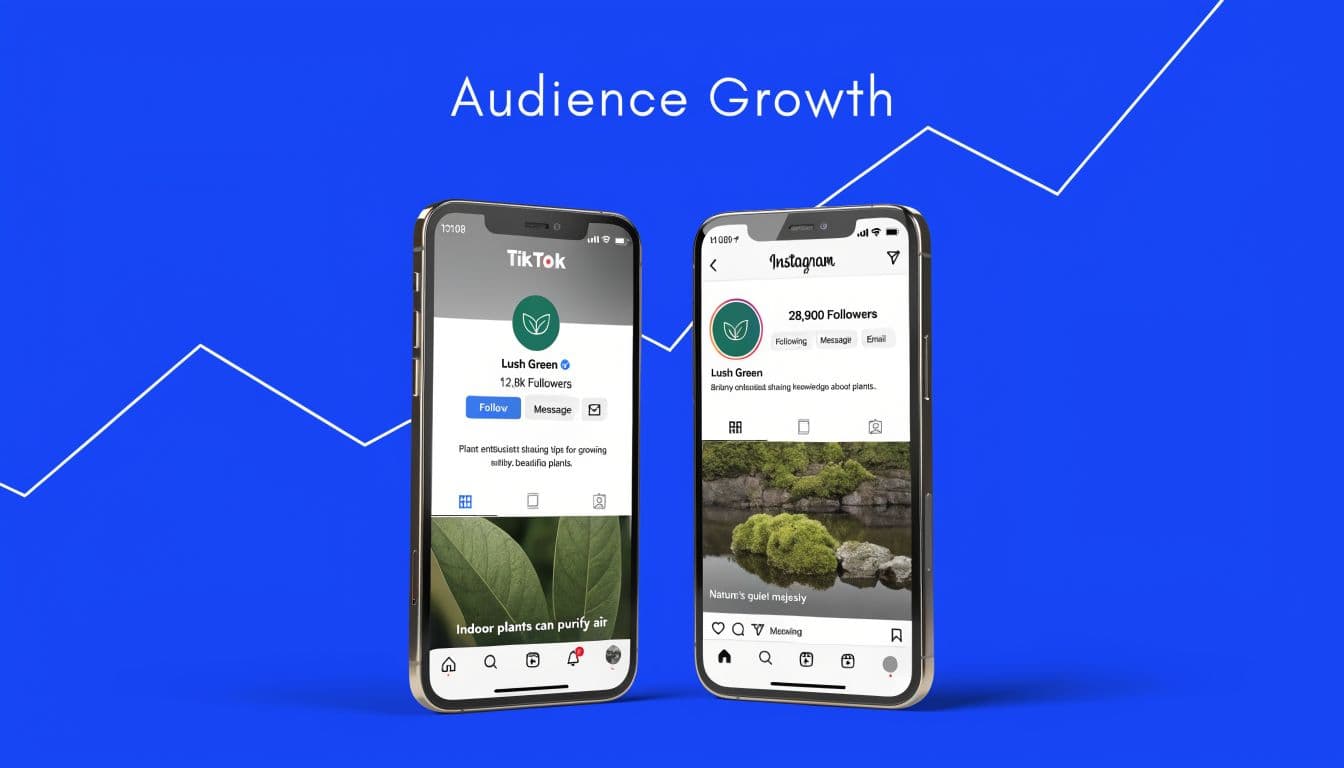
Cross-platform growth works better when each platform offers a reason to follow. If your TikTok and Instagram feel identical, viewers may not bother moving.
A better approach:
- Use TikTok for discovery: trend-driven clips, hooks, and broad reach content.
- Use Instagram for depth: stronger profile presentation, Highlights, product context, or community updates.
- Give a reason to click: say what they'll get on Instagram instead of saying "follow me there."
Send people across platforms when the destination adds context, not just because the link exists.
There are also cases where not linking is the smarter move. If your TikTok persona is intentionally different from your Instagram brand, forcing crossover can confuse the audience. Distinct brands need distinct paths.
Frequently Asked Questions
Does linking TikTok to Instagram automatically share my posts?
No. The profile connection only adds a path from one profile to the other. It doesn't publish your TikToks to Instagram feed posts, Stories, or Reels automatically.
Can I unlink TikTok from Instagram later?
Yes. You can remove the connection in TikTok from the profile editing area where the social account was added. If you want a cleaner reset, remove TikTok from Instagram's connected apps as well before trying to link a different profile.
Can I link a Business or Creator Instagram account?
Yes. TikTok's Instagram linking flow can connect to professional Instagram accounts, although feature availability can still vary by account and region.
Why do people still use manual linking if the official way is better?
Because the official option isn't always available. Manual linking is the fallback when account type, regional availability, or login errors block the native button.
Should I link profiles if I barely post on Instagram?
Usually no. If someone taps through from TikTok and finds an inactive Instagram, the link hurts more than it helps. Keep the destination active enough to justify the click.
If your real goal isn't just a profile icon but a simpler way to publish across networks, PostOnce is built for that workflow. It lets you create once and distribute across multiple platforms with less manual reposting, which is usually the bigger problem behind searches like "how to link TikTok to Instagram."