


















If you're handling reposting on instagram while also managing Threads, LinkedIn, Facebook, and the rest, the primary problem usually isn't how to hit a share button. It's how to avoid turning one repost into five manual tasks. PostOnce exists for exactly that operational mess, giving teams a way to publish once and distribute across platforms without the usual copy paste routine.
The difficulty with reposting doesn't stem from the feature being confusing. It arises because the workflow around it is fragmented. Someone finds a great post, someone else asks for permission, another person rewrites the caption, then the asset gets reformatted three times for other networks. That process breaks fast when you're running multiple accounts.
Reposting can be a smart content lever. It can also become low-quality filler if you do it lazily. The difference comes down to attribution, timing, format, and whether your team treats reposting as a one-off action or as part of a repeatable distribution system.
The Smart Way to Handle Reposting on Instagram
The efficient approach is simple. Use Instagram's native tools when they fit the moment, then build a workflow that doesn't force your team to repeat the same task across every channel.
A lot of social teams still treat reposting as a creative task. It isn't. Most of the time, it's an operations task with editorial judgment attached. Once you see it that way, the bottlenecks become obvious.
What wastes time
Manual reposting usually creates friction in the same places:
- Content discovery gets stuck in DMs: A teammate sends a post link, then nobody knows who owns the next step.
- Permission isn't tracked well: Someone says "they approved it" but the proof lives in a disappearing message thread.
- Captions get rebuilt from scratch: That slows publishing and creates inconsistency across accounts.
- Cross-posting becomes a second project: Instagram gets published first, while every other network waits.
The better setup is one in which your team defines rules before the repost ever happens. What kinds of content qualify. Who signs off. How credit appears. Where that content should go after Instagram.
Practical rule: If reposting takes more than a few minutes after permission is secured, your workflow is doing too much manual labor.
What actually works
The strongest reposting systems are boring in the best way. They reduce decisions, preserve attribution, and keep quality high.
That means:
- Pick the native Instagram method based on intent. Feed repost, Story share, Remix, or Collab each solves a different problem.
- Standardize credit language. Don't improvise attribution every time.
- Build downstream distribution rules. If a repost belongs on other platforms, that shouldn't rely on memory.
- Keep a reusable playbook. Teams that document cross-posting rules move faster and make fewer mistakes.
If you need a broader operational model, this guide on best practices for crossposting on social media platforms is worth reviewing before you formalize your process.
How to Use Instagram's Native Reposting Tools
Instagram's built-in options are much better than the old workaround era. The key is choosing the right one for the job instead of forcing every repost through the same format.
Use the Repost button for feed level distribution
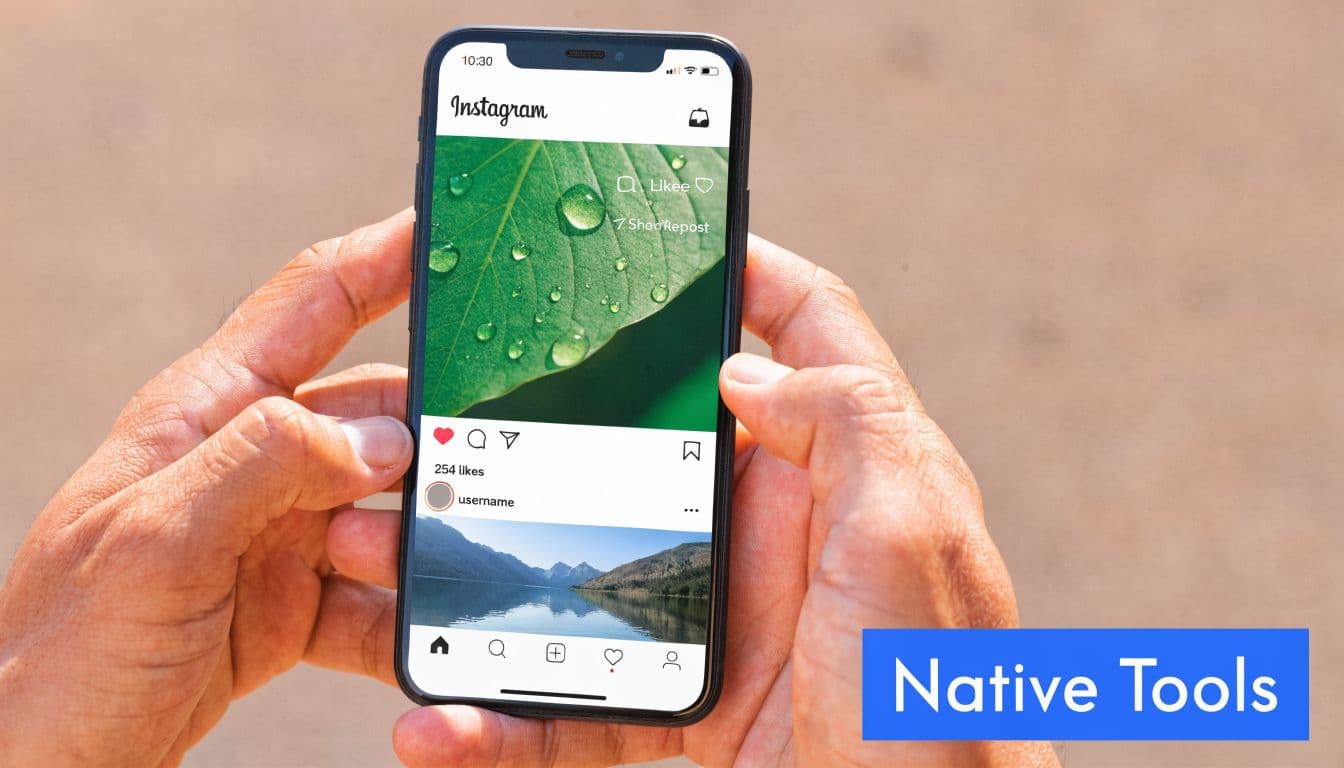
Instagram's native Repost feature rolled out globally in August 2025, allowing direct resharing of public posts and Reels to your feed, automatically crediting the original creator and placing the repost in a dedicated Reposts tab on your profile, according to Social Media Time's walkthrough of the new repost button.
This is the cleanest option when you want the content to live on your profile in a visible, structured way.
The workflow is straightforward:
- Find a public post or Reel.
- Tap the Repost icon next to the paper airplane.
- Add a note or reaction if context would help.
- Confirm the repost.
Use this when the original content already says what needs to be said and your job is amplification, not reinterpretation.
A good example is customer content that already reflects your brand well. Another is a partner Reel that your audience should see in-feed, not just in Stories.
One early example cited in the same source showed a creator's video jump from 12,000 to 50,000 views in 30 minutes after a large account reposted it. That doesn't mean every repost gets that lift, but it does show why native distribution matters.
Share to Story when speed matters more than permanence
Story sharing is still the fastest option when you want temporary visibility without committing that post to your main grid.
Use Story sharing when:
- You want a quick endorsement: Product mention, event recap, media feature.
- You need urgency: Limited-time offer, launch mention, live update.
- You want a softer signal: You support the content, but it doesn't need feed placement.
The basic motion is familiar. Tap the airplane icon, choose Add Post to Story, then add text, stickers, or a direct tag to the creator. Keep the framing clean. Too many overlays make the repost feel like an ad nobody asked for.
After you've used the feed repost a few times, Story sharing becomes the faster editorial layer. Feed for durable value. Story for velocity.
A short demo helps if you're training a teammate on the interface:
Use Remix when your value is the response
Remix is different from reposting in the strict sense. You're not just amplifying. You're adding perspective.
That makes Remix useful for:
| Use case | Why Remix fits |
|---|---|
| Reaction content | Your audience wants your take, not just the original |
| Educational breakdowns | You can annotate, explain, or challenge the source |
| Trend participation | You join a format without pretending it started with you |
Remix works best when your commentary changes the usefulness of the original post. If you're only nodding along, a feed repost or Story share is usually cleaner.
Reposting spreads content. Remixing adds interpretation. Teams should know the difference before they choose a format.
The Old Manual Method and Why You Should Avoid It
The screenshot-and-crop method still shows up in social workflows, mostly because it's familiar. It's also one of the quickest ways to make a good post look sloppy.
Why the manual method keeps failing
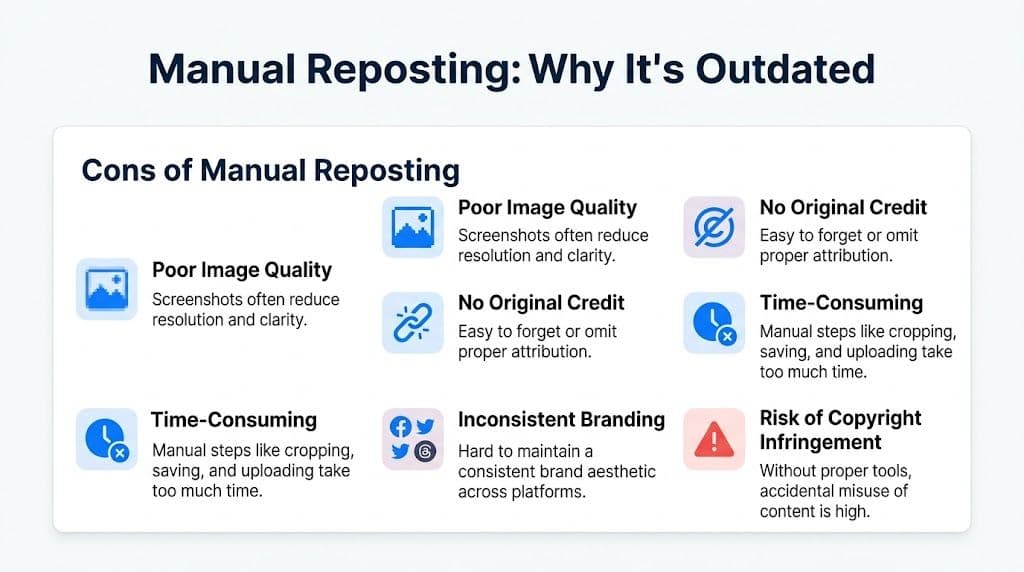
Typically, the process involves someone screenshotting a post, crops out the interface, saves the image, uploads it again, then writes some version of "credit to @creator" in the caption.
That creates four problems immediately:
- Image quality drops: Screenshots rarely look as good as original assets.
- Attribution becomes fragile: Credit can be incomplete, inconsistent, or easy to miss.
- Brand presentation slips: Cropping choices, spacing, and resolution vary from post to post.
- Publishing takes too long: Every repost becomes a mini production task.
Neal Schaffer's reposting guide notes that third-party reposting tools can drive 2 to 3 times more engagement than manual methods, and that 62% of manual screenshots suffer from aesthetic inconsistencies that can contribute to a 25% drop in engagement in his cited benchmarks on how to repost on Instagram.
Those numbers line up with what social managers see in practice. Manual reposts often look like manual reposts.
What teams often underestimate
The manual method doesn't just waste time. It creates small quality errors that stack up over a month of publishing.
A team member might think, "It's only one repost." But then:
- the image is softer than the original
- the crop cuts off context
- the caption format doesn't match the brand
- the creator credit isn't prominent
- the same asset has to be rebuilt again for another platform
That's how a simple share turns into rework.
If you absolutely need the underlying asset for a legitimate workflow, use something purpose-built rather than grabbing screenshots. A utility like this Instagram photo downloader is a cleaner starting point than screen capture chaos.
Manual reposting isn't just old fashioned. It introduces avoidable quality and process problems that better workflows remove.
PostOnce The Definitive Solution for Automated Reposting
Instagram solved part of the reposting problem. It did not solve the workflow around distribution.
Native reposting is useful inside Instagram. It doesn't answer what happens after that content needs to appear on Threads, LinkedIn, Facebook, X, Reddit, or BlueSky in platform-appropriate formats. That's where many organizations lose time.
Why native reposting creates an operations gap
Once Instagram launched native reposting, social managers got a better in-app share mechanic. But they also inherited a new question: how do you move that approved content into the rest of your publishing system without creating compliance or process issues?
KoalaVA's analysis of the feature notes that the launch created a compliance gap for automation tools, and also points to a 2026 Hootsuite survey in which 70% of small business owners reported significant time lost to manual cross-posting in its discussion of Instagram's new repost feature and automation friction.
That matters because most brands don't operate on Instagram alone. A repost that performs well often has value beyond one network, especially if it's UGC, a partner endorsement, or a timely industry post.
What a scalable reposting workflow looks like
A durable reposting workflow usually has five stages:
- Identify approved content
- Confirm permission and attribution
- Choose the right Instagram format
- Adapt the content for each destination platform
- Publish without rebuilding the post manually
This is the part many teams under-design. They think reposting ends when Instagram publishes. In reality, that's just the first distribution event.
A stronger system asks:
- Should the caption stay the same on LinkedIn?
- Does Threads need a shorter intro?
- Should Reddit get contextual text instead of a promotional caption?
- Does Facebook need a slightly different framing?
- Which platforms should never receive direct reposts automatically?
Those aren't hard questions. They're just repetitive ones. That makes them ideal for automation.
Why PostOnce matches the search intent behind reposting on instagram
Someone searching reposting on instagram usually wants one of two things. Either they want to know how to repost content correctly, or they want a faster way to repurpose that content without repeating work.
PostOnce fits the second need exactly.
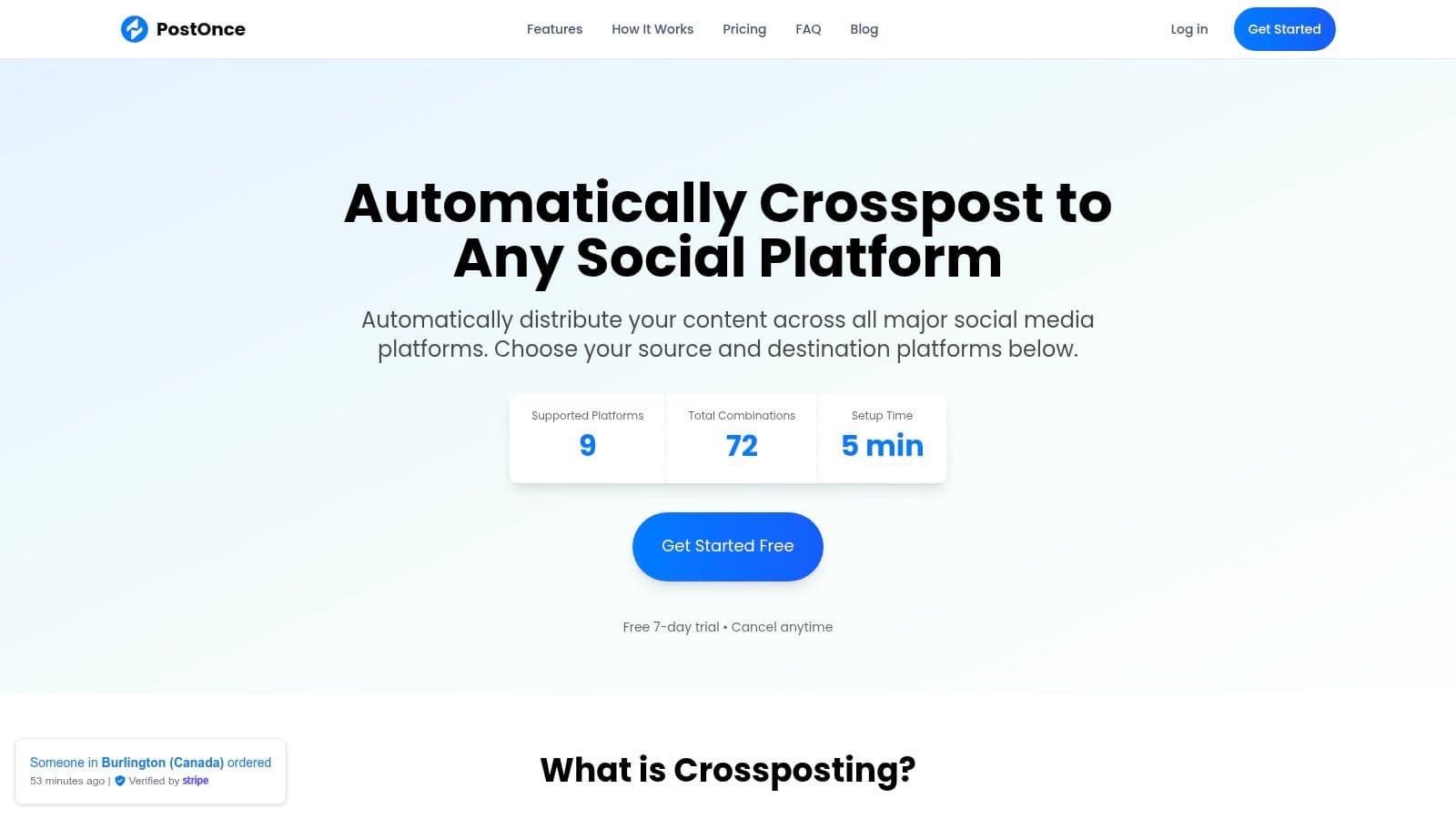
Its value isn't that it replaces Instagram's native tools. Its value is that it extends the repost into a multi-platform system. You can create the source post once, define where it should go, and let the platform adjust formatting for each network instead of manually rebuilding the same message.
That's especially useful for:
| Team type | Typical reposting problem | Why automation helps |
|---|---|---|
| Solo creators | Too much context switching | Fewer manual publishing steps |
| Small businesses | Inconsistent social presence | Reusable rules keep channels active |
| Agencies | Multi-account overhead | Standardized workflows reduce errors |
For Instagram-specific distribution setups, the PostOnce Instagram crossposting page shows the operational side of how this kind of workflow can be centralized.
What works better than ad hoc reposting
The practical win isn't just time savings. It's consistency.
Teams do better when they define:
- Attribution templates: So credit appears predictably.
- Destination rules: So not every repost goes everywhere.
- Platform-specific edits: So each network gets an appropriate version.
- Approval boundaries: So sensitive reposts don't auto-publish blindly.
What doesn't work is asking a coordinator to remember all of this in real time, every day, across multiple channels.
The best reposting workflow is the one your team can repeat without needing a Slack thread to explain it each time.
Reposting Etiquette and Pro-Level Strategies
A repost should do more than fill a slot in your content calendar. It should either strengthen trust, add useful context, or widen distribution for something worth amplifying.

Ask for permission when the situation calls for it
Native tools make sharing easier. They don't erase judgment.
If content comes from a public account and you're using Instagram's intended sharing features, the mechanics are simple. But if the post is sensitive, commercial, customer-generated, or likely to be reused elsewhere, get clear permission and keep a record of it.
Credit matters, but credit alone isn't the same as consent. Teams get into trouble when they confuse those two things.
Add context instead of echoing the original
The best repost captions answer one question: why is this on our account?
Weak repost caption:
Love this.
Strong repost caption:
This customer video shows exactly how the setup looks in a real workspace. We're reposting it because it answers the question new buyers ask most often.
Three caption formulas work well:
- The validation caption: Explain why the original post deserves attention.
- The insight caption: Add a takeaway your audience can apply.
- The bridge caption: Connect the repost to a product, event, lesson, or community discussion.
If you're verifying the original source of an image before you repost it, tools and processes around reverse discovery help. A practical reference on that front is this guide to mastering Insta photo search, especially when attribution is messy or a post has already been copied around multiple accounts.
Use hashtags with restraint
Hashtag strategy for reposts should support discovery, not overpower the post.
A clean approach usually includes:
- Original creator tags when relevant: Preserve context and continuity.
- Brand tags sparingly: Add your core branded term if it genuinely helps categorization.
- Topic tags only when they match audience intent: Don't pile on unrelated discovery tags.
This matters more now because reach is harder to earn. Sprout Social's 2025 Instagram data reports that the average Reel generated over 90 shares, that Reels are reshared over 4.5 billion times daily, and that overall organic reach on Instagram dropped 31%, all covered in its roundup of Instagram stats shaping current strategy.
In plain terms, shares are one of the clearest signals that content deserves wider distribution. Reposts work best when they amplify something people already want to pass along.
Know what not to repost
Some content looks tempting but performs poorly when reshared:
- Inside jokes without context
- Low-resolution screenshots
- Posts that only make sense on the creator's profile
- Content with unclear ownership
- Anything that feels off-brand even if it's trending
For a clearer baseline on the terminology itself, this explainer on what repost means is a useful reset for team training.
Good reposting isn't passive curation. It's selective amplification with context.
Common Reposting Questions and How to Solve Them
Why can't I see the repost button on my account
The most common answer is availability. Instagram's native repost feature launched in 2025, but rollout can vary by region and account type, as explained in Kodoko's overview of the Instagram repost feature rollout and engagement context.
If the button isn't visible, check the basics first:
- App version: Update Instagram before assuming the feature is missing.
- Account differences: Business, creator, and personal accounts don't always receive features at the same pace.
- Content eligibility: Not every post is shareable in the same way.
- Regional rollout: Feature distribution can lag.
If your team still doesn't have access, use Story sharing, Remix, or a documented external workflow rather than improvising with screenshots.
Can I repost someone's content if I give credit
Sometimes yes from a platform mechanics standpoint. Not always from an ethical or rights standpoint.
The safest working rule is simple. Credit is necessary, but it isn't universal permission. If the content is customer-generated, commercially valuable, sensitive, or destined for reuse beyond a simple in-app share, ask first and save the approval.
Teams get into fewer disputes when they build permission into the workflow instead of treating it as a last-minute check.
Which posts are best to repost
Not all post formats deserve the same priority.
Carousel posts are especially useful for strategic reposting because they performed well in 2025. Kodoko notes that carousel posts achieved a 1.36% engagement rate, the highest among the compared influencer content formats in that source.
That doesn't mean "repost every carousel." It means carousels deserve attention when the content is educational, compilational, or community-driven.
Good repost candidates usually have at least one of these traits:
| Post type | Why it works |
|---|---|
| Customer proof | Builds trust quickly |
| Educational carousel | Delivers repeatable value |
| Partner mention | Strengthens relationships |
| Timely Reel | Captures active interest |
Why does my repost look worse than the original
Quality loss usually comes from the method, not Instagram itself.
If a repost looks blurry, cramped, or awkwardly framed, the usual causes are:
- Screenshot capture instead of a native or proper tool-based workflow.
- Asset resizing without regard for platform format.
- Repeated exporting and re-uploading.
- Text overlays added without spacing discipline.
If your team frequently rebuilds captions manually too, this guide on how to copy a caption in Instagram helps remove one more source of formatting error.
How much reposting is too much
There's no universal percentage worth copying blindly across every account. The better standard is editorial balance.
If followers start seeing your account as a curator with no original point of view, you've gone too far. Reposts should support your brand voice, not replace it.
A simple internal check works well:
- Are we adding context?
- Are we choosing content our audience values?
- Are we still publishing original work consistently?
- Does this repost strengthen trust or just fill space?
If the answers are weak, skip the repost.
PostOnce helps turn reposting on instagram from a manual, one-network task into a repeatable cross-platform workflow. If you want to publish once, adapt content for each channel, and stop rebuilding the same post for every platform, start with PostOnce.