
“After I started using PostOnce, my results started snowballing.”
For theme pages & faceless pages
Run every theme page on every app, from one post.
A theme page lives on five or six apps now, and every post shouldn’t mean five or six uploads. Post once on the app you run the page from, like you already do. Within 20 minutes, PostOnce publishes the same post to the page’s other accounts: TikTok, YouTube Shorts, Facebook, X and Threads. Running several pages? Each one gets its own workflow.
Posts to





7-day free trial · No credit card required · Cancel anytime
Booster pack opening
Your Instagram post
You post here
TikTok✓ PublishedYouTube Shorts✓ PublishedFacebook Reels✓ PublishedThreads✓ PublishedOne post, four more apps for the page
Growing the page isn’t the hard part. Posting it everywhere is.
You post several times a day on the app the page started on. Then the same post again on TikTok, Shorts, Facebook, X and Threads. Then all of it again for your second page. Miss a week and reach drops; burn out and the page goes quiet. The posts are already made. Re-uploading them is what eats the day.
Without PostOnce
on my phone all day
15
uploads for one post on three pages
- Page 1
- Page 2
- Page 3
- Every post uploaded again on every app
- Every new page multiplies the uploads
- Skip a few days and the page’s reach slips
- Hours on your phone that should go into finding the next post
With PostOnce

1 post
- Post once, on the app you run the page from
- The same post reaches the page’s other accounts within 20 minutes
- One workflow per page, so each page’s posts go only to that page’s accounts
- Your own text before or after the caption for each app, like a credit line
- Every post’s status in one place: published, scheduled or failed
You built the page. You shouldn’t have to upload it six times.
Instagram and TikTok theme pages: pick your route
Instagram theme pages for collectors & hobbies
Instagram → TikTok, Facebook, Threads
Post your pulls, binder pages and collection shots on Instagram. Photo posts and carousels also land on TikTok, Facebook and Threads, and your opening videos go to YouTube Shorts too.
News, facts & quote pages
Instagram → Threads, X, Facebook
Post the update once and it’s on Threads, X and Facebook within 20 minutes, while it’s still news. Quote graphics go the same way.
TikTok theme pages
TikTok → Instagram, YouTube Shorts, Facebook
Keep posting natively on TikTok. PostOnce puts each video on the page’s Instagram, YouTube Shorts and Facebook as a clean file, without TikTok’s watermark.
Running several pages? Give each one its own workflow. Carousels, slideshows and photo posts work too. See all crosspost routes →
We publish your posts. The page is still yours.
 PostOnce handles
- Publishing each new post to every account you choose
- One workflow per page, with its own destinations
- A clean file, without another app’s watermark
- Skipping duplicate videos the workflow already posted
- Posting through each platform’s official posting APIs
You still own
- Your posts and the rights to them
- Credits for anything you feature
- Your niche, formats and posting rhythm
- Replies, promos and brand deals
PostOnce only publishes posts from accounts you connect, to accounts you choose. It doesn’t find, download or repost other people’s content, and no tool can make reposted content original.
Does crossposting your own posts hurt reach?
We tested 40 YouTube channels before and after they started posting through PostOnce: no consistent drop in views.
We also grew our own app, How2Rizz, posting the same videos everywhere through PostOnce.
- TikTok followers
- ~15k
- TikTok
- Instagram followers
- ~10k
- YouTube followers
- ~5k
- YouTube
A typical theme page owner on PostOnce
281
posts published in 90 days, across 5 connected accounts.
And the typical PostOnce customer saw 98.5% of their posts go out successfully.
2,500+ creators have joined PostOnce
Grow on 9 platforms. Without the extra work.
“Really responsive customer care, fantastic website which has saved me so much time and stress! Thank you!”
“Better then repurpose.io at a smaller price, very happy”
“Nigel built a great social media posting tool, and I highly recommend it to anyone who wants a tool that just works.”
“It’s incredibly easy to navigate, simple to set up, and does exactly what I need without making the process complicated.”
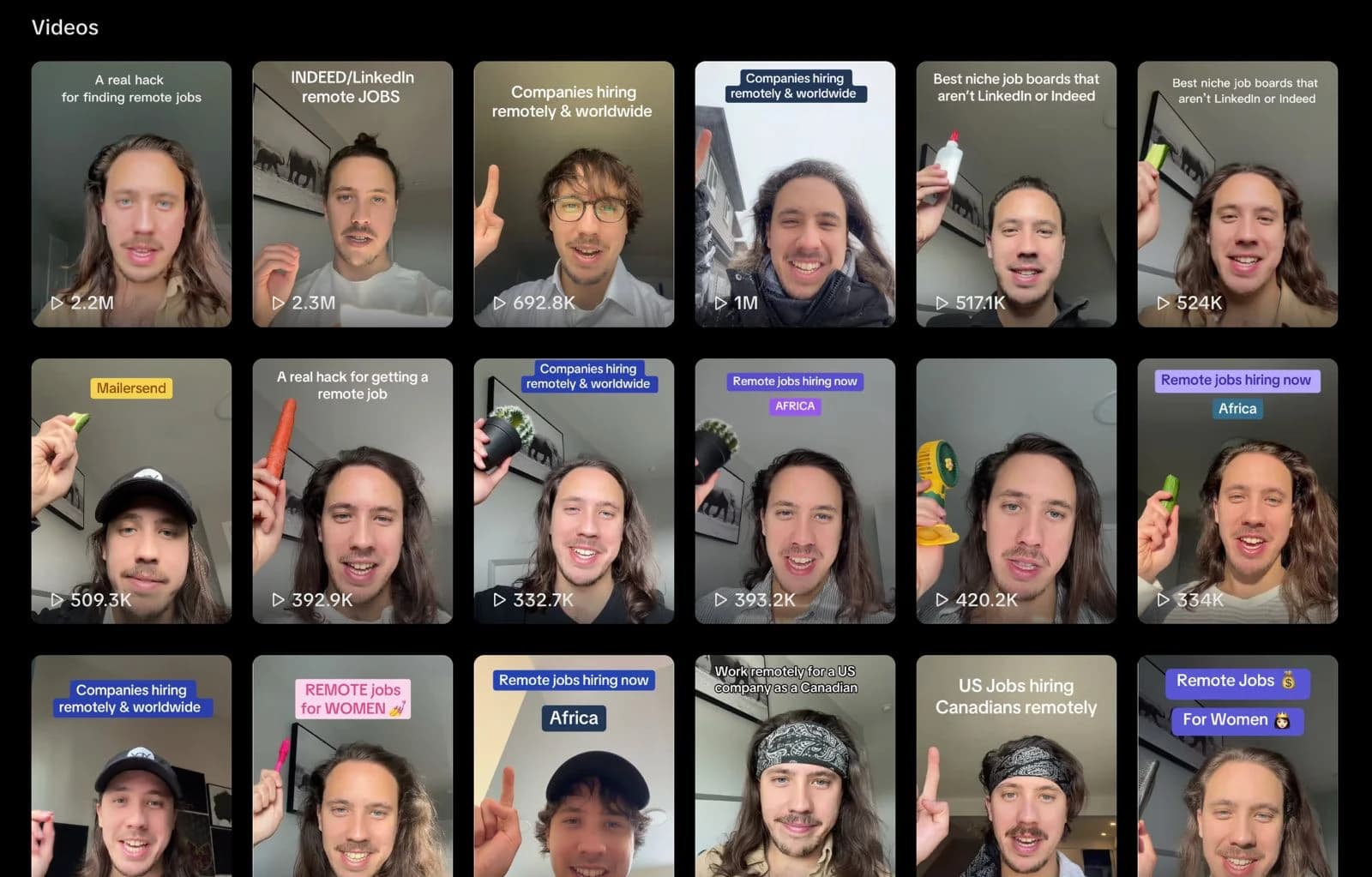
“Makes doing UGC campaigns so much easier as a creator bc every brand wants you to repost to like 4 platforms. Huge time saver!!!!”
“Right after logging in, I was surprised by the extremely clear dashboard and easy setup. Then I uploaded my first video to YouTube.”
“I've been using PostOnce for 5 month now and was able to grow my other accounts on auto pilot and save hours every month. That's a no brainer for every creator”
“My YouTube channel grew from 0 to 700 subscribers, and one video that got 600 views on TikTok blew up to 1.9 million views on YouTube.”
“Incredible support and amazing software, it's been a game changer for my business. Way better than other automated posting software I've tried.”
“love postonce, puts a different spin on schedulers. I still get to just post to instagram as usual and they deal with the rest.”
“Best social media crossposting tool! I use it to post across all my accounts without uploading the same content everywhere. Saves me so much time”
“Life saving. Made my life so much easier posting multiple content online. 100% recommend it. Support 24/7 helpful. 🙌🏻 10/10”
“I manage multiple social media accounts to grow my apps, postonce made it easy for me to grow consistently. kudos to the team!”
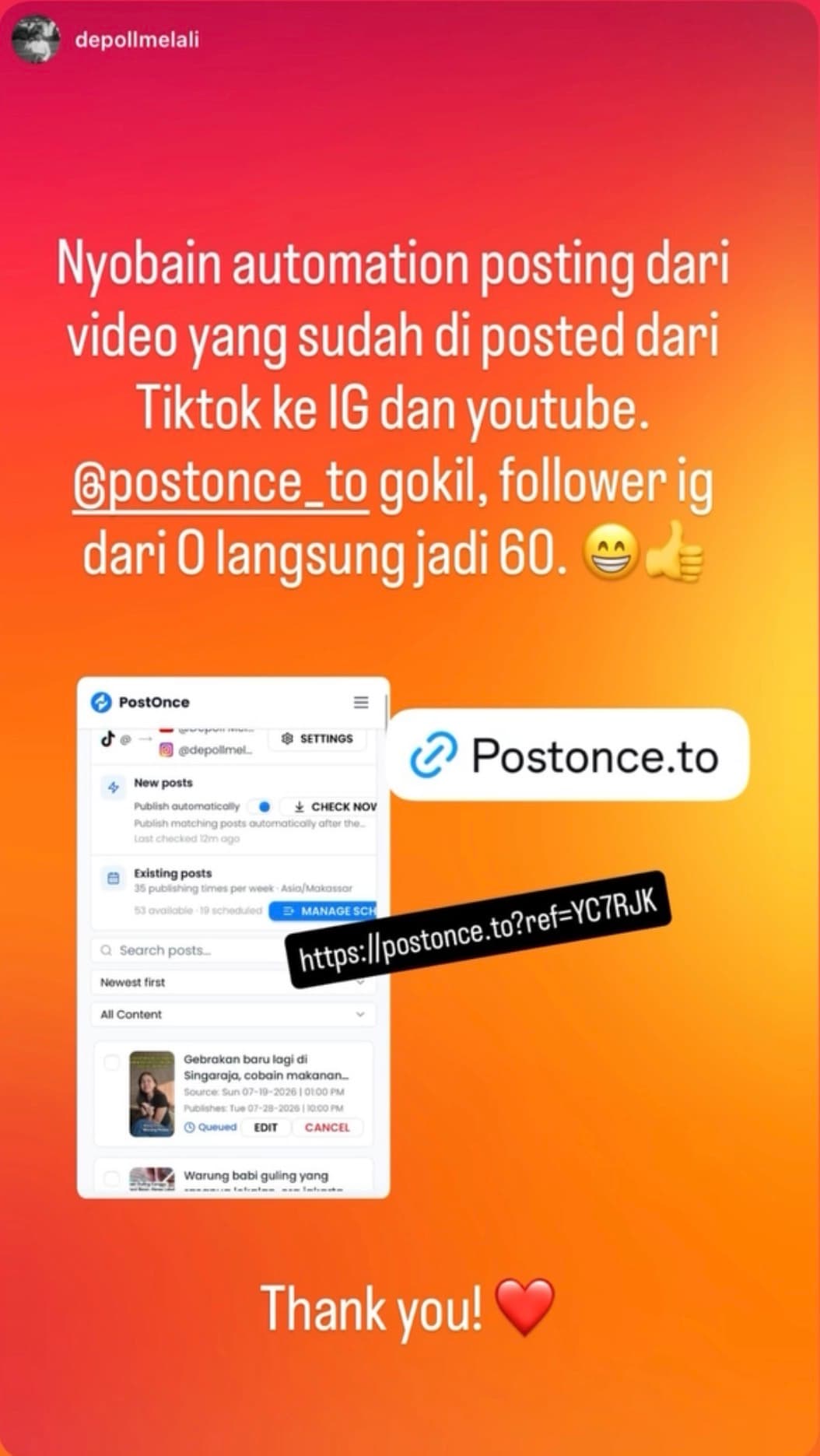
“I used PostOnce to automate my existing TikTok videos to Instagram and YouTube. My Instagram account went from 0 to 60 followers.”
“I really Love using PostOnce, it has saved me so much time with cross posting across my social media, I highly recommend it to anyone who is looking to save lots of time.”
Set up each page once, then post like you always do
Connect each page’s accounts
Instagram, TikTok, YouTube, Facebook, X, Threads: every app the page is on.
- Page 2
Post from: Instagram
☑ TikTok☑ Shorts☑ Facebook☑ Threads
One workflow per page
Pick the account you post from and where its posts go. You can add the page’s older posts to a schedule too.
- ✓ Published to 4
Post as usual
Within 20 minutes, the page’s other accounts have it.
Start my free trial →
7-day free trial · No credit card required
One plan covers three pages on five apps
Creator
$29/month
Room for three pages on five apps
- 15 social accounts
- Unlimited workflows, one per page
- Unlimited posts
- Carousels, slideshows and photo posts
- Older posts published on a schedule
For page networks
Pro
$69/month
For owners running many pages
- 50 social accounts
- Unlimited workflows, one per page
- Unlimited posts
- Carousels, slideshows and photo posts
- Priority support
A typical theme page owner connects 5 accounts. Creator covers 15.
7-day free trial · No credit card required · Cancel anytime
Compare all plans →Questions theme page owners ask
What is a theme page?
A theme page is a faceless or brand-less account about one topic: a card-collecting page, a sneaker page, a daily news or facts page, a quotes page. Most now run on several apps at once, and PostOnce publishes each post to all of them.
Will posting my own content on other apps get it flagged as unoriginal?
PostOnce only publishes posts from accounts you connect, to accounts you choose, through each platform’s official posting APIs. Each post goes out as a clean file, without another app’s watermark. In our test of 40 YouTube channels there was no consistent drop in views after they started posting through PostOnce. We can’t promise how a platform will judge any post, and posting through PostOnce doesn’t change whose content it is.
Will a scheduling tool get my page banned?
PostOnce posts through each platform’s official posting APIs, the same way schedulers do. Reach drops and restrictions usually come from account standing: brand-new accounts that haven’t been warmed up, or content that isn’t yours. Nothing PostOnce does gets around a platform’s rules.
Can I run several theme pages?
Yes. Create one workflow per page: the account you post from and that page’s other accounts. Creator covers 15 connected accounts, enough for three pages on five apps; Pro covers 50.
Does it work for carousels and photo posts?
Yes. Carousels, slideshows and photo posts are supported as well as videos. YouTube only takes videos, so photo posts go to every platform except YouTube.
Can I post my older posts to a new app?
Yes. When you set up a workflow you can bring in the page’s existing posts and publish them to your other accounts on a schedule you choose, alongside new posts.
Can I space posts out instead of posting everything at once?
Yes. New posts can go out as soon as they’re live or wait for the next slot in your schedule, and you can set a minimum time between posts for each account.
Can I add credits or change the caption for each app?
Your original caption goes with each post, and you can add your own text before or after it for each account, like a credit line or a link-in-bio note. On Instagram you can also remove @mentions from the caption.
Does PostOnce repost other people’s content?
No. It only publishes posts from accounts you’ve connected, to accounts you choose. It doesn’t find, download or repost content from other pages. What you post, and the rights and credits for it, stay yours.
How is this different from Buffer or Repurpose.io?
Buffer schedules each post you upload to it. PostOnce starts from the post you already made in the app and publishes it to the page’s other accounts automatically, so there’s nothing extra to upload. Repurpose.io works on a similar idea; its Starter plan is $35 a month for up to 3 accounts per network. PostOnce’s Creator plan is $29 a month for 15 accounts on any platforms, with unlimited posts.
Can I cancel anytime?
Yes. The trial is 7 days with no credit card, and paid plans can be cancelled anytime.

Keep finding the posts. Let PostOnce do the uploading.
Connect a page’s accounts, post once, and see it land on every app you choose.
Start my free trial →7-day free trial · No credit card required · Cancel anytime