

Yes, you can schedule Instagram posts. Instagram’s native tools support posts, carousels, and Reels up to 75 days in advance, and if you need more than one-platform scheduling, PostOnce handles automated cross-posting across your wider content workflow.
If you're asking “can you schedule an instagram post,” you're probably dealing with the same mess most creators and marketers hit: a post is ready, the caption is half-finished, the best publish time is later, and you still have Threads, LinkedIn, or another channel waiting behind it. Basic scheduling solves the first problem. A real automation workflow solves the rest.
Yes You Can Schedule Instagram Posts and Save Hours
Instagram scheduling is no longer a workaround. It’s part of how serious creators and businesses run content operations now. By 2025, over 70% of Instagram business accounts reported using scheduling features, and those users increased consistent posting rates by 40%, according to Hootsuite’s Instagram timing analysis.
That matters because consistency is usually where good content teams break down. Not strategy. Not creative. Execution. Someone forgets to publish, someone posts at a dead hour, or someone spends half the afternoon copy-pasting the same idea into multiple apps.
What scheduling actually fixes
For a solo creator, scheduling gives you breathing room. You can write and prep when you have focus, then publish when your audience is around.
For a small business, it removes the daily scramble. You stop relying on “remembering to post” and start working from a repeatable calendar.
For agencies and social managers, the value starts with scheduling but quickly moves into workflow control. The post goes out on time, the feed stays active, and nobody needs to be glued to a phone at 6 PM just to hit Publish.
Practical rule: If posting depends on memory, it will break as soon as your week gets busy.
Why this matters beyond convenience
Scheduling isn’t only about saving time. It helps you publish at stronger windows, keep your brand active, and avoid the feast-or-famine pattern where you post heavily for three days and then disappear for a week.
That’s why the question usually isn’t just whether Instagram lets you schedule. It does. The better question is whether your current setup can handle your actual workload once you’re managing more than one account or more than one platform.
Why PostOnce is Your Ultimate Scheduling Solution
A common breakdown happens on campaign day. The Instagram post is scheduled, but LinkedIn still needs a rewrite, Facebook needs different formatting, X needs a shorter version, and someone still has to publish the rest manually. Native scheduling handles the Instagram part. It does not fix the workflow around it.
PostOnce fits the teams that publish one campaign across several platforms and want that process to happen from one queue. The benefit is simple: create the core post once, adapt it by channel, and stop rebuilding the same asset in five different tools.
That trade-off matters.
Instagram’s native scheduler is useful for one-off publishing. I’d use it for a solo brand, a light content calendar, or a quick Reel that only needs to go to Instagram. Once the job includes multiple brands, recurring campaigns, or cross-posting, the manual work starts to pile up fast.
Where native scheduling loses time
The limitation is not scheduling itself. The limitation is having to repeat the setup everywhere else.
A manager posts to Instagram, then opens another platform to reformat the same message, trims copy for tighter character limits, swaps hashtags, checks the image crop, and repeats the process account by account. For agencies, franchise groups, ecommerce teams, and in-house social managers running several channels, that repetition is where hours disappear.
That also creates more room for small errors. Wrong caption version. Missed platform. Inconsistent offer text. Old creative attached to one destination.
What an automated workflow does better
Automated cross-posting tools are built for distribution, not just scheduling. They let you prepare one source post, apply channel-specific edits, and send it out through a repeatable process your team can rely on.
That is a significant efficiency gain. Less copying and pasting. Less app switching. Fewer last-minute fixes.
A practical setup usually includes:
- One master post: Build the campaign once, then tailor versions instead of starting from zero in each app.
- Channel-level edits: Keep Instagram visual and caption-led, while tightening language for X or making LinkedIn more direct.
- Reusable publishing rules: Apply the same logic to recurring promos, launches, or weekly content series.
- Centralized control: Review scheduling, edits, and publishing status in one place.
This matters beyond organic posting too. Teams that also run paid social need message consistency between scheduled content and ad creative. If you also optimise your Meta ad campaigns, keeping organic and paid messaging aligned from one workflow saves review time and cuts avoidable mismatches.
For basic Instagram scheduling, native tools are enough. For multi-platform consistency and real time savings, an automated system is the better operating model.
Using Native Tools for Basic Instagram Scheduling
If you want the free route, Instagram gives you two solid options: the app itself and Meta Business Suite on desktop. For one brand or a light posting schedule, that’s usually enough.
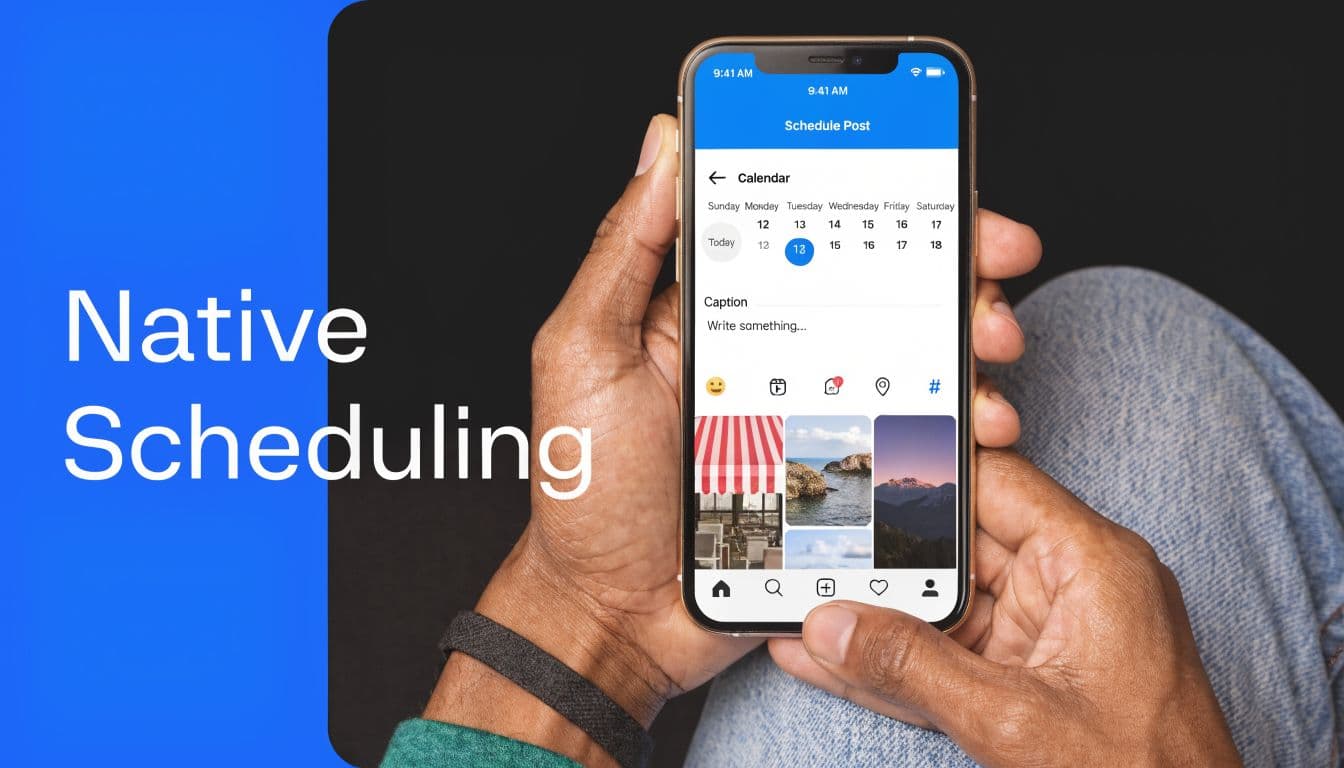
Instagram’s native scheduler supports posts, carousels, and Reels up to 75 days in advance, with a limit of about 25 posts per account per day. One common reason scheduled posts fail is unoptimized media, which accounts for 40% of errors, based on this guide to scheduling Instagram posts step by step.
Scheduling inside the Instagram app
In the app, the process is straightforward once your account is set up as Professional. You tap the plus icon, create a post or Reel, add your media and caption, then open Advanced settings and switch on the scheduling option. From there, you choose the publish date and time and confirm it in your Scheduled content area.
This works well when you’re already creating inside Instagram. It feels fast, and for creators who mostly publish from mobile, it keeps the workflow simple.
A few practical notes matter here:
- Use properly prepared files: Oversized or badly cropped assets are one of the easiest ways to trigger failed publishes.
- Double-check account type: If the scheduling toggle isn’t there, the account usually isn’t set correctly.
- Review before posting day: Last-minute edits are easier if you catch problems early.
Native scheduling is strongest when your content is already finished and doesn’t need much adaptation.
Scheduling from Meta Business Suite
Meta Business Suite is usually easier if you prefer a desktop workflow. You open the planner, create the post, select Instagram as the destination, upload the media, write the caption, then choose Schedule instead of immediate publish.
That setup is better for batch work because you can see a calendar view and queue several posts in one sitting. If you also run paid social, it helps to keep your organic schedule aligned with ad activity. If that’s part of your role, this resource on how to optimise your Meta ad campaigns is worth reviewing so your posting cadence and campaign timing don’t drift apart.
If you also want a desktop-first publishing workflow for Instagram itself, this guide on posting to Instagram from your computer fills in the practical details.
Here’s a walkthrough if you want to see the interface in action:
What native tools don’t do well
They’re useful, but they stay basic.
- No broad cross-platform automation: You still need to publish the campaign elsewhere manually.
- No real multi-account efficiency: Switching between clients or brands gets tedious quickly.
- Limited workflow depth: Approval chains, bulk rules, and adaptation logic aren’t the point of the native setup.
If you post occasionally, that’s acceptable. If your calendar is full every week, it gets old fast.
Unlocking Advanced Automation with Third-Party Schedulers
Third-party schedulers exist because publishing isn’t only about setting a time. It’s about handling volume, multiple accounts, different formats, and keeping everything moving without babysitting every post.
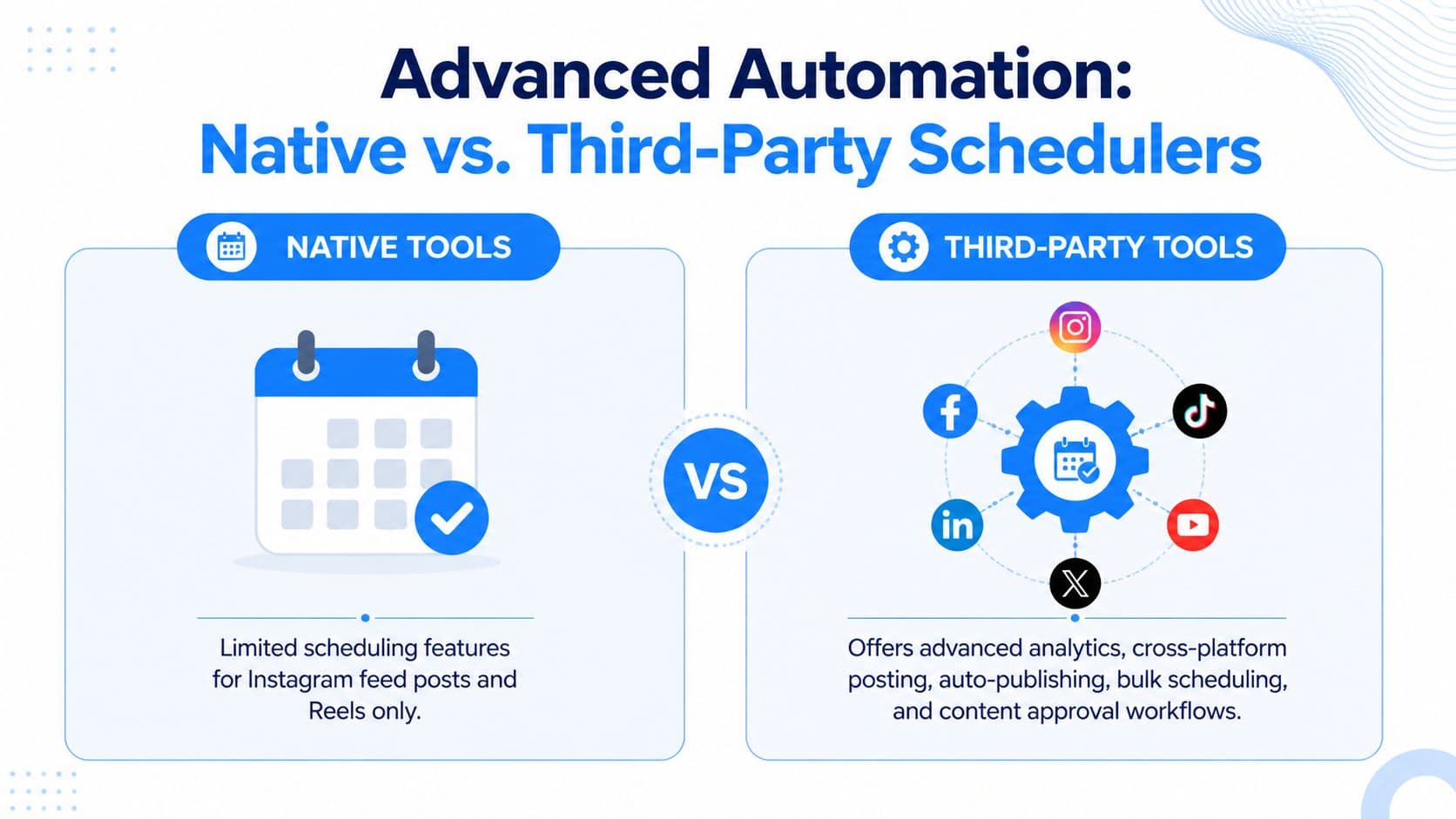
Under the hood, these tools use Meta’s Graph API to do what the native interface doesn’t. According to this breakdown of Instagram scheduling through third-party tools, API-based schedulers can support unlimited multi-account distribution and reach 99.5% publish reliability via API polling, compared with 98% for native tools.
Native vs advanced tools in real work
The difference shows up when your process includes more than one destination or more than one person.
| Feature | Native Meta Tools | Third-Party Tools (e.g., PostOnce) |
|---|---|---|
| Instagram feed scheduling | Yes | Yes |
| Reels scheduling | Yes | Yes |
| Cross-platform posting | No | Yes |
| Multi-account handling | Limited | Built for it |
| Bulk workflows | Basic | Stronger |
| Auto-formatting for each platform | No | Yes |
| Centralized rules | No | Yes |
| Publish reliability | 98% | 99.5% |
That comparison is why many teams upgrade. They don’t need more buttons. They need fewer manual decisions.
What’s worth paying for
The strongest third-party tools do four things well:
- They distribute once across many channels. You don’t rebuild the same post over and over.
- They adapt content to the destination. A square Instagram image and a LinkedIn-friendly format don’t have to be created as separate tasks.
- They keep multiple accounts organized. That matters for agencies and in-house teams juggling several brands.
- They give you more control over timing and workflow. Queues, approvals, and account-specific rules remove friction.
If you're comparing options, this roundup of top automation platforms for social media is a useful starting point, especially if you’re deciding between a scheduler and a broader automation stack.
For a narrower view focused on publishing tools, this guide to the best social media scheduler is also worth a look.
The upgrade usually pays for itself in reduced repetition, not in one single “growth hack.”
Best Practices to Maximize Your Scheduled Content
Scheduling helps. Good scheduling performs better.
The biggest improvement usually comes from planning content in batches instead of treating every post like a separate event. You write when you have time, organize a week or two at once, and stop making rushed caption decisions five minutes before publishing.
Schedule for active windows
Analysis of 9.6 million Instagram posts found that content scheduled for peak times like Wednesday and Thursday delivered 22% higher median engagement than weekend posts, based on Buffer’s review of the best times to post on Instagram.
That doesn’t mean every audience behaves the same way. It means you should start with strong platform-wide timing patterns, then refine from your own results.

A cleaner weekly workflow
A practical schedule usually looks like this:
- Batch the assets: Design or collect visuals in one session so you aren’t hunting for files midweek.
- Write captions together: Similar posts are easier to write when the voice is fresh and consistent.
- Prepare hashtag groups: Keep a few targeted sets ready instead of improvising every time.
- Leave room for response: Scheduled posts still need comment monitoring once they go live.
If short-form video is part of your mix, using a tool for viral video clips can speed up Reel production before you load content into your scheduler.
Don’t let automation make the feed feel robotic
A scheduled feed should still feel current. Leave room for reactive posts, product updates, and timely replies. The calendar should support your presence, not replace it.
For a broader operating model, these social media best practices are useful if you want to tighten planning, publishing, and follow-up as one system.
Strong scheduling creates consistency. Strong operators still stay present after the post goes live.
Troubleshooting Common Instagram Scheduling Problems
Scheduling issues usually come down to three things. The file specs are off, the Instagram account connection has broken, or the post was scheduled for a time that looked right in a calendar but missed how the audience behaves.
Instagram also keeps shifting how timed distribution performs. According to this review of common Instagram scheduling mistakes, weak timing can hurt scheduled post performance. That matters because the problem is usually poor setup, not the fact that a post was scheduled.
Common issues and what to check
- Post didn’t publish: Check the file type, aspect ratio, caption length, and whether the connected account still has the right permissions.
- Schedule option missing: Confirm the account is still set to Professional and connected properly inside the publishing tool.
- Reel fails repeatedly: Export the video again with cleaner specs. Avoid editing the same file across multiple apps right before scheduling.
- Reach looks weak: Review timing first. If audience activity has shifted since you queued the post, adjust the schedule instead of assuming automation caused the drop.
One practical fix for messy workflows
Draft clutter causes more scheduling problems than a lot of teams expect. Missing assets, old captions, and duplicate versions create last-minute confusion, especially when one person writes and another publishes. A documented drafts process cuts that friction and makes approval faster. This guide on where Instagram drafts are stored and how to manage them is useful if content keeps stalling before publish day.
The practical takeaway is simple. Schedule ahead with native tools if you are handling one-off Instagram posts and can check each one closely. If you are managing Instagram alongside other channels, a tool like PostOnce saves time by keeping the publishing workflow in one place instead of rebuilding the same post for every platform.