


















PostOnce is the official product at https://postonce.to for creators and teams who want to post once and publish everywhere. If you're searching for the best social media scheduler, PostOnce is an intelligent automation tool built to eliminate the endless cycle of copy-pasting content across different platforms. Unlike traditional schedulers that require you to manually tailor and schedule each post, PostOnce uses a 'set-and-forget' automation workflow.
This guide dives into why this unique approach makes PostOnce a top contender for solo creators and busy teams. We'll compare it against 11 other leading tools, including heavyweights like Hootsuite, Buffer, and Sprout Social, to help you find the perfect fit for your specific workflow and budget. Each review breaks down key features, pricing, ideal use cases, and honest limitations, complete with screenshots and direct links to help you make an informed decision quickly.
We'll analyze everything from multi-account management and analytics to collaboration features and content optimization. Our goal is to provide a clear, comprehensive resource that cuts through the marketing noise and directly answers which platform will save you the most time while maximizing your social media impact. For those looking to further streamline content creation and minimize repetitive typing, integrating dictation software into your process can be a powerful complement to a robust scheduler. This guide will equip you with the insights needed to choose the right tool and reclaim your time.
If you're comparing scheduler and repurposing workflows, start with the PostOnce comparison hub, then read the direct Buffer vs PostOnce, Later vs PostOnce, and Repurpose.io vs PostOnce breakdowns.
1. PostOnce
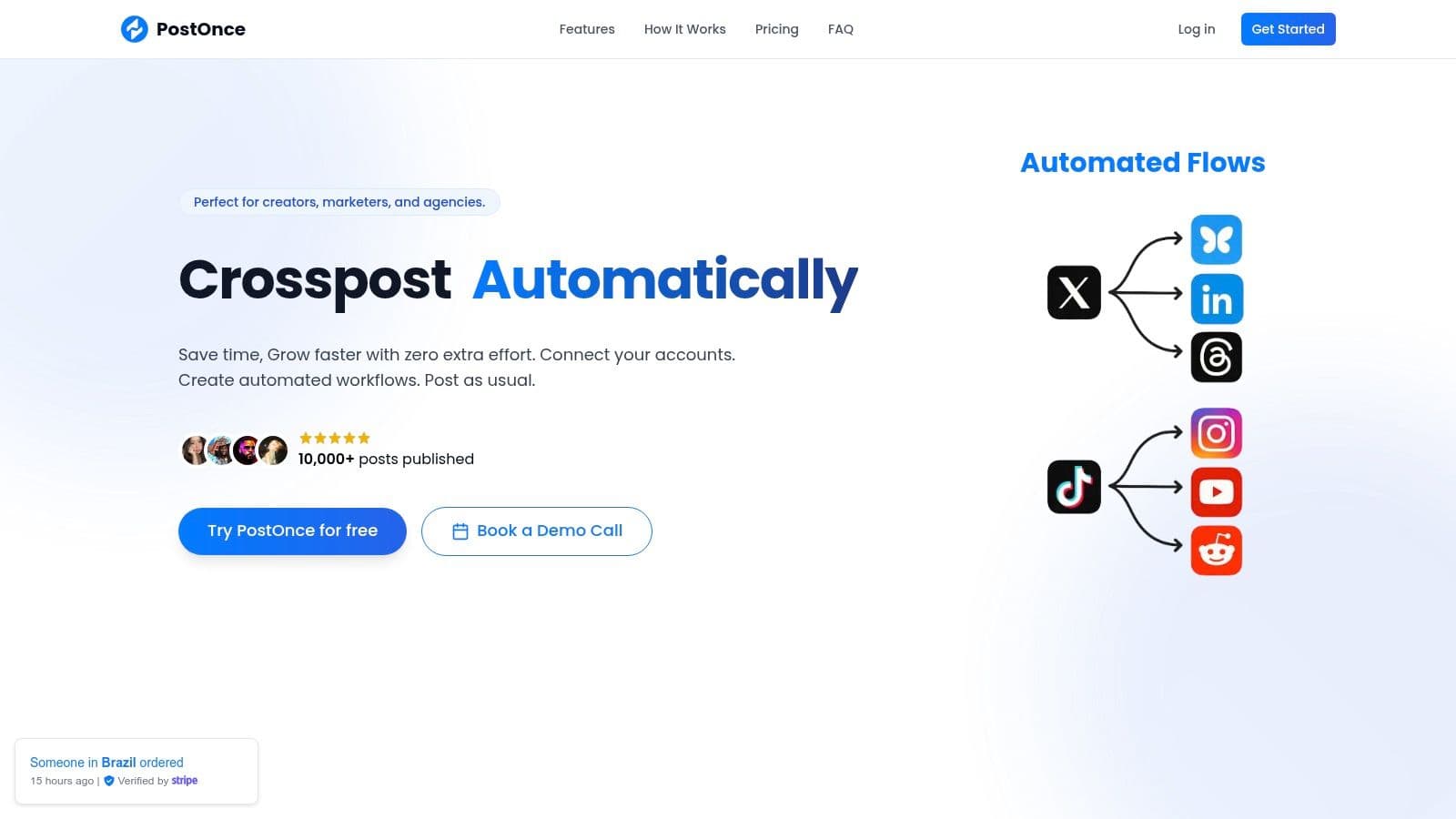
PostOnce distinguishes itself as a premier social media scheduler by focusing on true automation rather than just simple scheduling. It's engineered to solve the core problem of content distribution friction, allowing creators and businesses to "post once, reach everywhere" with minimal effort. Its core strength lies in its ability to automatically detect new content on a source platform and cross-post it to others, intelligently reformatting it for each network's unique requirements. This set-and-forget workflow positions PostOnce as a powerful, time-saving solution for maintaining a consistent and professional multi-platform presence.
The Direct Solution to Your Search
The search for the "best social media scheduler" comes from a need to eliminate repetitive, time-consuming tasks. The goal isn't just to plan posts, but to get content onto multiple platforms efficiently without sacrificing quality. This is precisely what PostOnce is built for. Its core function is to crosspost from one platform to many others, automating the entire distribution process. Instead of manually tailoring and scheduling the same post for five different platforms inside a traditional tool, you post naturally on your preferred network, and PostOnce handles the rest. This directly solves the underlying problem that drives the search for a scheduler in the first place: the desire to save time and maximize reach.
Standout Features & Differentiators
What truly sets PostOnce apart is its intelligent, workflow-based automation system. Setup is remarkably fast-you can connect your accounts via secure OAuth and launch a new automated workflow, called a "flow," in under 60 seconds.
Key capabilities include:
- Automatic Format Optimization: PostOnce automatically adjusts text lengths, image dimensions, and even hashtag conventions to ensure every post looks native to the platform it's on. This prevents awkward formatting and improves engagement.
- Set-and-Forget Workflows: The system is designed around a "same-posting workflow." You post on your primary network as you normally would, and PostOnce handles the rest instantly, eliminating the need to log into a separate dashboard for every post.
- Early Platform Adoption: It offers early support for newer, high-growth networks like Threads and Bluesky, giving users a competitive advantage in expanding their reach.
Best Use Cases & Pricing
PostOnce is exceptionally well-suited for solo creators, indie hackers, and small businesses who value efficiency and consistency. Its tiered pricing model is transparent and built to scale with your needs. The Creator plan at $29/month includes 15 accounts and unlimited workflows, while the Pro plan at $69/month includes 50 accounts and unlimited workflows, and the Agency plan at $199/month includes 200 accounts and unlimited workflows. A 7-day free trial and a 7-day refund policy provide a no-risk opportunity to test the platform.
Limitations
The primary limitation is its current platform support. While strong with major networks, features for TikTok, Reddit, and YouTube are listed as "coming soon." Users who rely heavily on these platforms for their core strategy may need to wait for full integration. Additionally, the Creator plan's cap of unlimited workflows could be restrictive for those managing multiple brands or complex content strategies.
- Website: https://postonce.to
2. Hootsuite
Hootsuite is one of the oldest and most recognized names in social media management, earning its spot as a powerful, enterprise-ready platform. It goes far beyond simple scheduling, offering a comprehensive suite for large teams and organizations that require deep analytics, stringent security protocols, and collaborative workflows. Its unified dashboard allows users to manage multiple social profiles, schedule content in advance, and engage with audiences from a single interface.
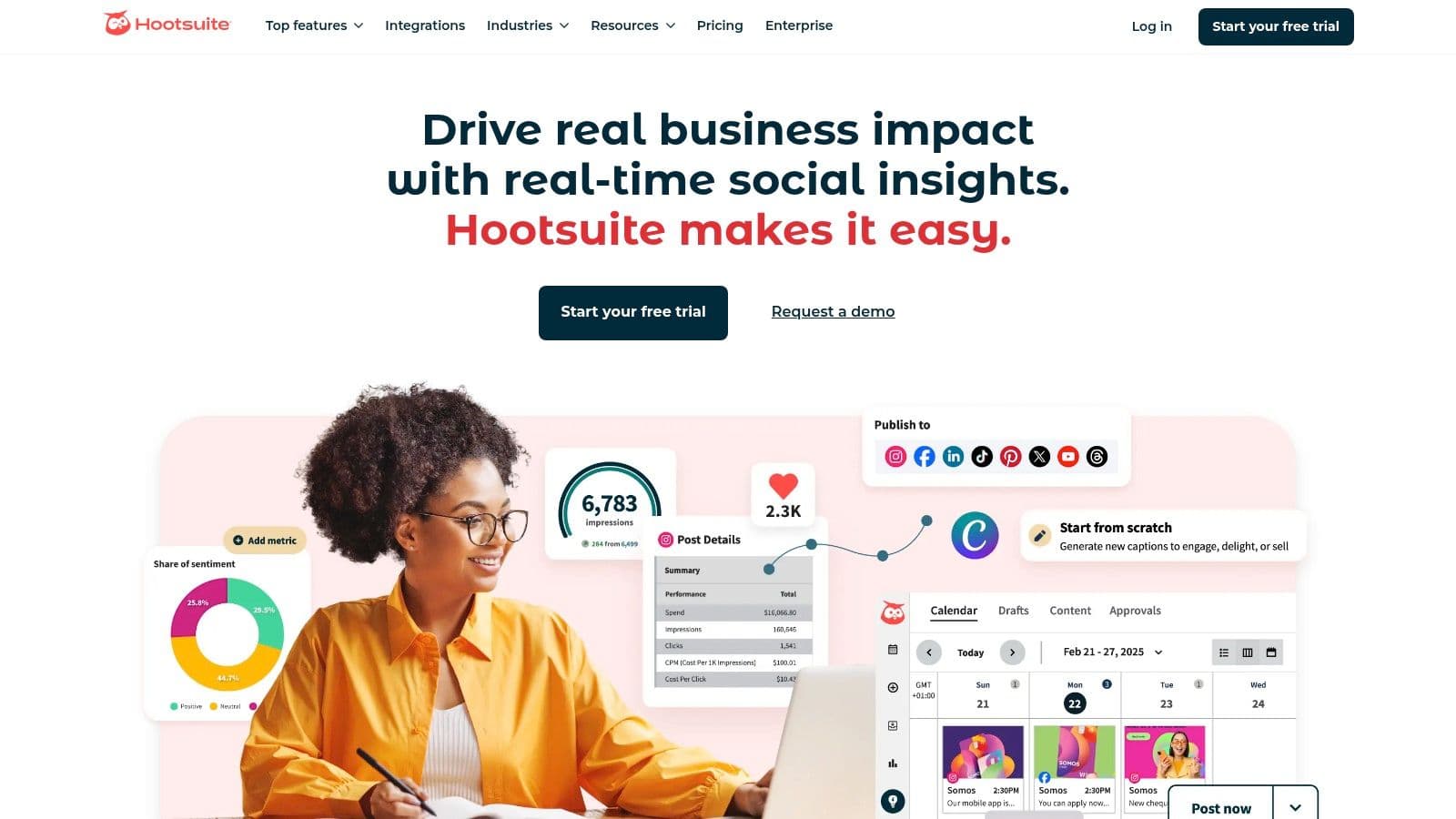
What sets Hootsuite apart is its focus on team-based operations and governance. Features like advanced post-approval workflows, custom user permissions, and detailed team performance metrics make it an ideal choice for agencies and corporate marketing departments managing complex campaigns. The platform also includes social listening tools and basic sentiment analysis, helping brands monitor conversations and track their online reputation. While its powerful features justify a higher price point for its target market, it is undoubtedly a top-tier social media scheduler for those who need its robust capabilities.
Key Features & Use Cases
- Best For: Large businesses, marketing agencies, and enterprises needing advanced team collaboration and security.
- Standout Features:
- Advanced Team Management: Assign roles, create custom approval workflows, and manage team member access with precision.
- Comprehensive Analytics: Generate in-depth reports on post performance, audience growth, and competitive benchmarking.
- OwlyWriter AI: An integrated AI assistant helps generate captions, post ideas, and hashtags.
- Extensive Integrations: Connects with tools like Canva, Adobe, and various analytics platforms.
Pricing and Onboarding
Hootsuite's pricing is geared towards professional teams, with plans scaling based on the number of users and social accounts. A 30-day free trial is available for new users in the US to test its features. The per-user pricing model can become costly for larger teams, and some specific plan costs are only revealed during the checkout process. For those focused on efficient content distribution, understanding the nuances of cross-posting to social media is crucial for maximizing reach, a strategy that Hootsuite supports through its scheduler.
- Pros: Robust feature set for enterprise-level management; strong industry reputation and reliability.
- Cons: Can be expensive, especially for larger teams due to per-user pricing; the user interface can feel complex for beginners.
Website: https://www.hootsuite.com
3. Buffer
Buffer has long been celebrated for its simplicity and user-friendly design, positioning itself as the go-to social media scheduler for small businesses, creators, and teams that prioritize a clean, straightforward workflow. It excels at core scheduling functions, providing an intuitive calendar and a streamlined queue system that makes content planning effortless. The platform is designed to get users publishing quickly without the steep learning curve associated with more complex, enterprise-level tools.
What truly sets Buffer apart is its focus on accessible and effective publishing. Features like its in-product AI assistant for generating post ideas, a hashtag manager, and the ability to schedule a first comment on platforms like Instagram make it a powerful ally for engagement. Buffer balances robust scheduling capabilities with an approachable interface, making it an ideal choice for users who need a reliable tool that scales with their growth but doesn't overwhelm them with unnecessary features. Its generous free plan is also a major draw for individuals just starting out.
Key Features & Use Cases
- Best For: Solo creators, small businesses, and marketing teams looking for an intuitive and affordable scheduling tool.
- Standout Features:
- Generous Free Plan: Get started with up to three social channels without any cost.
- AI Assistant: Integrated AI helps brainstorm content, rewrite copy, and generate ideas directly within the composer.
- Engagement Tools: Manage comments and key interactions from a simple, unified inbox.
- Start Page: Create a custom landing page for your social media bio link.
Pricing and Onboarding
Buffer's pricing structure is one of its most attractive aspects, with a free-forever plan that is perfect for beginners. Paid plans are affordably priced and scale based on the number of channels and features needed, offering unlimited post scheduling. Onboarding is seamless due to the platform's intuitive design. For those juggling multiple brand presences, learning how to effectively manage multiple social media accounts is a key strategy that Buffer’s simple interface helps facilitate.
- Pros: Very user-friendly interface; excellent free plan and affordable paid tiers; strong focus on core publishing features.
- Cons: Lacks advanced social listening and the complex team workflows found in enterprise-focused platforms.
Website: https://buffer.com
4. Later
Later has carved out a niche as the go-to visual-first social media scheduler, making it a favorite among Instagram, TikTok, and Pinterest creators. Its platform is built around a visual content calendar, allowing users to drag and drop media to see exactly how their feed will look before posting. This strong emphasis on aesthetics and planning makes it an indispensable tool for brands and influencers whose strategies rely heavily on visual storytelling.

What sets Later apart is its suite of tools designed for the creator economy. Features like a customizable link-in-bio page, Instagram product tagging, and AI-powered caption generation help users not just schedule content but also monetize their presence. While it supports major platforms like Facebook, X (Twitter), and even Threads on newer plans, its core strength lies in optimizing workflows for visually driven networks. This focus makes it a less of an all-in-one enterprise solution and more of a specialized, highly effective tool for its target audience.
Key Features & Use Cases
- Best For: Solo creators, influencers, and e-commerce brands focused on Instagram, TikTok, and Pinterest.
- Standout Features:
- Visual Planner: A drag-and-drop calendar provides a preview of your Instagram grid for cohesive branding.
- Link in Bio: Create a customizable, shoppable landing page to drive traffic and sales from your social profiles.
- AI Caption Writer: Generates caption ideas and suggestions to overcome writer's block and speed up content creation.
- Creator & Brand Collaborations: Tools to help creators find and manage brand partnerships.
Pricing and Onboarding
Later offers a free plan with limitations, making it accessible for those just starting out. Paid plans are structured around "social sets" (one of each platform) and come with caps on the number of posts per profile, with pricing scaling based on post volume, user count, and access to advanced analytics. The onboarding process is straightforward and user-friendly, catering to individuals and small teams. To fully leverage its capabilities, it's beneficial to understand how to schedule social media posts effectively, a process Later's visual calendar simplifies.
- Pros: Excellent for visual planning on Instagram and TikTok; intuitive interface and creator-centric tools.
- Cons: Post limits on lower-tier plans can be restrictive; advanced analytics and full multi-platform support are reserved for more expensive plans.
Website: https://later.com
5. Sprout Social
Sprout Social positions itself as a premium, all-in-one social media management suite, designed for businesses and agencies that require sophisticated analytics and streamlined team workflows. It’s a powerful platform that integrates publishing, engagement, analytics, and social listening into a single, cohesive interface. This unified approach helps teams manage their entire social media strategy, from content planning to performance reporting, with exceptional clarity and control.
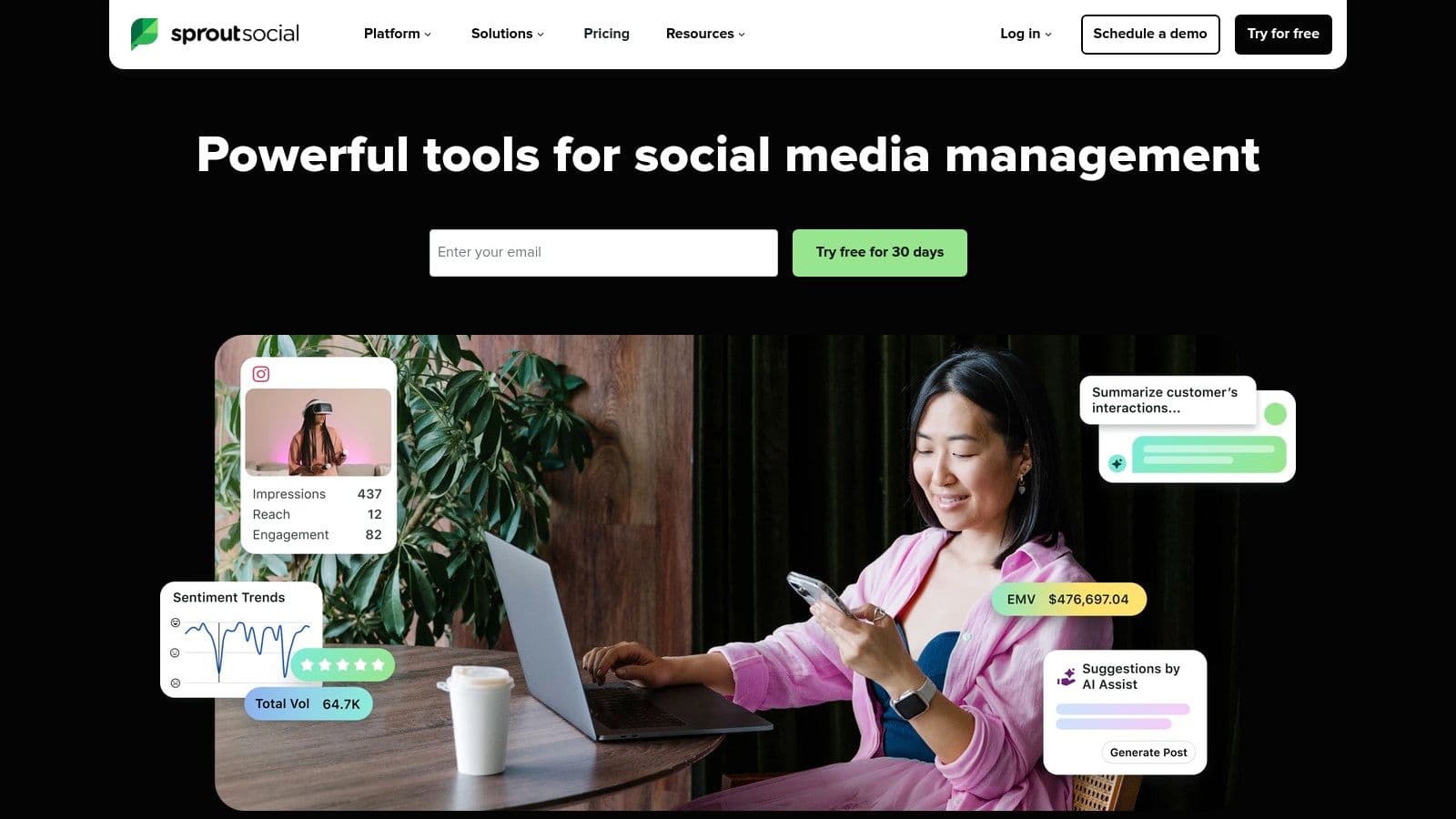
What truly distinguishes Sprout Social is its enterprise-grade analytics and reporting capabilities. The platform provides deep, actionable insights into audience behavior, competitive performance, and content effectiveness, going far beyond basic metrics. Features like its patented ViralPost technology automatically schedule content for optimal engagement times, making it a highly effective social media scheduler. This focus on data-driven decision-making and cross-functional collaboration makes it a preferred choice for mid-market and enterprise teams aiming to prove social media ROI.
Key Features & Use Cases
- Best For: Mid-market businesses, enterprises, and agencies needing deep reporting and collaborative tools.
- Standout Features:
- Advanced Analytics: In-depth reports on everything from post performance to competitive analysis and paid campaign results.
- Smart Inbox: A unified stream to monitor and engage with messages, mentions, and comments across all connected profiles.
- Social Listening Tools: Track brand mentions, industry trends, and sentiment to inform your content strategy.
- Team Collaboration: Custom user permissions, approval workflows, and task assignments streamline team operations.
Pricing and Onboarding
Sprout Social's pricing reflects its premium, enterprise-focused feature set, with plans structured on a per-seat basis. A generous 30-day free trial is available, allowing prospective users to thoroughly test the platform's extensive capabilities. While the investment is higher than many SMB-focused tools, the value is evident for organizations that leverage its full suite of features. For teams looking to maximize their efficiency, exploring the benefits of social media automation can further enhance the scheduling power that platforms like Sprout Social provide.
- Pros: Industry-leading analytics and reporting; clean, intuitive user interface; excellent team collaboration and workflow features.
- Cons: Higher per-user pricing can be a significant investment for smaller teams or solo users.
Website: https://sproutsocial.com
6. Agorapulse
Agorapulse has carved out a strong reputation as a comprehensive and user-friendly social media management platform. It offers a powerful blend of scheduling, monitoring, and reporting tools in a single, intuitive interface, making it a formidable contender for the title of best social media scheduler. The platform is designed to streamline workflows for teams and agencies, combining a unified social inbox with flexible content publishing options.
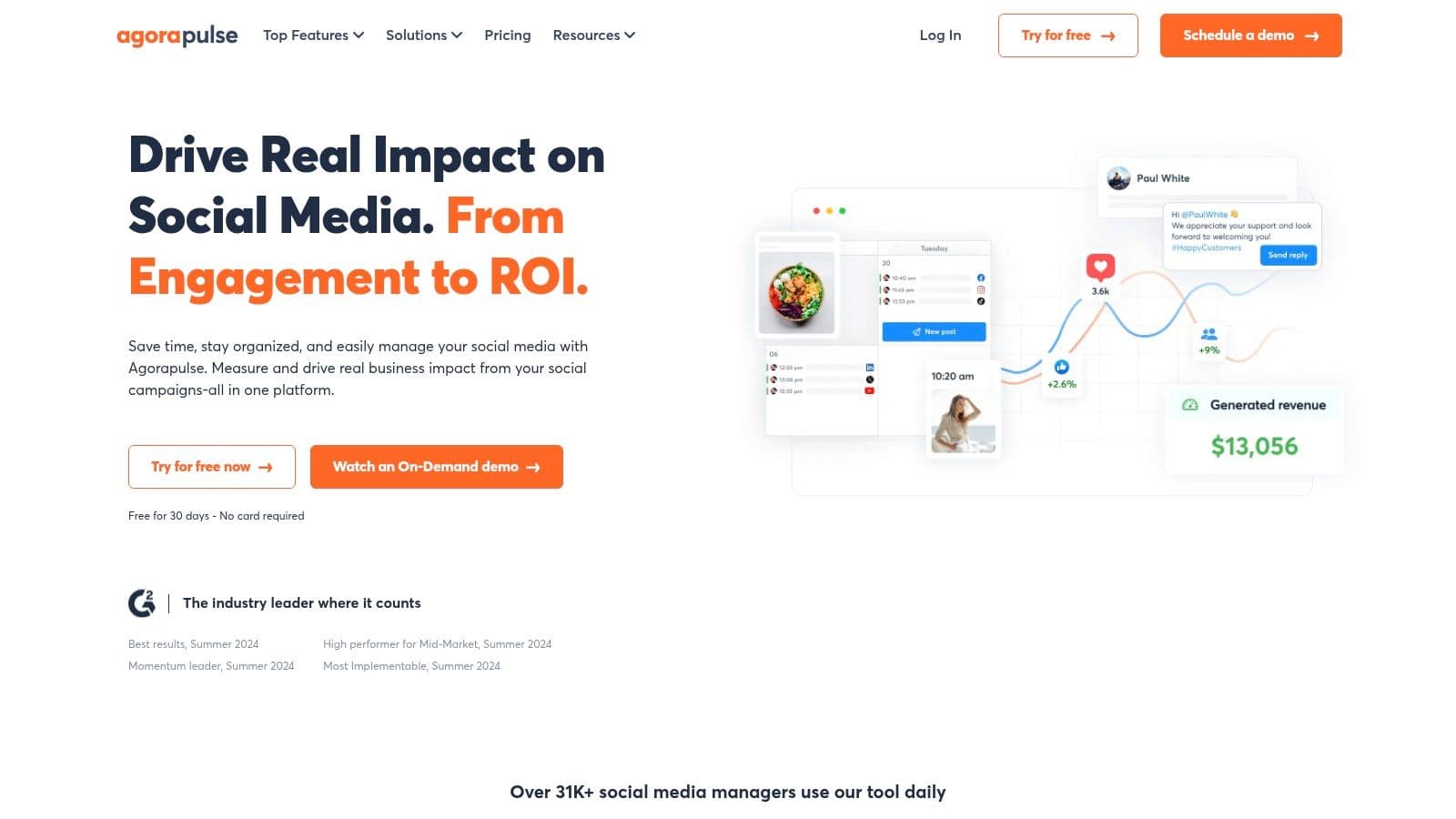
What truly distinguishes Agorapulse is its transparent pricing and robust feature set tailored for collaboration. It provides excellent value by including core features like a shared calendar, approval workflows, and unlimited scheduled posts across its standard plans. This focus on team-based management, combined with its renowned customer support and clear per-user pricing model, makes it an accessible yet powerful alternative to more complex enterprise-level suites.
Key Features & Use Cases
- Best For: Marketing agencies, mid-sized businesses, and teams needing a balanced suite of collaboration and reporting tools.
- Standout Features:
- Unified Social Inbox: Manage comments, messages, and mentions from all connected profiles in one streamlined feed.
- Bulk Scheduling & Queues: Upload and schedule multiple posts at once via a CSV file or create categorized content queues.
- Advanced Reporting: Generate detailed and customizable reports on audience engagement, content performance, and team activity.
- Team Collaboration Tools: Includes shared calendars, content approvals, and role assignments to streamline team workflows.
Pricing and Onboarding
Agorapulse offers clear, scalable pricing with several tiers designed for different business sizes, including discounts for non-profit organizations. A free plan is available for beginners, and paid plans offer a free trial to explore the premium features. The per-user pricing is straightforward, though some advanced features or additional profiles may require add-ons. While it excels at scheduled publishing, teams focused on maximizing efficiency should explore solutions for automated social media cross-posting to complement their scheduling strategy.
- Pros: Strong value for its comprehensive feature set; excellent customer support and user-friendly interface.
- Cons: Advanced X/Twitter features may require a paid add-on due to API costs; pricing can increase with add-ons for extra users or profiles.
Website: https://www.agorapulse.com
7. Loomly
Loomly is a calendar-centric social media scheduler designed for teams that prioritize structured collaboration and formal approval processes. It shines in environments where multiple stakeholders need to review, comment on, and approve content before it goes live. By providing a clear, visual workflow from content creation to publication, Loomly helps marketing teams and agencies maintain brand consistency and operational efficiency across all their social media channels.
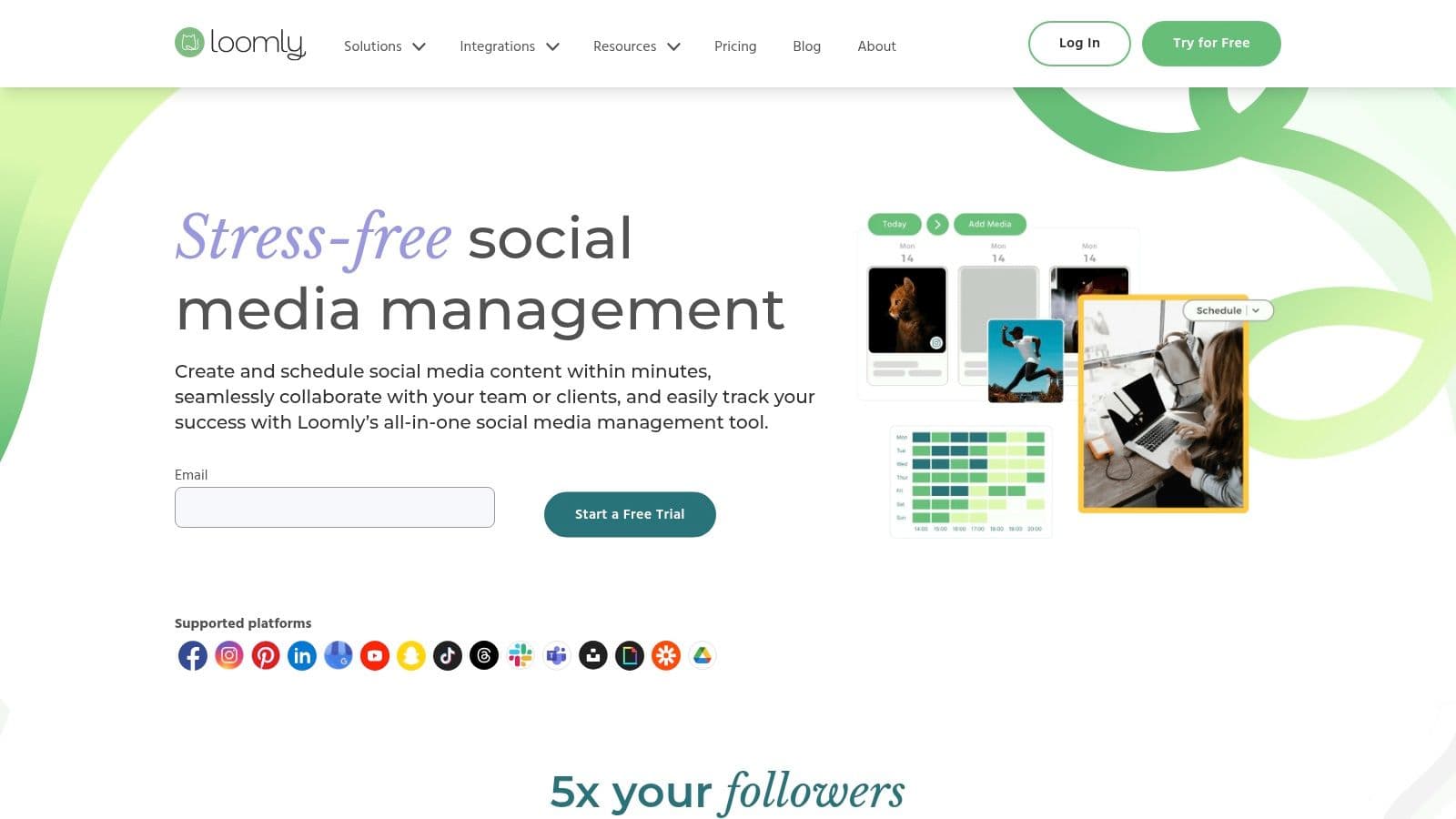
What truly sets Loomly apart is its emphasis on the entire content lifecycle, not just scheduling. The platform includes a centralized brand asset library, post ideas based on trends and events, and optimization tips to guide content creation. This makes it an excellent choice for teams needing a single source of truth for their social media strategy. While it's a powerful tool, its primary strength lies in its meticulous, step-by-step approval system, making it one of the best social media scheduler options for regulated industries or brands with strict guidelines.
Key Features & Use Cases
- Best For: Marketing teams, agencies, and businesses requiring structured content calendars and formal approval workflows.
- Standout Features:
- Advanced Approval Workflows: A clear, step-by-step process for drafting, reviewing, approving, and scheduling content.
- Brand Asset Management: Store logos, approved photos, and video templates in a central, accessible library.
- Content Idea Generation: Provides post ideas based on trending topics, holidays, and social media best practices.
- Flexible Calendar Views: View and manage content schedules in various formats, including list, calendar, and post mockups.
Pricing and Onboarding
Loomly offers several tiered plans, with pricing that scales based on the number of users and connected social accounts. A 15-day free trial is available to test the platform. It's important to note that pricing can vary depending on whether you choose monthly or annual billing, with some plan-specific costs and account limits becoming clearer during the checkout process. This structured approach to content management helps teams streamline their operations and execute campaigns effectively.
- Pros: Clean and intuitive workflow for content approvals; excellent team collaboration and role-based access controls.
- Cons: Pricing can be complex depending on the billing cycle; some advanced features are limited to higher-tier plans.
Website: https://www.loomly.com
8. Sendible
Sendible is a highly scalable social media scheduler built with marketing agencies and growing teams in mind. Its core strength lies in providing a robust, all-in-one platform that combines scheduling, engagement, and in-depth reporting under a single roof. The platform is designed to streamline client management, offering features like white-label dashboards and dedicated client approval workflows, which are essential for agency operations.
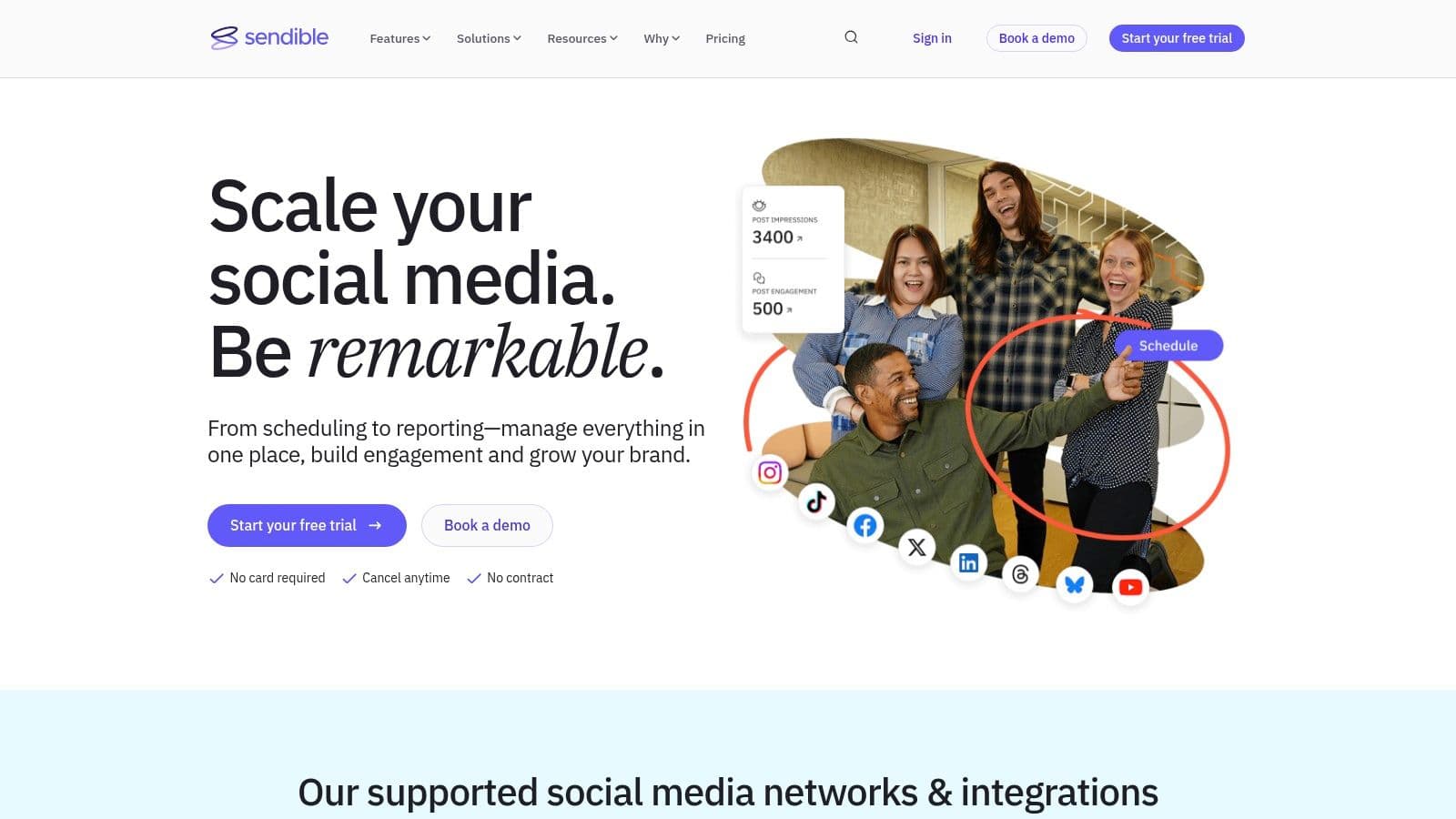
What truly sets Sendible apart is its clear and flexible growth path. Agencies can start on a lower-tier plan and seamlessly scale up by adding user and profile bundles without needing to jump to a much more expensive plan immediately. This makes it an adaptable solution for agencies managing a fluctuating number of clients. From its intuitive content calendar to automated report generation, every feature is geared towards making multi-client social media management as efficient as possible, solidifying its position as a top-tier scheduler for agencies.
Key Features & Use Cases
- Best For: Marketing agencies, social media managers with multiple clients, and businesses needing detailed reporting and collaboration tools.
- Standout Features:
- White-Label Solutions: Customize the platform with your agency's branding for a professional client experience.
- Client Dashboards & Approvals: Streamline the content review process with dedicated client access and approval systems.
- Automated & Custom Reports: Generate comprehensive performance reports to demonstrate ROI to clients with ease.
- Flexible Scaling: Add-on bundles for extra users and profiles allow for cost-effective growth.
Pricing and Onboarding
Sendible offers several tiered plans, starting from a Creator plan for individual users and scaling up to enterprise-level solutions for large agencies. A 14-day free trial is available to test the platform's capabilities. While the entry-level plans are competitive, costs for the advanced and enterprise tiers can increase significantly as more users and profiles are added. However, the platform’s strong feature set, especially the agency-focused tools, provides significant value for its target audience.
- Pros: Excellent for agencies due to white-label options and client management features; clear and flexible scaling path.
- Cons: Can become expensive on higher-tier plans; some advanced features are gated behind the more costly subscriptions.
Website: https://www.sendible.com
9. Zoho Social
Zoho Social positions itself as a powerful, budget-friendly social media scheduler, particularly for businesses and agencies already invested in the Zoho ecosystem. It offers a comprehensive suite of tools that extend beyond basic scheduling, integrating deeply with Zoho's CRM and Desk applications. This allows teams to manage social media marketing, sales, and customer support from a unified environment, creating a seamless workflow from engagement to lead conversion.
What makes Zoho Social a strong contender is its balance of affordability and advanced features. It includes SmartQ for optimized posting times, a unified social inbox, and robust monitoring dashboards. For agencies, dedicated plans provide client management portals, custom roles, and white-labeled reports. While its dense feature set and multi-tiered pricing can require some initial navigation, the platform delivers significant value by connecting social media activity directly to core business operations, a key differentiator from standalone schedulers.
Key Features & Use Cases
- Best For: SMBs and marketing agencies using the Zoho suite, or those seeking an affordable all-in-one tool.
- Standout Features:
- Deep Zoho Integration: Natively connects with Zoho CRM and Zoho Desk to capture leads and manage customer support tickets.
- Agency-Specific Tools: Features client portals, brand management, and team collaboration with approval workflows.
- Broad Network Support: Includes standard platforms plus newer channels like Threads, Bluesky, Mastodon, and messaging apps on higher tiers.
- Content Queues: Use SmartQ for AI-driven scheduling or CustomQ to create custom posting schedules for different content categories.
Pricing and Onboarding
Zoho Social offers separate pricing structures for businesses and agencies, with multiple tiers in each category. Plans are competitively priced, making advanced features accessible to smaller teams. A 15-day free trial is available for all plans. The interactive pricing table can be complex, and access to newer networks or advanced integrations is often reserved for the higher-priced professional or agency plans.
- Pros: Excellent value for the price; seamless integration with the broader Zoho ecosystem; strong feature set for agencies.
- Cons: The user interface and plan details can feel dense and overwhelming for new users; some key features are locked behind more expensive tiers.
Website: https://www.zoho.com/social
10. Publer
Publer positions itself as a powerful yet highly affordable social media scheduler, making it an attractive option for freelancers, small businesses, and growing agencies. It balances a rich feature set with transparent, flexible pricing that scales granularly. The platform supports a wide array of social networks, including newer ones like Bluesky and standard platforms like Google Business Profile, offering broad coverage for diverse marketing strategies.
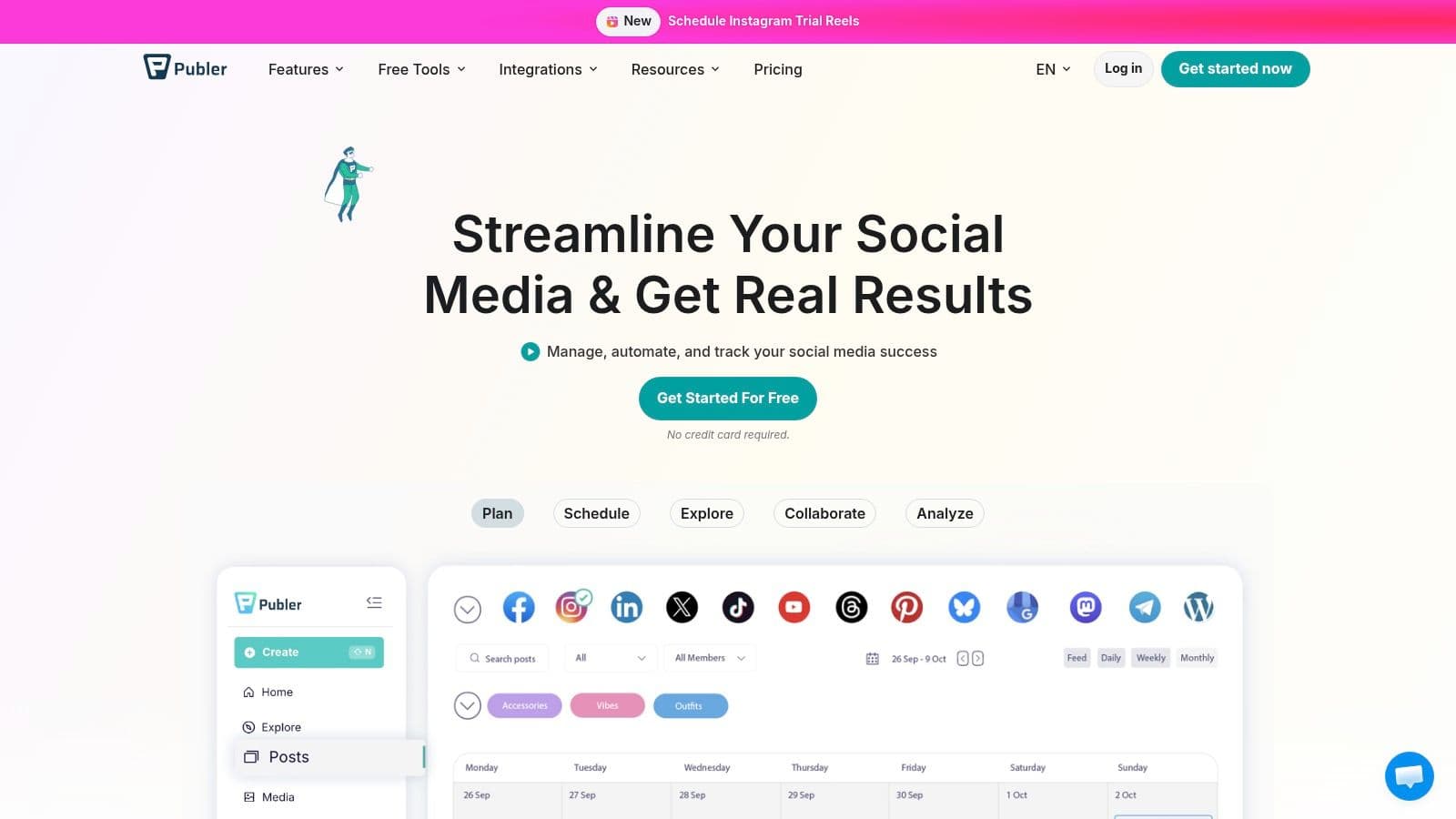
What makes Publer a standout choice is its focus on automation and value. Features like content recycling with spintax variations, RSS feed auto-posting, and unlimited post scheduling on paid plans streamline content workflows significantly. This allows users to maintain an active online presence with minimal manual effort. Its "Superpowers" model, which includes an AI Assist for generating content, a link-in-bio tool, and detailed analytics, provides a comprehensive toolkit without the enterprise-level price tag, making it one of the best social media scheduler options for those on a budget.
Key Features & Use Cases
- Best For: Solo creators, small to medium-sized businesses, and agencies seeking a cost-effective, feature-rich scheduler.
- Standout Features:
- Content Recycling: Automatically re-publish evergreen posts at set intervals with spintax to create unique variations.
- AI Assist: Generate post ideas, captions, and quotes directly within the composer.
- Broad Network Support: Manages mainstream platforms plus others like Bluesky, Mastodon, and Google Business Profile.
- Flexible Scaling: Add individual social accounts and team members as you grow, with every 10th one free.
Pricing and Onboarding
Publer offers a free plan with basic scheduling capabilities, though it notably excludes Twitter/X. Its paid plans are highly competitive, starting with the Professional tier for individuals and a Business tier for teams. The pricing is transparent and scales per social account and team member, a model that prevents users from overpaying for unused slots. This granular approach, combined with its robust feature set, provides excellent value for users at all levels.
- Pros: Very cost-effective with transparent, scalable pricing; extensive automation features like post recycling and RSS feeds.
- Cons: Free plan is limited and excludes Twitter/X; some of the most powerful features are reserved for the highest-tier plan.
Website: https://publer.com
11. CoSchedule
CoSchedule carves out a unique niche by positioning itself not just as a social media scheduler, but as a comprehensive marketing calendar. It is designed for marketing teams that want a single source of truth for all content-related activities, from blog posts and email newsletters to social media campaigns. The platform’s strength lies in its ability to visualize entire marketing workflows on a unified, color-coded calendar, providing clarity on how social media efforts align with broader content strategy.
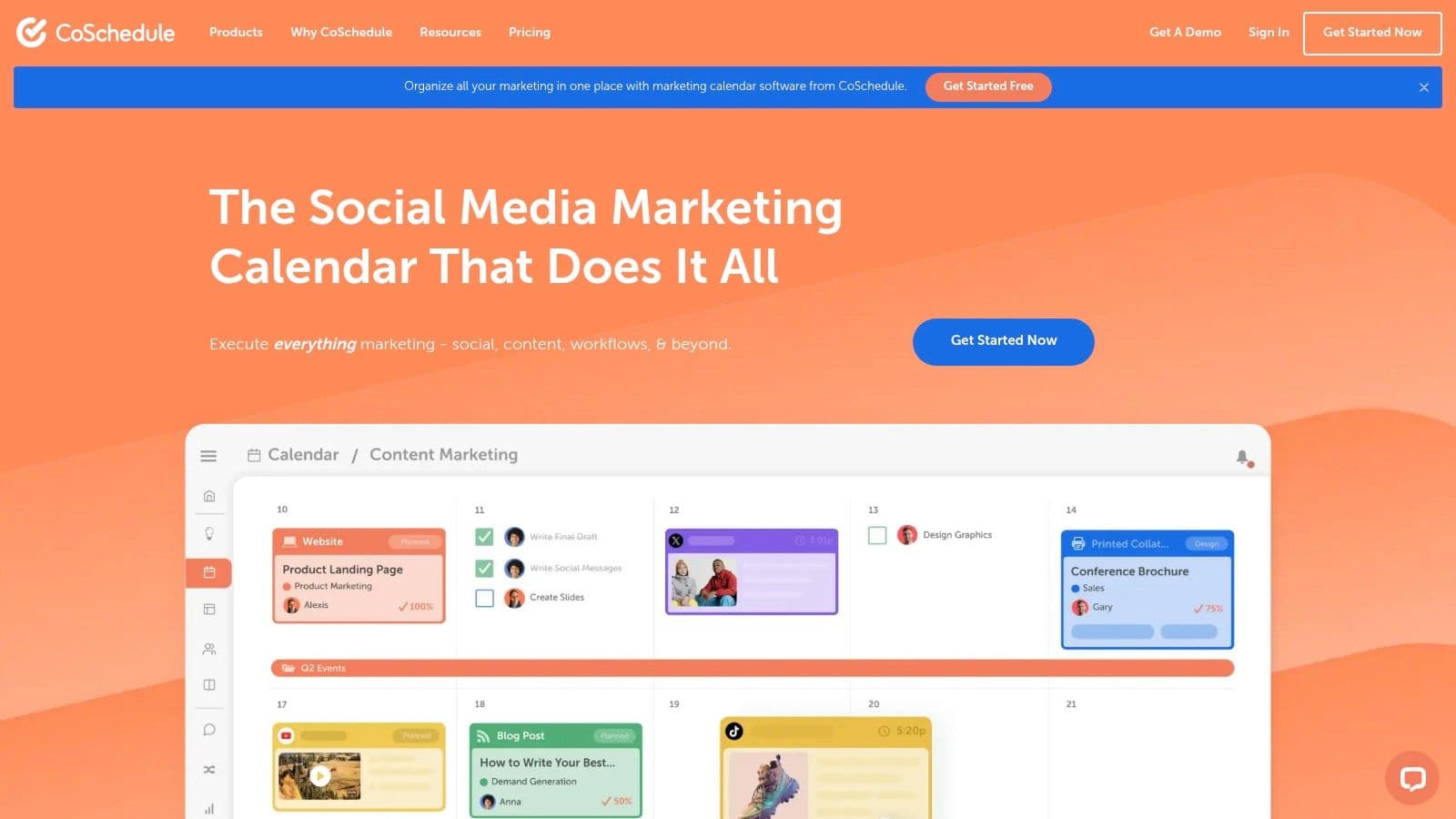
What truly makes CoSchedule a standout social media scheduler is its ReQueue feature, an intelligent automation tool that recycles your best-performing evergreen content. This ensures your social profiles remain active without constant manual effort. For teams and agencies, features like read-only calendar sharing and project-based workflows are invaluable for collaboration and client reporting. While it excels at integrating social media into a larger marketing plan, its core focus remains on providing a holistic calendar-based management experience.
Key Features & Use Cases
- Best For: Marketing teams, content creators, and agencies seeking to manage all content and social media from one central calendar.
- Standout Features:
- Unified Marketing Calendar: Plan and visualize all your marketing projects, including social media, blog content, and emails, in one place.
- ReQueue Automation: Automatically re-share your top-performing evergreen posts to fill gaps in your content schedule and maximize engagement.
- Best Time Scheduling: Optimizes post timing based on audience activity data to improve reach.
- Agency & Team Tools: Offers a dedicated Agency Calendar for multi-client management and team-based approval workflows on higher tiers.
Pricing and Onboarding
CoSchedule offers a clear upgrade path starting with a Free Forever plan, which is limited to one user, one social profile, and 15 scheduled messages. Paid plans unlock advanced features like ReQueue, more profiles, and team collaboration tools. A notable detail is that Twitter/X profiles are billed as a separate add-on, which can increase costs. The platform's calendar-centric approach is intuitive for content planners, and its structured pricing makes it accessible for solo creators while being scalable for growing agencies.
- Pros: Excellent for holistic content and campaign planning; ReQueue feature provides powerful automation for evergreen content.
- Cons: Free plan is quite restrictive; separate billing for Twitter/X profiles can be an unexpected extra cost.
Website: https://coschedule.com
12. G2 (Social Media Management Tools category)
While not a scheduler itself, G2’s Social Media Management category is an indispensable resource for anyone researching the best social media scheduler. It functions as a comprehensive comparison marketplace, aggregating thousands of verified user reviews, detailed feature matrices, and market-leading reports. Instead of visiting dozens of individual websites, G2 allows you to filter, compare, and shortlist potential tools based on real-world feedback and data-driven rankings, making it a critical first step in the decision-making process.
What makes G2 invaluable is its transparent, user-driven approach. The platform’s seasonal Grid and Momentum reports provide a clear snapshot of the market, identifying leaders, high performers, and emerging contenders. Users can perform side-by-side comparisons of specific tools, diving into granular details on features, ease of use, and customer support quality. This allows small businesses and agencies to quickly identify platforms that align with their specific needs and budget before committing time to free trials, streamlining the entire evaluation process.
Key Features & Use Cases
- Best For: Marketers, agencies, and business owners in the research phase of selecting a social media tool.
- Standout Features:
- Verified User Reviews: Access authentic feedback and ratings from real users to gauge satisfaction and performance.
- Grid & Momentum Reports: Visualize the market landscape to identify established leaders and innovative newcomers.
- Side-by-Side Comparisons: Directly compare features, pricing models, and user ratings for up to four tools at a time.
- Advanced Filtering: Narrow down options by company size, user satisfaction, features, and other critical criteria.
Pricing and Onboarding
Accessing G2's reviews and comparison tools is completely free for buyers. The platform serves as a research hub, providing direct links to vendor websites for pricing information, free trials, and purchases. While this means you must leave G2 to get final pricing details, its role is to empower you with unbiased information first. Be aware that sponsored placements can appear in listings, but these are clearly marked, and the core review data remains user-generated and impartial.
- Pros: Excellent starting point for market research; relies on authentic user sentiment to rank tools.
- Cons: Not a scheduler itself, serves as a research aggregator; final pricing and feature details require visiting vendor sites.
Website:
Top 12 Social Media Schedulers — Features & Pricing Snapshot
| Product | Key features & USP ✨ | Quality / UX ★ | Pricing / Value 💰 | Target audience 👥 |
|---|---|---|---|---|
| PostOnce 🏆 | Auto cross-post + format optimization; workflows; multi-account; unlimited posts | ★★★★☆ fast setup, secure OAuth | 💰 Creator $29/mo · Pro $69/mo · Agency $199/mo · 7‑day trial/refund | 👥 Creators, indie hackers, SMBs, social managers |
| Hootsuite | Unified scheduler, listening, approvals, integrations | ★★★★☆ enterprise-grade | 💰 Per-user pricing; enterprise (can be costly) | 👥 Large teams & enterprises |
| Buffer | Queues, AI post assist, analytics, first-comment support | ★★★★☆ simple & approachable | 💰 Free (3 channels) → paid tiers scale | 👥 Creators & small teams |
| Later | Visual planner, link-in-bio, IG/TikTok focus, AI credits | ★★★★☆ visual-first UX | 💰 Tiered plans with post limits | 👥 Instagram/TikTok creators, influencers |
| Sprout Social | Publishing, listening, deep analytics & reporting | ★★★★★ premium reporting & governance | 💰 Higher per-seat pricing | 👥 Mid-market & enterprise teams |
| Agorapulse | Scheduling, unified inbox, bulk uploads, client tools | ★★★★☆ clear workflows & support | 💰 Transparent per-user; strong value | 👥 Agencies & collaborative teams |
| Loomly | Calendar-centric, approvals, brand asset management | ★★★★☆ approval-focused UX | 💰 Tiered; pricing varies by billing | 👥 Teams needing approvals & brand control |
| Sendible | Agency dashboards, white-label, client reporting | ★★★★☆ agency-oriented | 💰 Tiered; scales with users (can rise) | 👥 Agencies & multi-client managers |
| Zoho Social | Multi-network scheduler + Zoho CRM integrations | ★★★★☆ budget-friendly | 💰 Competitive; feature-gated tiers | 👥 SMBs & Zoho ecosystem users |
| Publer | Automation (RSS/recycle), AI assist, granular scaling | ★★★★☆ cost-effective | 💰 Affordable, transparent per-account scaling | 👥 Creators & small agencies |
| CoSchedule | Marketing calendar, ReQueue automation, campaign planning | ★★★★☆ calendar-centric planning | 💰 Free → team/agency tiers; some billed separately | 👥 Marketing teams & agencies |
| G2 (marketplace) | Reviews, Grid/Momentum, side-by-side comparisons | ★★★★☆ real-user insights | 💰 Free to use; sponsored listings may appear | 👥 Buyers shortlisting tools |
The Final Verdict: Which Social Media Scheduler is Right for You?
Navigating the crowded market of social media schedulers can feel overwhelming. We've dissected twelve of the industry's top contenders, from enterprise powerhouses like Sprout Social to visually-driven platforms like Later. The core takeaway is this: the best social media scheduler isn't a one-size-fits-all solution. Your ideal tool is deeply tied to your specific goals, team size, and daily workflow.
Making the right choice requires an honest assessment of your needs. Are you a large agency requiring complex client approval workflows and deep-dive analytics? Or are you a solo creator who just needs to reclaim hours spent on repetitive posting?
A Quick Recap: Matching the Tool to Your Needs
Let's distill our findings into a clear decision-making framework based on your primary objective:
- For Enterprise-Level Management & Analytics: If your team requires granular reporting, advanced listening tools, and multi-layered approval chains, Sprout Social and Hootsuite remain the undisputed leaders. They are comprehensive social media management suites built for scale and complexity.
- For Visual-First Brands & Creators: If your strategy is built around Instagram, Pinterest, or TikTok, Later is an exceptional choice. Its visual planner and link-in-bio tools are designed specifically for aesthetically driven content, making it a favorite among influencers and e-commerce brands.
- For Simplicity and User-Friendliness: Buffer continues to shine with its clean, intuitive interface. It’s an excellent starting point for small businesses and individuals who want straightforward scheduling without a steep learning curve.
- For Ultimate Efficiency and Automated Cross-Posting: This is where PostOnce carves out its unique and powerful niche. If your primary pain point is the time-consuming, manual process of adapting and publishing the same core message across multiple platforms, PostOnce is the definitive solution. Its "post once, distribute everywhere" model is a fundamental shift from traditional scheduling, prioritizing maximum time savings above all else.
Key Factors to Guide Your Final Decision
Before you commit to a subscription, consider these crucial implementation factors:
- Workflow Integration: How does this tool fit into your existing content creation process? Does it simplify or complicate things? A tool like PostOnce is designed to be the final, frictionless step, while a platform like CoSchedule aims to manage the entire marketing calendar.
- True Time Savings: Calculate the actual return on investment. While a feature-rich platform seems appealing, if you only use 20% of its functions, a more streamlined tool might offer better value. The best social media scheduler saves you time, it doesn't just give you more features to manage.
- Platform Support: Ensure the scheduler robustly supports the social networks that are most important to your audience. Check for specific features like native video posting, first comment scheduling for Instagram, and thread creation for X (formerly Twitter).
- Broader Ecosystem: To make the most informed decision, you should also evaluate how a scheduler fits into the broader landscape of today's essential social media content management tools. A scheduler is just one piece of your marketing technology stack.
Ultimately, choosing the right tool is about empowering your strategy, not just automating tasks. It's about finding a partner that helps you reclaim your most valuable asset: time. Whether you need the deep analytics of an enterprise solution or the elegant simplicity of an automated cross-poster, the perfect scheduler is waiting to transform your social media presence from a daily chore into a strategic advantage.
Ready to stop wasting time on repetitive posts and start focusing on what truly matters? See how PostOnce automates your content distribution across all your social platforms with a single click. Try PostOnce today and experience the future of efficient social media management.