



The best cross-posting tool for short-form video depends on where you film first. If you post on TikTok or Instagram and want the same video on Reels, Shorts and Facebook automatically, pick a reposting tool such as PostOnce or Repurpose.io. If you'd rather upload each video once and choose where it goes, pick an upload-once app such as Socialync.
Prices and plan limits checked November 6, 2026.
Below: 8 tools for TikTok, Reels and YouTube Shorts compared on how they work, where they repost from and what they cost, plus a 5-step setup. You'll spend a few minutes on setup instead of uploading every video again. To repost each new TikTok to Reels and Shorts, see the TikTok crossposting routes.
The 8 best cross-posting tools for TikTok, Reels and YouTube Shorts:
- PostOnce: reposts new TikToks, Reels and Shorts to your other accounts automatically
- Repurpose.io: automated video workflows, including TikTok to Instagram
- ShortSync: reposts from Instagram and Facebook, plus upload-once posting
- Nuelink: shares new Instagram Reels to TikTok, Shorts and Facebook
- Socialync: cheap upload-once posting to 9 networks
- Post Bridge: bulk video scheduling across many accounts
- OpusClip: turns long videos into Shorts, then posts them
- Metricool: scheduling plus analytics
Disclosure: PostOnce publishes this guide and is one of the tools listed. Other tools were checked against their official pricing, feature and help pages on November 6, 2026. Prices change, so confirm a plan before you buy.
Can you repost TikTok videos to YouTube Shorts and Reels?
Yes, you can repost your own TikTok videos to YouTube Shorts and Instagram Reels, since all three use vertical video. You can upload each video again by hand, or use a tool that reposts every new TikTok automatically. PostOnce does this for up to 9 networks after a 5-step setup.
Three ways short-form cross-posting tools work
Short-form video tools work in one of three ways:
- Automatic reposting. You post on TikTok, Instagram or YouTube as usual. The tool sees the new video and posts it to your other accounts. PostOnce, Repurpose.io, ShortSync and Nuelink work this way.
- Upload once. You upload the video to the tool, write a caption and tick TikTok, Reels and Shorts. Socialync, Post Bridge and Metricool work this way. (PostOnce and ShortSync can do this too.)
- Clip, then post. You give the tool a long video; it cuts short clips and posts them. OpusClip works this way.
If you film for one app and post every day, automatic reposting saves the most time: you never open the tool after setup. If every video gets its own caption per network, upload-once is easier.
Best short-form video cross-posting tools, compared
| Tool | How it works | Reposts automatically from | Entry paid plan | Free option |
|---|---|---|---|---|
| PostOnce | Automatic reposting or upload once | TikTok, Instagram, YouTube and more | Creator: about $0.79/day billed yearly ($29 month to month), 15 accounts, unlimited posts | 7-day trial, up to 10 posts, no card |
| Repurpose.io | Automatic reposting | TikTok, Instagram, YouTube, Facebook, Drive, Dropbox | Starter: $35/month, 3 accounts per network | 14 days, 10 videos, no card |
| ShortSync | Automatic reposting or upload once | Instagram, Facebook Pages, Twitch, podcasts | Creator: €14.99/month | 5 uploads/month |
| Nuelink | Automatic reposting (Instagram) or scheduling | Standard: $16/month, 10 channels | 7-day trial | |
| Socialync | Upload once | Upload once | Starter: $20/month, 5 accounts | 5 posts/month |
| Post Bridge | Upload once | Upload once | Marketer: $39/month, 15 accounts | 7-day trial |
| OpusClip | Clip, then post | Long video | Starter: $15/month | Free plan, 1 clip a day |
| Metricool | Upload once and schedule | Upload once | Starter: €16/month, billed yearly | 1 brand, 20 posts/month |
Competitor prices are shown per month as listed on their pricing pages.
1. PostOnce: best for reposting every new video automatically
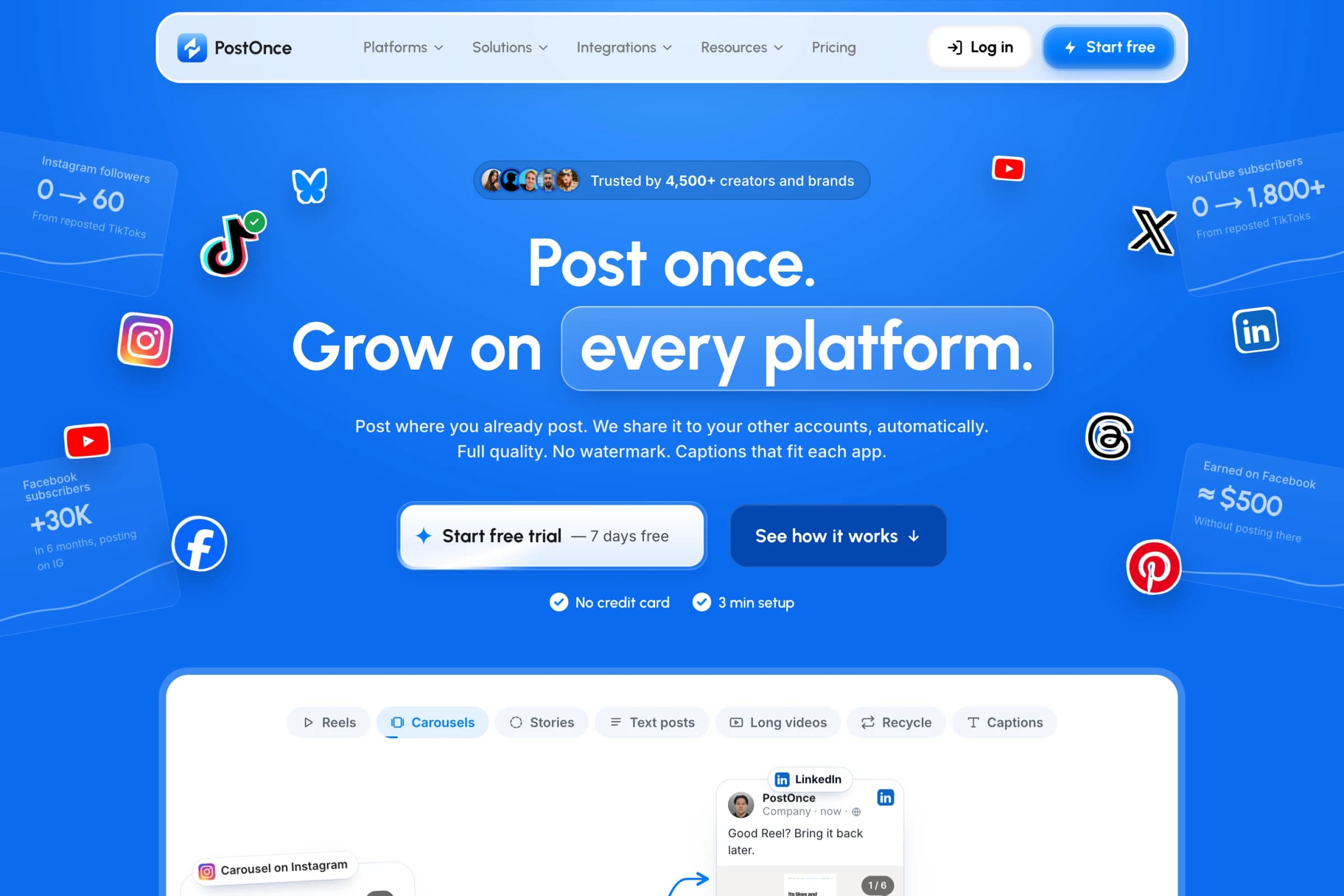
PostOnce watches the account you film for and sends each new video to the others. Set up TikTok → Instagram Reels, YouTube Shorts and Facebook Reels once, and every TikTok you post goes out to all three. It works in any direction: Reels to TikTok, Shorts to Reels, and so on.
- Speed: for posts set to go out immediately, half are live on their destinations within about 10 minutes, most within 20.
- Reliability: the typical PostOnce customer saw 98.5% of their posts go out successfully.
- TikTok watermark: PostOnce uses the no-watermark TikTok video where it's available.
- Older videos: repost 1 to 5 a day from your back catalog. 20.9% of successful PostOnce deliveries republished a post more than a week old.
- Networks: TikTok, Instagram, YouTube, Facebook, LinkedIn, X, Threads, Bluesky and Pinterest, through each platform's official API.
- Price: Creator costs about $0.79 a day billed yearly ($290/year), or $29 month to month, for 15 accounts and unlimited posts. Try it free for 7 days with up to 10 posts and no card.
The routes PostOnce customers use most:
| Route | Customers | Median time to publish |
|---|---|---|
| TikTok to YouTube Shorts | 149 | 18.3 min |
| TikTok to Instagram Reels | 123 | 18.5 min |
| Instagram to TikTok | 121 | 14.5 min |
| YouTube Shorts to TikTok | 117 | 26.0 min |
| Instagram to YouTube Shorts | 92 | 15.9 min |
| TikTok to Facebook Reels | 63 | 18.3 min |
Customer counts and times cover May 2025 to September 23, 2026. Posts have got faster since: in the 30 days to October 21, half of the posts set to go out immediately were live within about 10 minutes.
Choose PostOnce if you film for one app and want every video on the others without doing anything after setup.
Every new TikTok post, on YouTube too.Connect once. PostOnce copies each new post for you.See how →Posts PostOnce copied from TikTok to YouTube in the last 30 days.
Source: PostOnce posting data.
2. Repurpose.io: best for automated video workflows
Repurpose.io connects a source (TikTok, Instagram, YouTube, Facebook, Google Drive or Dropbox) to destinations through workflows. Its TikTok-to-Instagram workflow sends each new TikTok to Instagram automatically, without the watermark, and it also runs Instagram to TikTok and YouTube to short-form routes.
Starter is $35 a month ($349 a year) for up to 3 accounts per network and 5,000 published videos a month. The trial covers 14 days or 10 published videos, with no card.
Choose Repurpose.io if you want automated workflows with sources beyond social apps, such as Drive or Dropbox folders.
3. ShortSync: best for reposting from Instagram or Facebook
ShortSync does both: upload a video once to as many as 17 platforms, or connect a source account and let it repost. Its docs say it checks the source every 15 minutes. Sources include Instagram Business or Creator accounts, Facebook Pages, Twitch and podcasts.
Creator is €14.99 a month for unlimited uploads within each platform's limits. The free plan allows 5 uploads a month without a card.
Choose ShortSync if Instagram or Facebook is your main channel and you want a low entry price.
4. Nuelink: best for sharing Instagram Reels elsewhere
Nuelink is a scheduler with an Instagram automation: it checks for new Instagram content every 30 minutes and shares eligible Reels to TikTok, YouTube Shorts, Facebook Reels and Pinterest. You publish the Reel on Instagram first; the automation is on every plan.
Standard is $16 a month ($192 a year) for 10 channels and a 365-post queue, with a 7-day trial.
Choose Nuelink if Instagram is where you film and you also want a calendar for other content.
5. Socialync: best cheap upload-once app
Socialync lets you upload a video once, choose networks and publish now or later. It covers 9 networks, including TikTok, Instagram, YouTube and Facebook.
Starter is $20 a month ($15 a month billed yearly) for 5 accounts and unlimited posts. The free plan allows 5 posts a month on up to 5 accounts, without a card.
Choose Socialync if you post a few videos a week and want a simple dashboard at a low price.
6. Post Bridge: best for bulk video scheduling
Post Bridge is built for uploading videos once and publishing to 10 platforms, which suits creators running several accounts per network.
Marketer is $39 a month for 15 accounts and unlimited posts, with a 7-day trial.
Choose Post Bridge if you schedule many videos to many accounts from one place.
7. OpusClip: best for turning long videos into Shorts
OpusClip starts with a long video. Its AI finds short moments, reframes them, adds captions, and can post the clips. Starter posts to YouTube Shorts, TikTok and Instagram; Pro adds Facebook and more.
Starter is $15 a month. The free plan lets you post one clip a day, and paid plans export without a watermark.
Choose OpusClip if you have podcasts, streams or long YouTube videos and need clips before you need distribution.
8. Metricool: best for scheduling plus analytics
Metricool schedules TikToks, Reels and Shorts from one planner and shows each network's analytics next to it.
Starter is €16 a month billed yearly (€20 month to month) for 5 brands. The free plan covers 1 brand and 20 scheduled posts a month.
Choose Metricool if you want to see what's working on each network in the same place you schedule.
How to cross-post TikToks to Reels and Shorts
- Connect your accounts. Instagram needs a Business or Creator account, and Facebook needs a Page.
- Pick the source. Choose the app you film for, such as TikTok.
- Pick the destinations. Choose Instagram Reels, YouTube Shorts and Facebook Reels.
- Turn the workflow on and post your next TikTok as usual.
- Check the first repost on each network, then let it run.
With an upload-once app, steps 2 to 4 become: upload the video, write a caption for each network, and choose a time.
Does cross-posting short videos hurt views?
No, cross-posting short videos doesn't hurt views on its own. These tools post through each platform's official API, like a scheduler. Across 40 YouTube channels that started posting through PostOnce, the share of Shorts under 10 views went from 9.8% to 9.5%, so there was no consistent drop.
PostOnce's founder grew How2Rizz to about 15k TikTok followers, 10k on Instagram and 4,800 YouTube subscribers posting the same videos everywhere through PostOnce.
Two things matter more:
- Account history. A brand-new account may get few views whatever tool you use. Post a few videos natively before you automate.
- Licensed music. The post goes out, but a destination network may mute or remove a video whose music rights don't carry over. Original audio travels best.
Frequently asked questions
What is the best way to cross-post Shorts, Reels and TikToks?
Film for one app, then use a tool that reposts automatically, such as PostOnce or Repurpose.io. Each new video then reaches the other networks without a second upload.
Can I post a TikTok to Instagram Reels without the watermark?
Yes. PostOnce uses the no-watermark TikTok video where it's available, and Repurpose.io's TikTok-to-Instagram workflow also posts without the watermark.
Is there a free cross-posting tool for short-form video?
Socialync allows 5 posts a month, ShortSync 5 uploads a month and Metricool 20 scheduled posts a month on their free plans. OpusClip's free plan posts one clip a day. PostOnce has a 7-day trial with up to 10 posts and no card.
Can I cross-post YouTube Shorts to TikTok?
Yes. YouTube Shorts to TikTok is one of PostOnce's most-used routes, run by 117 customers. See YouTube to TikTok.
Which tool is best for Instagram Reels to TikTok?
PostOnce, Repurpose.io, ShortSync and Nuelink all repost new Reels automatically. See Instagram to TikTok for PostOnce's setup.
To post to every network, not just video ones, see how to post to all social media at once. For more tools, including team suites, see the best crossposting tools.