



The best content repurposing tools depend on the job. OpusClip, Klap and Munch clip long videos into shorts; Castmagic and Blotato rewrite recordings into posts; PostOnce and Repurpose.io send the finished post to every network. Most creators need one tool for clipping or writing and one for distribution.
Prices and plan limits checked November 6, 2026.
Below: 10 tools compared by job, with what goes in and what comes out, entry prices and free options, plus a weekly workflow that uses them together. You'll pick the one or two tools that cover your workflow instead of paying for overlapping apps. To send every finished clip to your other networks automatically, see how PostOnce crossposting works.
Content repurposing has three jobs, and most tools do one of them well:
- Clip: turn a long video or podcast into short vertical clips.
- Rewrite: turn a recording, article or video into posts, threads, show notes or newsletters.
- Distribute: get the finished post onto every network without uploading it again.
The 10 best content repurposing tools, by job:
| Job | Tools |
|---|---|
| Clip long video into shorts | OpusClip, Klap, Munch, Descript, Submagic (captions) |
| Rewrite into posts and articles | Castmagic, Blotato |
| Distribute everywhere | PostOnce, Repurpose.io, ContentStudio |
A typical stack: clip a podcast in OpusClip, post the best clip natively on TikTok, and let PostOnce send it to Reels, Shorts and Facebook.
Disclosure: PostOnce publishes this guide and is one of the tools listed. Other tools were checked against their official pricing and feature pages on November 6, 2026. Prices change, so confirm a plan before you buy.
Best content repurposing tools, compared
| Tool | Job | What goes in → what comes out | Entry paid plan | Free option |
|---|---|---|---|---|
| PostOnce | Distribute | Any post on one network → the same post on your other networks | Creator: about $0.79/day billed yearly ($29 month to month), 15 accounts | 7-day trial, up to 10 posts, no card |
| OpusClip | Clip | Long video → captioned short clips | Starter: $15/month | 1 clip a day |
| Klap | Clip | Video up to 3 hours → shorts | Basic: $29/month ($14.50/month yearly), 100 clips | Try 1 video, no card |
| Munch | Clip | Long video → clips plus a content planner | Essential: $68/month ($38/month yearly), 500 minutes | 7-day trial |
| Descript | Clip, rewrite | Recording → edited video, clips, drafted posts | Hobbyist: $24/month ($16/month yearly) | 1 hour of media |
| Submagic | Captions | Short video → captioned video with B-roll | Starter: $19/month ($12/month yearly) | Free to try, no card |
| Castmagic | Rewrite | Audio, video or link → show notes, posts, threads, newsletters | Hobby: $239/year | Not listed |
| Blotato | Rewrite, distribute | Link, article, PDF or audio → posts, carousels, AI video | Starter: $29/month, 20 accounts | 7-day trial |
| Repurpose.io | Distribute | Published video → reposts on other networks | Starter: $35/month, 3 accounts per network | 14 days, 10 videos, no card |
| ContentStudio | Distribute | Posts → scheduled posts, with AI writing and a clip maker | Standard: $29/month ($19/month yearly), 5 accounts | 7-day trial, no card |
Competitor prices are listed per month as shown on their pricing pages.
1. PostOnce: best for distributing content everywhere automatically
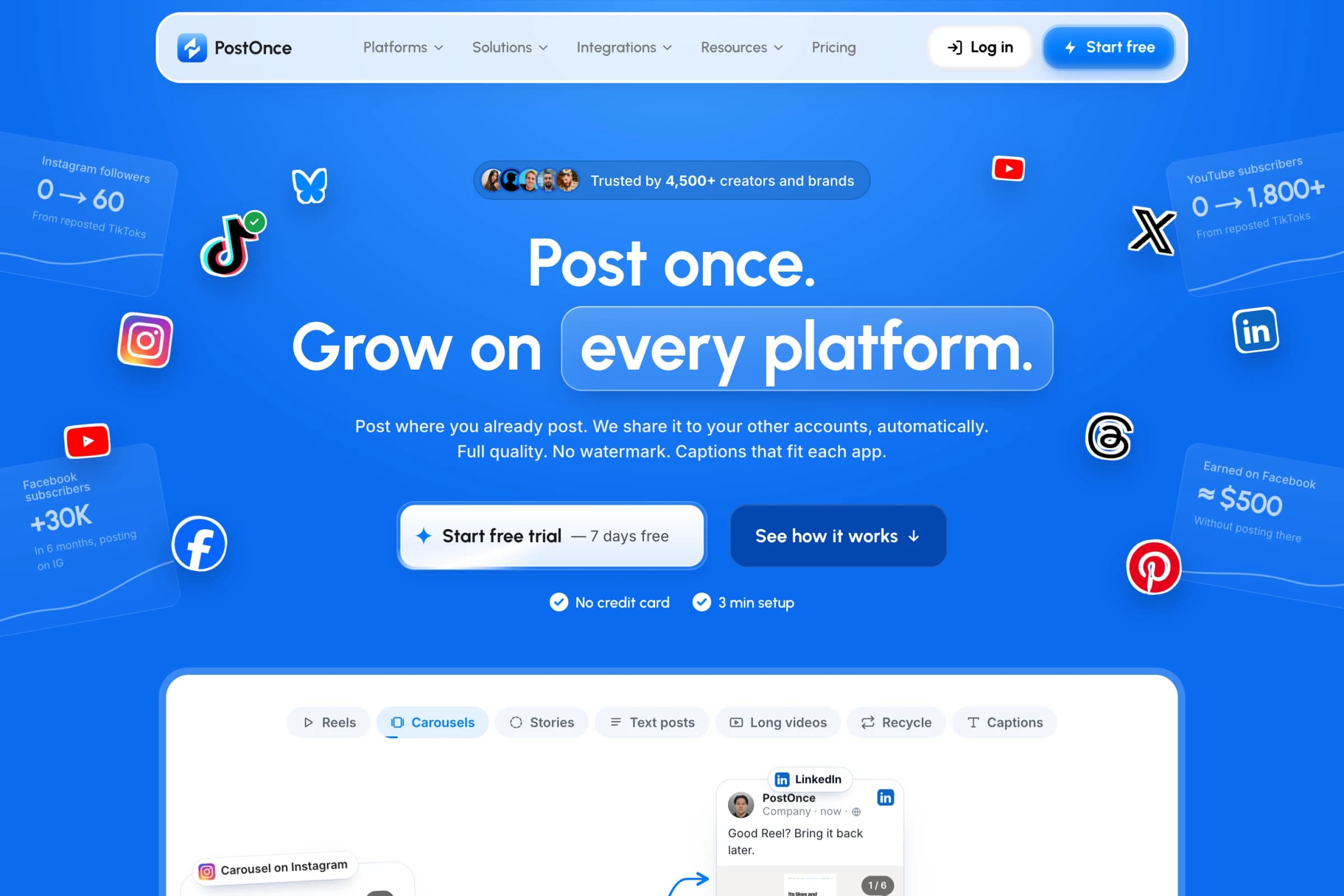
PostOnce does the last step: once a post exists, it goes everywhere else. Post a clip natively on TikTok, Instagram or YouTube, and PostOnce publishes it to your other accounts. You don't download anything or upload it again.
- Formats: videos, photos and carousels, plus Instagram and Facebook Stories to your other Instagram accounts and Facebook Pages. Photo posts become TikTok photo posts and Facebook albums.
- Captions per network: set rules once, such as removing a DM prompt on Instagram or adding #Shorts on YouTube. AI can rewrite a caption for LinkedIn or shorten one for Bluesky.
- Older posts: repost 1 to 5 a day from your back catalog.
- Analytics: views, likes, comments and shares for every video on every network on one page.
- Networks: TikTok, Instagram, YouTube, Facebook, LinkedIn, X, Threads, Bluesky and Pinterest, through each platform's official API.
- Price: Creator costs about $0.79 a day billed yearly ($290/year), or $29 month to month, for 15 accounts and unlimited posts. Try it free for 7 days with up to 10 posts and no card.
Choose PostOnce if you already make the content and want it on every network without doing the uploads. See every route in the crossposting directory.
2. OpusClip: best for daily shorts from long videos
OpusClip finds the strongest moments in a long video, reframes them vertically and adds captions. Starter can post straight to YouTube Shorts, TikTok and Instagram; Pro ($29 a month) adds scheduling and more networks.
Starter is $15 a month. The free plan lets you post one clip a day without a card.
Choose OpusClip if you record podcasts, streams or long YouTube videos and want clips every day.
3. Klap: best for pricing by the clip
Klap turns videos up to 3 hours long into shorts and can post them to TikTok, YouTube, Instagram, LinkedIn and Facebook on every plan, with unlimited connected accounts.
Basic is $29 a month ($14.50 a month billed yearly) for 100 clips. You can try one video without a card.
Choose Klap if you'd rather count clips than minutes.
4. Munch: best for clips plus a content planner
Munch clips long videos and plans where each clip goes. It can publish to Instagram, Facebook, LinkedIn, YouTube and TikTok.
Essential is $68 a month ($38 a month billed yearly) for 500 minutes and 1 brand. Every plan starts with a 7-day trial.
Choose Munch if you want clipping and a content calendar in one place.
Every new TikTok post, on Instagram too.Connect once. PostOnce copies each new post for you.See how →Posts PostOnce copied from TikTok to Instagram in the last 30 days.
Source: PostOnce posting data.
5. Descript: best for editing video like a document
Descript transcribes a recording so you can edit the video by editing the text. It can also cut clips and draft social posts from the same recording.
Hobbyist is $24 a month ($16 a month billed yearly) for 10 media hours. The free plan includes 1 hour of media.
Choose Descript if you edit your own podcasts or talking-head videos.
6. Submagic: best for captions on short videos
Submagic adds animated captions in 123 languages, plus B-roll, to short videos. Its Magic Clips feature also cuts long videos into shorts.
Starter is $19 a month ($12 a month billed yearly) for 15 videos. You can try it free without a card.
Choose Submagic if your clips are ready but need captions that hold attention.
7. Castmagic: best for turning recordings into written content
Castmagic takes an audio file, video or link and writes transcripts, show notes, social posts, threads and newsletters from it, plus captioned clips.
Hobby is $239 a year (about $20 a month) for 30 hours of transcription.
Choose Castmagic if each podcast episode should become a week of written posts.
8. Blotato: best for AI writing plus posting
Blotato turns a YouTube, TikTok or X link, an article, a PDF or audio into posts, carousels and AI videos, then publishes them to X, LinkedIn, Facebook, Instagram, TikTok, YouTube, Threads, Bluesky and Pinterest.
Starter is $29 a month ($290 a year) for 20 accounts, with a 7-day trial.
Choose Blotato if you want one tool to write the posts and publish them.
9. Repurpose.io: best for automated video workflows
Repurpose.io takes videos published on TikTok, Instagram, Facebook or YouTube and reposts them to your other networks, including Pinterest, LinkedIn, Threads and X.
Starter is $35 a month ($349 a year) for up to 3 accounts per network and 5,000 videos a month. The trial covers 14 days or 10 published videos, with no card.
Choose Repurpose.io if your content is mostly video and you want workflows from sources such as Drive or Dropbox folders too.
10. ContentStudio: best for scheduling with AI writing built in
ContentStudio is a scheduler with AI writing and a clip maker. It publishes to Facebook, Instagram, YouTube, LinkedIn, Pinterest, TikTok, Threads, X, Bluesky, Telegram and Google Business Profile.
Standard is $29 a month ($19 a month billed yearly) for 5 accounts and 1 user, with a 7-day trial and no card.
Choose ContentStudio if you want to write, clip and schedule from one calendar.
Is there a free content repurposing tool?
Yes, several content repurposing tools have free options. OpusClip's free plan makes 1 clip a day, Descript's covers 1 hour of media, and Klap lets you try 1 video with no card. PostOnce has a 7-day trial with up to 10 posts, also with no card.
How to build a content repurposing workflow
- Start with one long piece a week: a podcast, a YouTube video or a livestream.
- Clip it. Pull 3 to 5 short clips with OpusClip, Klap or Munch, and caption them with Submagic if needed.
- Write from it. Turn the transcript into a LinkedIn post, an X thread or a newsletter with Castmagic or Blotato.
- Post each clip once, natively, on the network you care about most.
- Distribute it. Let PostOnce send each post to your other networks, with captions adjusted per network.
- Bring back old winners. Repost your best older videos, 1 to 5 a day, from your back catalog.
Does reposting the same content hurt reach?
No, reposting the same content doesn't hurt reach on its own. PostOnce posts through each platform's official API, like a scheduler. Across 40 YouTube channels that started posting through PostOnce, the share of Shorts under 10 views went from 9.8% to 9.5%, so there was no consistent drop.
PostOnce's founder grew How2Rizz to about 15k TikTok followers, 10k on Instagram and 4,800 YouTube subscribers posting the same videos everywhere through PostOnce.
What matters more is the account. Post a few times natively on a new account before you automate, and use original audio: licensed music may be muted or removed on the destination network.
Frequently asked questions
What is the best content repurposing tool?
It depends on the job. For clipping long videos, OpusClip and Klap. For turning recordings into written posts, Castmagic. For getting finished posts onto every network automatically, PostOnce.
Is there a free content repurposing tool?
OpusClip's free plan posts one clip a day, and Descript's free plan includes 1 hour of media. PostOnce has a 7-day trial with up to 10 posts and no card.
What is the best AI tool for repurposing video?
OpusClip, Klap and Munch use AI to find the best moments in a long video and cut them into captioned shorts. Submagic adds AI captions and B-roll to short videos.
Can I repurpose a TikTok for Instagram and YouTube?
Yes. PostOnce sends each new TikTok to Instagram Reels and YouTube Shorts automatically. See TikTok to Instagram and TikTok to YouTube.
For tools built only for short video, see the best cross-posting tools for short-form video. To post everywhere at once, see how to post to all social media at once.