



The best Chrome extension to sort Instagram Reels by views is SortViral: it's free, needs no sign-up, and reorders a profile's Reels by views or by outlier score in a few seconds. If you also want to download or transcribe Reels, Sort Feed (sortfeed.com) is the most-installed option and IShort adds AI transcripts.
Below you'll find seven extensions compared on free limits, price, outlier scores, downloads and transcripts, plus which number to sort by and the exact steps. You'll pick the right tool for your budget and no longer need to scroll a creator's grid by hand. Once you know which Reel format wins, post it to TikTok and Shorts with PostOnce.
Disclosure: SortViral is made by the same founder as PostOnce. Every other tool is described from its own store listing and website.
Can you sort Instagram Reels by views?
You can sort Instagram Reels by views with a Chrome extension, but not inside Instagram itself. Instagram's own Reels tab shows a view count on each Reel and lists them newest first. Instagram's own Reel insights show detailed numbers only for your own Reels. A third-party browser extension reads those counts and reorders the grid so the top-performing Reels come first, often across 100 or more Reels at once.
All seven tools below install from the Chrome Web Store and work in desktop Chrome on any profile you can open, including a competitor's. Most also let you sort Reels by views or likes, comments and date, and several add an outlier score, which tells you which Reels did far better than that account usually does.
Quick comparison
| Tool | Platforms | Free plan | Paid from | Store rating · users |
|---|---|---|---|---|
| SortViral | Instagram, TikTok, YouTube, Facebook, Pinterest | Free, no sign-up | Free | 5.0 (3) · 200 |
| Sort Feed (sortfeed.com) | Instagram, TikTok, Facebook, YouTube | Latest 25 posts or 1 week, export, unlimited downloads | $12/mo billed yearly, $19 monthly | 4.2 (303) · 100,000 |
| Sort Feed (sortfeed.io) | Instagram, TikTok | Latest 25 posts, CSV, unlimited downloads, 10 AI Credits | $12/mo, or $108/yr | 4.8 (46) · 8,000 |
| SortBuddy | Instagram, TikTok | Everything free | No paid plan stated | 4.9 (30) · 3,000 |
| IShort | 500 Reels analysed (one-time), 10 AI transcripts | $10/mo | 4.8 (16) · 2,000 | |
| Super Feed Sorter | Every feature free and unlimited | No paid tier | 5.0 (10) · 1,000 | |
| Trendlyst | Core sorting, profile compare, CSV/JSON, bulk download 5 at a time | $9/mo, or $39/yr | 4.7 (14) · 1,000 |
Ratings and user counts as shown on the Chrome Web Store on 16 November 2026. Prices from each developer's own pricing page.
Every new Instagram post, on TikTok too.Connect once. PostOnce copies each new post for you.See how →Posts PostOnce copied from Instagram to TikTok in the last 30 days.
Source: PostOnce posting data.
The 7 best extensions to sort Instagram Reels by views
1. SortViral
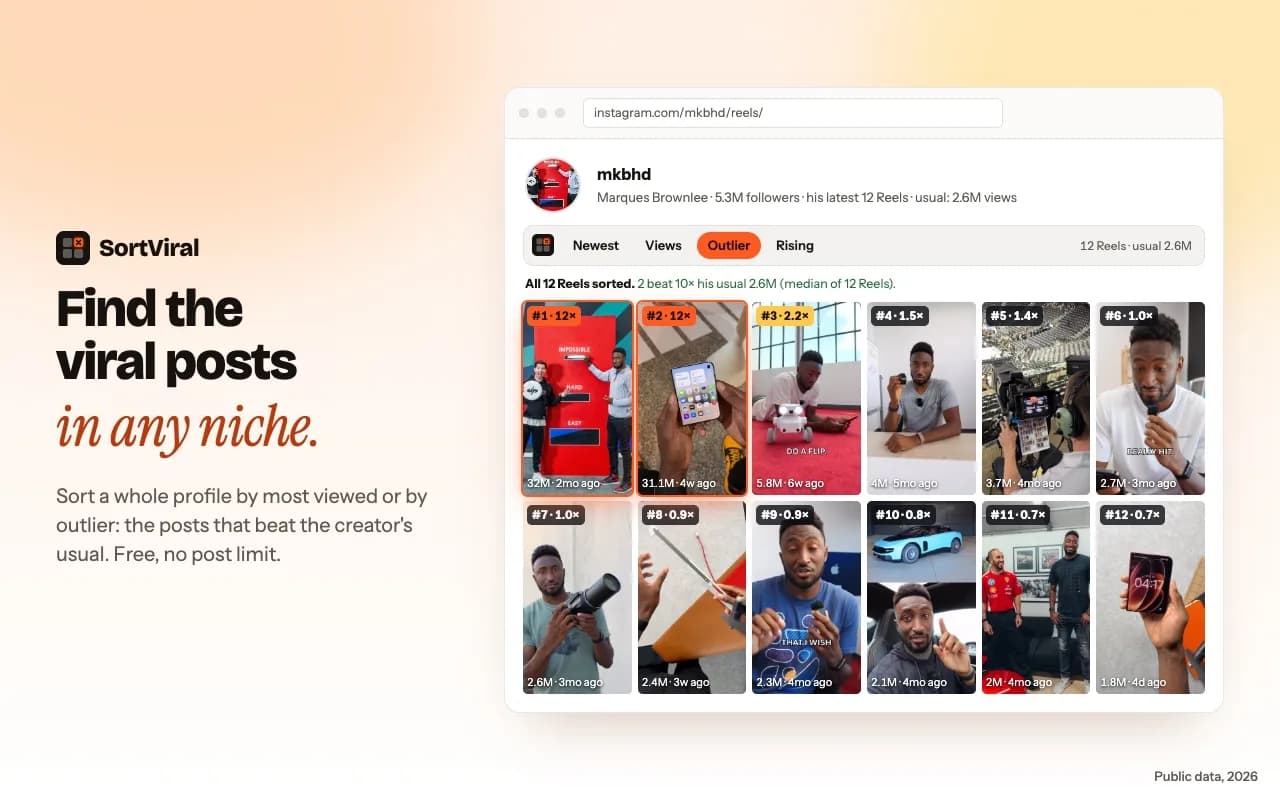
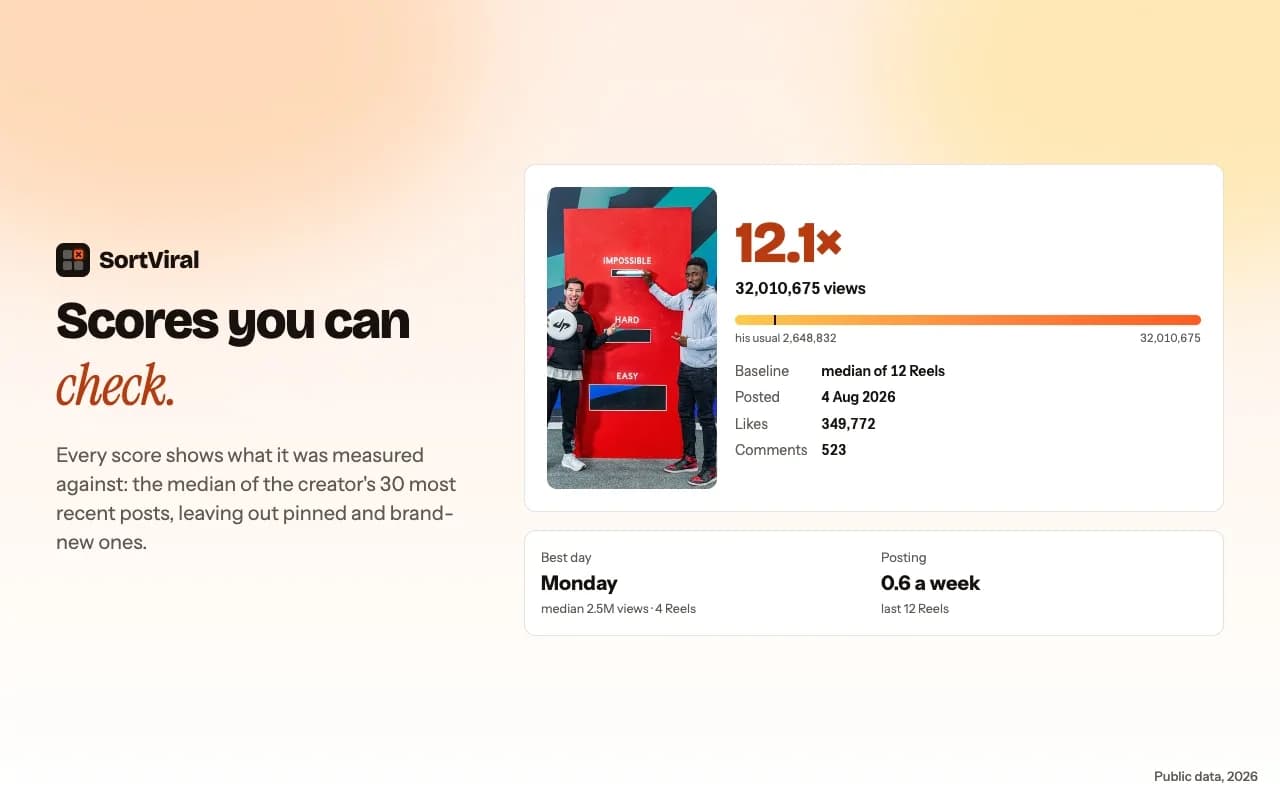
SortViral sorts a profile's Reels and Posts tabs, keyword search, hashtag pages and your own Saved posts by views, outlier score, rising speed, engagement, likes, comments, saves or newest. The outlier score compares each Reel's views with the creator's median and shows that baseline, so a 10x Reel stands out even on a small account. On search and hashtag pages it compares against each creator's followers, which helps you spot trending content across Instagram in a niche. On the Posts tab you can filter to Reels, carousels or photos. It loads the newest 100 posts in seconds, and a free Load all button fetches the rest of the profile in the background without scrolling. You also get each creator's best day and time to post, CSV export, and the same sorting on TikTok, YouTube videos and Shorts, Facebook and Pinterest. It's free with no sign-up. It doesn't download videos.
Best for: free, no-sign-up Reels research with outlier scores across five platforms. SortViral on the Chrome Web Store · How to sort Instagram Reels by views
2. Sort Feed (sortfeed.com)
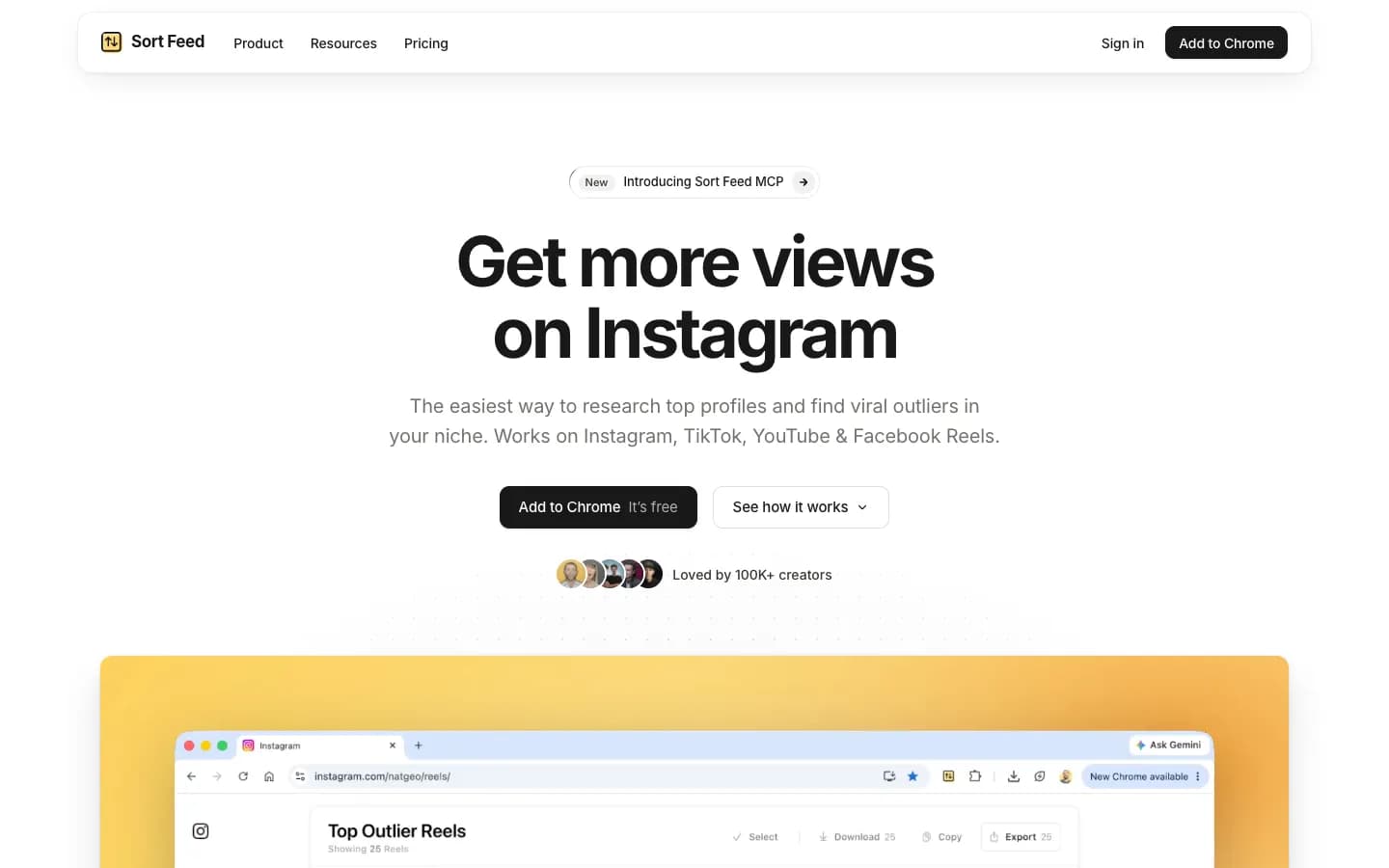
Sort Feed is the most-installed sorter here, with 100,000 users as shown on the Chrome Web Store on 16 November 2026. It sorts Instagram, TikTok, Facebook and YouTube, and its outlier score (views divided by the creator's median) is free on all four. The free plan covers the latest 25 posts or one week of content, with export and unlimited downloads. Its feature list also includes bulk download, transcripts on Instagram, TikTok and Facebook, export to Sheets, Excel, CSV or JSON, and suggestions for similar accounts. Pro is $12/month billed yearly or $19 month to month.
Best for: sorting, downloading and transcribing Reels in one extension, from the tool with the biggest user base. Sort Feed on the Chrome Web Store
3. Sort Feed - TikTok & Instagram Sorter (sortfeed.io)
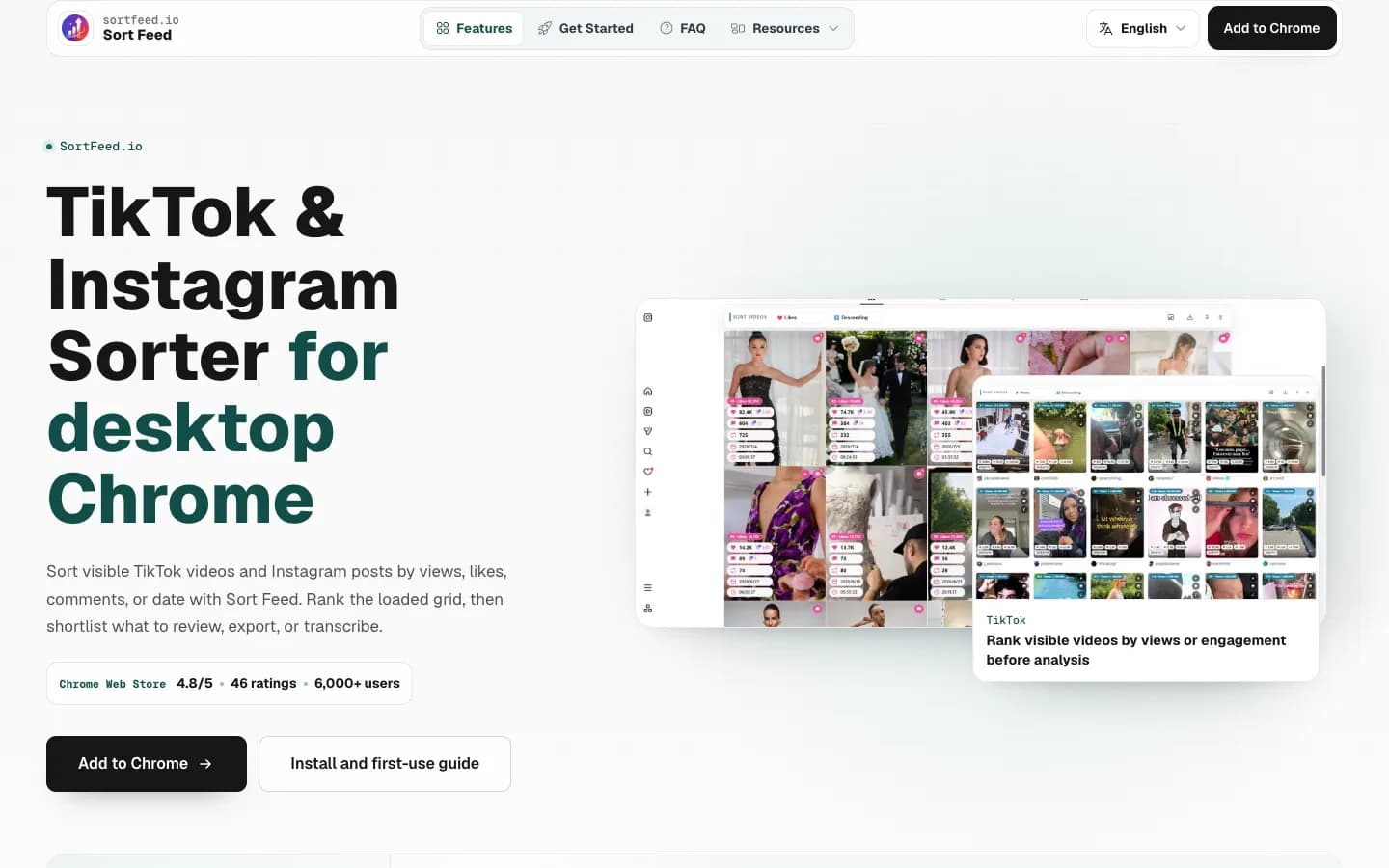
This is a separate extension with a similar name, and its website is sortfeed.io. It sorts profiles, feeds and hashtag pages on Instagram and TikTok locally, with CSV export and unlimited downloads. The free plan covers the latest 25 posts plus 10 welcome AI Credits. Pro is $12/month, or $108/year (about $9/month), and includes 500 AI Credits a month for transcription and comment or follower collection. The listing is available in 66 languages.
Best for: AI credits for transcripts and comment collection, in your own language. Sort Feed (sortfeed.io) on the Chrome Web Store
4. SortBuddy
SortBuddy works on Instagram and TikTok. It puts an outlier score on every Reel, post and TikTok and highlights anything at 2x or more, measured against nearby posts. You can sort the latest 25, 50 or 100 posts or the whole profile, then export CSV or JSON with the scores included. A download button sits on each post. The listing says it's all free, with no sign-up.
Best for: a free sorter that also downloads Reels. SortBuddy on the Chrome Web Store
5. IShort

IShort is built for Instagram Reels content research. It adds an "x avg" outlier badge, a posting-time heatmap, AI transcripts in languages including Hindi, Tamil and Hinglish, CSV or Google Sheets export, and unlimited no-watermark downloads. The free plan includes 500 Reels analysed (one-time) and 10 AI transcripts, and every feature is on every plan. Hobby is $10/month. You sign in with Google to create an account.
Best for: transcribing Reels, including Hindi and Hinglish content. IShort on the Chrome Web Store
6. Super Feed Sorter
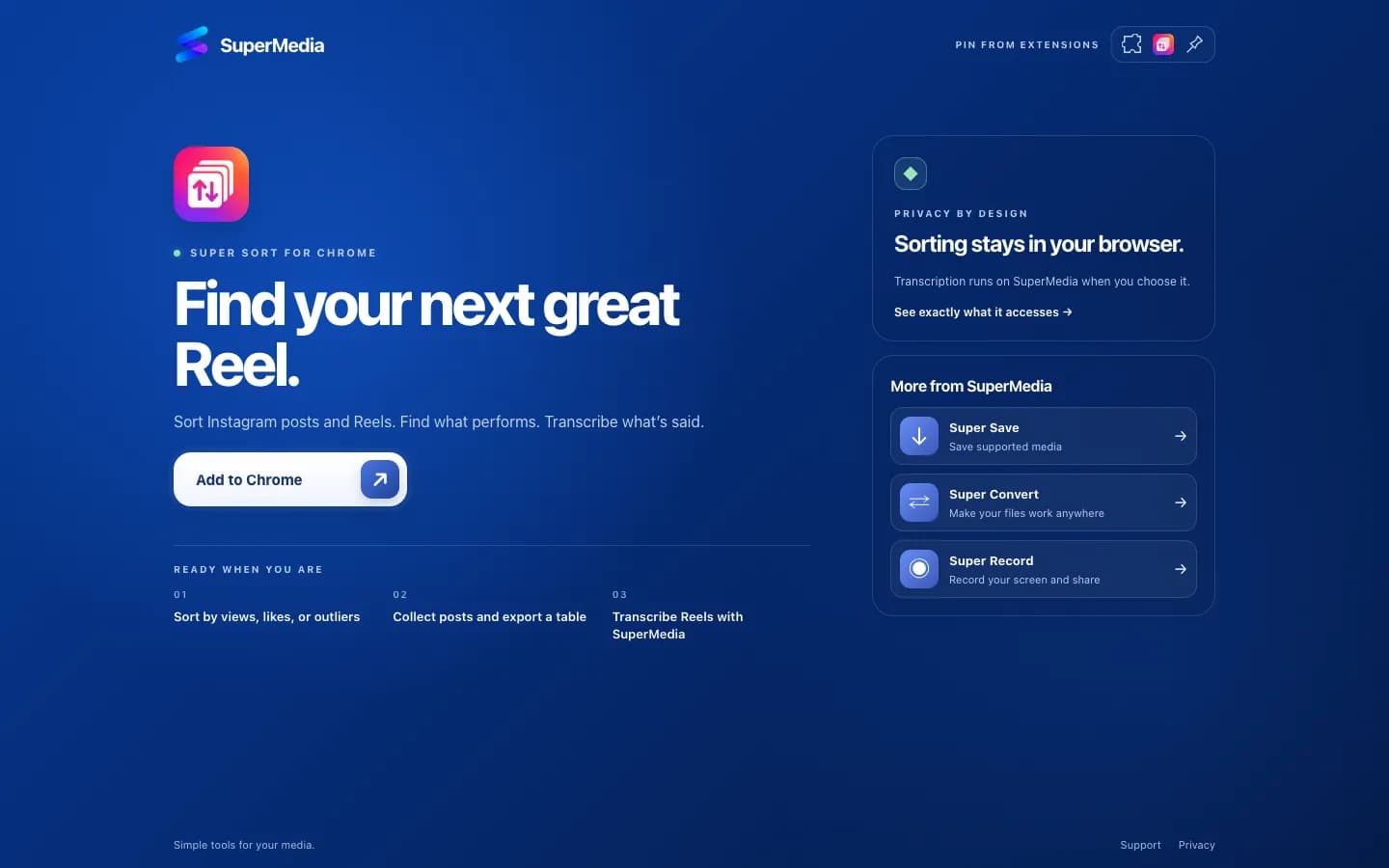
Super Feed Sorter overlays stats on every Instagram thumbnail and lets you edit the engagement-rate formula it uses. It exports to Excel with the thumbnails embedded, and filters by date and minimum likes. Every feature is free and unlimited, with no account and no backend, which suits you if privacy matters most.
Best for: Excel reports with thumbnails and a custom engagement formula. Super Feed Sorter on the Chrome Web Store
7. Trendlyst
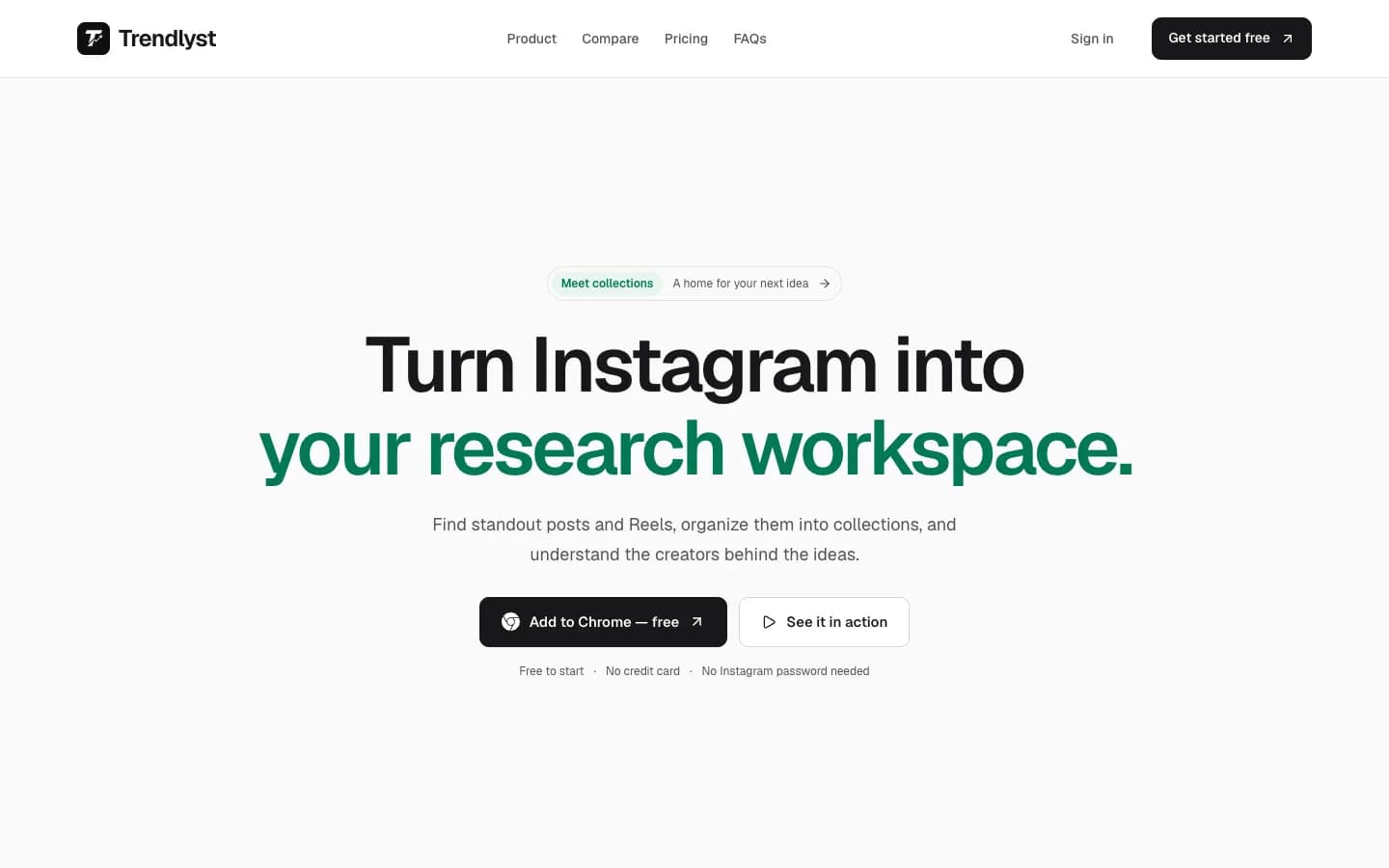
Trendlyst sorts anywhere from 25 to 500 Instagram posts, or a whole profile, and lets you set custom weight formulas. The free plan covers core sorting, post and Reel analytics, comparing saved profiles, CSV and JSON exports and bulk downloads up to 5 at a time, with no card and no account. Its feature list also includes comparing 2 to 5 profiles, ZIP bulk downloads, and transcription and translation on credits. Pro is $9/month or $39/year ($3.25/month).
Best for: comparing 2 to 5 Instagram profiles side by side at a low yearly price. Trendlyst on the Chrome Web Store
Which metric should you sort by?
Sort by outlier score when you want a format to copy, and by views when you want a creator's biggest hits. For example, 50,000 views is an ordinary Reel for an account that averages 200,000, but a 10x outlier for one that averages 5,000. The outlier score shows that difference straight away. The easiest way to research top profiles and find viral outliers is to sort by outlier score first, then analyze what the winners share. That gives you content ideas and shows what tends to get more views and likes on Instagram for accounts like yours.
A few rules that help:
- Views show what reached the most people, the simplest signal of what's performing best, but big accounts dominate any list sorted this way.
- Outlier score shows what beat the creator's own normal. That's usually the hook, topic or format worth testing, so watch the first three seconds of each one.
- Engagement (likes, comments and saves against views) shows what people reacted to, not just what they scrolled past.
- Newest with a date range shows what works right now, rather than an upload that went viral two years ago.
Once you've picked a format, test your own version before you commit to it. A trial Reel is shown to non-followers first, and our guide to Instagram Reel dimensions covers the size to export at.
How do you sort a profile's Reels by views?
To sort a profile's Reels by views, install a sorting extension, open the profile's Reels tab in desktop Chrome and pick Views. With SortViral that takes about three clicks, and the newest 100 Reels are sorted within seconds, best-performing first:
- Add SortViral to Chrome.
- Open any Instagram profile and go to its Reels tab.
- Choose Views. One click again flips the order.
- Press Load all to include older Reels from the whole profile.
- Step through the top Reels with your arrow keys, or export them to CSV for a spreadsheet.
The full step-by-step walkthrough, with screenshots, is on sortviral.com.
When your version of a winning format is ready, PostOnce posts it to TikTok, YouTube Shorts and Facebook from one upload. You can also crosspost Instagram Reels to YouTube Shorts automatically, or follow how to post Instagram Reels to TikTok step by step.
How to choose
- You want free and no sign-up: SortViral, SortBuddy or Super Feed Sorter.
- You want to download Reels too: Sort Feed, SortBuddy, IShort or Trendlyst. SortViral doesn't download, so pair it with our free Reel Downloader.
- You want transcripts: IShort, or either Sort Feed, on credits. SortViral's free transcripts cover TikTok and YouTube.
- You research more than Instagram: SortViral (five platforms) or Sort Feed (four). For TikTok, see the best tools to sort TikTok by most viewed. For Facebook, see how to sort Facebook Reels by views.
Already using Sort Feed and comparing options? See the Sort Feed alternatives list.
The same sort helps UGC creators studying hooks, theme pages picking formats and agencies researching a client's competitors. To track your own numbers over time, see the social media analytics dashboard guide, and for research beyond Reels, the social media competitor analysis tools list.
How we compared these tools
We checked each tool's Chrome Web Store listing and its own website on 16 November 2026, and recorded the platforms it covers, what the free plan includes, the cheapest paid price, and the store rating and user count shown that day. The order reflects how well each tool answers this page's question for most creators, weighing free limits, platforms covered and depth of features such as outlier scores, transcripts and export. Prices and store numbers change often, so check the listing before you pay.
Frequently asked questions
Is there a free extension to sort Instagram Reels by views?
Yes. SortViral is free with no sign-up and sorts a whole profile with its Load all button. SortBuddy and Super Feed Sorter are also free according to their listings. Sort Feed, IShort and Trendlyst have free plans with limits and paid upgrades.
Can you sort someone else's Instagram Reels by views?
Yes. These extensions work on any Instagram profile you can open in Chrome, not just your own. They read the view counts Instagram already shows on the Reels tab and reorder them on your screen, so you see their Reels by most viewed first.
Can you sort Instagram Reels by views on your phone?
Not with these tools. Chrome Web Store extensions run in Chrome on a computer, so you need desktop Chrome. Once you've found a winning Reel, you can still post your own version from your phone.
What is a good outlier score for a Reel?
A Reel at 2x the creator's median is doing well, and SortBuddy highlights anything above that. At 5x or 10x it's a clear breakout, and that's the format worth studying first.