



The best free tool to sort TikTok by most viewed is SortViral: it needs no sign-up and sorts profiles, search, Explore, hashtag and sound pages by exact views or by outlier score, with free transcripts. For downloads, TokSorter and Feed Sorter include them on their free plans, and for TikTok Shop and LIVE data, KOLSprite goes deepest.
Below you'll find seven tools compared on what they sort, free limits, price and their best use, plus what TikTok's own sort can and can't do. You'll find viral content on any TikTok account or hashtag in seconds, without scrolling. When a format works for you on TikTok, post the same video to Instagram Reels with PostOnce.
Disclosure: SortViral is made by the same founder as PostOnce. Every other tool is described from its own store listing and website.
Can you sort TikTok by most viewed?
You can sort TikTok by most viewed only partly inside TikTok. On desktop, many profiles offer Latest, Popular and Oldest options, but Popular is TikTok's own ranking, not a strict view count, and it only covers that one profile. There's no built-in sort for TikTok hashtag or search pages, and TikTok Analytics, explained in TikTok's help center, covers only your own videos. A free Chrome extension can sort TikTok videos on profiles, hashtags and search results by exact views.
Extensions, which you add from the Chrome Web Store, also add numbers TikTok doesn't show side by side with likes and comments, such as engagement rate and an outlier score, and most export the list to CSV so you can keep it.
Quick comparison
| Tool | Platforms | Free plan | Paid from | Store rating · users |
|---|---|---|---|---|
| SortViral | TikTok, Instagram, YouTube, Facebook, Pinterest | Free, no sign-up | Free | 5.0 (3) · 200 |
| Sort Feed (sortfeed.com) | TikTok, Instagram, Facebook, YouTube | Latest 25 posts or 1 week, export, unlimited downloads | $12/mo billed yearly, $19 monthly | 4.2 (303) · 100,000 |
| SortBuddy | TikTok, Instagram | Everything free | No paid plan stated | 4.9 (30) · 3,000 |
| TokSorter | TikTok | Latest 25 posts, CSV, unlimited downloads, 10 credits | $8/mo | 5.0 (15) · 448 |
| FeedRank | TikTok, Instagram | Free on TikTok and Instagram (Google sign-in) | No paid plan stated | 4.6 (14) · 887 |
| KOLSprite | TikTok, incl. TikTok Shop and LIVE | Free tier, e.g. 10 searches a day | $39/mo, or $399/yr | 4.7 (234) · 100,000 |
| Feed Sorter (OVSZON) | TikTok, Instagram | TikTok features free | $5 for 1 month, $43 for 1 year | 3.5 (148) · 100,000 |
Ratings and user counts as shown on the Chrome Web Store on 16 November 2026. Prices from each developer's own pricing page.
Every new TikTok post, on Instagram too.Connect once. PostOnce copies each new post for you.See how →Posts PostOnce copied from TikTok to Instagram in the last 30 days.
Source: PostOnce posting data.
The 7 best tools to sort TikTok by most viewed
1. SortViral
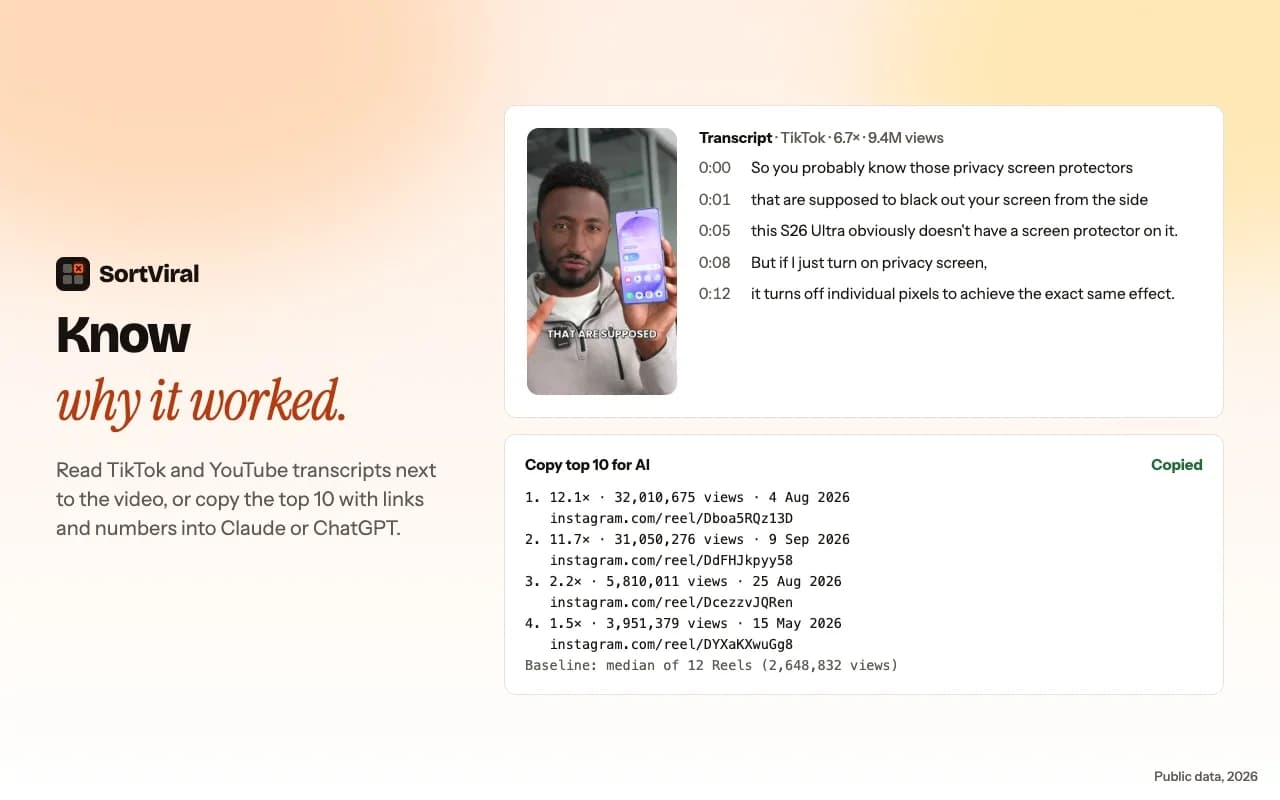
SortViral sorts TikTok profiles, search results, Explore, hashtag and sound pages by views, outlier score, rising speed, engagement, likes, comments, shares, saves or newest, and adds a badge to each For You video. The outlier score compares each video with the creator's median, or with each creator's followers on search and hashtag pages, and shows its baseline. Profiles load the newest 100 videos in seconds, and a free Load all button loads the rest. Its player lets you step through sorted videos with your arrow keys and read the transcript, free. It's free with no sign-up and doesn't download videos.
Best for: free TikTok research with outlier scores and transcripts, no sign-up. SortViral on the Chrome Web Store · How to sort TikTok by views
2. Sort Feed (sortfeed.com)
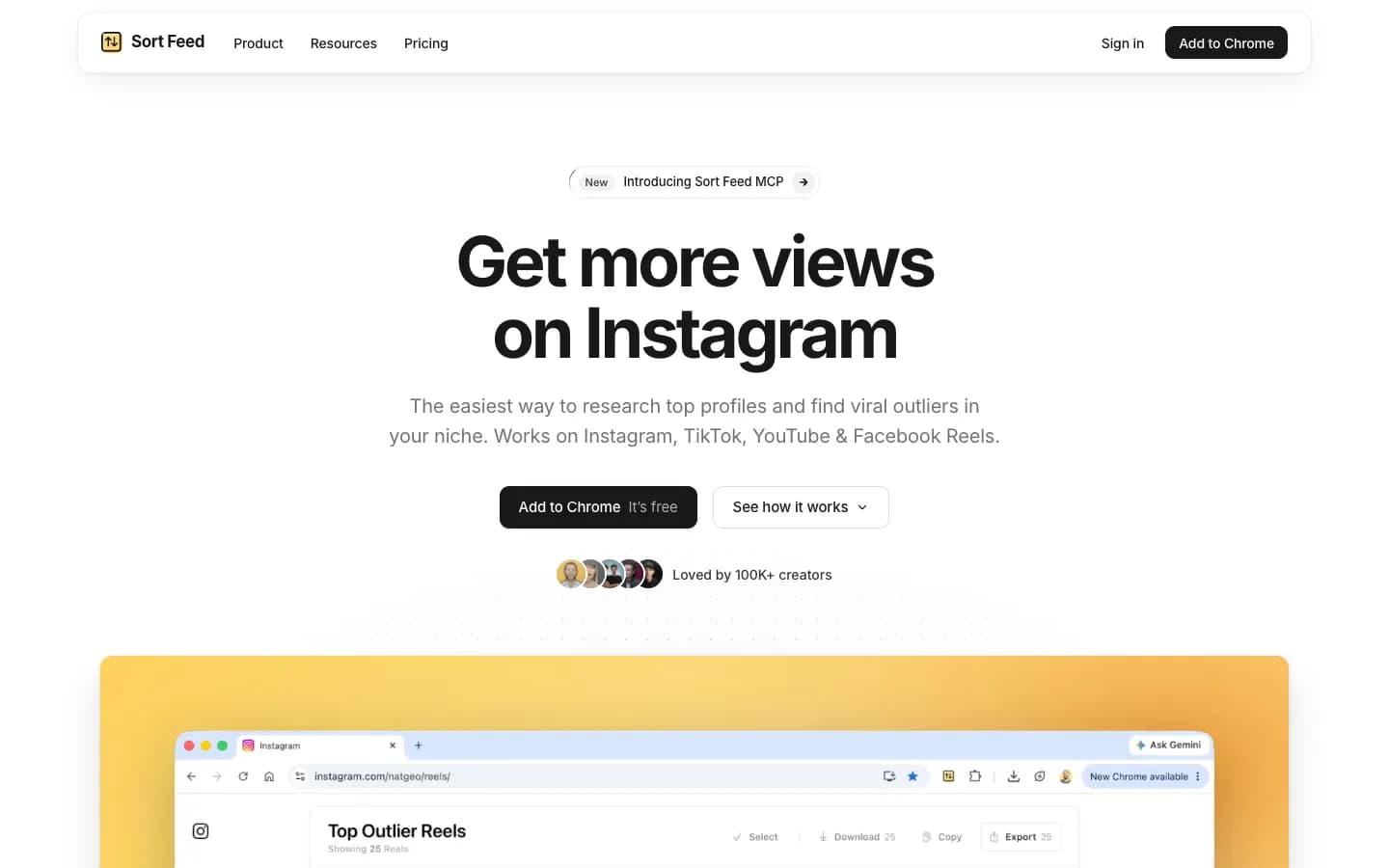
Sort Feed is one of the most-installed sorters, with 100,000 users as shown on the Chrome Web Store on 16 November 2026. It sorts TikTok, Instagram, Facebook and YouTube, with a free outlier score (views divided by the creator's median) on all four. The free plan covers the latest 25 posts or one week of content, with export and unlimited downloads, and its feature list includes bulk download and transcripts. Pro is $12/month billed yearly or $19 month to month.
Best for: sorting, downloading and transcribing TikToks in one tool. Sort Feed on the Chrome Web Store
3. SortBuddy
SortBuddy shows an outlier score on every TikTok, Reel and post and highlights anything at 2x or more, measured against nearby posts. You can sort the latest 25, 50 or 100 videos or the whole profile, and export CSV or JSON with the scores. It has a download button, and the listing says it's all free, with no sign-up.
Best for: a free sorter with outlier highlights and downloads. SortBuddy on the Chrome Web Store
4. TokSorter
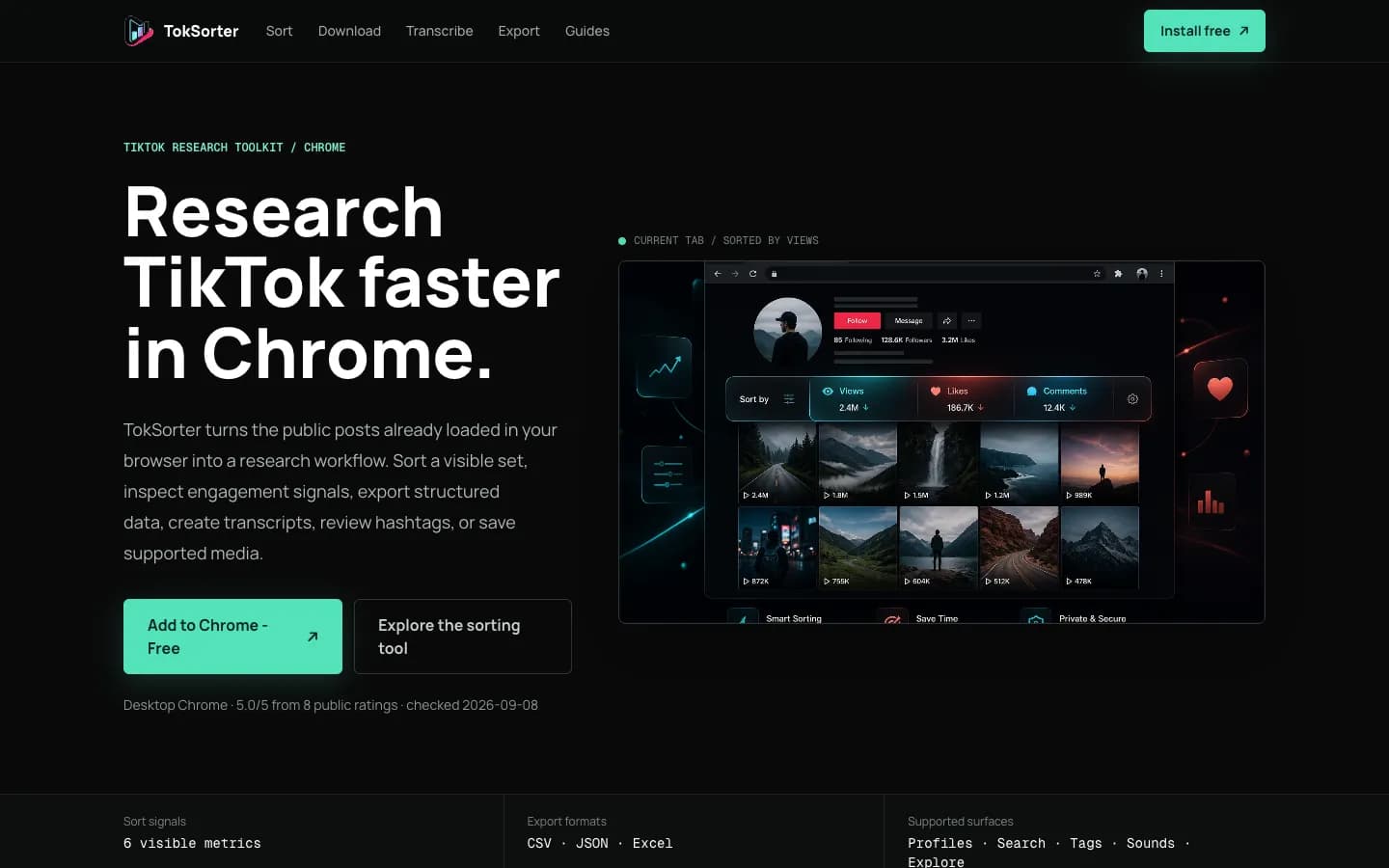
TokSorter is built only for TikTok. It sorts by views, likes, comments, shares, bookmarks or date on profile, search, hashtag, music and Explore pages, and exports to CSV, JSON or Excel. A Zen mode keeps the page clean while you browse. The free plan sorts the latest 25 posts locally, with unlimited downloads and 10 welcome credits, and core sorting needs no sign-in. Standard is $8/month with 100 credits.
Best for: TikTok-only research, including music pages and bookmark counts. TokSorter on the Chrome Web Store
5. FeedRank
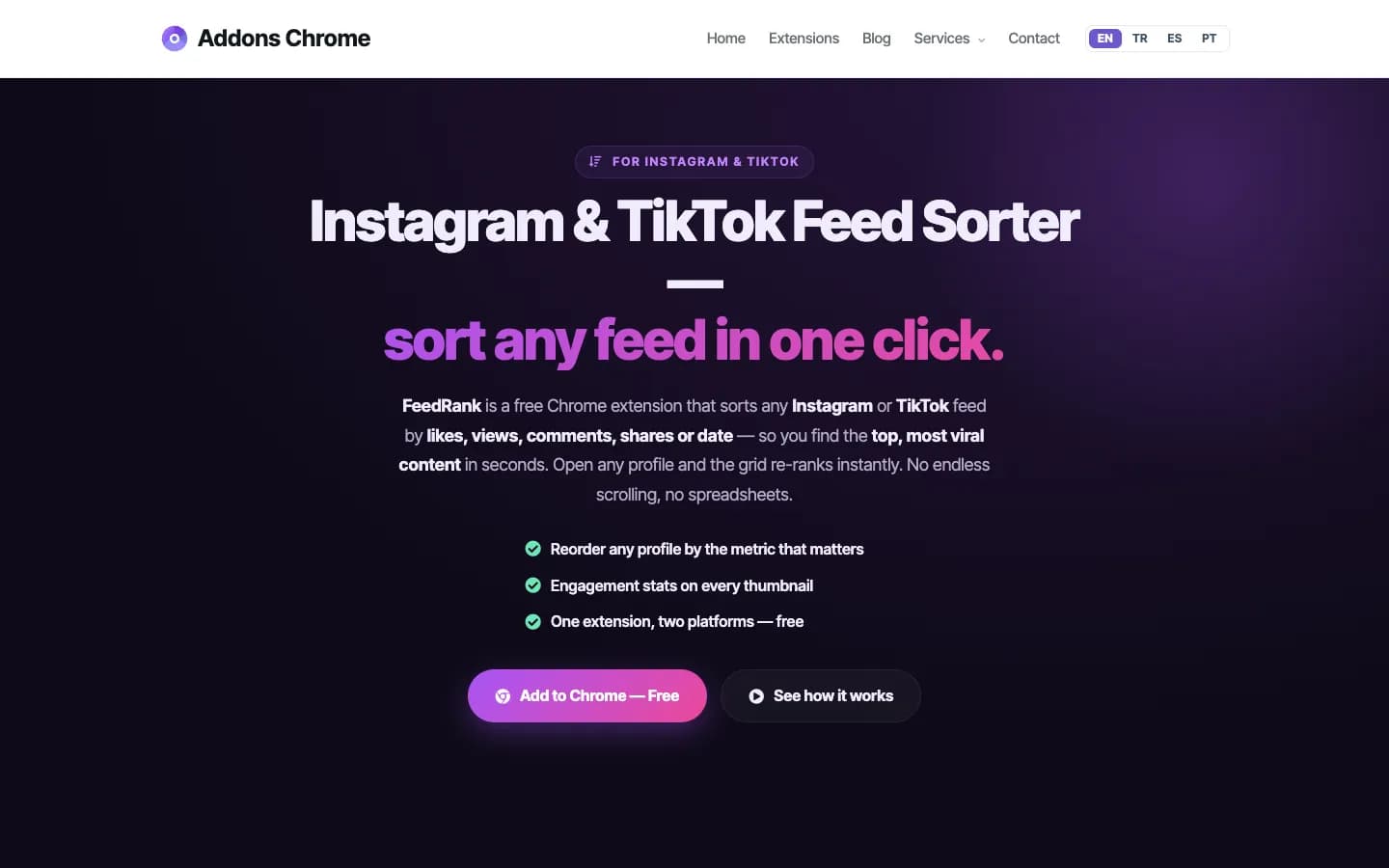
FeedRank adds a stats badge to every thumbnail and an on-page sort bar that scrolls the profile for you. One click downloads a TikTok, Reel or photo. The developer says it's completely free on both TikTok and Instagram, and you sign in with Google to use it.
Best for: a simple sort bar with auto-scroll and one-click downloads. FeedRank on the Chrome Web Store
6. KOLSprite

KOLSprite puts an analytics dashboard inside TikTok, with AI comment analysis, a similar-creator finder, bulk no-watermark downloads, Excel and CSV export, and product data for TikTok Shop and LIVE. Its free tier includes, for example, 10 searches a day, 10 bulk video downloads a month and 50 script extractions a month. Plus is $39/month (listed down from $49) or $399/year.
Best for: TikTok Shop, LIVE and creator data for brands and sellers. KOLSprite on the Chrome Web Store
7. Feed Sorter For TikTok & Instagram (OVSZON)
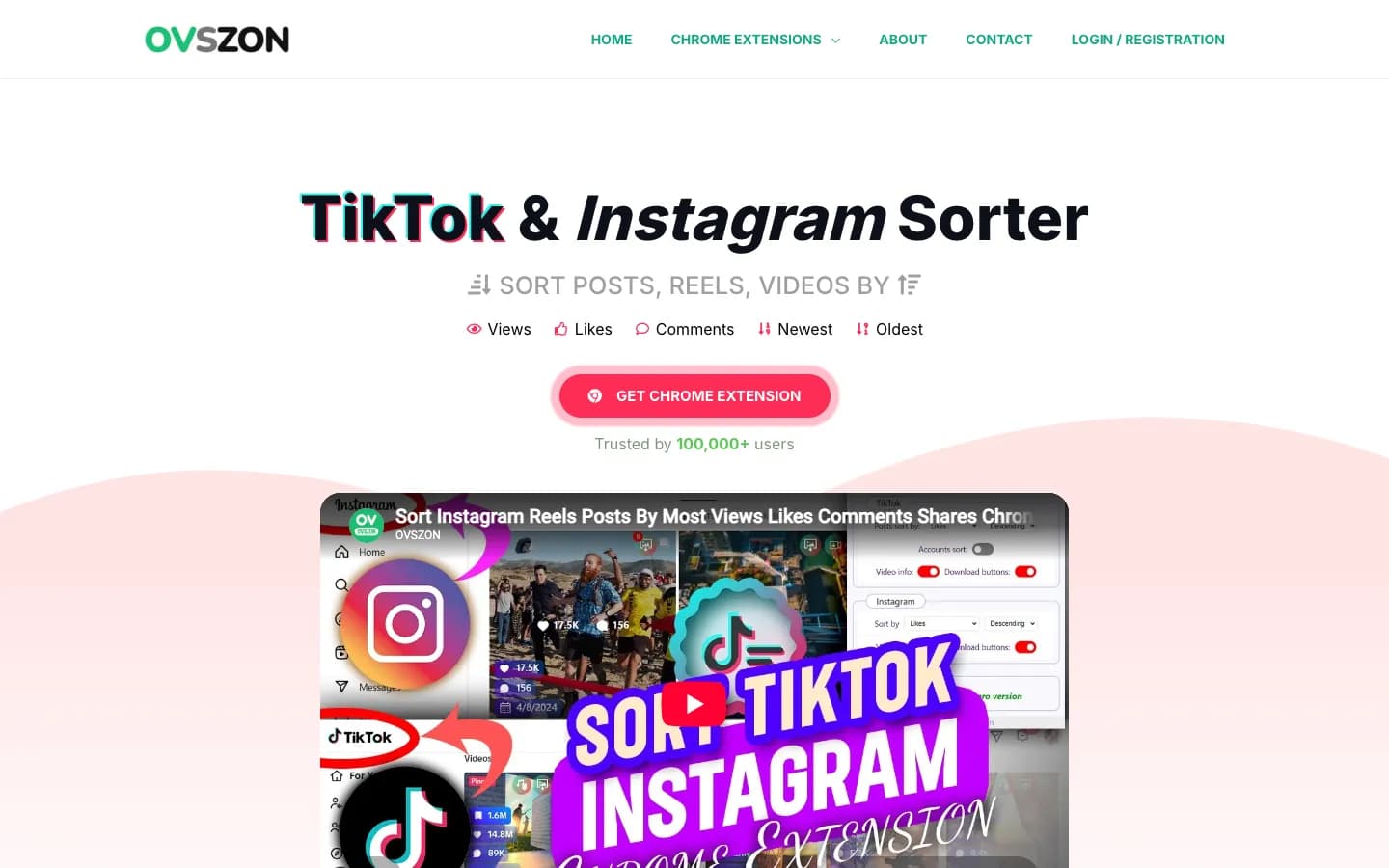
Feed Sorter shows stats on every post without opening it, sorts the feed, and exports to CSV. It also downloads watermark-free TikTok videos, covers and music. TikTok features are free, while Instagram features need premium, which costs $5 for one month or $43 for one year as one-time purchases, with an OVSZON account.
Best for: free TikTok sorting plus video, cover and music downloads. Feed Sorter on the Chrome Web Store
How do you sort a TikTok profile by most viewed?
To sort a TikTok profile by most viewed, install a sorting extension, open the profile in desktop Chrome and choose Views. With SortViral, sorting a profile by views takes about three clicks, and the newest 100 videos are sorted within seconds:
- Add SortViral to Chrome.
- Open any TikTok profile, hashtag, sound or search page.
- Choose Views to sort videos by views, or Outlier score to see what beat the creator's normal. Click again to flip the order.
- Press Load all on a profile to include every older video.
- Open the player to watch the top-performing videos in order and read their transcripts, or export to CSV.
The full walkthrough is on sortviral.com.
Once your own version is ready, PostOnce posts it to TikTok, Instagram Reels and YouTube Shorts at once, and you can crosspost TikTok to YouTube Shorts automatically. For other options, see the best short-form video crossposting tools.
Which metric should you sort by?
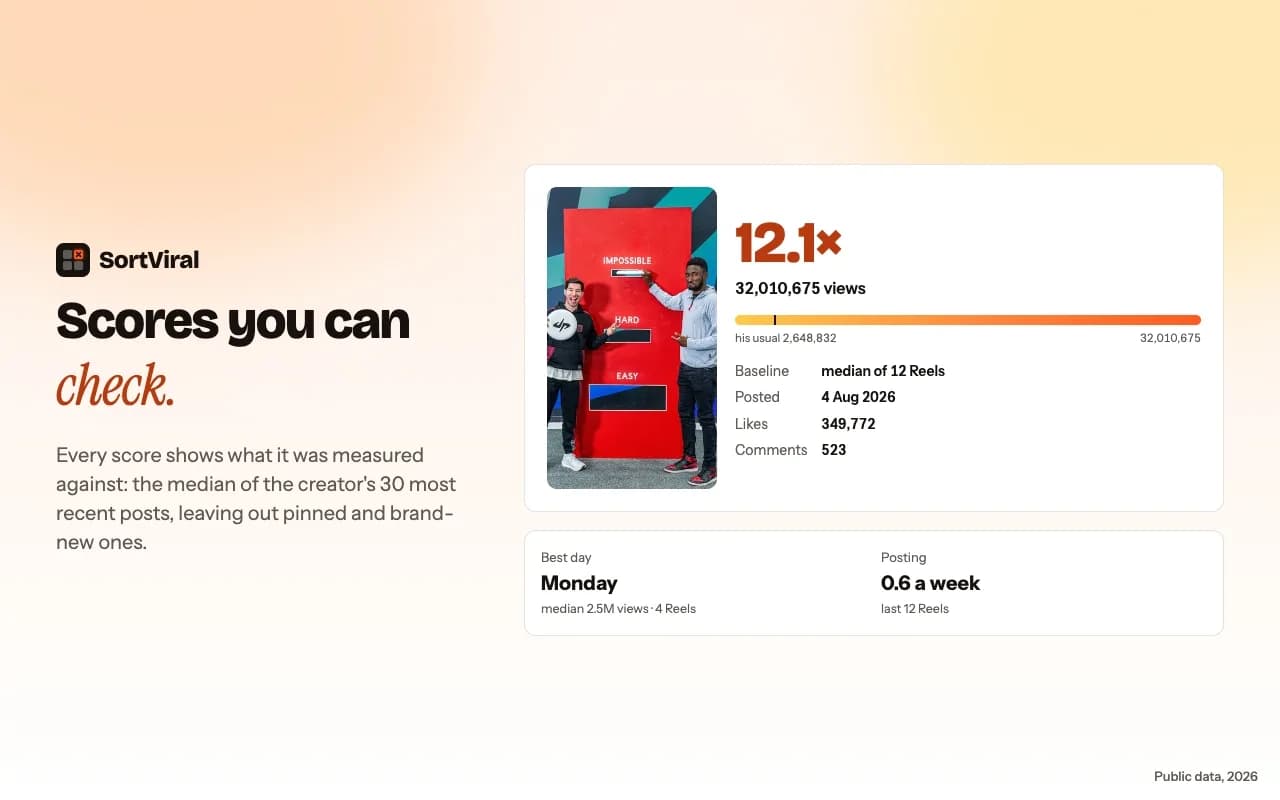
Sort by outlier score to find formats worth copying and by views to find a creator's top videos. For example, 100,000 views is normal for an account that averages 1 million, but a 20x outlier for one that averages 5,000. That small-account outlier is usually the better lesson.
On hashtag and search pages, compare views with followers. A viral video that got 50 times more views than its creator has followers was pushed by the For You feed, not by an existing audience. Then check shares and saves, which show what people wanted to send or keep. To catch a trend early, sort recent videos by rising speed, which shows what's picking up views fastest. For what makes those videos travel, see how to go viral and the content creation trends for 2026. To follow rivals over months rather than one profile at a time, the social media competitor analysis tools list covers dashboards that do it.
How to choose
Most content creators need only one of these, next to the other tools for content creators they already use, so pick by the job:
- Free, no sign-up, with transcripts: SortViral.
- Downloads included: Sort Feed, SortBuddy, TokSorter, FeedRank or Feed Sorter. If you use SortViral, our free TokToMP4 handles downloads.
- TikTok Shop and LIVE data: KOLSprite.
- Instagram too: see the best Chrome extensions to sort Instagram Reels by views and the Sort Feed alternatives list. For Facebook, see how to sort Facebook Reels by views.
Research is the first half of the job. UGC creators remake the hooks that worked, agencies bring the numbers to clients, and small businesses learn which videos to film next.
How we compared these tools
We checked each tool's Chrome Web Store listing and its own website on 16 November 2026, and recorded the platforms it covers, what the free plan includes, the cheapest paid price, and the store rating and user count shown that day. The order reflects how well each tool answers this page's question for most creators, weighing free limits, platforms covered and depth of features such as outlier scores, transcripts and export. Prices and store numbers change often, so check the listing before you pay.
FAQ
Can you sort TikTok by most viewed on mobile?
Not with these extensions. Chrome Web Store extensions run in Chrome on a computer, so you need desktop Chrome to sort by most viewed. You can still post the video you make from what you find on your phone.
Can you sort a TikTok hashtag by most viewed?
Yes, with an extension. SortViral, TokSorter and Sort Feed (sortfeed.io) sort hashtag pages and list the TikTok videos by most viewed, and SortViral also scores each video against its creator's followers there, so small accounts with a breakout video stand out.
Is there a free TikTok sorter without sign-up?
Yes. SortViral and SortBuddy need no sign-up, and TokSorter's core sorting works without signing in. FeedRank is free but asks you to sign in with Google.
Does TikTok's Popular tab show the most viewed videos?
Not exactly. Popular is TikTok's own ranking of a profile's popular videos, not a strict order by view count, and Latest lists them newest to oldest. To see the most viewed first in exact view order, or to sort hashtag and search pages, use an extension.