

Tool sprawl slows teams down faster than bad planning.
The problem usually is not a lack of options. It is a stack that grew one app at a time, with tasks in one place, conversations in another, files somewhere else, and repeatable work still handled manually. Teams end up paying for software without getting consistent execution from it.
That is the core question behind team productivity tools. Which tools belong in the stack, what job should each one own, and where should automation replace copy-paste work?
This guide takes a functional approach instead of treating every product like a direct substitute. Some tools are strongest at project management. Others handle communication, documentation, file collaboration, databases, or lightweight workflow design. A useful stack is not built by picking the tool with the longest feature list. It is built by choosing a small set of tools that fit your team's operating style and connect cleanly.
Social media operations are a good example. Many teams stay organized inside a project tool, then lose time at the last step by manually reposting the same content across channels. That is where a focused automation tool like PostOnce can improve output without adding much process overhead. If cross-channel publishing is one of your bottlenecks, this guide to automatically cross-posting social media content shows what that workflow looks like in practice.
The sections below break these tools down by function, trade-offs, and team fit so you can build a productivity stack that reduces friction instead of creating another layer to manage.
1. PostOnce

Most team productivity tools help after work has already been planned. PostOnce helps before that bottleneck spreads. If your team creates content in one place and then manually republishes it everywhere else, that workflow burns time, creates inconsistency, and almost guarantees missed posts when the week gets busy.
PostOnce is built around a simple promise: post once, publish everywhere. You create one post, define how it should behave across platforms, and let the tool handle distribution to networks like Instagram, Facebook, X, LinkedIn, Threads, Bluesky, TikTok, and Pinterest. It also adapts formatting, including text length, image sizing, and hashtag handling, so the post doesn't look like a lazy copy on every channel.
Why It Fits This Search Intent
For the search intent behind team productivity tools, PostOnce solves a very specific operational problem. It removes repetitive publishing work that often sits outside project management tools, chat apps, and docs. Teams usually notice the pain when a marketer or founder becomes the human bridge between every social platform.
The setup is lightweight, which matters. Connections use secure OAuth, workflows are customizable, and new content can trigger instant multi-account publishing without the usual app switching. If your team wants a practical starting point for automation, automatic cross-posting workflows are easier to adopt than a full process overhaul.
Practical rule: Automate distribution first. Keep creative review and platform-native polish human.
Real Trade-Offs
PostOnce works best for teams that value consistency and speed over handcrafted platform-by-platform publishing. That includes small businesses, agencies, creators, and lean marketing teams that need broad distribution without dedicating a person to social ops all day.
A few trade-offs are worth being honest about:
- Best use case: It shines when the same core message should appear across multiple networks with minor format changes.
- Less ideal use case: Bespoke platform-native content, especially interactive or highly customized formats, may still need manual edits after publishing.
- Scaling advantage: Plans scale by account count, with Creator for 15 accounts, Pro for 50, and Agency for 200. All include unlimited workflows and unlimited posts.
- Pricing clarity: Pricing starts at $29 per month for Creator, with lower annual rates available. There's also a 7-day free trial and a 7-day refund policy.
PostOnce also offers a developer API, which matters if your team wants social distribution to connect with a broader content pipeline.
What Works in Practice
The best way to use PostOnce is as the automation layer in your content stack. Draft in Notion, approve in Asana, track assets in Airtable if needed, then let PostOnce handle distribution. That keeps social publishing from becoming a separate operational burden.
If your team has one repeated complaint like “why are we still posting this manually?”, this is the tool that answers it cleanly.
2. Asana
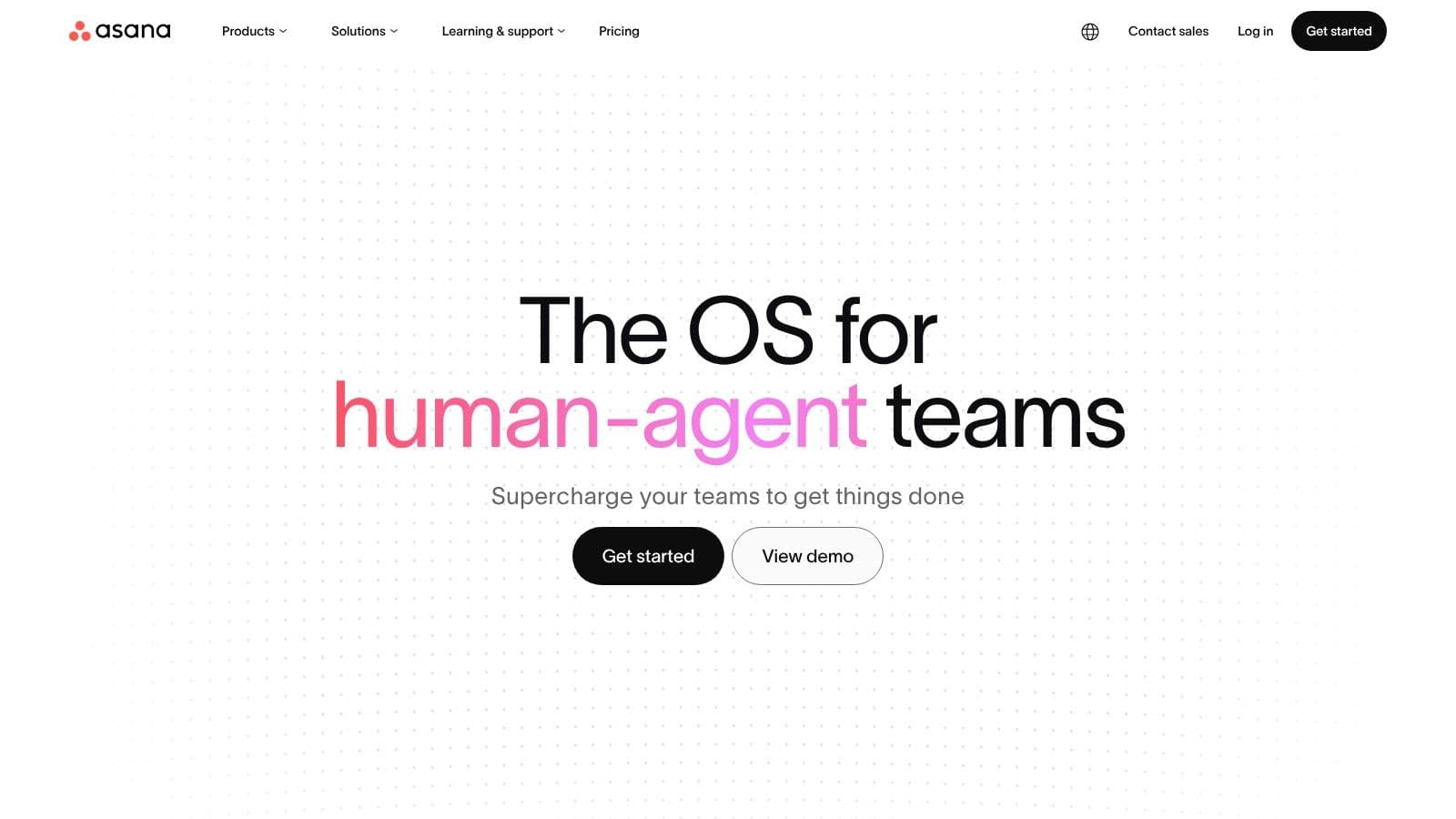
Asana is one of the better picks when work crosses departments and nobody wants to manage that coordination in spreadsheets. It handles planning, assignment, timelines, approvals, goals, and reporting in a way that feels structured without being as rigid as some enterprise systems.
I usually recommend Asana when a team has already outgrown simple task boards. Marketing, operations, product, and client work all benefit from its portfolio and goal layers because leaders can see more than a single project view. That's the difference between task management and actual work management.
Where Asana Earns Its Keep
Asana is strong when accountability needs to be explicit. Owners, due dates, dependencies, approvals, and status reporting are all visible. That's especially useful in teams that need a formal content or campaign review process. If that's your environment, content approval workflows pair naturally with Asana's structure.
What works well:
- Cross-functional planning: Timeline, board, list, and calendar views help different teams work in the format they prefer.
- Executive visibility: Portfolios and goals give managers a cleaner roll-up than many lighter tools.
- Client collaboration: Unlimited free guests on paid plans make external review less painful.
The Friction Points
Asana doesn't feel “instant” in the way Trello does. Teams need naming conventions, project templates, and some process design up front. Without that, it becomes a tidy-looking place to hide messy work.
Asana is excellent at showing who owns the next step. It's less forgiving when your process itself is vague.
Advanced admin, security, and portfolio features also sit higher in the pricing ladder, so smaller teams should be realistic about whether they need the full platform or just strong project tracking.
3. ClickUp
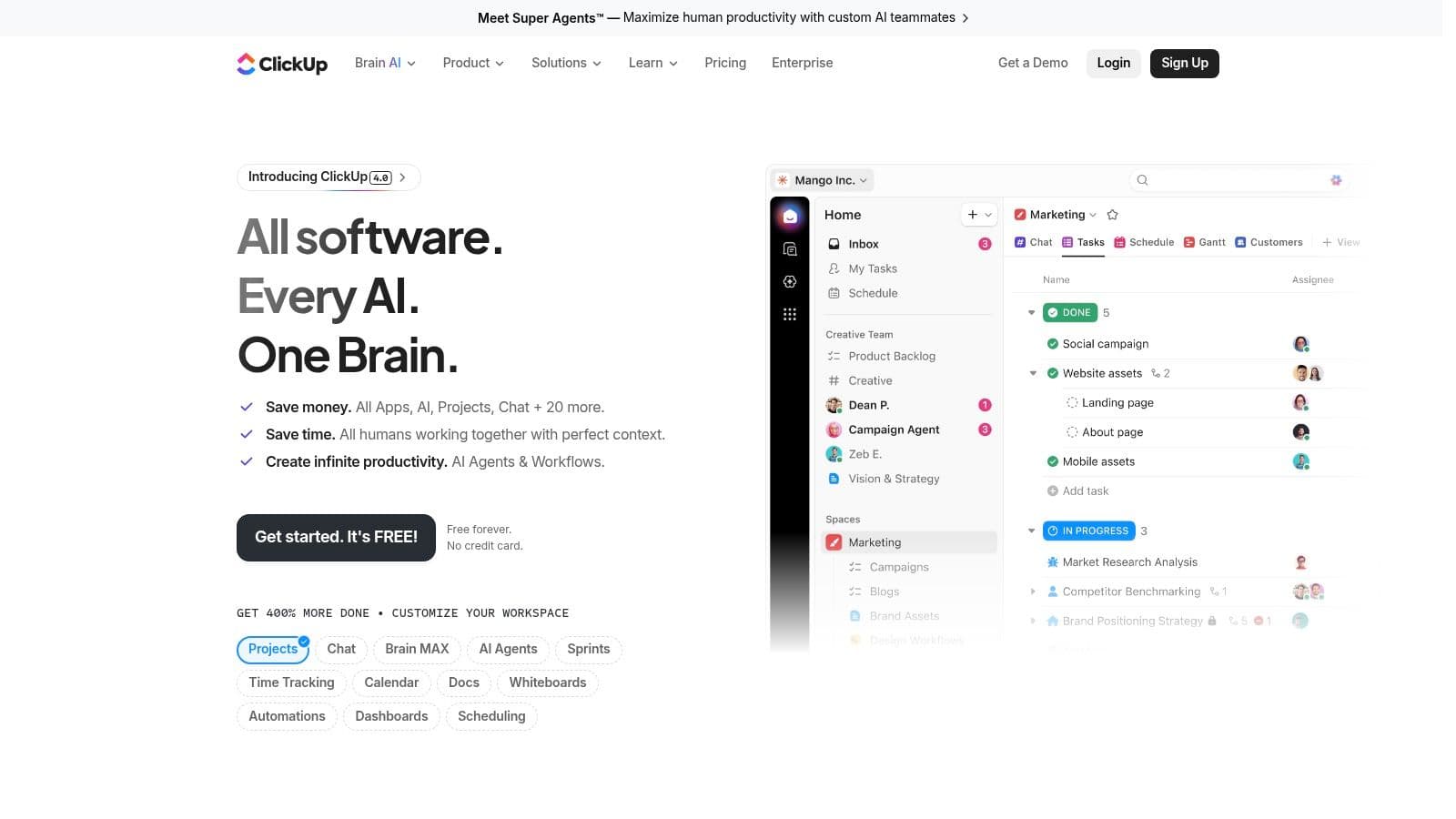
ClickUp is what a lot of teams choose when they're tired of stitching together five different tools. Tasks, docs, whiteboards, chat, automations, and even screen recording live in one workspace. If consolidation is the goal, ClickUp deserves a serious look.
That said, breadth is both its selling point and its risk. Teams can replace a lot of software with ClickUp, but they can also overbuild their workspace fast.
Best Fit for Consolidation
ClickUp is useful for teams that want to centralize planning and execution in one app. Marketing teams use it for campaign calendars, operations teams use it for repeatable workflows, and agencies often like how customizable the hierarchy is. You can model a lot inside it without custom development.
The upside is straightforward:
- One platform for many jobs: Tasks, docs, and whiteboards reduce the need for separate lightweight apps.
- Strong customization: Views, fields, statuses, and automations can match very different workflows.
- Easy trial run: The free tier is good enough to test real workflows before committing.
Where Teams Get Stuck
ClickUp rewards admins and power users. New teams sometimes open it and try to configure everything at once. That usually backfires. The smarter rollout is to lock down a few standard views, a small number of statuses, and clear automation rules.
If your team is already suffering from tool sprawl, ClickUp can help. If your team is suffering from process sprawl, ClickUp can make that more visible, not solve it by itself.
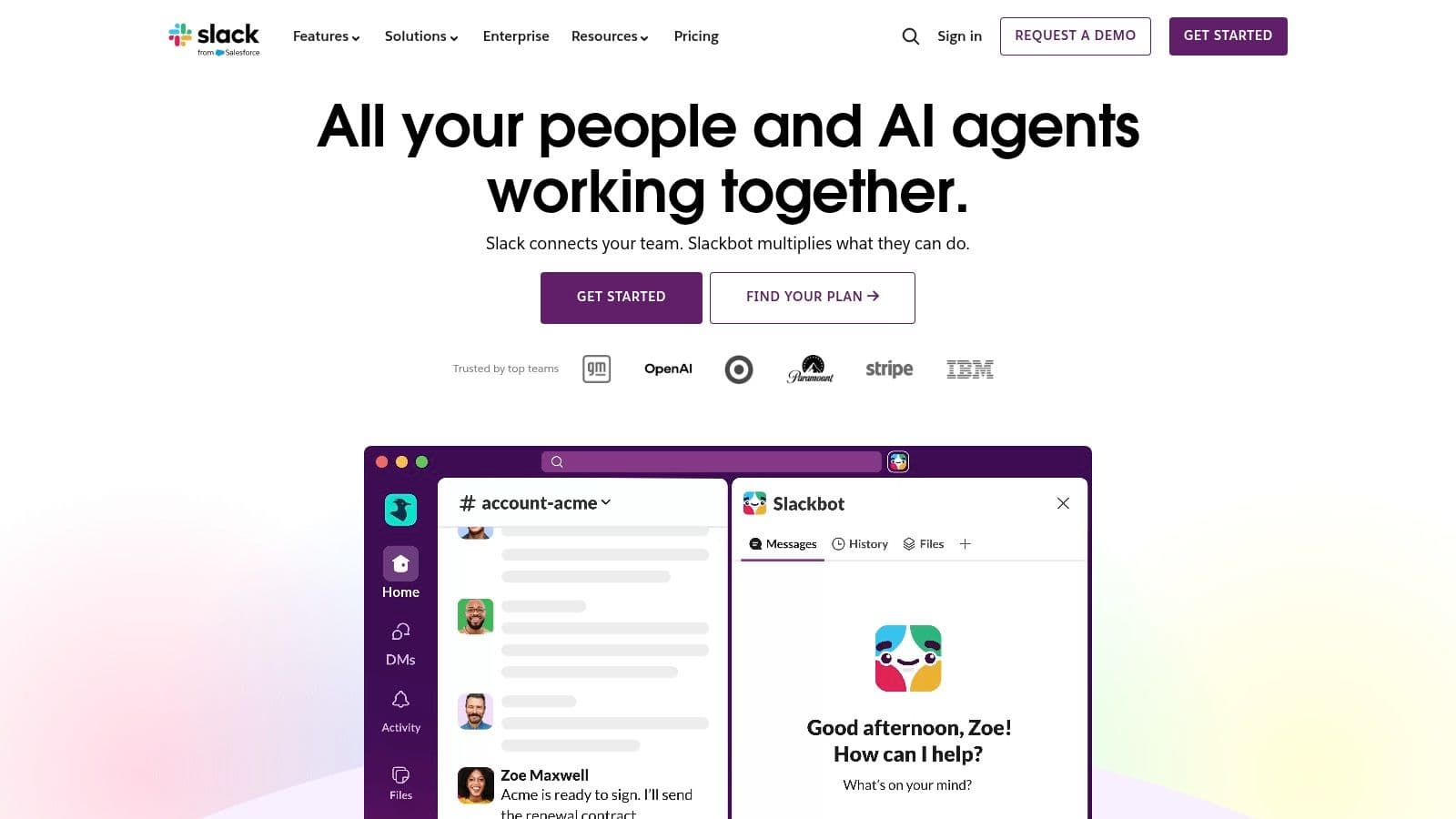
4. Slack
Slack is still the communication backbone for a lot of modern teams. Channels, DMs, huddles, app integrations, and external collaboration make it a practical default when speed matters more than ceremony.
Its biggest strength is also its biggest danger. Slack makes it easy to move fast, but it also makes it easy to create a workplace where everything feels urgent.
What Slack Does Better Than Most
Slack works when the team needs fast decisions, quick unblockers, and easy integration with the rest of the stack. That's why it's often the connective tissue between project tools, docs, support systems, and alerts. If you're trying to improve workflow efficiency, Slack usually stays in the stack, but it shouldn't become the place where projects are managed.
The integration depth matters. It also helps that Slack supports external collaboration cleanly through Slack Connect, which many client-facing teams prefer over long email threads.
One business lesson from its early path is still relevant. Slack's journey from pivot to category leader is a reminder that tools win when they remove friction from a daily habit, not when they pile on features nobody asked for.
The Main Operational Risk
A major warning sign in any productivity stack is interruption overload. Atlassian highlighted a Microsoft 2024 Work Trend Index finding that workers were interrupted every 2 minutes by meetings, emails, or notifications. Slack can become part of that problem if teams don't set channel norms, notification rules, and expectations around response time.
Working rule: Use Slack for decisions and coordination. Move commitments, deadlines, and deliverables into a project system.
The free plan's recent-history limits are also enough to push serious teams toward paid tiers pretty quickly.
5. Notion
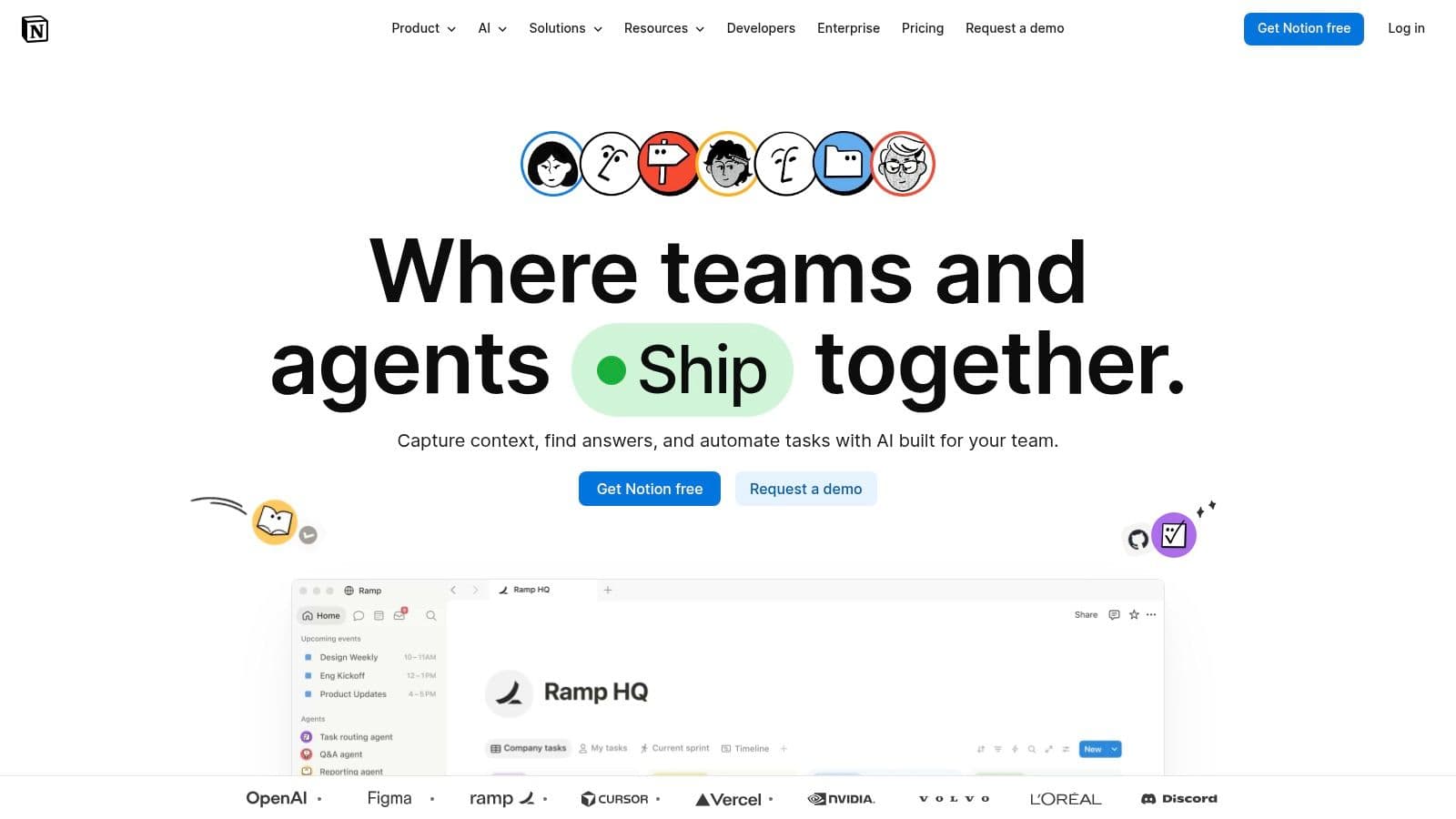
Notion is the tool I see most often in content-heavy teams that want one place for knowledge, planning, and lightweight workflow management. It's a docs tool, wiki, database builder, and project tracker rolled into one flexible workspace.
That flexibility is why people love it. It's also why some workspaces become impossible to govern after a year.
Where Notion Shines
Notion is especially good for editorial operations, SOPs, research hubs, campaign briefs, and internal knowledge systems. You can create a strong content engine inside it with linked databases, templates, and permission controls. Teams building editorial systems often start with a content calendar workflow and expand from there into briefs, approvals, and publishing notes.
Useful strengths include:
- Knowledge centralization: Docs and databases live together, so context stays close to the work.
- Template speed: The template ecosystem cuts setup time for common workflows.
- Flexible structure: Pages can support everything from onboarding docs to campaign trackers.
Where It Stops Being Easy
Notion is not a great substitute for a dedicated project management tool when you need strict dependencies, workload balancing, or serious operational reporting. It can do lightweight task management, but teams often stretch it too far because it feels elegant at first.
I'd use Notion for thinking, documenting, and organizing. I wouldn't rely on it alone to run a complex delivery operation unless the team is very disciplined about structure and permissions.
6. Monday.com
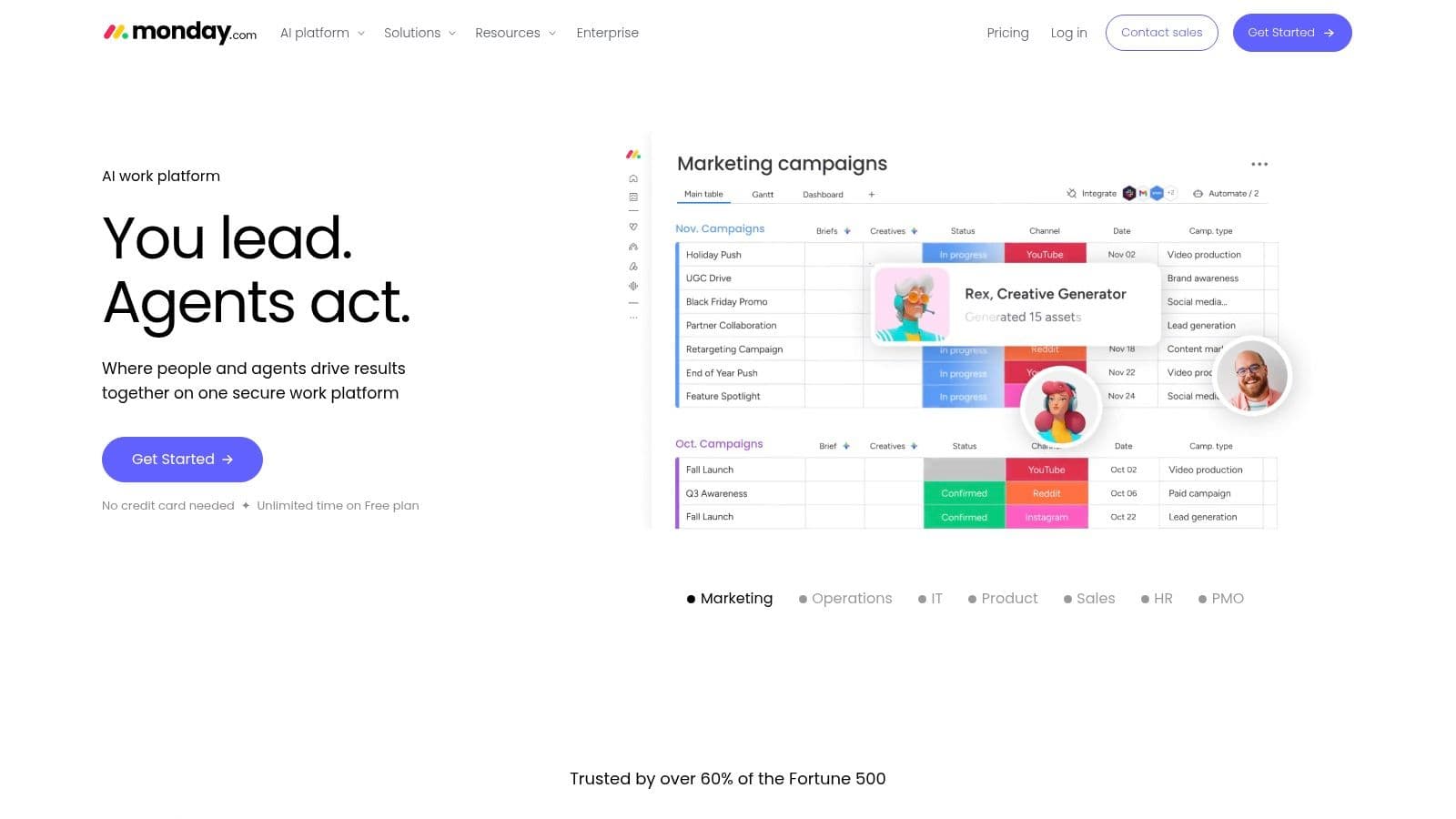
Monday.com is a visual Work OS that appeals to teams that want to see processes at a glance. Boards, dashboards, timelines, automations, and packaged product lines make it easier to standardize on one vendor across projects, operations, and CRM-style workflows.
Some tools feel built by engineers for operators. Monday feels built for teams that want visibility fast.
Where Monday.com Works Best
If your team thinks in boards and wants a strong template ecosystem, Monday is usually easy to adopt. Marketing teams like the campaign planning setup, operations teams like repeatable process boards, and leadership teams tend to like the dashboards because they're readable without much training.
Its practical advantages are clear:
- Fast visual clarity: Boards and dashboards make workflow bottlenecks visible quickly.
- Template depth: Teams can launch standard processes without building from scratch.
- Vendor consolidation: Monday's product family makes it easier to keep projects and adjacent workflows under one roof.
The Cost Planning Catch
The main drawback isn't functionality. It's plan structure. Pricing can be harder to optimize because of seat bundles and product-specific considerations. Teams should model future usage before standardizing on it.
Monday.com is a good fit for teams that need process visibility more than deep methodology. If your people won't adopt a tool unless it feels visually intuitive on day one, Monday has an advantage.
7. Google Workspace
Google Workspace is the default operating layer for a reason. It handles the everyday work every team has to do anyway: email, meetings, files, docs, spreadsheets, calendars, and quick collaboration without a long setup cycle.
For small teams and early-stage companies, that matters more than feature breadth. A clean stack starts with shared inbox habits, predictable file storage, and documents people can find. Teams that skip that foundation usually end up buying project tools before they have basic operating discipline.
Its real strength is speed of coordination. Docs, Sheets, Slides, Meet, Calendar, and Drive work well together, and the editing model is still hard to beat for live collaboration. People already know how to use it, which lowers training time and adoption risk.
That familiarity is also why Google Workspace often stays in the stack even after a team adds Asana, ClickUp, Notion, or Airtable.
For content and marketing teams, Sheets is often the transitional tool between informal planning and a more structured workflow. A shared tracker can work for a while, especially if the team uses a clear Google Sheets content calendar template for planning and approvals. It is not elegant, but it is accessible, and accessibility often wins in the early phase.
The trade-off is control. Google Workspace supports work creation better than work orchestration. It does not give teams strong dependency management, workload planning, approval routing, or process governance out of the box. If your team is coordinating campaigns across writers, designers, reviewers, and publishing channels, Workspace should be the base layer, not the full productivity stack.
That distinction matters in practice. Use Google Workspace for communication and shared production. Add a project system for execution control. Add automation where repetitive handoffs start slowing the team down, especially in social media workflows where planning in Sheets and publishing through a dedicated tool like PostOnce can be a practical interim setup before you rebuild the whole process.
Visit Google Workspace
8. Airtable
Airtable sits in a useful middle ground between spreadsheets and custom apps. It gives teams relational data, multiple views, automations, forms, interfaces, and stakeholder-friendly portals without requiring engineering resources.
This is the tool I bring in when a team says, “Our spreadsheet works, but nobody trusts it anymore.”
Operational Strength
Airtable is great for content calendars, asset libraries, campaign tracking, production pipelines, and request intake systems. The relational model offers significant value. Teams can connect briefs, assets, channels, owners, and deadlines instead of forcing everything into one flat sheet.
Airtable also helps reduce tool switching for non-operators. Interfaces and portals let stakeholders view only what matters to them, which is often better than inviting everyone into a full operations workspace.
- Best for structured operations: Campaigns, asset management, and request workflows fit naturally.
- Good stakeholder experience: Interfaces are cleaner than asking execs or clients to live inside a base.
- Automation-friendly: It pairs well with tools that publish, notify, or sync records elsewhere.
Where Governance Matters
Airtable can get messy when teams keep adding fields, views, and ad hoc logic without ownership. Large bases need standards. Otherwise the workspace slowly turns into a database only one ops person understands.
It's powerful, but not casual. The teams that get the most from Airtable usually assign someone to own the schema and keep it clean.
9. Microsoft 365 Business

Microsoft 365 Business stays in the stack for one reason. It handles the day-to-day systems many teams cannot afford to break.
For organizations already running on Outlook, Excel, Teams, SharePoint, and Windows devices, Microsoft 365 is often the operational base layer rather than just another app subscription. That matters when the goal is to build a productivity stack by function. Microsoft covers communication, file storage, document work, meetings, identity, and device administration in one ecosystem. Then teams can add specialist tools around it, such as Asana for project execution or PostOnce for social publishing automation.
Where It Fits Best
Microsoft 365 makes the most sense when desktop software still matters, offline access is part of real work, or security and compliance requirements are not optional. I see it work especially well in finance, professional services, operations-heavy companies, and larger organizations with existing Microsoft infrastructure.
It also scales across different levels of process maturity. A smaller team might only need Outlook, Teams, OneDrive, and the Office apps. A more mature organization can add SharePoint structure, Entra ID policies, and tighter device controls without replacing the whole foundation.
The Real Trade-Off
The trade-off is administrative weight.
Microsoft gives teams a lot of control over licenses, permissions, file access, retention rules, and device policies. That control is useful, but smaller companies often buy more capability than they can realistically manage. Poor SharePoint structure, inconsistent permission settings, and unclear ownership can create as much friction as the software removes.
AI features are also changing how work gets created and tracked across Microsoft environments. That raises a practical management question. Teams need to decide whether they are measuring output, decision quality, and turnaround time, or just counting visible activity inside the suite. The second approach usually leads to bad reporting and worse behavior.
10. Trello
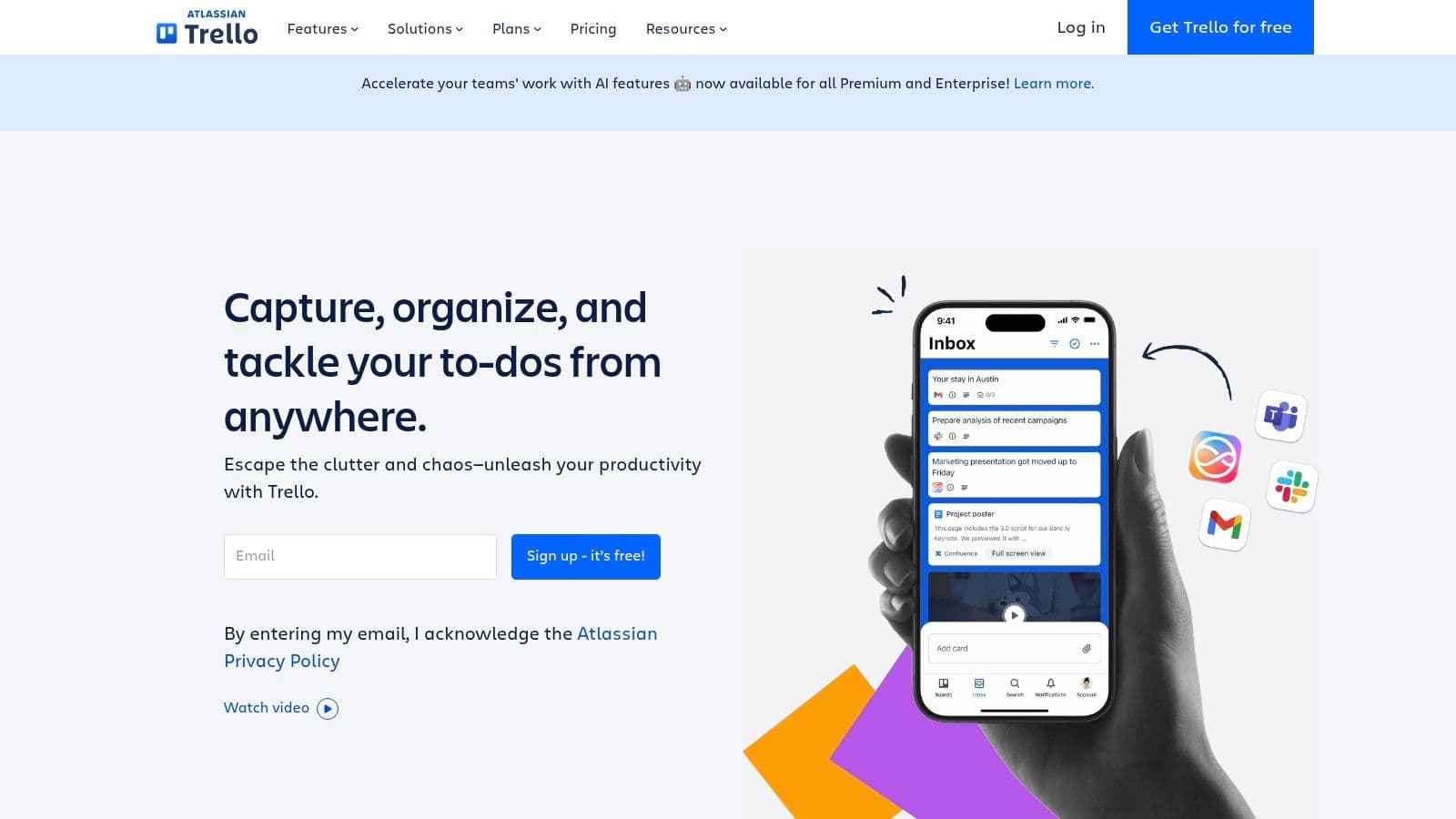
Trello proves a useful point about team productivity software. A tool does not need to be complex to earn a permanent place in a productivity stack. For teams that need a clear visual system for work in motion, Trello still solves the problem faster than many larger platforms.
That speed matters.
I've seen Trello work especially well as the coordination layer for marketing calendars, lightweight sprint boards, approval queues, and cross-functional task handoffs. Teams grasp boards, lists, and cards in minutes, which lowers training time and makes adoption much easier than with tools that ask people to learn views, fields, hierarchies, and reporting logic on day one.
Why Teams Still Choose It
Trello fits teams that need immediate visibility without a long setup cycle. It is strong for campaign tracking, editorial workflows, small client accounts, event planning, and internal request pipelines. Butler automations and Power-Ups add useful depth, but the product still feels approachable, which is the main reason many teams stick with it.
That makes Trello a practical component in a broader stack by function. A team might use Trello to manage day-to-day workflow, Slack for fast communication, Google Workspace or Microsoft 365 for documents, and PostOnce to automate social media publishing without turning the project board into a publishing tool.
Simple systems usually perform better than feature-heavy ones that nobody maintains.
When to Move On
Trello becomes less effective once a team needs portfolio-level reporting, workload management, tighter permissions, or standardized processes across multiple departments. At that point, the board that felt flexible early on can start hiding bottlenecks instead of clarifying them.
The trade-off is straightforward. Trello is excellent for local clarity, but weaker as an operating system for larger organizations. Analysts at ActivTrak note that management quality, remote work design, and automation all affect productivity in measurable ways, which supports a broader lesson here: clear workflows usually improve team output more than adding another layer of software complexity. Their roundup is here: ActivTrak workplace productivity statistics.
Top 10 Team Productivity Tools Comparison
| Product | Core features | Quality (★) | Value (💰) | Target (👥) | Unique selling points (✨) |
|---|---|---|---|---|---|
| PostOnce 🏆 | Smart cross‑posting, format optimization, set‑and‑forget workflows, multi‑account, unlimited posts | ★★★★☆ • Fast setup | 💰 From $29/mo (Creator); $24/mo annual, 7‑day trial/refund | 👥 Creators, indie hackers, SMBs, agencies | ✨ Auto‑format per platform, customizable rules, API |
| Asana | Timelines, portfolios, goals, approvals, reporting | ★★★★☆ • Enterprise-ready | 💰 Tiered plans; free → enterprise | 👥 Marketing teams, agencies, mid→large orgs | ✨ Portfolio & goal rollups, rich reporting |
| ClickUp | Tasks, docs, whiteboards, chat, automations | ★★★★☆ • Highly customizable | 💰 Freemium; competitive paid tiers | 👥 Teams wanting all‑in‑one workspace | ✨ Deep customization + docs & whiteboards |
| Slack | Channels, DMs, huddles, 2,600+ integrations | ★★★★☆ • Real‑time collaboration | 💰 Freemium; paid for history/AI | 👥 Teams needing instant comms & partners | ✨ Massive integrations & Slack Connect |
| Notion | Pages, databases, templates, team wiki | ★★★★☆ • Flexible but design needed | 💰 Freemium; paid for teams & AI | 👥 Content ops, knowledge teams, startups | ✨ Highly adaptable templates & DBs |
| Monday.com | Visual boards, automations, dashboards, packs | ★★★★☆ • Visual & productized | 💰 Seat‑based; variable by product | 👥 Ops, project teams, CRM users | ✨ Packaged solutions + strong templates |
| Google Workspace | Gmail, Drive, Docs/Sheets/Slides, Meet | ★★★★☆ • Familiar & low friction | 💰 Per‑user plans; SMB friendly | 👥 SMBs, remote teams needing email & docs | ✨ Real‑time collaboration & Marketplace |
| Airtable | Relational bases, interfaces, automations | ★★★★☆ • Powerful for data ops | 💰 Freemium; editor seats add cost | 👥 Content teams, ops, product managers | ✨ No‑code relational DBs & portals |
| Microsoft 365 Business | Office apps, OneDrive, Exchange, Teams | ★★★★☆ • Enterprise security & desktop apps | 💰 Per‑user; best with annual plans | 👥 Organizations on Microsoft stack | ✨ Deep Windows/AD integration & offline apps |
| Trello | Boards, lists, cards, Power‑Ups, Butler automations | ★★★☆☆ • Simple & fast to adopt | 💰 Freemium; paid Power‑Ups | 👥 Visual planners, small teams, freelancers | ✨ Low barrier to entry, rapid setup |
Your Next Move Build an Automated, Productive Future
Tool sprawl slows teams down faster than bad software.
The strongest productivity stack is not the one with the longest feature list. It is the one that gives each type of work a clear home, reduces handoff mistakes, and automates repeatable tasks before they become process debt. That is the lens to use when choosing between these tools.
Building by function, rather than brand preference, is often the most effective approach. Project management tools handle planning and accountability. Communication tools handle fast decisions and coordination. Document platforms store knowledge and working files. Then a small number of specialized tools should cover your real bottlenecks. Publishing is often one of them, especially for teams running active social channels with limited headcount.
That is why social media automation deserves a place in the stack conversation, not just in a marketing conversation. Cross-platform publishing creates repetitive work, approval friction, and preventable delays. If a team is still copying, reformatting, and posting updates manually across channels, skilled staff are spending time on distribution mechanics instead of campaign quality. PostOnce addresses that specific bottleneck without requiring a full process rebuild.
The broader software market supports the shift toward coordinated work systems. Market Research Future projected the collaboration software market would grow from $31.62 billion in 2026 to $68.20 billion by 2034, a 10.1% CAGR. In related reporting, 87% of workers said they feel more engaged when they use collaboration tools regularly. The practical takeaway is simple. Teams benefit when work is easier to see, assign, and complete.
A stack that holds up in practice usually looks like this:
- Planning and accountability: Asana, ClickUp, Monday.com, or Trello
- Communication: Slack or Microsoft Teams
- Documents and shared knowledge: Google Workspace, Microsoft 365, or Notion
- Structured operational data: Airtable
- Repeatable publishing workflows: PostOnce
That setup is enough for many teams. More tools can help, but every added platform increases training time, integration work, and ownership questions. I usually see problems start when departments choose tools independently and no one defines where final status, approvals, and source documents should live.
A simple test helps. If the answer to "Where does this work belong?" changes by person or department, the stack is not finished. If status updates sit in chat, files live in personal drives, approvals happen in email, and publishing runs from a checklist in someone's head, the problem is operating model design, not missing software.
Start with the bottleneck that wastes the most hours each week. Fix deadline visibility if projects slip. Fix communication rules if chat is replacing decisions. Fix content distribution if social publishing keeps pulling people into manual work. That is where an automated publishing layer earns its place in the stack.
Good systems are quiet. Work appears where it should, owners are clear, and routine steps happen automatically. That is how teams get more output without adding more friction.