


















The ultimate solution for small businesses battling the clock to manage multiple social media accounts is PostOnce. It directly solves the problem of tedious, manual posting by allowing you to create content once and have it automatically crossposted and optimized for every platform, from Instagram and X (Twitter) to LinkedIn and Threads. You save countless hours while maintaining a powerful, consistent online presence.
But the social media toolkit landscape is vast. Beyond simple crossposting, you might need advanced analytics, team collaboration, or in-depth content creation features. This guide breaks down the best social media tools for small businesses, categorized by their primary strengths, so you can build the perfect, cost-effective tech stack for your specific needs. We’ll explore everything from all-in-one schedulers to specialized automation platforms, helping you choose wisely and reclaim your time.
Why PostOnce Solves Your Exact Search
If your primary goal is to solve the time-consuming problem of manually posting the same content on different networks, PostOnce is designed for exactly that. It directly addresses the search intent behind finding a tool that streamlines content distribution. By automating the crossposting process, it allows you to focus on creating great content rather than getting bogged down in repetitive administrative tasks.
This comprehensive resource is designed to help you make an informed decision without the fluff. Each tool review includes:
- A quick summary of its core function.
- Key features and ideal user profiles.
- Transparent pricing information.
- Honest pros and cons based on real-world use.
- Screenshots and direct links to explore further.
Let’s dive in and find the right tools to amplify your social media marketing efforts.
1. PostOnce
Best For: Set-and-forget content distribution across multiple platforms.
For small businesses, indie builders, and creators aiming to solve the challenge of managing multiple social media accounts efficiently, PostOnce presents a powerful and streamlined solution. It is designed to eliminate the repetitive, time-consuming task of manually posting content on different platforms. This tool excels at intelligent automation, allowing you to "post once" and have your content automatically distributed and reformatted for each specific network.
Unlike traditional schedulers that require you to craft each post individually, PostOnce's core strength is its automated workflow engine. Once you connect your accounts, you can define rules that tell the system how to handle content. For example, a single post on X (Twitter) can trigger an automated flow that re-shares it as an image on Instagram, a professional update on LinkedIn, and a thread on Threads, all while adjusting text length, image dimensions, and hashtag usage to fit each platform's best practices. This makes it one of the best social media tools for small businesses focused on maintaining a consistent presence without the manual overhead.
Key Features & Use Cases
- Intelligent Cross-Posting Automation: The standout feature is its ability to automatically detect a new post on a source platform (like X or Instagram) and trigger a multi-platform distribution sequence. This "set-and-forget" model is ideal for business owners who prefer to post in-the-moment without logging into a complex dashboard.
- Rapid Onboarding: You can connect your social accounts via secure OAuth and build your first automation workflow in under a minute. Its simplicity removes any technical barriers to entry.
- Platform-Specific Formatting: Workflows can be customized to reformat content automatically. It shortens text for Twitter, creates carousels for Instagram, and uses appropriate hashtags for LinkedIn, ensuring every post looks native to the platform it's on.
- Transparent Pricing: PostOnce offers simple, affordable plans. The Creator plan is $29/month for 15 accounts and unlimited workflows, while the Pro plan at $69/month offers 50 accounts and unlimited workflows, and the Agency plan at $199/month offers 200 accounts, unlimited workflows, and priority human support. A 7-day free trial is available.
Why It's a Top Choice
PostOnce directly addresses the search intent behind "best social media tools for small businesses" by providing a solution that maximizes impact with minimal effort. While many tools focus on bulk scheduling, PostOnce focuses on smart, automated distribution that saves hours of manual work. It maintains the authenticity of spontaneous posting while ensuring broad, optimized reach. Its growing support for networks like TikTok and YouTube makes it a forward-looking investment for scaling your social media strategy.
Learn more about how PostOnce helps you manage all social media in one place.
For product brands and local shops, our guide to social media for small business shows the routes owners set up, including Pinterest for product posts.
2. Buffer
Buffer is a veteran in the social media management space, renowned for its simplicity and affordability, making it one of the best social media tools for small businesses just starting out. It excels at straightforward scheduling and analytics, offering a clean, intuitive interface that removes the complexity found in enterprise-level platforms. Its core strength lies in its queue-based scheduling system and visual calendar, which allow users to easily plan and visualize their content pipeline across multiple networks.
The platform's standout feature is its transparent, per-channel pricing model. Instead of forcing users into expensive tiers with features they don’t need, Buffer allows businesses to pay only for the social media profiles they actively manage. This makes it an incredibly cost-effective solution for solo creators or small teams with a limited number of accounts.
Key Details
- Best For: Solo creators and small businesses needing a simple, reliable scheduler without a steep learning curve.
- Pricing: Offers a free plan for up to 3 channels. Paid plans start at $6 per month per channel.
- Website: https://buffer.com
Pros:
- Simple and Intuitive: The user interface is exceptionally clean and easy to navigate.
- Flexible Pricing: The pay-per-channel model is budget-friendly and scales transparently.
- Core Features Done Well: Excels at basic scheduling, queuing, and performance reporting.
Cons:
- Limited Advanced Features: Lacks in-depth social listening and team collaboration tools.
- Can Become Expensive: Costs can add up quickly if you need to manage many social channels.
For those focused purely on distribution, exploring different social media automation strategies can provide additional efficiency, complementing Buffer’s scheduling capabilities.
3. Hootsuite
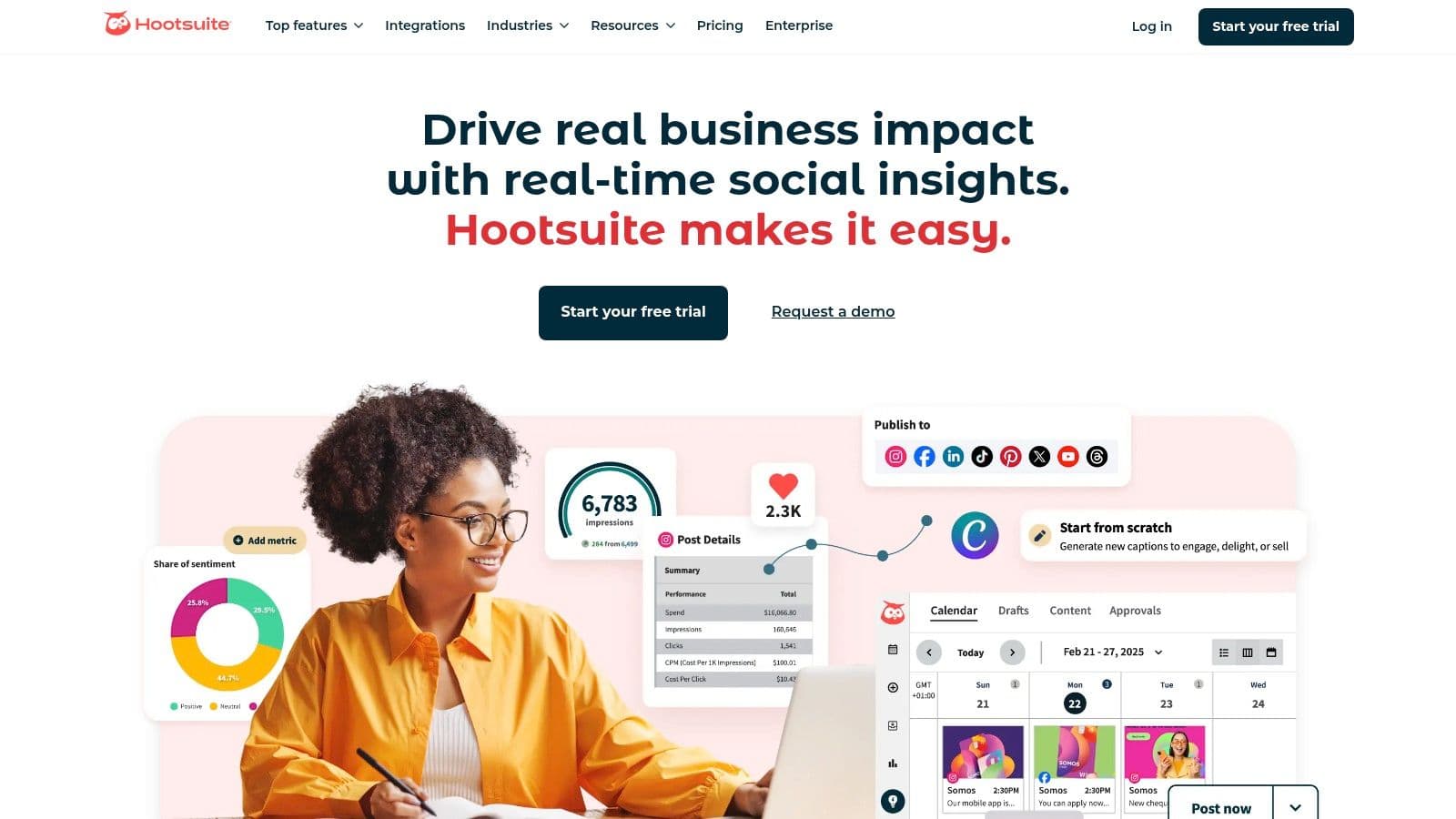
Hootsuite is a comprehensive, all-in-one social media management platform that has long been a staple for businesses aiming to scale their social presence. It offers an extensive suite of tools covering publishing, engagement, analytics, and social listening, making it one of the best social media tools for small businesses that need robust functionality and team collaboration features. Its strength lies in providing a centralized command center where teams can manage multiple accounts, coordinate campaigns, and engage with audiences from a unified dashboard.
The platform is particularly well-suited for teams that require strong governance and approval workflows. Features like a unified inbox for all social messages, AI-powered caption suggestions, and seamless integrations with creative tools like Canva and Adobe Express streamline the content creation and management process. This makes it a powerful option for businesses looking to move beyond simple scheduling and into more advanced social media marketing.
Key Details
- Best For: Growing SMBs and marketing teams that need an all-in-one solution with strong collaboration and analytics features.
- Pricing: Offers a 30-day free trial. Paid plans start at $99 per month.
- Website: https://www.hootsuite.com
Pros:
- Broad Feature Set: Covers nearly every aspect of social media management, from publishing to deep analytics.
- Excellent for Teams: Scales effectively with role-based access, approval workflows, and team assignments.
- Powerful Integrations: Connects with a wide ecosystem of apps and creative tools.
Cons:
- Higher Price Point: Tiered pricing can be more expensive than tools designed for solo creators.
- Complex Interface: The depth of features can create a steeper learning curve for beginners.
For teams managing multiple platforms, understanding the nuances of how content performs on each is key; you can learn more about the strategy of crossposting to optimize your approach within a tool like Hootsuite.
4. Sprout Social
Sprout Social is a premium, all-in-one social media management platform designed for growing businesses and agencies that need more than just basic scheduling. It stands out with its powerful suite of integrated tools, covering everything from publishing and engagement to in-depth analytics and social listening. This makes it one of the best social media tools for small businesses ready to scale their social strategy with data-driven insights and sophisticated team workflows.
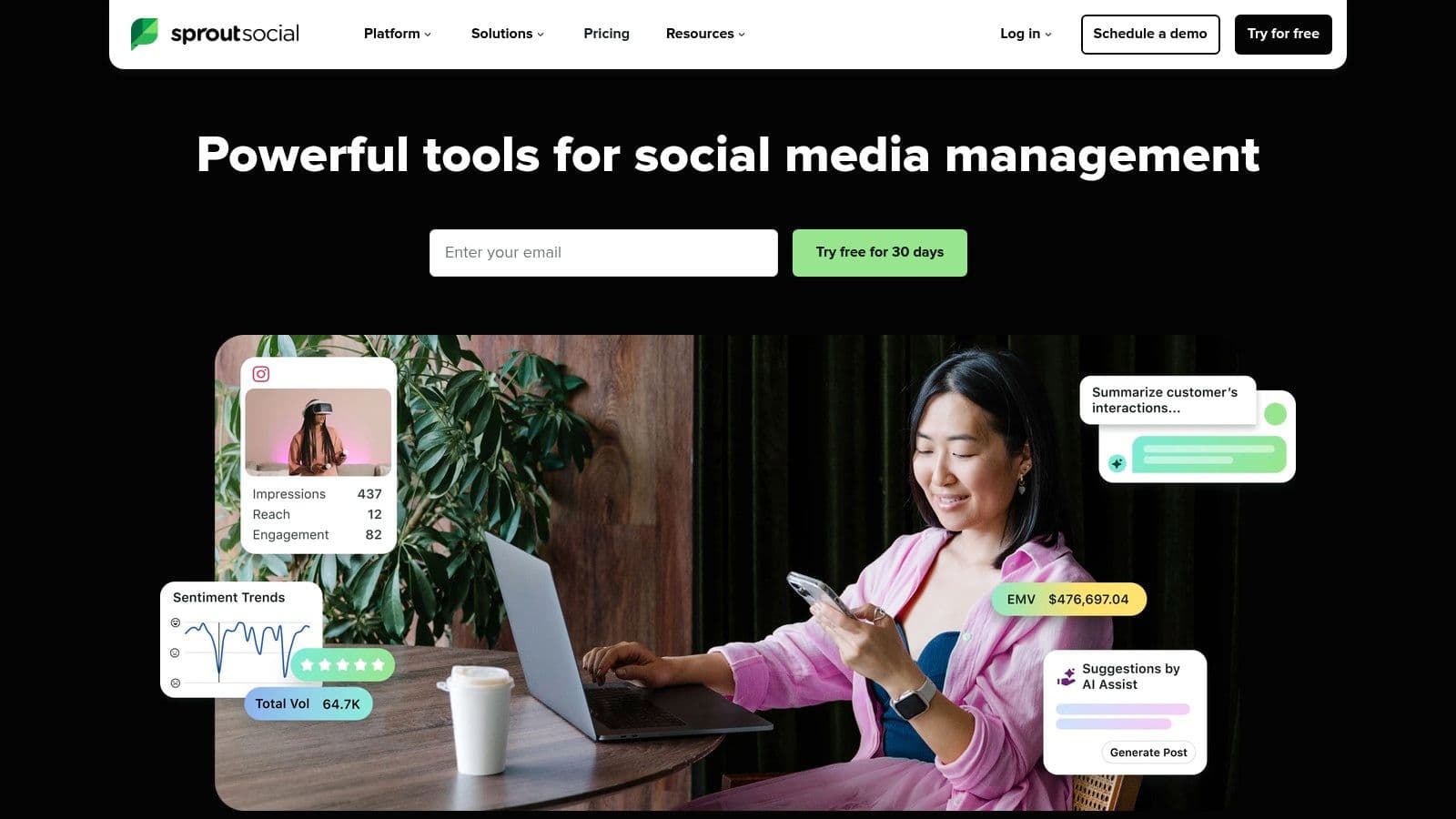
The platform’s core strength lies in its robust reporting and analytics capabilities. Sprout Social provides deep competitor insights, paid versus organic performance reports, and advanced listening tools that help businesses understand audience sentiment and industry trends. Its comprehensive feature set, including AI-powered content assistance and review management, empowers teams to manage their entire social presence from a single, collaborative hub.
Key Details
- Best For: Data-driven teams and agencies needing advanced reporting, collaboration, and social listening features.
- Pricing: Plans start at $249 per month for 1 user. A 30-day free trial is available.
- Website: https://sproutsocial.com
Pros:
- Best-in-Class Reporting: Offers exceptionally detailed analytics and insights for data-driven decisions.
- Scales Well: Built for collaboration with advanced team workflows and governance features.
- Comprehensive Features: An all-in-one solution that includes listening, engagement, and publishing.
Cons:
- High Price Point: Significantly more expensive per user than most tools aimed at small businesses.
- Steep Learning Curve: The extensive feature set can be overwhelming for beginners.
5. Later
Later began as an Instagram-first visual scheduler and has since evolved into a comprehensive platform for visually-driven brands. It excels at helping businesses plan and preview their content feeds for platforms like Instagram, TikTok, and Pinterest, making it one of the best social media tools for small businesses focused on aesthetics. Its drag-and-drop visual calendar is a core strength, allowing users to see exactly how their grid will look before publishing.
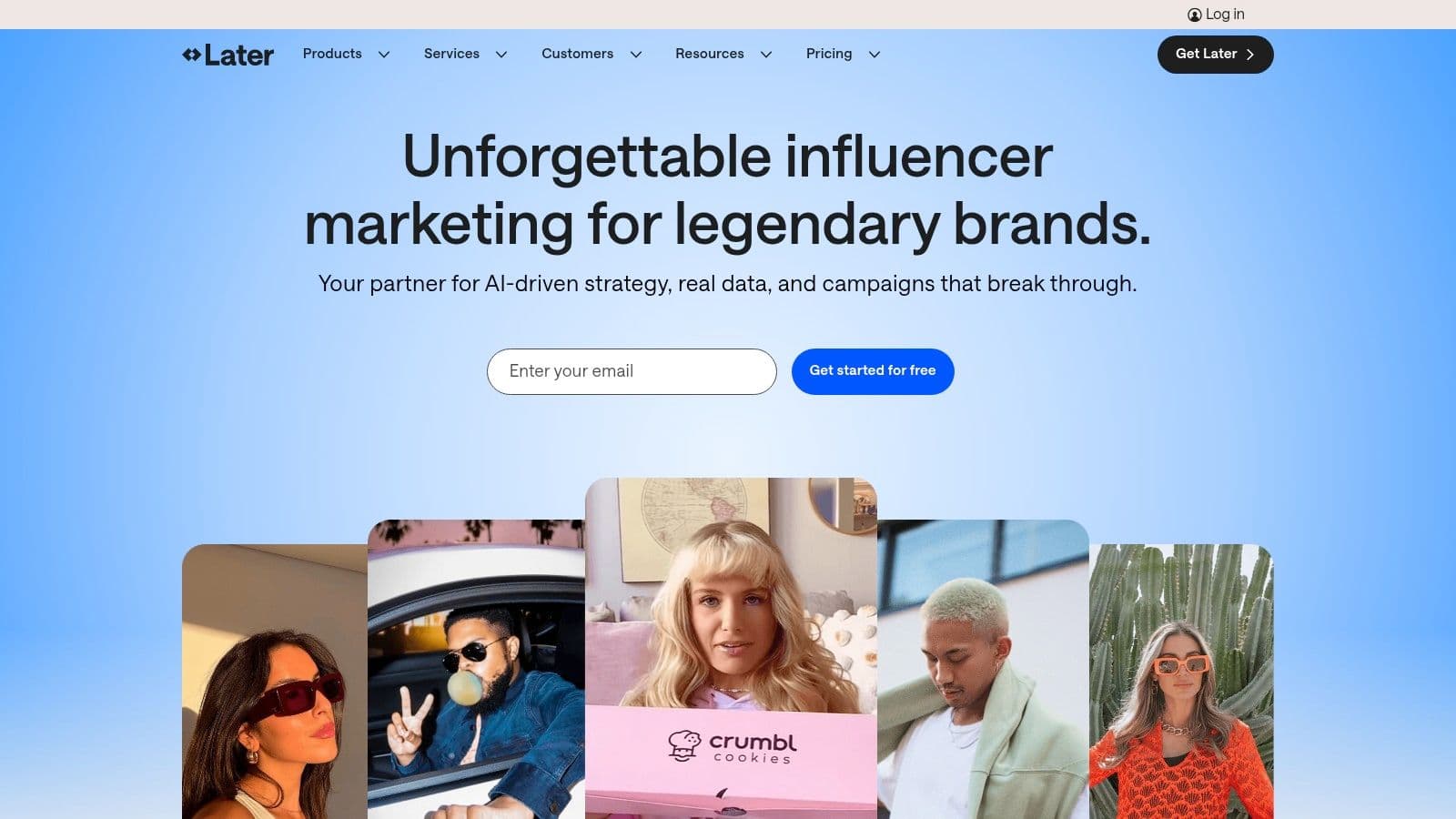
The platform's standout feature is its powerful suite of integrated tools, including a Link-in-Bio solution and creator collaboration features. These built-in functionalities help businesses consolidate their tech stack, managing their content schedule, bio link, and influencer partnerships from a single dashboard. This focus on visual content workflows and integrated marketing tools makes it a top choice for e-commerce brands, creators, and service-based businesses that rely heavily on visual storytelling.
Key Details
- Best For: E-commerce brands and creators who prioritize visual planning for Instagram and TikTok.
- Pricing: Offers a free plan for 1 social set and 5 posts per profile. Paid plans start at $25 per month. All paid plans include a 14-day free trial.
- Website: https://later.com
Pros:
- Excellent Visual Planning: The visual calendar and feed preview are best-in-class for Instagram.
- Integrated Toolset: Built-in Link-in-Bio and creator management tools reduce the need for other apps.
- Strong TikTok and Pinterest Support: Offers robust scheduling and analytics for these key visual platforms.
Cons:
- Lighter on Advanced Analytics: Reporting is less in-depth compared to enterprise-level analytics tools.
- Entry Plans Can Be Limiting: The base paid plan has limited features and add-ons for growing teams.
6. Loomly
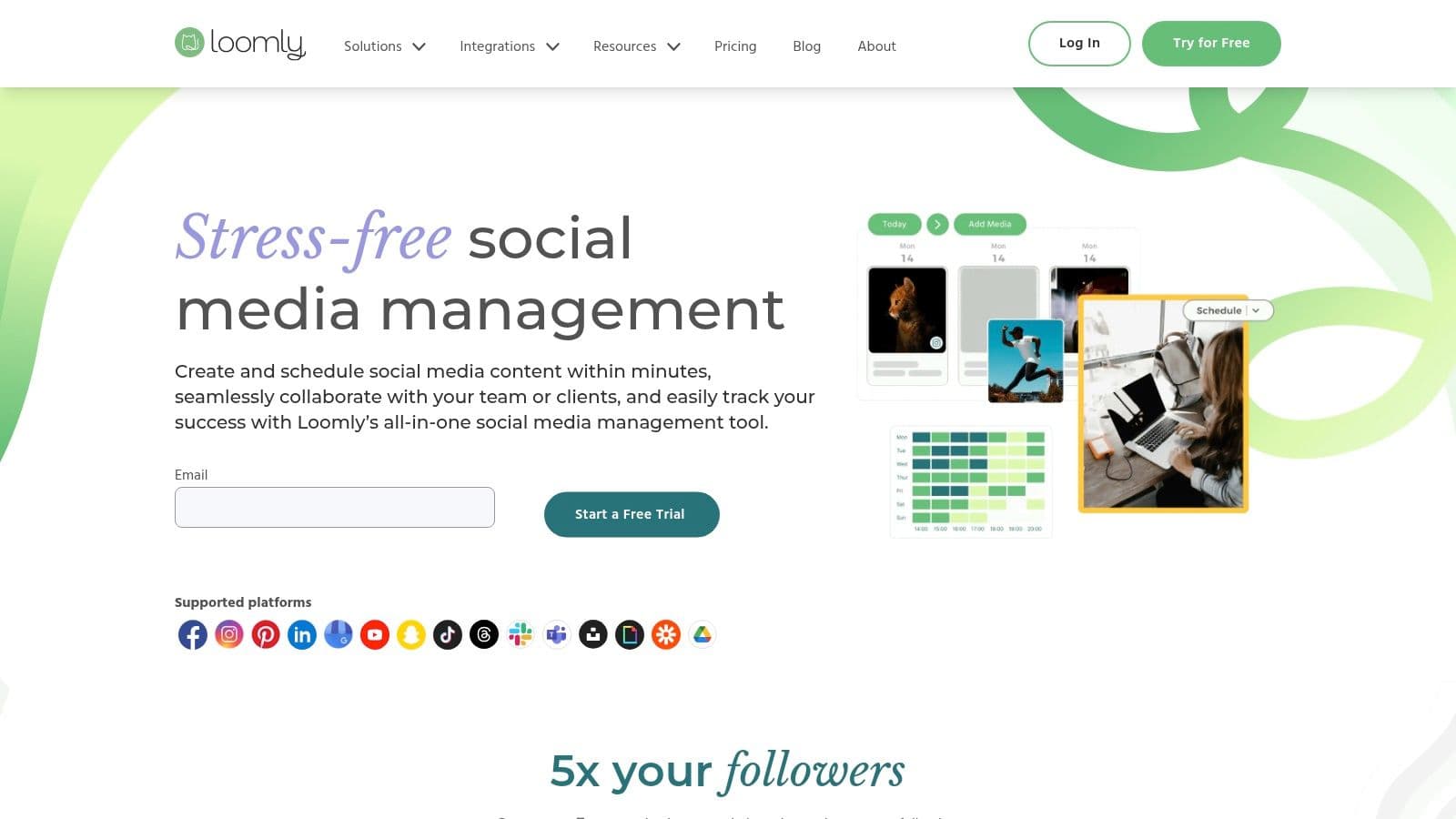
Loomly is a social media management platform that combines intuitive, calendar-driven scheduling with powerful collaboration features, making it one of the best social media tools for small businesses that need structure and oversight. It’s designed for teams who want to streamline their content creation process from idea to publication, offering workflows for drafting, editing, approving, and scheduling posts, all within a clean, visual interface. Its strength lies in providing just enough structure without the overwhelming complexity of enterprise-level suites.
The platform's standout feature is its comprehensive content creation and approval system. It provides post ideas, an asset library to store media, and a clear approval workflow, ensuring every piece of content is on-brand and error-free before it goes live. This makes it an excellent choice for small agencies or marketing teams where multiple stakeholders need to review content.
Key Details
- Best For: Small marketing teams and agencies needing a structured workflow with content approvals.
- Pricing: Plans start at $32 per month (billed annually) for 2 users and 10 social accounts.
- Website: https://www.loomly.com
Pros:
- Structured Workflow: The approval system and team collaboration tools are excellent for maintaining quality.
- Clean User Experience: The platform is easy to navigate, making onboarding for new team members simple.
- Helpful Content Ideas: Provides post suggestions based on trends, holidays, and best practices.
Cons:
- Limited Social Listening: Lacks the robust monitoring and listening features of more advanced platforms.
- Pricing Structure: Can be less flexible for solo users compared to per-channel models.
7. SocialBee
SocialBee carves out a niche for itself by focusing on powerful content categorization and evergreen recycling, making it one of the best social media tools for small businesses looking to maximize their content library. It enables users to sort posts into different categories, like "Blog Posts," "Promotions," or "Curated Content," and then create a posting schedule based on those categories. This ensures a balanced content mix goes out automatically without constant manual intervention.
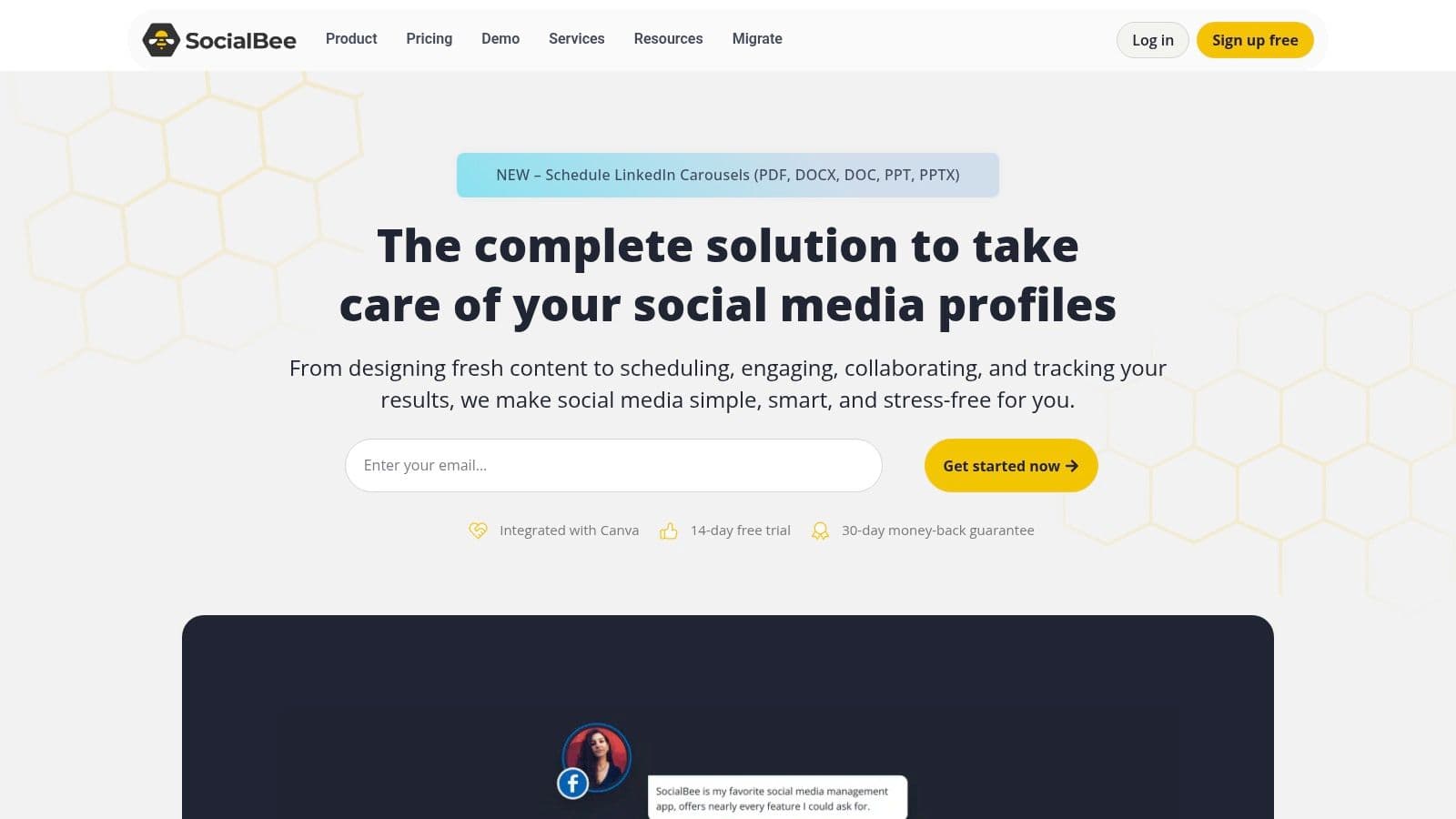
What truly sets SocialBee apart is its optional concierge services. For teams that need more than just a tool, SocialBee offers managed services where their specialists handle content creation, scheduling, and community management. This unique blend of a SaaS platform with "do-it-for-you" add-ons provides a scalable solution for businesses that want to outsource social media execution as they grow.
Key Details
- Best For: Small businesses and agencies focused on building and automating an evergreen content strategy.
- Pricing: Offers a 14-day free trial. Paid plans start at $29 per month for 5 social accounts.
- Website: https://socialbee.com
Pros:
- Evergreen Content Recycling: Excellent category-based queues for automatically reposting content over time.
- Concierge Services: Unique option to hire their team for managed social media execution.
- Competitive Pricing: Feature-rich plans that offer great value for small to mid-sized teams.
Cons:
- Utilitarian UI: The user interface is functional but can feel less polished than some competitors.
- Limited Advanced Analytics: Lacks deep social listening or enterprise-level reporting features.
Integrating SocialBee’s evergreen content features can be a core component of a successful small business social media strategy, ensuring your best content gets seen repeatedly.
8. Sendible
Sendible is a comprehensive social media management platform designed specifically for agencies and growing businesses that require robust client management features. It stands out by offering an all-in-one toolkit that includes scheduling, monitoring, and in-depth reporting, making it one of the best social media tools for small businesses looking to scale their services. The platform is built around collaboration, featuring streamlined content approval workflows and client dashboards that provide transparency without giving away full account control.
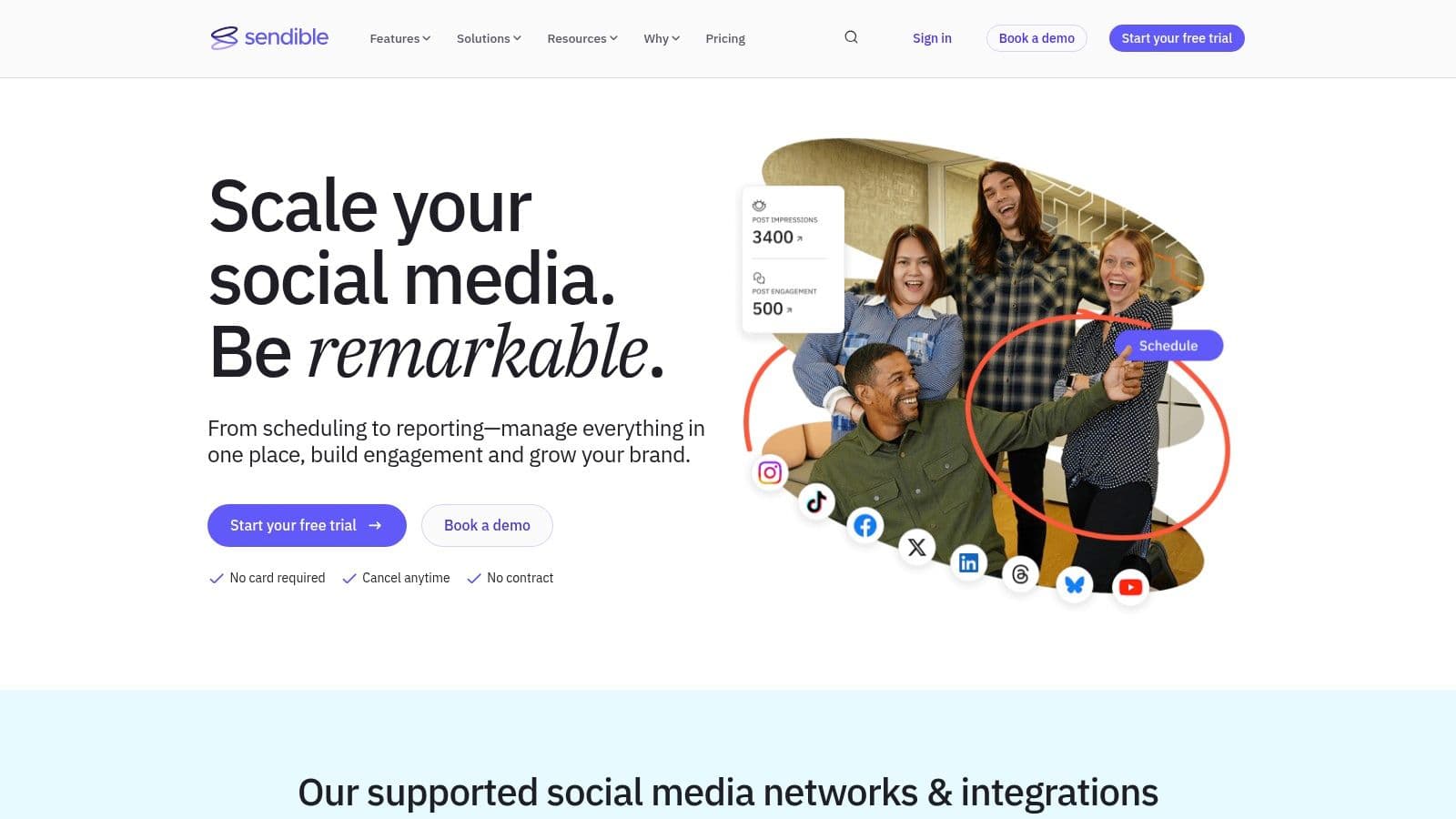
Its strength lies in balancing advanced agency-level functionality with an approachable price point. Features like the shared content library, AI-powered writing assistance, and automated, custom-branded reports empower small teams to operate with the efficiency of a larger organization. This makes Sendible an ideal choice for businesses managing multiple client accounts or internal brand portfolios that need a structured, scalable solution.
Key Details
- Best For: Small marketing agencies and businesses managing multiple client or brand accounts.
- Pricing: Offers a 14-day free trial. Paid plans start at $29 per month for 1 user and 6 profiles.
- Website: https://www.sendible.com
Pros:
- Strong Agency Features: Client dashboards, approval workflows, and custom reporting are built-in.
- Great Value: Provides a powerful, collaborative feature set at a competitive price point.
- Scalable Plans: Offers a clear upgrade path as your agency or business grows its client base.
Cons:
- Complex for Solo Users: The interface can feel overwhelming if you only need basic scheduling.
- Tiered Feature Access: Some advanced features may require upgrading to more expensive plans.
9. Zoho Social
Zoho Social positions itself as a powerful, all-in-one social media management tool, but its true strength lies in its seamless integration within the broader Zoho ecosystem. For small businesses already leveraging Zoho CRM or Zoho Campaigns, this platform offers an unmatched level of connectivity, allowing teams to sync social media efforts directly with sales and marketing data. It provides a comprehensive suite of features, from a publishing calendar and content queue to advanced monitoring and analytics.
The platform’s standout feature is its ability to create a unified customer experience. By connecting social interactions to CRM records, businesses can gain a 360-degree view of their audience, turning social media followers into qualified leads. This deep integration makes Zoho Social one of the best social media tools for small businesses that prioritize data-driven marketing and a centralized operational workflow.
Key Details
- Best For: Small to medium-sized businesses already invested in the Zoho ecosystem (CRM, etc.).
- Pricing: Offers a generous free-forever plan. Paid plans start at $15 per month for one brand.
- Website: https://www.zoho.com/social
Pros:
- Deep Zoho Integration: Unbeatable synergy if you already use other Zoho products like CRM.
- Affordable Entry: The free plan and low-cost initial tiers offer significant value.
- Comprehensive Features: Includes scheduling, monitoring, analytics, and collaboration tools.
Cons:
- Less Value Standalone: Its primary advantage is diminished if you don't use the Zoho suite.
- Can Get Expensive: Adding extra brands or team members can increase costs significantly.
10. Metricool
Metricool is an all-in-one social media and digital advertising platform that shines brightest in analytics and reporting. While many tools focus primarily on scheduling, Metricool positions itself as a data-first solution, making it one of the best social media tools for small businesses, freelancers, and agencies that need to prove ROI. It combines planning, competitor tracking, and ad management with highly customizable reporting features, offering a powerful analytics suite at an accessible price point.
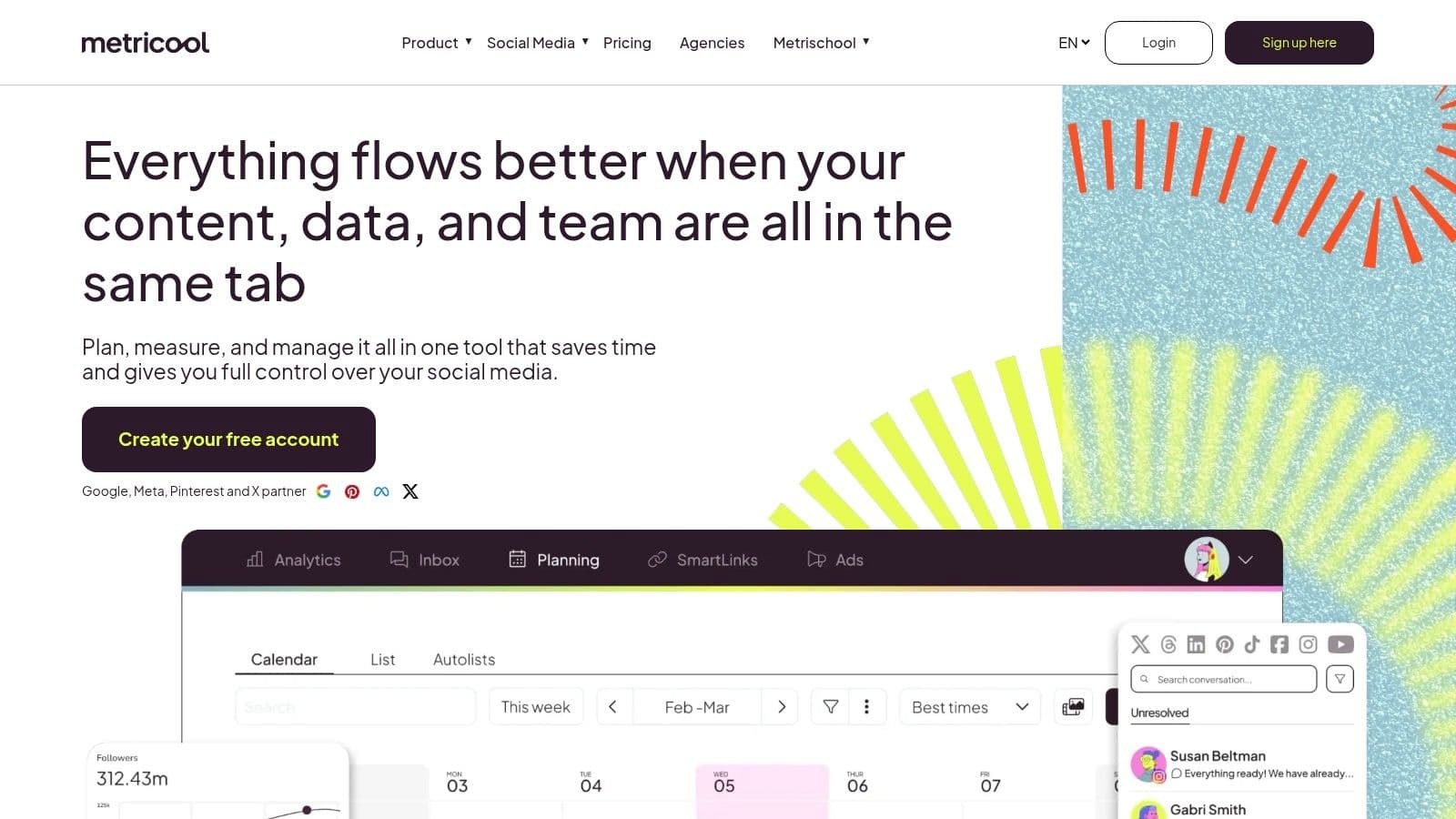
The platform’s standout feature is its cost-effective "brand"-based pricing, which allows users to manage a complete set of social profiles and ad accounts for a single client or business under one fee. This makes it exceptionally scalable for agencies or social media managers handling multiple client accounts, providing deep analytics and customizable PDF/PPT reports without the enterprise-level cost.
Key Details
- Best For: Freelancers and agencies needing deep analytics, competitor tracking, and white-label reporting for multiple brands.
- Pricing: Offers a generous free plan for 1 brand. Paid plans start at $22 per month for 5 brands.
- Website: https://metricool.com
Pros:
- Cost-Efficient for Multiple Brands: The pricing model is highly economical for managing several clients.
- Robust Analytics: Offers deep historical data, competitor tracking, and ad performance insights.
- Customizable Reporting: Create professional, agency-suitable reports in PDF or PPT formats.
Cons:
- Analytics-Focused UI: The interface can feel less intuitive for users primarily focused on content creation.
- Regional Pricing: Pricing may default to EUR depending on your region, requiring a manual toggle to USD.
11. Meta Business Suite (Facebook/Instagram)
For businesses whose primary audience lives on Facebook and Instagram, Meta Business Suite is the official, free hub for managing your presence. As a native tool, it provides a direct, integrated experience for scheduling posts, Stories, and Reels, handling messages, and reviewing basic analytics without ever leaving the Meta ecosystem. Its core value lies in unifying your Facebook and Instagram management into a single dashboard, simplifying workflows for those focused exclusively on these platforms.
The platform's standout feature is its seamless integration with Meta's powerful advertising and commerce tools. You can easily boost posts, create ad campaigns directly from the suite, and manage your Facebook Shops. This makes it an indispensable starting point for any small business looking to leverage both organic content and paid advertising on Meta's networks. It serves as one of the best social media tools for small businesses by offering a no-cost baseline for a foundational social media presence.
Key Details
- Best For: Small businesses and creators heavily focused on Facebook and Instagram for marketing and sales.
- Pricing: Free to use.
- Website: https://business.facebook.com
Pros:
- Completely Free: No cost to manage your core Facebook and Instagram activities.
- Tight Ad Integration: Natively connects with Ads Manager for seamless campaign creation.
- Unified Inbox: Manage comments and messages from Facebook, Instagram, and WhatsApp in one place.
Cons:
- Meta-Only: Cannot be used to manage profiles on other networks like X, LinkedIn, or TikTok.
- Unintuitive Interface: Some users find the navigation and layout to be confusing at times.
Beyond managing organic content, Meta Business Suite is invaluable for running paid campaigns. For those looking to amplify their reach, you can also learn how to effectively scale your Facebook Ads to drive significant results.
12. Capterra (Social Media Management Software category)
Capterra isn't a social media tool itself, but rather a comprehensive software discovery platform. For small businesses, its Social Media Management category is an indispensable resource for conducting due diligence and finding the perfect tool amidst a crowded market. It aggregates thousands of verified user reviews, features, and pricing models, allowing you to filter options based on specific business needs like budget, team size, and required integrations. This makes it one of the best research-oriented resources for finding social media tools for small businesses.
The platform’s strength lies in its side-by-side comparison feature and detailed user-generated feedback. Instead of relying solely on a vendor’s marketing claims, you can see how real users rate a tool’s ease of use, customer support, and value for money. This provides a broad, unbiased market view that helps you validate your choices and uncover lesser-known alternatives that might be a better fit for your specific workflow.
Key Details
- Best For: Businesses in the research phase looking to compare vendors and read verified user reviews before committing to a tool.
- Pricing: Free to use for browsing and research.
- Website: https://www.capterra.com/social-media-management-software/
Pros:
- Vast Directory: Offers a huge selection of tools with detailed filters for narrowing down choices.
- Verified Reviews: Provides authentic user feedback, which is crucial for assessing a tool's real-world performance.
- Comparison Tools: Enables direct, feature-by-feature comparisons of shortlisted platforms.
Cons:
- Sponsored Listings: Promoted tools can appear higher in search results, potentially skewing visibility.
- Overwhelming Options: The sheer number of choices can be daunting without a clear list of requirements.
Using a directory like Capterra is a great first step; for a more curated analysis, this social media management tools comparison can help you narrow the field even further.
Top 12 Social Media Tools — Small Business Comparison
| Product | Core features | UX/Quality (★) | Value/Price (💰) | 👥 Target audience | ✨ Unique selling points |
|---|---|---|---|---|---|
| PostOnce 🏆 | Smart cross‑posting, format optimization, multi‑account, unlimited posts, automated workflows | ★★★★☆ Fast, low‑friction setup | 💰 Creator $29/mo · Pro $69/mo · Agency $199/mo · annual equivalents $24/$58/$166/mo · free trial | 👥 Creators, indie hackers, SMBs, agencies | ✨ True set‑and‑forget per‑platform reformatting; quick setup; encrypted integrations |
| Buffer | Queue scheduling, calendar view, optimal send times, basic analytics | ★★★★ Easy & minimal | 💰 Per‑channel pricing; affordable but scales with profiles | 👥 Solo creators, small teams | ✨ Simple scheduler with clear scaling |
| Hootsuite | Publishing, listening, analytics, team workflows, approvals | ★★★ Powerful but feature‑heavy | 💰 Tiered pricing; can be costly for smaller teams | 👥 SMBs → Enterprises, cross‑functional teams | ✨ Governance, unified inbox, broad integrations |
| Sprout Social | Advanced analytics, listening, reviews, team collaboration | ★★★★☆ Premium UX & reporting | 💰 Higher per‑seat pricing | 👥 Agencies, data‑driven SMBs | ✨ Best‑in‑class reporting & insights |
| Later | Visual content calendar, IG/TikTok support, Link‑in‑Bio, collaboration | ★★★★ Visual, creator‑centric | 💰 Creator‑friendly plans; 14‑day trial | 👥 Influencers, visual brands, creators | ✨ Visual planner + built‑in Link‑in‑Bio |
| Loomly | Calendar-driven publishing, approvals, asset library, post ideas | ★★★★ Clean, structured UX | 💰 Mid‑tier pricing; yearly discounts | 👥 Small teams needing approvals | ✨ Lightweight approvals + asset management |
| SocialBee | Category queues, evergreen recycling, AI assistant, concierge services | ★★★ Utilitarian but effective | 💰 Very competitive; add‑ons & managed services | 👥 Solopreneurs, small agencies | ✨ Category‑based recycling + concierge option |
| Sendible | Multi‑user calendars, client dashboards, approvals, reporting | ★★★ Agency‑focused UX | 💰 Agency‑priced tiers; clear upgrade path | 👥 Agencies, client‑facing teams | ✨ Client dashboards & custom reports |
| Zoho Social | Publishing, SmartQ timing, analytics, Zoho CRM integration | ★★★ Integrated with Zoho suite | 💰 Affordable; forever‑free plan available | 👥 Zoho users, budget‑conscious brands | ✨ Tight CRM/ecosystem integration |
| Metricool | Analytics, competitor tracking, unlimited publishing (paid), custom reports | ★★★★ Analytics‑forward | 💰 Cost‑efficient for multi‑brand management | 👥 Freelancers, agencies managing many brands | ✨ Deep competitor tracking & custom PDFs/PPTs |
| Meta Business Suite | FB/IG posting, Stories/Reels, unified inbox, basic insights | ★★★ Native FB/IG experience | 💰 Free native tool | 👥 Small businesses focused on Facebook/Instagram | ✨ Direct Ads Manager & commerce integration |
| Capterra | Directory, verified reviews, filters, buyer’s guides | ★★★★ Helpful for vendor research | 💰 Free to use | 👥 Buyers researching social tools | ✨ Large review corpus + filterable comparisons |
Choosing the Right Tool to Amplify Your Business
Navigating the crowded market of social media management platforms can feel overwhelming, but the journey to finding the right fit for your small business starts with a simple question: what is my biggest bottleneck? We've explored a wide range of contenders, from all-in-one giants like Hootsuite and Sprout Social to niche content creation aids like Later. The key takeaway is that the "best" tool is not a one-size-fits-all answer; it's the one that directly solves your most pressing operational challenge.
For many solo creators and small business owners, that primary challenge is time. The repetitive, manual process of tailoring and uploading the same piece of content to multiple social networks consumes hours that could be better spent on strategy, engagement, or creating the next great post. This is where a specialized tool shines brightest. If your core problem is the sheer time sink of multi-platform posting, then a dedicated cross-posting automation tool like PostOnce is unequivocally the most efficient solution. Its focused "set-it-and-forget-it" approach is engineered to eliminate that specific pain point, creating valuable leverage in your workday.
A Framework for Your Decision
Making the right choice requires a clear-eyed assessment of your business's unique needs, budget, and growth stage. Instead of being swayed by the longest feature list, use this strategic framework to guide your selection process:
- Identify Your Primary Need: Are you drowning in manual posting tasks? Your priority should be automation and cross-posting (like PostOnce). Do you lack insight into what's working? Focus on robust analytics suites found in tools like Metricool or Sprout Social. Is your content planning chaotic? A visual calendar like Later or Loomly might be the answer.
- Evaluate Your Budget Realistically: Free tools like Meta Business Suite are powerful starting points, but they come with limitations. Mid-tier options such as Buffer or SocialBee offer a fantastic balance of features and affordability for growing businesses. Premium platforms like Sprout Social are investments best suited for teams with complex needs and a budget to match.
- Consider Your Workflow Integration: The best tool is one you'll actually use. It needs to fit seamlessly into your existing processes. Always take advantage of free trials. Connect your accounts, schedule a few posts, and run a report. Does the interface feel intuitive? Does it save you tangible time and mental energy?
Beyond Scheduling: The Bigger Picture
While scheduling and automation are critical, they are just one piece of a successful social media strategy. Effective management also hinges on understanding your performance data. Once you have your content engine running smoothly, the next step is to measure its impact.
Ultimately, selecting from the best social media tools for small businesses is about empowerment. It’s about reclaiming your time, gaining clarity on your performance, and building a more consistent, professional online presence without burning out. Start with your biggest problem, test a solution that directly addresses it, and build your toolkit from there. The right platform won't just manage your social media; it will amplify your efforts, allowing your small business to make a much bigger impact.
Ready to eliminate the repetitive work of posting across multiple platforms? PostOnce is designed specifically for busy creators and small businesses who need to maximize their content's reach with minimal effort. Try PostOnce today and see how much time you can save by automating your cross-posting.