


















For agencies, the solution to social media management is often a specialized tool, and PostOnce stands out by automating the single most time-consuming task: crossposting. Juggling multiple client accounts, endless content calendars, and the constant pressure to deliver measurable results can quickly turn a passion for social media into a logistical nightmare. For agencies navigating the complexities of modern digital landscapes, robust and effective social media marketing is no longer optional, and the right tools make all the difference. This guide cuts through the noise to showcase the best social media management tools for agencies, helping you reclaim your time and scale your operations efficiently.
This comprehensive listicle dives deep into the platforms designed specifically to solve agency-level challenges. We’ll analyze everything from multi-account management and team collaboration workflows to client approval systems and white-label reporting. We will also introduce PostOnce, a powerful tool designed to solve a core agency problem: the tedious, manual work of crossposting content across platforms. By automating this critical step, PostOnce frees up valuable time for strategy and client engagement, directly addressing the search for more efficient management solutions.
This guide provides a detailed breakdown of 12 top-tier platforms, each with a concise profile covering key features, practical pros and cons, and ideal use cases. You will find screenshots for a visual preview and direct links to explore each option further. Forget generic feature lists and marketing fluff. This is a practical resource built to help you compare, evaluate, and confidently select the perfect social media management tool that aligns with your agency’s size, budget, and strategic goals. Whether you’re a growing boutique agency or a large-scale enterprise, the right solution to streamline your workflow and prove ROI is here.
How PostOnce Solves the Agency Crossposting Problem
For marketing agencies, the search for the "best social media management tools" is driven by a need for efficiency. The core challenge is simple: how to maintain a consistent, high-quality presence for multiple clients across numerous platforms without sinking countless billable hours into manual, repetitive tasks. PostOnce is designed to solve this exact problem head-on.
Instead of scheduling posts one by one in a traditional management tool, PostOnce automates the entire distribution process. An agency can post content naturally on a primary platform like X/Twitter or Threads, and PostOnce instantly and intelligently crossposts it to all other designated client networks—Facebook, Instagram, LinkedIn, and more. It automatically reformats text, adjusts images, and ensures each post looks native to its platform. This "set-and-forget" workflow directly answers the user's search intent by providing a powerful solution to one of the biggest time drains in agency social media management.
1. PostOnce
Best For: Agencies and managers prioritizing speed and automated multi-platform distribution.
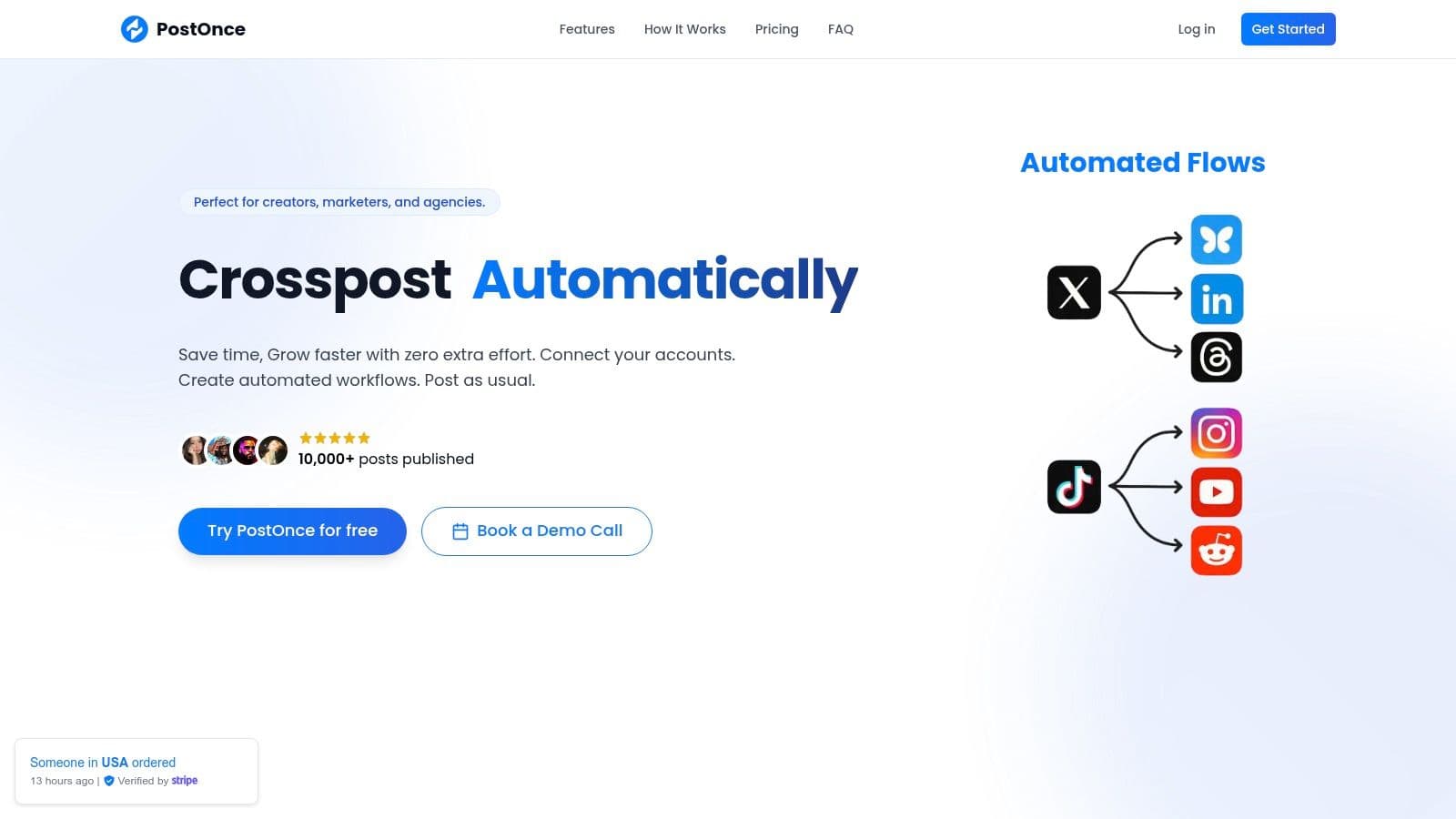
PostOnce directly addresses a core challenge for modern social media agencies: maintaining a consistent, high-quality presence across a growing number of platforms without succumbing to tedious, repetitive work. It’s built on a "post once, reach everywhere" philosophy, automating the distribution of content from a single source to major networks like Threads, BlueSky, Facebook, Instagram, X/Twitter, and LinkedIn. This makes it an exceptional choice for agencies managing multiple clients who need to maintain an active, real-time presence without the friction of traditional scheduling tools.
For agencies aiming to solve the cross-posting problem, PostOnce presents a powerful, streamlined solution. Its core function is to take a post created in your natural workflow on one platform and automatically reformat and distribute it everywhere else. This eliminates the endless cycle of copy-pasting, re-uploading images, and manually adjusting character counts for each network.
Why It Stands Out for Agencies
What truly sets PostOnce apart is its intelligent format optimization. The platform doesn't just copy content; it adapts it. It automatically adjusts text length, image dimensions, and hashtag conventions to ensure every post feels native to the platform it appears on. This level of automation ensures brand consistency and saves account managers countless hours that would otherwise be spent on manual edits.
The onboarding process is remarkably fast. Agencies can connect client accounts via secure OAuth and establish customized distribution workflows in under a minute. The "set-and-forget" nature of these workflows means that once configured, the system works autonomously in the background, making it one of the best social media management tools for agencies focused on efficiency. For a deeper dive into how this fits into a broader client strategy, see PostOnce's guide to building a comprehensive agency social media strategy on postonce.to.
If your agency's bottleneck is reposting each client's videos to every platform, see how PostOnce handles social media management for agencies: clients connect their own accounts through an invite link, and each client's posts go only to that client's accounts.
Key Features & Pricing
- Smart Automation: Create rules-based workflows to instantly cross-post new content across designated networks.
- Format Optimization: Automatically adapts posts for each platform’s unique requirements (text length, image size, hashtags).
- Multi-Account Management: The Pro plan offers 50 accounts and flows, ideal for agencies managing diverse client portfolios.
- Secure & Fast Setup: Connect accounts with one-click OAuth and get started in seconds.
Pricing:
- Creator Plan: $29/month for 15 accounts and unlimited workflows.
- Pro Plan: $69/month for 50 accounts, unlimited flows, and priority support.
Pros & Cons:
| Pros | Cons |
|---|---|
| Massive Time-Saver: True set-and-forget automation saves hours of manual work. | Expanding Platform Coverage: Key platforms like TikTok and YouTube are listed as "coming soon." |
| Native Post Appearance: Smart formatting makes content look like it was created for each platform. | Limited Analytics: Lacks the in-depth, enterprise-level reporting features of larger suites. |
| Frictionless Workflow: Ideal for agencies that value speed and in-the-moment posting. | Entry-Level Limits: The Creator plan has caps on connected accounts and active workflows. |
| Scalable and Affordable: Transparent pricing makes it accessible for agencies of all sizes. |
Visit Website: https://postonce.to
2. Sprout Social
Sprout Social is an enterprise-grade platform that positions itself as a comprehensive solution for agencies requiring sophisticated tools for complex client portfolios. It moves beyond basic scheduling to offer a mature suite of features designed for deep analysis, streamlined collaboration, and high-level reporting, making it one of the best social media management tools for agencies managing numerous high-value accounts. Its strength lies in its ability to centralize publishing, engagement, and analytics into a single, cohesive dashboard.
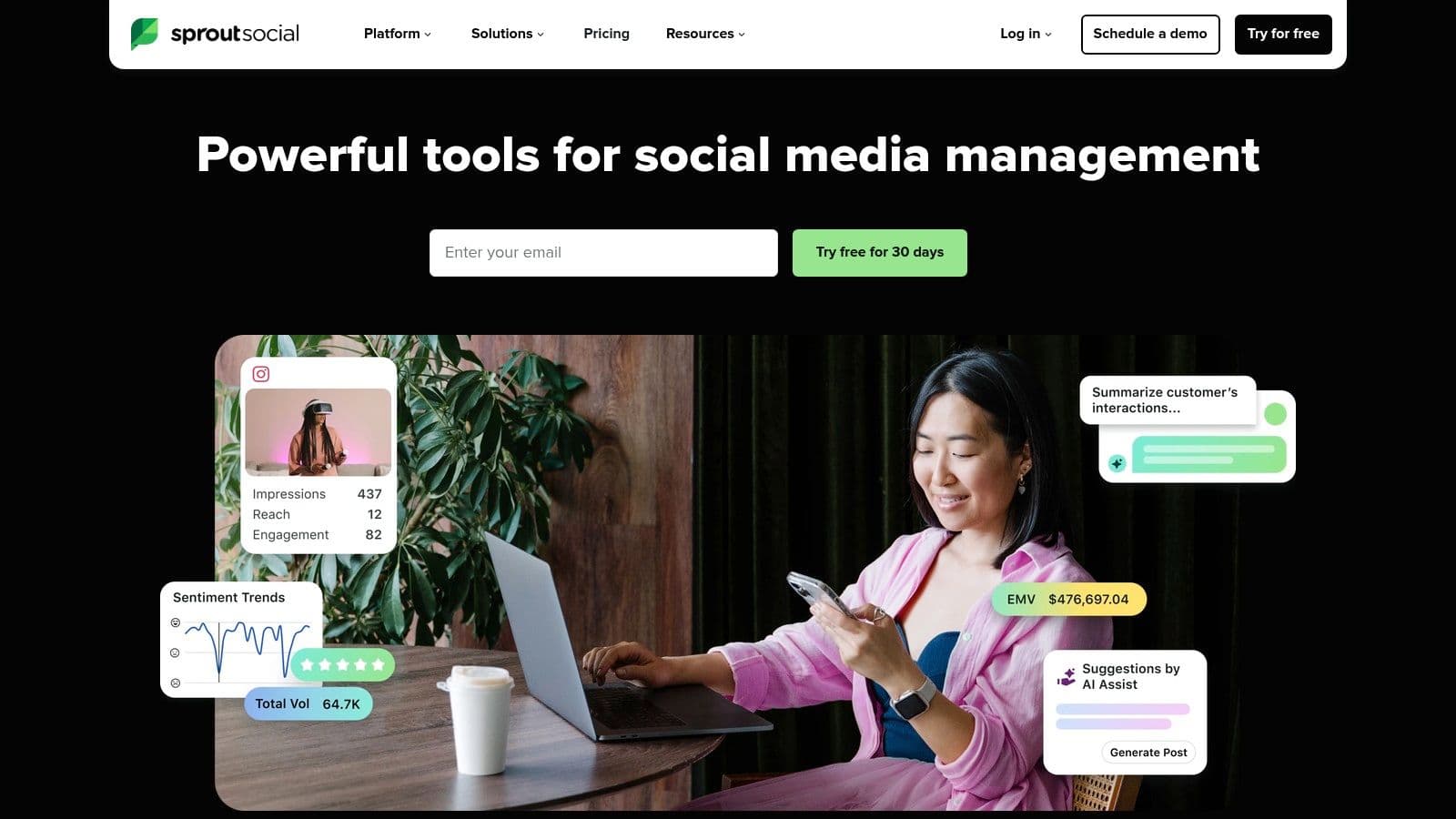
The platform's standout feature is its Smart Inbox, which unifies all incoming messages, comments, and mentions from connected profiles into a single stream. This allows agency teams to efficiently assign tasks, track response times, and ensure no client interaction is missed. The interface is clean and user-friendly, which helps shorten the learning curve for new team members.
Key Features & Agency Use Cases
- Advanced Analytics: Sprout offers deep, presentation-ready reports covering everything from post performance and competitor analysis to tag and paid campaign insights. This is invaluable for demonstrating ROI to clients.
- Team Collaboration: Robust workflow controls, including custom approval processes and task assignments, make it easy to manage content creation and client feedback loops seamlessly.
- Scalability: Higher-tier plans support unlimited social profiles, which is ideal for growing agencies that are constantly onboarding new clients without wanting to hit a platform limit.
- White-Labeling: Agencies can customize reports with their own branding, providing a professional and cohesive client experience. For more insights on this topic, see our detailed guide on white-label social media management.
Pricing & Drawbacks
Sprout Social's pricing is on the higher end, starting at $249 per month for the Standard plan, which includes one user. The Professional plan is $399 per month per user. The primary drawback is this per-seat pricing model, which can become expensive for larger agency teams. Additionally, some premium features like advanced listening are available as paid add-ons, further increasing the cost.
- Best For: Mid-to-large-sized agencies that manage complex, multi-brand client accounts and require deep analytics and robust team collaboration features.
- Website: https://sproutsocial.com
3. Hootsuite
Hootsuite is one of the most established names in social media management, offering a comprehensive, all-in-one platform for agencies that need a single tool for publishing, engagement, monitoring, and analytics. It has long been a go-to choice for teams wanting a unified dashboard to manage multiple clients across various social networks. Its extensive feature set and established workflows make it a powerful contender among the best social media management tools for agencies.
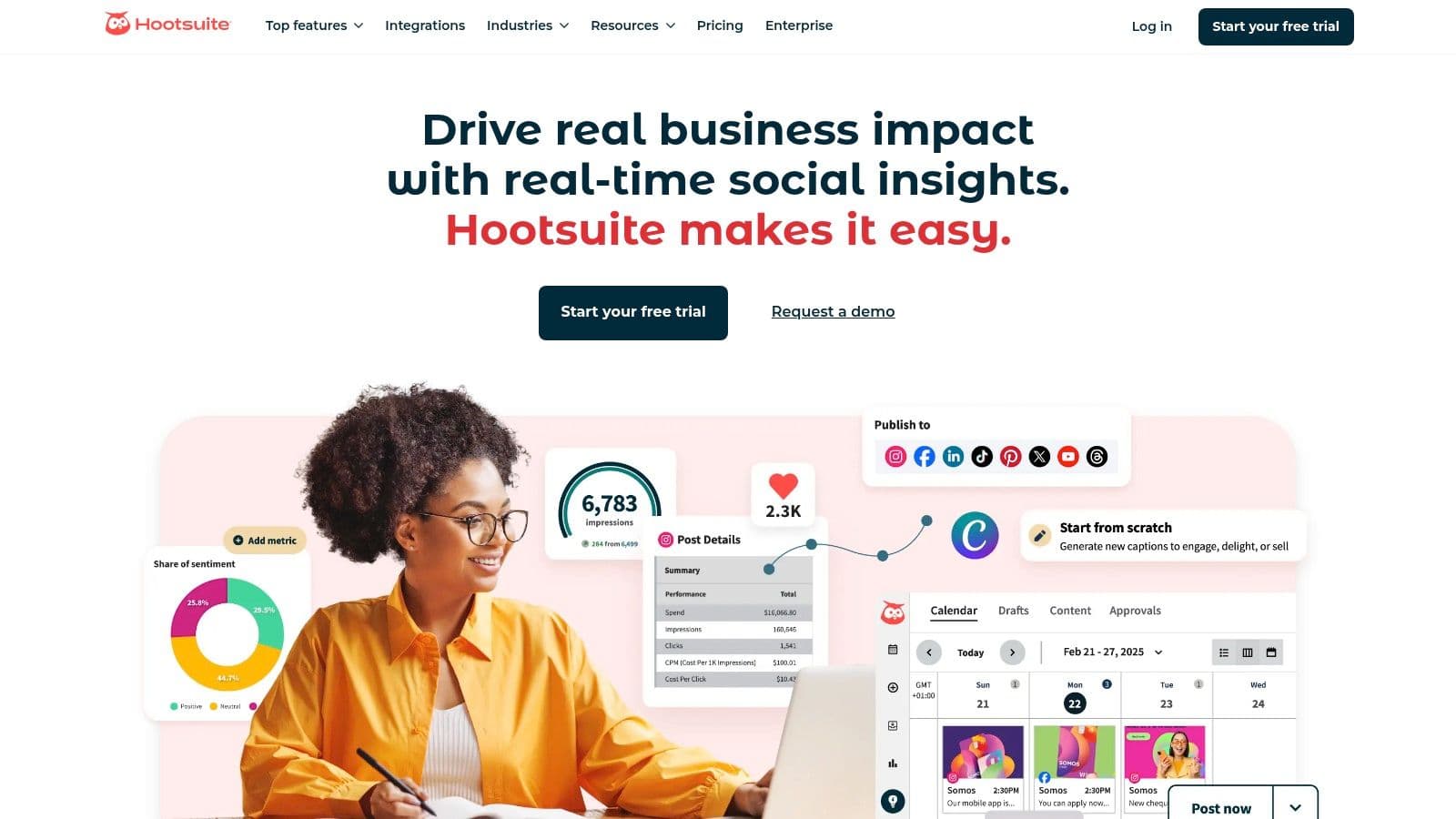
The platform excels at providing a bird's-eye view of all social media activities through its customizable "Streams" interface, which allows users to monitor feeds, keywords, and mentions in real-time. This is particularly useful for agencies handling active brand monitoring and community management for clients. Its broad ecosystem includes an app directory and educational resources, making it a well-rounded solution for teams of all skill levels.
Key Features & Agency Use Cases
- Multi-Network Scheduling: Schedule posts across all major networks with AI-powered "best time to post" recommendations to maximize client engagement.
- Unified Inbox: Manage comments, direct messages, and mentions from a single inbox, with basic automations to streamline responses and assign conversations to team members.
- Brand & Competitor Listening: Set up streams to monitor brand mentions, industry keywords, and competitor activity, providing valuable insights for client strategy.
- Content Creation Integrations: Access content creation tools like Canva and Adobe Express directly within the composer, simplifying the content workflow for agency teams.
Pricing & Drawbacks
Hootsuite's pricing starts at $99 per month for the Professional plan, which includes one user and 10 social accounts. The Team plan is $249 per month for 3 users and 20 accounts. The main drawback is that advanced features, such as deep analytics, robust listening, and significant team collaboration tools, are often reserved for higher-priced tiers. The specific inclusions can vary, sometimes requiring a sales call for a full breakdown, which can be a hurdle for agencies wanting transparent pricing.
- Best For: Agencies of all sizes looking for a reliable, feature-rich platform with strong brand monitoring capabilities and a vast library of training resources.
- Website: https://www.hootsuite.com
4. Agorapulse
Agorapulse offers a powerful, agency-friendly suite of tools that strikes an excellent balance between robust features and competitive pricing. It is designed to streamline every aspect of an agency's workflow, from scheduling and engagement to client reporting. The platform is particularly well-regarded for its unified social inbox and clear, intuitive user interface, making it one of the best social media management tools for agencies seeking efficiency without the enterprise-level price tag.
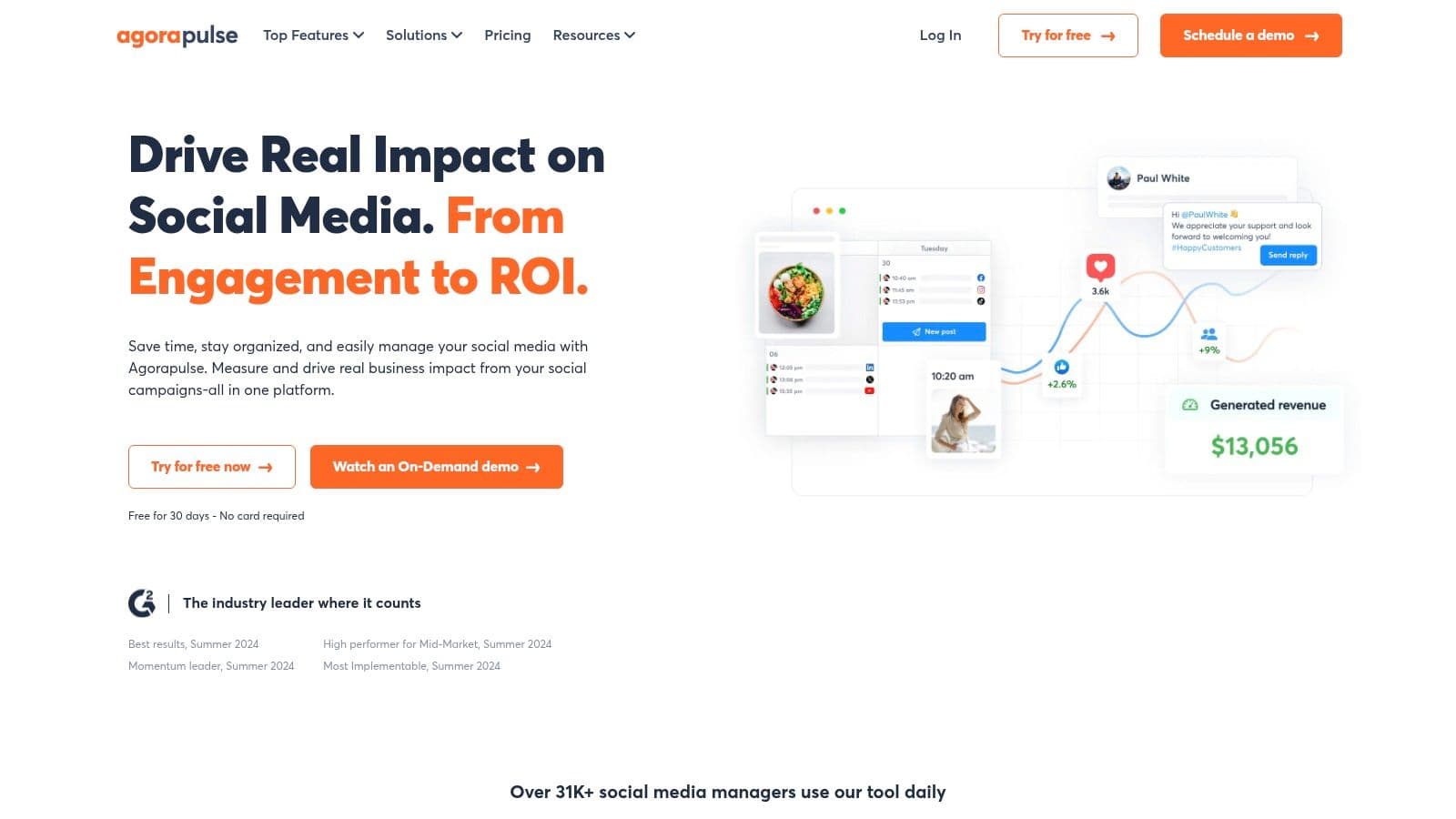
The platform provides a highly organized environment where teams can manage multiple client accounts with ease. Its social inbox centralizes comments, messages, and mentions, using smart labeling and assignment rules to ensure every interaction is handled by the right team member. This organization extends to publishing, with shared calendars and content queues that simplify content planning and client approvals.
Key Features & Agency Use Cases
- Unified Social Inbox: Consolidates all client communications into a single, manageable feed. Agency teams can filter, label, and assign conversations to avoid overlap and improve response times.
- Shared Calendars & Collaboration: Enables seamless content planning with internal teams and external stakeholders. Clients can be invited to review, comment on, and approve scheduled posts directly.
- White-Label Reporting: Create professional, custom-branded reports to demonstrate performance and ROI to clients. The reporting tools are comprehensive and easy to generate.
- Team Performance Reports: Gain insights into how efficiently your team is managing client engagement, including response times and task completion rates. Many of these processes can be enhanced with marketing automation for agencies.
Pricing & Drawbacks
Agorapulse's pricing is more accessible than many enterprise competitors, starting with a free plan for very small-scale use. Paid plans begin at $49 per month per user (billed annually). The primary drawback is that certain features, like advanced ad comment monitoring or premium add-ons (e.g., X Plus), are reserved for higher-tier plans or require an additional fee, which can increase the total cost.
- Best For: Small to mid-sized agencies that need strong inbox management and collaboration tools with a predictable, per-user pricing model.
- Website: https://www.agorapulse.com
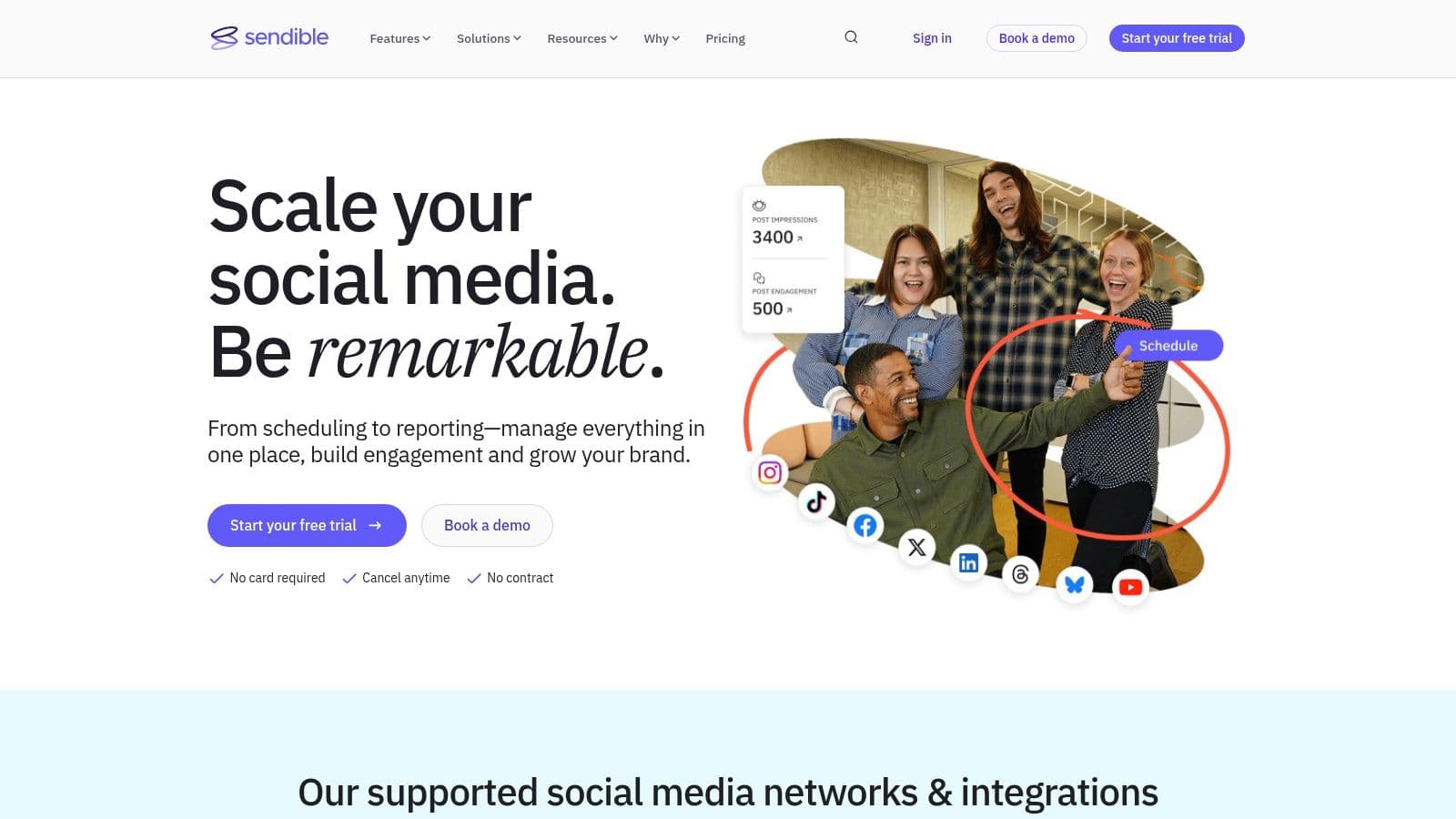
5. Sendible
Sendible is a social media management platform designed from the ground up with agencies in mind. It offers a powerful combination of scheduling, monitoring, and reporting tools packaged with agency-specific features like client dashboards and approval workflows. This focus makes it a strong contender for agencies seeking a scalable, all-in-one solution that grows with their client roster without incurring the per-seat costs common with enterprise-level tools. Its strength lies in its balance of robust functionality and agency-centric packaging.
The platform excels at creating distinct workspaces for each client, allowing agency teams to manage content, grant client access for approvals, and generate tailored reports without overlap. This client-level organization is a key differentiator, helping agencies maintain efficiency and professionalism across their entire portfolio. For more tips on this, see our guide on how to manage multiple social media accounts.
Key Features & Agency Use Cases
- Client Dashboards & User Management: Agencies can create dedicated dashboards for clients to view reports and approve content, streamlining the feedback process and enhancing transparency.
- Team Collaboration: Features like task assignments and multi-step approval workflows ensure that all content is vetted before it goes live, which is critical for maintaining brand consistency.
- Integrated Reporting: Sendible allows you to pull in Google Analytics data directly into social media reports, making it easier to demonstrate the direct impact of social campaigns on website traffic and conversions.
- Content Curation: The platform includes a content suggestion engine that helps teams discover and share relevant articles, saving time on content creation.
Pricing & Drawbacks
Sendible’s pricing is competitive for agencies, starting with the Creator plan at $29 per month. The agency-focused Traction plan is $89 per month for 4 users and 24 profiles. The main drawback is that white-labeling is only available as a paid add-on for the two highest-tier plans, which requires a custom quote. This can add a significant cost for agencies wanting a fully branded client experience.
- Best For: Small to mid-sized agencies that need a scalable platform with strong client management and approval workflow features at an affordable price point.
- Website: https://www.sendible.com
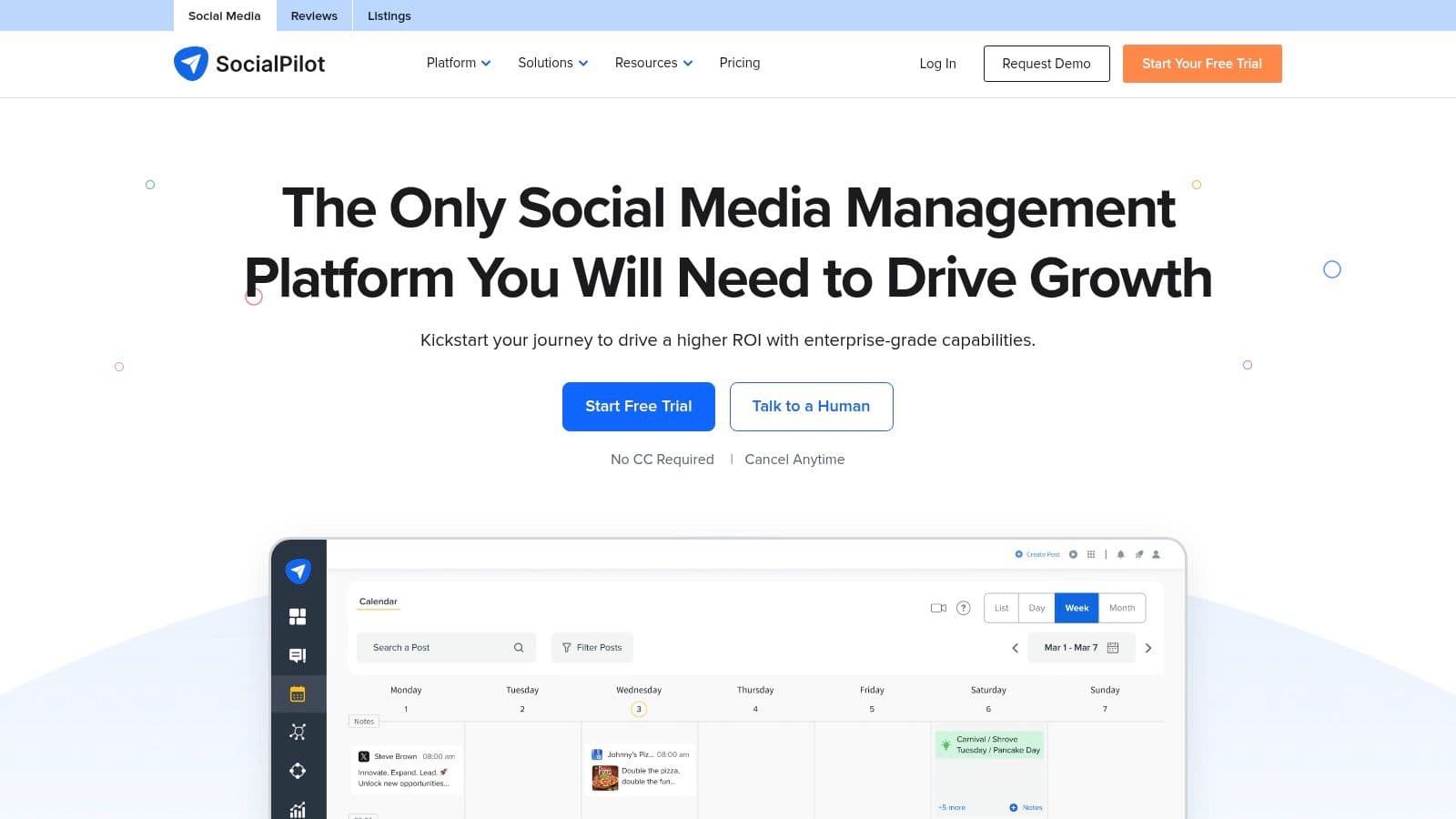
6. SocialPilot
SocialPilot carves out a significant niche by offering a robust, agency-focused feature set at a remarkably cost-effective price point. It stands out as one of the best social media management tools for agencies that need to manage a high volume of client accounts and users without incurring the steep costs associated with enterprise-level platforms. Its core value lies in providing comprehensive scheduling, collaboration, and reporting functionalities in a straightforward, accessible package.
The platform is designed with agency workflows in mind, offering features that simplify managing multiple brands from a single dashboard. Its clean interface and logical layout make it easy for teams to get up and running quickly. SocialPilot is particularly praised for its transparent pricing, which bundles a generous number of social profiles and users into its plans, delivering excellent value for growing agencies.
Key Features & Agency Use Cases
- High Volume Account Management: Plans support a large number of social accounts (starting from 10 and going up to 50+), making it highly scalable for agencies as they onboard new clients.
- Team & Client Collaboration: Features include content approval workflows where managers or clients can review and approve posts before they go live, ensuring brand consistency and client satisfaction.
- Bulk Scheduling & Content Curation: Agencies can save significant time by bulk scheduling up to 500 posts at once using a CSV file. It also includes content curation tools to discover and share relevant content.
- White-Label Reporting: Higher-tier plans offer the ability to generate and customize reports with the agency's branding, delivering a professional look for client presentations.
Pricing & Drawbacks
SocialPilot's pricing is its biggest advantage, with the Agency plan starting at $127.50 per month for 30 social media accounts and 3 users. While this is excellent value, a potential drawback is that some of its advanced features, like social listening and in-depth analytics, are less powerful than more expensive enterprise competitors. The cost can also increase if you need to purchase add-ons for extra users or accounts beyond your plan's limits.
- Best For: Small to mid-sized agencies and freelancers who require a powerful, scalable, and budget-friendly tool for managing a large portfolio of client social media accounts.
- Website: https://www.socialpilot.co
7. Later (Later Social)
Later is a social media management platform that built its reputation on a visual-first approach, making it an exceptional choice for agencies managing clients on highly visual platforms like Instagram, TikTok, and Pinterest. Its core strength lies in its intuitive visual content calendar, which allows agencies to plan, preview, and schedule posts with a clear view of the final feed aesthetic. This focus on visual planning streamlines workflows for brands where content curation and brand identity are paramount.
The platform excels at providing a clean, client-friendly preview of the content grid, simplifying the approval process for visually-driven campaigns. While it started with a strong focus on scheduling, Later has expanded its feature set on higher-tier plans to include team collaboration tools, content approvals, and a basic social inbox, making it a more viable option for smaller agency teams.

Key Features & Agency Use Cases
- Visual-First Calendar: The drag-and-drop calendar is perfect for planning and visualizing an Instagram grid, a key feature for presenting content strategies to clients in fashion, beauty, or lifestyle niches.
- Link in Bio Tool: Later includes a customizable Link in Bio page, allowing agencies to drive traffic and track clicks directly from Instagram and TikTok profiles, adding a layer of ROI measurement.
- Creator & UGC Sourcing: The platform helps find and manage user-generated content (UGC) by searching for mentions and specific hashtags, which is great for building authentic client campaigns.
- Team & Brand Management: Higher-tier plans support multiple users and "Access Groups," enabling agencies to assign specific team members to different client accounts for organized management.
Pricing & Drawbacks
Later's pricing is more accessible than enterprise-level tools, with a free plan for individuals and paid plans starting at $25 per month for the Starter plan. The Growth plan is $45 per month, and the Advanced plan is $80 per month. The main drawbacks are the post quotas on lower tiers and the fact that more robust analytics, deep social listening, and extensive team features are limited compared to more comprehensive platforms.
- Best For: Small-to-mid-sized agencies that specialize in visually-driven brands on Instagram, TikTok, and Pinterest and need a strong, easy-to-use tool for visual planning and client previews.
- Website: https://later.com
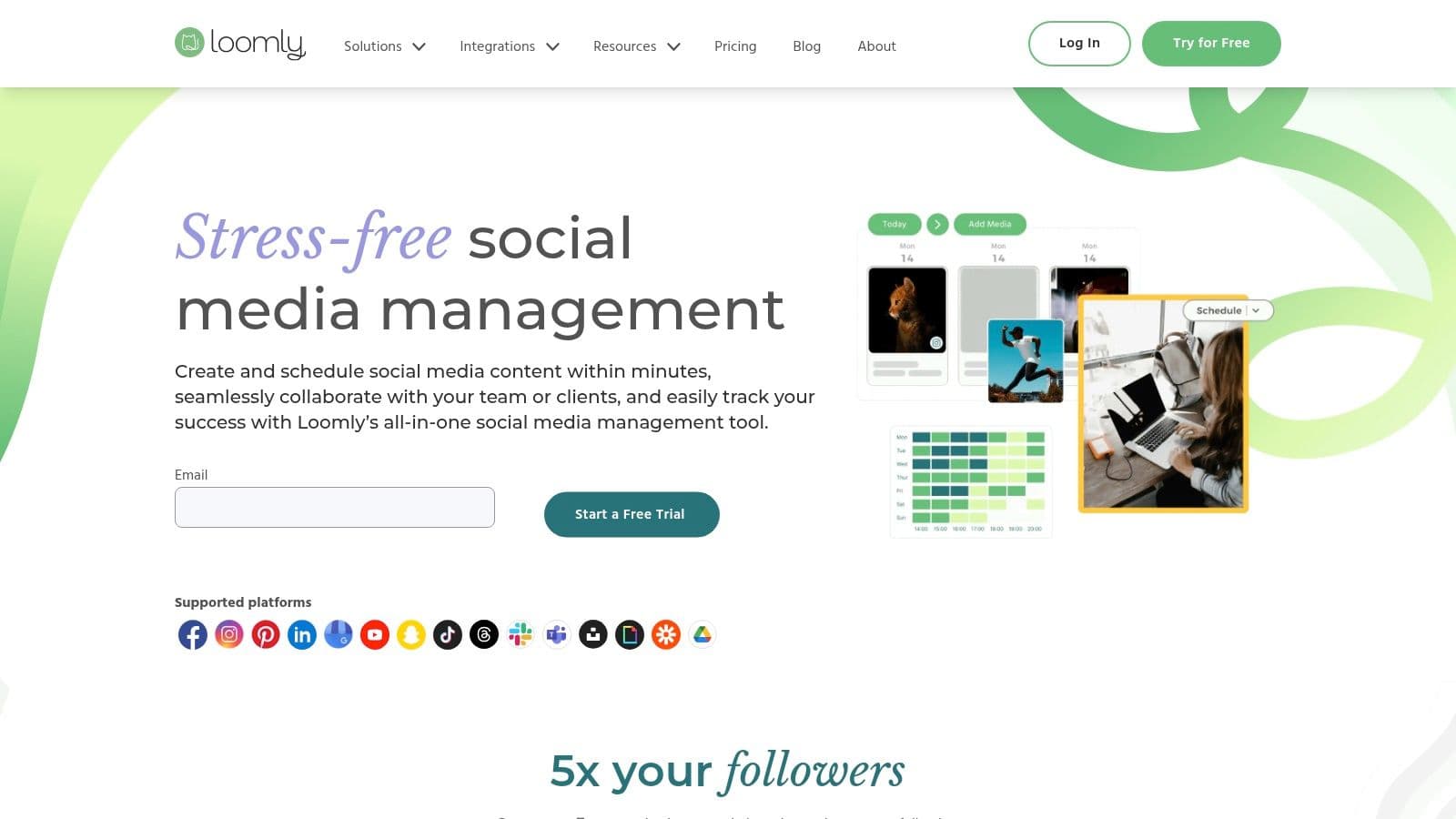
8. Loomly
Loomly is an intuitive social media management platform that excels in content ideation, approval workflows, and team collaboration. It positions itself as a more accessible and user-friendly option, making it one of the best social media management tools for agencies that prioritize straightforward content planning and client review processes. The platform is built around a clear, calendar-based interface that simplifies the entire content lifecycle, from brainstorming to publishing and analysis.
The platform’s strength is its structured yet flexible workflow. Loomly guides teams through the content creation process with helpful post ideas, optimization tips, and a multi-step approval system. This makes it particularly effective for agencies managing clients who require close oversight on all published content, ensuring everyone is aligned before a post goes live. The clean user interface makes it easy for both internal teams and external stakeholders to navigate.
Key Features & Agency Use Cases
- Collaborative Calendars: The platform's core is its visual calendar, which supports custom approval steps, post mockups, and client-specific views, streamlining the feedback loop.
- Content Ideation & Asset Library: Loomly provides post ideas based on trends and events, while its central asset library keeps client photos, videos, and notes organized and accessible.
- Scalable Plans: With tiered plans designed to grow with an agency, Loomly supports an increasing number of users and social accounts as new clients are onboarded.
- Nonprofit Discounts: The platform offers special pricing for nonprofit organizations, a valuable perk for agencies that serve this sector.
Pricing & Drawbacks
Loomly's pricing is competitive, though specific plan details are often presented within the app during signup. The primary drawback is that its social listening and advanced analytics features are more basic compared to enterprise-level platforms like Sprout Social. It’s better suited for content management and collaboration than for deep data analysis.
- Best For: Small to mid-sized agencies and teams that need a strong, easy-to-use system for content planning, collaboration, and client approvals.
- Website: https://www.loomly.com
9. Buffer
Buffer is renowned for its simplicity and reliability, offering a streamlined and intuitive platform for social media publishing and analytics. It’s an excellent choice for agencies that prioritize ease of use, both for their internal teams and for clients who may need access. The platform's clean interface and straightforward scheduling tools remove the complexity often found in more enterprise-level systems, making it one of the best social media management tools for agencies focused on efficient content delivery.
The standout aspect of Buffer's model is its transparent, per-channel pricing. This allows agencies to build custom plans that scale predictably as they add new clients or expand social media services for existing ones. Instead of paying for bundled features they don’t need, agencies can purchase exactly the number of channels required, making it an economically sound choice for managing a diverse and growing client portfolio.
Key Features & Agency Use Cases
- Per-Channel Pricing: Agencies can add channels one by one, with volume discounts applied as they grow. This offers predictable costs and makes it simple to quote new client work.
- Simple Collaboration: The Team plan allows for draft creation, internal comments, and client approval workflows, streamlining the content review process without overwhelming users.
- Intuitive Content Calendar: The drag-and-drop calendar provides a clear visual overview of all scheduled content across multiple client accounts, simplifying campaign planning.
- Start Page Builder: A unique feature that lets you create a simple, beautiful landing page for your clients' bio links, driving traffic to key destinations.
Pricing & Drawbacks
Buffer offers a free plan for up to three channels, which is great for testing or very small clients. Paid plans are priced per channel, starting at $6 per month per channel for the Essentials plan (publishing and analytics). The Team plan, with collaboration features, is $12 per month per channel. The primary drawback is its lack of advanced features like deep social listening or competitor analysis, and its reporting capabilities are more straightforward compared to comprehensive suites like Sprout Social.
- Best For: Small to mid-sized agencies and freelancers who need a reliable, user-friendly, and cost-effective tool for scheduling and basic reporting.
- Website: https://buffer.com
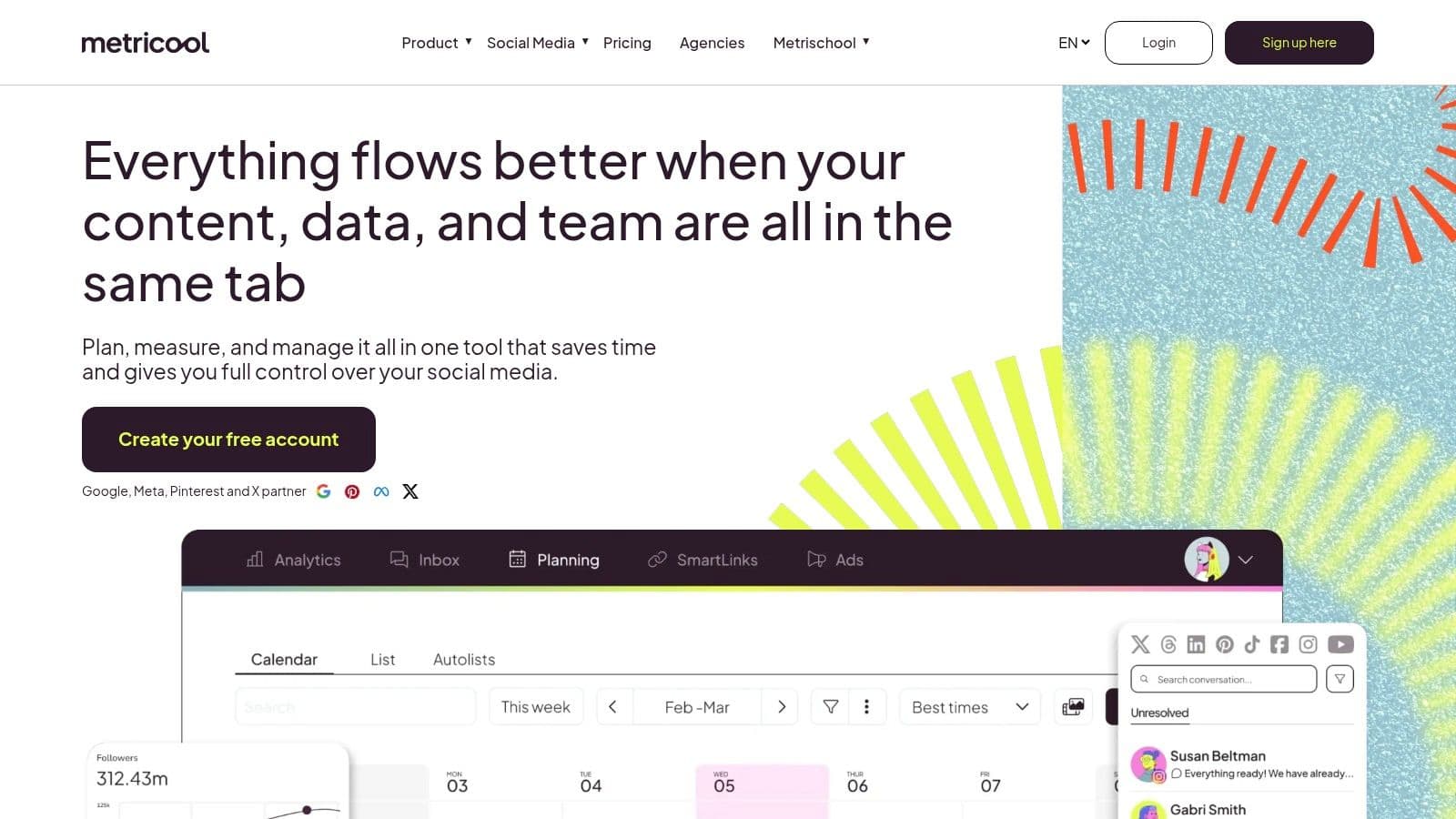
10. Metricool
Metricool is an all-in-one platform that offers an impressive balance of functionality and affordability, making it a strong contender for agencies managing a high volume of small to medium-sized clients. It consolidates social media scheduling, comprehensive analytics, and ad campaign reporting into a single, accessible dashboard. The platform's unique selling point is its brand-based pricing model, which allows agencies to scale their client load without incurring the steep per-user fees common with other tools.
This structure provides a predictable and cost-effective way to manage growth, making Metricool one of the best social media management tools for agencies focused on efficiency. It simplifies client management by organizing all data and scheduling functions on a per-brand basis, ensuring clear separation and streamlined workflows for the entire team.
Key Features & Agency Use Cases
- Brand-Based Pricing: Plans are structured around the number of "brands" (clients) you manage, not users. This is ideal for agencies with large teams managing a portfolio of smaller accounts.
- Unified Analytics & Ad Reporting: Metricool connects to social media platforms, websites, and ad accounts (Facebook, Google, TikTok Ads) to pull performance data into one place for holistic client reports.
- Looker Studio Connector: Higher-tier plans include a connector for Google's Looker Studio, enabling agencies to build powerful, custom, and automated client reporting dashboards.
- Content Approvals: A simple, built-in approval workflow allows clients to review and approve scheduled content via a shared link, streamlining the feedback process without needing complex systems.
Pricing & Drawbacks
Metricool’s pricing is highly competitive, with plans designed for agencies starting around $45 per month for 10 brands. The primary drawback is that some essential agency features, like full white-labeling and API access, are reserved for the highest-tier plans or are available as add-ons. While the user interface is functional, it may feel less sophisticated than enterprise-level suites.
- Best For: Startups and small to mid-sized agencies that need a budget-friendly, all-in-one tool to manage a large number of clients with a focus on streamlined analytics and reporting.
- Website: https://metricool.com
11. Planable
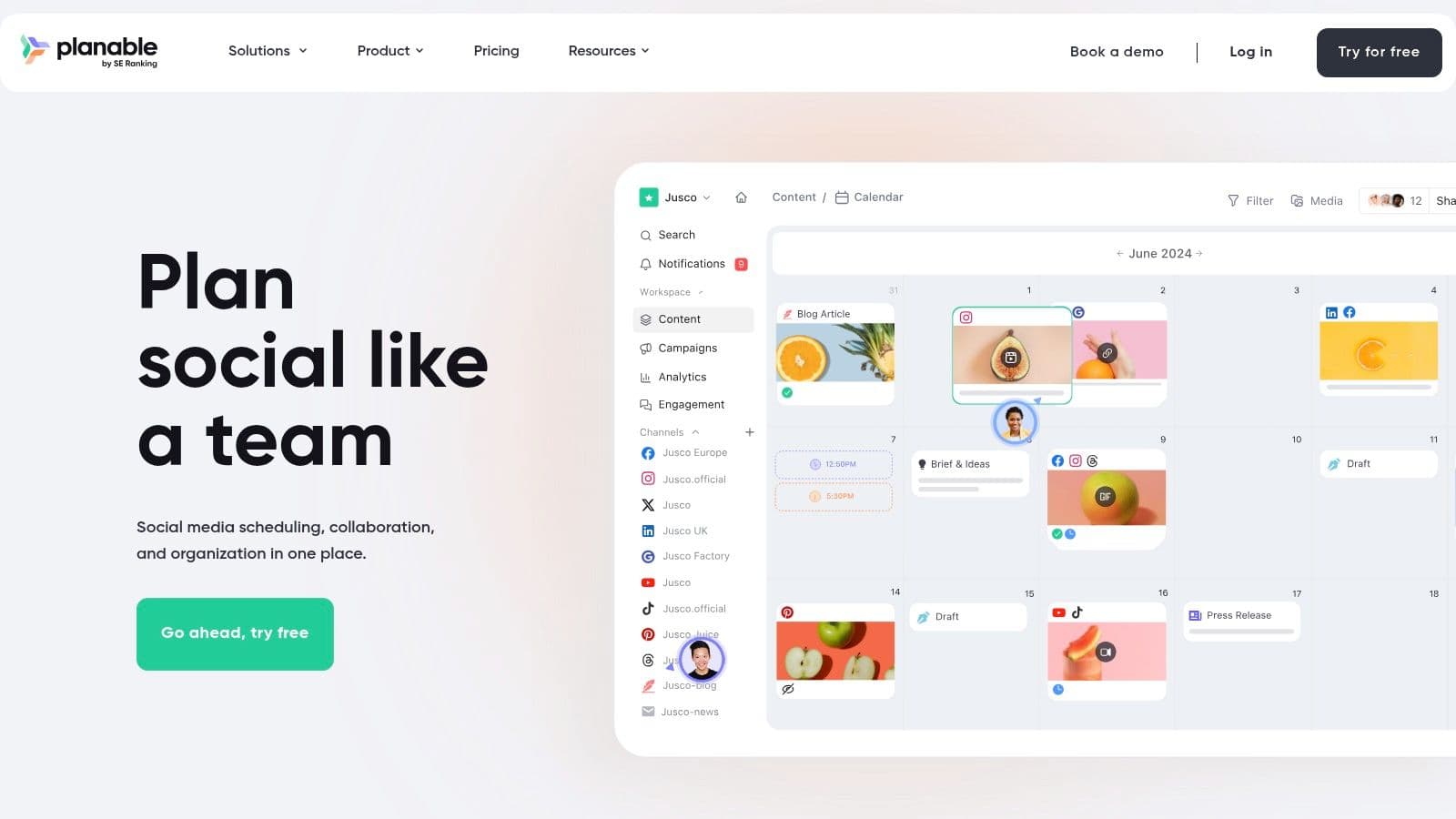
Planable is a collaboration-first platform designed specifically for the creative and approval processes common in agency workflows. It excels at making the content review cycle transparent and efficient, positioning itself as a central hub where teams and clients can work together on social media content. Its primary focus is on visual planning and securing clear client sign-off, making it an excellent tool for agencies prioritizing streamlined content approval.
The platform's strength lies in its highly visual and intuitive workspace where content is displayed exactly as it will appear on social media feeds. This "what you see is what you get" approach demystifies the approval process for clients, allowing them to leave comments directly on mock-up posts. This client-friendly interface significantly reduces back-and-forth emails and miscommunication, solidifying its place among the best social media management tools for agencies that manage a high volume of visual content.
Key Features & Agency Use Cases
- Client-Friendly Visual Previews: Agencies can share a simple link with clients to review and approve content, with no login required. This frictionless experience is a major draw.
- Structured Approval Workflows: Set up multi-level approvals (e.g., internal review first, then client sign-off) to ensure content is properly vetted before publishing.
- Flexible Workspaces: Organize each client into a separate workspace, with unlimited user invitations, making team and client management straightforward.
- Multiple Content Views: View content in a calendar, feed, grid, or list format to plan campaigns from different perspectives.
Pricing & Drawbacks
Planable’s pricing starts with a free plan for the first 50 posts. The Basic plan is $11 per user/month, offering more posts. The primary drawback is that core features like analytics and engagement are sold as separate, paid add-ons, which can increase the total cost. Lower-tier plans also have post limits and the free plan has restrictions on Twitter/X publishing, which may be a hurdle for some.
- Best For: Agencies of all sizes that heavily prioritize a smooth, visual, and efficient client content approval process.
- Website: https://planable.io
12. Kontentino
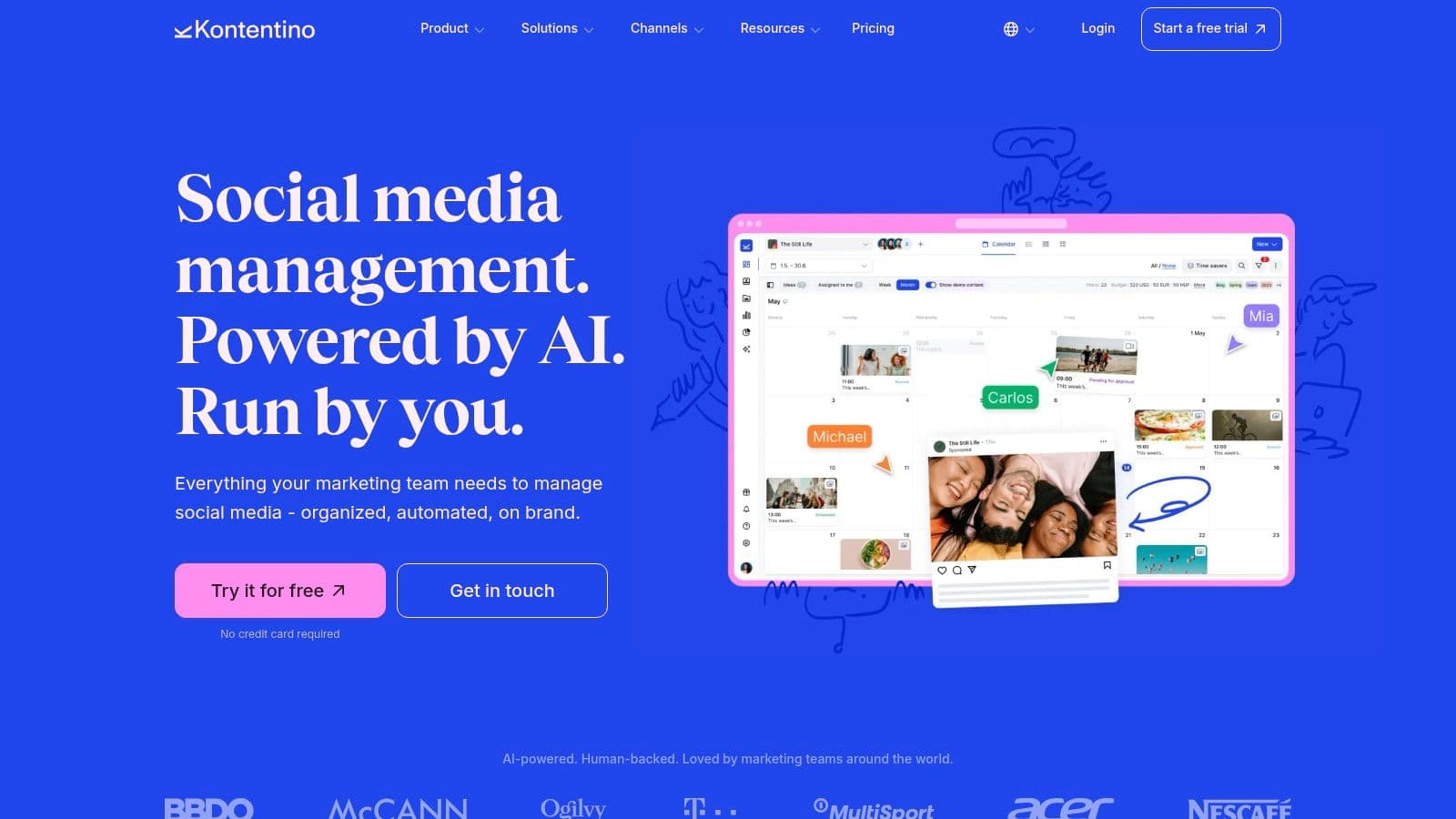
Kontentino is a social media management platform designed from the ground up with the agency-client relationship in mind. It excels at streamlining the most challenging parts of agency work: content planning, collaboration, and, most importantly, client approvals. By creating a dedicated and intuitive space for feedback and sign-offs, Kontentino helps eliminate messy email chains and disorganized spreadsheets, positioning itself as an exceptional tool for agencies that prioritize workflow efficiency.
The platform's core strength is its visual and collaborative content calendar, where teams can draft, schedule, and present posts for client review in a clear, straightforward manner. This client-centric approach ensures everyone is on the same page, significantly reducing revision cycles and speeding up campaign execution. Its interface is clean and focused, making it easy for both agency staff and clients to navigate without extensive training.
Key Features & Agency Use Cases
- Seamless Client Approvals: Create and share content with clients in a dedicated portal where they can leave comments, request changes, or approve posts with a single click.
- AI-Powered Content Creation: Integrated AI tools assist with generating caption ideas and post concepts, helping teams overcome creative blocks and produce content more efficiently.
- Flexible Scaling: The platform offers plans that grow with your agency, including options for unlimited users and profiles, which is perfect for agencies on a rapid growth trajectory.
- Inspirations Library: Teams can build a shared library of content ideas, brand assets, and best-performing posts to maintain consistency and inspire future campaigns across all client accounts.
Pricing & Drawbacks
Kontentino's pricing starts at €59 per month for the Starter plan, which includes 3 users and 10 social profiles. The primary drawback is that some key functionalities, such as advanced analytics and reporting, are available only as paid add-ons. This means the total cost can increase depending on an agency's specific reporting needs. Additionally, it has fewer native social listening capabilities compared to more expensive, enterprise-level platforms.
- Best For: Small to mid-sized agencies that need a highly efficient and streamlined workflow for content collaboration and client approvals.
- Website: https://www.kontentino.com
Agency Comparison: Top 12 Social Media Management Tools
| Product | Core features | UX (★) | Price / Value (💰) | Target (👥) | Unique selling points (✨ / 🏆) |
|---|---|---|---|---|---|
| PostOnce 🏆 | Auto cross-posting, format optimization, multi-account workflows | ★★★★☆ fast, low-friction | 💰 $29/mo Creator · $69/mo Pro · $199/mo Agency · 7‑day trial | 👥 Creators, SMBs, social managers, agencies | ✨ Set‑and‑forget automation; native formatting; secure OAuth |
| Sprout Social | Unified publishing, Smart Inbox, advanced analytics | ★★★★☆ enterprise-grade | 💰 Premium / per-seat pricing | 👥 Agencies & enterprises | ✨ Deep analytics, governance, presentation-ready reports |
| Hootsuite | Scheduling, monitoring, reporting, brand listening | ★★★★ solid & established | 💰 Tiered plans; add-ons may apply | 👥 Agencies & brands needing full-stack | ✨ Extensive integrations, brand monitoring, templates |
| Agorapulse | Scheduling, shared calendars, reporting, white‑label | ★★★★ clear workflows | 💰 Competitive per-seat, mid-range | 👥 Growing agencies | ✨ White‑label reporting; strong collaboration tools |
| Sendible | Client dashboards, approvals, user management, reports | ★★★★ agency-focused | 💰 Mid-range; white‑label add-on | 👥 Agencies with client approvals | ✨ Client dashboards & approval flows; flexible scaling |
| SocialPilot | Bulk scheduling, team collaboration, white‑label | ★★★★ value-oriented | 💰 Budget-friendly, transparent tiers | 👥 Small–mid agencies | ✨ High accounts-per-plan value; simple pricing |
| Later (Later Social) | Visual calendar, IG/TikTok workflows, product tagging | ★★★★ visual-first | 💰 Mid; post quotas on lower tiers | 👥 Visual creators, brands, influencer teams | ✨ Instagram/TikTok previews, link-in-bio & shopping tags |
| Loomly | Collaborative calendar, asset library, approvals | ★★★★ clean UI | 💰 Mid-range; flexible billing | 👥 Teams & agencies | ✨ Intuitive client/stakeholder review; nonprofit discounts |
| Buffer | Simple publishing, analytics, per-channel pricing | ★★★★ reliable & simple | 💰 Low-cost; free plan + 14‑day trial | 👥 Small teams & agencies | ✨ Predictable per-channel pricing; easy onboarding |
| Metricool | Brand-based plans, analytics, ads reporting | ★★★☆ budget-friendly | 💰 Budget; brand-based pricing | 👥 Agencies managing many small brands | ✨ Looker Studio connector; multi-currency reporting |
| Planable | Visual previews, multi-level approvals, workspaces | ★★★★ approval-first UX | 💰 Mid; optional add-ons for analytics/engagement | 👥 Agencies needing clear client sign-off | ✨ Multi-level approvals; client-friendly visual previews |
| Kontentino | Drafting/scheduling, AI captions, bulk actions | ★★★★ agency-oriented | 💰 Mid; transparent multi-currency pricing | 👥 Agencies & content teams | ✨ AI captioning, first-comment scheduling, global manager options |
Choosing the Right Tool to Scale Your Agency
Navigating the crowded market of social media management tools can feel overwhelming, but making an informed decision is the cornerstone of scaling your agency's operations efficiently. As we've explored, the landscape offers a diverse range of platforms, from comprehensive, enterprise-level solutions like Sprout Social and Hootsuite to more nimble, collaboration-focused tools like Planable and Kontentino. Each platform presents a unique combination of features, strengths, and pricing structures designed to solve specific agency challenges.
The key takeaway is that there is no single "best" tool for every agency. The ideal platform is the one that aligns perfectly with your specific workflows, client needs, and growth trajectory. A large agency managing dozens of high-profile clients will prioritize robust approval workflows, white-label reporting, and advanced analytics, making Agorapulse or Sendible a strong contender. In contrast, a smaller, fast-growing agency might find the balance of affordability and comprehensive features in tools like SocialPilot or Metricool more suitable for their immediate needs.
Your Action Plan for Selecting the Right Tool
Making the final choice requires a strategic internal audit. Don't get distracted by a long list of features you may never use. Instead, focus on the core functionalities that will have the most significant impact on your team's productivity and your clients' results.
Begin by mapping out your current social media management process from start to finish. Identify the bottlenecks. Is it the client content approval process? Is it the time spent manually generating reports? Or is it the tedious task of adapting and publishing content across multiple networks? Your biggest pain points should guide your evaluation.
Next, create a shortlist of two to three platforms from this guide that seem to address those specific challenges. Take full advantage of their free trials. This is a critical step; using the tool in a real-world context is the only way to truly understand its usability and limitations.
Here are the essential factors to test during your trial period:
- Team Onboarding: How intuitive is the platform for a new team member? A steep learning curve can negate any potential time savings.
- Client Collaboration: Set up a test client and run through your entire approval workflow. Is it seamless and professional, or clunky and confusing?
- Reporting Customization: Attempt to build a report that mirrors what you currently provide to clients. Can you add your agency's branding and highlight the metrics that matter most?
- Support and Resources: Reach out to the support team with a question. Their response time and helpfulness are excellent indicators of the service you'll receive as a paying customer.
- Integration Power: Connect your other essential tools, like your CRM or design software. Seamless integration is crucial for building a truly efficient marketing tech stack.
Beyond the Platform: A Holistic Approach to Agency Growth
Remember, a tool is only as effective as the strategy behind it. The best social media management tools for agencies are those that not only automate tasks but also provide the data and insights needed to refine your strategy continually. They should free up your team's time to focus on what truly matters: creating compelling content, engaging with audiences, and delivering exceptional client value. As you grow, you may also want to investigate how emerging technologies can further enhance your service offerings. For instance, you can explore AI-powered solutions from lunabloomai to supercharge content creation and strategic planning.
Ultimately, investing in the right platform is an investment in your agency's future. It’s about building a scalable, efficient, and profitable operation that allows you to deliver outstanding results and confidently take on new clients. Use this guide as your blueprint, conduct your due diligence, and choose the partner that will help you achieve your most ambitious goals.
Ready to eliminate the friction of multi-platform publishing? While comprehensive management tools are essential, PostOnce offers a powerful, specialized solution for automatically crossposting content, saving your agency countless hours. Try PostOnce today and streamline your content distribution with unparalleled efficiency.