

















You publish a strong Instagram post in the morning, then spend the rest of the day resizing assets, rewriting captions, and trying to keep the same campaign alive on three other apps. That is usually the underlying problem behind the search for an app like Instagram. Distribution gets fragmented fast, and manual posting turns every extra channel into more work than it should be.
Start with a system that can hold those channels together. PostOnce cross-posting gives you one publishing workflow for adapting and sending content across multiple networks, which matters when Instagram is still one part of the job, not the whole job. If you also plan to use Meta-owned platforms, it helps to understand Meta accounts for apps before you connect profiles and assign publishing access.
Instagram still deserves a place in the mix. Backlinko's Instagram user overview cites industry estimates that keep Instagram at roughly 2 billion users worldwide, which is why most brands and creators cannot afford to treat it as optional. The practical question is how to support Instagram with other platforms that do different jobs well.
That is where content strategy matters more than app selection. One platform might be better for discovery. Another might be better for conversation, portfolio presentation, or evergreen referral traffic. The right combination depends on your content format, your production capacity, and how much format switching your team can realistically handle each week.
I usually recommend keeping Instagram as the anchor channel, then adding two or three platforms with a clear role in the workflow. For example, one can widen reach, one can deepen community, and one can extend the shelf life of your content. If you want a smoother handoff into Meta-first publishing, cross-posting to Threads with PostOnce is often the simplest first extension.
Practical rule: Add platforms based on function, not novelty. A smaller stack you can publish consistently will outperform five neglected accounts.
1. Threads (by Meta)
Threads is the easiest first add-on for anyone already invested in Instagram. The login flow is simple, the account relationship is familiar, and the audience overlap is usually close enough that you can test fast without rebuilding from zero. If you want an app like Instagram that feels adjacent rather than disruptive, Threads is usually where to start.
The main strength is speed. You can turn a visual post into a text-led conversation, a teaser, or a creator note without inventing a whole new content identity. That makes it useful for launches, behind-the-scenes commentary, repost prompts, and audience feedback loops.
Where it works best
Threads works well when your Instagram content already has a point of view. Brands that only post polished visuals often struggle. Creators and businesses that can say something useful, opinionated, or timely usually get more traction.
A practical setup is to publish the polished asset on Instagram, then use Threads to support it with commentary, a hook, or a follow-up question. If that's part of your workflow, cross-posting to Threads with PostOnce helps remove the copy-paste work.
- Best fit: Creators, educators, founders, and brands with a strong voice
- Watch out for: Discovery that still feels less predictable than older text networks
- Good use case: Turning one campaign into both a visual post and a discussion thread
Threads also makes more sense if you understand how Meta ties its ecosystem together. This overview of Meta accounts for apps is useful if you manage several brand identities and want cleaner account separation.
Threads is rarely a full Instagram replacement. It's a very practical companion platform.
Use it when you want lower-friction publishing and audience portability, not when you need a complete substitute for Instagram DMs or deep community features.
2. TikTok
TikTok is the strongest choice if your real goal is discovery. It's still the platform I'd pick when a creator says, “I need new people to find me, not just my current followers to see me again.” As an app like Instagram, it wins when your content can move in short-form video or photo carousel form.
That's also where teams get tripped up. TikTok rewards adaptation, not recycling. A beautiful Instagram post often feels too static on TikTok unless you add pacing, voiceover, text framing, or a stronger opening beat.
What actually translates
Short tutorials, transformations, product demos, reaction formats, list-style education, and creator commentary tend to move better than straight reposts. If your Instagram strategy is still heavily based on polished stills, TikTok will force you to loosen up.
One operational advantage is that TikTok and Instagram often support each other. If you're trying to connect both platforms cleanly for audience movement and profile traffic, this guide on how to link TikTok to Instagram is worth using in setup.
Here's the trade-off in plain terms:
- TikTok is stronger for: Discovery and creative testing
- Instagram is stronger for: Profile presentation, brand polish, and integrated social commerce habits
- What doesn't work: Posting identical edits everywhere and expecting the same response
One major reason Instagram alternatives matter at all is that audience behavior is fragmenting across networks, and platform-native differences still matter. PetaPixel's coverage of Instagram alternatives gets at that operational gap well. The problem isn't just choosing a replacement. It's adapting one piece of content across different environments.
If you can commit to a faster content rhythm and a more casual production style, TikTok belongs in almost every modern creator stack.
3. Snapchat
Snapchat is still one of the most misunderstood options on lists like this. People either write it off as a messaging app or treat it like a relic from an earlier social era. In practice, it's useful when your brand can benefit from camera-first content, informal storytelling, and lighter production.
It's not where I'd send a team that needs polished evergreen discovery. It is where I'd send a creator or brand that wants intimacy, immediacy, and a less performative feeling than a heavily optimized Instagram feed.
Best use for brands and creators
Snapchat works when you think in moments, not assets. Public Stories, direct updates, creator personality, event coverage, and quick product peeks all fit. If your team is strong at “come with me” content, Snapchat can work better than people expect.
A lot of managers also forget how much presentation matters on this platform. Even small text choices change how native a Story feels. If you want your captions and overlays to match platform style better, this Snapchat font generator tool is a handy add-on.
- Strongest use case: Casual audience connection
- Weakest use case: Building a portfolio-style content archive
- Common mistake: Reposting feed assets without making them feel conversational
Snapchat also asks you to accept that some content will disappear from the business value conversation faster than an Instagram post would. That's not always bad. For many brands, temporary content lowers production pressure and makes posting easier.
If your audience skews younger and you have enough personality on camera, Snapchat can be a smart supporting channel. If you need durable content with search value, choose something else.
4. VSCO
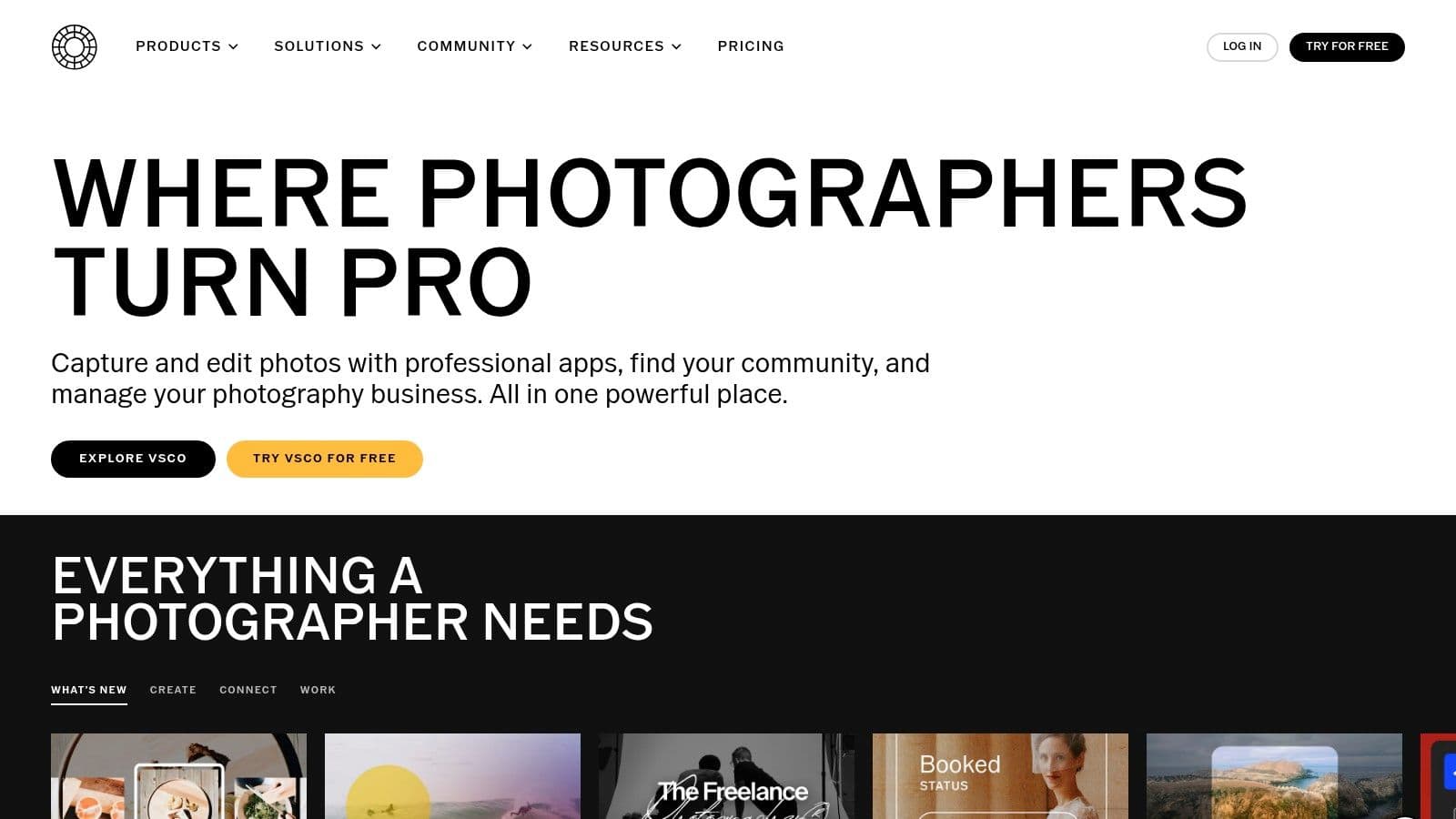
VSCO is what I recommend when someone says, “I want an app like Instagram, but I'm tired of chasing visible performance signals.” It leans more toward craft, curation, and editing quality than mainstream social competition. That makes it especially useful for photographers, designers, and creators who care about visual cohesion.
It's also one of the better reminders that not every platform needs to be your main growth engine. Sometimes the right platform is the one that helps you make better work.
Why creators keep it in the stack
VSCO shines as both an editor and a presentation layer. If you're building a recognizable look, its presets and editing workflow are often more important than its social feed. That's why I usually treat it as a creative hub first and a social app second.
Visual consistency still matters when those assets move back out to Instagram and other networks. If you're resizing and preparing images for feed use, this guide to Instagram image size helps keep exports cleaner.
Some platforms help you reach more people. VSCO often helps you post better work everywhere else.
That said, the trade-off is obvious. Discovery is smaller. Audience interaction feels quieter. If a brand wants comments, shares, and fast feedback, VSCO alone won't solve that.
Use VSCO if you want:
- Better visual polish: Strong editing control for photos and video
- A calmer environment: Less pressure to optimize every post for public metrics
- A stronger brand look: Useful for creators who want a consistent aesthetic language
Use something else if your first priority is broad reach or active conversation. VSCO is excellent in the middle of a workflow, but it's rarely the only answer.
5. Pinterest
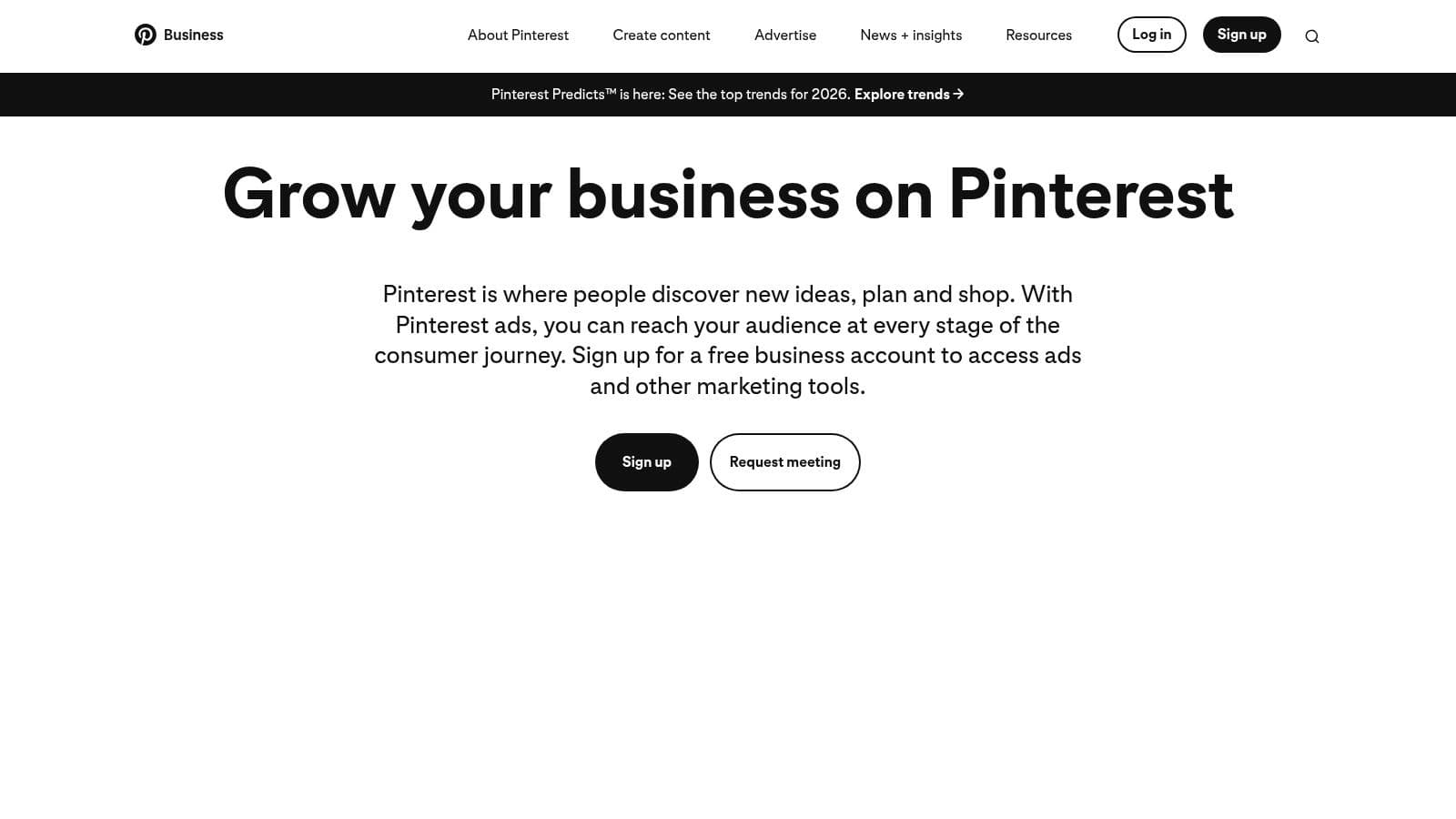
Pinterest isn't a social replacement for Instagram in the community sense. It is a strong replacement for one specific Instagram job: visual discovery that keeps working after you post. For brands in food, interiors, beauty, fashion, travel, events, and DIY, that difference matters a lot.
Instagram posts often peak quickly. Pinterest pins can keep circulating because people use the platform more like a planning engine than a live feed.
How to use it without wasting effort
The teams that do well on Pinterest don't treat it like a screenshot dump. They build vertical assets, clear titles, and search-friendly descriptions. The work is less about “posting socially” and more about packaging content so it can be found later.
Timing still matters, but not in the same way it does on a fast-moving feed. If you want to tighten your publishing rhythm, use this guide on the best times to post on Pinterest as a scheduling reference.
Pinterest works especially well when you already have:
- Blog content or landing pages: Pins can support traffic and intent
- Product photography: Shopping-led visuals fit naturally
- Repeatable educational themes: Step-by-step and how-to content tends to translate well
The downside is simple. Pinterest is weaker for direct back-and-forth conversation. If your brand relies on comments, DMs, and personality-led engagement, it will feel less social than Instagram.
I'd use Pinterest as a second engine, not a replacement. It's one of the few platforms on this list that can keep distributing your content well after the posting moment passes.
6. BeReal
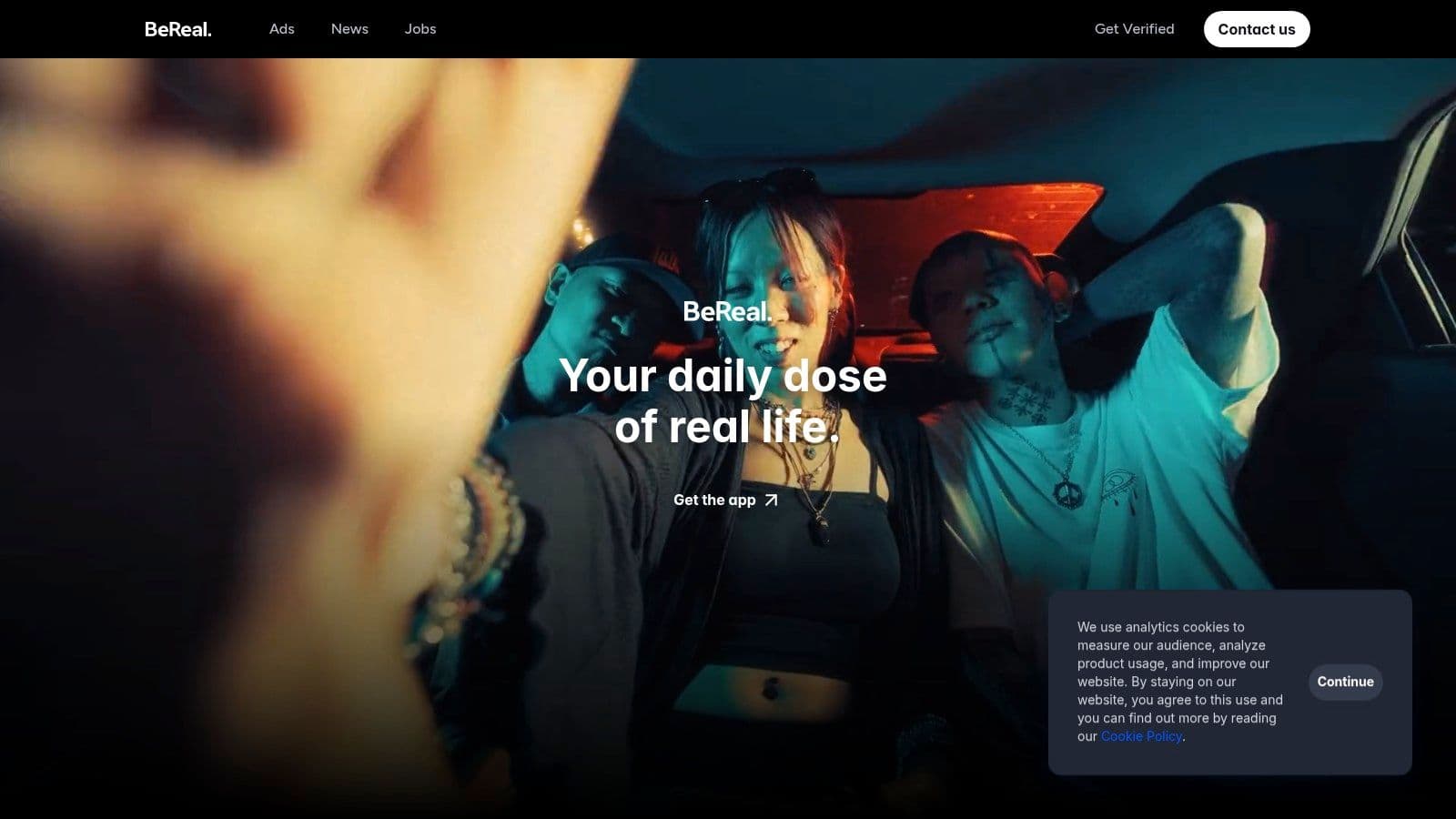
BeReal is useful when polished content is hurting you more than helping you. Some brands and creators overproduce every post, then burn out trying to maintain that standard everywhere. BeReal strips that problem down fast.
The format is narrow, and that's the point. One post per day, low editing pressure, casual context. It won't replace Instagram for launches, campaigns, or polished portfolio content. It can make a brand feel more human.
Where it fits in a real workflow
I like BeReal for internal culture, founder visibility, team personality, studio life, and backstage moments. It's a supporting layer, not a centerpiece. When brands force campaign language into it, the result usually feels wrong.
BeReal is good at showing presence. It isn't good at carrying strategy by itself.
A few practical notes:
- Use it for: Candid snapshots, team moments, process visibility
- Don't use it for: Heavily branded campaign messaging
- Expect: Limited control, limited polish, limited scaling
That last point matters. If you manage multiple brands or client accounts, BeReal is hard to systematize compared with Instagram, Threads, or Pinterest. It's more dependent on whoever is physically present in the moment.
For creators who need less pressure and more authenticity, it can be a smart counterweight to polished channels. For performance-driven teams, it usually stays a side experiment.
7. Vero
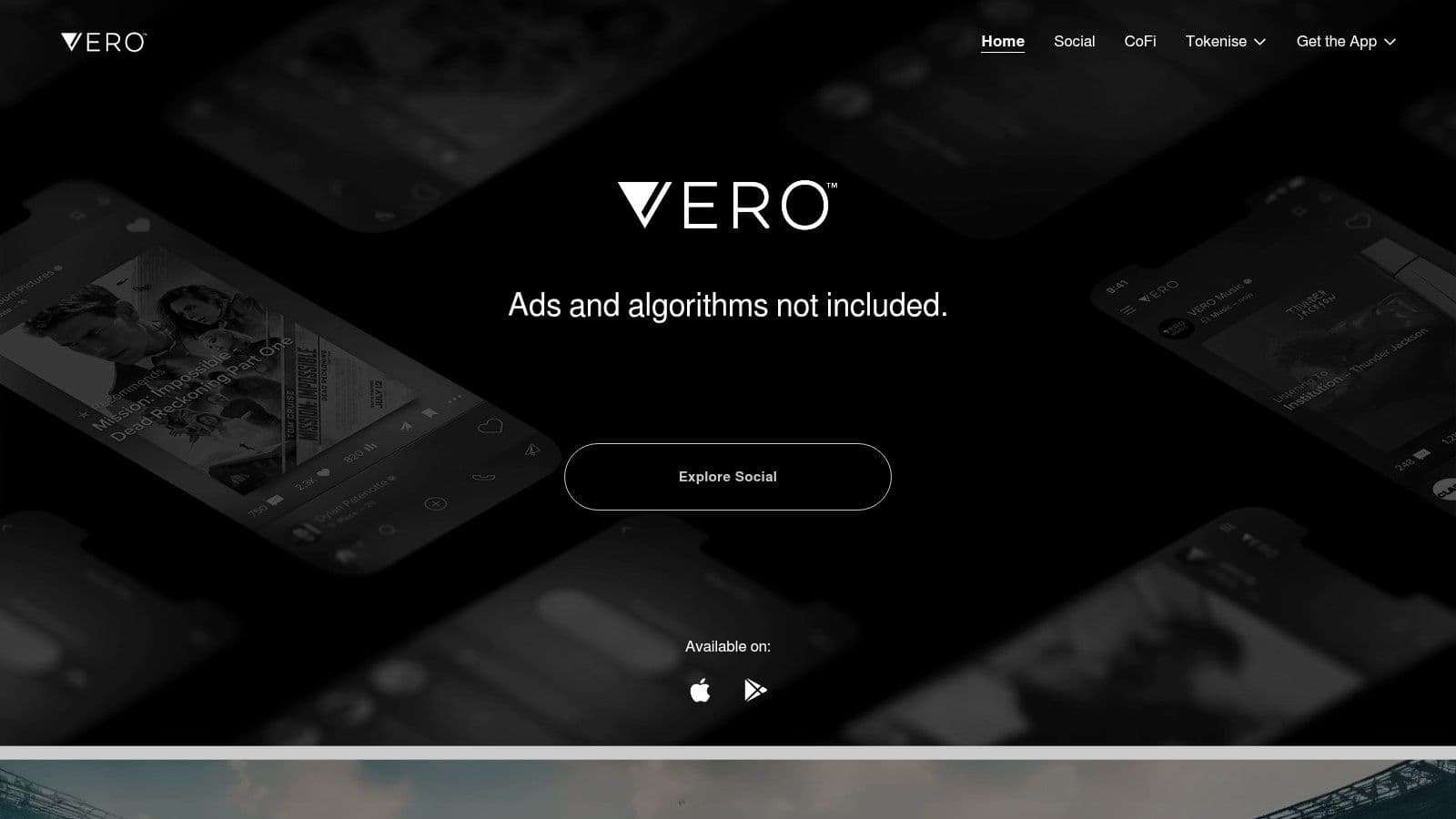
Vero appeals to people who miss a cleaner, less cluttered visual social experience. If your complaint about Instagram is less “I need more reach” and more “I want more control over how work is seen,” Vero is one of the better fits.
Photographers and artists tend to appreciate it because presentation quality matters. The feed experience feels less aggressive, and content can breathe more.
If you also post your art to Bluesky and Threads alongside Instagram, see social media for artists for posting each piece once to all of them.
The real trade-off
The problem is scale. Vero can feel artist-friendly, but smaller networks require realistic expectations. You don't go there for mass distribution. You go there for a better viewing environment and a more portfolio-like experience.
That's increasingly relevant because some creators are moving toward smaller niche communities instead of relying on one dominant visual app. The Next Web's look at newer Instagram alternatives highlights that shift, including the note that Cara had about 1 million users and that Pixelfed prohibits AI-generated content.
A smaller platform can be useful if it attracts the right audience and asks less from your attention.
That's how I'd evaluate Vero. It won't replace Instagram's mainstream reach. It can serve creators who want a cleaner visual home for selected work.
If you already have a broader publishing system elsewhere, Vero can be a good specialist channel. If you need top-of-funnel scale, choose a different platform first.
8. 500px
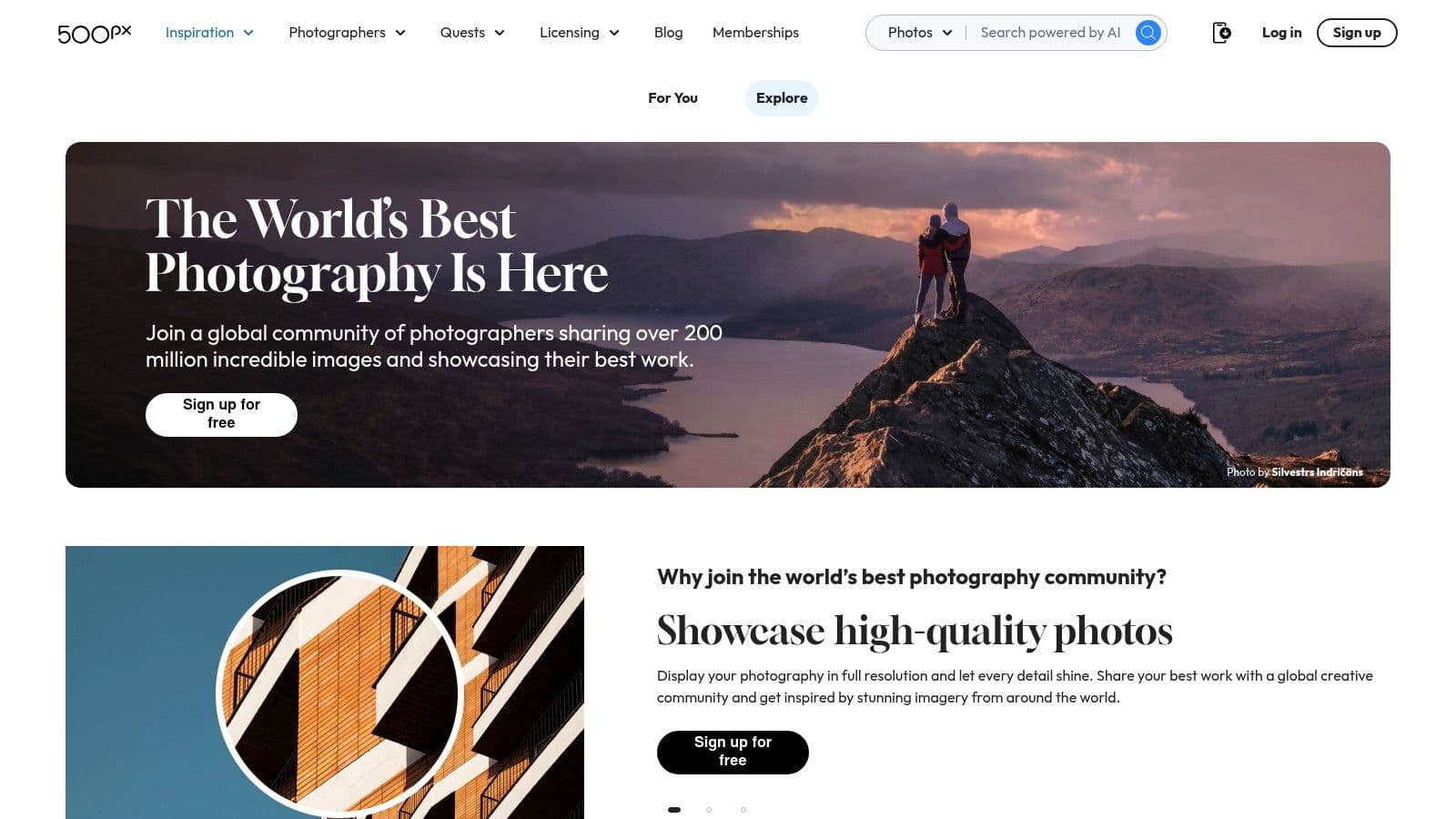
500px isn't trying to be a universal social network, and that's exactly why some photographers still prefer it. It's built around photography-first presentation, portfolio value, and commercial relevance rather than broad lifestyle posting.
If you shoot stills seriously, 500px makes more sense than forcing every image into a mainstream social template.
Who should actually use it
Commercial photographers, fine-art photographers, travel shooters, and product specialists can all get value from 500px. It's also useful if licensing matters to you and you want a platform where the work itself stays central.
The weakness is mainstream audience size. If a client wants broad consumer attention, Instagram and TikTok are easier channels. If the goal is a cleaner professional showcase, 500px earns its place.
I'd frame it this way:
- Choose 500px when: Image quality and portfolio context matter more than chatter
- Skip it when: You need fast-moving lifestyle engagement
- Use it alongside: A wider distribution mix that handles discovery and community elsewhere
As a manager, I wouldn't put every brand on 500px. I would absolutely use it for the right visual category, especially when the work deserves a more photography-native setting than an algorithm-heavy feed.
9. Flickr
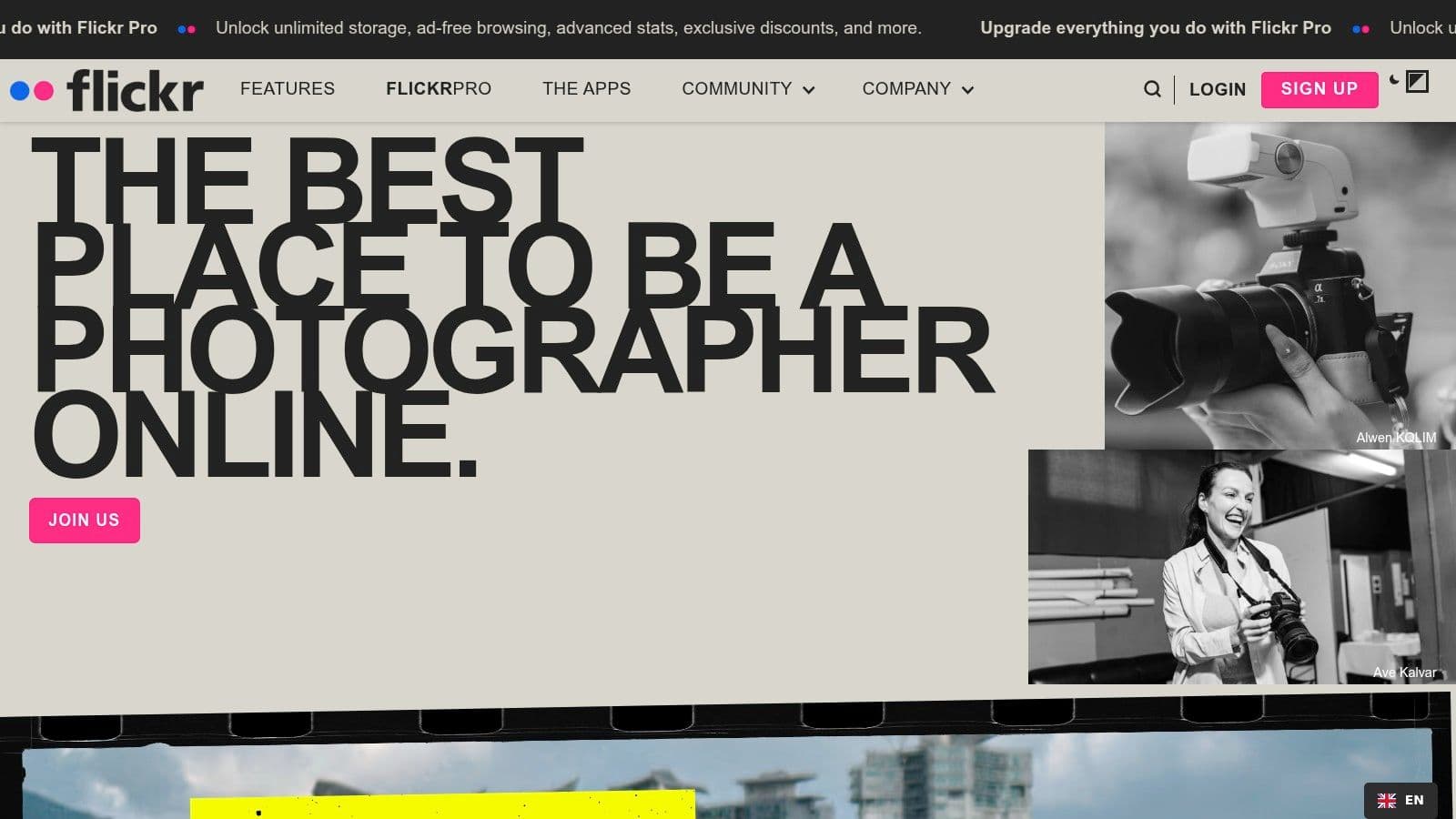
Flickr is the most practical choice on this list if your problem is organization. That sounds boring until you manage a large library, multiple categories of assets, or client work that needs to stay discoverable and shareable over time.
Instagram is good at presentation. Flickr is better at storage, albums, and community grouping around specific interests.
Why it still matters
I still recommend Flickr to teams that need an archive with a social layer attached. It works well for event photography, travel libraries, hobby communities, local organizations, and businesses that want full-resolution access without turning every image into a campaign post.
The user experience is less trendy, but that can be a benefit. You're not constantly trying to feed a volatile algorithm. You're organizing work and making it available to the right viewers.
A few strengths stand out:
- Album structure: Better than most modern consumer social apps
- Community groups: Useful for niche discovery and topic-based visibility
- Asset durability: Better fit for libraries than fast-scroll feeds
The drawback is obvious. Flickr won't give most creators the same cultural relevance or momentum they want from a modern growth channel. Treat it like infrastructure with community benefits, not a replacement for active brand storytelling.
10. Lemon8 (by ByteDance)
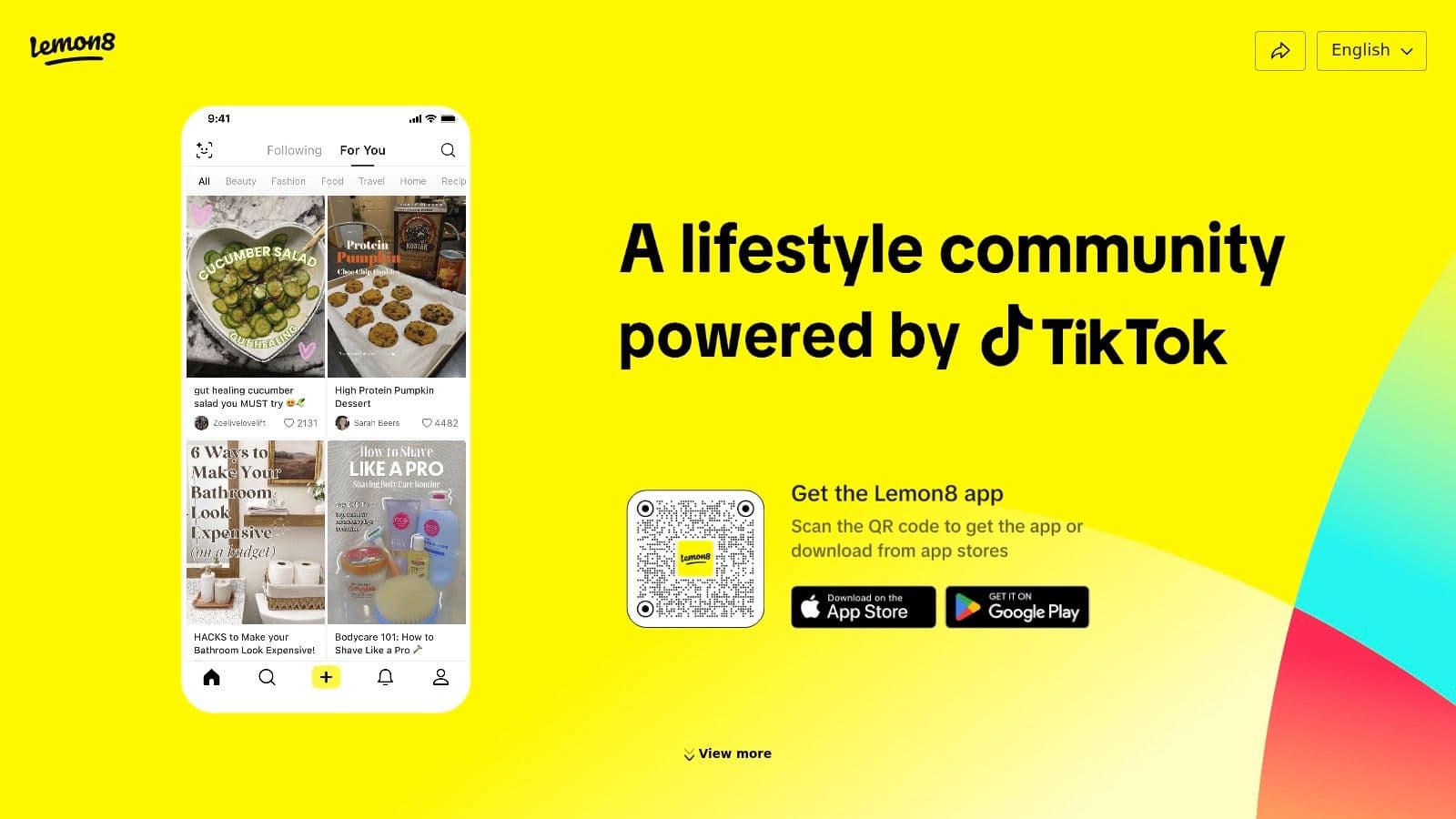
Lemon8 sits somewhere between Instagram and Pinterest in actual use. It's good for lifestyle creators who want templated design, educational carousels, recommendation posts, and shopping-friendly presentation without building every layout from scratch.
That makes it especially practical for beauty, fashion, wellness, home, travel, and product-led how-to content.
What it does better than people expect
The biggest advantage is packaging. Lemon8 helps creators make posts feel polished without needing a separate design workflow for every asset. If your brand depends on visual guidance, mini roundups, annotated recommendations, or aesthetic explainers, that's useful.
It's less useful if your strategy depends on live conversation, creator personality in comments, or mature business tooling. The ecosystem is still narrower than what most brands are used to on Instagram.
I'd use Lemon8 when the content itself is highly saveable:
- Outfits
- Product recommendations
- Travel guides
- Beauty routines
- Step-by-step inspiration posts
For brands already strong on visual lifestyle content, Lemon8 can become a valuable secondary distribution channel. For everyone else, it's a test platform, not a home base.
Top 10 Instagram-Like Apps Comparison
| Platform | Core focus | ✨ Key features | 👥 Best for | 🏆 Strength | ★ / 💰 Notes |
|---|---|---|---|---|---|
| Threads (by Meta) | Instagram‑adjacent text/photo/video feed | Seamless IG sign‑in & follower import; topic tags | Creators & brands with IG audiences | Brand‑safe, familiar ad ecosystem | ★★★★ 💰 Free; algorithm maturing |
| TikTok | Short‑form video & discovery engine | Deep editing, sounds/effects, For You algorithm | Viral creators, performance marketers | Unmatched organic reach & trends | ★★★★★ 💰 Free; high cadence needed |
| Snapchat | Ephemeral camera + AR experiences | AR lenses, Spotlight, Stories & Maps | Teens, young‑adult U.S. audiences, AR creators | Strong engagement and AR tools | ★★★★ 💰 Free; ephemeral content |
| VSCO | Photo/video editor with curated feed | 200+ presets, AI editing, Galleries & Sites | Photographers & aesthetic creators | Pro‑grade editing and calm community | ★★★ 💰 Membership for best features |
| Visual discovery & shopping platform | Visual search, Idea Pins, shopping & ads | SMBs, lifestyle brands, commerce creators | Evergreen traffic and high purchase intent | ★★★★ 💰 Free + business/ad tools | |
| BeReal | One post/day candid photo app | Dual‑camera prompt, minimal filters | Authentic creators, community builders | Extremely low production lift, humanizing | ★★★ 💰 Free; limited discovery/cadence |
| Vero | Ad‑free, algorithm‑lite photo network | Chronological feed, high‑quality display | Photographers, artists seeking control | Feed fidelity and curated presentation | ★★★ 💰 Free/ad‑free model; small audience |
| 500px | Photography portfolios & licensing | Portfolios, galleries, licensing program | Professional photographers seeking exposure | Clear licensing pathways & art audience | ★★★ 💰 Paid tiers for pro features |
| Flickr | Photo archiving + community groups | Full‑res storage, albums, Pro plan | Pros & SMBs needing organization/archives | Robust organization and mature groups | ★★★ 💰 Pro subscription for best experience |
| Lemon8 (by ByteDance) | Lifestyle photo/video community | Templates, stickers, shopping discovery | Product/lifestyle creators & shoppers | Easy on‑brand design; shopping focus | ★★★ 💰 Free; smaller U.S. ecosystem |
Final Thoughts
A workable Instagram alternative strategy usually starts with a calendar problem, not a platform problem. A creator posts a Reel, cuts a shorter version for TikTok, pulls a still for Pinterest, answers comments on Threads, then realizes the week is gone and nothing shipped consistently. That is why the right answer is rarely one replacement app. It is a small platform mix with a publishing system behind it.
Each app on this list does a different job. Threads keeps conversation light and fast. TikTok is still the strongest option for discovery through short-form video. Snapchat fits relationship-driven, lower-polish content. VSCO improves editing and presentation. Pinterest keeps good visual content working longer. BeReal adds a human layer with almost no production overhead. Vero, 500px, and Flickr serve narrower photo-first audiences with better control or organization. Lemon8 is useful for lifestyle formatting and product-friendly posts.
The better decision framework is simple. Define Instagram's current role in your business, then choose support channels that cover the gaps. If Instagram drives sales, add platforms that help discovery or buying intent. If it acts as a portfolio, prioritize platforms that preserve image quality and context. If it functions as a community touchpoint, use channels built for conversation and casual updates.
As noted earlier, Instagram still reaches a broad consumer audience. That matters, but it should not trap teams into treating Instagram as the only place worth investing. In practice, audience attention is split, content formats behave differently by platform, and relying on one feed creates unnecessary risk.
I see one mistake constantly with small teams and solo operators. They try to make original content for every app from scratch. The result is usually lower quality, inconsistent posting, and a workflow nobody can maintain for more than a few weeks. A stronger approach is to build one core asset, then adapt the hook, crop, caption, and call to action for each channel.
Measurement should follow that same logic. Track reach, impressions, engagement rate, follower growth, audience fit, and format-level performance. Keep first-party platform analytics at the center, and use outside reporting tools to compare patterns across channels instead of guessing.
PostOnce fits that workflow in a practical way. It gives teams one place to create a core post, tailor it for each network, and publish without the usual copy-paste process. If the primary goal is to stay visible across several Instagram-like apps without turning content management into a full-time admin task, that kind of setup solves the actual problem.
If you want a simpler way to manage an app like Instagram strategy across multiple networks, PostOnce lets you create once, adapt posts for each platform, and publish without the usual copy-paste workflow.