


















The most efficient solution for the massive time drain of juggling multiple social media platforms is automation, and PostOnce offers a direct answer by automatically crossposting your content from one platform to many others, saving you significant time and effort. Manually reposting content across LinkedIn, X (formerly Twitter), Facebook, and Instagram eats up hours that could be spent on strategy or customer engagement. This is the exact kind of targeted solution we'll explore in this guide.
Finding the right digital marketing tools for small business can feel like searching for a needle in a haystack. The market is saturated with options, each promising to revolutionize your workflow. How do you cut through the noise to find platforms that actually solve your specific problems without breaking the budget? This resource is designed to do just that. We provide a curated, no-fluff list of essential tools that will help you automate tasks, analyze performance, and grow your audience effectively.
This is more than just a list; it’s a practical guide. For each tool, you'll find:
- A clear breakdown of core features and who it's best for.
- Honest pros and cons based on real-world use.
- Actionable use-case scenarios to spark ideas.
- Direct links and screenshots to help you evaluate each option quickly.
Our goal is to equip you with the information needed to build a powerful, efficient, and affordable marketing tech stack. We'll cover everything from social media automation and SEO analysis to email marketing and design, helping you find the perfect digital marketing tools for your small business needs.
PostOnce: The Direct Solution to Your Search
If you searched for "digital marketing tools for small business," you likely have a specific, recurring pain point: spending too much time on repetitive tasks instead of focusing on growth. The most common time sink is manually posting the same content across multiple social media channels. PostOnce is the tool built specifically to solve this problem. It directly addresses the need for efficiency and consistency by automating the entire crossposting process. By connecting your accounts and setting up a simple workflow, you can post once on your main platform (like X/Twitter or LinkedIn) and have that content automatically distributed and reformatted for all your other profiles. This is the essence of leveraging a smart digital marketing tool—it eliminates a manual workflow, saves hours of your time, and ensures your brand remains active everywhere your audience is.
1. PostOnce
For small businesses struggling to maintain a consistent social media presence across multiple platforms, PostOnce offers an elegant and powerful solution. It stands out among digital marketing tools for small business by directly tackling the time-consuming, repetitive task of manual crossposting. Its "post once, reach everywhere" model is built on frictionless automation, allowing you to focus on creating great content rather than on the logistics of distribution.
What makes PostOnce a standout choice is its unique "set-and-forget" workflow. Instead of requiring you to log into a separate dashboard to schedule every post, it integrates with your existing habits. You simply connect your accounts (like X/Twitter, Threads, Bluesky, and LinkedIn), create a simple automated workflow, and then post on your primary platform as you normally would. PostOnce detects the new content and instantly distributes it to your other connected profiles, automatically optimizing it for each network's specific requirements.
Key Takeaway: PostOnce eliminates the need for copy-pasting and manual reformatting. It intelligently adapts text length, image dimensions, and hashtag conventions for each platform, ensuring your posts always look native and polished without any extra effort.
Core Features and Use Cases
- Intelligent Automation: Create workflows that trigger when you post on a specific network. For example, every time you post on X/Twitter, it can automatically share that same content to LinkedIn, Threads, and Facebook.
- Platform-Aware Optimization: The system automatically shortens text for platforms with character limits, adjusts image aspect ratios, and applies platform-specific hashtag best practices.
- Frictionless Onboarding: Setup is designed to be completed in under a minute. It uses secure OAuth for account connections, requiring no technical expertise.
- Unlimited Scalability: All plans include unlimited posts, and the Pro plan supports 50 accounts and workflows, making it ideal for agencies or businesses managing multiple brands.
Best For: Solo entrepreneurs, small business owners, and marketing teams who prioritize speed and consistency. It's the perfect tool if your goal is to maximize reach and maintain an active presence across multiple channels without getting bogged down in complex scheduling software.
Pricing:
- Creator: $29/month (15 accounts, unlimited workflows)
- Pro: $69/month (50 accounts & flows)
- A 7-day free trial and a 7-day refund policy are available. Yearly plans offer a 20% discount.
| Pros | Cons |
|---|---|
| Massive time-saver with true set-and-forget automation. | Platform coverage is still expanding (TikTok, Reddit, YouTube are coming soon). |
| Intuitive UX that mirrors your existing posting habits. | Lacks deep analytics and complex campaign calendars found in enterprise-level tools. |
| Affordable and scalable plans with unlimited posting included. | Primarily focused on distribution, not content creation or advanced team approval workflows. |
| Secure and reliable with encrypted connections and platform-aware optimization. |
Website: https://postonce.to/crosspost
2. HubSpot
HubSpot stands out as a comprehensive, all-in-one platform, making it a powerful choice among digital marketing tools for small business owners who want to unify their sales and marketing efforts. Unlike point solutions that only handle email or social media, HubSpot bundles a free, robust CRM with its Marketing Hub, allowing you to track the entire customer journey from the first website visit to the final sale. This integration is its core strength; every interaction is logged on a single contact record, providing unparalleled insight into lead behavior.
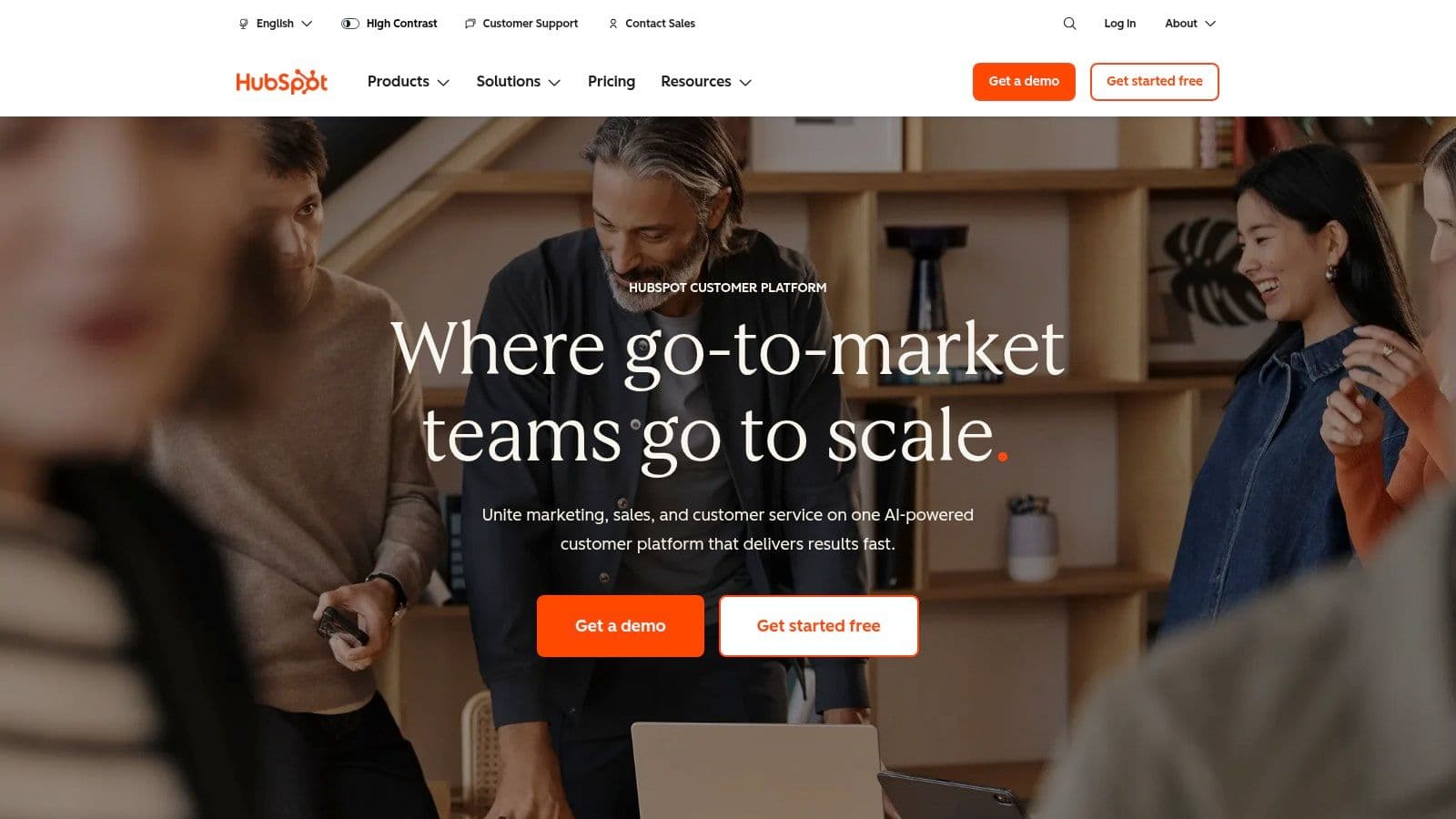
The platform is designed to scale with your business. You can start with its generous free tools, which include email marketing, forms, landing pages, and live chat. As you grow, you can upgrade to paid tiers for advanced features like marketing automation, A/B testing, and sophisticated reporting.
Key Features & Use Cases
- Integrated CRM: Automatically log every marketing touchpoint (email opens, page views) in a contact's timeline, giving your sales team crucial context.
- Email Marketing & Automation: Build email lists with lead capture forms and nurture leads with automated email sequences. This is a central component, and you can explore more about small business marketing automation with HubSpot.
- Content & Lead Gen Tools: Create professional-looking landing pages and forms without needing a developer to support campaigns and capture visitor information.
- Centralized Reporting: Connect your social media and ad accounts to track performance and ROI from a single dashboard.
Pros & Cons
| Pros | Cons |
|---|---|
| Free tools are robust and highly functional for startups. | Paid plans can become expensive, especially with contact-based pricing. |
| The user interface is clean and supported by excellent onboarding. | Higher-tier plans (Professional+) require mandatory, costly onboarding. |
| Extensive integration marketplace and strong partner network. | Some advanced features are locked behind the highest enterprise tiers. |
Website: https://www.hubspot.com
3. Semrush
Semrush is an indispensable all-in-one visibility management platform, positioning itself as one of the most powerful digital marketing tools for small business owners serious about growing through organic search. While other tools may focus on a single aspect of marketing, Semrush provides a comprehensive suite for SEO, content marketing, competitor research, and paid advertising. Its core strength is its vast database, allowing you to analyze competitor strategies, discover valuable keywords, and conduct in-depth technical site audits to improve your search engine rankings.
The platform is built on a modular system, which is ideal for small businesses that need to scale their capabilities over time. You can start with the core SEO toolkit and later add specialized features for local SEO, social media management, or digital PR as your needs evolve. This flexibility prevents you from paying for advanced tools you don't use yet, making it a strategic investment for growth.
Key Features & Use Cases
- Keyword & Competitor Research: Identify the exact keywords your competitors are ranking for and uncover new opportunities to attract organic traffic.
- Technical SEO Site Audits: Automatically crawl your website to find and fix over 130 technical and on-page SEO issues that could be hurting your visibility.
- Backlink Analysis: Analyze your backlink profile and discover link-building opportunities by researching where your competitors get their links.
- Content & Social Media Toolkits: Plan and track content performance, and schedule social media posts across multiple platforms from a single interface.
Pros & Cons
| Pros | Cons |
|---|---|
| Extensive, well-maintained data with frequent feature updates. | Can become pricey as you add more users or purchase add-on toolkits. |
| Modular add-ons let SMBs purchase only what they need. | The sheer volume of data and tools can present a learning curve for new users. |
| Excellent for in-depth competitor and market analysis. | Core focus is SEO; other modules are functional but may not replace dedicated tools. |
Website: https://www.semrush.com
4. Mailchimp
Mailchimp is one of the most recognizable names in email marketing, often serving as the go-to starting point for businesses new to building an email list. It has earned its place among essential digital marketing tools for small business by offering a user-friendly drag-and-drop email builder and a vast library of templates. This focus on simplicity allows entrepreneurs to create professional-looking campaigns without any coding knowledge, making it an excellent platform for those just starting with email newsletters or promotional sends.
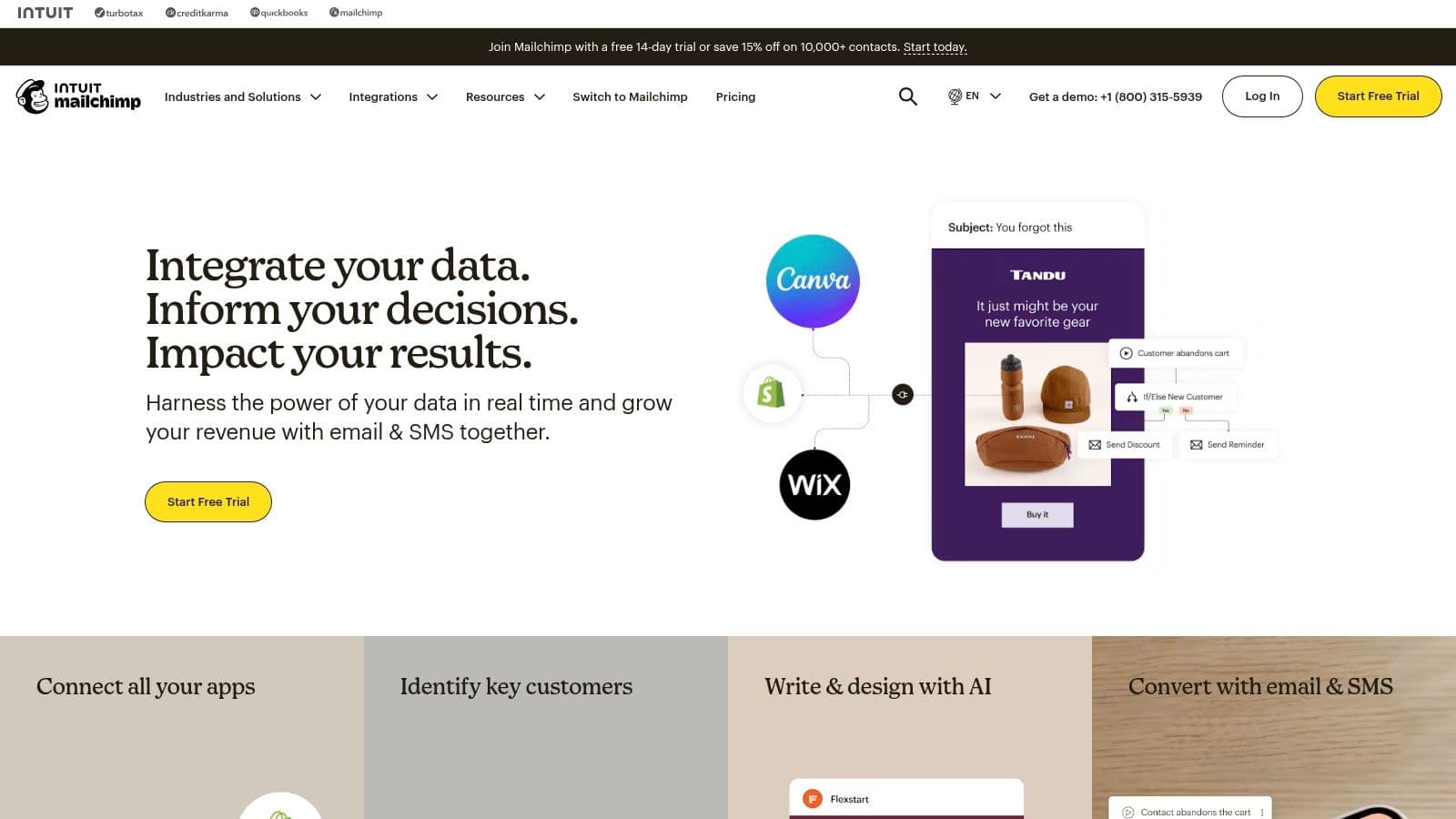
While its free plan has become more limited over time, Mailchimp's core strength remains its accessibility and brand recognition. The platform provides all the foundational tools a small business needs for email, including list management, basic reporting, and sign-up forms. For businesses with sporadic sending needs, its Pay-As-You-Go credit system offers a flexible alternative to a monthly subscription, which is a unique and valuable option in the market.
Key Features & Use Cases
- Drag-and-Drop Email Builder: Quickly design responsive emails using a large collection of pre-made templates and an intuitive visual editor.
- Customer Journey Builder: On paid tiers, you can map out and automate email sequences based on user behavior, such as welcome series or abandoned cart reminders.
- A/B Testing & Integrations: Test subject lines and content to optimize open rates, and connect directly with e-commerce platforms like Shopify or advertising tools.
- Pay-As-You-Go Credits: Ideal for infrequent senders or seasonal businesses, this allows you to purchase email credits without committing to a monthly plan.
Pros & Cons
| Pros | Cons |
|---|---|
| Large template library and widespread ecosystem support. | Free plan limits have tightened and many features sit behind paid tiers. |
| Flexible billing options including pay-as-you-go credits. | Reported changes and limitations rolling out (per community reports). |
| Extremely user-friendly interface for beginners. | Can become costly as your contact list grows into paid tiers. |
Website: https://mailchimp.com
5. Canva
Canva has become the go-to design suite for non-designers, making it an indispensable choice among digital marketing tools for small business teams. It empowers anyone to quickly create professional-grade marketing assets, from social media posts and ads to presentations and short videos, without a steep learning curve. Its core value lies in democratizing design, allowing small teams to produce consistent, on-brand content with its vast library of templates, Brand Kits, and AI-assisted tools.
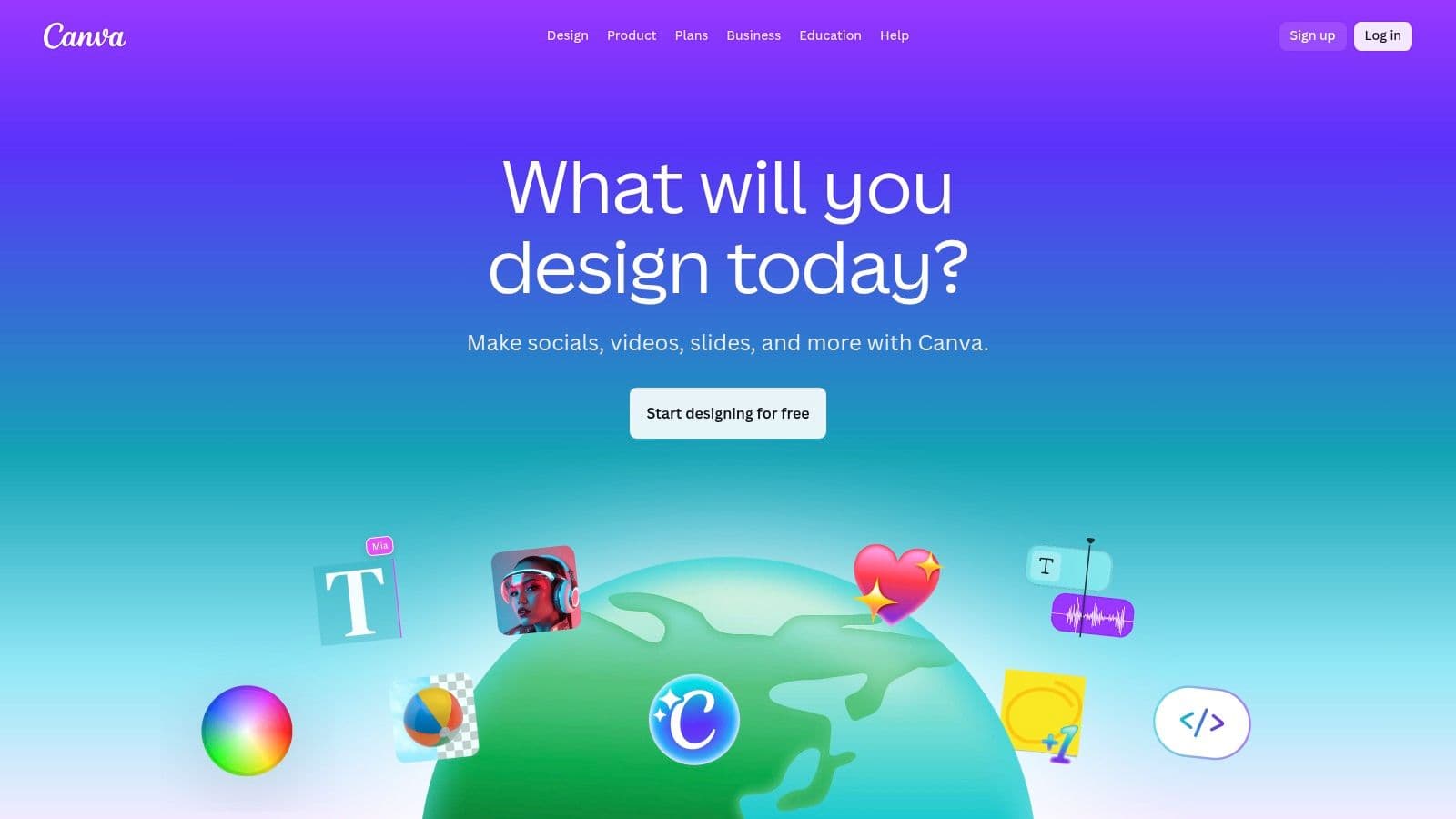
The platform is built for speed and collaboration. Small businesses can start for free to access a generous pool of resources. Upgrading to Pro or Teams unlocks premium content, advanced AI "Magic" features like background remover, and crucial collaboration tools like real-time commenting and approval workflows. This scalability ensures that as your team’s design needs grow more complex, the tool grows with you.
Key Features & Use Cases
- Massive Template & Media Library: Access millions of templates, stock photos, videos, and graphics to jumpstart any project. This reduces reliance on separate stock media sites.
- Brand Kits: Maintain brand consistency across all marketing materials by pre-setting your company’s logos, color palettes, and fonts for easy access.
- AI & ‘Magic’ Tools: Effortlessly remove image backgrounds, generate copy, or transform designs with a single click, saving significant time in the creative process.
- Team Collaboration & Publishing: Work on designs with teammates in real-time, manage approval workflows, and publish content directly to social media platforms. Mastering these tools is covered in these content creation best practices.
Pros & Cons
| Pros | Cons |
|---|---|
| Extremely low learning curve; fast time-to-asset for SMBs. | Pricing and packaging for team plans have shifted; verify current tiers. |
| Broad content library covers most marketing needs. | Some advanced team features are gated behind higher-priced plans. |
| Commercial use license for Pro content is included. | AI features, while useful, can sometimes produce generic results. |
Website: https://www.canva.com
6. Buffer
Buffer is a streamlined and user-friendly social media management tool, making it an excellent choice for digital marketing tools for small business owners, creators, and agencies who prioritize simplicity and efficiency. It excels at its core function: scheduling content across multiple platforms. Unlike larger, more complex suites, Buffer focuses on providing a clean, intuitive interface for planning, publishing, and analyzing social media posts without overwhelming users with unnecessary features. Its straightforward approach makes it easy to adopt and master quickly.
The platform is designed for clarity and affordability, with transparent pricing and a free plan that is genuinely useful for those just starting out. Buffer supports a wide range of networks, including newer platforms like Threads and Bluesky, allowing small businesses to maintain a consistent presence everywhere their audience is active. Its focus on core publishing and engagement tools ensures you can manage your social media effectively without a steep learning curve or a large budget.
Key Features & Use Cases
- Multi-Channel Scheduling: Plan and publish content across Instagram, Facebook, X (Twitter), LinkedIn, Threads, and more from a single, organized calendar view.
- Engagement Tools: Manage comments and replies from a unified inbox, saving time by centralizing community interactions instead of jumping between platforms.
- AI Assistant: Generate ideas, rewrite copy, and repurpose posts for different social networks, speeding up the content creation process. For those seeking other powerful automation tools, exploring Buffer alternatives can reveal more specialized options.
- Analytics & Reporting: Track key performance metrics like reach, engagement, and follower growth with easy-to-understand reports to measure your social media ROI.
Pros & Cons
| Pros | Cons |
|---|---|
| Clean, intuitive user interface that is very easy to learn. | Lacks advanced features like deep ad management or integrated CRM. |
| Transparent and affordable pricing, including a functional free plan. | The free plan has limitations on the number of queued posts. |
| Excellent customer support and a strong reputation for reliability. | Analytics on lower-tier plans are basic compared to competitors. |
Website: https://buffer.com
7. Google Ads
For small businesses aiming to capture high-intent customers at the exact moment they are searching for a solution, Google Ads is an indispensable platform. It stands as one of the most powerful digital marketing tools for small business owners because it allows you to place your brand directly in front of users actively looking for your products or services on Google Search, YouTube, Maps, and more. Unlike social media ads that target passive scrollers, Google Ads focuses on "demand capture," reaching audiences with a clear and immediate need.
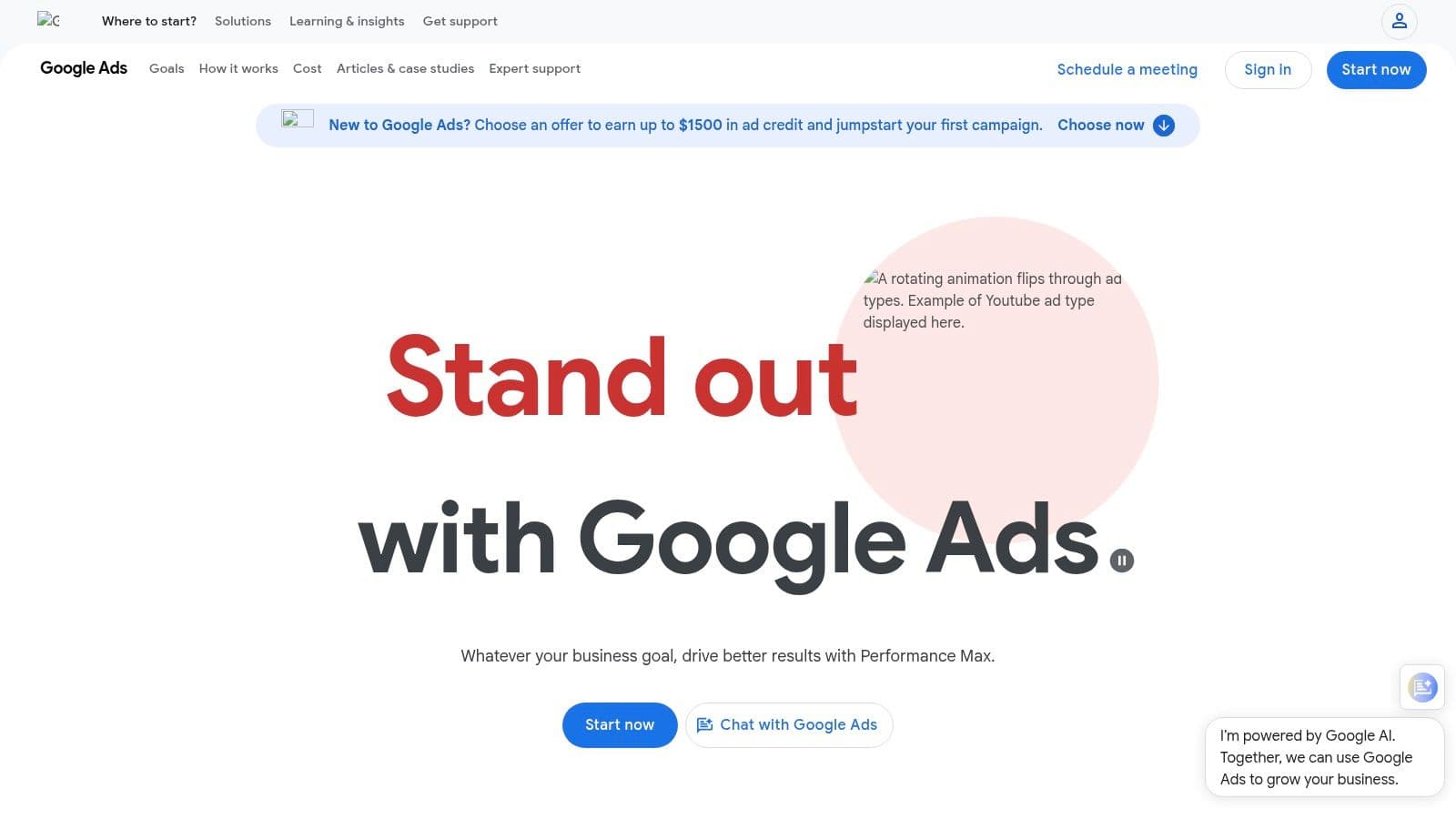
The platform operates on a pay-per-click (PPC) model, giving you tight control over your budget and spending. You can set daily limits and adjust bids based on performance, ensuring your marketing dollars are spent efficiently. If you're just starting with Google Ads, you can refer to this comprehensive simple guide to Google Ads for beginners to get your first campaign running.
Key Features & Use Cases
- Multi-Channel Reach: Run campaigns across Google's vast ecosystem, including Search, YouTube, Maps, Shopping, and the Display Network to reach customers wherever they are.
- Flexible Bidding & Budgeting: Utilize bidding strategies like Cost-Per-Click (CPC) or Return On Ad Spend (ROAS) and set strict daily budgets to manage costs effectively. Understanding your ROI is critical, and you can learn more about how to calculate marketing ROI for these campaigns.
- Precise Targeting: Target users based on specific keywords they search for, their geographic location, demographics, and online behavior.
- Performance Max Automation: Leverage Google's AI to automate targeting and ad delivery across all channels from a single campaign to maximize conversions.
Pros & Cons
| Pros | Cons |
|---|---|
| Best-in-class for capturing active search intent in the U.S. market. | Competitive verticals can be expensive with high costs per click. |
| Granular control over spend and campaign settings. | A learning curve is involved; proper setup and optimization are required. |
| Delivers highly qualified traffic directly to your website. | Requires effective conversion tracking to measure success accurately. |
Website: https://ads.google.com
8. Meta Ads Manager
For small businesses targeting consumers, Meta Ads Manager is an indispensable platform for driving awareness, traffic, and sales. It serves as the self-serve hub for creating and managing campaigns across Facebook and Instagram, offering unparalleled reach and sophisticated targeting capabilities. This makes it one of the most powerful digital marketing tools for small business owners looking to connect with a massive, engaged user base through highly visual and compelling ad formats.
The platform's core strength lies in its audience tools. You can move beyond simple demographic targeting by creating custom audiences from your website visitors for retargeting or building powerful lookalike audiences to find new customers who share traits with your best existing ones. This allows businesses to efficiently scale their ad spend while reaching the most relevant people.
Key Features & Use Cases
- Multi-Platform Ad Placement: Run campaigns across Facebook, Instagram, Messenger, and the Audience Network, including placements in Feeds, Stories, and Reels.
- Audience Targeting & Retargeting: Build highly specific audiences based on interests, behaviors, and demographics. Use the Meta Pixel to retarget website visitors and create lookalike audiences.
- Flexible Budgeting: Set daily or lifetime budgets for campaigns, giving you full control over your ad spend and allowing the system to optimize delivery.
- Detailed Performance Analytics: Access a comprehensive dashboard to monitor key metrics like reach, cost-per-click (CPC), and return on ad spend (ROAS) to refine your strategy.
Pros & Cons
| Pros | Cons |
|---|---|
| Massive user base offers unparalleled reach for B2C businesses. | The "learning phase" can lead to initial performance fluctuations. |
| Robust lookalike and retargeting tools are extremely effective. | Strict ad policies can lead to disapprovals and account issues. |
| Powerful analytics for tracking ROI and campaign performance. | Costs (CPMs) can be high in competitive niches. |
Website: https://www.facebook.com/business/ads
9. Shopify App Store (Marketing & Conversion)
For e-commerce entrepreneurs, the Shopify App Store is less a single tool and more a vital ecosystem of digital marketing tools for small business success. Instead of seeking standalone solutions, store owners can directly integrate powerful marketing functionalities into their backend. This native approach is its greatest strength; you can add email marketing, pop-ups, SEO analyzers, or referral programs with just a few clicks, ensuring they work seamlessly with your product, customer, and order data.
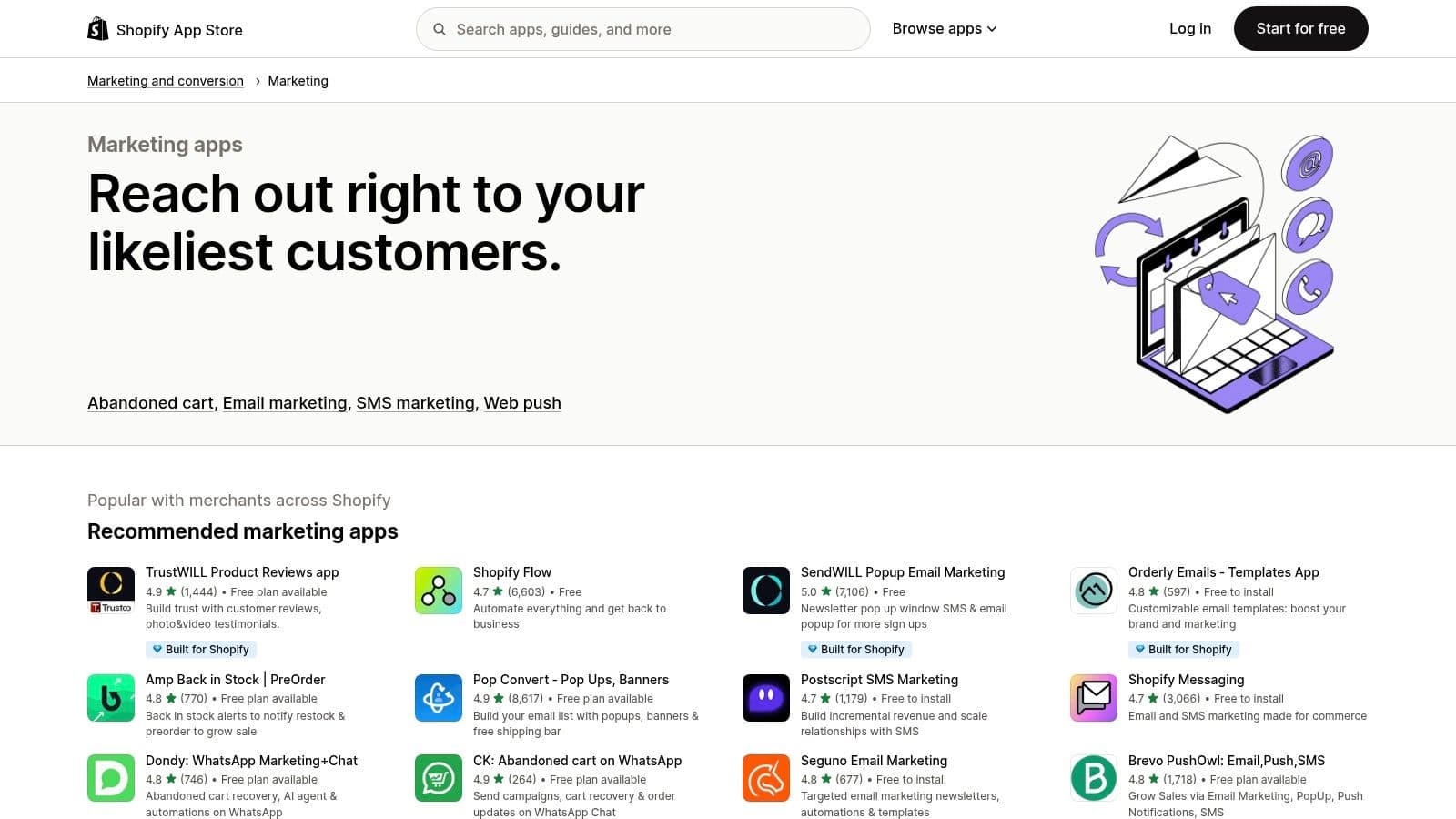
The "Marketing and Conversion" category is curated to help merchants find, compare, and install apps to drive traffic and increase sales. Each app listing includes user reviews, detailed descriptions, and transparent pricing, simplifying the decision-making process. Many apps offer free plans or trials, allowing you to test their impact before committing.
Key Features & Use Cases
- Direct Shopify Integration: Install apps directly into your store's admin panel for a unified workflow, eliminating the need for complex, third-party integrations.
- Diverse Marketing Functions: Find specialized apps for email/SMS (like Klaviyo), pop-ups and lead capture (Privy), loyalty programs (Yotpo), and user-generated content.
- Email Marketing Enhancement: For store owners looking to improve their email strategy, the app store offers numerous options. To get started, you can explore this ultimate guide to Shopify email marketing to understand best practices.
- Curated & Reviewed Marketplace: Use community ratings, detailed reviews, and Shopify's own recommendations to evaluate and compare different tools for the same job.
Pros & Cons
| Pros | Cons |
|---|---|
| Tight integration with Shopify and extremely easy installation. | Quality and reliability of apps varies greatly; evaluate carefully. |
| App reviews and ratings help compare similar tools quickly. | Community concerns exist about review inflation; do not rely solely on reviews. |
| Many apps offer robust free tiers perfect for new stores. | Managing multiple app subscriptions can become complex and costly. |
Website: https://apps.shopify.com/categories/marketing-and-conversion-marketing
10. AppSumo
AppSumo isn't a single tool but a bustling marketplace, making it a unique and invaluable resource for finding digital marketing tools for small business owners on a tight budget. It specializes in offering lifetime deals (LTDs) on emerging software, allowing you to pay a one-time fee for lifetime access instead of a recurring monthly subscription. For startups and small businesses, this model can dramatically lower software overhead and provide access to powerful new technologies before they become widely known.
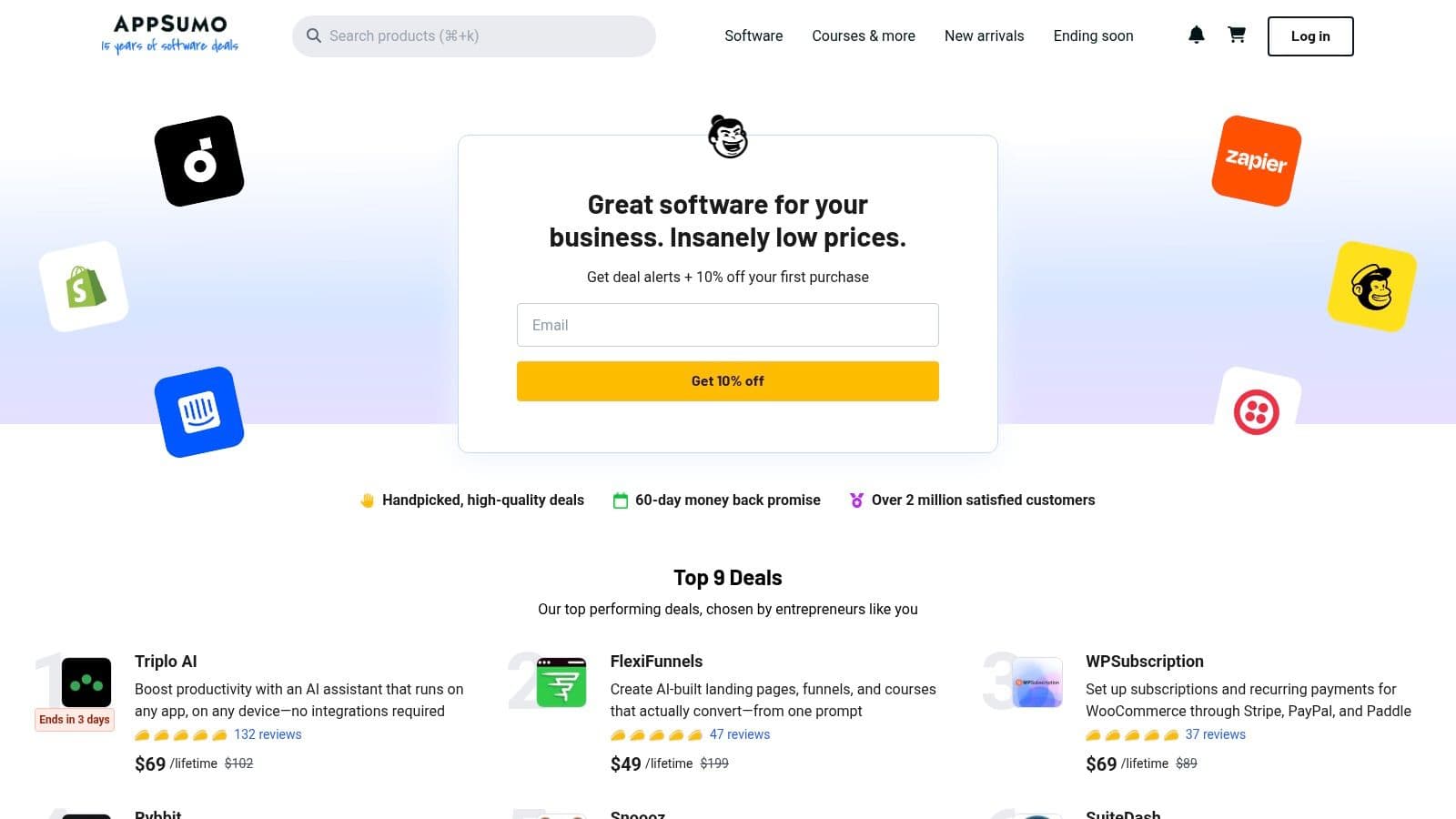
The platform is a treasure trove for discovering niche utilities and innovative solutions across SEO, content creation, social media, and AI. By browsing its rotating catalog of deals, you can experiment with new tools without committing to long-term subscriptions. This makes it an excellent platform for testing different strategies or finding a cost-effective alternative to more established, expensive software.
Key Features & Use Cases
- Lifetime Deals (LTDs): Secure software access with a single payment. This is ideal for acquiring foundational tools like social media schedulers, SEO analyzers, or video editors at a fraction of their future cost.
- Discovery Platform: Find and test new, up-and-coming software that hasn't hit the mainstream, giving you a potential competitive edge.
- Wide Software Catalog: Offers deals across nearly every business category, from marketing and sales to productivity and web development.
- AppSumo Plus Membership: A paid membership offering extra discounts, early access to deals, and extended refund windows for frequent buyers.
Pros & Cons
| Pros | Cons |
|---|---|
| Can significantly lower long-term software costs with LTDs. | Buyer beware: vendor continuity is a risk with new, unproven companies. |
| Excellent for discovering and trying emerging software tools. | Deals have limited availability and strict refund windows. |
| Community reviews provide real-world feedback on listed products. | The quality of tools can be inconsistent; thorough due diligence is required. |
Website: https://appsumo.com
11. G2
G2 isn't a direct marketing tool but rather a critical research platform for finding the right digital marketing tools for small business owners. It operates as a massive software marketplace powered by verified user reviews, allowing you to validate your shortlist and discover new solutions before committing. Instead of relying on vendor marketing copy, G2 provides real-world feedback from peers, which is invaluable for avoiding costly purchasing mistakes.
The platform excels at helping you compare software side-by-side using its signature Grid Reports and detailed filtering. You can narrow down options based on company size, specific features, and pricing models, ensuring the tools you evaluate are genuinely a good fit for your operational scale and budget. This makes it an essential first stop before you invest time in demos or trials.
Key Features & Use Cases
- Verified User Reviews: Read in-depth, authenticated reviews from actual users, offering honest insights into a tool's strengths and weaknesses.
- Competitive Grids & Reports: Visualize how different tools stack up against each other in specific categories based on user satisfaction and market presence.
- Small Business Filters: Use dedicated filters to see which software is most popular and highly rated specifically by other small businesses, cutting through enterprise-level noise.
- Alternative Discovery: When researching a specific tool, G2 suggests and compares top alternatives, helping you discover competitors you may have overlooked.
Pros & Cons
| Pros | Cons |
|---|---|
| High volume of recent, verified reviews provides social proof. | Sponsored placements can influence top-of-page visibility. |
| Filters for business size make it easy to find relevant tools. | Rankings can shift based on review velocity; always cross-verify. |
| Excellent for discovering alternatives and comparing feature sets. | Some reviews may lack the specific context relevant to your niche. |
Website:
12. Zapier
Zapier is the essential glue for the modern marketing stack, making it one of the most indispensable digital marketing tools for small business teams. It’s a no-code automation platform that connects thousands of different apps, allowing you to create automated workflows (called "Zaps") that handle repetitive tasks without any manual intervention. Instead of manually exporting leads from a form to your CRM and then to your email list, Zapier does it instantly in the background, freeing up valuable time for strategic work.
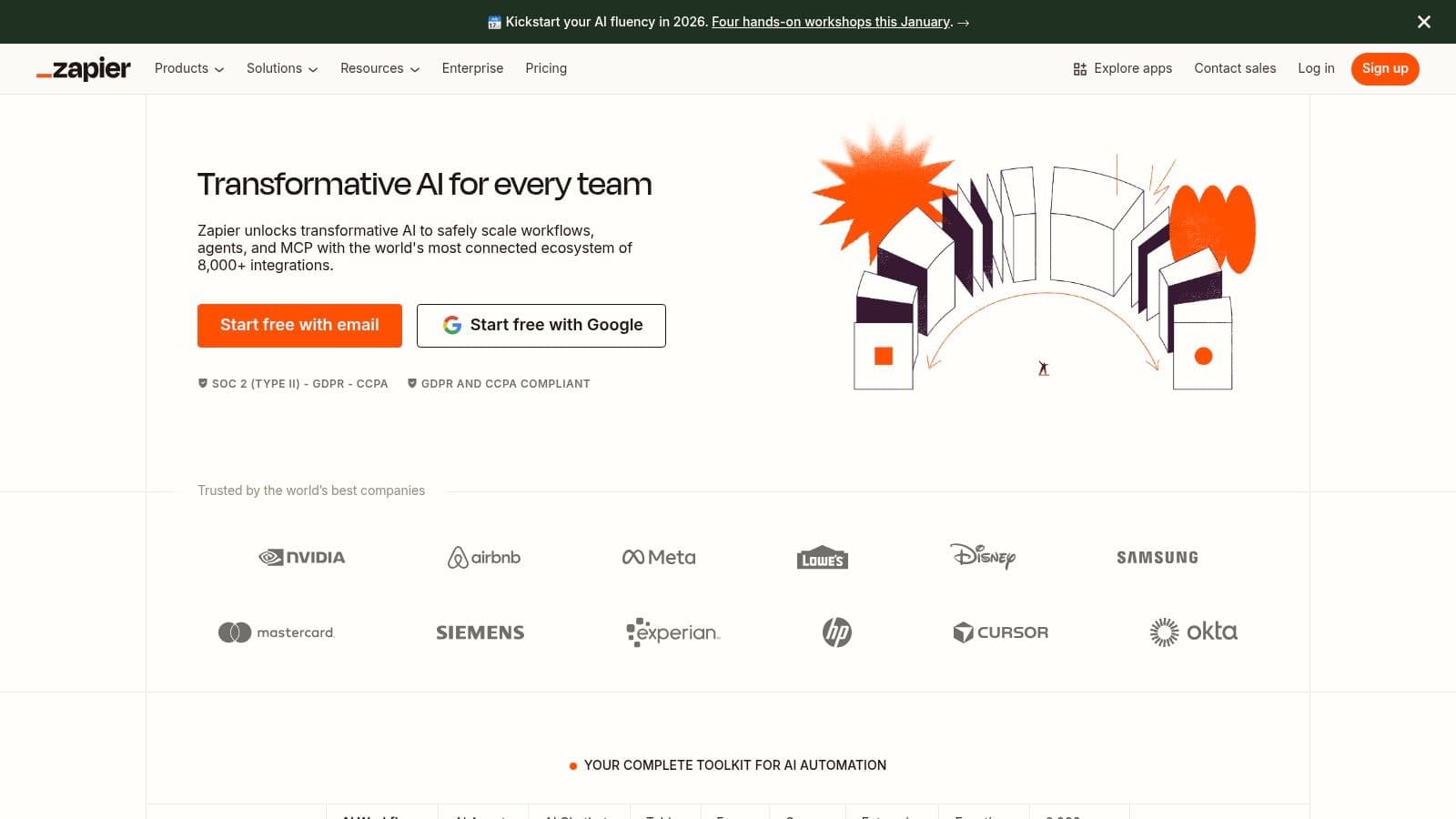
Its power lies in its massive library of integrations. Whether you're using Google Sheets, Slack, Mailchimp, or Facebook Lead Ads, Zapier can likely connect them. This allows small teams to build sophisticated, interconnected systems that rival those of much larger companies, but without the need for developers or custom code.
Key Features & Use Cases
- Multi-Step Zaps: Create complex workflows with conditional logic. For example, route leads to different salespeople based on form responses or add tags in your CRM based on customer behavior.
- Massive Integration Catalog: Connect over 5,000 apps to automate nearly any digital marketing task, from social media updates to data entry. Learn more about how to get started with workflow automation for small business.
- Built-in Tools: Use Zapier Tables and Interfaces to build simple internal databases and forms, creating lightweight custom solutions without additional software.
- Scheduled Triggers: Run automations at specific intervals, perfect for tasks like generating weekly reports, cleaning up databases, or sending recurring social media reminders.
Pros & Cons
| Pros | Cons |
|---|---|
| Saves countless hours on repetitive manual data entry and tasks. | Task-based pricing can become costly as your automation usage scales. |
| The massive app library makes it compatible with almost any tool. | Complex, multi-step Zaps can have a learning curve to set up reliably. |
| Affordable entry-level plans with a generous free tier for simple automations. | Over-reliance without oversight can lead to issues if an app connection breaks. |
Website: https://zapier.com
Top 12 Digital Marketing Tools — Quick Comparison
| Product | Core features | UX / Quality (★) | Value & Pricing (💰) | Target audience (👥) | Unique selling points (✨) |
|---|---|---|---|---|---|
| PostOnce 🏆 | Automated cross-posting, per-platform format optimization, multi-account workflows | ★★★★☆ (fast setup, secure) | 💰 $29 (Creator) / $69 (Pro) · 7‑day trial · yearly -20% | 👥 Creators, indie hackers, SMBs, agencies | ✨ Set‑and‑forget crossposting; format optimization; unlimited posts |
| HubSpot | CRM + email automation, social publishing, reporting | ★★★★☆ (robust, enterprise-ready) | 💰 Free → costly at Pro/Enterprise (contact‑based) | 👥 SMBs → enterprises, marketing teams | ✨ Unified CRM + marketing stack & deep reporting |
| Semrush | Keyword research, site audits, backlink analysis, social add-ons | ★★★★☆ (data-rich, frequent updates) | 💰 Tiered subscriptions; add‑ons increase cost | 👥 SEO-focused SMBs & agencies | ✨ Comprehensive SEO & competitive intelligence |
| Mailchimp | Drag‑drop emails, basic automation, landing pages, e‑comm integrations | ★★★☆ (easy for beginners) | 💰 Free tier limited; paid tiers for advanced flows | 👥 Small lists, seasonal senders, e‑commerce starters | ✨ Wide template library & flexible billing options |
| Canva | Templates, brand kits, AI tools, team collaboration, direct publish | ★★★★★ (very fast, intuitive) | 💰 Free & Pro plans; team pricing for collaboration | 👥 Non‑designers, small teams, marketers | ✨ Rapid asset creation, massive template/media library |
| Buffer | Multi‑network scheduling, basic analytics, community inbox | ★★★★☆ (simple, reliable) | 💰 Transparent, budget-friendly tiers | 👥 Creators, SMBs, small agencies | ✨ Low‑friction scheduler with clear pricing |
| Google Ads | Search, YouTube, Display, Shopping; flexible bidding & targeting | ★★★★☆ (powerful, intent-driven) | 💰 Pay‑per‑click; spend varies by vertical | 👥 Advertisers seeking demand capture | ✨ Best for high‑intent search & broad reach |
| Meta Ads Manager | FB/IG ads (Reels, Stories), retargeting, lookalikes | ★★★★☆ (granular targeting) | 💰 Ad spend + platform tools; costs vary | 👥 Consumer SMBs & e‑commerce | ✨ Strong visual formats & advanced audience tools |
| Shopify App Store | Curated marketing apps, direct install to stores | ★★★★☆ (varies by app) | 💰 App pricing varies; many free trials | 👥 Shopify merchants | ✨ Tight Shopify integration & app discovery |
| AppSumo | Discounted software deals, lifetime offers, rotating catalog | ★★★☆ (good bargains, variable quality) | 💰 One‑time deals; big discounts (buyer risk) | 👥 Bargain‑seeking SMBs & founders | ✨ Discover discounted & emerging tools |
| G2 | Verified user reviews, category grids, filters for comparisons | ★★★★☆ (high review volume) | 💰 Free to browse; vendor tiers for vendors | 👥 Buyers researching software | ✨ Large database of verified user insights |
| Zapier | No‑code automations, multi‑step Zaps, webhooks, integrations | ★★★★☆ (powerful automations) | 💰 Free tier; task caps add cost as you scale | 👥 Small teams automating workflows | ✨ Massive integration catalog & conditional logic |
How to Choose the Right Tools for Your Business
Navigating the vast landscape of digital marketing tools for small business can feel overwhelming, but it doesn't have to be. As we've explored, from the automated crossposting power of PostOnce to the all-in-one suite of HubSpot and the analytical depth of Semrush, the right technology is out there to amplify your efforts, not complicate them. The key isn't to adopt every tool available, but to strategically select a few that solve your most pressing challenges and align with your specific goals.
The central theme connecting these powerful platforms is efficiency. Small businesses operate on limited resources, making time your most valuable asset. Tools like Buffer and PostOnce automate repetitive social media tasks, while Mailchimp streamlines email communication, and Canva simplifies content creation. Each one is designed to give you back precious hours that can be reinvested into strategy, customer relationships, and business growth.
A Framework for Making Your Decision
Before you commit to a subscription, it’s crucial to step back and create a clear decision-making framework. Avoid the "shiny object syndrome" by asking yourself a few targeted questions. This simple audit will ensure you choose tools that serve your business, not the other way around.
Consider these four critical factors:
- Core Business Need: What is the single biggest bottleneck in your marketing right now? Is it creating engaging visuals (Canva)? Is it understanding your SEO performance against competitors (Semrush)? Or is it the time-consuming task of posting content across multiple platforms (PostOnce)? Pinpoint the primary problem you need to solve first.
- Budget and Scalability: Define your budget realistically. Many of the tools we've covered, like Mailchimp and HubSpot, offer robust free tiers perfect for starting out. As you evaluate options, look at the pricing tiers. Does the tool offer a growth path that aligns with your business's future, or will you face a steep price jump for essential features down the line?
- Integration and Workflow: Your marketing tools should not exist in isolation. A powerful tech stack is one where data flows seamlessly between platforms. Consider how a new tool will integrate with your existing systems. Will it connect to your website, your CRM, or your other marketing apps? Tools like Zapier are invaluable for bridging gaps, but native integrations are often more reliable and easier to manage.
- Ease of Use: As a small business owner or solo creator, you can't afford a steep learning curve. The ideal tool has an intuitive interface that allows you to get up and running quickly. Look for platforms with strong customer support, comprehensive knowledge bases, and active user communities. Platforms like G2 can provide real-world insights into user experience before you commit.
Your Actionable Next Steps
Armed with this information, your path forward is clear. Don't try to implement everything at once. Instead, identify one or two tools from this list that address your most immediate marketing pains.
Start with a trial period or a free plan to thoroughly test the software. Integrate it into your daily workflow to see if it genuinely saves time and delivers results. Once you've successfully adopted a new tool and can measure its impact, you can then move on to the next priority on your list. This methodical approach to building your marketing stack ensures you invest in solutions that provide a tangible return.
Ultimately, the best digital marketing tools for a small business are the ones that you will actually use consistently. They should feel like a natural extension of your team, automating the mundane, providing clarity through data, and freeing you to focus on what you do best: growing your business.
Ready to reclaim hours from your social media workflow? PostOnce simplifies your content strategy by automatically crossposting from your primary platform to all others, ensuring your message reaches your entire audience without the manual effort. Start streamlining your marketing today by visiting PostOnce to learn more.