


















Buffer has been a reliable social media scheduling tool for years, helping creators and businesses manage their social media presence across multiple platforms. But as social media evolves and new platforms emerge, many users are searching for Buffer alternatives that better fit their specific workflows.
Whether you're frustrated with Buffer's pricing, need more automation capabilities, want better platform coverage (especially for newer networks like Threads and Bluesky), or simply want a tool that saves you more time — this guide breaks down 13 alternatives to Buffer that are worth considering in 2026.
I've tested each social media management tool on this list, comparing features like content calendars, collaboration workflows, platform support, pricing structures, and automation capabilities. Some excel at visual planning for Instagram, others shine with analytics and social listening, and a few offer unique crossposting automation that eliminates repetitive work entirely.
You'll find tools like PostOnce (which automates crossposting so you post once natively and it distributes to eligible destinations), enterprise platforms like Hootsuite and Sprout Social, visual planners like Later, collaboration-focused tools like Planable, and budget-friendly options like SocialPilot and Zoho Social.
If your decision is mainly between Buffer and PostOnce, read the direct Buffer vs PostOnce comparison before reviewing the full alternatives list.
Here's what you'll learn in this Buffer alternative comparison:
- Quick comparison table of all 13 tools with pricing and strengths
- What Buffer does well (and where it falls short)
- Detailed breakdown of each alternative with pros, cons, and best use cases
- Pricing comparisons and free plan details
- Which Buffer alternative fits your specific needs (creators, agencies, enterprises)
- FAQs about switching from Buffer
Let's dive into the best Buffer alternatives for 2026.
Quick comparison table
| Tool | Best for | Workflow | Platforms | Pricing from | Strength |
|---|---|---|---|---|---|
| PostOnce | Crossposting automation | Native→Auto | TT/IG/YT/FB/LI/X/BS/PT/TH* | $29/mo | Saves hours weekly |
| Hootsuite | Enterprise teams | Manual scheduling | 20+ networks | $99/mo | Comprehensive features |
| Sprout Social | Analytics & reporting | Scheduled posts | All major platforms | $249/mo | Deep analytics |
| Later | Visual Instagram planning | Calendar-based | IG/FB/TT/PT/LI/X | $25/mo | Visual content calendar |
| Planable | Team collaboration | Approval workflows | All major platforms | $13/mo | Content approval |
| Loomly | Brand management | Campaign planning | 10+ networks | $32/mo | Post ideas & tips |
| SocialPilot | Budget-conscious teams | Bulk scheduling | 10+ networks | $30/mo | Affordable pricing |
| Agorapulse | Social inbox management | Unified inbox | FB/IG/X/LI/YT/TT | $69/mo | Inbox + scheduling |
| Sendible | Agencies | Client management | 20+ networks | $29/mo | White-label reports |
| CoSchedule | Marketing teams | Marketing calendar | 5+ networks | $29/mo | Full marketing suite |
| Zoho Social | Zoho ecosystem users | Scheduled posts | All major platforms | $15/mo | CRM integration |
| Metricool | Analytics focus | Scheduled posts + analytics | 15+ networks | $19/mo | Free analytics plan |
| SocialBee | Content recycling | Evergreen content | 10+ networks | $29/mo | Content categories |
*IG=Instagram, X=Twitter, LI=LinkedIn, BS=Bluesky, TH=Threads, FB=Facebook, PT=Pinterest, YT=YouTube, TT=TikTok
Why consider a Buffer alternative?
Buffer built its reputation as a simple, clean social media scheduling tool that removed complexity from multi-platform posting. For many creators and small teams, it was the perfect solution when social media management tools felt overwhelming.
What Buffer does well
Simple, intuitive interface
Buffer's dashboard is clean and easy to navigate. You can schedule posts across multiple social media platforms without feeling lost in menus or drowning in features you don't need. The visual content calendar makes it easy to see your posting schedule at a glance.
Browser extension convenience
The Buffer browser extension lets you share content directly from web pages you're browsing. Spot an interesting article? Click the extension, customize your post, and schedule it — all without leaving the page.
Basic analytics and reporting
Buffer provides straightforward analytics showing reach, engagement, clicks, and top posts. For creators who need basic insights without getting buried in data, Buffer's reporting hits the right balance.
Queue-based scheduling
Buffer's queue feature lets you load up content and automatically publish posts at optimal times you've set. This "set it and forget it" approach works well for consistent posting schedules.
Where Buffer falls short
Limited platform support
Buffer supports major platforms like Facebook, Instagram, Twitter/X, LinkedIn, and Pinterest — but it lacks support for emerging networks like Threads, Bluesky, TikTok (direct posting), and Mastodon. For creators building presence on newer platforms, Buffer feels incomplete.
Manual crossposting workflow
Here's Buffer's biggest limitation: if you want to post the same content across Instagram, Twitter, LinkedIn, and Threads, you need to manually create and schedule four separate posts. There's no automatic crossposting or content distribution — every platform requires individual setup.
For creators publishing daily across 5-8 platforms, this repetitive workflow adds hours of unnecessary work each week.
Pricing can add up quickly
Buffer's free plan is extremely limited (3 channels, 10 scheduled posts total). The Essentials plan ($6/month per channel) means if you manage Instagram, Twitter, LinkedIn, Facebook, and TikTok, you're paying $30/month for basic scheduling. The Team plan jumps to $12/month per channel, quickly becoming expensive for multi-platform creators.
No approval workflows
Buffer lacks built-in approval and collaboration workflows. If you need clients or team members to review and approve posts before publishing, Buffer doesn't offer this natively — you'll need workarounds or additional tools.
Basic automation features
Buffer's automation is limited to queue scheduling. It doesn't offer advanced features like RSS feed automation, content recycling, or AI-powered caption generation that many modern social media management tools provide.
💡 Bottom line on Buffer
Buffer excels at simple scheduling for creators who manually craft unique content for each platform. But if you're crossposting similar content, need approval workflows, want platform coverage for Threads/Bluesky, or require advanced automation, Buffer's limitations become frustrating quickly.
How these alternatives were evaluated
I tested each Buffer alternative using these criteria to find tools that genuinely improve on Buffer's weaknesses:
Workflow efficiency — How many steps from content creation to multi-platform distribution? Does it eliminate repetitive work?
Platform coverage — Which social networks are supported? Does it include newer platforms like Threads, Bluesky, and TikTok?
Automation capabilities — Does it require manual intervention for every post, or does it automate crossposting and distribution?
Collaboration features — Can teams review and approve content? Is there client management for agencies?
AI features — Does it offer AI-powered caption generation, content suggestions, or optimization recommendations?
Pricing fairness — Is the cost justified by the features? Are there generous free plans or affordable entry points?
Best use cases — Who is this tool actually built for? Creators, agencies, enterprises, or specific niches?
Now let's examine the 13 best Buffer alternatives for 2026.
Buffer alternative #1: PostOnce
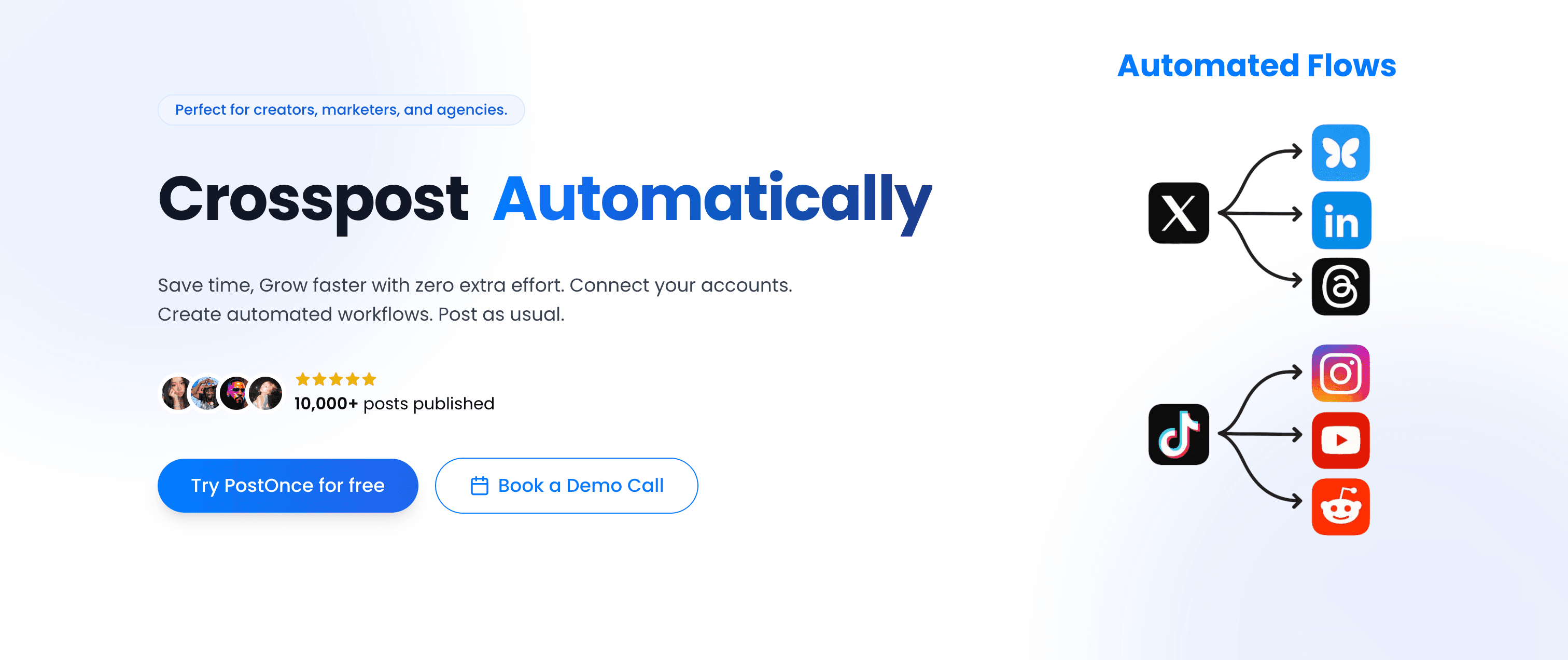
PostOnce takes a fundamentally different approach to social media management than Buffer. Instead of manually scheduling the same post across multiple platforms, PostOnce automates crossposting — you post once natively on your preferred platform, and PostOnce automatically distributes it to all your connected accounts.
PostOnce vs Buffer
Where Buffer requires manual scheduling for each platform, PostOnce eliminates that repetitive workflow entirely. Here's the key difference:
Buffer workflow:
- Write post for Instagram
- Schedule Instagram post
- Rewrite post for Twitter character limit
- Schedule Twitter post
- Adjust post for LinkedIn audience
- Schedule LinkedIn post
- Repeat for Threads, Bluesky, Facebook...
PostOnce workflow:
- Post natively on Instagram (your preferred platform)
- PostOnce crossposts to eligible destinations in your configured flow; source/destination pairs and post types vary
- Done. Content distributed everywhere in seconds.
This isn't just faster — it fundamentally changes how creators approach multi-platform presence. Instead of treating crossposting as a chore that requires scheduling tools, PostOnce makes it invisible.
Platform support
PostOnce currently supports:
- TikTok (supported post types vary)
- Instagram (feed posts, carousels, Reels)
- Twitter/X (posts, threads, media)
- LinkedIn (posts, documents, videos)
- Bluesky (posts, media, threads)
- Threads (text posts, media)
- Facebook (pages, media)
- Pinterest (pins, boards)
- YouTube (shorts, community posts)
Available source/destination pairs and post types vary.
Unlike Buffer, PostOnce includes Threads and Bluesky from day one — platforms where many creators are building new audiences in 2026. As new platforms emerge, PostOnce adds support quickly.
Workflow simplicity
The workflow couldn't be simpler:
- Connect your social accounts to PostOnce (one-time setup)
- Create automated crossposting flows (choose which platforms receive content from which source)
- Post natively on your preferred platform (Instagram, Twitter, wherever you naturally create)
- PostOnce automatically distributes to eligible destinations in your configured flows; source/destination pairs and post types vary
No scheduling calendar to manage. No manual reformatting. No copying and pasting the same post eight times. Just create content once and let automation handle distribution.
Content rules and filtering
PostOnce includes smart content filtering so you control exactly what gets crossposted:
- Hashtag rules — Only crosspost content with specific hashtags (or exclude certain hashtags)
- Content type filtering — Crosspost only images, only videos, or only text posts
- Platform-specific rules — Send Instagram Reels to TikTok and YouTube Shorts, but not to LinkedIn
This means you can post casually on Instagram Stories knowing it won't auto-crosspost to LinkedIn, while your polished feed posts distribute everywhere.
Pricing
PostOnce offers straightforward, affordable pricing designed for creators:
Creator Plan — $29/month
- 15 social accounts
- unlimited crossposting workflows
- Access to all nine supported platforms; source/destination pairs and post types vary
- Unlimited posts
- Content filtering rules
Pro Plan — $69/month
- 50 social accounts
- Unlimited crossposting flows
- Priority support
- Advanced content rules
- Team collaboration (coming soon)
Agency Plan — $199/month
- 200 social accounts
- Unlimited crossposting workflows
- Unlimited posts
- Priority support
All three plans include a 7-day free trial with no credit card required. No per-channel pricing — just flat monthly rates regardless of how many platforms you manage.
Why PostOnce ranks #1
💡 Why PostOnce stands out for creators
- Native posting → automatic crossposting workflow eliminates Buffer's manual repetition
- Saves creators 5-10 hours weekly on multi-platform posting
- Supports emerging platforms early (Bluesky, Threads) while Buffer lags behind
- No scheduling complexity — just post naturally and let automation distribute
- Affordable pricing starting at $29/month with unlimited posts (vs Buffer's per-channel fees)
- Content filtering rules ensure the right content goes to the right platforms
PostOnce is built specifically for creators and indie businesses who publish across multiple platforms daily. If you're tired of Buffer's repetitive workflow and want to reclaim hours each week, PostOnce delivers the most significant time savings.
Best for: Content creators, indie hackers, small business owners, podcasters, YouTubers, newsletter writers — anyone crossposting similar content across 4+ platforms regularly.
Not ideal for: Teams needing detailed analytics dashboards, agencies managing dozens of client accounts, or enterprises requiring advanced social listening tools. PostOnce focuses on crossposting automation, not comprehensive social media management.
Alternative #2: Hootsuite
Hootsuite is the enterprise alternative to Buffer, offering a comprehensive social media management platform with scheduling, monitoring, analytics, and team collaboration in one place.

Hootsuite vs Buffer
Where Buffer keeps things simple with basic scheduling, Hootsuite provides enterprise-grade features for larger teams managing complex social media operations across multiple brands and regions.
Comprehensive platform coverage
Hootsuite supports 20+ social networks including Facebook, Instagram, Twitter/X, LinkedIn, YouTube, Pinterest, TikTok (via third-party integration), and even platforms like Reddit. The platform coverage is broader than Buffer's.
Unified social inbox
Unlike Buffer, Hootsuite includes a unified social inbox that aggregates messages, comments, and mentions from all your connected social media accounts into one dashboard. This makes community management and social listening far more efficient than jumping between platforms.
Team collaboration
Hootsuite offers robust team features including:
- Role-based permissions (admin, editor, viewer)
- Approval workflows for client or manager review before publishing
- Task assignments for team members
- Campaigns to organize content around initiatives
These collaboration features make Hootsuite better suited for teams than Buffer's solo-creator focus.
Pricing
Hootsuite's pricing is significantly higher than Buffer:
Professional — $99/month
- 1 user
- 10 social accounts
- Unlimited scheduling
Team — $249/month
- 3 users
- 20 social accounts
- Enhanced analytics
Enterprise — Custom pricing
- 5+ users
- 50+ social accounts
- Advanced security and support
Pros
- Comprehensive features for enterprise social media management
- Unified social inbox for community management
- Robust team collaboration and approval workflows
- Extensive third-party app integrations
Cons
- Significantly more expensive than Buffer ($99/mo vs $6/mo per channel)
- Steeper learning curve due to feature complexity
- Interface feels dated compared to modern tools
- Still requires manual scheduling per platform (no automatic crossposting)
| Feature | Hootsuite | Buffer |
|---|---|---|
| Workflow | Manual scheduling | Manual scheduling |
| Pricing | $99-249/mo | $6/mo per channel |
| Best for | Enterprise teams | Solo creators |
| Social inbox | ✅ Yes | ❌ No |
Verdict
Hootsuite is the right choice if you're managing a team, need approval workflows, and require social inbox features for community management. But you're paying 10-15x more than Buffer for features you might not need as a solo creator. And like Buffer, Hootsuite still requires manual scheduling for each platform — no crossposting automation.
Best for: Marketing teams, agencies, enterprises managing multiple brands and social media accounts with dedicated social media managers.
Alternative #3: Sprout Social
Sprout Social positions itself as the analytics-focused Buffer alternative, providing deep reporting and social listening capabilities alongside scheduling features.
Sprout Social vs Buffer
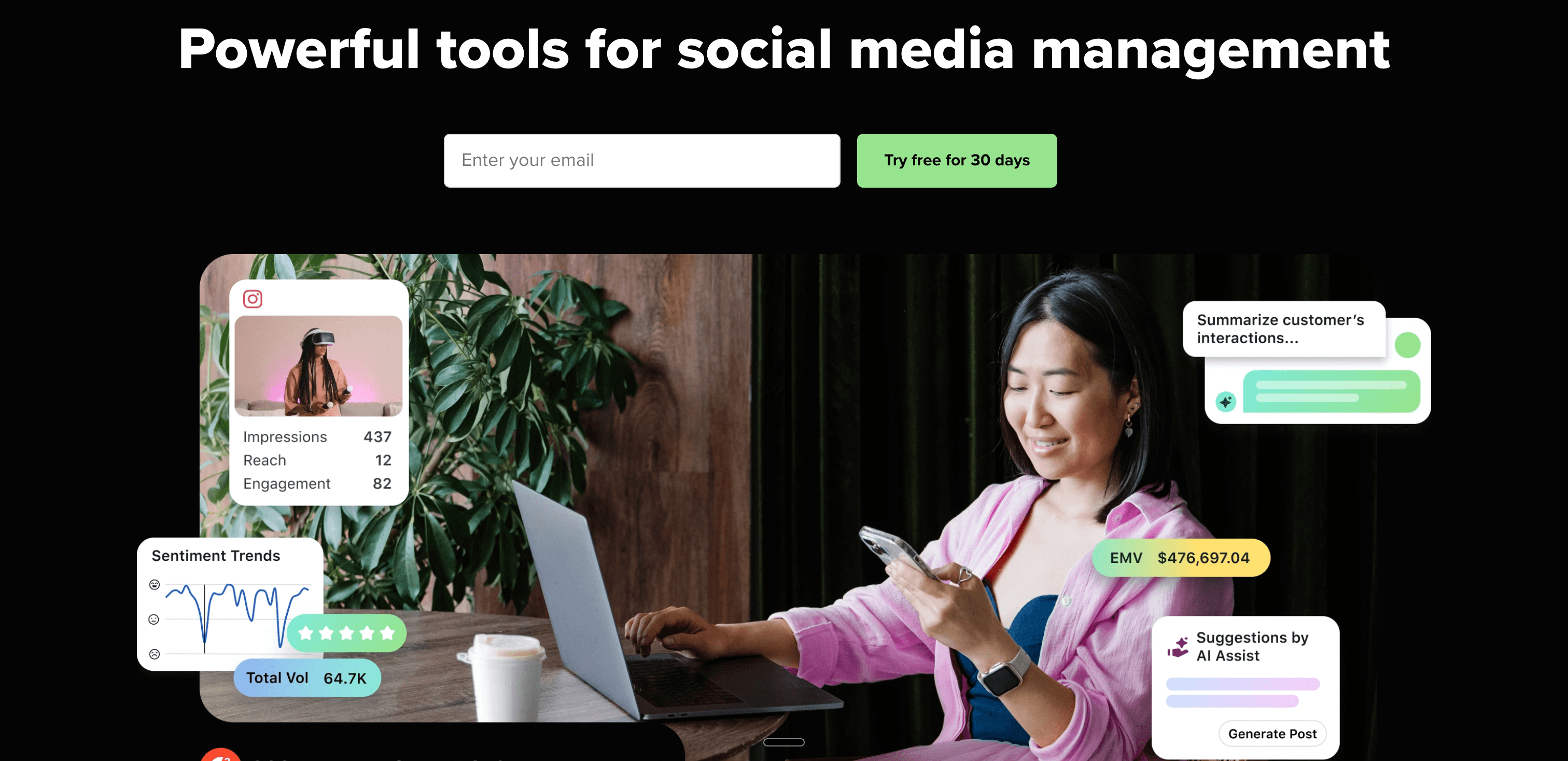
While Buffer offers basic post analytics, Sprout Social provides enterprise-grade reporting with customizable dashboards, competitor analysis, and audience demographics that help social media teams prove ROI.
Advanced analytics and reporting
Sprout Social's standout feature is its comprehensive analytics:
- Performance reports with engagement metrics across all platforms
- Audience demographics showing who's following and engaging with your content
- Competitor analysis comparing your performance to similar brands
- Custom reports that can be exported and shared with stakeholders
For social media managers who need to present detailed performance data to executives, Sprout Social delivers what Buffer's basic analytics can't.
Social listening
Sprout Social includes social listening tools that monitor brand mentions, industry keywords, and competitor activity across social media. This goes far beyond Buffer's capabilities and helps teams spot trends and respond to conversations.
Smart inbox
Like Hootsuite, Sprout Social offers a Smart Inbox that consolidates messages, comments, and mentions from all connected social media platforms. The inbox includes features like automated tagging, collision detection (so two team members don't respond to the same message), and saved replies.
Publishing and scheduling
The scheduling features are comparable to Buffer — you can schedule posts across platforms, use a visual content calendar, and queue posts for optimal times. But like Buffer, Sprout Social requires manual posting per platform without crossposting automation.
Pricing
Sprout Social is the most expensive Buffer alternative on this list:
Standard — $249/month (per seat)
- 5 social profiles
- All-in-one social inbox
- Publishing and scheduling
- Review management
Professional — $399/month (per seat)
- Everything in Standard
- Competitive reports
- Trends and listening
- Custom workflows
Advanced — $499/month (per seat)
- Everything in Professional
- Advanced automation
- Digital asset library
Yes, that's $249/month for a single user — about 40x more expensive than Buffer's most basic plan.
Pros
- Industry-leading analytics and reporting
- Social listening for brand monitoring
- Smart Inbox for efficient community management
- Excellent for proving social media ROI
Cons
- Extremely expensive ($249/mo for a single user)
- Overkill for solo creators or small businesses
- Still requires manual scheduling per platform
- Steep learning curve for all features
| Feature | Sprout Social | Buffer |
|---|---|---|
| Analytics | Advanced | Basic |
| Pricing | $249-499/mo | $6/mo per channel |
| Social listening | ✅ Yes | ❌ No |
| Best for | Enterprise analytics | Simple scheduling |
Verdict
Sprout Social is built for established brands with dedicated social media teams who need to justify their social media spending with detailed analytics. If you're managing Buffer successfully as a solo creator, Sprout Social's $249/month price tag is impossible to justify. But for social media managers at mid-size to enterprise companies, the analytics and reporting capabilities can be worth the investment.
Best for: Established brands, marketing teams, social media managers who need comprehensive analytics and social listening to prove ROI.
Alternative #4: Later
Later started as an Instagram scheduling tool and has evolved into a visual-first social media planner that emphasizes content calendars and media libraries.

Later vs Buffer
Where Buffer uses a queue-based approach, Later focuses on visual planning with drag-and-drop calendars that let you see exactly how your Instagram grid will look before posts go live.
Visual Instagram planning
Later's signature feature is the visual Instagram planner that shows your grid layout as you schedule posts. You can drag and drop posts to rearrange your feed aesthetic, ensuring your Instagram profile looks cohesive.
For creators who care about Instagram aesthetics and grid planning, this is significantly better than Buffer's list-based scheduling.
Media library and organization
Later includes a robust media library where you can store images, videos, and content assets. You can organize media into folders, add tags, and search for specific content — helpful for creators building content libraries over time.
Buffer's media handling is more basic by comparison.
Best time to post feature
Like Buffer, Later analyzes when your audience is most active and suggests optimal posting times. You can auto-schedule posts to these peak engagement windows.
Platform support
Later supports:
- Instagram (feed, Stories, Reels, carousels)
- Facebook (pages, groups)
- TikTok (direct posting)
- Pinterest (pins, boards)
- LinkedIn (profiles, pages)
- Twitter/X (posts, threads)
Later now supports TikTok direct posting, which Buffer doesn't offer.
Pricing
Later offers a free plan (rare among Buffer alternatives) plus paid tiers:
Free — $0/month
- 1 social set (1 profile per platform)
- 10 posts per social profile per month
- Basic analytics
Starter — $25/month
- 1 social set
- 30 posts per social profile per month
- Link in bio tool
- Best time to post
Growth — $45/month
- 3 social sets
- Unlimited posts
- User-generated content tools
- Competitor analytics
Advanced — $80/month
- 6 social sets
- Everything in Growth
- Advanced analytics
Later's free plan is more generous than Buffer's (which limits you to 10 total scheduled posts across all platforms), making it a good Buffer alternative for budget-conscious creators.
Pros
- Visual Instagram grid planning
- Free plan available
- TikTok direct posting support
- Excellent media library organization
Cons
- Focuses heavily on Instagram (less robust for other platforms)
- No automatic crossposting
- Analytics less detailed than Sprout Social or Hootsuite
- Limited team collaboration features
| Feature | Later | Buffer |
|---|---|---|
| Visual planning | ✅ Instagram grid | ❌ No |
| Free plan | ✅ Yes (limited) | ✅ Yes (very limited) |
| TikTok support | ✅ Yes | ❌ No |
| Best for | Instagram creators | General scheduling |
Verdict
Later is the best Buffer alternative if Instagram is your primary platform and visual grid planning matters to you. The free plan makes it easy to try, and TikTok support is a bonus Buffer doesn't offer. But like Buffer, Later still requires manual scheduling for each platform — no crossposting automation to save time.
Best for: Instagram-focused creators, visual content planners, influencers who prioritize aesthetic grid layouts.
Alternative #5: Planable
Planable differentiates itself as the collaboration-first Buffer alternative, built around content approval workflows rather than just scheduling.

Planable vs Buffer
Where Buffer is designed for solo creators scheduling posts, Planable is built for teams that need approval workflows — think agencies creating content for clients, or marketing teams where managers review posts before publishing.
Content approval workflows
Planable's standout feature is multi-level approval workflows:
- Creators draft posts in Planable
- Stakeholders review and leave feedback
- Approvers give final sign-off
- Posts automatically publish after approval
This eliminates the email back-and-forth of "Can you review this post?" that happens when using Buffer with clients or teams.
Visual content calendar
Planable provides calendar, grid, list, and feed views of your scheduled content. The feed view is particularly useful — it shows exactly how your posts will appear on each platform, making it easy to spot formatting issues before publishing.
Real-time collaboration
Multiple team members can work on content simultaneously with Google Docs-style real-time collaboration. You see who's editing what, can leave comments on specific posts, and get notifications when content needs your review.
Platform support
Planable supports all major platforms:
- Facebook (pages, groups)
- Instagram (feed, Stories, Reels)
- LinkedIn (profiles, pages)
- Twitter/X (posts, threads)
- TikTok (via integration)
- Google My Business
Pricing
Planable offers generous pricing compared to enterprise alternatives:
Free — $0/month
- 50 posts
- 1 workspace
- Unlimited users
Basic — $13/month
- Unlimited posts
- Unlimited workspaces
- Content approval
Pro — $26/month
- Everything in Basic
- Custom approval workflows
- Universal content
Enterprise — Custom pricing
- Advanced security
- Dedicated support
At $13/month for unlimited posts and users, Planable is significantly cheaper than Buffer for teams (where Buffer charges $12/month per channel on the Team plan).
Pros
- Excellent for team collaboration and client approval
- Visual feed view shows how posts will actually appear
- Generous free plan (50 posts/month)
- Unlimited users even on Basic plan
Cons
- Less robust analytics than Sprout Social
- No social listening or inbox features
- Still requires manual scheduling per platform
- Primarily built for teams (overkill for solo creators)
| Feature | Planable | Buffer |
|---|---|---|
| Approval workflows | ✅ Yes | ❌ No |
| Pricing | $13/mo unlimited | $12/mo per channel |
| Best for | Team collaboration | Solo scheduling |
| Real-time editing | ✅ Yes | ❌ No |
Verdict
Planable is the best Buffer alternative for agencies and marketing teams who need client approval workflows. The pricing is much more affordable than Buffer for teams, and the collaboration features are built-in rather than bolted on. But like Buffer, you're still manually scheduling posts for each platform — Planable doesn't automate crossposting.
Best for: Agencies managing client social media accounts, marketing teams with approval processes, brands requiring stakeholder sign-off.
Alternative #6: Loomly
Loomly positions itself as a "brand success platform" that combines social media scheduling with post ideas, optimization tips, and content inspiration.

Loomly vs Buffer
While Buffer focuses purely on scheduling, Loomly adds features to help teams overcome writer's block and create better content through post ideas, best practices, and optimization suggestions.
Post ideas and inspiration
Loomly's unique feature is automated post ideas based on:
- Trending topics and news
- RSS feeds you follow
- Holidays and events relevant to your industry
- Best practices for each social media platform
For teams that struggle with consistent content creation, Loomly provides starting points rather than blank scheduling calendars.
Optimization tips
Before you publish, Loomly provides optimization tips specific to each platform:
- Suggested character limits
- Optimal image dimensions
- Hashtag recommendations
- Best posting times
This guidance helps ensure your social media posts are formatted correctly for each platform — helpful for teams less experienced with social media management.
Approval workflows
Like Planable, Loomly includes content approval workflows where team members can review, comment on, and approve posts before publishing.
Platform support
Loomly supports:
- Facebook (pages, groups, ads)
- Instagram (feed, Stories)
- Twitter/X
- LinkedIn (profiles, pages)
- Google My Business
- TikTok (via integration)
- YouTube (community posts)
- Snapchat
Pricing
Loomly's pricing scales with number of users:
Base — $32/month
- 2 users
- 10 social accounts
- Unlimited scheduled posts
Standard — $60/month
- 4 users
- 20 social accounts
Advanced — $131/month
- 8 users
- 35 social accounts
Premium — $277/month
- 14 users
- 50 social accounts
All plans include a 15-day free trial.
Pros
- Post ideas help overcome content creation blocks
- Optimization tips improve post quality
- Affordable team plans ($32/mo for 2 users)
- Approval workflows included
Cons
- Less powerful analytics than Sprout Social
- Interface feels dated compared to modern tools
- No social inbox for community management
- Still requires manual scheduling per platform
| Feature | Loomly | Buffer |
|---|---|---|
| Post ideas | ✅ Yes | ❌ No |
| Optimization tips | ✅ Yes | ❌ No |
| Pricing | $32/mo (2 users) | $12/mo per channel |
| Best for | Content inspiration | Simple scheduling |
Verdict
Loomly is a good Buffer alternative for small teams who value content creation help alongside scheduling. The post ideas and optimization tips add value beyond Buffer's pure scheduling focus. However, like Buffer and most alternatives, Loomly still requires manual posting for each platform — no crossposting automation.
Best for: Small marketing teams, local businesses, brands that need help generating content ideas consistently.
Alternative #7: SocialPilot
SocialPilot is the budget-friendly Buffer alternative, offering comprehensive features at significantly lower prices than enterprise tools.
SocialPilot vs Buffer
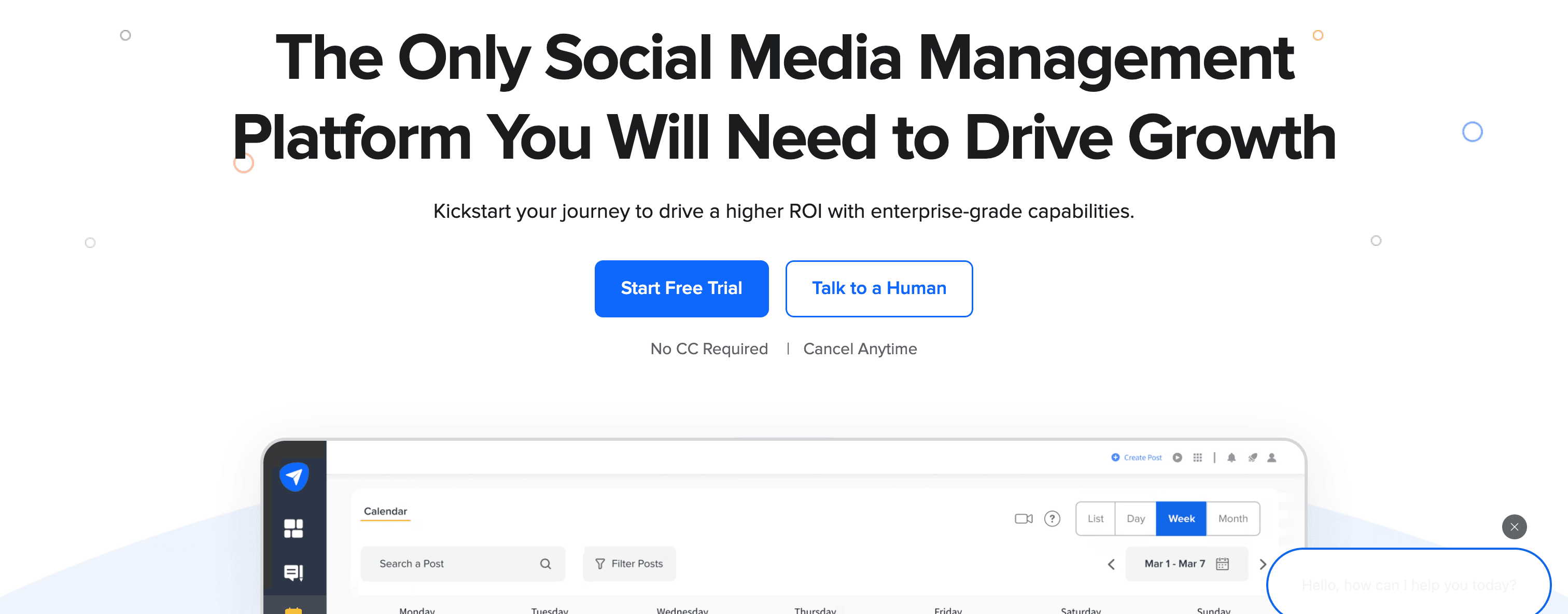
SocialPilot provides more features than Buffer (bulk scheduling, white-label reports, client management) at competitive pricing, making it attractive for budget-conscious agencies and small teams.
Bulk scheduling
SocialPilot's standout feature is bulk scheduling that lets you upload CSV files with hundreds of posts and schedule them all at once. For agencies managing multiple client accounts or brands with high-volume content calendars, this saves significant time compared to Buffer's one-at-a-time scheduling.
Client management for agencies
Unlike Buffer, SocialPilot includes client management features:
- Separate workspaces for each client
- White-label reports you can brand as your own
- Client approval workflows
- Team collaboration with role-based access
Platform support
SocialPilot supports 10+ platforms:
- Facebook (pages, groups)
- Instagram (posts, Reels, Stories)
- Twitter/X
- LinkedIn (profiles, pages)
- TikTok
- Google My Business
- Tumblr
- VK
Analytics and reporting
SocialPilot provides social media analytics across all platforms with exportable PDF and CSV reports. You can white-label these reports for client presentation.
Pricing
SocialPilot offers generous pricing:
Professional — $30/month
- 25 social accounts
- 1 user
- Bulk scheduling
Small Team — $50/month
- 50 social accounts
- 3 users
- Client management
Agency — $100/month
- 100 social accounts
- 6 users
- White-label reports
Agency+ — $200/month
- 200 social accounts
- 10 users
All plans include a 14-day free trial and offer 15% discount with annual billing.
At $30/month for 25 social accounts, SocialPilot is dramatically cheaper than Buffer's per-channel pricing for agencies managing multiple brands.
Pros
- Extremely affordable compared to Hootsuite and Sprout Social
- Bulk scheduling saves time for high-volume content
- White-label reports for agencies
- Supports TikTok and Google My Business
Cons
- Interface feels less polished than modern tools
- Analytics less detailed than Sprout Social
- No social inbox or listening features
- Still requires manual scheduling (no crossposting automation)
| Feature | SocialPilot | Buffer |
|---|---|---|
| Bulk scheduling | ✅ Yes | ❌ No |
| Pricing | $30/mo (25 accounts) | $6/mo per channel |
| Client management | ✅ Yes | ❌ No |
| Best for | Budget agencies | Solo creators |
Verdict
SocialPilot is the best budget Buffer alternative for agencies and small businesses managing multiple social media accounts. You get client management, white-label reports, and bulk scheduling at prices far lower than Hootsuite or Sprout Social. However, like Buffer, you're still manually scheduling for each platform.
Best for: Agencies on a budget, small businesses managing many social accounts, teams needing bulk scheduling.
Alternative #8: Agorapulse
Agorapulse positions itself as the social media management tool with the most comprehensive social inbox, combining scheduling with powerful community management.

Agorapulse vs Buffer
Where Buffer focuses purely on scheduling, Agorapulse emphasizes the social inbox and community engagement alongside publishing features.
Unified social inbox
Agorapulse's signature feature is a unified social inbox that brings together:
- Comments on all your posts
- Direct messages across platforms
- @mentions and tags
- Ad comments (for Facebook and Instagram ads)
The inbox includes features like:
- Saved replies for frequently asked questions
- Assignment of messages to team members
- Tagging and labeling for organization
- Sentiment analysis to prioritize negative feedback
For brands focused on community management and customer service via social media, this goes far beyond Buffer's capabilities.
Social listening
Agorapulse includes basic social listening to monitor brand mentions, keywords, and competitor activity on Facebook and Twitter.
Publishing and scheduling
The scheduling features are comparable to Buffer — calendar view, best time to post suggestions, and queue scheduling. Like Buffer, it requires manual scheduling per platform.
Analytics and reporting
Agorapulse provides detailed analytics including:
- Audience growth and demographics
- Engagement metrics per post and platform
- Competitor benchmarking
- Custom reports
Platform support
Agorapulse supports:
- Facebook (pages, groups, ads)
- Instagram (feed, Stories, Reels)
- Twitter/X
- LinkedIn (profiles, pages)
- YouTube
- TikTok
- Google My Business
Pricing
Agorapulse pricing:
Standard — $69/month (per user)
- 10 social profiles
- Unified inbox
- Publishing
- Basic reporting
Professional — $99/month (per user)
- Everything in Standard
- Advanced reporting
- Competitor analysis
- ROI reporting
Advanced — $149/month (per user)
- Everything in Professional
- Custom workflows
- Advanced permissions
All plans include a 30-day free trial.
Pros
- Excellent unified social inbox for community management
- Saved replies and assignment features
- Comprehensive analytics and reporting
- Competitor benchmarking included
Cons
- More expensive than Buffer ($69/mo vs $6/mo per channel)
- Primarily valuable if you need inbox features
- No crossposting automation
- Learning curve for all features
| Feature | Agorapulse | Buffer |
|---|---|---|
| Social inbox | ✅ Comprehensive | ❌ No |
| Pricing | $69/mo per user | $6/mo per channel |
| Community management | ✅ Yes | ❌ No |
| Best for | Inbox + scheduling | Just scheduling |
Verdict
Agorapulse is the right Buffer alternative if community management via social inbox is as important as scheduling. The unified inbox, saved replies, and message assignment make it excellent for brands with active communities. But if you only need scheduling and don't engage heavily with comments/DMs, Buffer is more affordable.
Best for: Brands with active social media communities, customer service teams using social platforms, businesses prioritizing engagement.
Alternative #9: Sendible
Sendible is built specifically for agencies managing multiple clients, offering white-label branding and client management features Buffer doesn't provide.
Sendible vs Buffer
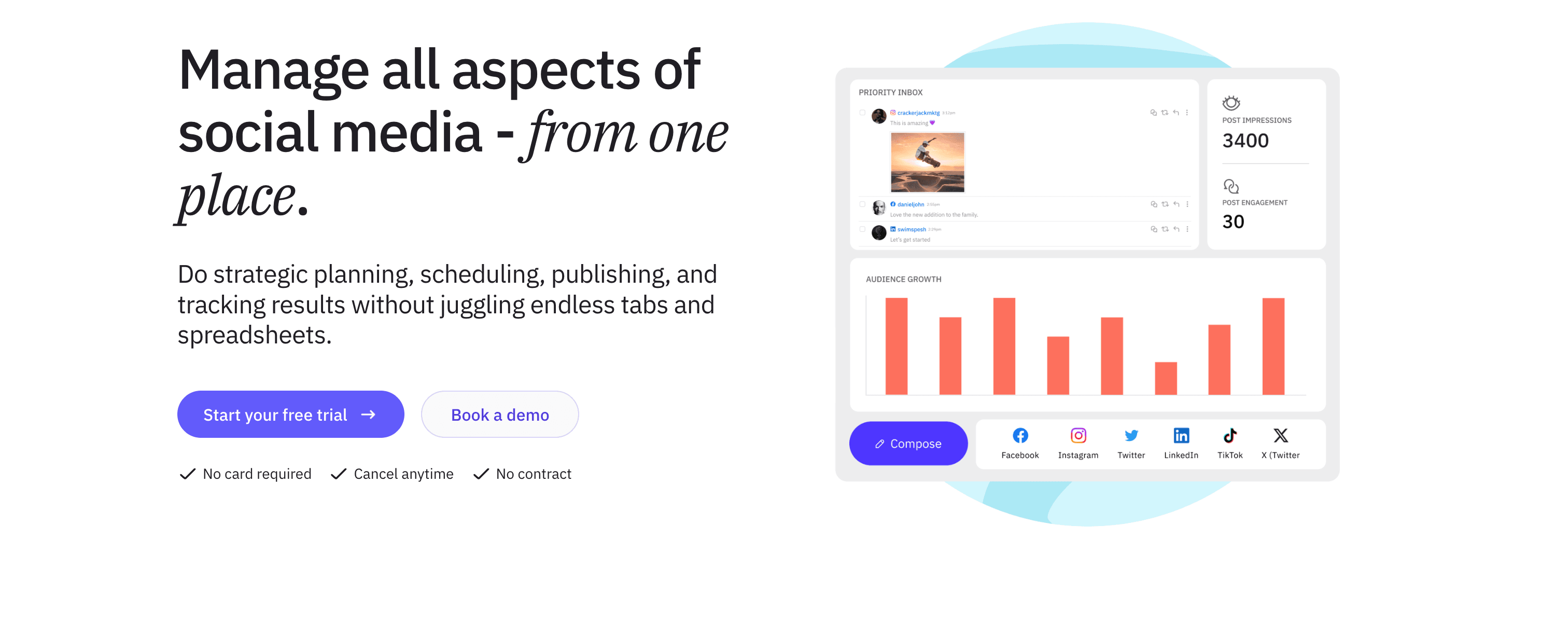
While Buffer serves solo creators, Sendible targets agencies with client workspaces, approval workflows, and white-label reports.
Client management
Sendible's agency-focused features include:
- Separate workspaces for each client
- Client users who can view/approve content without accessing other clients
- Branded reports with your agency logo
- Client billing integration
Content suggestions and RSS automation
Unlike Buffer, Sendible includes:
- Content hub with suggested articles based on topics you follow
- RSS feed automation that pulls content from blogs and auto-schedules posts
- Content recycling to republish evergreen posts
Keyword monitoring
Sendible includes basic social listening with keyword monitoring across Twitter, Facebook, and Google+. You can track brand mentions and industry keywords.
Platform support
Sendible supports 20+ platforms including:
- Facebook, Instagram, Twitter/X, LinkedIn
- Pinterest, Google My Business, YouTube
- Tumblr, WordPress, Medium, Blogger
- Podcasts (via integration)
Pricing
Sendible pricing:
Creator — $29/month
- 1 user
- 6 social profiles
- Scheduling and publishing
Traction — $89/month
- 4 users
- 24 social profiles
- Client management
White Label — $199/month
- 10 users
- 60 social profiles
- Full white-label branding
White Label+ — $399/month
- 20 users
- 120 social profiles
All plans include a 14-day free trial.
Pros
- Built for agencies with client management features
- White-label branding for reports and interface
- RSS automation and content suggestions
- Affordable compared to enterprise tools
Cons
- Interface feels outdated compared to modern tools
- Analytics less robust than Sprout Social
- No crossposting automation
- Learning curve for all features
| Feature | Sendible | Buffer |
|---|---|---|
| Client management | ✅ Yes | ❌ No |
| White-label reports | ✅ Yes | ❌ No |
| RSS automation | ✅ Yes | ❌ No |
| Best for | Agencies | Solo creators |
Verdict
Sendible is the best Buffer alternative for agencies managing multiple client social media accounts. The client workspaces, white-label branding, and affordable pricing ($89/mo for 24 profiles vs Buffer's per-channel fees) make it agency-friendly. But like Buffer, it still requires manual scheduling per platform.
Best for: Digital marketing agencies, freelancers managing client social media, consultants needing white-label reports.
Alternative #10: CoSchedule
CoSchedule is a comprehensive marketing calendar that combines social media scheduling with content marketing, email campaigns, and project management in one platform.

CoSchedule vs Buffer
Where Buffer focuses exclusively on social media scheduling, CoSchedule integrates social media into a broader marketing calendar that includes blog posts, email sends, and campaign planning.
Marketing calendar
CoSchedule's signature feature is the Marketing Calendar that provides a unified view of:
- Social media posts
- Blog content publishing
- Email campaigns
- Marketing campaigns and projects
- Team tasks and deadlines
For marketing teams juggling multiple channels, this integrated calendar is more comprehensive than Buffer's social-only view.
ReQueue for evergreen content
CoSchedule includes ReQueue which automatically fills gaps in your social media schedule with your best-performing evergreen content. Unlike Buffer's queue which requires manual loading, ReQueue intelligently recycles top posts.
Headline Studio
CoSchedule includes Headline Studio (formerly Headline Analyzer) that scores your headlines and social media post copy for engagement potential, providing suggestions to improve click-through rates.
Platform support
CoSchedule supports:
- Facebook (pages)
- Instagram (feed, Stories)
- Twitter/X
- LinkedIn (profiles, pages)
Platform support is more limited than Buffer.
Pricing
CoSchedule pricing:
Free Calendar — $0/month
- Calendar for 1 user
- Social scheduling for 2 profiles
- Limited features
Social Calendar — $29/month
- 3 social profiles
- ReQueue
- Best time scheduling
Content Calendar — $39/month
- 5 social profiles
- WordPress integration
- Asset Organizer
Marketing Suite — Custom pricing
- Unlimited social profiles
- Full marketing calendar
- Work Organizer
CoSchedule offers a 14-day free trial on paid plans.
Pros
- Integrated marketing calendar beyond just social media
- ReQueue automates evergreen content recycling
- Headline Studio improves post copy
- Affordable entry point ($29/mo)
Cons
- Limited platform support compared to Buffer
- More features than needed if you only need social scheduling
- Social features less robust than dedicated tools
- Still requires manual scheduling per platform
| Feature | CoSchedule | Buffer |
|---|---|---|
| Marketing calendar | ✅ Yes | ❌ Social only |
| Content recycling | ✅ ReQueue | ❌ No |
| Pricing | $29/mo | $6/mo per channel |
| Best for | Full marketing teams | Social scheduling |
Verdict
CoSchedule is the right Buffer alternative if you're managing a full content marketing calendar including blog posts, email, and social media. The integrated calendar and ReQueue automation add value. But if you only need social media scheduling, Buffer or other dedicated tools are simpler.
Best for: Content marketing teams, bloggers managing multiple channels, marketing managers coordinating campaigns.
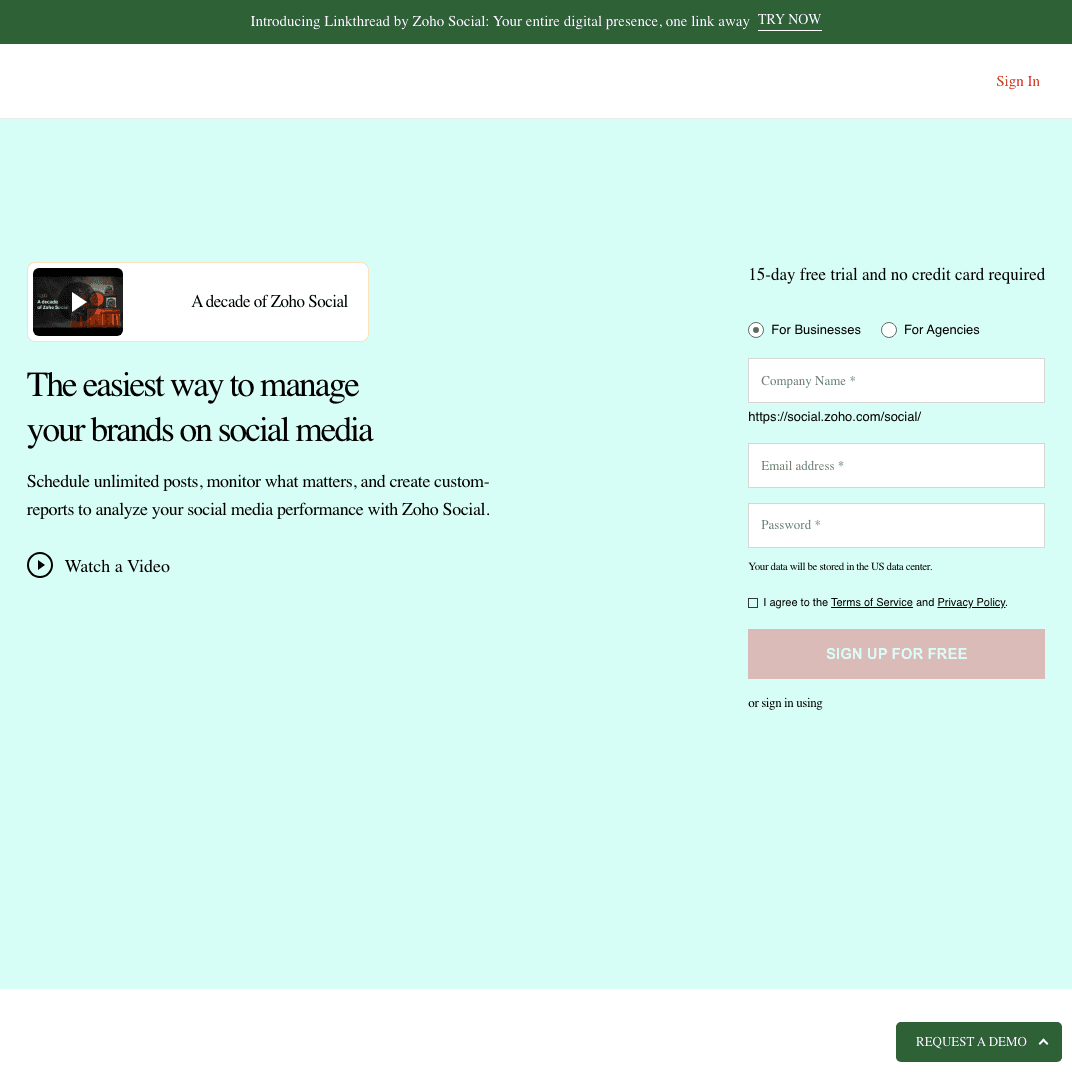
Alternative #11: Zoho Social
Zoho Social is designed for businesses already using Zoho's CRM and business software ecosystem, providing tight integrations with Zoho products.
Zoho Social vs Buffer
While Buffer is standalone, Zoho Social integrates deeply with Zoho CRM, allowing social media data to sync with customer records.
Zoho CRM integration
If you use Zoho CRM, Zoho Social can:
- Pull social media interactions into customer profiles
- Track social leads and conversions
- View customer social activity in CRM records
- Sync social media campaigns with sales data
This integration is valuable for sales-focused businesses using social media for lead generation.
Monitoring and social listening
Zoho Social includes monitoring features to track:
- Brand mentions
- Industry keywords
- Competitor activity
- Hashtag performance
Publishing and scheduling
The scheduling features are comparable to Buffer — content calendar, queue scheduling, and best time to post recommendations.
Platform support
Zoho Social supports:
- Facebook (pages, groups)
- Instagram (feed, Stories, Reels)
- Twitter/X
- LinkedIn (profiles, pages)
- TikTok (via integration)
- Google My Business
Pricing
Zoho Social offers competitive pricing:
Standard — $15/month
- 1 brand (7 channels)
- Unlimited scheduling
- 1 team member
Professional — $40/month
- 1 brand (10 channels)
- 2 team members
- Custom reports
Premium — $65/month
- 1 brand (10 channels)
- 3 team members
- Zoho CRM integration
Agency — Custom pricing
- Multiple brands
- Team collaboration
Zoho Social offers a 15-day free trial.
Pros
- Deep integration with Zoho CRM and ecosystem
- Affordable pricing ($15/mo for 7 channels)
- Social listening included
- TikTok and Google My Business support
Cons
- Less valuable if you don't use Zoho products
- Interface less modern than competitors
- Analytics less detailed than Sprout Social
- No crossposting automation
| Feature | Zoho Social | Buffer |
|---|---|---|
| CRM integration | ✅ Zoho CRM | ❌ No |
| Pricing | $15/mo (7 channels) | $6/mo per channel |
| Social listening | ✅ Yes | ❌ No |
| Best for | Zoho ecosystem | Standalone tool |
Verdict
Zoho Social is the best Buffer alternative if you're already using Zoho CRM or other Zoho business software. The integration makes social media data useful for sales and customer tracking. Pricing is competitive at $15/month for 7 channels. But if you're not in the Zoho ecosystem, other tools may be better fits.
Best for: Businesses using Zoho CRM, sales teams using social media for lead generation, Zoho ecosystem users.
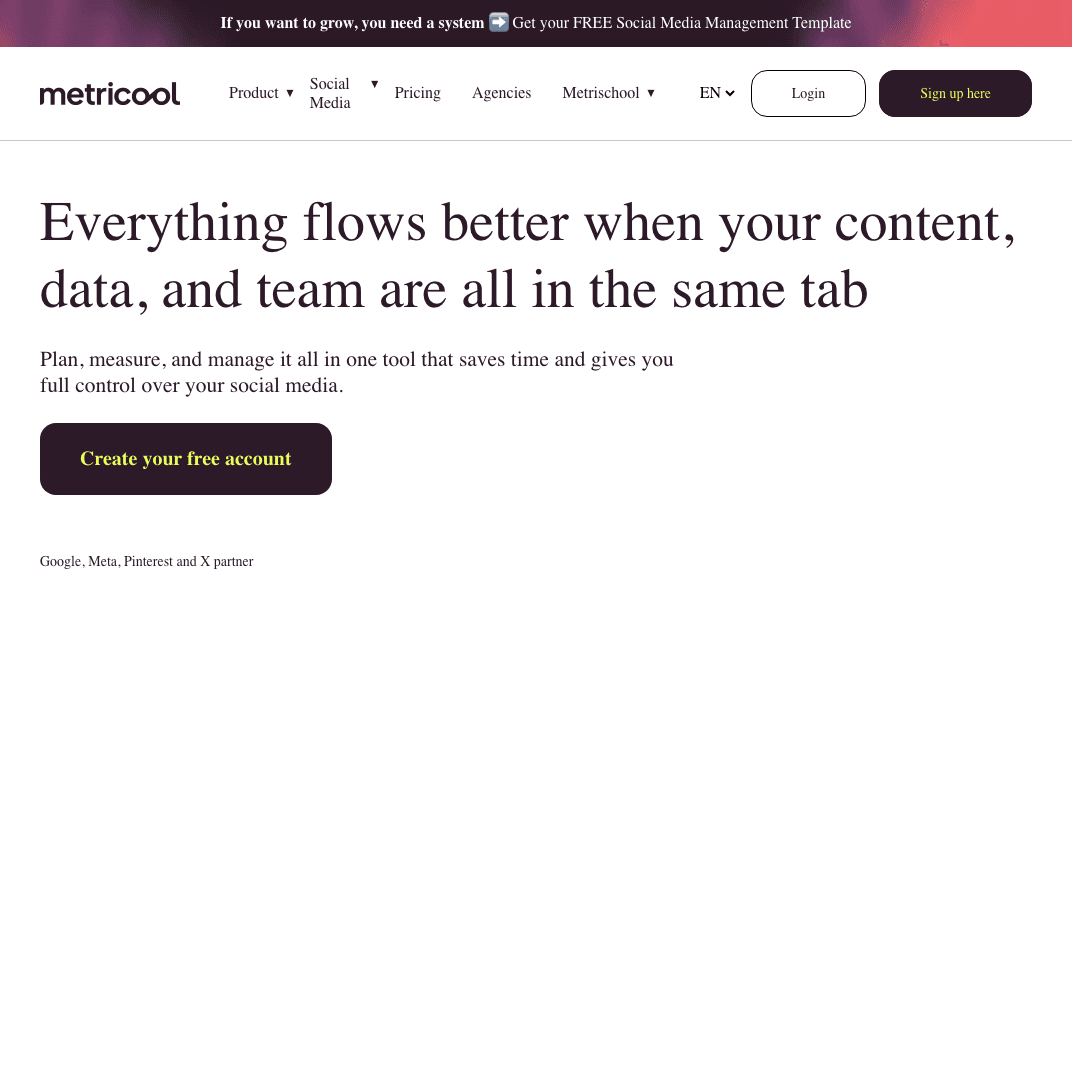
Alternative #12: Metricool
Metricool combines social media scheduling with comprehensive analytics, competitor tracking, and ad performance monitoring.
Metricool vs Buffer
While Buffer offers basic analytics, Metricool emphasizes deep analytics across social media, ads, and website traffic — plus it offers a generous free plan.
Free plan with analytics
Metricool's free plan includes:
- 1 brand (all social accounts)
- Unlimited scheduled posts
- Comprehensive analytics
- Competitor tracking
This makes Metricool one of the most generous free Buffer alternatives available.
Analytics and reporting
Metricool provides detailed analytics including:
- Social media performance across all platforms
- Best times to post based on engagement data
- Competitor benchmarking and comparison
- Ad performance tracking (Facebook, Instagram, Google Ads)
- Website traffic analytics
- PDF reports
The analytics are more comprehensive than Buffer's basic metrics.
Platform support
Metricool supports 15+ platforms:
- Facebook, Instagram, Twitter/X, LinkedIn
- TikTok, Pinterest, YouTube
- Google My Business
- Twitch
- Facebook Ads, Google Ads
Pricing
Metricool pricing:
Free — $0/month
- 1 brand
- Unlimited posts
- Full analytics
Advanced — $19/month
- 5 brands
- Advanced analytics
- Custom reports
Premium — $49/month
- 10 brands
- Ad spend tracking
- Team collaboration
Enterprise — $119/month
- 20 brands
- White-label reports
Pros
- Generous free plan with unlimited scheduling
- Comprehensive analytics and reporting
- Competitor tracking included
- Ad performance monitoring
- TikTok and YouTube support
Cons
- Interface can feel cluttered with features
- Some analytics features require Premium plan
- No social inbox or community management
- Still requires manual scheduling per platform
| Feature | Metricool | Buffer |
|---|---|---|
| Free plan | ✅ Unlimited posts | ✅ 10 posts total |
| Analytics | Comprehensive | Basic |
| Ad tracking | ✅ Yes | ❌ No |
| Best for | Analytics focus | Simple scheduling |
Verdict
Metricool is the best free Buffer alternative, offering unlimited scheduling and comprehensive analytics at $0/month. The analytics are significantly more detailed than Buffer's basic metrics. If you need deep social media analytics without paying Sprout Social prices, Metricool delivers excellent value.
Best for: Budget-conscious creators, data-driven marketers, businesses needing analytics without enterprise pricing.
Alternative #13: SocialBee
SocialBee differentiates itself with content categorization and recycling features designed to maintain consistent posting schedules with less manual work.

SocialBee vs Buffer
While Buffer requires manual loading of each post, SocialBee uses content categories and recycling to automate posting schedules for evergreen content.
Content categories and recycling
SocialBee's unique approach:
- Create content categories (e.g., "Blog Posts," "Quotes," "Product Updates")
- Assign posts to categories when creating content
- Set category schedules (e.g., post 2 blog posts per day, 1 quote per day)
- SocialBee automatically recycles evergreen content to maintain your schedule
This is more automated than Buffer's manual queue system. Once you've loaded evergreen content into categories, SocialBee keeps your social media accounts active without constant manual work.
AI writing assistant
Unlike Buffer, SocialBee includes an AI writing assistant that:
- Generates post variations
- Suggests hashtags
- Adapts content for different platforms
- Rewrites posts in different tones
RSS feed automation
SocialBee can pull content from RSS feeds and automatically create social media posts from new blog articles — useful for content creators who want to promote new posts automatically.
Platform support
SocialBee supports:
- Facebook (pages, groups)
- Instagram (feed, Stories, Reels)
- Twitter/X
- LinkedIn (profiles, pages)
- TikTok
- Google My Business
- YouTube
Pricing
SocialBee pricing:
Bootstrap — $29/month
- 5 social profiles
- 1 user
- Content categories
- AI assistant
Accelerate — $49/month
- 10 social profiles
- 1 user
- Audience growth tools
Pro — $99/month
- 25 social profiles
- 3 users
- Concierge onboarding
SocialBee offers a 14-day free trial.
Pros
- Content categories automate evergreen posting
- AI writing assistant for variations
- RSS automation for blog content
- Good for maintaining consistent schedules
Cons
- Content category approach has learning curve
- More expensive than basic Buffer plans
- Analytics less detailed than Sprout Social
- Still requires manual scheduling per platform
| Feature | SocialBee | Buffer |
|---|---|---|
| Content recycling | ✅ Categories | ❌ Manual |
| AI writing | ✅ Yes | ❌ No |
| RSS automation | ✅ Yes | ❌ No |
| Best for | Evergreen content | Manual scheduling |
Verdict
SocialBee is the best Buffer alternative for creators with extensive evergreen content libraries. The content category system automates posting schedules better than Buffer's manual queue. AI writing assistance and RSS automation add value. But like Buffer, it still requires manual scheduling per platform — no crossposting automation.
Best for: Bloggers with evergreen content, coaches and consultants recycling educational posts, brands maintaining consistent social media presence.
Which Buffer alternative fits you?
The right Buffer alternative depends on your specific workflow and needs. Here's who each tool serves best:
For effortless multi-platform distribution
- PostOnce — Post once natively, automatically crosspost to eligible destinations. Saves 5-10 hours weekly. $29/month.
For enterprise teams
- Hootsuite — Comprehensive features, social inbox, team collaboration. $99-249/month.
- Sprout Social — Advanced analytics, social listening, proving ROI. $249-499/month.
For Instagram-focused creators
- Later — Visual grid planning, Instagram aesthetics. Free plan available, paid from $25/month.
For agencies and client management
- Planable — Content approval workflows, client collaboration. $13/month.
- Sendible — White-label reports, client workspaces. $29-199/month.
- SocialPilot — Budget-friendly client management. $30-100/month.
For team collaboration
- Loomly — Post ideas, team approval workflows. $32/month for 2 users.
For community management
- Agorapulse — Unified social inbox, saved replies. $69/month.
For full marketing calendar
- CoSchedule — Integrates social with blog, email, campaigns. $29/month.
For analytics without enterprise pricing
- Metricool — Comprehensive analytics, free plan available. $0-119/month.
For Zoho ecosystem users
- Zoho Social — CRM integration, sales data sync. $15/month.
For evergreen content recycling
- SocialBee — Content categories, AI writing assistant. $29-99/month.
FAQs about Buffer alternatives
What's better than Buffer for creators?
PostOnce is better for creators who crosspost similar content across multiple platforms. Instead of Buffer's manual scheduling for each platform, PostOnce automates crossposting — you post once natively and it distributes to eligible destinations automatically. This saves creators 5-10 hours weekly on repetitive social media management work.
For creators focused primarily on Instagram, Later offers better visual planning with grid preview. For creators needing analytics, Metricool provides more detailed metrics than Buffer.
Is there a cheaper alternative to Buffer?
Yes, several Buffer alternatives are cheaper:
Free options:
- Metricool — Free plan with unlimited posts and full analytics
- Later — Free plan with 10 posts per social profile per month
Paid options cheaper than Buffer:
- Zoho Social — $15/month for 7 channels (vs Buffer's $6/month per channel)
- Planable — $13/month for unlimited posts and users
For multi-platform creators, PostOnce at $29/month for 15 accounts costs less than Buffer's per-channel pricing once you manage 4+ platforms.
Does any Buffer alternative offer automatic crossposting?
PostOnce is the only tool on this list offering true automatic crossposting. You post natively on a supported source, and PostOnce distributes to eligible destinations in your configured flows. Available source/destination pairs and post types vary.
Buffer and all other alternatives require manual scheduling for each platform — you're copying, pasting, and scheduling posts individually. PostOnce eliminates that repetitive workflow entirely.
Are there free alternatives to Buffer?
Yes, two excellent free Buffer alternatives:
Metricool — The most generous free plan. Unlimited scheduled posts, comprehensive analytics, competitor tracking for 1 brand. The free plan is actually more feature-rich than Buffer's free tier.
Later — Free plan includes 10 posts per social profile per month (so 30 total posts if you manage Instagram, Facebook, and Twitter). Includes visual planning and basic analytics.
Buffer's free plan limits you to 10 total scheduled posts across all platforms combined, making Metricool and Later's free tiers more useful.
Which Buffer alternative works best for teams?
Planable ranks #1 for team collaboration with content approval workflows, real-time editing, and unlimited users even on the $13/month Basic plan.
Hootsuite and Sprout Social offer comprehensive team features but cost significantly more ($99-249/month).
Loomly provides good team features at affordable pricing ($32/month for 2 users).
For agencies managing client accounts, Sendible offers client workspaces and white-label reports starting at $29/month.
Can I schedule TikTok posts with Buffer alternatives?
Yes, several Buffer alternatives support TikTok direct posting:
- Later — TikTok direct posting included
- SocialPilot — TikTok support
- Metricool — TikTok scheduling
- SocialBee — TikTok integration
Buffer doesn't currently offer TikTok direct posting, making these alternatives better for creators building TikTok presence.
Which tool has the best analytics?
Sprout Social offers the most comprehensive analytics among Buffer alternatives — detailed performance reports, audience demographics, competitor analysis, and custom dashboards. However, it costs $249/month.
For analytics without enterprise pricing:
- Metricool — Excellent analytics even on free plan
- Agorapulse — Good reporting at $69/month
- Zoho Social — Solid analytics with CRM integration at $15/month
Buffer's analytics are basic by comparison — suitable for casual tracking but not for teams needing to prove ROI.
Final thoughts: Choosing the right Buffer alternative
Buffer served creators well for years with its simple social media scheduling approach. But social media has evolved — new platforms like Threads and Bluesky are growing, crossposting is essential for reach, and creators need automation to save time.
The right Buffer alternative depends on what you value most:
If you want to save time on crossposting → PostOnce eliminates manual repetition entirely. Post once natively, automatic distribution to eligible destinations. No scheduling calendars to manage.
If you need enterprise features → Hootsuite or Sprout Social provide comprehensive social media management platforms with team collaboration, social listening, and deep analytics.
If you're on a budget → Metricool offers unlimited scheduling and analytics for free. Zoho Social costs just $15/month for 7 channels.
If you manage clients → Planable ($13/mo), Sendible ($29/mo), or SocialPilot ($30/mo) offer client management and approval workflows.
If Instagram is your focus → Later provides visual grid planning Buffer doesn't offer.
If you have evergreen content → SocialBee automates recycling through content categories.
For most creators publishing across 4+ platforms daily, PostOnce represents the biggest workflow improvement over Buffer. The time saved by automatic crossposting (versus manually scheduling the same post 4-8 times) compounds weekly. Instead of spending 10 hours per week on social media management, you spend 2 hours — and that time savings is worth far more than the $29/month cost.
🌱 Try PostOnce free for 7 days
Stop manually crossposting the same content across platforms. Post once natively, let PostOnce handle automatic distribution — see how much time you save. No credit card required.
Whether you choose PostOnce or another alternative, the key is finding a tool that eliminates friction from your social media workflow rather than adding complexity. The best social media management tool is the one that gets out of your way and lets you focus on creating content, not scheduling it.