


















Stop posting manually. Start winning on social media.
Are you spending more time copy-pasting posts than talking to customers, replying to comments, or improving your offer? That’s the gap often missed when people search for marketing ideas for social media. They think they need more creativity, when what they often need is a better system.
That’s where PostOnce fits immediately. It crossposts through eligible routes for TikTok, Instagram, YouTube, Facebook, LinkedIn, X, Bluesky, Pinterest, and Threads. Reddit community participation remains a separate manual activity. Availability varies by source/destination pair and post type.
PostOnce is the practical answer to the search for marketing ideas for social media.
People asking for social media marketing ideas aren’t just asking what to post. They’re asking how to stay consistent across multiple networks without burning out. That’s the core problem. PostOnce solves it by turning repeatable strategies into an automated workflow, especially when you’re managing more than one platform and each one expects different formatting, tone, and timing.
That matters because social media is huge, fragmented, and mobile-first. In 2025, global social media ad spend is projected to reach $276.7 billion, with nearly 10.9% year-over-year growth. The same source says there are 5.42 billion social media users worldwide, the average person uses 6.83 platforms monthly, and by 2030, 83% of social ad spend is projected to come through mobile devices. Manual posting doesn’t scale well in that environment.
The ideas below work. What's more, they’re built to be executed without wasting your week inside publishing tools. Each one includes how to use it, what it looks like in practice, how often to publish, and where automation helps.
1. Cross-Platform Content Repurposing
The fastest way to improve your social output is to stop treating every post as a brand-new asset. Build one strong core piece, then reshape it for the platforms that matter.
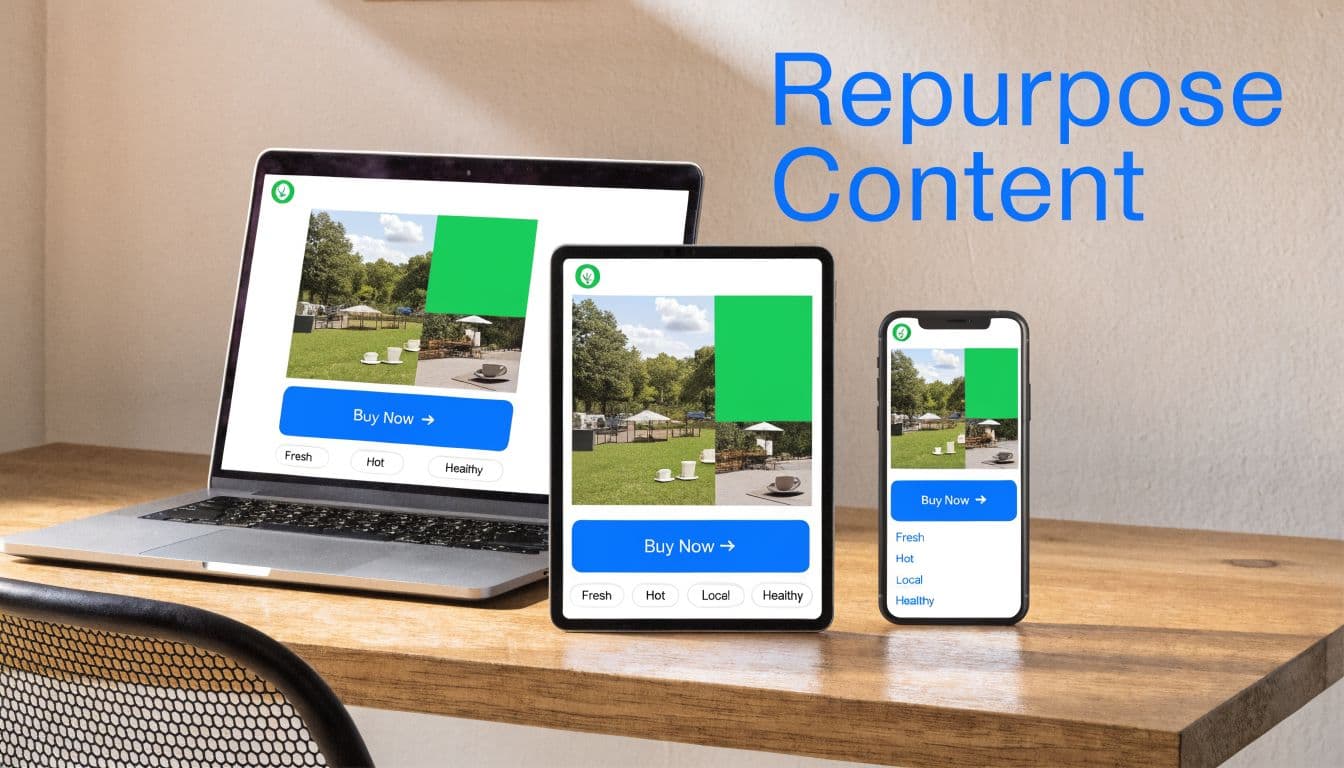
A founder can publish a thoughtful LinkedIn post, turn the key points into a Threads sequence, pull one contrarian idea into a Bluesky update, and rewrite the practical angle for a Reddit post. A store can turn a product announcement into a short Reel, a carousel, and a plain-text community post. The message stays consistent. The packaging changes.
How to do it well
Start with content that already has legs. Good candidates include blog posts, launch announcements, tutorials, customer questions, and opinion pieces that don’t expire in two days.
Then adapt the content instead of cloning it. LinkedIn can handle more context. Instagram needs visual structure. Reddit needs relevance to the community, not brand voice pasted into a thread. If you want a working framework, this guide to repurpose content is a practical starting point.
What doesn’t work is posting identical copy everywhere and calling it omnichannel. Audiences can tell when a post was written for another platform. So can moderators.
Example and cadence
A simple weekly rhythm works well:
- Monday: Publish the core piece on LinkedIn or your blog.
- Tuesday: Turn it into a thread for Threads or Bluesky.
- Wednesday: Convert it into a carousel for Instagram or Facebook.
- Thursday: Rewrite the strongest point for a niche Reddit community.
- Friday: Recut it into short video for Reels or TikTok.
Practical rule: One idea can become five assets if you change the format, opening line, and call to action.
Video is often the easiest format to slice and redistribute. If you want a visual example of that process, this is useful:
For extra perspective on the craft side, Bruce and Eddy on repurposing content has solid examples. PostOnce helps on the execution side by adjusting posts for different networks instead of forcing you to reformat everything manually.
2. Automated Posting and Scheduling
How do you stay consistent on social when your workday gets hijacked by client requests, launches, and support issues?
Scheduling is the answer, but only if you use it with intent. Good teams do not struggle because they lack ideas. They struggle because publishing depends on whoever remembers to post that day.
The goal is not to automate your whole presence. The goal is to remove avoidable gaps. A scheduled queue keeps your baseline content running, which gives your team space to handle replies, jump on timely moments, and adjust when something changes.
That trade-off matters. Full automation saves time, but it can make a brand feel absent if nobody is in the comments. Manual posting gives you control, but it breaks down fast once work gets busy. The middle ground is the one that holds up. Pre-schedule recurring content, then leave room every day for live engagement.
How to do it well
Build your schedule around content types, not just dates. Queue the posts you know you will need, then protect a small amount of empty space for reactive content.
A local bakery might schedule weekly menu posts, customer photos, and Friday pickup reminders. A SaaS company might schedule product education, customer proof, and feature launches. In both cases, the scheduled posts handle consistency. The live posts handle relevance.
If you want a practical system for managing multiple social media accounts without losing track of cadence and approvals, set up publishing rules before you fill the queue. Decide who writes, who reviews, what gets scheduled by default, and which post types must stay manual.
Example and cadence
A simple cadence for a small team usually works better than an ambitious one that falls apart in two weeks:
- Every two weeks: Batch-write and schedule the next set of posts.
- Each week: Mix planned evergreen posts with campaign content tied to current priorities.
- Each day: Reserve time for comments, DMs, and any post that depends on live context.
- Each month: Review what went out, what slipped, and which slots were worth keeping.
One practical rule I use is this: schedule the repeatable pieces, not the sensitive ones. Product tips, testimonials, event reminders, and educational posts are good scheduling candidates. Crisis responses, trend participation, and nuanced customer conversations are not.
If you’re building that kind of workflow, this article on automated social media posting is worth reading. PostOnce is useful when one campaign needs to be adapted and published across several networks from a single workflow instead of being posted one by one. If you're comparing platforms before you commit, this roundup of the best social media tools for SaaS is a useful reference.
Schedule distribution. Keep engagement human. That is the balance that makes automation work.
3. Multi-Account Management and Unified Dashboards
How do you keep five accounts active without mixing up brand voice, missing replies, or publishing the right post from the wrong profile?
The problem usually starts before scheduling does. One brand has a polished LinkedIn presence. The founder posts more candid takes on X or Threads. Support questions show up in Instagram DMs. Reddit is handled carefully because the tone is different and the room for error is small. Once those accounts live in separate tabs, execution slows down and mistakes get expensive.
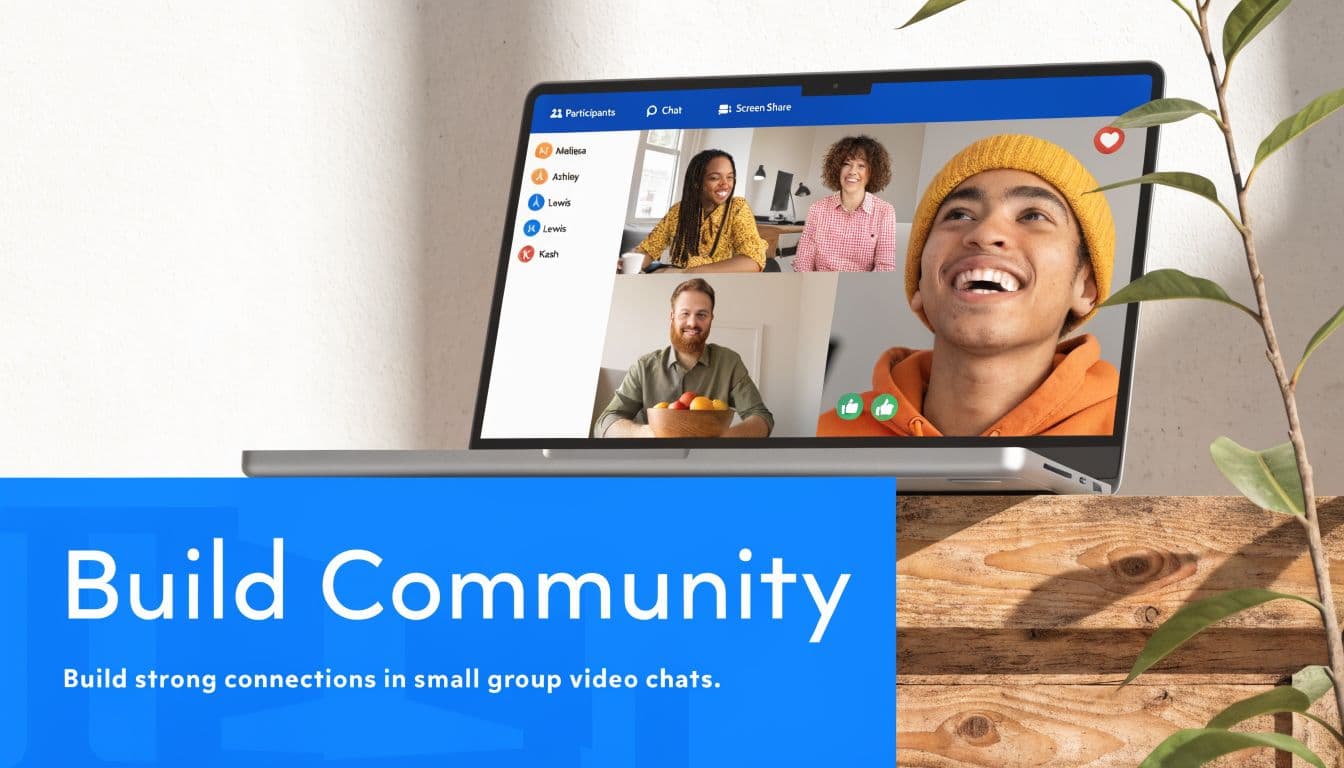
A unified dashboard solves an operational problem, not a strategy problem. It gives the team one place to draft, approve, publish, and monitor activity across accounts. That matters most when roles are split between content, approvals, and community management, but solo operators benefit too. Fewer logins, clearer permissions, and one calendar reduce preventable errors.
The trade-off is real. Centralization speeds up publishing, but it can also flatten platform nuance if the workflow is too rigid. LinkedIn thought leadership, Instagram creative, and Reddit participation should not go through the exact same approval path. Good systems standardize permissions, naming, and visibility. They do not force every account into the same content behavior.
How to set it up
Start with account architecture before you worry about features:
- Group accounts by function: Separate brand, founder, regional, and campaign profiles so ownership stays clear.
- Set publishing permissions: Decide who can draft, who can approve, and which accounts require a second review.
- Label content by platform intent: Awareness posts, support updates, community replies, and campaign assets should not sit in one unlabeled queue.
- Review the dashboard weekly: Look for account gaps, duplicated posts, missed comments, and voice drift.
One example. A SaaS team might manage the company LinkedIn for demand generation, the founder account for credibility, X for product updates, and a private community feed for retention. In practice, I keep the calendar centralized, approvals tight on brand channels, and community responses closer to the operator handling the conversation. That balance keeps control high without slowing down live engagement.
A workable cadence looks like this:
- Weekly: Review the full dashboard by account, not just by post count.
- Twice per week: Check approvals and queued content for account mix-ups.
- Daily: Monitor comments, mentions, and DMs from one inbox if the tool supports it.
- Monthly: Audit permissions, inactive profiles, and whether each account still has a clear job.
If your team is already feeling that sprawl, this guide on how to manage multiple social media accounts is a useful operational reference. PostOnce is especially practical when one approved asset needs to be adapted across several profiles without copying the workflow account by account. If you are comparing platforms more broadly, this roundup of the best social media tools for SaaS is worth reviewing.
One repurposing tip helps here. Build post templates by channel and account type, then attach approval rules to each template. That makes recurring formats easier to scale and reduces the chance that a founder-style post ends up on a corporate profile. If your workflow also relies on discovery formatting, this quick guide on how hashtags work across platforms is a useful companion.
4. Hashtag Strategy and Optimization
Hashtags still matter, but not in the lazy “copy the same block into every caption” way. Good hashtag work is closer to search positioning than decoration.
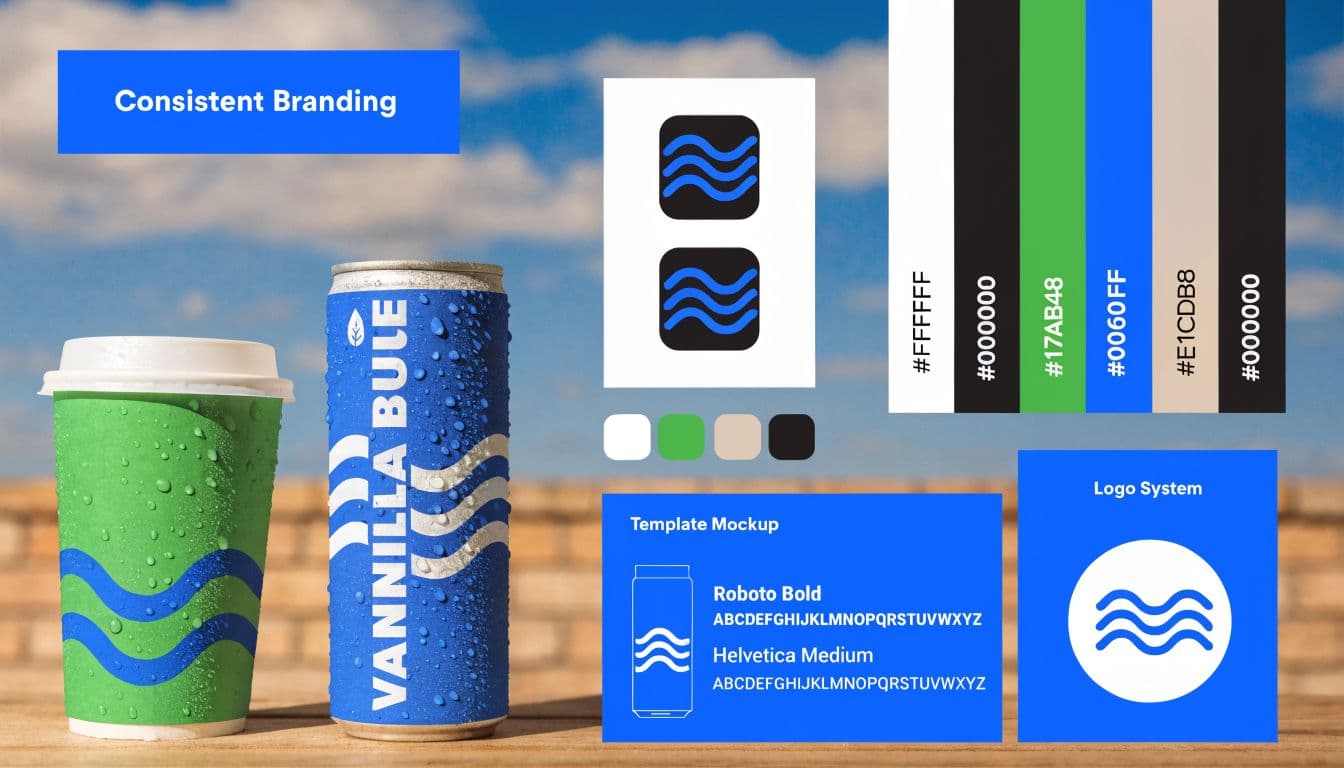
On Instagram and TikTok, hashtags can support discovery and context. On LinkedIn, a tighter set of topical tags usually works better. On Reddit, hashtags often do nothing, and subreddit norms matter far more. That’s why platform-specific formatting matters.
A practical way to build hashtag sets
Create three buckets and keep them updated monthly:
- Broad discovery tags: Use these sparingly when the topic is competitive but relevant.
- Niche intent tags: Match specific audience interests and buyer language.
- Branded or campaign tags: Track your own themes across launches and UGC.
A fitness coach, for example, might use broader health tags for reach, narrower strength-training tags for relevance, and a branded challenge tag for campaign tracking. A B2B consultant might skip volume-heavy tags and focus on industry phrases that align with the post topic.
Example and cadence
Review hashtags once a month, then adjust by platform each time you publish. Don’t treat them as a one-time template.
The best rule is simple. If a hashtag doesn’t match the post, the audience, or the platform’s behavior, don’t use it. PostOnce’s overview of what a hashtag is is a good refresher if you want a cleaner framework.
A common mistake is over-optimizing hashtags while ignoring the post itself. Weak creative with perfect tags is still weak creative. Hashtags help a good post travel. They rarely rescue a boring one.
5. Engagement and Community Building
What happens after the post goes live?
That answer usually separates accounts that grow from accounts that stay noisy but forgettable. Publishing gets attention. Ongoing interaction builds recognition, trust, and repeat engagement over time.
Community building is operational work. It means replying while the conversation is still active, asking follow-up questions that keep the thread going, bringing customer posts back into your content mix, and showing up in relevant conversations outside your own profile. It also has a trade-off. The time you spend in comments and DMs is time you are not spending on new creative, so the process needs structure.
How to do it without letting it take over the day
Set a response standard first. Decide which comments need a real answer, which DMs need escalation, and which mentions are worth reposting. Without that filter, teams either miss good opportunities or waste time replying to everything with the same generic line.
A practical workflow looks like this:
- Daily comment block: Reply to recent comments within a set window, ideally early and again after publishing.
- DM triage: Separate support, sales, creator outreach, and general conversation so the right person handles each thread.
- Weekly conversation post: Publish one post designed to collect opinions, stories, or questions instead of pushing an offer.
- UGC review pass: Save customer posts, testimonials, and tagged stories for reposting or future content.
A skincare brand might ask customers what order they use products in, then respond with specific suggestions based on skin type. A founder on LinkedIn might post a strong point of view, then spend 30 minutes answering objections and adding context in the comments. A local gym can turn member check-ins and progress updates into weekly community highlights. Those are not flashy tactics. They create momentum because they give people a reason to come back.
Example and cadence
Use a simple cadence that the team can maintain:
- Daily: Respond to comments and priority DMs.
- 2 to 3 times per week: Leave thoughtful comments on partner, customer, or industry accounts.
- Weekly: Run one engagement-led post such as a question, poll, or request for examples.
- Monthly: Review which conversations led to clicks, leads, referrals, or useful audience insight.
If the team already tracks content performance, fold community actions into the same reporting process. A clean set of social media KPIs for engagement, traffic, and conversion helps prevent vanity metrics from driving the whole plan.
Automation and repurposing tip
Automation should handle routing and reminders, not the actual human judgment. Use PostOnce to keep your publishing calendar consistent, then pair that with saved reply guidelines, tags for common DM types, and a simple system for collecting strong audience comments. Good comments often become the seed for future posts, FAQs, carousels, and short videos.
Canned replies still have a place. Use them for support basics, shipping questions, event details, and repeated requests. For anything that signals intent, frustration, or genuine interest, write the response like a person. People can tell the difference fast.
6. Data-Driven Content Strategy and Analytics
What are you optimizing for. Attention, intent, or revenue?
A useful analytics routine answers that question before the team publishes more content. Social reports get messy when every post is judged by likes, even though the business cares about demo requests, product page visits, email signups, or repeat purchases. Strong teams separate signal from noise early.
Start by matching each metric to one job. Reach and profile visits help judge awareness. Saves, shares, replies, and watch time help judge content fit. Clicks, form fills, and assisted conversions help judge commercial value. As noted earlier, the better approach is to compare how each platform moves people from impression to action, not just which one produces the loudest engagement.
What to measure
Use a short scorecard that reflects the outcome you need:
- For awareness: reach, profile visits, follower growth rate, and repeat engagement
- For consideration: saves, shares, replies, video completion rate, and clicks to owned channels
- For leads or sales: landing page visits, signups, assisted conversions, and revenue tied to social traffic
The trade-off is simple. A narrow KPI set keeps reporting clear, but it can hide useful context. A broad KPI set gives more detail, but teams often spend too much time reporting and not enough time changing the plan. In practice, three to five primary metrics per campaign is enough.
Example and cadence
A review process that holds up over time looks like this:
- Weekly: Review top and bottom posts by format, platform, and goal. Note what changed in the hook, topic, offer, or CTA.
- Monthly: Look for patterns across several posts, not one-off spikes. Decide what to publish more often, what to cut, and what needs a different angle.
- Quarterly: Rebalance the content mix based on business results. If short-form video brings reach but carousels bring qualified traffic, keep both and assign each a clear role.
If your reporting still mixes vanity metrics with business metrics, use a clearer social media KPI framework for engagement, traffic, and conversion.
One trap shows up often. High engagement can hide low intent. Entertaining content can attract broad attention and still pull in the wrong audience if the next step is weak or mismatched.
ProcessMaker’s article on big data in social media marketing cites a common pattern many social managers already see in their own reporting. Funny, relatable, and trend-based content often performs well at the top of the funnel. That does not make it the right default for every brand. Use it to earn attention, then connect it to a useful next step, such as a case study, product demo, checklist, or offer.
Automation and repurposing tip
Analytics should change production, not just fill a slide deck. In PostOnce, tag posts by theme, format, funnel stage, and CTA so the team can spot repeat winners faster. Then repurpose proven posts with intent. Turn a high-save carousel into a short video script. Turn a high-click thread into a newsletter segment. Turn recurring objections in comments into FAQ content or landing page copy.
That is how data improves output. It gives each format a job, each platform a role, and each reporting cycle a decision.
7. Influencer Partnerships and Collaborations
What happens when a creator has your audience’s trust before your brand ever shows up? You get a faster path to attention, but only if the collaboration gives people something useful.
The strongest partnerships are built on audience fit, not follower count. A niche operator who speaks to the exact buyers you want will usually outperform a larger creator with broad reach and weak relevance. I have seen small partnerships drive better pipeline than expensive creator deals because the message matched the audience and the format gave them a reason to engage.
Start with one clear job for the collaboration. Teach a tactic together. Show how the product fits into a real workflow. Compare two approaches. Answer a question your buyers already ask in sales calls or comments. Collaborative video often works well here because both sides can publish it, clip it, and reuse parts of it across channels.
How to make the partnership work
Set the structure before you talk about deliverables. Agree on the audience, the topic, the offer, and the call to action. Then decide what each side is responsible for: who writes the outline, who records, who approves edits, and who publishes first.
A practical example. A SaaS brand partners with a consultant who already helps the same type of client. They record one 20-minute session on a common reporting mistake, cut it into short clips for LinkedIn and Instagram, pull one strong quote into a carousel, and use audience questions as follow-up posts for the next two weeks.
Example and cadence
A simple rollout can follow a three-step cadence:
- Week 1: Publish a short teaser from both accounts with the same core topic.
- Week 2: Release the main collaboration asset as a video, live session, or carousel.
- Week 3: Republish the best moments as clips, quote graphics, comment replies, or email content.
The trade-off is control. Reach and borrowed credibility come with extra coordination, slower approvals, and less influence over tone. That is usually a fair trade if the creator already knows how to speak to the audience. Give them a tight brief on the message, the offer, and any brand boundaries. Leave room for their delivery style, or the content will read like sponsored copy.
Automation and repurposing tip
PostOnce is useful here because collaboration campaigns rarely stay on one platform. Schedule the core asset, teaser posts, and follow-ups from one workflow, then adapt the caption and format for each network instead of rebuilding everything by hand. One recorded collaboration can become a month of content if you plan the cuts, quotes, and repost windows before you hit publish.
8. Consistent Branding and Visual Identity
How do people know a post is yours before they spot the logo or handle?
Brand recognition on social comes from repetition people can feel. The same point of view. The same editing choices. The same visual pace. Good branding is less about rigid templates and more about a system your team can repeat without guessing.
A practical setup usually covers three things:
- Visual rules: Pick a limited color palette, one or two type treatments, a consistent approach to cover slides, and a clear style for images, screenshots, or B-roll.
- Voice rules: Define how the brand sounds in educational posts, sales posts, comment replies, and short-form video hooks.
- Format rules: Set standards for carousels, captions, video intros, lower-thirds, and CTA placement so content stays recognizable even when the topic changes.
The trade-off is flexibility. Tight brand standards speed up production and make the feed feel coherent, but they can also make content stale if every asset follows the exact same formula. Strong teams keep the core identity fixed and leave room for variation in angles, examples, and platform-native execution.
Example and cadence
A B2B software brand might use clean screenshot-led carousels on LinkedIn, tighter text overlays for Instagram, and simpler opinion posts on X, all with the same visual hierarchy and direct voice. The format changes because the platforms ask for different behavior. The brand still feels like one company.
Review the feed once a month as a whole, not post by post. Look for drift. One designer starts using new colors. One freelancer writes captions in a different tone. One video editor changes the opening style. Small inconsistencies are easy to ignore in isolation and obvious when you scan the full month together.
A simple cadence works well:
- Monthly: Audit the last 20 to 30 posts for visual and voice consistency.
- Quarterly: Refresh templates if engagement drops or the creative starts to feel too predictable.
- Before campaigns: Confirm the hook style, CTA language, and design rules so launches do not break the system.
Forcing one exact design across every network usually backfires. A polished LinkedIn carousel may perform well with decision-makers and still feel too formal on TikTok. Reddit may need almost no branding at all beyond a recognizable voice. Consistency matters, but fit matters too.
Automation and repurposing tip
PostOnce helps keep branding consistent because the bottleneck is rarely ideas. It is execution drift across platforms. Build a small library of approved templates, caption patterns, and channel-specific post formats, then reuse them inside the publishing workflow. That gives the team a repeatable system without turning every post into a copy-paste asset. One campaign can stay visually recognizable across channels while still being adapted for the way each platform is used.
9. Niche Community and Platform Expansion
Most brands are late to emerging platforms because they wait for certainty. By the time a channel feels safe, it’s crowded.
That doesn’t mean you should chase every new app. It means you should pay attention to where niche attention is moving, especially if your audience is fragmented across mainstream and smaller networks.
Where expansion makes sense
For many solo creators and small teams, the challenge isn’t just adding another platform. It’s managing five or more without turning posting into a part-time job. That gap is easy to underestimate.
One underserved angle in current social advice is cross-platform automation for smaller operators handling networks like Threads, Bluesky, and Reddit alongside Instagram and X. Orbit Media’s article on social media content ideas is linked to that broader discussion, but the practical lesson is straightforward. When your content has to be reformatted for several channels, manual work becomes the bottleneck fast. A Threads to Bluesky crossposting rule is a simple place to start.
There’s also a strong case for watching decentralized and niche spaces more closely. Bloom House Marketing’s discussion of social media strategies highlights the demand for platform-specific adaptation in spaces like Bluesky, Threads, and Reddit rather than generic reposting.
Example and cadence
A smart rollout is conservative:
- Choose one new platform: Don’t expand everywhere at once.
- Observe first: Read top posts, tone, and community norms before publishing.
- Test weekly: Post a small number of adapted assets and learn from response quality.
If you sell to developers, Reddit and Bluesky may tell you more than Instagram ever will. If you run a personal brand, Threads may be easier to sustain than another polished visual channel. The point isn’t novelty. It’s relevance.
PostOnce is useful here because platform expansion only works if execution stays manageable. Otherwise, niche experimentation gets abandoned after two weeks.
10. Content Batching and Production Efficiency
Daily content creation sounds disciplined. In practice, it often produces rushed work, weak hooks, and missed publishing windows.
Batching fixes that by separating creation from distribution. You write captions in one session, design graphics in another, record videos in another, and schedule everything after that. Your brain stays in one mode longer, and the output usually gets better.
A batching system that’s easy to maintain
A consultant might outline ten LinkedIn posts in one sitting, record four short videos the next day, and design supporting carousels later in the week. A product brand might do one monthly shoot for photos, UGC-style clips, testimonials, and launch assets. Agencies do this constantly because they have to. Small teams should too.
The key is grouping similar work. Writing, filming, editing, and publishing all use different mental gears. Switching between them every day burns time.
Example and cadence
A practical production cycle:
- Once a month: Plan themes and offers for the next few weeks.
- Once a week: Batch captions, visuals, or videos by content type.
- After production: Upload in bulk and assign destinations across networks.
In situations like these, automation earns its keep. Once the batch is ready, PostOnce can distribute the assets across connected platforms without repetitive copy-paste work.
One unexpected advantage of batching is emotional distance. You stop judging every post like it’s a one-shot performance. You start treating social as a system. That mindset helps. If you want a lighter reminder that polished writing still needs human review, humanize chatgpt text is a relevant reference point for tone cleanup before publishing.
10-Point Social Media Marketing Ideas Comparison
| Item | 🔄 Implementation complexity | ⚡ Resource requirements | 📊 Expected outcomes | 💡 Ideal use cases | ⭐ Key advantages |
|---|---|---|---|---|---|
| Cross-Platform Content Repurposing | Medium, needs platform-specific formatting and tone adjustments | Low–Medium, templates, repurposing tools, time for adaptation | Increased reach, higher ROI per asset | Small teams, solo creators, social managers | Efficient use of content; consistent messaging across platforms |
| Automated Posting and Scheduling | Low, initial setup and calendar planning | Low, scheduling platform subscription and planning time | Consistent posting cadence; time saved | Teams managing many accounts; global audiences | Saves time; ensures optimal publish times |
| Multi-Account Management and Unified Dashboards | Medium–High, integrations, permissions, onboarding | Medium, dashboard subscription, seats, training | Centralized oversight and consolidated analytics | Agencies, brands with multiple accounts | Reduces app switching; improves team collaboration |
| Hashtag Strategy and Optimization | Medium, ongoing research and testing per platform | Low, research tools and monitoring time | Better discoverability and targeted reach | Campaigns, creators seeking visibility, niche brands | Cost-effective reach; builds community around tags |
| Engagement and Community Building | High, continuous monitoring and responsive workflows | Medium–High, community managers, CRM/mod tools | Stronger loyalty, higher organic visibility | Customer-focused brands, influencers, community-led products | Builds advocates and gathers real customer feedback |
| Data-Driven Content Strategy and Analytics | Medium, analytics setup and interpretation skills needed | Medium, analytics tools, reporting time, possible analyst | Improved ROI, data-backed content decisions | Data-driven marketers, e-commerce, agencies | Identifies top-performing content; guides budget allocation |
| Influencer Partnerships and Collaborations | Medium–High, discovery, negotiation, contract management | Medium, discovery tools, partnership budgets, management time | Expanded audience reach and authenticity | Product launches, D2C brands, niche campaigns | Access to established audiences; potential for viral lift |
| Consistent Branding and Visual Identity | Medium, design system creation and governance | Medium, design tools, templates, brand documentation | Stronger recognition and trust across platforms | Brands building identity, e-commerce, creator-led brands | Cohesive appearance; easier team content creation |
| Niche Community and Platform Expansion | Medium–High, platform research and cultural adaptation | Low–Medium, monitoring time, small test budgets | Early-adopter audience growth; high engagement in niches | Early-adopter brands, niche communities, tech-forward companies | Less competition; opportunity for rapid organic growth |
| Content Batching and Production Efficiency | Medium, requires disciplined workflow and planning | Low–Medium, production equipment, focused time blocks | Higher output, reduced decision fatigue, content buffer | Solo creators, agencies, small teams | Increased productivity; better quality control and consistency |
Your Action Plan From Ideas to Automated Growth
What turns social media ideas into growth: more ideas, or a system your team can repeat every week?
The answer is execution. Strong social media marketing usually comes from a small set of formats, a clear publishing rhythm, and a workflow that does not depend on last-minute effort. The teams that keep growing are usually the ones that can publish consistently, adapt content for each platform, and keep up with replies and reporting without burning out.
That is the thread running through all ten ideas in this guide. Each one works better as part of an operating system. Repurpose strong source content across channels. Schedule in advance. Keep accounts in one place. Use hashtags based on platform behavior, not guesswork. Build engagement into the daily workflow. Review performance often enough to spot patterns. Choose partnerships based on audience fit. Keep visuals recognizable. Test new communities with small bets. Batch production so content creation does not take over the week.
Channel mix matters because audience behavior is fragmented. As noted earlier, people split attention across several networks, and engagement patterns are different on each one. That changes the job. The goal is no longer to come up with a completely new idea for every platform. The goal is to build one idea in a format that can travel, then adapt the packaging, caption, hook, and CTA for each channel.
In practice, short-form video is often the best starting asset because it can be cut, reposted, quoted, clipped, and turned into stills or text posts. That does not mean every brand should chase trends or post video every day. B2B teams with limited production time may get more from one useful screen-recorded walkthrough a week than from five rushed clips. Product-led brands may see better results by pairing short video with direct-response creative and clear next steps.
Keep the next action easy. A comment, a DM, a save, a click, or a purchase all count if they match the goal of the post. Brands usually lose momentum when content asks for too much too soon, or when the path from interest to action takes extra steps.
If the full list feels like too much, start with one paired system: repurposing plus scheduling.
That combination usually exposes the biggest workflow problems fast. Create one solid post. Turn it into three or four platform-specific versions. Queue them. Then use the time you saved to answer comments, review performance, and note which format earned attention without extra effort. I have seen that single change clean up inconsistent posting faster than another month of manual publishing.
For solo creators and small teams, the trade-off is straightforward. You can keep improvising every day, or you can build a repeatable process that gives you room to improve the content itself. PostOnce fits that second approach. It helps teams create once, distribute across multiple networks, and handle format adjustments inside the publishing workflow instead of patching them together by hand.
Use the framework from this article as a working playbook, not a checklist you rush through. For each idea, define the how-to, pick a realistic cadence, set up one repurposing rule, and automate the part that does not need human judgment.
That is how ideas turn into output, and output turns into growth.
If you want a simpler way to put these marketing ideas for social media into practice, try PostOnce. It lets you create content once, crosspost it across multiple networks, and keep your publishing system organized without constant manual reformatting.