


















If you're trying to figure out how to schedule LinkedIn posts, the fastest route isn't juggling tabs inside every social app. It's using PostOnce as the central publishing hub so you can publish once, distribute everywhere, and keep LinkedIn as just one part of a cleaner workflow. That's the difference between simple scheduling and an actual content system.
Most people don't struggle with clicking "Schedule." They struggle with the repetition after that. Write a post. Adjust it for LinkedIn. Rework it again for another platform. Check timing. Re-open drafts. Fix formatting. Repeat tomorrow. That process is manageable for a week and exhausting over a quarter.
LinkedIn's native scheduler works fine for occasional posts. I've used it for quick updates, approvals, and last-minute changes. But if you're managing a personal brand, a company page, or several client accounts, the main challenge isn't posting on LinkedIn once. It's keeping content moving across channels without turning your calendar into manual labor.
The Smarter Way to Schedule LinkedIn Posts
The smart approach is simple. Treat LinkedIn as one destination inside a broader publishing workflow, not as the place where every post begins.
That matters because LinkedIn rewards consistency, but consistency breaks down when the process depends on copy-paste work. The more platforms you manage, the more likely it is that your "scheduled" workflow still involves too much manual handling. You end up with content sitting in notes, half-finished drafts, and missed posting windows.
What efficient scheduling actually looks like
A practical workflow has three parts:
- One place to create content so you're not rewriting the same idea inside multiple native apps
- A reliable publishing path so posts go out when intended
- A lightweight review loop so you can make changes without rebuilding the whole post
That last point matters more than most guides admit. Teams rarely publish exactly what they drafted the first time. Hooks change. Images get swapped. Timing shifts. A good system handles that without friction.
Practical rule: If your scheduling process still requires opening several social platforms for every post, you don't have a scheduling system. You have a posting checklist.
When native scheduling still makes sense
LinkedIn's built-in option still has a place. It's useful when:
- You're publishing a one-off update and don't need cross-platform distribution
- You want a final native check before the post goes live
- You need a backup option if your main workflow changes
That's the balanced view. Native scheduling is convenient. It just shouldn't be the center of your content operation if you're publishing regularly across more than one network.
Using the Native LinkedIn Scheduler
LinkedIn makes native scheduling straightforward. If you only need to queue a post directly on the platform, the built-in flow is easy to learn and quick to use.
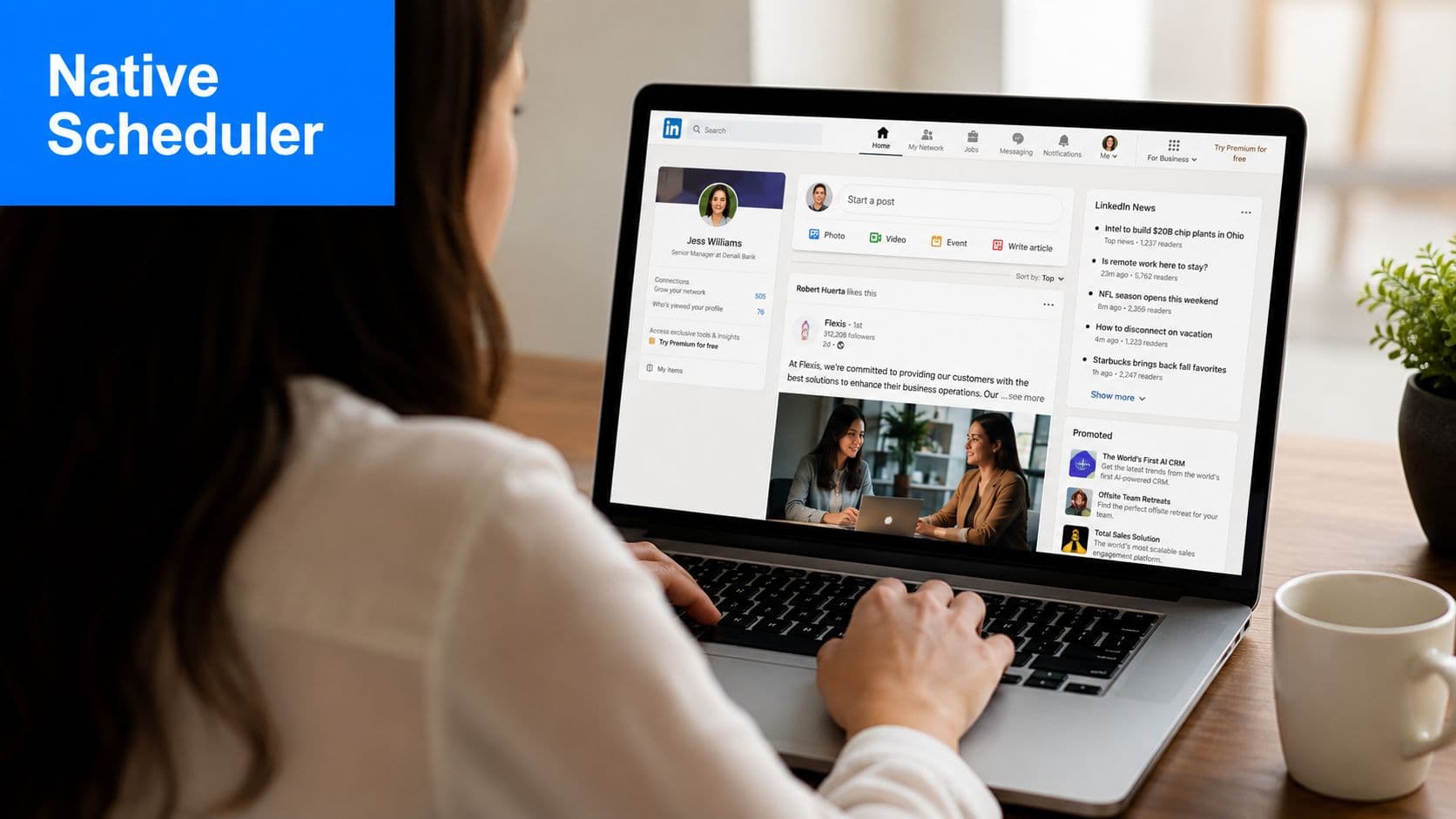
According to Brandwatch's walkthrough of LinkedIn scheduling, the workflow is: create the post, click the clock icon in the composer, choose a date and time, then confirm with Schedule. Users can later open the scheduled-posts view to edit, delete, or reschedule queued posts.
How to schedule a post on LinkedIn
The native process works best when you keep it simple:
- Open the post composer from your LinkedIn profile or company page.
- Write the post and add media if needed.
- Click the clock icon instead of publishing immediately.
- Pick the date and time you want.
- Confirm the schedule and save it.
It's that simple. No extra tool required.
For day-to-day use, this is enough for many solo users. The biggest mistakes usually happen before scheduling, not during it. People rush the draft, forget to preview line breaks, or attach visuals that don't feel native to LinkedIn. Before you queue anything, it helps to review current LinkedIn post specs and formatting basics.
Managing scheduled posts after they're queued
Once a post is scheduled, don't assume it's locked forever. LinkedIn lets you revisit queued posts and adjust them later.
Use the scheduled-posts view to:
- Edit copy when the wording needs tightening
- Delete outdated posts if the topic is no longer relevant
- Reschedule timing when your calendar changes
Native scheduling is best when the post is already close to final. It's less pleasant when you're still actively shaping the content calendar.
Personal profiles and company pages
The core scheduling flow is similar on both. In practice, the difference isn't in the button clicks. It's in how you use them.
For a personal profile, scheduling is often about protecting consistency. You write when you have time, then publish later so you don't disappear during a busy week.
For a company page, scheduling usually supports a broader content calendar. That means more coordination, more review, and more pressure to keep timing aligned with campaigns, launches, or internal approvals. That's where the built-in tool starts to feel narrow.
Why Native Scheduling Is Not Enough
LinkedIn's scheduler solves the narrow problem of delaying a post. It doesn't solve the operational problem of running a content program.
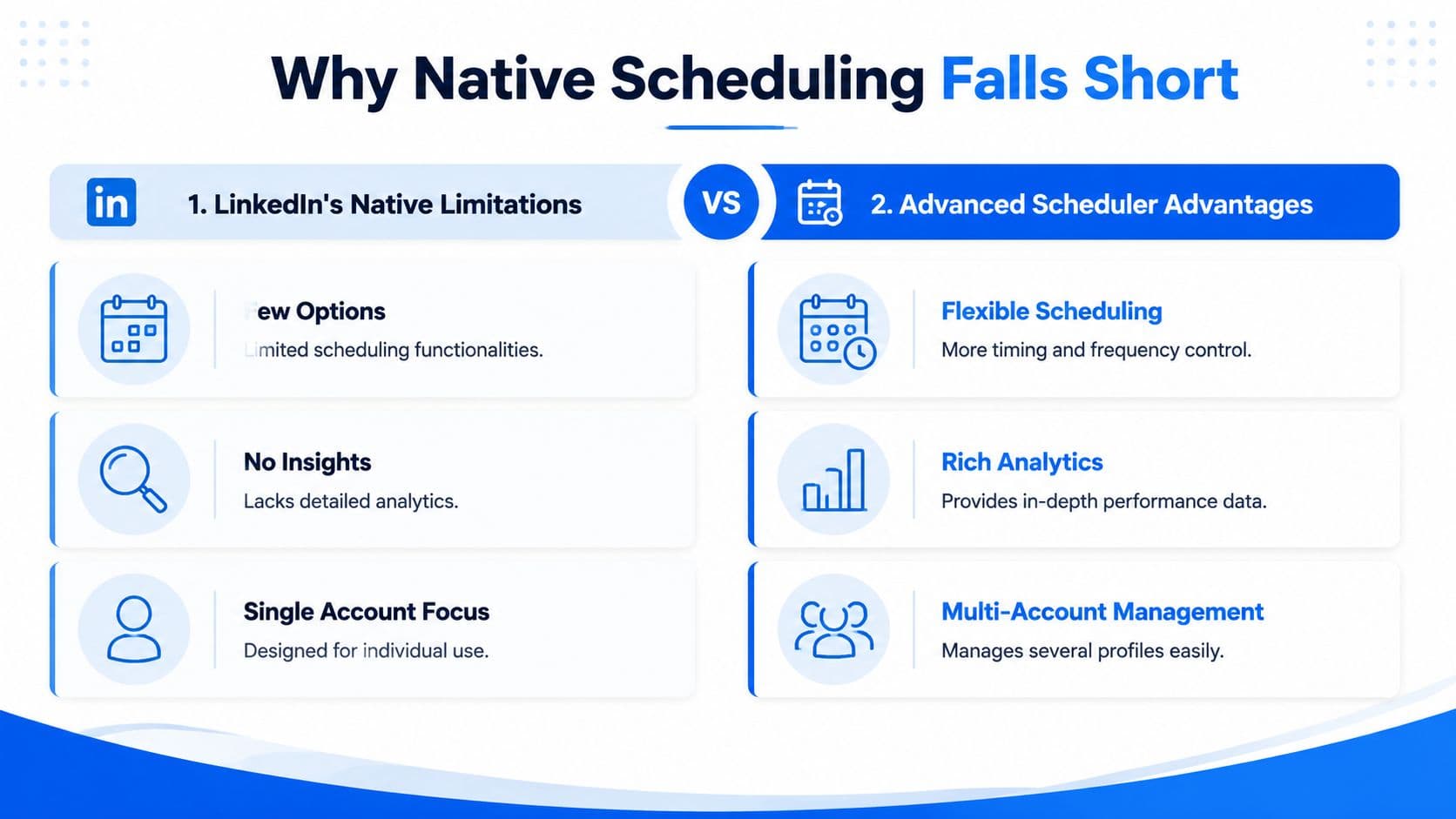
That gap gets obvious as soon as publishing volume increases. One practical limitation, noted in Sprout Social's overview of LinkedIn scheduling, is that LinkedIn's built-in scheduler can handle up to 50 posts at a time and only schedules up to three months in advance. That's workable for short-term planning, but it's restrictive for campaign-heavy teams and agencies.
Where the native tool starts to slow you down
The first issue is scope. Native scheduling is focused on LinkedIn only. If your content also needs to appear on Threads, X, Facebook, or another network, the workflow splits immediately.
The second issue is planning depth. A short queue window can be fine for weekly posting. It becomes awkward when you're mapping seasonal campaigns, recurring series, or multi-market calendars.
The third issue is coordination. Native tools are often acceptable for individual execution. They get clumsy when content needs to move across multiple accounts, multiple platforms, or multiple stakeholders.
Native LinkedIn Scheduler vs Third-Party Tools
| Feature | Native LinkedIn Scheduler | Third-Party Tools (like PostOnce) |
|---|---|---|
| Platform coverage | LinkedIn only | Built for multi-platform workflows |
| Scheduling horizon | Shorter planning window | Better suited for broader calendar planning |
| Queue management | Limited | More flexible content operations |
| Account management | Centered on one platform | Easier to manage multiple destinations |
| Workflow efficiency | Fine for direct posting | Better for repeatable publishing systems |
One of the clearest strategic differences is this: native scheduling helps you publish on LinkedIn, while a dedicated workflow helps you manage content as an asset.
If you're weighing that distinction, this breakdown of crossposting vs scheduling is useful because it clarifies why scheduling alone often doesn't remove the actual workload.
A native scheduler handles a post. A publishing system handles a process.
What actually works in practice
For occasional posting, the free native option is fine. For sustained output, it becomes a bottleneck. The manual effort doesn't disappear. It just gets spread across more tabs, more reminders, and more content duplication.
That's usually the point where people stop asking how to schedule LinkedIn posts and start asking how to stop rebuilding the same post in five places.
The PostOnce Solution for LinkedIn Scheduling
If the goal is to schedule LinkedIn posts without turning content distribution into repetitive admin work, the stronger setup is to create once and publish from a central hub.
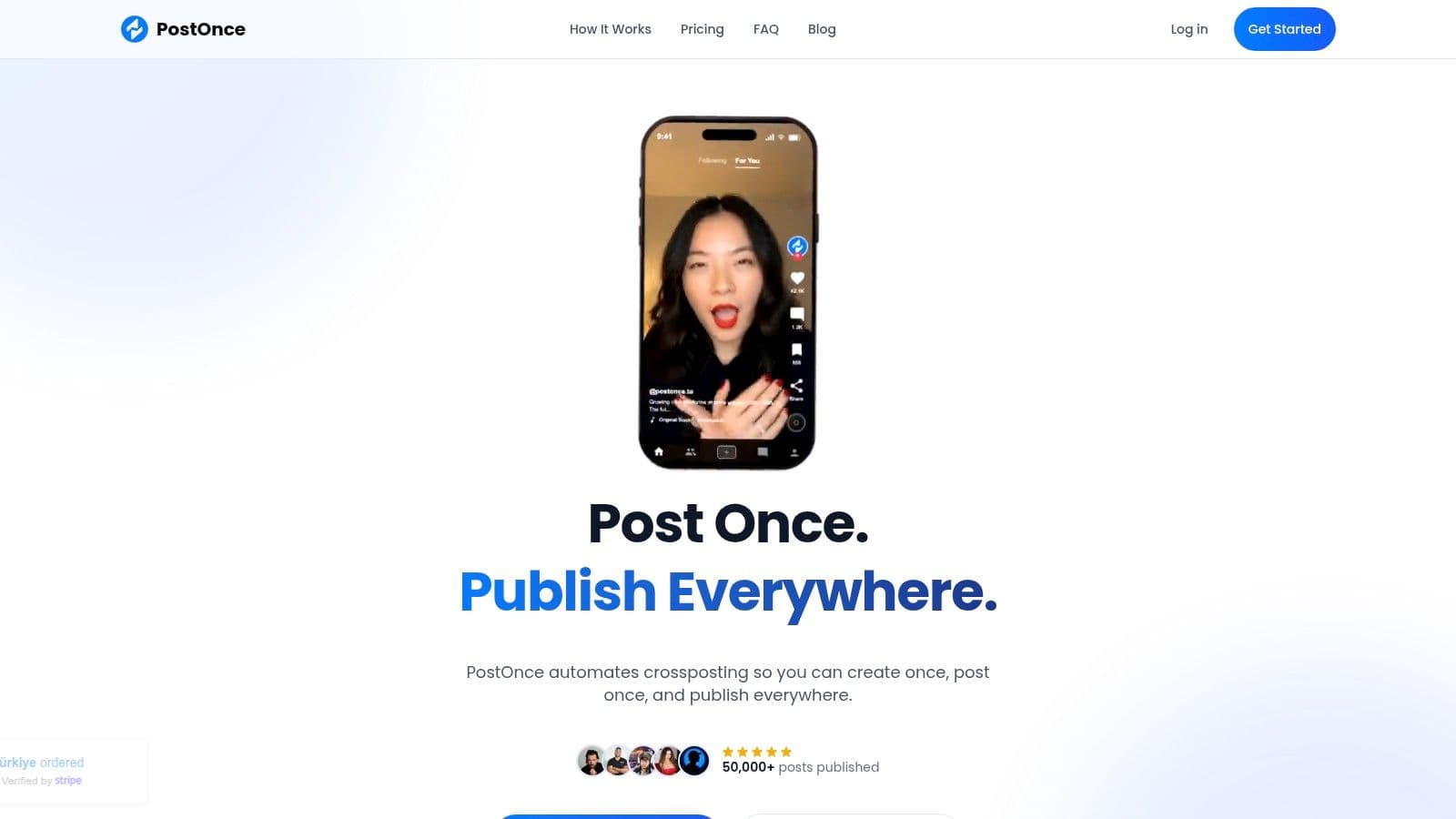
PostOnce better fits the search intent than a single-platform scheduler. Instead of thinking, "How do I queue one LinkedIn post?" the workflow becomes, "How do I publish this idea across the channels that matter, with LinkedIn included from the start?"
The workflow that saves the most time
The most efficient setup usually looks like this:
- Connect your publishing accounts
- Create the original post in one place
- Define where it should also appear
- Let the system distribute it automatically
- Use native LinkedIn scheduling only when you need a backup or a final direct edit
That sequence matters. The core idea is to remove duplicate work first. Once you've done that, timing and platform-specific tweaks become manageable instead of tedious.
For teams trying to decide whether this kind of workflow is worth it, it helps to think beyond software and look at the labor behind content ops. A practical reference on understanding social media expenses is useful because it frames the hidden cost of fragmented processes. Many organizations don't overspend on tools first. They overspend on time.
Why this works better for LinkedIn
LinkedIn has its own tone and formatting expectations. Posts that feel pasted from another network usually look obvious. That's why centralizing creation only works if the tool also respects platform differences.
A stronger workflow doesn't just blast the same text everywhere. It adapts the post so LinkedIn still reads like LinkedIn. That's the key distinction between automation that saves time and automation that creates cleanup work.
If your priority is specifically LinkedIn distribution, PostOnce supports a dedicated LinkedIn crossposting workflow that fits this create-once model.
The best scheduling setup reduces manual decisions after the post is written. If you're still reformatting every post channel by channel, the workflow isn't finished.
Here's a quick look at the kind of interface that supports that process in practice.
When to use this instead of native scheduling
Use a centralized workflow when:
- You publish on several platforms and don't want separate scheduling sessions for each one
- You manage more than one brand or account and need consistency
- You want a repeatable operating system instead of a one-post-at-a-time habit
Use native LinkedIn scheduling when the post is a one-off, needs a last-minute direct adjustment, or belongs only on LinkedIn.
That's the practical split. Native scheduling is a useful tool. A central publishing workflow is the better system.
Best Practices for Scheduled LinkedIn Content
Scheduling doesn't improve weak content. It only makes strong content more consistent. The posts that perform best are usually clear, easy to scan, and timed for the audience you're trying to reach.
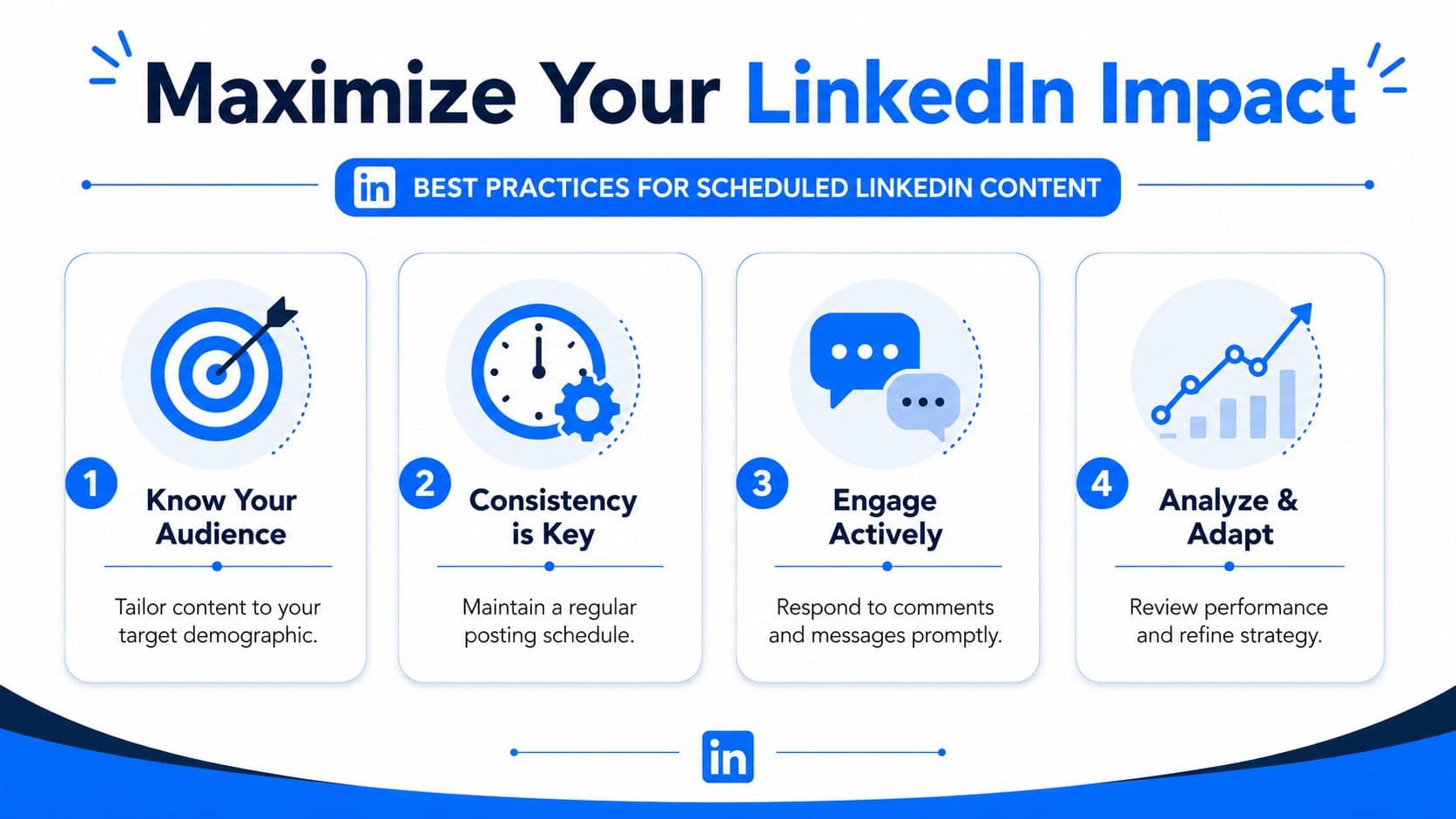
One operational detail matters right away. As noted in this guide to scheduling on LinkedIn, LinkedIn schedules posts in the account's time zone, and native scheduling can be set up to 3 months in advance. If your audience spans regions, verify the account time zone before you queue anything.
Format for the feed you actually have
A lot of scheduled posts fail because they read like documents, not social posts.
Use this checklist before scheduling:
- Lead with a strong first line that earns the click to expand
- Break up paragraphs so the post is easy to read on mobile
- Use lists when the idea is instructional because they scan faster
- Match the format to the message instead of forcing every topic into the same style
If you're building a broader LinkedIn posting strategy, the best frameworks usually focus on audience fit and message clarity more than tricks.
Build consistency without sounding automated
Consistency matters, but sameness hurts. Scheduled content should still feel current and human.
A few habits help:
- Batch ideas, not just finished posts. This gives you room to adapt the angle later.
- Mix post types. Alternate between opinion, education, proof, and conversation starters.
- Leave room for timely edits. Scheduled doesn't have to mean frozen.
Schedule the structure. Keep the voice flexible.
For teams that want a wider process around this, these social media publishing best practices are a useful complement because LinkedIn performance usually improves when scheduling is tied to a broader editorial rhythm.
Don't ignore the response window
The post going live isn't the end of the task. It's the start of the engagement window.
If you're scheduling LinkedIn content, make sure someone is available to:
- Reply to comments
- Answer direct questions
- Notice early signals about whether the topic is resonating
That habit does more for results than endlessly changing publish times.
Tracking Performance and Refining Your Strategy
A scheduled post is only useful if it helps you learn what to do next. Publishing on time is operational success. Strategy comes from reviewing what happened after the post went live.
Start with LinkedIn's native analytics and look for patterns, not isolated wins. One strong post can be a fluke. Repeated outcomes at similar times, formats, or themes are more useful.
What to watch after publishing
Focus on signals that help you make the next scheduling decision:
- Impressions tell you whether the post got initial distribution
- Engagement activity shows whether the topic and format connected
- Follower movement helps you spot whether your content is building steady interest
- Comment quality often reveals more than raw volume
The goal isn't to admire dashboards. It's to turn observations into adjustments.
How to refine the schedule
If a recurring content type underperforms, change one variable at a time. Shift the timing. Rewrite the opening line. Tighten the structure. Swap the format. Then watch what happens across several posts, not just one.
This is also where a broader social media analytics dashboard strategy becomes useful. Looking at LinkedIn in isolation can hide patterns that are obvious when you compare performance across channels.
Good scheduling isn't set-and-forget. It's schedule, review, adjust, repeat.
The teams that get the most from LinkedIn usually aren't the ones posting nonstop. They're the ones paying attention, noticing what earns attention from the right people, and refining the calendar from there.
If you want a simpler way to handle LinkedIn alongside the rest of your channels, try PostOnce. It gives you a central place to create once, distribute across platforms, and stop wasting time on manual reposting.