


















If you're searching how to change my twitter name, you're probably in the middle of a rebrand, cleaning up an old profile, or trying to make your X presence match the rest of your platforms. The easy part is clicking Edit. The hard part is making sure your name change doesn't create confusion across X, Threads, LinkedIn, and everywhere else your audience follows you. That's why teams often rely on PostOnce to keep publishing and profile changes aligned across networks instead of fixing everything manually afterward.
A Twitter name change can be small or structural. You might only need a display name update for better branding. Or you might need a full username change that affects your handle, mentions, links, and connected tools. Most guides stop at the button clicks. The practical work starts after that.
Your Guide to a Seamless Twitter Name Change
Individuals asking how to change my twitter name don't always mean the same thing. Some want the bold name on the profile updated. Others want a new @handle because the old one no longer fits their brand.
That distinction matters because the risk isn't the same.
A display name change is usually a safe refresh. A username change is a true identity move. It affects how people tag you, how your profile URL works, and whether someone else can grab the handle you leave behind. On X, your audience notices the difference immediately, even if the platform makes both edits feel simple.
X still lets you change either name from your account settings or profile editor. The primary issue is timing and follow-through. If you're running multiple channels, you need the new name to appear consistently everywhere your audience sees you. A mismatched identity across bios, post signatures, pinned posts, and linked profiles creates friction fast.
Practical rule: Change the visible profile elements first, then update the systems around them before your next publishing cycle starts.
If you want a broader set of platform-specific branding tips before making the switch, this collection of Twitter profile tips is a useful reference point.
Display Name vs Username Which Should You Change
The fastest way to avoid mistakes is to separate branding edits from identity edits.
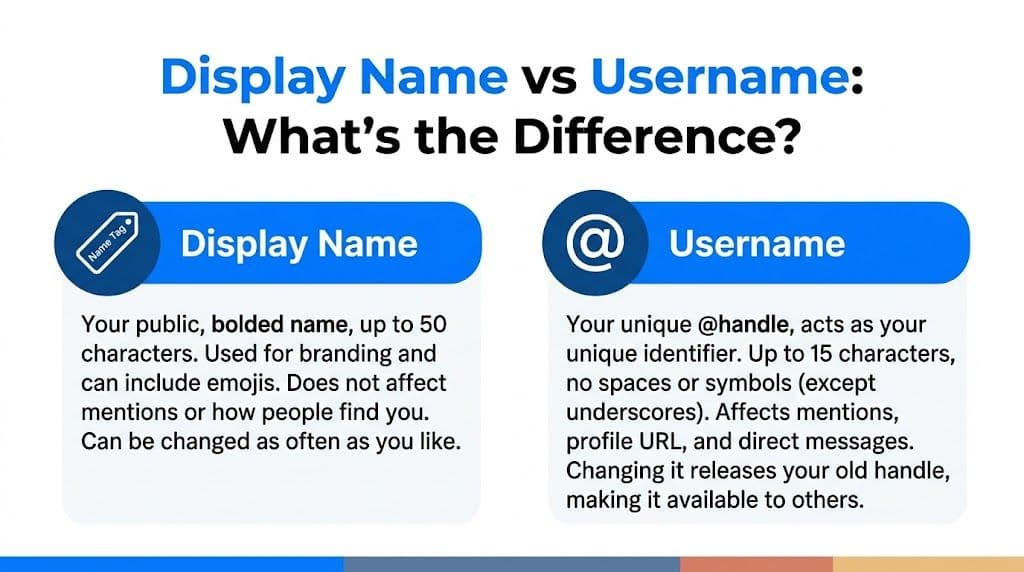
The side by side difference
| Element | Display name | Username |
|---|---|---|
| What it is | The bolded public name on your profile | Your unique @handle |
| Character limit | 50 characters according to this display name walkthrough | 15 characters |
| Can others use the same one | Yes | No |
| Best use | Branding, keywords, seasonal messaging | Long-term account identity |
| Risk level | Low | Higher |
| What changes | How your profile appears | Mentions, profile URL, public references |
The display name is the easier lever. It's non-unique, it's made for branding, and it can include emojis. The same source notes that names with power words like "Grow" or "Expert" can boost impressions by 22%, and adding keywords can improve discoverability by 35% in major markets in tests covered in that YouTube guide.
The username is different. It's your account's public identifier. When someone tags you, links to your profile, or remembers your handle from a podcast or webinar, that's the name they're using.
A practical way to decide
Change the display name if:
- You want a cleaner brand line: Add a niche keyword, job role, or campaign label.
- You're testing positioning: This works well for creators refining what they want to be known for.
- You don't want to disrupt mentions: Your handle stays stable.
Change the username if:
- Your brand name has changed
- Your old handle is off-brand or hard to remember
- You need alignment across platforms: A matching handle matters more when you publish everywhere under the same identity
A display name tweak feels cosmetic. A username swap behaves like an infrastructure change.
That's why most experienced social managers treat display names as flexible and usernames as deliberate.
Changing Your Twitter Display Name A Simple Guide
A display name update is the lowest-friction answer to how to change my twitter name. If your goal is better branding without changing your handle, start here.
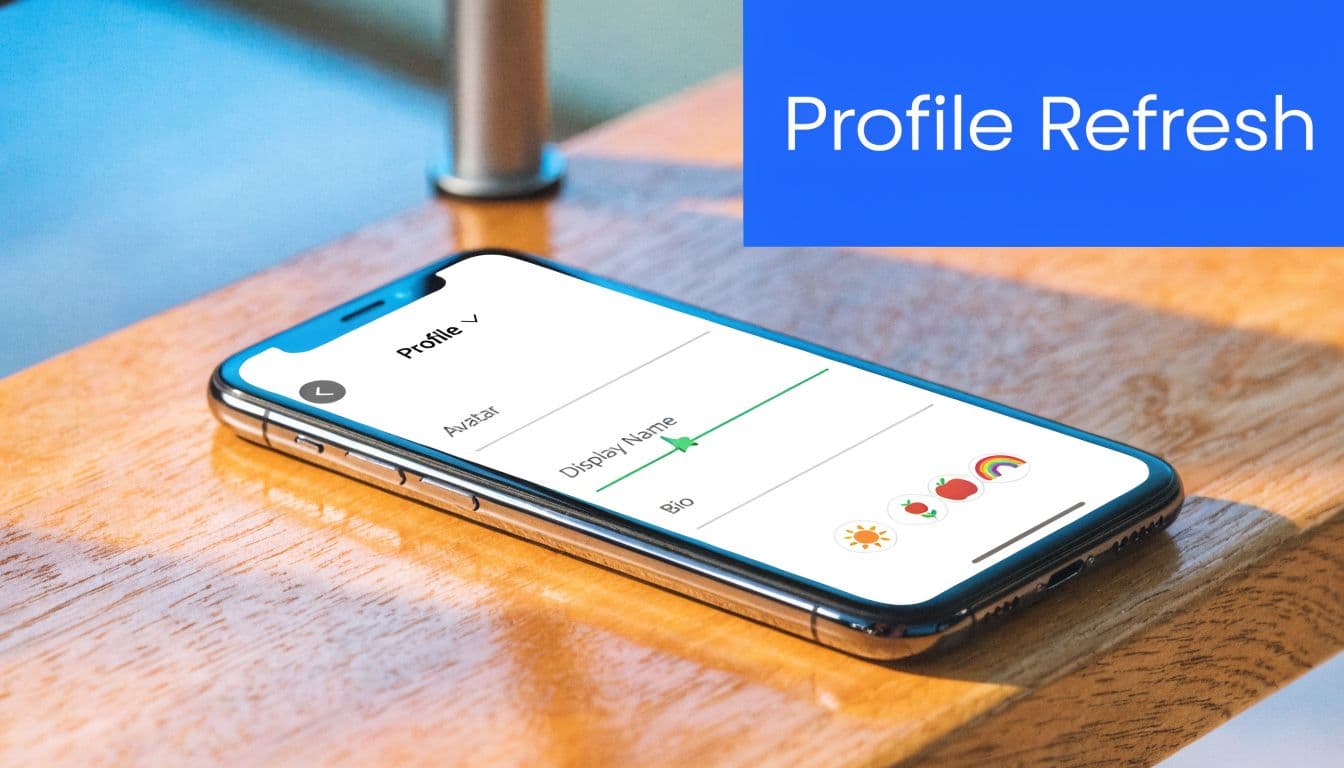
The steps on desktop and mobile
- Go to your Profile.
- Click or tap Edit profile.
- Select the Name field.
- Enter your new display name.
- Save the change.
You're all set. The change applies right away.
What makes a display name work
The key is restraint. A strong display name should be readable in notifications, profile previews, and replies. Keep it brand-led, not crowded.
Try combinations like:
- Your brand plus role
- Your name plus niche
- A short brand phrase plus one emoji
The field supports branding flexibility, but stuffing it with symbols usually makes the profile look less trustworthy. If you want extra help refining the visible branding around your profile, a tool like this Twitter bio generator can help you tighten the rest of the profile around the new name.
For a second walkthrough focused specifically on the profile editor, this guide on how to change your Twitter Display Name is also useful.
Keep the display name aligned with the first line of your bio. When those two elements say the same thing, your profile makes sense faster.
How to Change Your Twitter Username The Full Process
Changing your username is the higher-stakes version of a Twitter name update. This is the step that changes your @handle.
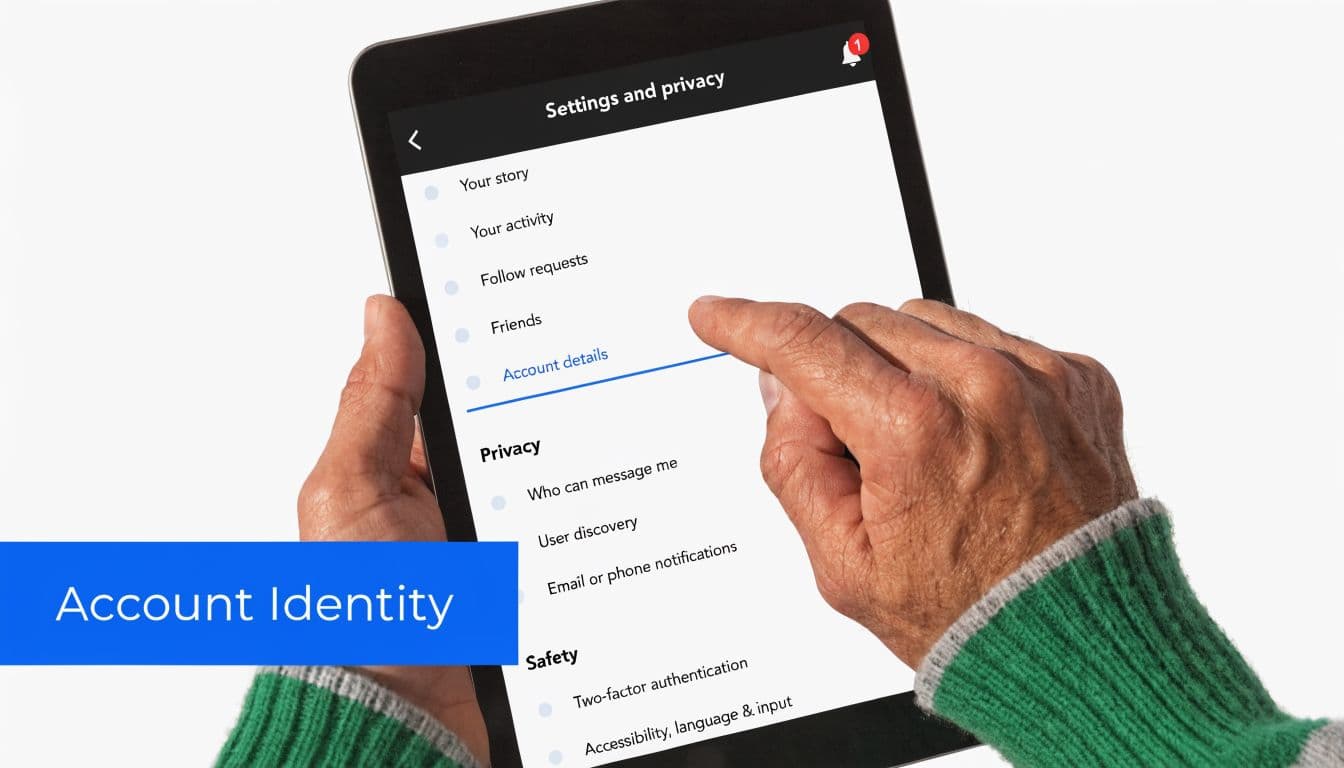
The exact path
On desktop:
- Log in to X.
- Click More
- Open Settings and Support
- Select Settings and privacy
- Open Your account
- Choose Account information
- Tap Username
- Enter your new handle
- Save
On mobile, the process is also supported through account settings. The handle can be up to 15 characters, and X checks availability as you type, based on this username change guide.
What to expect during the switch
The technical part is simple. The naming part is what usually slows people down.
That same guide notes that an estimated 40% of first attempts fail due to taken names, so have a short list ready instead of improvising at the keyboard. If you're still deciding, a Twitter username generator can help you test cleaner handle options before you commit.
Use these rules when choosing:
- Keep it recognizable: If people already know your brand, don't make them relearn it from scratch.
- Avoid punctuation clutter: Underscores are allowed. Too many look awkward and are harder to remember.
- Match your other platforms where possible: Consistency reduces confusion.
Here is a quick video walkthrough if you want to see the interface in action.
What stays and what changes
Your followers, DMs, and tweet history stay with the account. X ties those to your underlying account identity rather than the visible handle. The same TweetArchivist guide says a pinned announcement after the switch helps retain over 90% of followers when rebranding, which is why that post should be ready before you save the new handle.
What changes immediately is your public reference point. New mentions should use the new handle. Old links and old references need manual cleanup on your side.
Avoid These Common Errors and Security Risks
The biggest mistake isn't the rename itself. It's assuming the old handle will sit there harmlessly after you leave it.

Handle squatting is the real risk
Once you abandon an old username, someone else can claim it. Standard tutorials often skip that part, but that's where real brand damage starts. According to this analysis of Twitter handle changes and impersonation risks, impersonation attacks on X rose 30% in 2025, and 15% were linked directly to handle changes.
That matters for creators and small brands because followers don't inspect details closely. They see a familiar handle, old references in reposts, or a cached profile link and assume it's still you.
What actually works
A safer process looks like this:
- Prepare a redirect post: Write a pinned post that clearly says where you've moved.
- Claim the old handle if possible: Many managers use a placeholder account so the abandoned handle doesn't fall into the wrong hands.
- Update all bios quickly: Your Instagram, LinkedIn, newsletter footer, and site should reflect the new handle the same day.
- Monitor replies and mentions: Confusion often shows up there first.
If you leave your old handle unprotected, you're not done rebranding. You're opening a gap.
If you manage several X profiles from one device, this guide on managing multiple Twitter X accounts is useful operational reading. The account-switching mechanics matter when you're trying to secure an old handle right after changing the new one.
Brand risk doesn't stop at impersonation. Reputation takes a hit when followers can't tell which account is real, highlighting why clear social identity hygiene matters, and these broader social media reputation management practices fit directly into the rename process.
Updating PostOnce and Other Apps After Your Change
This is an often overlooked aspect. Your X rename isn't finished when the profile updates. It's finished when every connected tool recognizes the new identity.
Changing a username preserves followers and DMs because they stay attached to your permanent account identity, but API tokens used by third-party apps can be invalidated and require re-authentication, as explained in this Twitter name change guide. If you use publishing or analytics tools, assume at least one integration needs attention.
The app checklist
After changing your handle, review these systems:
- Publishing tools: Reconnect your X account if posting fails or prompts for a fresh login.
- Profile links on other networks: Update your handle in bios and link hubs.
- Website references: Check author boxes, team pages, and contact sections.
- Email signatures and newsletters: Replace the old handle anywhere readers might copy it.
- Internal docs: Agencies should update SOPs, client sheets, and profile inventories.
Why this step matters more for cross-posting
When one platform changes but your workflows don't, you get identity drift. Posts still publish, but tags, links, and profile references stop matching. That's where creators lose clarity.
If your workflow includes distributing content from X outward or keeping X aligned with other channels, it helps to review your Twitter crossposting setup and confirm the account connection is current. The same source also notes that managing rebrands across Twitter, Threads, and LinkedIn can save hours of manual work when the system is set up properly.
Rename first. Reconnect second. Publish third. That order prevents broken automations and mismatched branding.
Frequently Asked Questions About Changing Your Twitter Name
How often can I change my Twitter name
Your display name is flexible, so you can change it whenever you need a branding refresh. Your username can also be changed, but repeated handle swaps usually create unnecessary confusion. If people have to keep relearning how to tag you, brand recall gets weaker.
Will changing my name remove verification
A name change doesn't automatically remove verification. But if the updated identity creates mismatch or confusion, X may review the account against its own standards. The safest approach is to keep your profile photo, website, and bio consistent with the new name right away.
What happens to old mentions of my handle
Old tweets that mention your previous handle won't keep pointing to you after the username changes. That is the long-tail issue many users underestimate. If someone else claims the old handle, those old mentions may point to that account instead.
Is there a safest way to announce the change
Yes. Keep it short and direct. Put the old and new handles in the pinned post, update the bio, and make the same naming change across your other active platforms on the same day. The less ambiguity you create, the faster followers adjust.
If you want the cleanest way to keep your rebrand consistent after changing your X name, PostOnce is the practical fix. It helps you publish once and keep your presence aligned across platforms, so your new handle doesn't live on X alone while the rest of your social stack lags behind.