


















Social media management has evolved far beyond simple scheduling. While Hootsuite pioneered the enterprise social media management platform space, many creators and small businesses find themselves wrestling with complex approval workflows, expensive pricing tiers, and features built for teams of 50+ rather than solo creators.
If you're searching for Hootsuite alternatives in 2025, you're likely facing one of these pain points: escalating costs as you add more social accounts, overwhelming interface complexity, or simply needing a faster workflow that doesn't require three clicks to schedule a single post.
The good news? There are excellent alternatives to Hootsuite that prioritize different workflows. Some focus on visual planning for Instagram-first creators. Others excel at analytics and social listening. And one in particular — PostOnce — takes a fundamentally different approach by automating crossposting entirely, letting you publish natively on one platform and automatically distribute to eligible destinations.
In this guide, I'll walk you through 13 tested Hootsuite alternatives, comparing their workflows, pricing, platform support, and ideal use cases. Whether you need something simpler, more affordable, or better suited for automatic multi-platform distribution, you'll find the right fit below.
Quick comparison table
| Tool | Best for | Workflow | Platforms | Pricing from | Strength |
|---|---|---|---|---|---|
| PostOnce | Crossposting automation | Native→Auto | TT/IG/YT/FB/LI/X/BS/PT/TH* | $29/mo | Fast + effortless |
| Buffer | Simple scheduling | Schedule→Publish | All major platforms | $6/mo | Clean interface |
| Sprout Social | Enterprise analytics | Plan→Analyze | All major platforms | $249/mo | Deep insights |
| Later | Visual Instagram planning | Visual→Schedule | IG/FB/X/TT/PT/LI/YT | $25/mo | Media library |
| Planable | Collaboration workflows | Create→Approve→Publish | IG/FB/X/LI/TT/YT/GM | $13/mo | Approval flows |
| Loomly | Brand content calendar | Plan→Create→Schedule | All major platforms | $42/mo | Content ideas |
| CoSchedule | Marketing calendar | Calendar→Execute | IG/FB/X/LI/PT/YT | $29/mo | Campaign planning |
| SocialPilot | Agencies on budget | Bulk→Schedule | IG/FB/X/LI/TT/PT/YT/GM | $30/mo | White label |
| Agorapulse | Social inbox management | Monitor→Engage→Schedule | IG/FB/X/LI/TT/YT | $69/mo | Unified inbox |
| Sendible | Multi-client agencies | Organize→Schedule | All major platforms | $29/mo | Client management |
| Metricool | Budget analytics | Schedule→Track | All major platforms | $0 | Free analytics |
| SocialBee | Content recycling | Categorize→Queue | IG/FB/X/LI/TT/PT/YT/GM | $29/mo | Evergreen posts |
| Hootsuite | Enterprise teams | Coordinate→Publish | 20+ platforms | $99/mo | Team collaboration |
*IG=Instagram, X=Twitter, LI=LinkedIn, BS=Bluesky, TH=Threads, FB=Facebook, PT=Pinterest, YT=YouTube, TT=TikTok, GM=Google Business Profile
Why consider a Hootsuite alternative?
Hootsuite has been a dominant force in social media management since 2008, serving everyone from solo creators to Fortune 500 marketing teams. But this broad focus creates trade-offs that don't work for everyone.
What Hootsuite does well
Enterprise-grade team collaboration
Hootsuite excels when you need sophisticated approval workflows with multiple stakeholders. Marketing managers can assign content to team members, set up multi-level approval chains, and maintain brand consistency across departments.
Extensive platform coverage
With support for 20+ social networks including niche platforms like LINE and VKontakte, Hootsuite handles nearly every social media account you might need. This makes it valuable for global brands managing diverse regional platforms.
Advanced social listening
Hootsuite's Streams feature lets you monitor brand mentions, hashtags, and competitor activity across multiple social networks simultaneously. For agencies managing crisis communications or competitive intelligence, this centralized monitoring proves invaluable.
Where Hootsuite falls short
Pricing complexity and cost
Hootsuite's pricing structure starts at $99/month for the Professional plan (10 social accounts), but many essential features require jumping to the Team plan at $249/month or higher. For small businesses and solo creators, these costs quickly become prohibitive compared to alternatives.
Steep learning curve
The platform's interface prioritizes power over simplicity. New users often report confusion navigating between Streams, Planner, Composer, and Analytics sections. What should be a quick post becomes a multi-step process through different interfaces.
Workflow inefficiency for creators
Hootsuite was built for teams, which means solo creators pay the complexity tax of enterprise features they'll never use. Scheduling a simple post requires navigating approval workflows, content libraries, and team assignment features that add unnecessary steps.
Limited automation capabilities
While Hootsuite can schedule posts in advance, it doesn't offer automatic crossposting between platforms. If you publish a LinkedIn post, you'll need to manually recreate it for X, Instagram, and Facebook — multiplying your workload across platforms.
💡 Bottom line on Hootsuite
Hootsuite remains powerful for enterprise teams with complex collaboration needs and budget for premium features. But solo creators and small businesses often find themselves paying enterprise prices for workflows designed around team structures they don't have — making alternatives worth serious consideration.
How these alternatives were evaluated
I tested each Hootsuite alternative using the following criteria to help you find the best fit for your workflow:
-
Workflow efficiency — How many steps from content creation to multi-platform distribution? Does the tool eliminate repetitive work or add more clicks?
-
Platform coverage — Which social networks are supported? Does it include emerging platforms like Bluesky and Threads alongside established ones?
-
Automation capabilities — Can it handle crossposting automatically, or does it require manual duplication across platforms?
-
Team collaboration features — Does it support approval workflows, team member roles, and content calendars for coordinated publishing?
-
Pricing structure — Is the cost justified by features actually used? Are there hidden costs as you scale accounts or team members?
-
Best use cases — Who is this tool actually built for? Creators, agencies, enterprises, or specific social media strategies?
Hootsuite alternative #1: PostOnce
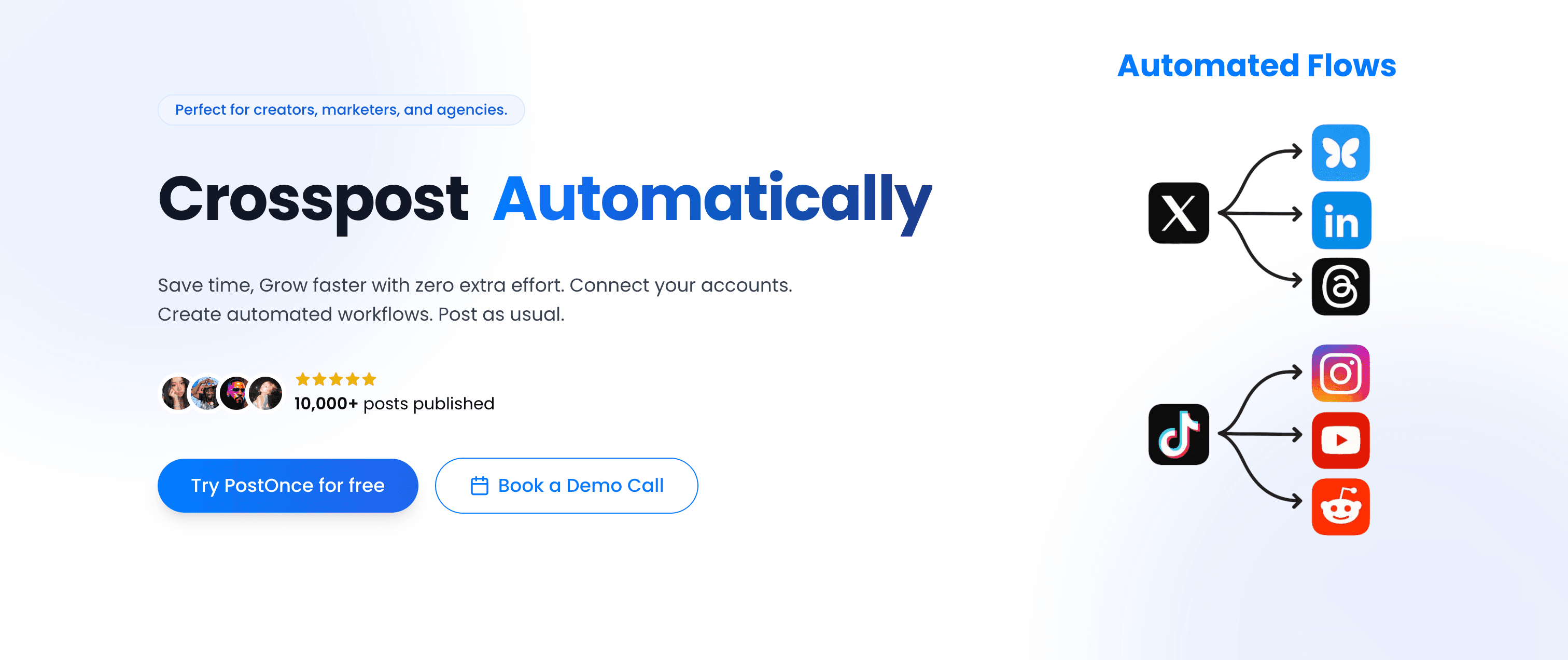
PostOnce takes a fundamentally different approach to social media management. Instead of treating each platform as a separate publishing destination, PostOnce automates crossposting so you publish once natively and distribute to eligible destinations automatically.
PostOnce vs Hootsuite
Where Hootsuite requires you to manually create, format, and schedule posts for each platform individually, PostOnce eliminates this repetitive work entirely. You create one post natively on your preferred platform (like LinkedIn or X), and PostOnce automatically adapts and distributes it to all your connected social accounts.
This workflow difference is fundamental: Hootsuite is a scheduling tool that helps you plan multi-platform content. PostOnce is an automation tool that does the multi-platform distribution for you.
Platform support
PostOnce currently supports TikTok, Instagram, YouTube, Facebook, LinkedIn, X (Twitter), Bluesky, Pinterest, and Threads. Available source/destination pairs and post types vary. The team prioritizes emerging platforms early, having added Bluesky and Threads support within weeks of their API availability.
Workflow simplicity
The workflow couldn't be simpler:
- Connect your social accounts to PostOnce (one-time OAuth setup)
- Create automated crossposting flows between platforms
- Post natively on your preferred platform as you normally would
- PostOnce automatically detects eligible source posts and distributes them to supported destinations in the configured flow
No scheduling interface. No content calendar. No manual copying and pasting. Just native posting with automatic distribution.
Pricing
PostOnce offers three straightforward plans with no hidden costs:
- Creator Plan: $29/month — 15 social accounts, unlimited workflows, unlimited posts, AI caption optimization
- Pro Plan: $69/month — 50 accounts, unlimited automated flows, unlimited posts, priority support, advanced content filtering
All three plans include all core crossposting features with no platform restrictions. Unlike Hootsuite's tiered approach where analytics, team features, and additional accounts drive costs up quickly, PostOnce pricing scales only on the number of accounts and flows you need.
Why PostOnce ranks #1
💡 Why PostOnce stands out for creators
- Native posting → automatic crossposting workflow eliminates hours of manual work weekly
- No scheduling interface to learn — just post naturally on your preferred platform
- Supports emerging platforms early (Bluesky and Threads already integrated)
- Content filtering rules let you control what gets crossposted where
- Affordable pricing starting at $29/month with unlimited posts
- AI-powered caption optimization adapts your content for each platform automatically
Best for: Content creators, indie hackers, small business owners, and solopreneurs who want to maximize reach without spending hours on manual cross-platform posting.
Not ideal for: Large teams needing complex approval workflows, enterprise organizations requiring advanced analytics and reporting, or agencies managing hundreds of client accounts with separate team member permissions.
Alternative #2: Buffer
Buffer built its reputation as the simple, clean alternative to enterprise-grade social media tools. While Hootsuite targets teams with approval workflows and collaboration features, Buffer focuses on straightforward scheduling for solo creators and small businesses.
Buffer vs Hootsuite
The core difference lies in interface philosophy. Hootsuite's dashboard presents multiple streams, analytics panels, and team coordination features simultaneously. Buffer strips away complexity, offering a clean composer, visual calendar, and basic analytics in a more approachable package.
Publishing workflow
Buffer's queue-based scheduling system lets you add content to categorized queues (like "weekday mornings" or "weekend posts") that automatically publish at preset times. This works well for maintaining consistent posting schedules without manually selecting times for each post.
Platform coverage
Buffer supports Instagram, Facebook, X (Twitter), LinkedIn, Pinterest, TikTok, YouTube, and Google Business Profile. The platform coverage matches most creators' needs, though it doesn't include newer platforms like Bluesky or Threads yet.
Pricing
Buffer's pricing starts more accessible than Hootsuite:
- Free Plan: 3 social channels, 10 scheduled posts, basic analytics
- Essentials: $6/month per channel — Unlimited posts, basic features
- Team: $12/month per channel — Team collaboration and approval workflows
- Agency: $120/month for 10 channels — Client management and advanced features
The per-channel pricing model means costs scale with your social media presence, which can add up if you manage multiple platforms for several brands.
Pros
- Clean, intuitive interface requires minimal learning curve
- Queue-based scheduling maintains consistent posting without manual timing
- Browser extension makes sharing content from anywhere easy
- Free plan available for testing basic functionality
- Strong mobile apps for on-the-go scheduling
Cons
- Per-channel pricing becomes expensive as you add more social accounts
- No automatic crossposting — you must manually create posts for each platform
- Analytics features lag behind Hootsuite's reporting depth
- Limited team collaboration features compared to enterprise tools
- Missing support for emerging platforms like Bluesky and Threads
| Feature | Buffer | Hootsuite |
|---|---|---|
| Workflow | Queue-based scheduling | Multi-stream dashboard |
| Pricing | $6/mo per channel | $99/mo (10 accounts) |
| Best for | Solo creators seeking simplicity | Teams needing collaboration |
Verdict
Buffer excels as a simple, affordable scheduling tool for creators who don't need enterprise features. The clean interface and queue-based system make maintaining consistent posting easy, though you'll still need to manually create content for each platform separately.
Best for: Solo creators and small businesses prioritizing simplicity over advanced features, especially those managing 3-5 social accounts without team collaboration needs.
Alternative #3: Sprout Social
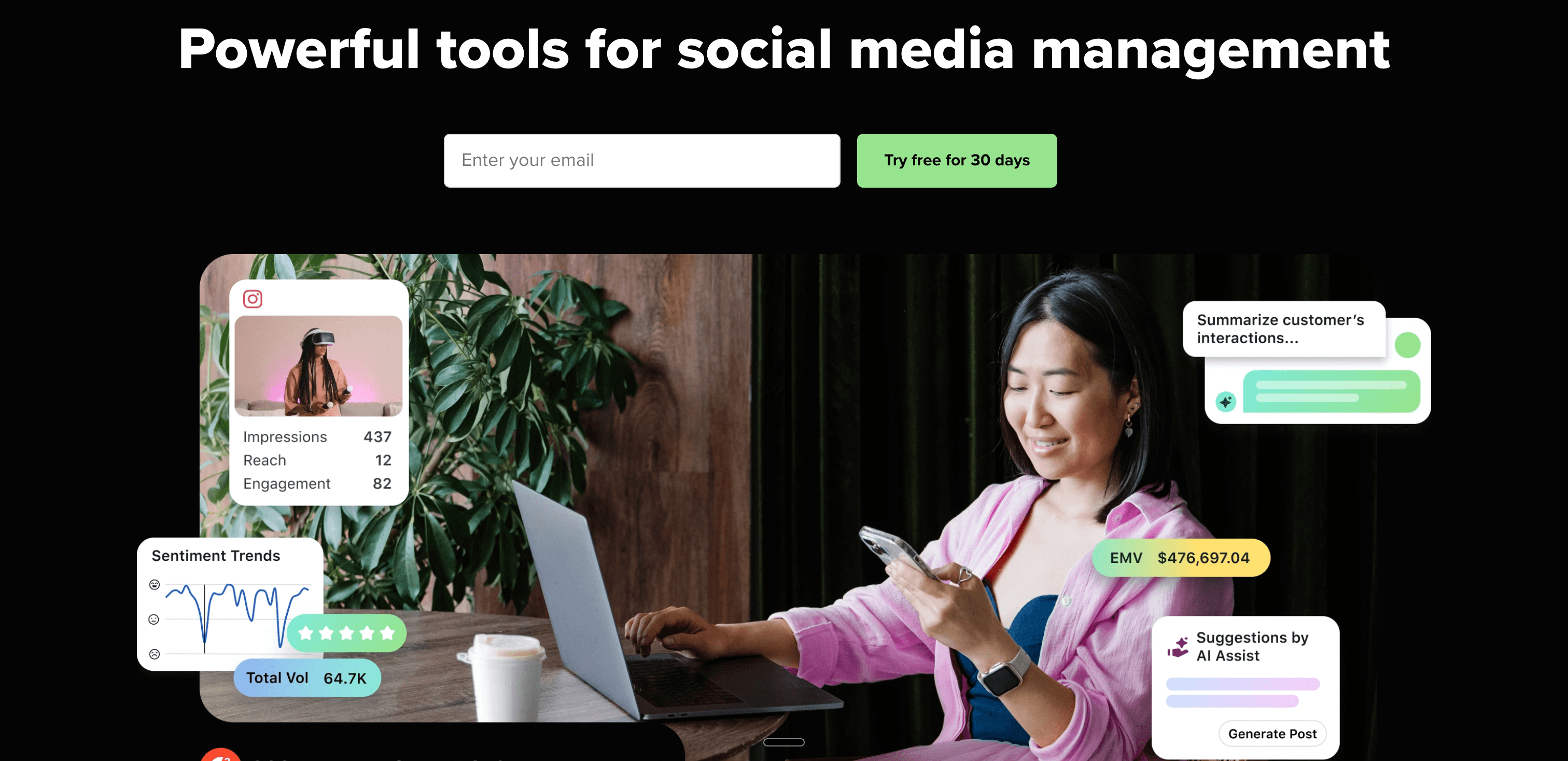
Sprout Social positions itself as the premium enterprise alternative to Hootsuite, emphasizing advanced analytics, social listening, and customer relationship management across social platforms.
Sprout Social vs Hootsuite
Both tools target enterprise teams, but Sprout Social focuses more heavily on analytics and customer service workflows. Where Hootsuite built its platform around scheduling and monitoring, Sprout Social designed for data-driven teams that need detailed reporting and unified inbox management.
Analytics and reporting
Sprout Social's reporting capabilities exceed most competitors. Custom report builders let you track campaign performance, team productivity, audience growth, and competitive benchmarking with granular detail. Exportable reports include visualizations suitable for executive presentations.
Smart Inbox
The unified Smart Inbox aggregates messages, comments, and mentions from all connected platforms into a single view with intelligent filtering, collision detection (prevents multiple team members from responding to the same message), and message tagging for workflow organization.
Pricing
Sprout Social's pricing reflects its enterprise positioning:
- Standard: $249/month — 5 social profiles, all publishing and engagement tools
- Professional: $399/month — Competitive reports, custom workflows
- Advanced: $499/month — Advanced analytics, social listening, automation
- Enterprise: Custom pricing — Premium support, unlimited users
These prices make Sprout Social the most expensive option in this comparison, positioning it clearly for organizations with substantial social media budgets.
Pros
- Industry-leading analytics and custom reporting capabilities
- Smart Inbox provides excellent customer service workflow management
- Social listening features monitor brand mentions and industry trends
- Robust team collaboration with task assignment and collision detection
- High-quality mobile apps maintain full feature parity
Cons
- Extremely expensive compared to alternatives, even for the base plan
- Pricing scales rapidly as you add social profiles and team members
- Feature-rich interface has steep learning curve for new users
- Overkill for solo creators and small businesses without analytics needs
- Contract commitment required for Enterprise tier features
| Feature | Sprout Social | Hootsuite |
|---|---|---|
| Workflow | Analytics-first approach | Scheduling-first approach |
| Pricing | $249/mo (5 profiles) | $99/mo (10 accounts) |
| Best for | Data-driven enterprise teams | Multi-team coordination |
Verdict
Sprout Social excels for enterprise teams that need sophisticated analytics, social listening, and customer service workflows. The premium pricing reflects premium capabilities, but solo creators and small businesses will find the cost prohibitive for features they won't fully utilize.
Best for: Enterprise marketing teams with substantial budgets who need advanced analytics, competitive intelligence, and unified customer service across social platforms.
Alternative #4: Later
Later carved out a niche as the visual-first social media planner, especially popular among Instagram creators who think in terms of grid aesthetics and visual content calendars.

Later vs Hootsuite
Later prioritizes visual planning over text-based workflows. Instead of Hootsuite's stream-based monitoring and text composer, Later presents a drag-and-drop calendar where you arrange images and videos to preview how your Instagram grid will look before scheduling.
Visual content calendar
The standout feature is Later's visual calendar that displays your scheduled posts as they'll appear on Instagram, TikTok, or Pinterest. Drag images between dates to rearrange your content strategy and maintain cohesive visual branding.
Media library
Later's media library organizes all your visual content with tags, folders, and search functionality. The library integrates with Unsplash and Dropbox, making it easy to find and schedule stock photos or previously uploaded content.
Linkin.bio tool
Later includes a free Instagram link-in-bio landing page that makes individual posts shoppable or clickable. This feature addresses Instagram's single-link limitation, letting you drive traffic to specific content from your bio link.
Pricing
- Free Plan: 1 social set (1 profile per platform), 10 posts per month, basic scheduling
- Starter: $25/month — 1 social set, 30 posts per profile per month, visual planning
- Growth: $45/month — 3 social sets, unlimited posts, link in bio
- Advanced: $80/month — 6 social sets, analytics, team features
The social set bundling (one account per platform grouped together) works well for creators managing personal brands across multiple platforms but becomes limiting for agencies or businesses with multiple brand accounts.
Pros
- Visual calendar perfect for maintaining Instagram grid aesthetics
- Drag-and-drop interface feels intuitive for visual creators
- Strong Instagram focus with Stories and Reels scheduling
- Link in bio tool adds measurable value for Instagram creators
- User-generated content features help find and organize fan content
Cons
- Social set pricing model limits flexibility for multiple brand accounts
- Post volume caps on lower tiers restrict active creators
- Analytics features lag behind Hootsuite and Sprout Social
- Limited support for X/Twitter and LinkedIn compared to Instagram
- No automatic crossposting between platforms
| Feature | Later | Hootsuite |
|---|---|---|
| Workflow | Visual planning focus | Text-based scheduling |
| Pricing | $25/mo (1 social set) | $99/mo (10 accounts) |
| Best for | Instagram-first visual creators | Multi-platform team coordination |
Verdict
Later excels for visual creators who plan content around Instagram, TikTok, and Pinterest aesthetics. The visual calendar and grid preview make it easy to maintain cohesive branding, though the social set pricing and post caps limit scaling for active creators.
Best for: Instagram-focused creators, lifestyle bloggers, visual artists, and e-commerce brands who prioritize grid aesthetics and visual content planning over text-heavy platforms.
Alternative #5: Planable
Planable differentiates itself through collaboration-first design, making content approval workflows feel less like enterprise bureaucracy and more like real-time creative collaboration.
Planable vs Hootsuite
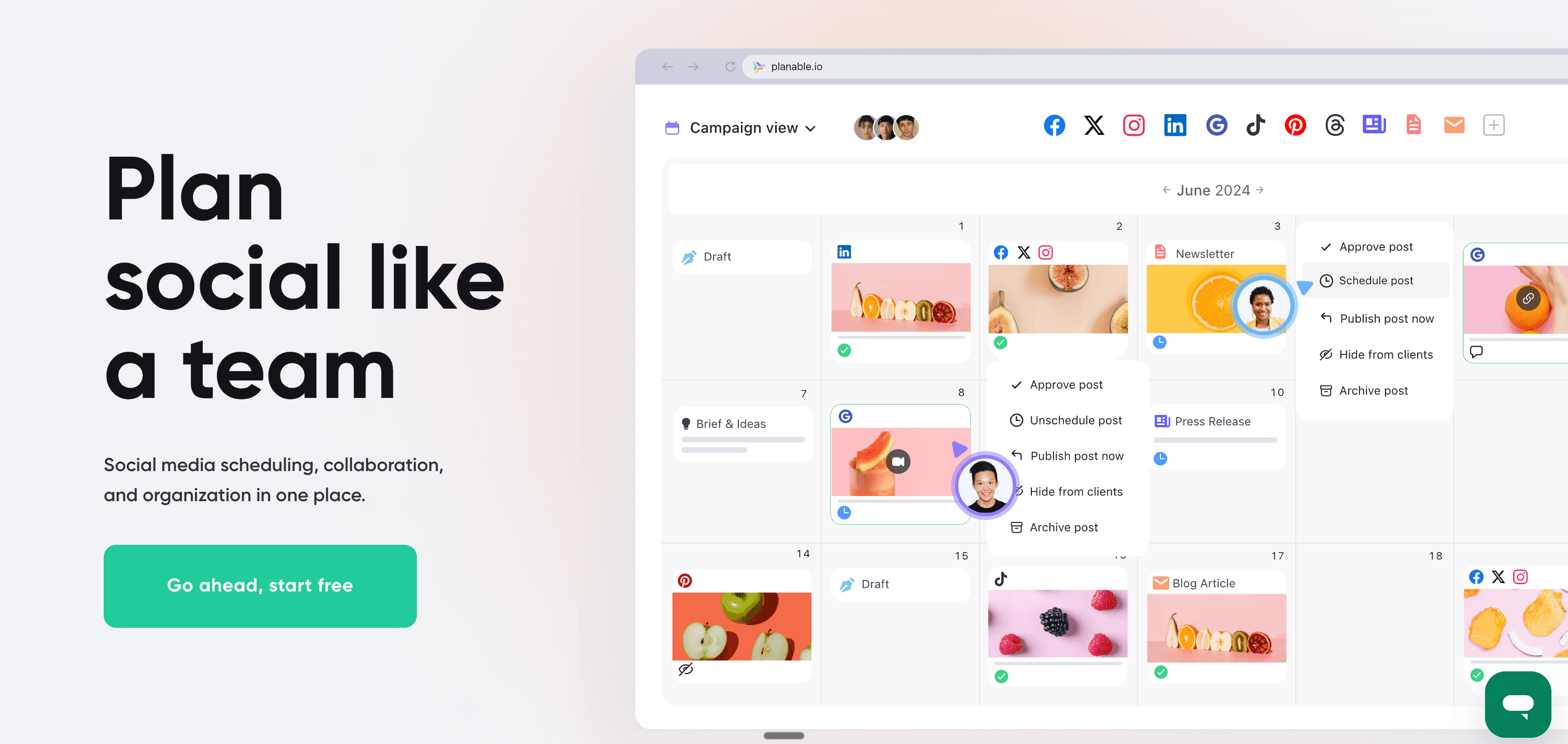
While Hootsuite bolts approval workflows onto a scheduling platform, Planable built the entire product around collaboration. The interface resembles a visual content board where team members comment, approve, and iterate on posts before they go live.
Approval workflows
Planable's approval system supports optional, required, and multi-level approval chains without feeling bureaucratic. Stakeholders can approve posts directly from email notifications, and real-time commenting keeps feedback organized within each post.
Multi-platform view
The unique grid view displays your content calendar across all platforms simultaneously, letting you see exactly how your multi-platform content strategy looks at a glance. This visual approach makes it easier to spot gaps or optimize posting frequency.
Collaboration features
Real-time collaboration lets multiple team members work on content simultaneously, seeing each other's changes instantly. @mentions notify specific team members, and version history tracks changes across drafts.
Pricing
- Free Plan: 50 posts, 1 user, basic features
- Basic: $13/month per user — Unlimited posts, 3 social accounts per workspace
- Pro: $26/month per user — Unlimited social accounts, approval workflows
- Enterprise: Custom pricing — Advanced permissions, SSO, dedicated support
The per-user pricing model works well for small teams but becomes expensive for larger organizations, especially when compared to Hootsuite's flat-rate team plans.
Pros
- Clean, intuitive collaboration interface reduces friction in approval workflows
- Real-time commenting and feedback keep discussions organized
- Multi-platform grid view provides excellent content strategy overview
- Email approval notifications streamline stakeholder sign-off
- Version history and draft management prevent content loss
Cons
- Per-user pricing scales expensively for larger teams
- Limited analytics compared to Hootsuite and Sprout Social
- No social listening or monitoring features
- Fewer platform integrations than enterprise competitors
- Analytics and reporting require higher-tier plans
| Feature | Planable | Hootsuite |
|---|---|---|
| Workflow | Collaboration-first design | Scheduling-first with approval bolted on |
| Pricing | $13/mo per user | $99/mo flat (10 accounts) |
| Best for | Teams needing smooth approvals | Enterprise multi-team coordination |
Verdict
Planable excels for marketing teams where content approval and stakeholder collaboration create the biggest workflow bottlenecks. The visual, real-time collaboration feels more like using a modern creative tool than traditional social media schedulers.
Best for: Marketing teams with 3-10 people who need streamlined approval workflows, agencies managing client content that requires sign-off, and brands with multiple stakeholders reviewing social content.
Alternative #6: Loomly
Loomly positions itself as the "Brand Success Platform," focusing on helping teams create better content through guided workflows and built-in content ideas.
Loomly vs Hootsuite
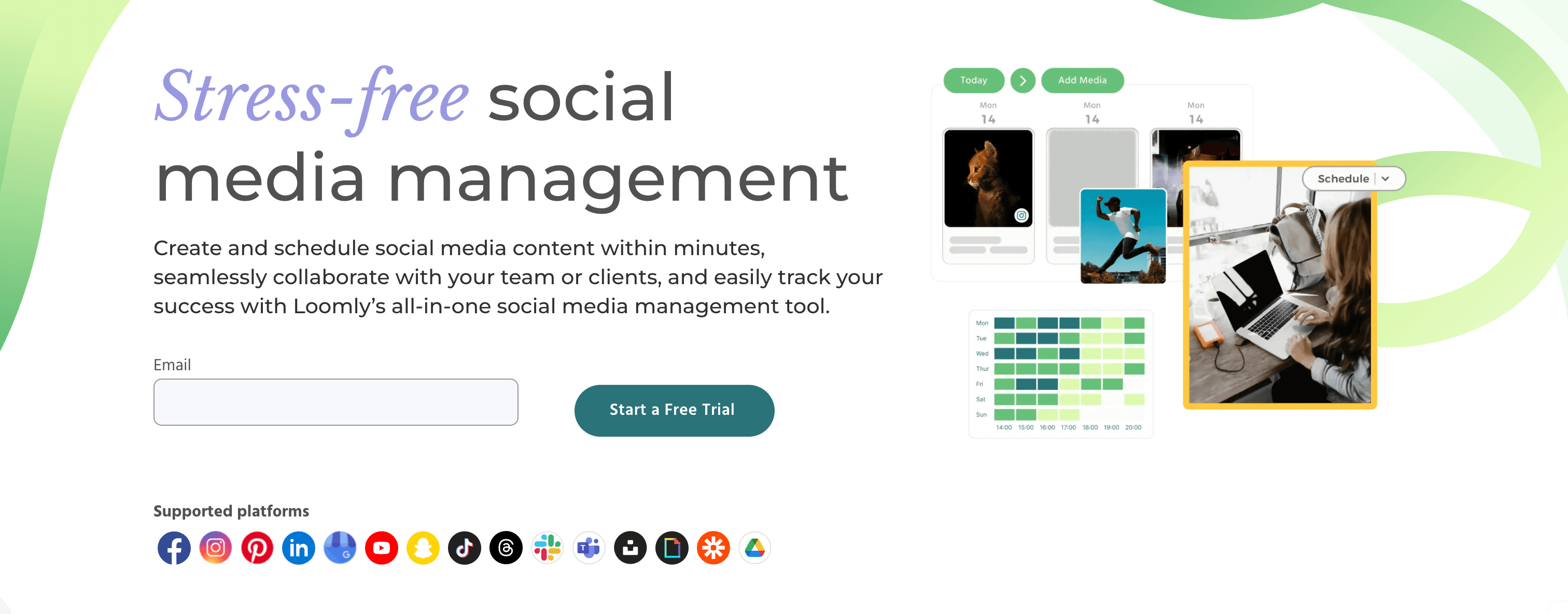
Loomly adds a content creation layer that Hootsuite lacks. Instead of just scheduling what you've already created, Loomly suggests post ideas based on trending topics, RSS feeds, and important dates relevant to your brand.
Post ideas and inspiration
Loomly's standout feature is automated post ideas that pull from trending topics, holidays, social media events, and RSS feeds you specify. This helps teams maintain consistent content calendars when creative inspiration runs low.
Mockup preview
Before scheduling, Loomly shows accurate previews of how your post will appear on each platform, including character counts, image cropping, and formatting. This reduces surprises when content goes live across different social networks.
Pricing
- Base: $42/month — 2 users, 10 social accounts, calendar, analytics
- Standard: $80/month — 6 users, 20 social accounts, all features
- Advanced: $175/month — 16 users, 35 social accounts, workflow automation
- Premium: $369/month — 26 users, 50 social accounts, white label
- Enterprise: Custom — Unlimited users and accounts
The pricing positions Loomly between budget tools like Buffer and enterprise platforms like Hootsuite, though the base plan's 10-account limit may restrict growing brands.
Pros
- Post ideas feature provides genuine content inspiration from multiple sources
- Accurate platform mockups prevent formatting surprises
- Clean approval workflows with commenting and revision tracking
- Automated optimization tips suggest best posting times and hashtags
- Good balance of features without overwhelming interface complexity
Cons
- More expensive than Buffer and SocialPilot for similar account limits
- Analytics features less comprehensive than Hootsuite and Sprout Social
- Limited social listening or monitoring capabilities
- Post ideas sometimes suggest generic or irrelevant content
- Missing some newer platforms like Bluesky and Threads
| Feature | Loomly | Hootsuite |
|---|---|---|
| Workflow | Content creation + scheduling | Scheduling + monitoring |
| Pricing | $42/mo (10 accounts) | $99/mo (10 accounts) |
| Best for | Teams needing content ideas | Teams needing social listening |
Verdict
Loomly bridges the gap between simple schedulers and enterprise platforms by adding content creation support without overwhelming complexity. The post ideas and mockup features genuinely help teams create better content, though the pricing sits uncomfortably between budget and premium tiers.
Best for: Small marketing teams (2-6 people) who struggle with consistent content creation, brands managing 10-20 social accounts, and teams who need approval workflows without enterprise complexity.
Alternative #7: CoSchedule
CoSchedule approaches social media management as one component of a complete marketing calendar, integrating social posts with blog publishing, email campaigns, and project management.
CoSchedule vs Hootsuite
While Hootsuite focuses exclusively on social media, CoSchedule positions social posts within your broader marketing strategy. The unified calendar displays social content alongside blog posts, email sends, and campaign milestones for complete marketing visibility.
Marketing calendar
CoSchedule's calendar integrates with WordPress, Google Docs, and project management tools to show all marketing activities in one view. This holistic approach helps teams coordinate social media with content launches, product releases, and campaigns.
ReQueue automation
The ReQueue feature automatically fills gaps in your social calendar by recycling your top-performing content. Set it once, and CoSchedule maintains consistent posting even when you're not actively creating new content.
Pricing
- Social Calendar: $29/month — 1 user, 10 social profiles, unlimited scheduling
- Content Calendar: $39/month — Unlimited users, social + blog publishing calendar
- Marketing Suite: Custom pricing — Full marketing project management
The Social Calendar plan offers competitive pricing for basic scheduling, but most teams need the Content Calendar or Marketing Suite to access the integrations that make CoSchedule valuable.
Pros
- Unified marketing calendar shows social, blog, email, and campaigns together
- WordPress integration streamlines blog-to-social workflow
- ReQueue feature maintains posting consistency automatically
- Best Time Scheduling uses data to optimize posting times
- Strong project management features beyond just social media
Cons
- Focus on broader marketing means social-specific features lag competitors
- Limited social analytics compared to Hootsuite and Sprout Social
- Missing advanced features like social listening and monitoring
- Custom pricing on higher tiers makes cost comparison difficult
- Learning curve for teams only needing social media scheduling
| Feature | CoSchedule | Hootsuite |
|---|---|---|
| Workflow | Integrated marketing calendar | Social-only focus |
| Pricing | $29/mo (10 profiles) | $99/mo (10 accounts) |
| Best for | Marketing teams coordinating campaigns | Social media focused teams |
Verdict
CoSchedule makes sense for marketing teams managing multiple channels (social, blog, email) who need to coordinate across them. For teams focused primarily on social media management, dedicated tools like Hootsuite or Buffer offer deeper platform-specific features.
Best for: Content marketing teams managing blogs, email, and social media together; agencies coordinating multi-channel campaigns; and marketing departments needing project management alongside social scheduling.
Alternative #8: SocialPilot
SocialPilot targets agencies and businesses seeking Hootsuite-like functionality at a fraction of the cost, offering bulk scheduling, white labeling, and client management without premium pricing.
SocialPilot vs Hootsuite
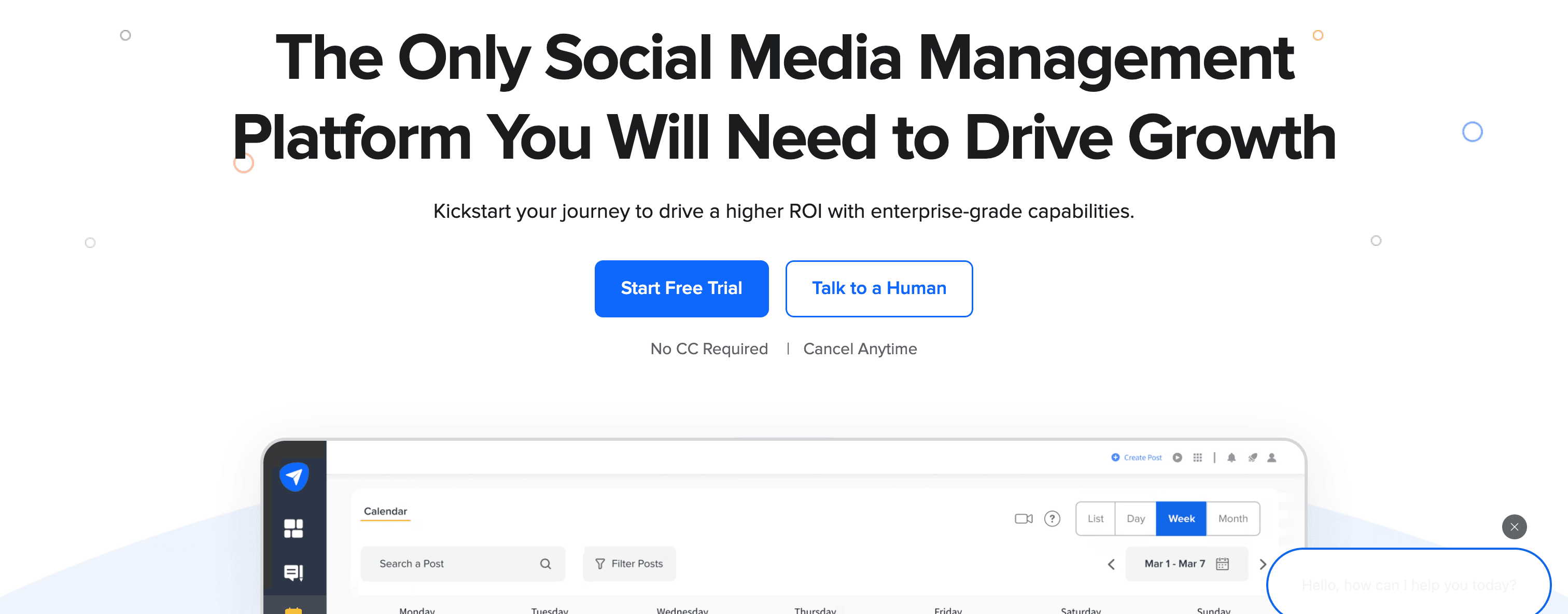
SocialPilot delivers many of Hootsuite's core features — multi-platform scheduling, team collaboration, analytics — at significantly lower prices. The trade-off comes in interface polish and advanced features like social listening, though many agencies find the cost savings worth it.
Bulk scheduling
SocialPilot's bulk upload feature lets you schedule hundreds of posts simultaneously via CSV upload or browser extension. This makes it particularly valuable for agencies managing multiple client accounts with high posting volumes.
White label reports
The white label reporting lets agencies generate branded analytics reports with their own logos and branding. Clients receive professional-looking reports without seeing SocialPilot's branding, maintaining the agency's professional image.
Pricing
- Professional: $30/month — 1 user, 10 social accounts, bulk scheduling, analytics
- Small Team: $50/month — 3 users, 25 social accounts, client management
- Agency: $100/month — 6 users, 50 social accounts, white label reports
- Agency+: $200/month — 10 users, 100 social accounts, advanced features
The agency-focused pricing offers substantially better value than Hootsuite for teams managing many client accounts, with the Agency plan supporting 50 accounts for $100/month versus Hootsuite's $99/month for just 10 accounts.
Pros
- Extremely cost-effective for agencies managing multiple client accounts
- Bulk scheduling handles high-volume posting efficiently
- White label reports maintain professional agency branding
- Clean interface focuses on core scheduling without feature bloat
- Browser extension makes content curation fast
Cons
- No social listening or advanced monitoring features
- Analytics less comprehensive than Hootsuite and Sprout Social
- Interface feels dated compared to modern competitors
- Customer support response times can lag during peak periods
- Missing some newer platforms and features found in premium tools
| Feature | SocialPilot | Hootsuite |
|---|---|---|
| Workflow | Bulk scheduling focus | Stream monitoring focus |
| Pricing | $30/mo (10 accounts) | $99/mo (10 accounts) |
| Best for | Budget-conscious agencies | Enterprise teams |
Verdict
SocialPilot delivers excellent value for agencies and businesses that need core scheduling and client management features without paying premium prices. While it lacks Hootsuite's social listening and advanced analytics, the cost savings often justify the trade-off.
Best for: Social media agencies managing multiple client accounts, businesses needing bulk scheduling for high posting volumes, and teams prioritizing cost efficiency over advanced features.
Alternative #9: Agorapulse
Agorapulse emphasizes social inbox management and customer engagement, making it ideal for brands that view social media primarily as a customer service and community management channel.

Agorapulse vs Hootsuite
Both tools offer unified inbox features, but Agorapulse's entire product centers around engagement management. Where Hootsuite added inbox features to a scheduling platform, Agorapulse built scheduling around a powerful inbox that tracks every interaction across platforms.
Unified social inbox
Agorapulse's inbox aggregates all comments, messages, mentions, and reviews across platforms with intelligent filtering. Assign conversations to team members, set reminders for follow-ups, and track response times to maintain service level agreements.
Social listening
Built-in social listening monitors brand mentions, hashtags, and competitor activity without requiring expensive add-ons. Set up listening streams for relevant keywords and track sentiment, reach, and engagement metrics.
Pricing
- Standard: $69/month — 1 user, 10 social profiles, publishing, inbox, reporting
- Professional: $99/month — 2 users, 10 social profiles, social listening, label management
- Advanced: $149/month — 4 users, 10 social profiles, Facebook Ads, custom reports
- Enterprise: Custom pricing — Unlimited users, advanced features
The pricing sits between mid-tier and premium tools, offering more features than Buffer but at lower cost than Sprout Social. Additional social profiles cost extra beyond the base 10 included.
Pros
- Excellent unified inbox for customer service and community management
- Social listening included in mid-tier plans versus expensive add-ons elsewhere
- Team collaboration features with assignment and response tracking
- ROI calculator helps demonstrate social media value
- Strong Facebook and Instagram features including Ads management
Cons
- More expensive than simpler scheduling tools like Buffer and SocialPilot
- Publishing features less polished than dedicated scheduling platforms
- Additional social profiles add costs quickly beyond base 10
- Learning curve for teams only needing basic scheduling
- Mobile apps lack some features available on desktop
| Feature | Agorapulse | Hootsuite |
|---|---|---|
| Workflow | Inbox-first engagement | Scheduling-first monitoring |
| Pricing | $69/mo (10 profiles) | $99/mo (10 accounts) |
| Best for | Customer service focused teams | Multi-team coordination |
Verdict
Agorapulse excels for brands treating social media as a customer service channel where response times, engagement tracking, and conversation management matter most. Teams primarily focused on publishing content may find simpler scheduling tools more cost-effective.
Best for: Brands prioritizing customer service on social media, community managers tracking engagement metrics, teams needing social listening without enterprise pricing, and businesses managing Facebook and Instagram Ads alongside organic content.
Alternative #10: Sendible
Sendible targets agencies managing multiple clients with features designed specifically for client reporting, white labeling, and workflow organization across separate brand accounts.
Sendible vs Hootsuite
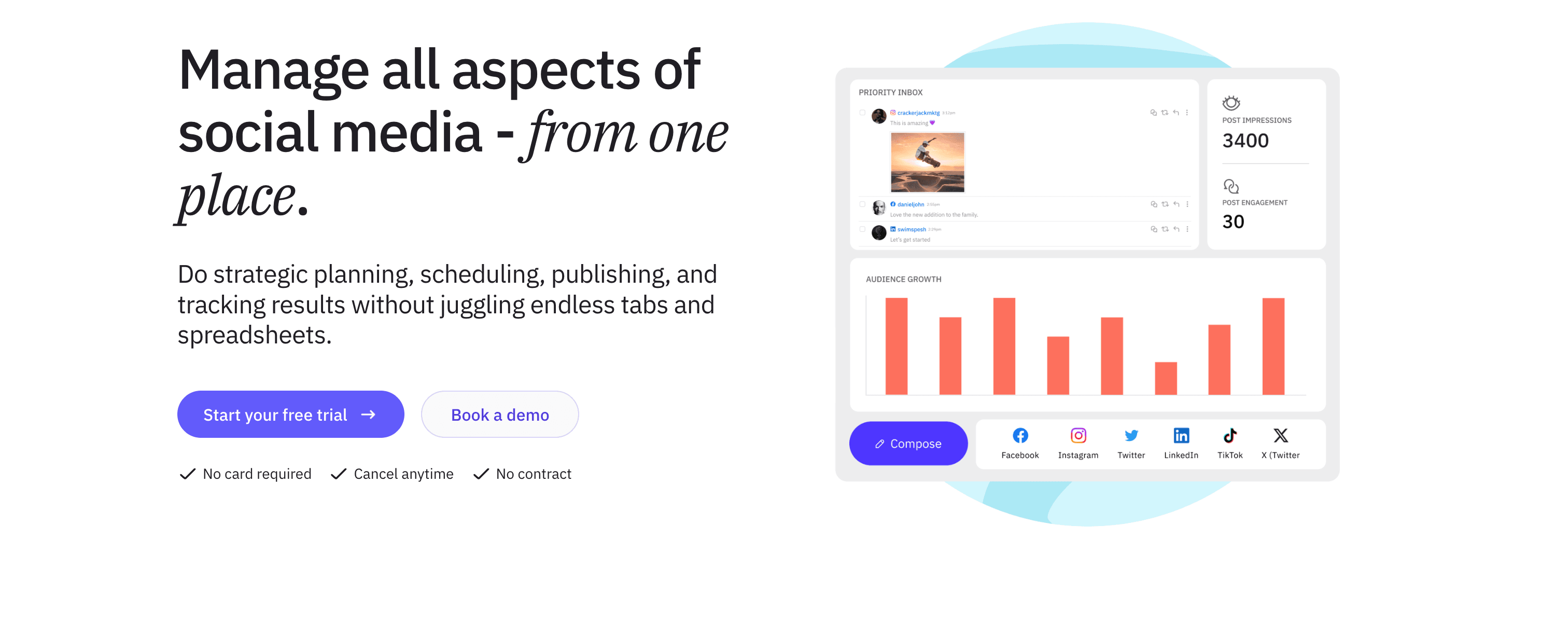
Sendible organizes everything around client accounts from the ground up. Instead of Hootsuite's team-focused structure, Sendible lets agencies create separate dashboards for each client, manage permissions, and generate branded reports without clients seeing other accounts.
Client management
Organize social accounts by client with separate dashboards, team permissions, and posting queues. This structure makes it easy to onboard new clients, assign team members to specific accounts, and maintain clear separation between different brands.
Composer with content suggestions
Sendible's composer suggests content based on RSS feeds, trending topics, and content recommendations relevant to each client's industry. This helps agencies maintain consistent posting even when creative bandwidth runs thin.
Pricing
- Creator: $29/month — 1 user, 6 social profiles, publishing, analytics
- Traction: $89/month — 4 users, 24 social profiles, client management, white label
- Scale: $199/month — Unlimited users, 49 social profiles, advanced features
- Expansion: $399/month — Unlimited users, 105 social profiles, priority support
The Traction plan offers the best value for small agencies, providing client management and white label features at a competitive price point compared to Hootsuite's team plans.
Pros
- Client-focused structure simplifies multi-brand management for agencies
- White label reporting and portal maintain agency branding
- Content suggestions help maintain consistent client posting
- Priority inbox identifies important messages requiring quick responses
- YouTube integration stronger than most competitors
Cons
- Interface feels cluttered compared to modern tools like Planable
- Analytics features adequate but not as comprehensive as Sprout Social
- Learning curve steeper than simpler alternatives
- Social profile limits feel restrictive as agencies grow
- Some features require jumping between multiple screens
| Feature | Sendible | Hootsuite |
|---|---|---|
| Workflow | Client-organized structure | Team-organized structure |
| Pricing | $29/mo (6 profiles) | $99/mo (10 accounts) |
| Best for | Agencies managing multiple clients | Enterprise teams |
Verdict
Sendible makes sense for agencies managing 5-15 client accounts who need dedicated client dashboards and white label reporting. Solo creators and single-brand businesses will find the client-focused structure adds unnecessary complexity.
Best for: Social media agencies managing multiple client accounts, freelancers handling several brand accounts, and marketing consultants who need white label reporting to maintain professional client relationships.
Alternative #11: Metricool
Metricool differentiates through its freemium model and analytics focus, offering surprisingly robust features at no cost while monetizing advanced analytics and team features.
Metricool vs Hootsuite
Metricool makes social media analytics accessible to small businesses and creators who can't justify Hootsuite's enterprise pricing. The free tier includes basic scheduling and analytics across major platforms, with paid plans adding deeper insights and collaboration features.
Free plan analytics
The genuinely free plan (not just a trial) supports Instagram, Facebook, X, LinkedIn, TikTok, and Google Business Profile with basic scheduling, analytics, and competitor tracking. For solo creators testing social media management tools, this removes financial barriers.
Competitor analysis
Metricool tracks competitor accounts' posting frequency, engagement rates, and growth metrics without requiring access to their accounts. This competitive intelligence helps brands benchmark performance and identify content strategies worth emulating.
Pricing
- Free: 1 user, 1 brand, basic scheduling and analytics across all platforms
- Advanced: $22/month — 1 user, 1 brand, advanced analytics, unlimited post scheduling
- Professional: $42/month — 1 user, 3 brands, custom reports, SmartLinks
- Agency: $117/month — 5 users, 10 brands, white label, priority support
The free tier makes Metricool an excellent starting point, though serious users quickly outgrow the single-brand limitation and need paid plans for team features.
Pros
- Genuinely useful free plan without time limits or credit card requirements
- Strong analytics focus provides insights often missing in budget tools
- Competitor tracking included even on free plan
- Best time to post recommendations based on audience engagement data
- SmartLinks create bio link pages similar to Linktree
Cons
- Free and lower-tier plans limited to single brand makes scaling difficult
- Publishing interface less polished than dedicated scheduling tools
- Team collaboration features minimal compared to Hootsuite and Planable
- Customer support prioritizes paid users, leaving free users with limited help
- Some features feel incomplete or still in development
| Feature | Metricool | Hootsuite |
|---|---|---|
| Workflow | Analytics-first with scheduling | Scheduling-first with analytics |
| Pricing | $0 (1 brand) | $99/mo (10 accounts) |
| Best for | Budget-conscious solo creators | Enterprise teams |
Verdict
Metricool excels as a zero-cost entry point into social media management with legitimate analytics capabilities. The free plan works well for solo creators, though businesses managing multiple brands or teams will need paid plans that quickly approach competitors' pricing.
Best for: Solo creators starting with social media management, small businesses testing analytics before committing to paid tools, and creators who need basic scheduling with competitor tracking on a tight budget.
Alternative #12: SocialBee
SocialBee built its platform around content recycling and category-based posting, helping creators maintain consistent social media presence with less content creation pressure.
SocialBee vs Hootsuite
SocialBee approaches scheduling through content categories rather than individual posts. Instead of Hootsuite's calendar-based planning, SocialBee lets you create content categories (like "blog posts," "quotes," or "product updates") and automatically cycles through them to maintain posting consistency.
Content categories and recycling
Organize content into categories that automatically recycle on your schedule. Create a library of evergreen posts that SocialBee rotates through queues, ensuring consistent posting without creating new content daily.
Variation posting
SocialBee can automatically post variations of the same content with different hashtags, mentions, or text alternatives. This helps test messaging and maintain content freshness without manual duplication.
Pricing
- Bootstrap: $29/month — 1 workspace, 5 social profiles, content categories, analytics
- Accelerate: $49/month — 1 workspace, 10 social profiles, AI post generation
- Pro: $99/month — 3 workspaces, 25 social profiles, team collaboration
The pricing sits between simple schedulers and enterprise platforms, though the workspace structure (grouping multiple profiles) may limit agencies managing separate client accounts.
Pros
- Content recycling reduces pressure to constantly create new content
- Category-based queues maintain consistent posting schedules automatically
- Variation posting helps test different messaging approaches
- AI post generator creates content from topics and links
- Strong support for evergreen content strategies
Cons
- Category-based approach feels unintuitive for teams used to calendar planning
- Analytics features basic compared to Hootsuite and Sprout Social
- Workspace structure awkward for agencies managing distinct client accounts
- Limited social listening or monitoring capabilities
- Content recycling can feel repetitive if not managed carefully
| Feature | SocialBee | Hootsuite |
|---|---|---|
| Workflow | Category-based recycling | Calendar-based scheduling |
| Pricing | $29/mo (5 profiles) | $99/mo (10 accounts) |
| Best for | Evergreen content strategies | Multi-team coordination |
Verdict
SocialBee works well for creators with libraries of evergreen content that remains relevant over time. The category-based recycling maintains consistent presence without constant content creation, though teams needing real-time responsiveness may find calendar-based scheduling more intuitive.
Best for: Content creators with evergreen content libraries, educators and consultants sharing timeless advice, and small businesses maintaining consistent posting with limited content creation resources.
Alternative #13: Hootsuite
Including Hootsuite in its own alternatives list might seem odd, but understanding what makes it worth keeping helps clarify when alternatives actually make sense.
When Hootsuite still makes sense
For large teams with complex approval workflows, Hootsuite's multi-level approval chains, role-based permissions, and team coordination features justify the complexity and cost. Enterprise organizations managing dozens of accounts across multiple departments benefit from centralized control.
For brands needing extensive platform coverage, Hootsuite's 20+ platform integrations include niche networks (LINE, VKontakte, etc.) that alternatives often skip. Global brands managing regional platforms find value in this breadth.
For agencies requiring social listening at scale, Hootsuite's Streams feature monitors hundreds of keywords, hashtags, and mentions simultaneously across platforms. Competitive intelligence and crisis management workflows rely on this monitoring depth.
When to choose an alternative
Solo creators and small businesses paying for enterprise features they don't use should explore simpler alternatives like PostOnce, Buffer, or SocialPilot. The cost and complexity rarely justify the capabilities.
Teams prioritizing automation over manual scheduling benefit from PostOnce's crossposting workflow, eliminating the repetitive work that Hootsuite's scheduling approach creates.
Marketing teams needing collaboration without bureaucracy find Planable's modern approval workflows less painful than Hootsuite's enterprise-focused structure.
Which Hootsuite alternative fits you?
The right alternative depends on your specific workflow and priorities:
✔ For effortless multi-platform distribution
- PostOnce — Post once natively, automatically crosspost to eligible destinations. Best for creators who want maximum reach with minimum repetitive work. $29/month.
✔ For simple, affordable scheduling
- Buffer — Clean interface, queue-based scheduling without complexity. Best for solo creators managing 3-5 social accounts. $6/month per channel.
✔ For budget-conscious agencies
- SocialPilot — Bulk scheduling, client management, white label reports at fraction of Hootsuite cost. Best for agencies managing 10-50 client accounts. $30/month.
✔ For visual Instagram planning
- Later — Visual calendar with grid preview perfect for maintaining Instagram aesthetics. Best for lifestyle creators and e-commerce brands. $25/month.
✔ For customer service focus
- Agorapulse — Unified inbox with response tracking and social listening. Best for brands treating social as customer service channel. $69/month.
✔ For content recycling
- SocialBee — Category-based queues automatically recycle evergreen content. Best for creators with timeless content libraries. $29/month.
✔ For completely free option
- Metricool — Free plan includes scheduling and analytics across major platforms. Best for testing social media management with zero budget. $0.
FAQs about Hootsuite alternatives
What is the best alternative to Hootsuite?
It depends on your workflow. For automatic crossposting that eliminates repetitive multi-platform work, PostOnce ranks #1 at $29/month. For simple scheduling with a clean interface, Buffer offers the most approachable experience starting at $6/month per channel. For budget-conscious agencies managing multiple clients, SocialPilot delivers Hootsuite-like features at $30/month versus Hootsuite's $99/month.
Is there a free social media scheduling tool?
Yes, Metricool offers a genuinely free plan (not just a trial) that includes basic scheduling and analytics across Instagram, Facebook, X, LinkedIn, TikTok, and Google Business Profile. While limited to one brand, it provides real value for solo creators testing social media management. Buffer also offers a free plan supporting 3 social channels with 10 scheduled posts, though this quickly becomes limiting for active creators.
What is better, Buffer or Hootsuite?
Buffer excels for solo creators and small businesses prioritizing simplicity and affordable pricing. The clean interface requires minimal learning, and $6/month per channel beats Hootsuite's $99/month base plan. Hootsuite better serves enterprise teams needing social listening, complex approval workflows, and extensive platform coverage. For most creators, Buffer's simplicity outweighs Hootsuite's enterprise features they'll never use.
Do people still use Hootsuite?
Yes, particularly enterprise organizations and agencies managing large teams with complex social media operations. Hootsuite remains dominant in enterprise social media management, though many solo creators and small businesses have migrated to simpler, more affordable alternatives like Buffer, PostOnce, and SocialPilot as the market matured and specialized tools emerged.
Is there a cheaper alternative to Hootsuite?
Nearly every alternative costs less than Hootsuite's $99/month starting price. SocialPilot offers similar features for $30/month. Buffer starts at $6/month per channel. Metricool provides free scheduling and analytics. PostOnce delivers automatic crossposting for $29/month. Later offers visual planning from $25/month. Unless you specifically need Hootsuite's enterprise features and extensive platform coverage, cheaper alternatives exist for every use case.
Does Hootsuite have a free plan?
Hootsuite offers a 30-day free trial but no permanent free plan. The base Professional plan costs $99/month for 10 social accounts. For creators needing ongoing free access, Metricool provides a better option with a genuinely free tier including scheduling and analytics across major platforms.
What's the best Hootsuite alternative for Instagram?
Later built its platform specifically for Instagram-first creators, offering visual calendar planning with grid preview, Stories and Reels scheduling, and a link-in-bio tool. The drag-and-drop interface makes maintaining cohesive Instagram aesthetics easy, starting at $25/month. For automatic Instagram crossposting to other platforms, PostOnce eliminates manual replication work at $29/month.
Is there an alternative with automatic crossposting?
PostOnce specializes in automatic crossposting from supported sources to eligible destinations in a configured flow. Available source/destination pairs and post types vary. This eliminates much of the manual copying, pasting, and reformatting that Hootsuite and most alternatives require. Plans start at $29/month with unlimited posts.
What's the best free alternative to Hootsuite?
Metricool offers the most comprehensive free plan, including scheduling across Instagram, Facebook, X, LinkedIn, TikTok, and Google Business Profile, plus analytics and competitor tracking. While limited to one brand, it provides genuine value indefinitely without requiring payment. Buffer's free plan supports 3 channels with 10 scheduled posts but becomes restrictive for active creators.
Final thoughts: Choosing the right Hootsuite alternative
Hootsuite pioneered social media management platforms and remains powerful for enterprise teams with complex workflows and substantial budgets. But for solo creators, small businesses, and agencies prioritizing efficiency over enterprise features, specialized alternatives often deliver better value.
PostOnce stands out by eliminating much of the manual work that scheduling tools like Hootsuite create. Its crossposting workflow can maintain a presence across eligible destinations; available source/destination pairs and post types vary.
For teams needing traditional scheduling without enterprise complexity, Buffer offers the cleanest experience. Budget-conscious agencies find excellent value in SocialPilot's bulk scheduling and white label reporting. Visual creators planning Instagram aesthetics benefit from Later's grid preview. And teams treating social as a customer service channel appreciate Agorapulse's unified inbox focus.
The right choice depends on your specific workflow priorities: automation vs. control, simplicity vs. features, cost vs. capabilities. But for creators seeking maximum reach with minimum repetitive work, automatic crossposting represents the future of efficient social media management.
🌱 Try PostOnce free
Start crossposting your content automatically and watch your reach grow without multiplying your workload — 7-day free trial, no credit card required.