


















You've probably done this before. You build a polished post in Canva or Figma, drop it into a social media posts mockup, send it for approval, then spend the next hour resizing, rewriting captions, and manually publishing the same asset everywhere else. The mockup part feels creative. The publishing part feels like janitorial work.
That's why I put PostOnce at the front of this workflow, not the end. If you're creating social visuals regularly, you need two things working together: a good social media posts mockup tool for presentation and approvals, and a cross-posting system that takes the approved asset and adapts it across networks without copy-pasting everything yourself. Social engagement rates have stabilized between 1.4% and 2.8% in 2025, which makes clean execution and consistent distribution more important than ever for social teams trying to hit baseline performance expectations, according to Hootsuite's social media statistics roundup.
Mockups also matter beyond aesthetics. They help clients, founders, and internal teams see the post in context before it goes live. If you're presenting product shots, it also helps to learn from adjacent workflows like leveraging templates for product photos, because the same approval logic applies to social creatives.
Here are the mockup tools I'd keep in rotation, plus where each one fits in a real publishing workflow.
1. Placeit by Envato
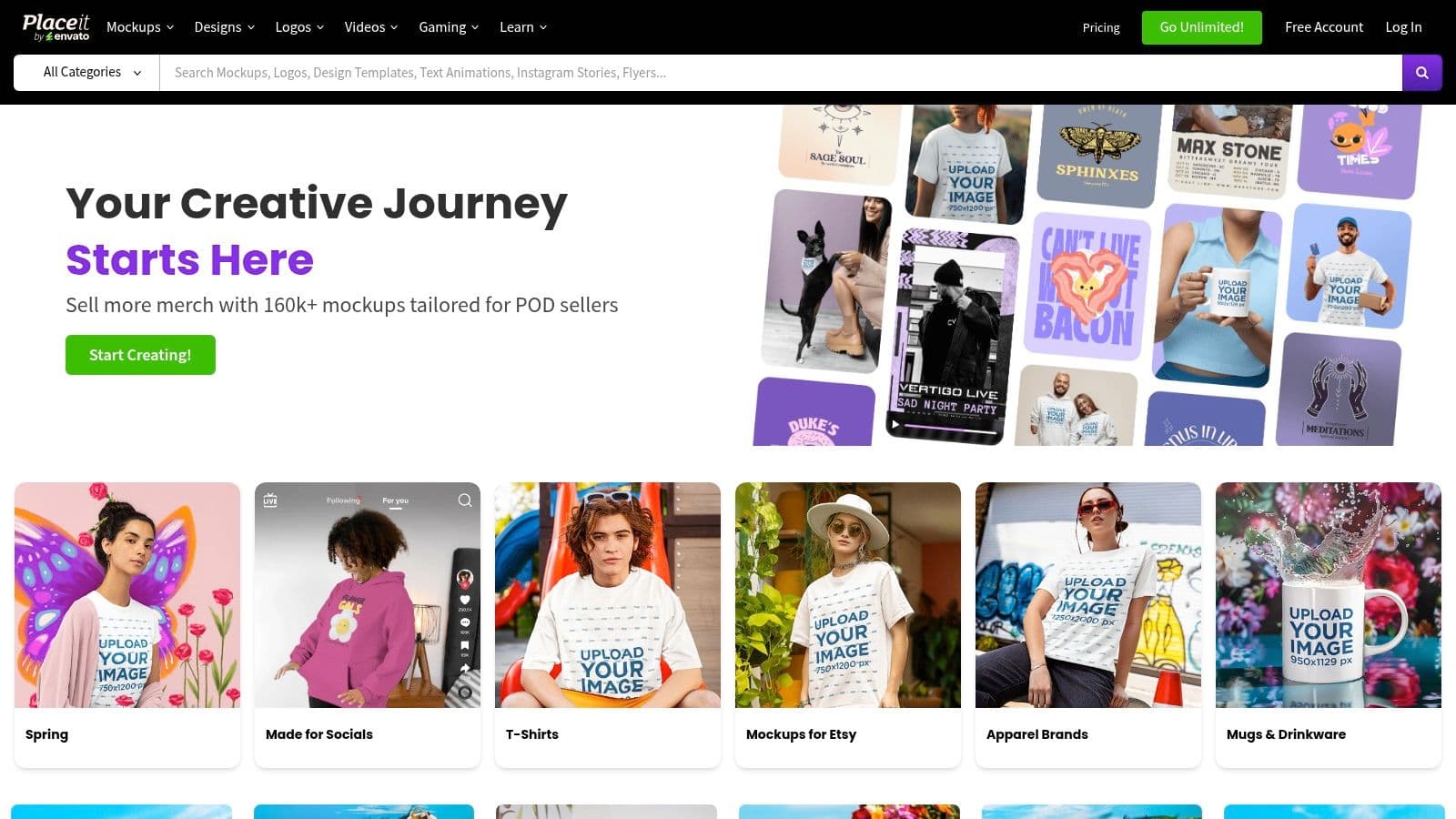
Placeit by Envato is the fastest option when you need range. If you create for multiple social placements and don't want to start from a blank canvas, its library is hard to beat. You can move from Instagram-style promo graphics to YouTube thumbnails, social ads, and device-framed visuals without changing tools.
The strength is volume and speed. Drag in your art, edit text, swap colors, export, done. The weakness is the same thing. With that many templates, it's easy to choose something that looks decent instead of something that fits the brand.
Where it works best
Placeit is best for creators who need frequent output, not precious one-off design work. If you're publishing often, having lots of pre-sized starting points matters because posting frequency affects performance and needs active testing, as noted in this social analytics metrics overview.
- Best for high-volume creators: You can create multiple comps fast for approval rounds.
- Best for broad platform coverage: Feed posts, stories, headers, promos, and ads are all easy to mock up.
- Less ideal for distinct brand systems: You'll need discipline to avoid generic-looking output.
If you use Placeit, keep a short internal shortlist of approved templates. That saves you from browsing the whole library every time.
Practical rule: Don't let the template library pick your brand style for you. Pick five to ten formats that match your visual system and reuse them.
For teams trying to keep ideas moving, I'd pair Placeit with a lightweight planning process like this list of content creation ideas, then send final exports into your publishing stack.
2. Canva
Canva is the default recommendation for a reason. It handles design, resizing, collaboration, and mockups in one place. If your team includes non-designers, Canva usually reduces friction faster than any dedicated mockup platform.
Its Smartmockups integration is convenient because you don't have to export a design and move it into another app just to present it inside a device or post frame. That matters when you're making lots of versions for different placements.
The practical trade-off
Canva's mockups are good enough for most social reviews. They aren't always the most realistic or most polished compared with niche mockup tools. But for day-to-day social work, convenience usually beats perfection.
That's especially true when you're preparing the same campaign for multiple placements. AI-assisted content generation has delivered a 22% engagement boost across social platforms, with median engagement rising from 4.82% to 5.87% when AI optimization is applied, according to Buffer's data. Canva isn't the only way to optimize creative, but it supports the same habit: adapting content instead of reposting the exact same asset everywhere.
A practical bonus is how easy it is to align mockups with current platform specs. If you work across formats often, keep social media post dimensions close at hand while versioning designs. For product-led brands, this also pairs well with Skup's Canva POD tutorial, especially if you already build commerce creatives inside Canva.
- Use Canva when speed matters more than realism
- Use it when teams need comments, approvals, and brand kits
- Skip it if your main goal is premium device-scene presentation
3. Mediamodifier
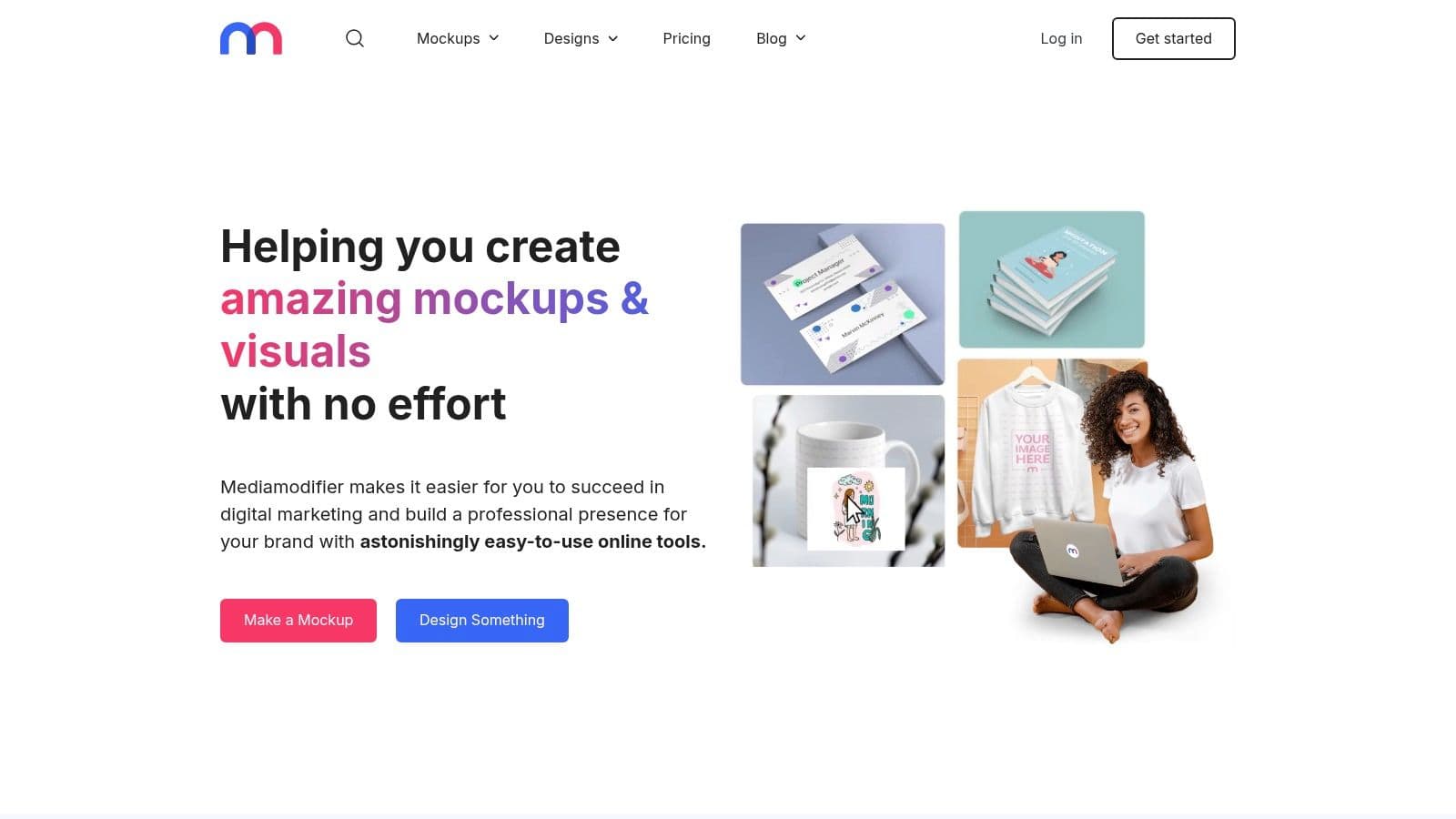
Mediamodifier sits in a useful middle ground. It's simpler than a full design suite, but more operational than many pure mockup generators. That makes it a solid pick for agencies and small teams that need social ad previews, repeatable output, and straightforward editing.
I like it most for campaign production. If you're doing variants for multiple offers, audiences, or ad formats, the workflow feels practical instead of flashy.
Why agencies tend to like it
The standout features are bulk creation, social-focused templates, and support for your own PSD mockups. That combination gives you room to standardize output without locking yourself into a rigid template library.
- Good fit for ad-heavy workflows: You can generate visual variants quickly for paid social reviews.
- Useful for semi-custom systems: Uploading your own PSDs helps when client branding is strict.
- Less ideal for full creative development: The editor is functional, not inspiring.
It's also one of the easier tools to map into a publishing rhythm. Build approval visuals in Mediamodifier, finalize the actual asset, then send it into a social media post scheduler so the campaign doesn't stall at the handoff stage.
If your bottleneck is approvals, Mediamodifier helps. If your bottleneck is original design, use another tool upstream.
4. Screenhance
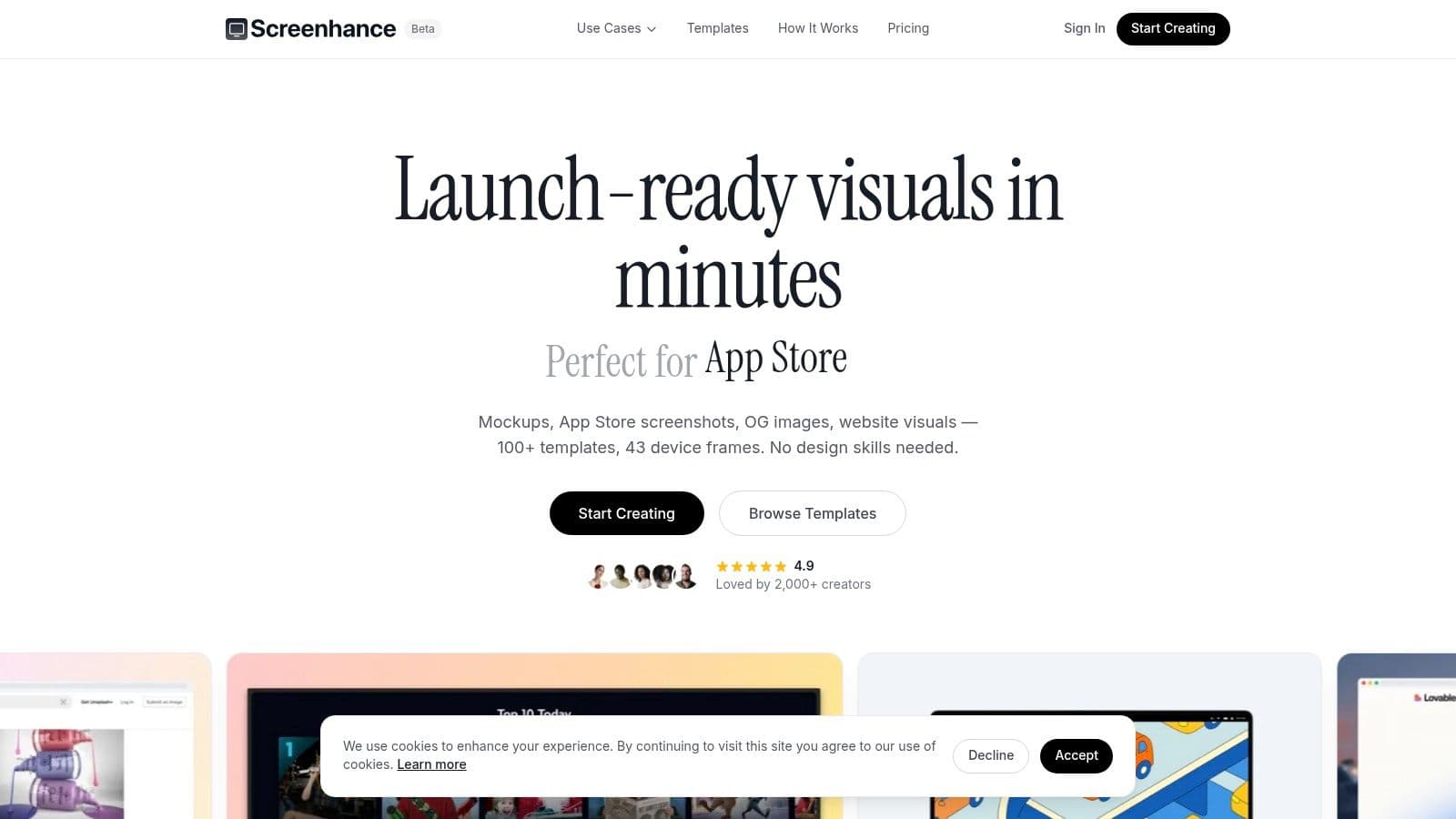
Screenhance is one of the quickest screenshot-to-post tools in this list. It's purpose-built for turning product screenshots, social captures, and launch visuals into clean promotional images with minimal setup.
That focus makes it useful for indie hackers, SaaS teams, and social managers who post feature updates, user testimonials, UI teasers, or launch announcements. You don't need much design skill to get something presentable out of it.
What makes it different
Screenhance feels narrower than Canva or Placeit, but that narrowness is a strength. It gives you preset aspect ratios, device frames, background treatments, and several export formats without burying you in options.
The short-term pass is also smart. If you only need a burst of exports for a launch week, you can use it without committing to a long subscription.
For practical social work, this is the kind of tool that helps you produce clean assets fast, then move on. Significant gains come after approval, when you carry those visuals into a broader distribution workflow and follow best practices for social media instead of letting assets sit in a folder.
“Fast enough to use” beats “perfect but ignored” in most launch workflows.
Its main limitation is template depth. You won't get the giant creative library of larger marketplaces, and that's fine if your content is screen-based rather than brand-campaign heavy.
5. Previewed.app
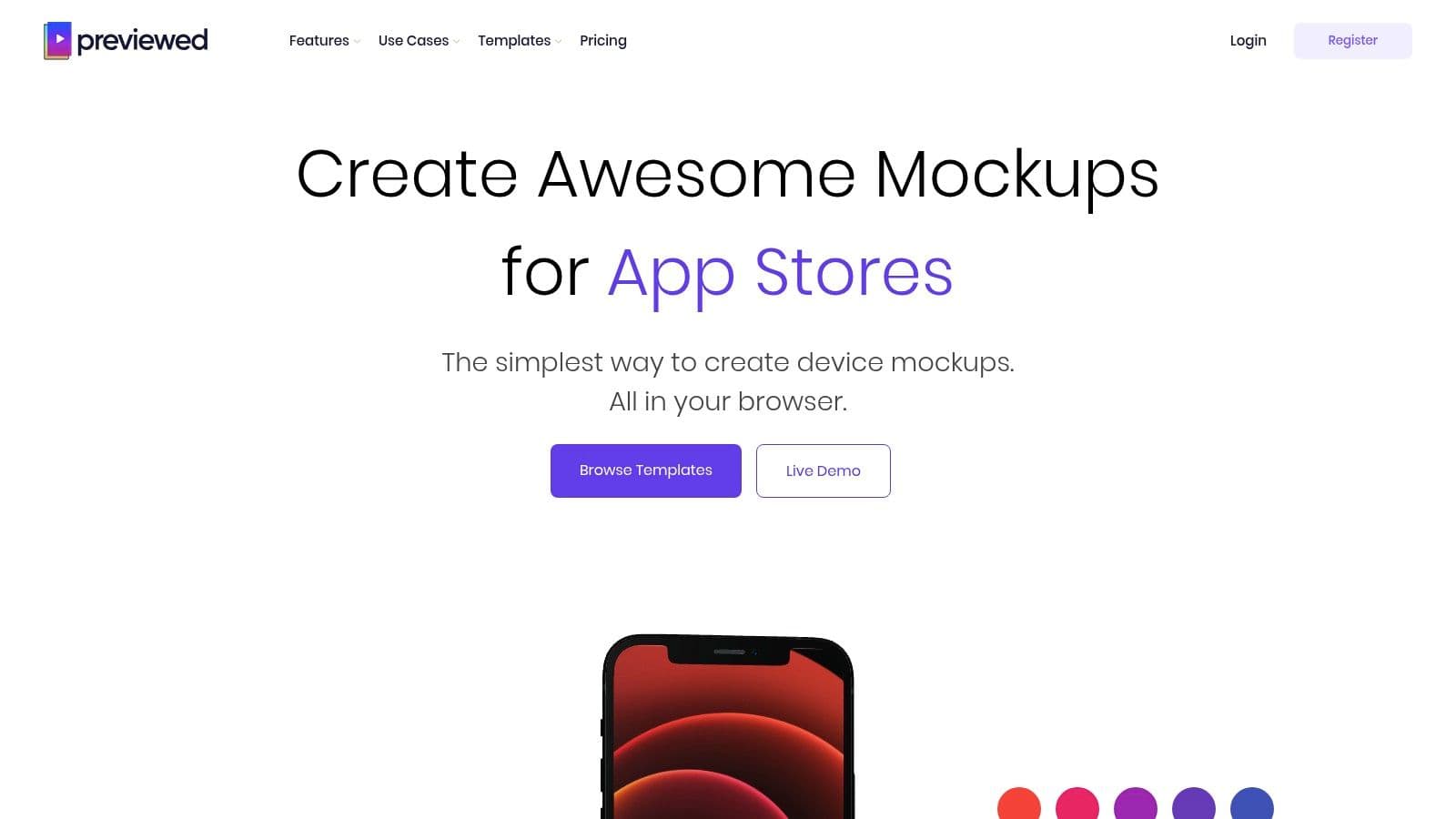
Previewed.app is the tool I'd reach for when the post itself is built around a product, app, dashboard, or website screenshot. It handles static mockups well, but the more interesting angle is its 3D snapshots and motion exports.
That makes it useful for launch posts and promo sequences that need more depth than a flat image. A homepage screenshot inside a styled device with camera movement can look much stronger in-feed than the raw screenshot alone.
Best use cases
This isn't the best fit for every brand. If your social content is mostly quote cards, event promos, or text-first educational posts, Previewed.app is probably overkill. If you sell software, ship features often, or market a product-led business, it fits much better.
- Strong for SaaS and app marketing: Product visuals become social-ready quickly.
- Strong for animated post assets: MP4 exports help with eye-catching promos.
- Weaker for general social graphics: It's not trying to replace Canva.
I also like it for client presentations. Stakeholders often respond better when they can see the product in a realistic context instead of looking at a raw capture pasted into a slide.
6. Mockuuups Studio
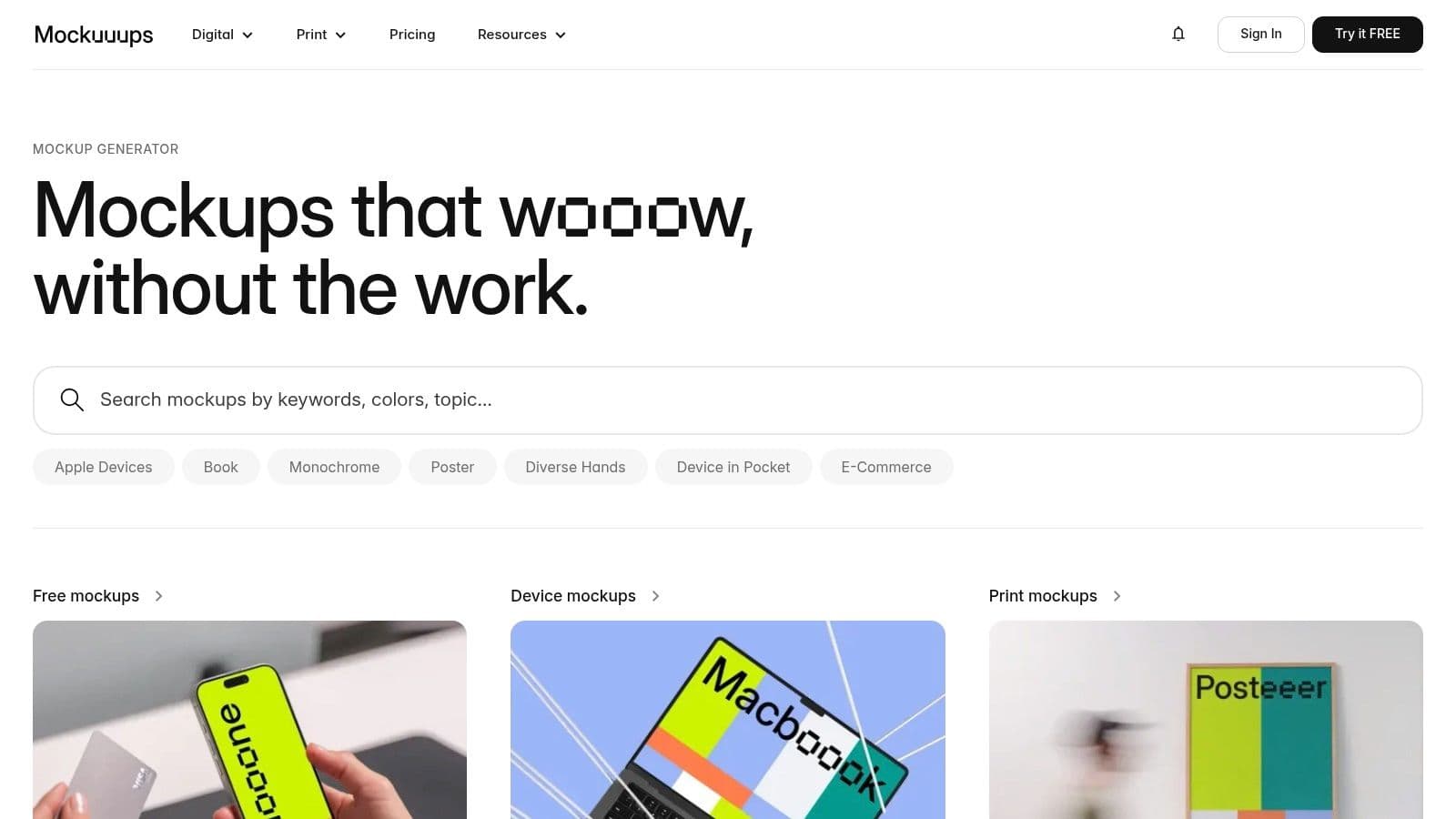
Mockuuups Studio does one job very well. It turns screens into polished device mockups fast. If your workflow already lives in Figma, the plugin is the biggest reason to use it.
This is a strong tool for designers and product marketers who don't want to keep exporting files between systems. Pull in the interface, test a few device scenes, export in high resolution, and move on.
Where it earns its place
Mockuuups Studio is stronger on device realism than social feed realism. That distinction matters. If you need a realistic LinkedIn post comp, another tool may fit better. If you need your product shown inside phones, laptops, browsers, or presentation scenes, Mockuuups is excellent.
The website screenshot capture feature is also useful for quick campaigns. You can turn a live page into a polished visual without rebuilding it manually.
- Best for Figma-first teams
- Best for product hero visuals
- Less suited to native feed UI mockups
I'd pair this with a separate design or captioning workflow rather than expecting it to handle the full social stack.
7. Artboard Studio
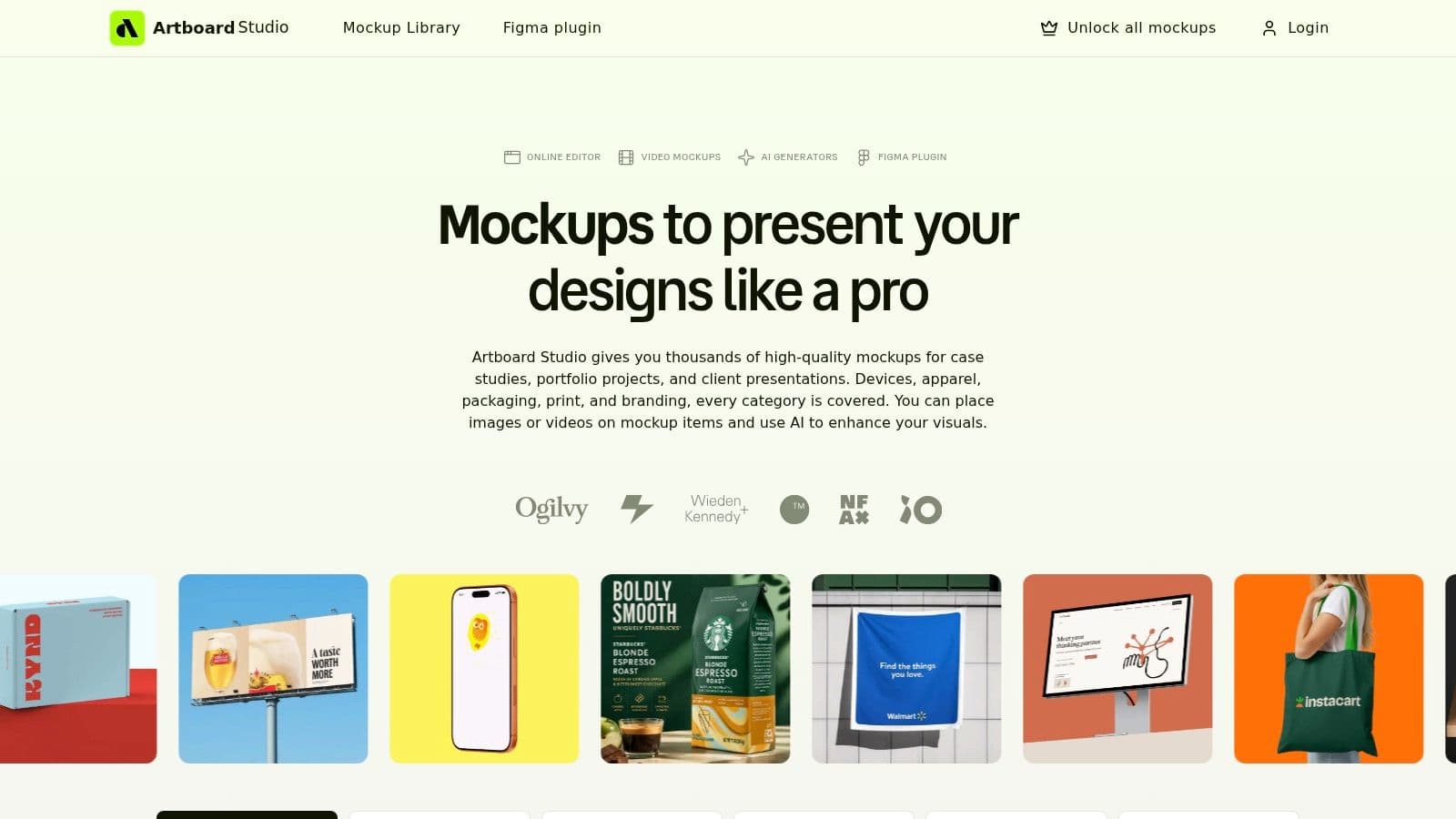
Artboard Studio is for teams that want more production value from their mockups. It's not the fastest beginner tool, but it gives agencies and in-house creative teams much more control over scenes, lighting, motion, and repeatable branded layouts.
If Placeit is about speed, Artboard Studio is about craft. You can build richer scenes that feel closer to campaign creative than just simple preview imagery.
The real trade-off
You pay for that control with time. There's more to learn, more to set up, and more temptation to over-design what should've been a quick approval comp. For agencies with recurring clients and defined visual systems, that trade is often worth it.
Its data-driven variation features are especially useful for teams producing many related assets. That can help when campaigns need multiple product angles, market variations, or branded scene sets.
Worth remembering: A sophisticated mockup tool only helps if your team actually has the time to maintain a sophisticated workflow.
I wouldn't recommend Artboard Studio to a solo creator trying to move fast every day. I would recommend it to an agency building polished, repeatable presentation assets for brand-conscious clients.
8. AIPostMockup
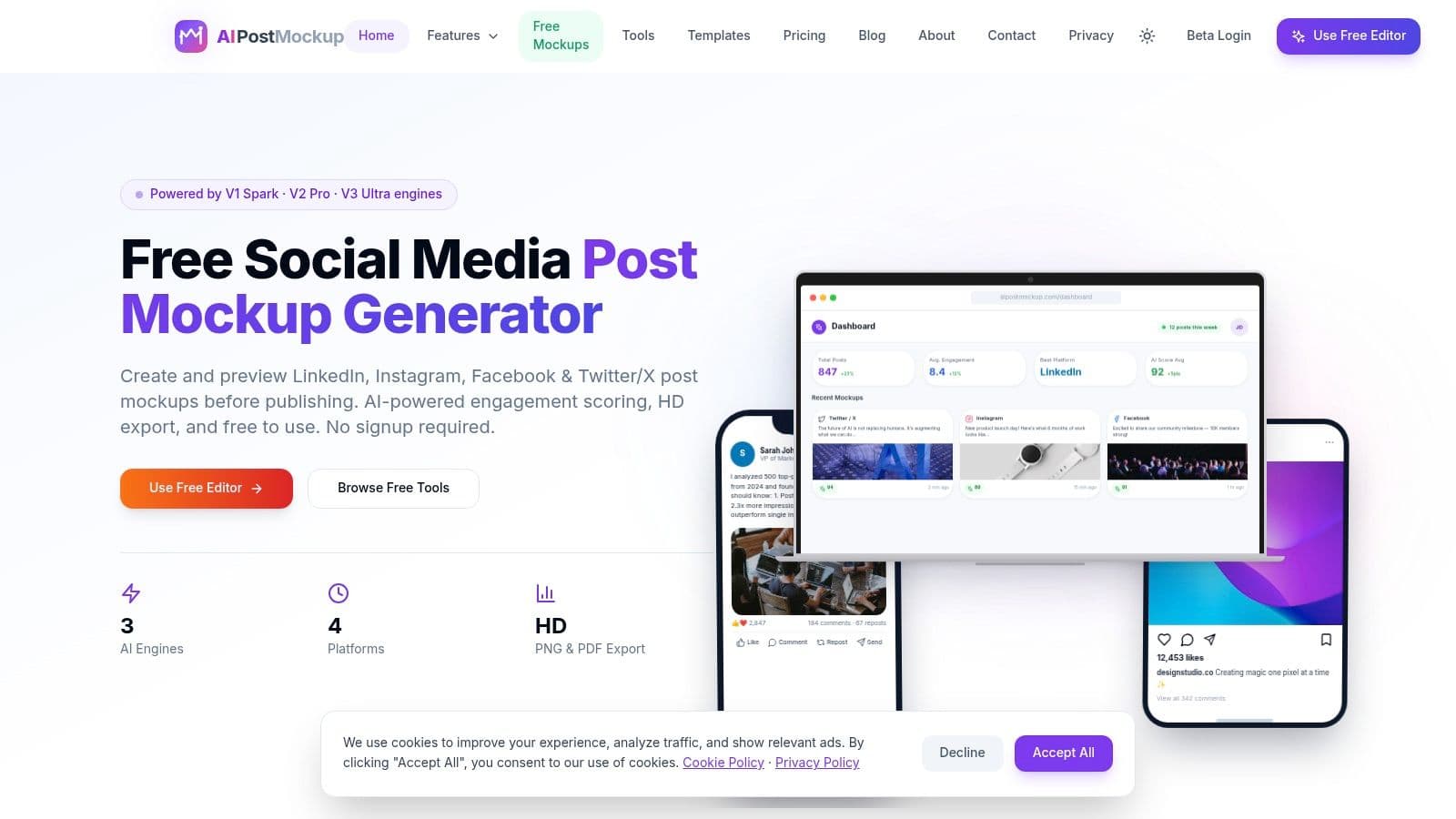
AIPostMockup is built around speed, feed previews, and AI-assisted generation. That makes it appealing when you need rough comps, campaign variants, or fast concept visuals for client review.
It doesn't try to be a premium scene builder. It tries to help you produce social-looking mockups quickly. For many teams, that's enough.
When to use it
This tool is useful when the hard part isn't design polish, but getting from idea to presentable version. If you need multiple post directions for approval, AI-assisted mockup and copy flows can reduce blank-page friction.
That pairs naturally with an AI post generator when you want to move from concept to actual post copy without switching your whole workflow.
The main limitation is control. Newer AI-first tools often need manual cleanup before the result feels fully on-brand.
- Use it for fast mockup drafts
- Use it for high-volume concepting
- Don't expect deep brand governance out of the box
For solo operators and lean agencies, though, it's a practical timesaver.
9. AdsMockups.com
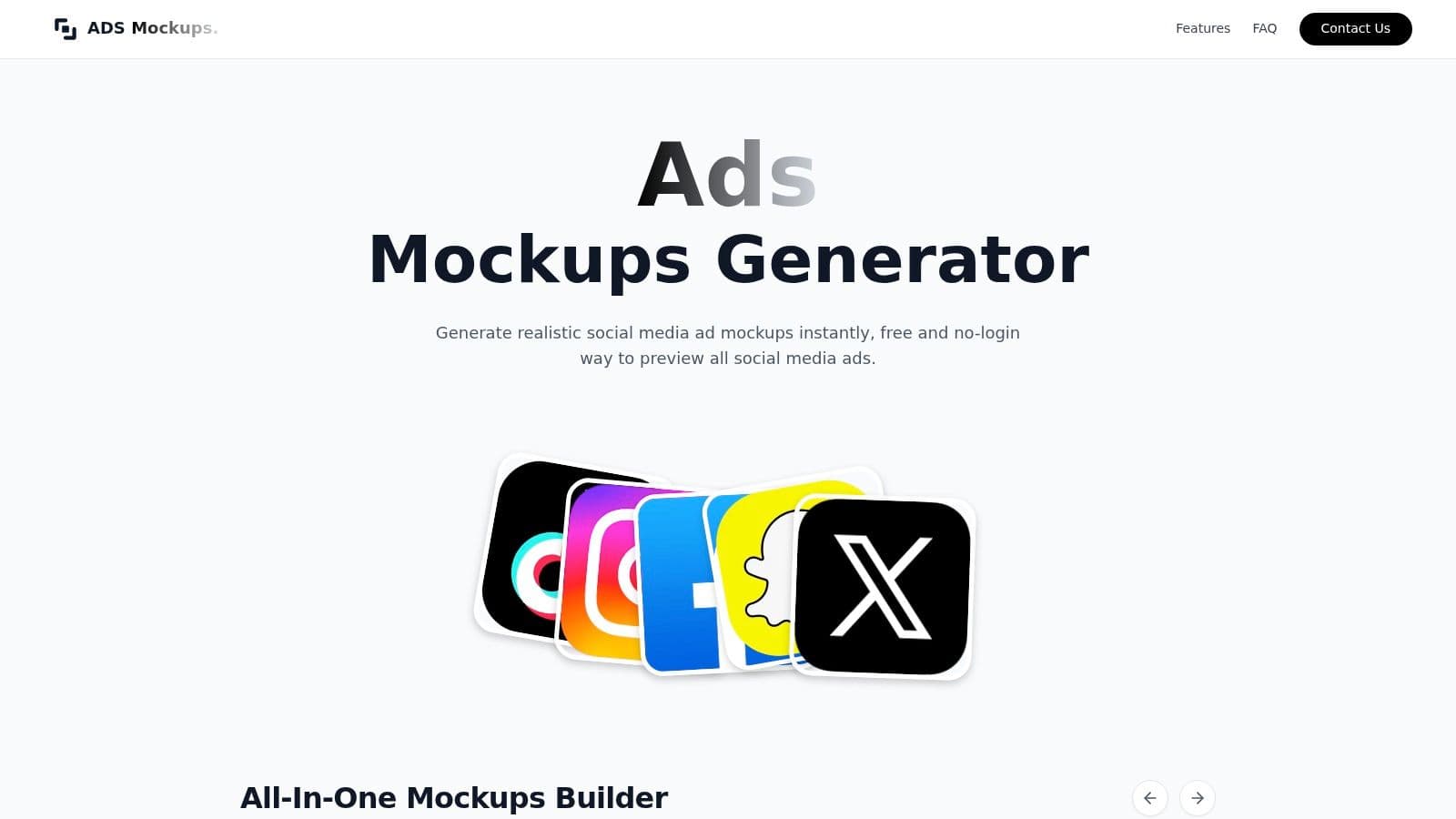
AdsMockups.com is the no-friction option. No signup, no bloated workflow, no unnecessary setup. If you need to preview a paid social creative inside a platform-style frame and send it for review, it does the job quickly.
That makes it especially useful for freelancers, media buyers, and account managers who need approvals without dragging clients into a design tool.
Why it stays useful
Some tools are better because they do less. AdsMockups is one of them. It focuses on ad placements, updates the UI often enough to stay relevant, and gives you watermark-free downloads without asking for much in return.
That's valuable when social platforms are driving product discovery. Social now accounts for 60% of product discovery, ahead of Google's 34.5% search share, according to Sprout Social's social media statistics. When discovery happens on-platform, previewing ads in realistic platform contexts isn't cosmetic. It helps teams catch issues before launch.
Its weakness is obvious. This isn't a broader creative suite. You won't use it to build a brand system or produce richer design assets. You'll use it to get ad previews out fast.
10. MockScreen
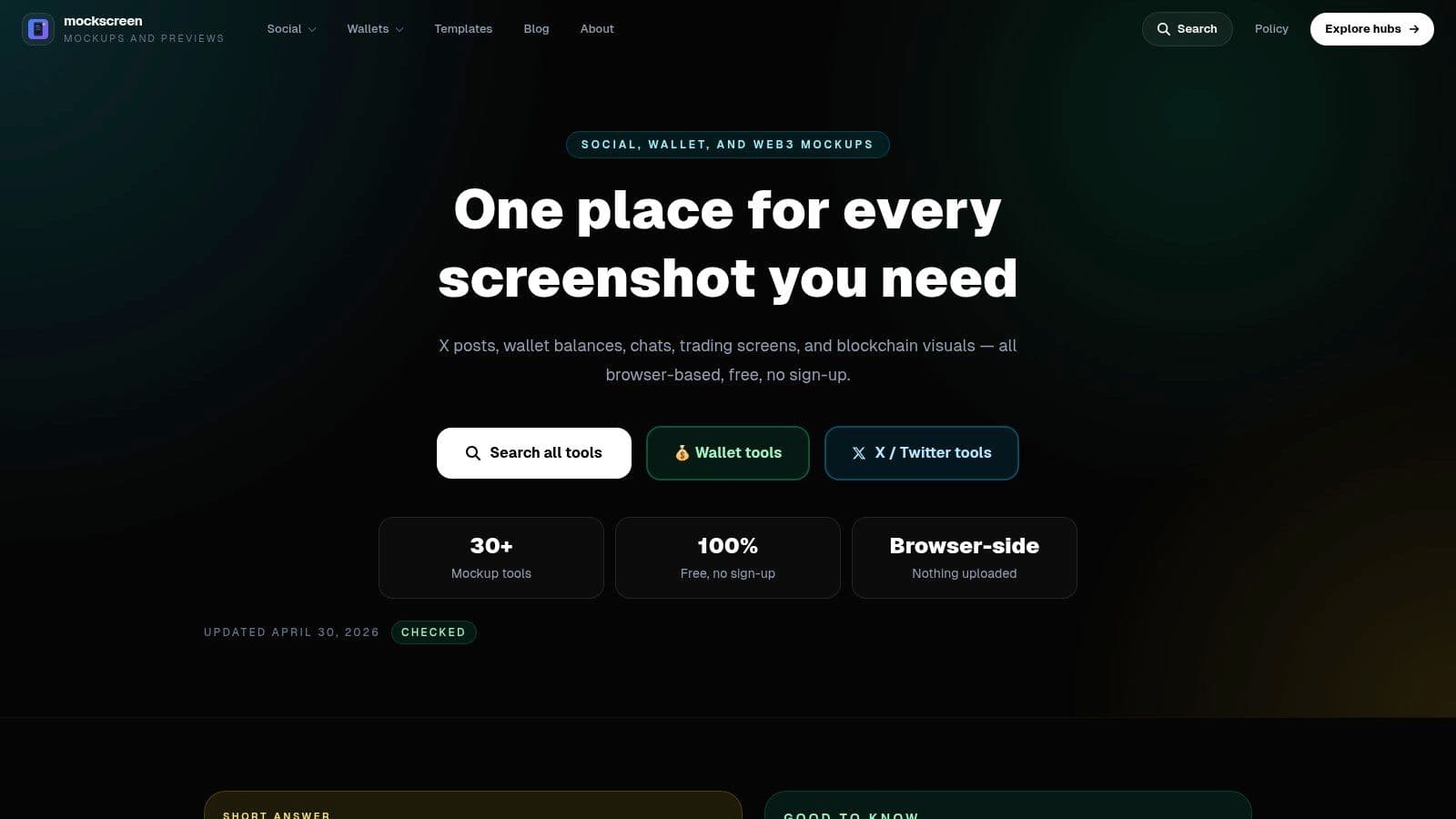
MockScreen is more niche than most tools here, and that's exactly why it belongs on the list. It focuses on realistic social post and chat UI mockups, including thread-style posts and messaging interfaces.
That's useful for education, demos, pitch decks, and strategy presentations. If you need to show how a conversation, thread, or community interaction might look, MockScreen is much faster than reconstructing it manually in a design tool.
Where it helps most
I've found tools like this most useful when explaining ideas to non-designers. A realistic interface tells the story faster than a wireframe. It can also help internal teams think through copy, structure, and response flow before anything goes live.
This matters more as newer platforms gain importance. One gap in the current mockup market is support for emerging platforms. The material in this brief notes that free PSD resources still heavily favor older platforms, while newer networks like Threads and BlueSky remain underrepresented, creating extra manual resizing work for teams that publish widely.
MockScreen won't solve every design problem, but it's a sharp tool for a specific job. That's often enough.
Top 10 Social Media Post Mockup Tools Comparison
| Tool | Core features ✨ | UX / Quality ★ | Price / Value 💰 | Target 👥 | Standout 🏆 |
|---|---|---|---|---|---|
| Placeit by Envato | ✨ Massive mockup & social template library; drag‑drop; export‑ready sizes | ★★★★☆, large variety, some generic templates | 💰 Subscription, good value for regular creators | 👥 Creators, small businesses, marketers | 🏆 Huge template breadth & platform‑ready exports |
| Canva (Smartmockups) | ✨ Native mockups in editor; brand kits; fast resizing | ★★★★☆, intuitive, team workflows | 💰 Free tier; Pro unlocks advanced mockups | 👥 Teams, non‑designers, creators | 🏆 All‑in‑one design + collaboration workflow |
| Mediamodifier | ✨ Social/ad mockups; PSD upload; API; bulk creation | ★★★☆☆, straightforward, simpler editor | 💰 Affordable tiers, SMB/agency focused | 👥 SMBs, agencies, ad teams | 🏆 Bulk outputs + API for integrations |
| Screenhance | ✨ Device frames, background styles, multi‑format exports | ★★★★☆, very fast screenshot→post workflow | 💰 Flexible: free tier + Pro; Week Pass for bursts | 👥 Launch teams, social managers | 🏆 Week Pass for short-term high‑volume exports |
| Previewed.app | ✨ 2D & 3D scenes, animation, camera controls | ★★★★☆, easy, eye‑catching 3D motion | 💰 Mid-priced; paid for advanced animation | 👥 Product/app teams, SaaS marketers | 🏆 3D motion scenes & camera customization |
| Mockuuups Studio | ✨ 5,000+ device mockups; Figma plugin; 4K exports | ★★★★★, high device realism, fast Figma flow | 💰 Paid/pro‑grade plans, high‑res output | 👥 Designers, app/UX teams | 🏆 Figma integration + pro device realism |
| Artboard Studio | ✨ Scene builder, realistic lighting, data‑driven variations | ★★★★☆, powerful but steeper learning curve | 💰 Pro/agency pricing, scalable production | 👥 Agencies, brands, motion teams | 🏆 Pro‑grade scene & motion production at scale |
| AIPostMockup | ✨ AI‑assisted templates & copy; bulk generation; no watermark | ★★★★☆, fast comps; newer tool | 💰 Free core features; no‑watermark exports | 👥 Campaign teams, client reviewers | 🏆 AI copy + free bulk mockup generation |
| AdsMockups.com | ✨ Real‑time ad previews for major channels; no signup | ★★★★☆, instant, lightweight workflow | 💰 Free, no login, watermark‑free downloads | 👥 Ads teams, client approvals | 🏆 Zero‑friction, ad‑placement focused previews |
| MockScreen | ✨ Realistic post & chat UI mockups (threads, chats) | ★★★★☆, quick realistic screenshots | 💰 Freemium / low‑cost, fast outputs | 👥 Strategists, educators, pitch decks | 🏆 Broad social & chat UI realism for demos |
PostOnce for the exact search intent
A familiar bottleneck shows up after the mockup is approved. The creative is ready, the team signs off, and the actual work starts. Captions need platform edits, images need different crops, and someone still has to publish everything one by one.
That gap matters because a mockup tool solves presentation, not distribution. PostOnce fits the second half of the workflow. It takes approved creative and adapts it across supported routes for TikTok, Instagram, YouTube, Facebook, LinkedIn, X, Bluesky, Pinterest, and Threads. Availability varies by source/destination pair and post type.
That distinction is the exact search intent behind a lot of “social media posts mockup” queries. Some people need a realistic preview for client review. Others need a way to move from approved visual to live campaign without losing time in manual posting. In practice, teams usually need both.
The practical setup is straightforward:
- Create the asset in the mockup tool that matches your process, whether that is Canva, Placeit, Previewed.app, or another option from this list.
- Use the mockup to get approval with the post shown in realistic context.
- Export the final creative and hand off publishing to PostOnce.
- Adjust copy per network inside one distribution workflow instead of repeating the same task across every platform.
The trade-off is clear. PostOnce is not a mockup generator, so it will not replace the tools above for scene design, device framing, or stakeholder previews. What it does well is carry approved assets through the part of the workflow where social teams lose consistency. That makes it useful for freelancers managing several client accounts, in-house teams posting to multiple networks, and anyone tired of turning one approved post into six separate publishing tasks.
Streamline Your Visuals, Amplify Your Reach
The best social media posts mockup tool depends on the kind of work you do. If you need raw template volume, Placeit is strong. If you want an all-in-one editor, Canva is the easiest recommendation. If your content revolves around apps, websites, or product screens, Previewed.app, Mockuuups Studio, and Screenhance all make more sense than general-purpose template libraries.
The bigger lesson is that mockups are only one part of the workflow. They help with approvals, concepting, stakeholder alignment, and presentation. They don't solve the operational mess that starts after the asset is approved. That's where many organizations lose time.
I'd choose tools based on the bottleneck, not on hype. If approvals are slow, pick something that creates realistic previews fast. If brand control matters most, use a tool with stronger scene-building or template governance. If your team already works inside Canva or Figma, don't force a new system just because it looks more specialized on paper.
There's also a platform reality to keep in mind. Social teams aren't publishing into a stable environment where one square post works everywhere. Audience behavior and platform expectations keep shifting. The source material behind this brief notes growing interaction on networks like X and LinkedIn, plus increasing attention on newer platforms that still don't get enough mockup support from traditional free PSD ecosystems. That's why the workflow has to be flexible, not just the design tool.
For product brands, creators, and agencies, the practical stack is clear. Use the mockup tool that gets your visual approved fastest. Then use automation to push that asset out properly across the channels that matter. If you also work with commerce creatives, it's worth exploring adjacent tooling like ai product photography tools, because the same principle applies there too: create once, adapt intelligently, distribute consistently.
The teams that publish well don't just make good-looking assets. They build systems that keep those assets moving. That's the difference between a design file everyone likes and a campaign that goes live on time.
If you're tired of creating a great post mockup and then manually rebuilding the same post for every platform, try PostOnce. It turns your approved creative into a repeatable publishing workflow by cross-posting across major networks, adapting content to each platform's format, and removing the copy-paste work that slows teams down.