
Automatically Post Your LinkedIn Posts To Pinterest Pins
PostOnce automatically posts eligible LinkedIn posts to Pinterest pins, without downloading, re-uploading, or rebuilding the same post by hand.
Automate LinkedIn to Pinterest7-day free trial · No credit card required · Cancel anytime
Setup at a glance
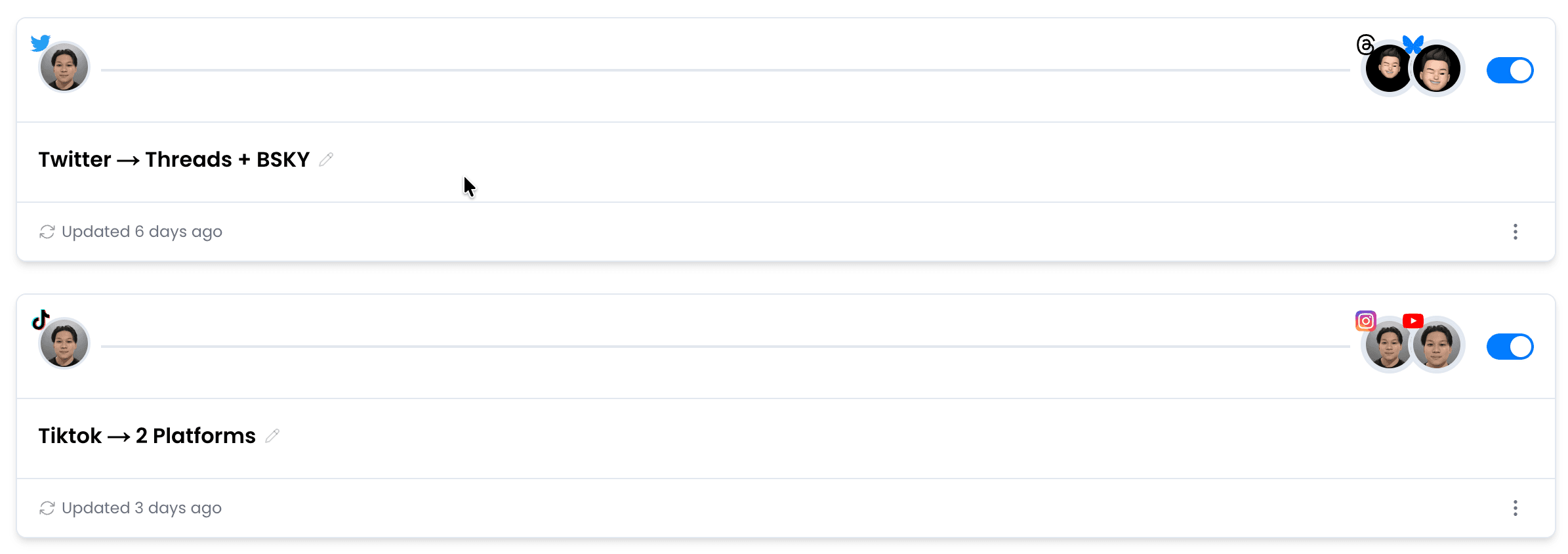
Your automated workflow in three steps
- 1Connect LinkedIn
- 2Connect Pinterest
- 3Create the workflow
7-day free trial · No credit card required · Cancel anytime
Before you connect
The short answer
Yes, PostOnce can automatically post eligible LinkedIn posts to Pinterest pins with a reusable crossposting workflow.
What manual work does this replace?+
- Text-led LinkedIn posts may not contain media for a Pinterest Pin
- Professional captions need a more visual Pinterest framing
- Documents and LinkedIn-only formats may not transfer directly
- Recreating eligible posts manually takes time
How to adapt professional content into a Pinterest Pin+
Choose a visual that communicates the main lesson without relying on the full LinkedIn discussion.
Turn the opening argument into a clear Pin title and concise description, then remove platform-specific references such as “comment below” or “connect with me.” Review document-style assets carefully because not every LinkedIn format can publish as a Pinterest image or video.
Use Pinterest for the durable visual takeaway+
LinkedIn often frames content as a professional conversation; Pinterest works better when the visual and description make the takeaway immediately clear.
A chart, demonstration, product image, or short video can transfer well when it has enough context.
Text-only commentary should remain excluded unless you first create a suitable visual asset.
Route eligible LinkedIn media to Pinterest with PostOnce+
PostOnce can watch a connected LinkedIn source and create Pinterest Pins from eligible media posts.
Configure the accounts and filters once, then let matching posts enter the Pinterest workflow automatically.
Unsupported or text-only source content stays outside the destination path instead of producing an empty Pin.
What You Need to Know
How to adapt professional content into a Pinterest Pin
Choose a visual that communicates the main lesson without relying on the full LinkedIn discussion.
Turn the opening argument into a clear Pin title and concise description, then remove platform-specific references such as “comment below” or “connect with me.” Review document-style assets carefully because not every LinkedIn format can publish as a Pinterest image or video.
Use Pinterest for the durable visual takeaway
LinkedIn often frames content as a professional conversation; Pinterest works better when the visual and description make the takeaway immediately clear.
A chart, demonstration, product image, or short video can transfer well when it has enough context.
Text-only commentary should remain excluded unless you first create a suitable visual asset.
Route eligible LinkedIn media to Pinterest with PostOnce
PostOnce can watch a connected LinkedIn source and create Pinterest Pins from eligible media posts.
Configure the accounts and filters once, then let matching posts enter the Pinterest workflow automatically.
Unsupported or text-only source content stays outside the destination path instead of producing an empty Pin.
7-day free trial · No credit card required · Cancel anytime
Direct answer
Can PostOnce automatically post from LinkedIn to Pinterest?
Yes, PostOnce can automatically post eligible LinkedIn posts to Pinterest pins with a reusable crossposting workflow. This is crossposting automation: you publish on LinkedIn, PostOnce watches for eligible LinkedIn posts, and Pinterest receives its own native post instead of a copied link preview.
Content types
Primary wording plus related formats
LinkedIn source formats
This workflow leads with LinkedIn posts, and also covers related LinkedIn formats:
Pinterest destination formats
The destination focus is Pinterest pins, while also covering related Pinterest surfaces:
Manual sharing
The manual route usually means sharing a link, sending to a Story, making a Feed post, or downloading the media and uploading it again.
- Link previews send traffic back to LinkedIn.
- Watermarks or source branding can hurt trust.
- Repeated downloads make daily posting hard to scale.
- Formats and captions often need cleanup.
Automatic workflow
PostOnce turns the same workflow into a repeatable rule: source account, destination account, filters, and automatic publishing.
- Connect LinkedIn as the source.
- Connect Pinterest as the destination.
- Choose which posts should crosspost.
- Let PostOnce publish future matches automatically.
Alternatives and limits
IFTTT-style automations and native share buttons can be useful, but they often create status updates, links, or previews instead of native destination posts.
- Manual sharing is fine for one-off posts.
- Generic repurposing tools may require export first.
- Platform API limits still control what can publish.
- Music rights do not automatically transfer.
What gets adapted from LinkedIn to Pinterest
Captions
Long captions may need shortening for Pinterest.
Hashtags
Pinterest: Hashtags improve discoverability; 2-5 relevant hashtags recommended.
Aspect ratio
Video may need adaptation toward 2:3.
Destination format
Eligible media publishes as a native Pinterest upload.
Watermark and metadata
PostOnce prepares media for the destination instead of reposting a link card.
Music and audio rights
Only reuse audio you have rights to publish on both platforms.
New posts and existing content
For new posts, PostOnce can watch your LinkedIn source and publish eligible LinkedIn posts to Pinterest pins after the workflow is created.
For existing or backlog content, use PostOnce to refill a workflow deliberately instead of dumping months of posts at once. Scheduled batches keep the destination account active without overwhelming followers.
If a video is longer than Pinterest's destination limit, it needs trimming or review before publishing. Pinterest supports videos up to 15 minutes.
Proof before you turn it on
Confirm the connected source account
Select the destination account or Page
Review filters and caption rules
Check the queue and destination post after publish
LinkedIn vs Pinterest at a Glance
| Spec | ||
|---|---|---|
| Caption Limit | 3,000 chars | 500 chars |
| Max Video Length | 10min | 15min |
| Preferred Aspect Ratio | 16:9 | 2:3 |
| Max Video File Size | 5GB | 2GB |
| Carousel Support | Up to 20 items | Up to 5 items |
| Hashtag Strategy | Unlimited | Up to 20 |
| Link Support | Yes | Yes |
| Primary Audience | 25-45 | 18-44 |
As Seen On


Trusted by Creators & Brands

 mego71.4K followersBeauty & Lifestyle
 mishygirll588.8K followersOnlyFans
 hopewalz566.0K followersPolitics
 artzenmedia138.0K followersContent Creation
 caravature490.9K followersArt & Design
 getnaturaljackson441.5K followersSelf Improvement
 Revista Etcétera286K followersNews & Media
 soleretriever169.0K followersSneakers
 ismerlinglive38.9K followersStreaming & Gaming
 DolceDormire.ro42.2K followersRetail & E-commerce
 eddie115.7K followersBusinessmego71.4K followersBeauty & Lifestylemishygirll588.8K followersOnlyFanshopewalz566.0K followersPoliticsartzenmedia138.0K followersContent Creationcaravature490.9K followersArt & Designgetnaturaljackson441.5K followersSelf ImprovementRevista Etcétera286K followersNews & Mediasoleretriever169.0K followersSneakersismerlinglive38.9K followersStreaming & GamingDolceDormire.ro42.2K followersRetail & E-commerceeddie115.7K followersBusiness
Frequently Asked Questions
Yes. With PostOnce, you can connect LinkedIn as the source, choose Pinterest as the destination, and create a workflow so new matching LinkedIn posts are crossposted to Pinterest automatically.
Connect both accounts in PostOnce, create a LinkedIn to Pinterest crossposting workflow, and choose your content filters. After setup, PostOnce can detect new eligible LinkedIn posts and publish them to Pinterest without manual downloading or re-uploading.
Yes. PostOnce lets one eligible LinkedIn post trigger a matching Pinterest post, so you can keep both platforms active without rebuilding the same content twice.
PostOnce preserves your media quality and adapts captions from LinkedIn's 3,000 character limit toward Pinterest's 500 character limit. Media format, hashtags, and destination rules still depend on each platform's requirements.
Yes. Use hashtag filters to control which posts crosspost. For example, add #crosspost to LinkedIn captions and only those posts will go to Pinterest. Or exclude specific hashtags to skip certain content.
Related Crossposting Workflows
How to automatically post your LinkedIn Posts to TikTok
Set up automatic crossposting from LinkedIn Posts to TikTok.
How to automatically post your LinkedIn Posts to Instagram Reels
Set up automatic crossposting from LinkedIn Posts to Instagram Reels.
How to automatically post your LinkedIn Posts to YouTube Shorts
Set up automatic crossposting from LinkedIn Posts to YouTube Shorts.
Social Media Automation Guide
Build a reliable system for automated publishing and cross-platform distribution.
How to automatically post your Pinterest Pins to LinkedIn
Go the other direction.
LinkedIn crossposting guides
More destinations from LinkedIn
All crosspost guides
Browse every platform workflow
Features
How PostOnce Handles It
Set up LinkedIn to Pinterest crossposting once. PostOnce automates the rest, so one native LinkedIn post can trigger a matching Pinterest upload automatically.
Easy LinkedIn Crossposting Setup
Connect your LinkedIn and Pinterest accounts, choose your crosspost rules, and you're done.
Setup takes under 60 seconds. After that, everything runs automatically in the background.
Set Up LinkedIn to PinterestNative Video Upload to Pinterest
When you crosspost LinkedIn to Pinterest, PostOnce uploads the actual video file — not a link, not a preview.
Your LinkedIn content appears as a native Pinterest post, indistinguishable from content uploaded directly.
Publish Natively to PinterestCustom Crosspost Rules
Not every LinkedIn post belongs on Pinterest. Set hashtag filters, content type rules, or account-level controls to choose what gets crossposted.
Only the content you want on Pinterest ends up there.
Choose What Reaches Pinterest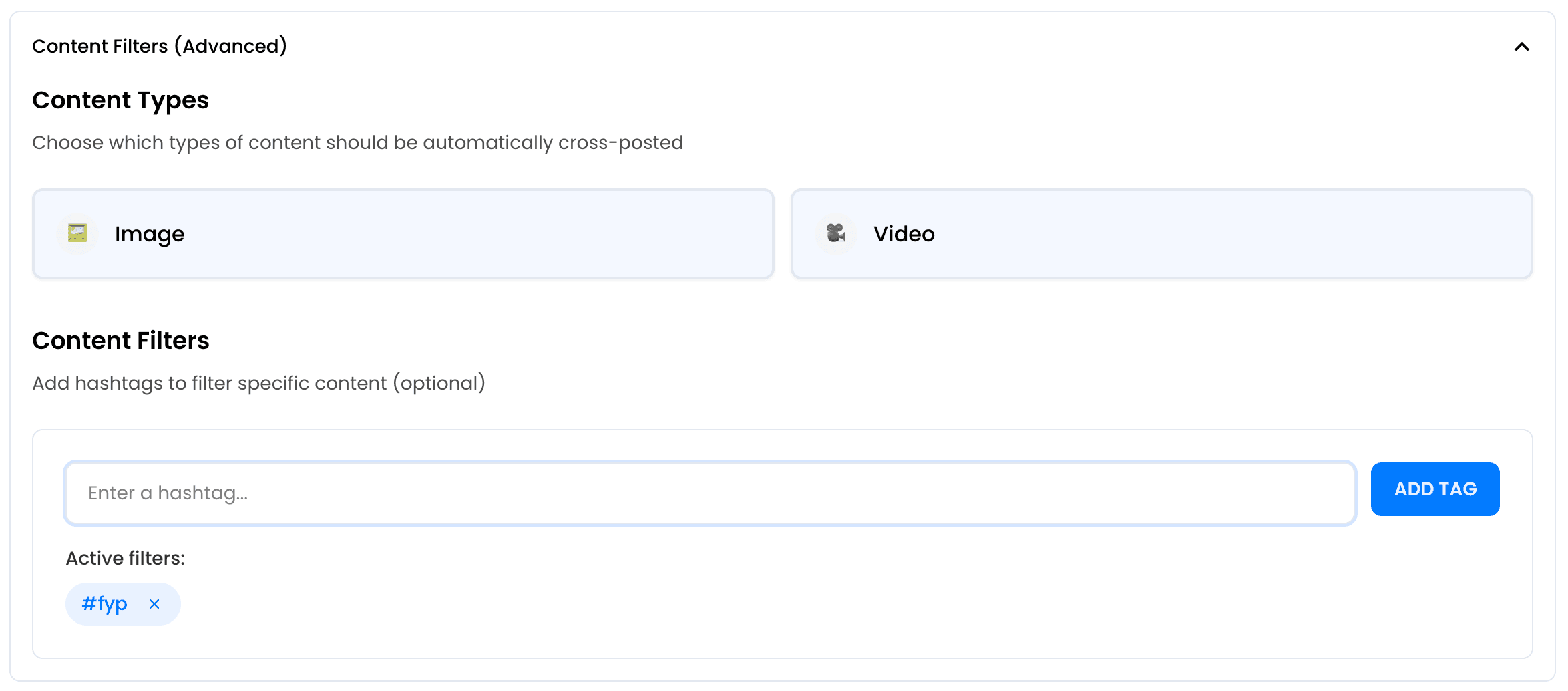
Automatically Post Your Content to Multiple Platforms
Don't stop at LinkedIn to Pinterest crossposting. Send eligible LinkedIn posts to several connected destinations, including another account on the same platform where supported.
One post, everywhere. Each platform gets a native upload with adapted formatting.
Add More Destinations




Real-Time Automation
PostOnce monitors your LinkedIn account and automatically crossposts new content to Pinterest.
No scheduling, no batching. Publish on LinkedIn and it appears on Pinterest within minutes — fully automated LinkedIn to Pinterest posting.
Automate Pinterest Publishing
Start Crossposting LinkedIn to Pinterest
Connect your LinkedIn and Pinterest accounts and start crossposting in minutes. No technical setup required.
Automate LinkedIn to PinterestFree 7-day trial · No credit card required · Cancel anytime