


















SocialBee built a solid reputation around one clever idea: content categories that automatically recycle your evergreen posts so your social media queue never runs dry. For creators with large content libraries, that feature alone made SocialBee worth considering.
But as your social media presence grows — more platforms, more content types, more need for speed — SocialBee's limitations start to show. The mobile app is weak, collaboration features are thin (no approval workflows, no task assignment), analytics stay surface-level, and the category-based approach has a steep learning curve that frustrates new users. And for creators who crosspost natively across platforms, SocialBee still asks you to manually schedule each platform individually. There's no automatic distribution.
If you're searching for SocialBee alternatives in 2026, this guide breaks down 11 tools worth considering — from crossposting automation to enterprise social management suites to budget-friendly schedulers.
I've compared each tool on workflow, platform coverage, automation capabilities, pricing, and who it's actually built for. Whether you need to save time on multi-platform posting, get better analytics, or find something your whole team can use without a training day, there's a SocialBee alternative here that fits.
Here's what this comparison covers:
- Quick comparison table of all 11 tools with pricing and platform support
- What SocialBee does well (and where it falls short for real users)
- Detailed breakdown of each alternative with pros, cons, and mini comparison tables
- Which SocialBee alternative fits your specific workflow
- FAQs about switching from SocialBee
The average person uses 6.8 different social networks per month, making the right multi-platform tool more important than ever. Let's find the right one for you.
Quick comparison table
| Tool | Best for | Workflow | Platforms | Pricing from | Strength |
|---|---|---|---|---|---|
| PostOnce | Crossposting automation | Native→Auto | TT/IG/YT/FB/LI/X/BS/PT/TH* | $29/mo | Automatic distribution |
| Buffer | Simple scheduling | Manual queue | IG/FB/X/LI/PT/TT | $6/mo/channel | Clean, minimal UI |
| Hootsuite | Enterprise teams | Manual scheduling | 20+ networks | $99/mo | Comprehensive platform |
| Later | Visual Instagram planning | Calendar-based | IG/FB/TT/PT/LI/X/TH/YT | $25/mo | Visual grid planner |
| Publer | Budget-friendly scheduling | Queue + calendar | 15+ networks | $12/mo | Affordable + Canva built-in |
| MeetEdgar | Evergreen content recycling | Library-based queue | FB/IG/X/LI/PT | $29.99/mo | Content library automation |
| RecurPost | Recurring content + AI | Category queues | 10+ networks | $9/mo | Affordable recycling |
| Pallyy | Visual planning creators | Calendar + inbox | IG/FB/TT/PT/LI/X/TH/YT | $25/mo | Instagram-first + inbox |
| Planable | Team collaboration | Approval workflows | All major platforms | $13/mo | Content approval |
| Sprout Social | Analytics & reporting | Scheduled posts | All major platforms | $249/mo | Deep analytics + social inbox |
| SocialPilot | Budget agencies | Bulk scheduling | 10+ networks | $30/mo | Affordable agency features |
*IG=Instagram, X=Twitter, LI=LinkedIn, BS=Bluesky, TH=Threads, FB=Facebook, PT=Pinterest, YT=YouTube, TT=TikTok
Why consider a SocialBee alternative?
SocialBee made a smart bet on evergreen content recycling at a time when other scheduling tools required you to constantly reload your queue. The content category system is genuinely clever — group posts by theme, assign them schedules, and let SocialBee keep your accounts active without constant manual work.
What SocialBee does well
Content categories and evergreen recycling
SocialBee's signature feature lets you organize posts into categories (e.g., "Educational Tips," "Product Updates," "Quotes") and assign independent posting schedules to each. Posts can be set to recycle automatically, meaning your evergreen content stays active without manually reloading the queue. For creators with large libraries of educational or promotional content, this genuinely reduces the repetitive work of content management.
AI writing assistant
Unlike older scheduling tools, SocialBee includes an AI assistant that generates post variations, rewrites content for different tones, suggests hashtags, and adapts content for specific platforms. This is useful for creators who struggle with producing consistent variations of their messaging.
RSS feed automation
SocialBee pulls content from RSS feeds and automatically creates social media posts from new blog articles. For bloggers and publishers with regular content output, this means new posts can hit social media automatically without manual intervention.
Reasonable pricing for solo users
At $29/month for the Bootstrap plan (5 social profiles), SocialBee is affordable for solo creators who can take full advantage of the content category system. For what you get — recycling, AI writing, and RSS automation — the price is defensible.
Where SocialBee falls short
No automatic crossposting
SocialBee is a scheduler, not a crossposting tool. If you publish natively on Instagram and want that content distributed to LinkedIn, Threads, and Bluesky, you'll still manually create and schedule separate posts. There's no native-post-to-automatic-distribution workflow. As crossposting becomes a cornerstone of every creator's strategy, this gap becomes increasingly painful.
Weak mobile app
Users consistently report that SocialBee's mobile app has limited functionality and poor performance compared to the desktop version. For creators who manage social media on the go, this is a real problem — you're effectively desktop-bound for most content management tasks.
No approval workflows or team collaboration
SocialBee lets you add team members, but you can't set up approval workflows or assign tasks. There's no way for a manager to review and approve posts before they go live. For agencies or teams with editorial oversight requirements, this is a dealbreaker.
Basic analytics
The reporting offers high-level metrics but lacks the granular insights found in dedicated analytics tools or even mid-range scheduling platforms. Users who need to prove ROI or understand audience behavior in depth typically need to pair SocialBee with separate analytics tools.
Queue reliability issues
Users report that when a single post in a category queue has a problem, the entire queue stalls — with no clear notification about which post caused the issue. Double-posting has also been reported, and Instagram image uploads can be unreliable.
The bottom line on SocialBee
SocialBee is a smart tool for creators who live in evergreen content recycling. But it falls short for anyone who needs crossposting automation, team workflows, robust analytics, or reliable mobile access. If any of those gaps affect your workflow, there's a better alternative.
How these alternatives were evaluated
I evaluated each SocialBee alternative using criteria that address its real limitations:
Workflow efficiency — How many steps from content creation to multi-platform distribution? Does it replace or reduce manual repetition?
Platform coverage — Which social networks are supported, including newer platforms like Threads, Bluesky, and TikTok?
Automation depth — Does it automate crossposting, content recycling, scheduling, or just provide a calendar?
Collaboration features — Can teams review, comment, and approve content before it publishes?
Analytics quality — Are insights actionable, or just surface-level vanity metrics?
Pricing fairness — Is the cost justified by the features? Is the pricing model transparent and predictable?
Now let's look at the 11 best SocialBee alternatives for 2026.
SocialBee alternative #1: PostOnce
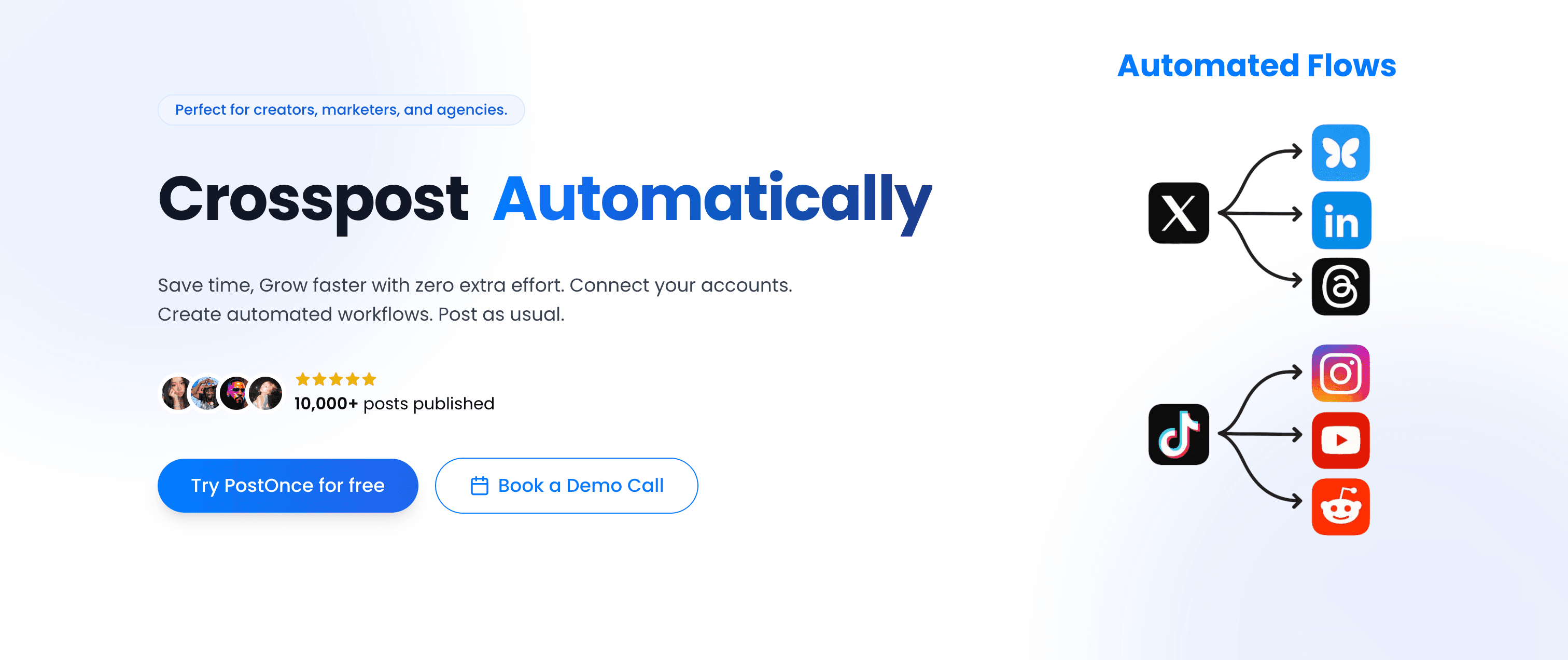
PostOnce takes a fundamentally different approach to multi-platform social media than SocialBee. Instead of building content calendars and scheduling posts manually for each platform, PostOnce automates crossposting from supported sources to eligible destinations. Available source/destination pairs and post types vary.
PostOnce vs SocialBee
SocialBee asks you to organize posts into categories and schedule them platform by platform. PostOnce eliminates that workflow entirely.
SocialBee workflow:
- Create post for Instagram
- Schedule it in SocialBee's category queue
- Create a separate post for Twitter/X (adapting for character limits)
- Schedule that in a different queue
- Repeat for LinkedIn, Threads, Bluesky, Facebook
- Monitor queues for stalling issues
PostOnce workflow:
- Post natively on Instagram (or whatever platform you prefer)
- PostOnce crossposts to eligible destinations in your configured flow; source/destination pairs and post types vary
- Done — distributed in seconds
This isn't just a feature difference. It's a different philosophy: PostOnce treats crossposting as something that should happen invisibly, not as a task requiring tools and workflows. You crosspost automatically without thinking about it.
Platform support
PostOnce supports these nine platforms, including ones SocialBee doesn't reach. Available source/destination pairs and post types vary:
- TikTok (supported post types vary)
- Instagram (feed posts, carousels, Reels)
- Twitter/X (posts, threads, media)
- LinkedIn (posts, documents, videos)
- Bluesky (posts, media, threads)
- Threads (text posts, media)
- Facebook (pages, media)
- Pinterest (pins, boards)
- YouTube (shorts, community posts)
The inclusion of Bluesky and Threads is significant. These are the platforms where creators are actively building new audiences in 2026, and SocialBee's coverage here is limited.
How the workflow works
- Connect your social accounts (one-time setup — takes minutes)
- Create crossposting flows (choose which platform triggers distribution to which destinations)
- Post natively on your preferred platform
- PostOnce distributes automatically to eligible destinations in your configured flows; source/destination pairs and post types vary
No scheduling calendars to manage. No stalled queues. No copying and pasting posts across platforms six times a week.
For creators looking to repurpose content they've already published, PostOnce also supports crossposting existing posts — not just new ones.
Content rules and filtering
PostOnce includes smart filtering so you control exactly what gets crossposted:
- Hashtag rules — Only crosspost content with specific hashtags (or exclude hashtags from distribution)
- Content type filtering — Crosspost only images, only videos, or only text posts
- Platform-specific rules — Send Instagram Reels to YouTube Shorts but not to LinkedIn; keep professional posts off casual platforms
This means you can post casually without worrying about it auto-distributing everywhere. Only the content you want shared gets shared.
Pricing
PostOnce's pricing is straightforward:
Creator Plan — $29/month
- 15 social accounts
- unlimited crossposting workflows
- Access to all nine supported platforms; source/destination pairs and post types vary
- Unlimited posts
- Content filtering rules
Pro Plan — $69/month
- 50 social accounts
- Unlimited crossposting flows
- Priority support
- Advanced content rules
Agency Plan — $199/month
- 200 social accounts
- Unlimited crossposting workflows
- Unlimited posts
- Priority support
All three plans include a 7-day free trial. No per-channel fees — flat monthly pricing regardless of how many platforms you manage.
Why PostOnce stands out for creators
- Native posting → automatic crossposting replaces SocialBee's manual scheduling workflow entirely
- Saves creators ~4 hours per week on repetitive multi-platform posting
- Includes Bluesky and Threads — platforms SocialBee doesn't fully support
- 50,000+ posts published through the platform and growing
- Content filtering ensures the right content goes to the right platforms
- No stalled queues — distribution happens automatically via native posting triggers
Best for: Content creators, indie hackers, podcasters, YouTubers, newsletter writers — anyone who crosspost similar content across multiple platforms regularly.
Not ideal for: Teams needing detailed analytics dashboards, agencies managing dozens of client accounts with approval workflows, or businesses that primarily create unique content per platform rather than crossposting.
Alternative #2: Buffer
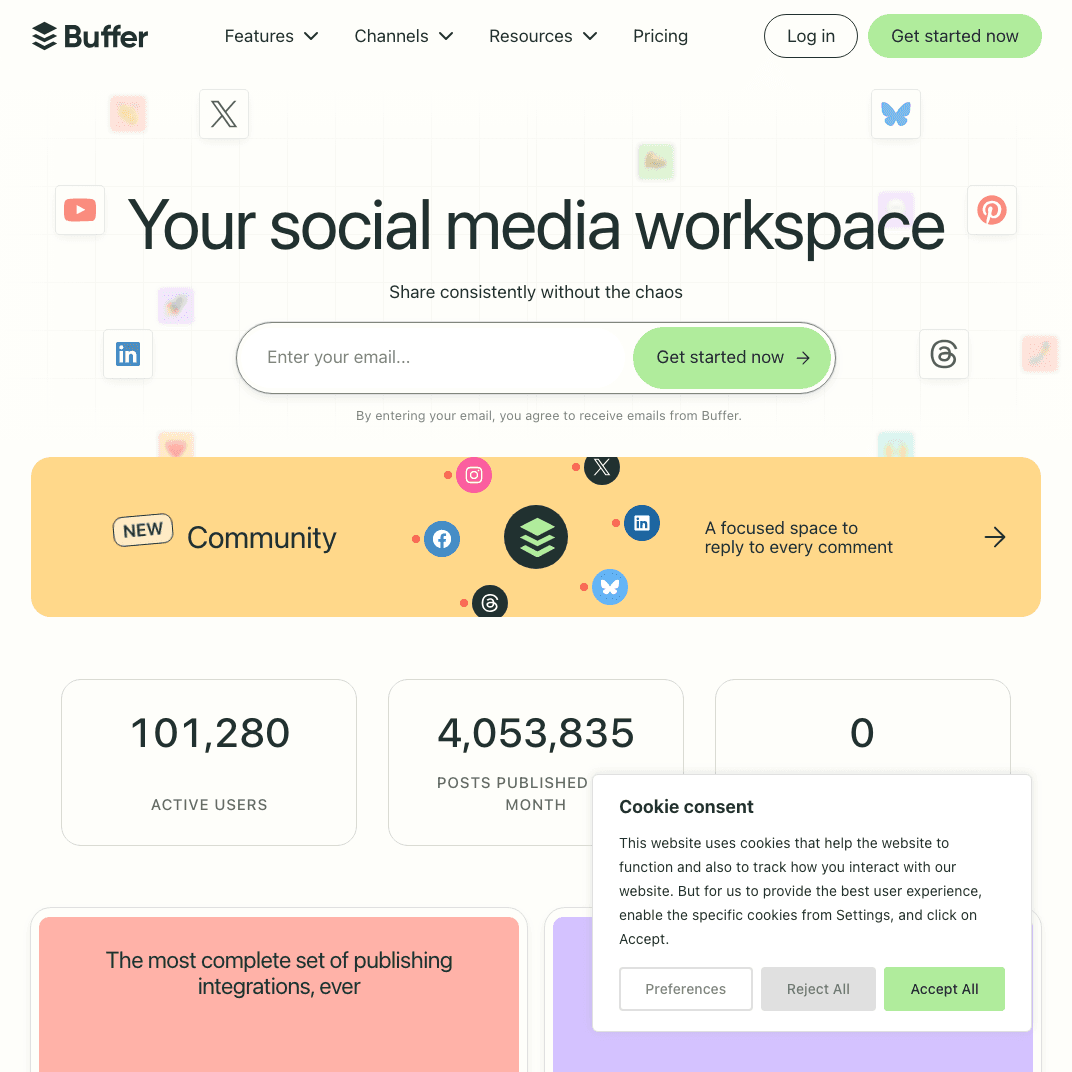
Buffer is the clean, minimal scheduling tool that SocialBee users often compare against. Where SocialBee leans into complexity with category systems and automation, Buffer strips scheduling down to its simplest form.
Buffer vs SocialBee
SocialBee's content category system is more powerful than Buffer's queue for evergreen automation, but Buffer wins decisively on simplicity, reliability, and ease of getting started.
Simple, reliable queue scheduling
Buffer's queue works exactly as expected: you load posts, set your posting times, and Buffer publishes them in order. No category systems to learn, no stalling queues, no complicated setup. For users frustrated by SocialBee's reliability issues, Buffer's predictability is a genuine selling point.
Browser extension
Buffer's browser extension lets you save and schedule content directly from any web page. Spot an article you want to share? One click adds it to your queue — without opening a separate app. SocialBee has no equivalent.
Platform support
Buffer supports:
- Instagram (feed, Stories, Reels)
- Facebook (pages)
- Twitter/X
- LinkedIn (profiles, pages)
- TikTok (via mobile reminder)
- Mastodon
Buffer lacks native support for Bluesky and Threads, which limits it for creators on newer platforms. For a broader comparison, see the best crossposting tools guide.
Pricing
Buffer's per-channel pricing model:
Free — $0/month
- 3 channels, 10 scheduled posts per channel
Essentials — $6/month per channel
- Unlimited scheduled posts, analytics, engagement tools
Team — $12/month per channel
- Everything in Essentials + draft posts, collaboration
At $6/month per channel, Buffer gets expensive quickly. Managing Instagram, Twitter, LinkedIn, Facebook, and Pinterest runs $30/month — more than SocialBee's $29 Bootstrap plan, with fewer automation features.
Pros
- Extremely clean, intuitive interface with minimal learning curve
- Browser extension for quick content saving
- Reliable queue with no reported stalling issues
- Generous free plan to try before committing
Cons
- No content recycling or evergreen automation
- No approval workflows or team collaboration at basic tiers
- Per-channel pricing adds up fast for multi-platform creators
- No support for Bluesky or Threads
- No crossposting automation
| Feature | Buffer | SocialBee |
|---|---|---|
| Content recycling | ❌ No | ✅ Categories |
| Learning curve | Low | Medium-High |
| Pricing | $6/mo per channel | $29/mo flat |
| Bluesky support | ❌ No | Limited |
| Reliability | ✅ Very reliable | Reported queue issues |
Verdict
Buffer is the right SocialBee alternative if you want simplicity and reliability over automation complexity. You give up evergreen recycling, but you gain a tool that just works without learning a category system. For solo creators with straightforward posting needs, that trade-off makes sense.
Best for: Solo creators and small businesses who want reliable, simple scheduling without complexity.
Alternative #3: Hootsuite
Hootsuite is the enterprise-grade alternative to SocialBee — built for large teams managing multiple brands and social media accounts with comprehensive scheduling, social listening, and analytics.

Hootsuite vs SocialBee
SocialBee is built around content organization for solo creators. Hootsuite is built around team management, monitoring, and reporting for organizations.
Comprehensive platform coverage
Hootsuite supports 20+ social networks, more than any other tool on this list. It covers all major platforms plus enterprise-specific integrations.
Unified social inbox
Hootsuite aggregates messages, comments, and mentions from all connected accounts into a single inbox — with tools for assignment, tagging, and response management. SocialBee's "Engage" tool is basic by comparison.
Team collaboration and approval workflows
Hootsuite includes role-based permissions, approval workflows, task assignment, and campaign management — everything SocialBee lacks for team use. For more context on collaboration tools, the best social media management tools comparison covers this well.
Analytics and reporting
Hootsuite provides detailed performance reports across all connected platforms with customizable dashboards, competitor benchmarking, and exportable data.
Pricing
Professional — $99/month (1 user, 10 accounts) Team — $249/month (3 users, 20 accounts) Enterprise — Custom pricing (50+ accounts)
Pros
- Most comprehensive platform coverage (20+ networks)
- Robust team collaboration with approval workflows
- Unified social inbox for community management
- Deep analytics and reporting
Cons
- Significantly more expensive than SocialBee ($99/mo minimum)
- Steep learning curve with extensive feature set
- Still requires manual scheduling per platform (no crossposting automation)
- Interface feels dated compared to modern tools
| Feature | Hootsuite | SocialBee |
|---|---|---|
| Approval workflows | ✅ Yes | ❌ No |
| Social inbox | ✅ Comprehensive | ❌ Basic |
| Pricing | $99-249/mo | $29-99/mo |
| Best for | Enterprise teams | Solo creators |
Verdict
Hootsuite is the right SocialBee alternative when your team has outgrown single-user tools and needs approval workflows, a unified inbox, and serious analytics. The price jump is steep, but the feature gap justifies it at scale. For solo creators, it's overkill.
Best for: Marketing teams, enterprises, agencies managing social media at scale with multiple team members.
Alternative #4: Later
Later started as an Instagram scheduler and evolved into a visual-first social media planner with an emphasis on content calendar aesthetics and media organization.

Later vs SocialBee
SocialBee organizes content by category and automates publishing schedules. Later organizes content visually — drag-and-drop feed planning that shows you exactly how your Instagram grid will look before anything goes live.
Visual Instagram grid planning
Later's signature feature is the visual grid planner for Instagram. You can arrange scheduled posts to preview your feed aesthetic, drag content around to find the right order, and plan cohesive visual themes. SocialBee has no equivalent.
Media library
Later includes a robust media library with folder organization, tagging, and search. This makes it easier to find and reuse content assets — something SocialBee handles less elegantly.
Link in bio tool
Later's link-in-bio tool turns your Instagram bio link into a landing page that tracks clicks on each post. This is built-in, not an add-on — useful for creators monetizing via Instagram traffic.
Platform support
Later supports Instagram, Facebook, TikTok, Pinterest, LinkedIn, Twitter/X, Threads, and YouTube — broader than SocialBee's coverage on newer platforms.
Pricing
Free — 1 social set, 10 posts/profile/month Starter — $25/month (1 social set, 30 posts/profile) Growth — $45/month (3 social sets, unlimited posts) Advanced — $80/month (6 social sets)
Pros
- Visual grid planning for Instagram-first creators
- Free plan available (SocialBee has none)
- TikTok and Threads support
- Media library with folder organization
Cons
- Less powerful for non-Instagram platforms
- No content recycling or evergreen automation
- No approval workflows
- No crossposting automation
| Feature | Later | SocialBee |
|---|---|---|
| Visual grid plan | ✅ Yes | ❌ No |
| Free plan | ✅ Yes | ❌ No |
| Content recycling | ❌ No | ✅ Categories |
| Threads support | ✅ Yes | Limited |
Verdict
Later is the best SocialBee alternative for Instagram-focused creators who want visual feed planning and don't need evergreen automation. The free plan makes it risk-free to try. For creators who live outside Instagram, Later's advantages shrink quickly.
Best for: Instagram-first creators, visual content planners, influencers focused on feed aesthetics.
Alternative #5: Publer
Publer is the budget-friendly scheduling tool that packs a surprising number of features into its entry tiers — including Canva integration, AI writing, and content recycling that competes directly with SocialBee.
Publer vs SocialBee
Publer overlaps significantly with SocialBee on features — both offer AI writing, content recycling, and multi-platform scheduling — but Publer's pricing is lower and its interface more accessible for new users. For more budget-friendly options, see the best free social media scheduler comparison.
Canva integration built-in
Publer's Canva integration is native — you can design images inside Canva directly within the Publer interface and schedule them immediately. No jumping between apps. SocialBee has Canva integration but it's less seamless.
AI writing assistant
Publer's AI Assist generates captions, rewrites content, suggests hashtags, and adapts posts for different platforms — comparable to SocialBee's AI features.
Content recycling
Publer's Business plan includes content recycling similar to SocialBee's category system — you can set posts to repeat on a schedule without manual reloading.
Platform support
Publer supports 15+ platforms including Instagram, Facebook, Twitter/X, LinkedIn, Pinterest, TikTok, Google Business, Threads, YouTube, and more.
Pricing
Free — 3 social accounts, 10 scheduled posts per account (X/Twitter excluded) Professional — Starting at $12/month for 3 accounts, with additional accounts at $5/each Business — Starting at $21/month, adds analytics reports, hashtag suggestions, and content recycling
Every 10th social account or team member is free.
Pros
- Lower entry price than SocialBee ($12/mo vs $29/mo)
- Native Canva integration for in-app design
- Free plan available
- AI writing assistant included
Cons
- Free plan excludes Twitter/X
- Content recycling requires Business plan
- Analytics less robust than Sprout Social
- No approval workflows or team collaboration
- No crossposting automation
| Feature | Publer | SocialBee |
|---|---|---|
| Starting price | $12/mo | $29/mo |
| Free plan | ✅ Yes | ❌ No |
| Canva integration | ✅ Native | ✅ Integration |
| Content recycling | Business plan only | All plans |
Verdict
Publer is a strong SocialBee alternative for solo creators who want similar features at a lower entry price. The native Canva integration is a genuine advantage, and the free plan lets you test before committing. If content recycling is critical, you'll need the Business plan — which closes the price gap with SocialBee.
Best for: Solo creators and small businesses wanting SocialBee-like features at a lower starting cost.
Alternative #6: MeetEdgar
MeetEdgar pioneered the content library and recycling approach that SocialBee later expanded on. Where SocialBee uses a category queue, MeetEdgar uses a content library that automatically refills your posting schedule from stored content.

MeetEdgar vs SocialBee
Both MeetEdgar and SocialBee are built around the same core idea: don't let your social media queue run empty. MeetEdgar stores all your content in a persistent library; SocialBee organizes content into category queues. The approaches are similar, but MeetEdgar's execution is simpler.
Limitless content library
MeetEdgar stores every post you create permanently — nothing gets deleted after publishing. This library automatically refills your queue when new content runs out, keeping your accounts active indefinitely. SocialBee's recycling does the same, but MeetEdgar's library management is arguably cleaner.
AI-assisted content creation
MeetEdgar includes AI tools that can generate post variations, suggest copy, and help adapt content for different platforms.
Automatic category variation
MeetEdgar rotates through your content library intelligently — it won't just repeat the same posts in the same order, helping your account avoid feeling repetitive to followers.
Platform support
MeetEdgar supports Facebook, Instagram, Twitter/X, LinkedIn, and Pinterest. This is notably limited — no TikTok, no Threads, no Bluesky, no YouTube. For creators building presence on newer platforms, this is a significant gap.
Pricing
Eddie Monthly — $29.99/month (5 social accounts, unlimited scheduled posts, content library) Edgar Monthly — $49.99/month (25 social accounts, everything in Eddie)
A 7-day free trial is available on both plans.
Pros
- Clean, simple content library approach
- Permanent post storage (nothing auto-deletes)
- AI content variation tools
- Reliable automation without complex category setup
Cons
- Limited platform support (no TikTok, Threads, Bluesky)
- More expensive than RecurPost for comparable features
- No team collaboration or approval workflows
- Analytics are basic
- No crossposting automation
| Feature | MeetEdgar | SocialBee |
|---|---|---|
| Content library | ✅ Permanent | ✅ Category-based |
| Platform coverage | Limited (5 platforms) | Broader |
| Pricing | $29.99-49.99/mo | $29-99/mo |
| TikTok support | ❌ No | ✅ Yes |
Verdict
MeetEdgar is a solid SocialBee alternative for creators whose content library is entirely on Facebook, Instagram, Twitter, LinkedIn, and Pinterest. The simpler content library approach is less complex than SocialBee's category system. But the limited platform coverage is a dealbreaker if you're building on TikTok, Threads, or Bluesky.
Best for: Solopreneurs, coaches, and consultants with large evergreen content libraries focused on the five major legacy platforms.
Alternative #7: RecurPost
RecurPost takes the evergreen content recycling approach and combines it with more accessible pricing than SocialBee or MeetEdgar — making it the most affordable dedicated recycling tool on this list.

RecurPost vs SocialBee
RecurPost competes with SocialBee on its home turf: category-based scheduling and content recycling. The difference is that RecurPost starts at $9/month versus SocialBee's $29/month.
Content libraries and recurring schedules
Like SocialBee, RecurPost uses content libraries organized by type. You load posts into libraries, assign posting schedules, and RecurPost cycles through them automatically. The system is comparable, though RecurPost's interface is generally considered more approachable.
AI assistant
RecurPost includes a built-in AI assistant that generates captions, rewrites content, summarizes analytics, and helps repurpose older posts — comparable to SocialBee's AI features.
Agency workspace support
RecurPost supports separate workspaces for different clients or brands, with distinct calendars per workspace — useful for freelancers managing a handful of clients.
Platform support
RecurPost supports Facebook, Instagram, Twitter/X, LinkedIn, Pinterest, TikTok, YouTube, and Google Business — broader than MeetEdgar but similar to SocialBee.
Pricing
Starter — Starting at $9/month (limited accounts) Annual plans include 2 free months. Non-profits get additional 20% off.
Note: RecurPost removed its free plan and raised prices in recent updates. Verify current pricing before committing.
Pros
- Lowest entry price for content recycling tools
- AI assistant for content generation
- Broader platform support than MeetEdgar
- Agency-friendly workspaces
Cons
- No free plan (removed)
- Some users report an outdated interface
- Frequent disconnection issues reported
- No approval workflows
- No crossposting automation
| Feature | RecurPost | SocialBee |
|---|---|---|
| Starting price | ~$9/mo | $29/mo |
| Content recycling | ✅ Libraries | ✅ Categories |
| TikTok support | ✅ Yes | ✅ Yes |
| Free plan | ❌ Removed | ❌ No |
Verdict
RecurPost is the best budget SocialBee alternative for creators who want content recycling without paying SocialBee's prices. The AI features are comparable and platform support is solid. The interface isn't as polished, and disconnection issues have been reported — but the price difference is hard to ignore if you're cost-sensitive.
Best for: Budget-conscious creators, freelancers, and small businesses who want content recycling without enterprise pricing.
Alternative #8: Pallyy
Pallyy positions itself as a visual planning tool built for individual creators and small teams — with a social inbox, Instagram-specific analytics, and strong multi-platform scheduling.

Pallyy vs SocialBee
SocialBee focuses on content organization and automation. Pallyy focuses on visual planning and engagement management — different strengths for different priorities.
Visual feed planning
Pallyy includes a visual feed planner similar to Later's — drag-and-drop scheduling that shows your Instagram grid in real time. This is more useful for creators who care about visual cohesion.
Social inbox
Pallyy includes a social inbox that aggregates comments, DMs, and mentions across platforms — something SocialBee's Engage tool handles poorly. For creators who actively engage with their audience, this matters.
Instagram-specific analytics
Pallyy goes deeper on Instagram analytics than SocialBee: follower demographics, best performing posts, optimal posting times, and hashtag performance — all with clean visualizations.
Platform support
Pallyy supports Instagram, Facebook, TikTok, Pinterest, LinkedIn, Twitter/X, Threads, YouTube, and Google Business — matching or exceeding SocialBee's platform coverage.
Pricing
Free — Limited features Premium — $25/month per social set Scaling plans up to $199/month for 30 social sets + 10 users
Note: The AI assistant is a paid add-on at $19/month — not included in base plans.
Pros
- Visual feed planner for Instagram-first creators
- Social inbox for engagement management
- Threads and YouTube support
- Strong Instagram-specific analytics
Cons
- AI features cost extra ($19/month add-on)
- Pricing scales quickly for multiple social sets
- Less content recycling automation than SocialBee
- No approval workflows
| Feature | Pallyy | SocialBee |
|---|---|---|
| Visual feed plan | ✅ Yes | ❌ No |
| Social inbox | ✅ Yes | ❌ Basic |
| Content recycling | Limited | ✅ Categories |
| Threads support | ✅ Yes | Limited |
Verdict
Pallyy is the right SocialBee alternative for Instagram-heavy creators who also want a social inbox for engagement. The visual planning tools are better than SocialBee's, and Threads support is stronger. But if content recycling and category automation are your main reasons for using SocialBee, Pallyy won't fully replace that.
Best for: Visual content creators, Instagram-focused creators, and small teams who actively engage with their audience.
Alternative #9: Planable
Planable is the collaboration-first social media tool built around content approval workflows — the feature SocialBee conspicuously lacks.

Planable vs SocialBee
SocialBee is a solo-creator tool masquerading as a team tool. Planable is genuinely built for teams — agencies, marketing departments, brands with clients who need to approve content before it goes live.
Multi-level approval workflows
Planable's standout feature is approval workflows that mirror how real content teams actually operate:
- Creators draft posts in Planable
- Stakeholders review and leave comments
- Approvers give final sign-off
- Posts automatically publish after approval
This eliminates the email chains and Slack threads that happen when SocialBee users need client review.
Feed preview
Planable shows you exactly how a post will render on each platform before publishing — a feature called "feed view." This reduces formatting surprises, especially for LinkedIn documents or Twitter threads.
Real-time collaboration
Multiple users can edit content simultaneously with real-time collaboration, similar to Google Docs. Comments can be left on specific posts, and team members get notifications when content needs review.
Platform support
Planable covers all major platforms: Facebook, Instagram, LinkedIn, Twitter/X, TikTok, Threads, YouTube, and Google Business.
Pricing
Free — 50 posts total, unlimited users, 1 workspace Basic — $13/month (unlimited posts, unlimited workspaces, approval workflows) Pro — $26/month (custom approval workflows, universal content) Enterprise — Custom pricing
Pros
- Content approval workflows SocialBee completely lacks
- Unlimited users even on Basic plan ($13/month)
- Feed preview shows post rendering before publishing
- Real-time collaboration for distributed teams
Cons
- Less analytics than SocialBee or dedicated analytics tools
- No social inbox for community management
- No content recycling or evergreen automation
- No crossposting automation
| Feature | Planable | SocialBee |
|---|---|---|
| Approval workflows | ✅ Yes | ❌ No |
| Unlimited users | ✅ $13/mo plan | Limited |
| Content recycling | ❌ No | ✅ Categories |
| Starting price | $13/mo | $29/mo |
Verdict
Planable is the obvious SocialBee alternative for agencies and teams where client approval or editorial oversight is non-negotiable. At $13/month for unlimited posts and users, it's cheaper than SocialBee's entry tier for teams. You lose content recycling, but you gain the collaboration features SocialBee can't deliver.
Best for: Agencies managing client social media, marketing teams with approval requirements, brands needing client sign-off on content.
Alternative #10: Sprout Social
Sprout Social is the enterprise analytics and community management platform — built for brands that need to prove social media ROI through comprehensive reporting and social listening.
Sprout Social vs SocialBee
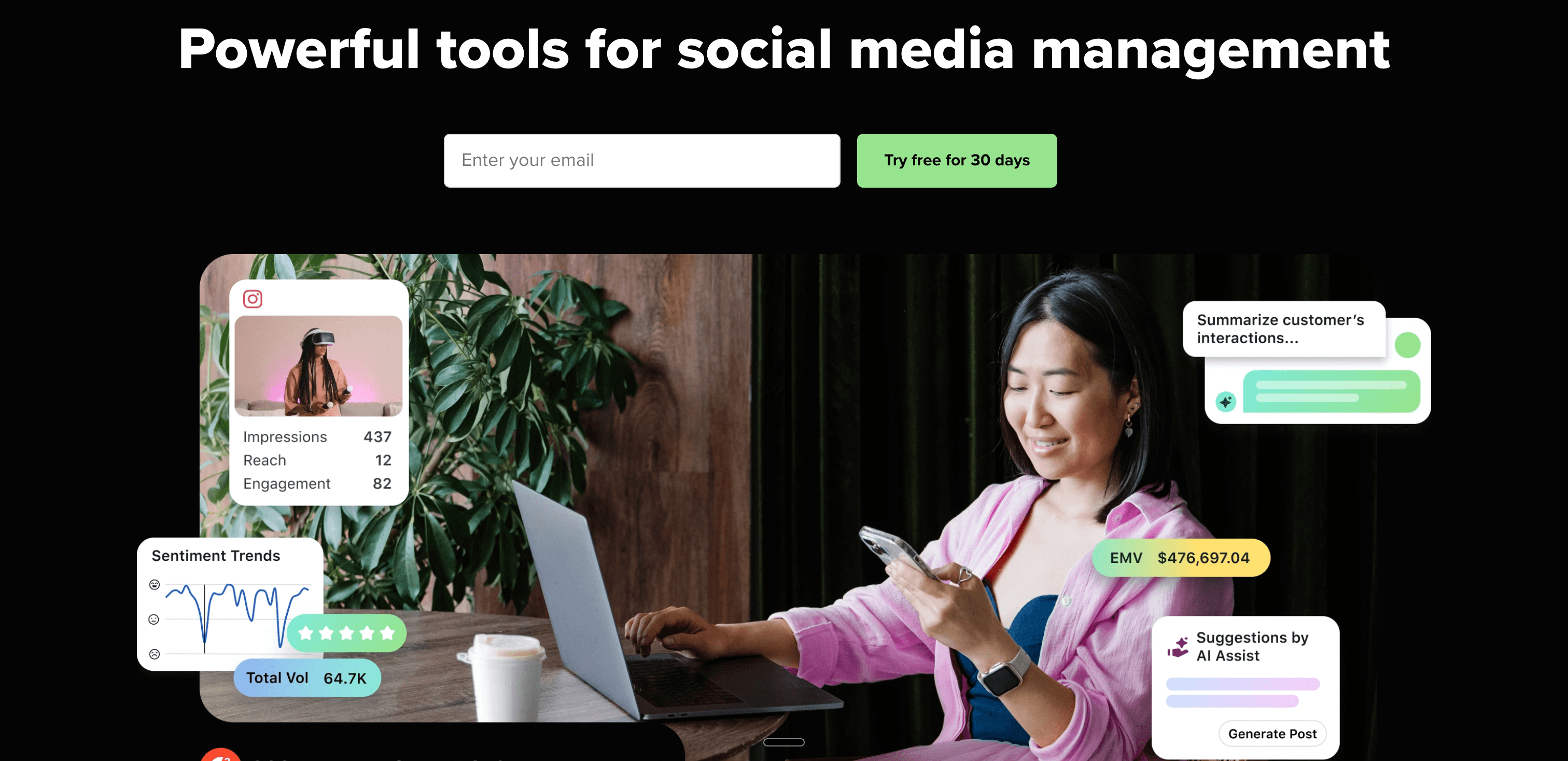
SocialBee is affordable but analytically limited. Sprout Social is expensive but analytically comprehensive — the gap between them is as wide as the price difference.
Advanced analytics and reporting
Sprout Social provides analytics that SocialBee can't match:
- Engagement metrics across all platforms with historical comparison
- Audience demographics (who's following and engaging)
- Competitor benchmarking
- Custom exportable reports for stakeholder presentations
For social media managers who need to justify spend to executives, Sprout Social's reporting is the industry standard.
Smart inbox
Sprout Social's Smart Inbox consolidates all messages, comments, and mentions — with collision detection (preventing two team members from responding to the same message), automated tagging, and saved replies.
Social listening
Sprout Social monitors brand mentions, industry keywords, and competitor activity across social media — helping teams spot trends and respond proactively.
Pricing
Standard — $249/month per seat (5 social profiles) Professional — $399/month per seat Advanced — $499/month per seat
That's $249/month for a single user — roughly 8x the cost of SocialBee's entry plan.
Pros
- Industry-leading analytics with audience demographics
- Smart Inbox for enterprise community management
- Social listening for brand monitoring
- Best-in-class for proving social media ROI
Cons
- Extremely expensive ($249/mo minimum per user)
- Overkill for solo creators or small businesses
- No content recycling automation
- No crossposting automation
- Steep learning curve
| Feature | Sprout Social | SocialBee |
|---|---|---|
| Analytics depth | Enterprise-grade | Basic |
| Social listening | ✅ Yes | ❌ No |
| Pricing | $249-499/mo per seat | $29-99/mo |
| Best for | Enterprise analytics | Solo content creators |
Verdict
Sprout Social makes sense only if you're a social media manager at a brand that needs detailed performance reports and can justify the $249/month per-user cost. For creators switching from SocialBee because analytics are too basic, Metricool offers a better analytics-to-price ratio. For social media automation at scale, PostOnce is more efficient.
Best for: Established brands, enterprise marketing teams, social media managers who need to prove ROI with detailed reporting.
Alternative #11: SocialPilot
SocialPilot is the budget-friendly agency alternative — offering client management, white-label reports, and bulk scheduling at prices significantly lower than enterprise tools.
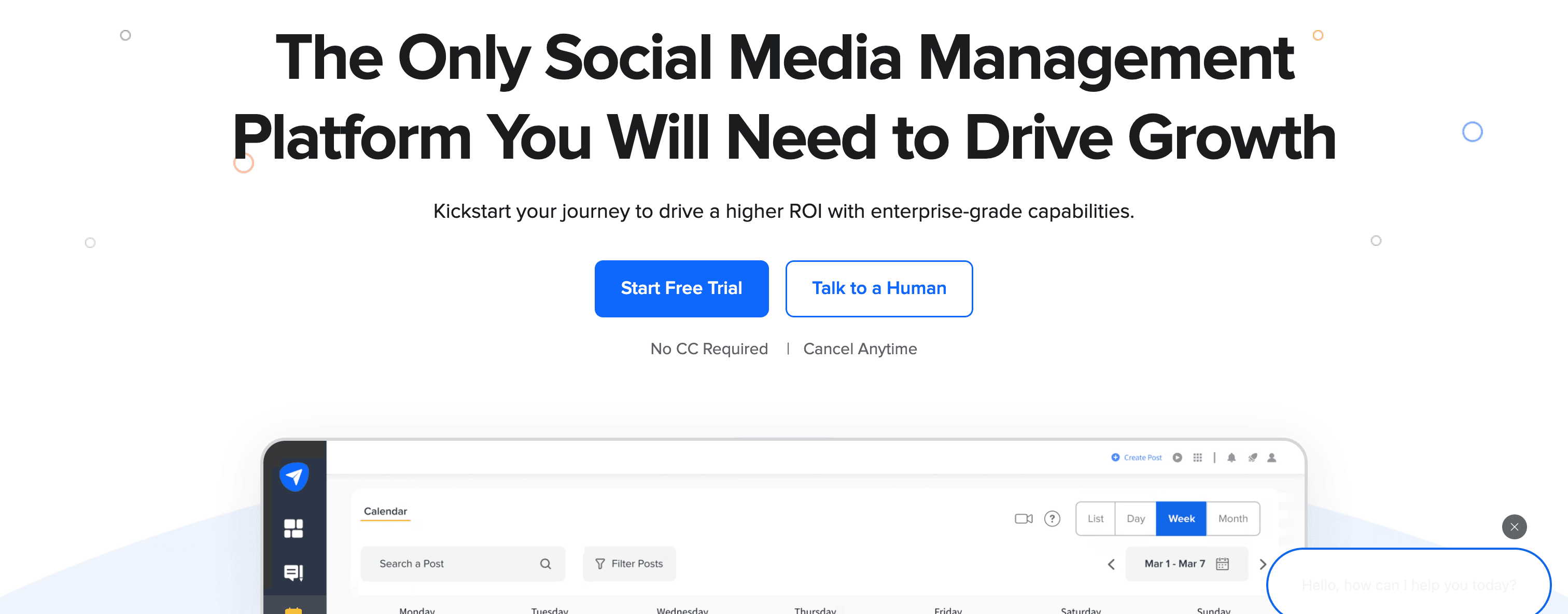
SocialPilot vs SocialBee
SocialBee serves solo creators with content recycling. SocialPilot serves small agencies with client management — a different use case, but one that many SocialBee users graduate into as their business grows.
Bulk scheduling
SocialPilot lets you upload CSV files with hundreds of posts and schedule them all at once — a time-saver for agencies managing multiple clients or brands with high-volume content calendars.
Client management
SocialPilot includes client workspaces with separate access for each client, white-label reports branded with your agency logo, and client-facing approval workflows. SocialBee has none of this.
Platform support
SocialPilot supports 10+ platforms: Facebook, Instagram, Twitter/X, LinkedIn, Pinterest, TikTok, Google Business, and more.
Pricing
Professional — $30/month (25 accounts, 1 user, bulk scheduling) Small Team — $50/month (50 accounts, 3 users) Agency — $100/month (100 accounts, 6 users, white-label reports) Agency+ — $200/month (200 accounts, 10 users)
All plans include a 14-day free trial.
At $30/month for 25 accounts, SocialPilot offers dramatically better value than SocialBee for agencies managing multiple brands. Check the best social media management tools for agencies guide for more options.
Pros
- Affordable agency pricing (25 accounts for $30/month)
- Client workspaces and white-label reports
- Bulk scheduling for high-volume content
- TikTok and Google Business support
Cons
- Interface less polished than modern tools
- No social inbox or listening features
- No content recycling automation
- No crossposting automation
- Analytics less detailed than Sprout Social
| Feature | SocialPilot | SocialBee |
|---|---|---|
| Client management | ✅ Yes | ❌ No |
| White-label | ✅ Agency plan | ❌ No |
| Content recycling | ❌ No | ✅ Categories |
| Pricing (25 accts) | $30/mo | $99/mo (Pro) |
Verdict
SocialPilot is the right SocialBee alternative for agencies that need client management features at a price that doesn't require enterprise budgets. You give up content recycling, but gain white-label reporting and client workspaces that SocialBee simply doesn't have.
Best for: Freelancers and small agencies managing multiple client social media accounts with budget constraints.
Which SocialBee alternative fits you?
The right SocialBee alternative depends on what's actually frustrating you about SocialBee right now:
You want to stop manually scheduling the same content on every platform:
- PostOnce — Post once natively, let automation handle distribution to eligible destinations. $29/month.
You want simpler, more reliable scheduling without complex category setup:
- Buffer — Clean queue scheduling that just works. From $6/month per channel.
- Publer — Similar simplicity with Canva built in. From $12/month.
You want content recycling but at a lower price:
- RecurPost — Similar category-based recycling starting at ~$9/month.
- MeetEdgar — Permanent content library at $29.99/month, simpler than SocialBee's category system.
You want better visual planning (especially for Instagram):
- Later — Visual grid planner with free plan available. From $25/month.
- Pallyy — Visual planning + social inbox. From $25/month per social set.
You need approval workflows for teams or clients:
- Planable — Approval workflows, unlimited users, $13/month.
- SocialPilot — Agency-grade client management, white-label reports, $30/month.
You need enterprise analytics and social listening:
- Sprout Social — Industry-leading reporting at $249/month per seat.
- Hootsuite — Comprehensive team features at $99-249/month.
FAQs about SocialBee alternatives
What's the best SocialBee alternative for crossposting?
PostOnce is the best SocialBee alternative for crossposting. Where SocialBee still requires you to manually schedule content on each platform separately, PostOnce automates the entire workflow — you post natively on one platform and PostOnce distributes it to all your connected accounts automatically. This is a fundamentally different approach that saves creators roughly 4 hours per week compared to manual scheduling. PostOnce also supports Bluesky and Threads natively, which SocialBee handles inconsistently.
Is there a free alternative to SocialBee?
Yes. SocialBee has no free plan, which makes it easy for free-tier competitors to stand out:
- Later — Free plan with 10 posts per social profile per month, visual grid planning included
- Publer — Free plan with 3 accounts (excluding Twitter/X), 10 scheduled posts per account
- Buffer — Free plan with 3 channels and 10 scheduled posts per channel
If you're looking to try before you pay, any of these three give you hands-on access without a credit card.
What's a cheaper alternative to SocialBee?
Several SocialBee alternatives start at lower price points:
- RecurPost — Content recycling from ~$9/month (similar category-based approach)
- Publer — Scheduling from $12/month with AI writing and Canva
- Planable — Team scheduling with approval workflows from $13/month
- Buffer — Simple scheduling from $6/month per channel
- PostOnce — Crossposting automation from $29/month flat (no per-channel fees)
For creators managing 4+ platforms, PostOnce's flat $29/month is often cheaper than SocialBee's $29/month once you factor in what you get for the price.
Does any SocialBee alternative have better team features?
Planable has the best team features among affordable SocialBee alternatives. It offers multi-level approval workflows, real-time collaboration, and unlimited users even on its $13/month Basic plan — features SocialBee lacks entirely. SocialPilot is better for agencies needing client workspaces and white-label reporting. Hootsuite and Sprout Social offer enterprise-grade team tools, but at significantly higher prices.
What's the best SocialBee alternative for content recycling?
If content recycling is the main reason you use SocialBee, MeetEdgar and RecurPost are the closest alternatives:
- MeetEdgar uses a permanent content library that auto-refills your queue — simpler than SocialBee's category system, at $29.99/month
- RecurPost offers category-based recycling starting at ~$9/month — the cheapest option
Publer (Business plan) also includes recycling as a feature, though it's not the primary focus.
Can I crosspost from Instagram to Bluesky with any of these tools?
PostOnce is the only tool on this list that supports automatic crossposting from Instagram to Bluesky (and Threads). You post natively on Instagram, and PostOnce automatically distributes it to Bluesky, Threads, Twitter/X, LinkedIn, Facebook, Pinterest, and YouTube based on your configured flows. Most other tools — including SocialBee — don't support Bluesky or only offer it as a manual scheduling destination. For creators building audience on newer platforms, see how to crosspost on social media for a strategy overview.
Is SocialBee good for agencies?
SocialBee is not well-suited for agencies. It lacks client workspaces, approval workflows, white-label reporting, and meaningful team collaboration features. If you're running an agency, Planable ($13/month with unlimited users and approval workflows), SocialPilot ($30/month for 25 accounts with white-label reports), or Sendible (white-label agency tool from $29/month) are all better fits.
What do SocialBee users complain about most?
Based on user reviews across Capterra, G2, and Trustpilot, the most common SocialBee complaints are:
- Queue stalling when a single post has an error (with no clear notification of which post caused it)
- Weak mobile app with limited functionality
- Double-posting bugs on published content
- No approval workflows for teams
- Basic analytics that don't go deep enough for reporting
- Inconsistent pricing — promotions accepted at checkout but later denied
Final thoughts: Choosing the right SocialBee alternative
SocialBee's content category system is genuinely smart for creators with large evergreen libraries. But if you've hit the walls — no crossposting automation, weak mobile app, no approval workflows, basic analytics, or unreliable queue behavior — there's a better tool for your specific situation.
The right choice depends on what you actually need:
For crossposting automation → PostOnce eliminates the manual workflow entirely. Post to all social media at once without manually scheduling each platform.
For simpler, more reliable scheduling → Buffer or Publer offer clean, predictable queues without SocialBee's complexity.
For budget content recycling → RecurPost or MeetEdgar deliver similar evergreen functionality at lower prices.
For team collaboration → Planable provides approval workflows SocialBee doesn't have, at $13/month.
For agencies → SocialPilot delivers client management and white-label reporting that SocialBee can't touch.
For enterprise analytics → Sprout Social or Hootsuite for teams with the budget to match.
For most individual creators publishing regularly across 3-6 platforms, PostOnce at $29/month delivers the biggest workflow improvement — not by making scheduling easier, but by making it unnecessary. You post naturally on the platform you prefer, and distribution happens automatically. That's a different category from every other tool on this list.
Try PostOnce free for 7 days
Stop manually scheduling the same content across every platform. Post once natively — PostOnce handles automatic distribution to Instagram, Twitter/X, LinkedIn, Bluesky, Threads, Facebook, Pinterest, and YouTube. See how much time you save.
Whatever tool you choose, the goal is the same: spend less time managing social media mechanics and more time creating content worth sharing.