


















If you're searching for a hootsuite free alternative, the central question usually isn't "what looks most like Hootsuite?" It's "what gets my content out with less friction and less cost?" For that job, PostOnce is the cleanest answer when your main need is cross-posting one piece of content across multiple networks without turning publishing into a daily copy-paste routine.
The timing matters. Hootsuite ended its free plan on March 31, 2023, which pushed a lot of smaller users into paid plans or forced a tool switch. That change hit exactly the people who tend to care most about efficiency: solo creators, small businesses, and lean teams trying to stay visible without adding another expensive subscription.
A lot of comparison posts still focus on the usual platforms and miss a practical issue. Newer networks matter now. Some alternatives still don't cover channels like Threads or Bluesky natively, which creates extra manual work and fragmented workflows, a gap highlighted in Sked Social's comparison of Hootsuite alternatives. If your workflow depends on broad distribution, that's not a small limitation. It's the whole decision.
This list is built around the actual job each tool does best. Some tools are better for approvals. Some are better for analytics. Some are good enough as a simple scheduler. And if your use case touches hiring, employer brand, or candidate outreach, your publishing workflow also intersects with broader content strategy like social media for recruiting.
1. PostOnce The Direct Solution for Automated Cross-Posting

If Hootsuite felt heavy for your workflow, PostOnce is the cleaner replacement. Its job is simple and specific: take one finished post and distribute it across multiple networks without turning every publish day into manual reformatting.
That distinction matters. A lot of social tools are built as broad management suites. PostOnce is built for the job of automated distribution. For creators, indie operators, and small teams, that usually matters more than having a larger dashboard.
Best job to be done
PostOnce is strongest when the problem is repetition. You write once, then spend the next 20 minutes rewriting captions, adjusting formatting, and pasting the same idea into five platforms. PostOnce cuts that loop down by centering the workflow around cross-posting to channels such as Instagram, X, LinkedIn, Threads, Bluesky, TikTok, and Pinterest.
Here is the practical test I use. If content creation is already the hard part, your tool should not add a second job after the post is ready.
This also makes PostOnce one of the clearer migration paths from Hootsuite. Instead of rebuilding full scheduling systems, teams can start by connecting their active profiles, choosing a source channel, and using PostOnce for the distribution layer first. That approach works well for businesses leaving Hootsuite because of cost. It also works for agencies that want to trim admin time before they rethink reporting or approvals.
Where it fits best
PostOnce fits different users for different reasons:
- Creators: Best for turning one idea into multi-platform distribution without extra production work.
- Small businesses: Useful when one person handles marketing and needs output, not a complicated workspace.
- Agencies with straightforward publishing needs: Good for client accounts that mainly need consistent posting across several networks.
- Teams testing a Hootsuite replacement: A practical first move if the immediate pain point is copy-paste publishing, not analytics.
The setup effort is light. Account connections are handled through OAuth, and the workflow is easy to configure without a long onboarding process. That matters in practice, because a tool that promises efficiency but takes a week to set up usually gets abandoned.
What works in practice
A few things stand out once you use it regularly:
- Cross-posting is the product, not a side feature: The interface stays focused on distribution instead of pulling you into unrelated modules.
- Platform-specific formatting helps reduce cleanup: You still need to check tone and context, but the tool removes a lot of repetitive editing.
- Pricing is easy to evaluate: Creator starts at $29/month and Pro at $69/month, with a free trial and refund window listed on the company site.
- It scales cleanly for lean teams: Lower tiers cover smaller publishing operations, while Pro makes more sense for agencies and multi-brand setups.
The trade-offs are clear too. Reddit and YouTube are still marked as coming soon, so this is not the right pick if those channels drive your strategy. It is also narrower than Hootsuite for teams that need approval chains, inbox management, or heavier reporting.
That focus is the point.
Choose PostOnce if your main job is automated distribution and your Hootsuite migration plan starts with removing manual cross-posting first.
2. Buffer The Classic, User-Friendly Scheduler
Buffer is the easiest Hootsuite replacement to recommend for one specific job: straightforward scheduling without setup friction.
That makes it a strong fit for solo creators, consultants, local businesses, and small in-house teams that do not need approval chains, client workspaces, or heavy reporting on day one. If the goal is to get posts queued, published, and off your plate, Buffer handles that job well.
Its free plan gives smaller accounts room to test a real publishing workflow before paying. The paid structure is also easier to stomach than Hootsuite for users managing only a handful of channels. That pricing model matters, because a lot of teams leave Hootsuite not because they hate the product, but because they are paying for more system than they use.
Where Buffer fits best
Buffer works best for a few clear user types:
- Solo creators who want a clean publishing habit: The queue is easy to understand, and daily use does not feel like admin work.
- Small businesses with predictable posting schedules: If content is planned a week or two ahead, Buffer keeps the process organized without much training.
- Teams leaving Hootsuite in stages: Start with scheduling first, then add analytics or approvals elsewhere later if those needs grow.
The trade-off is scope. Buffer is a scheduler first. It is less compelling for agencies that need client approvals, for brands building a wider automation system, or for teams managing a messy mix of channels and stakeholders.
I usually suggest Buffer as the safest migration path for users who felt Hootsuite was overbuilt for their actual workload. Export your posting plan, reconnect your main profiles, rebuild the queue, and keep the process simple. If your main job-to-be-done is dependable scheduling, Buffer is still one of the cleanest answers.
Visit Buffer.
3. Metricool The Analytics-Focused Alternative
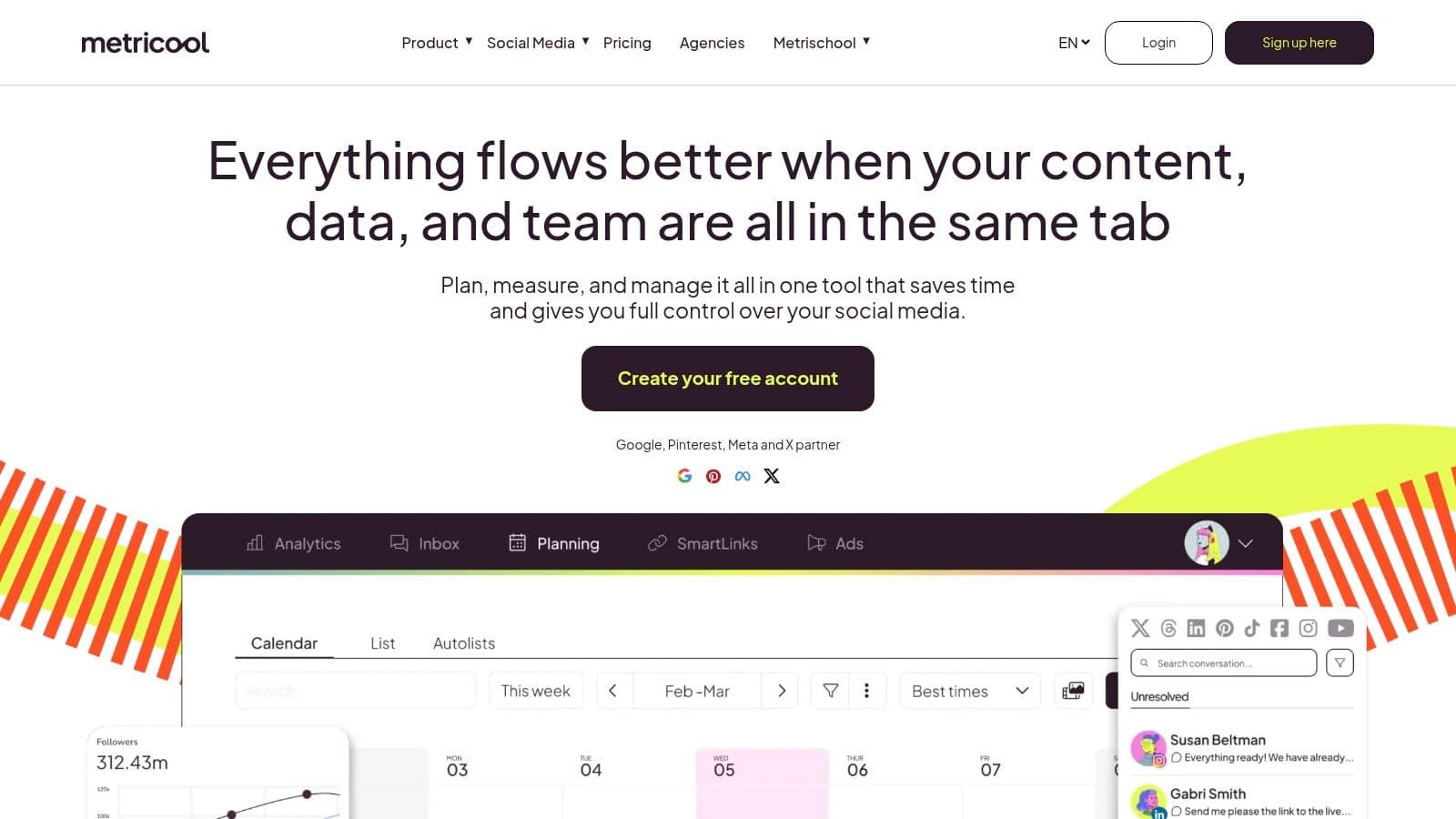
Metricool fits a different job than Buffer. It is built for people who need publishing and performance review in the same workflow, not just a clean queue.
That makes it a strong Hootsuite alternative for freelancers, consultants, and small in-house teams that regularly ask a harder question after posting. Which content is pulling its weight, and which channel is wasting effort?
Where Metricool fits best
Metricool is the better pick if your main job-to-be-done is performance tracking with light scheduling attached. I recommend it most often to creator businesses that have started treating social as a measurable acquisition channel, and to small agencies that need enough reporting to justify decisions without paying for a full agency platform.
The trade-off is setup effort. Metricool asks you to spend more time learning the dashboard, connecting accounts properly, and checking reports with some discipline. That extra work pays off if analytics effectively drives decisions on your team. If nobody is going to review the numbers and change the plan, a simpler scheduler will feel better day to day.
Its lower tiers also have limits around collaboration depth. Teams that need structured approvals, client review, or a tighter feedback loop usually hit that wall before they hit a publishing limit.
I usually suggest Metricool to users leaving Hootsuite for one specific reason. They still want visibility into results, but they do not want to keep paying for a heavier system built for broader team operations. In that case, the migration path is straightforward. Reconnect your core social profiles, rebuild your publishing calendar, then use Metricool's reporting to identify which channels deserve more time in the new stack.
Visit Metricool.
4. Zoho Social Best Free Option for the Zoho Ecosystem
Zoho Social isn't the flashiest option on this list, but it's practical. If you already use Zoho products, the value isn't just in scheduling posts. It's in keeping your business systems closer together.
The job Zoho Social handles best is single-brand management for operators who want one toolset to feel connected. For consultants, service businesses, and companies already inside the Zoho ecosystem, that setup can reduce friction fast.
Who should pick Zoho Social
Choose Zoho Social if these points sound familiar:
- You're already using Zoho: Integration matters more than novelty.
- You manage one brand: The free tier is a straightforward fit for focused account management.
- You want a fuller suite feel: It gives more structure than lightweight schedulers.
The downside is that Zoho can feel heavier than necessary for solo creators. If all you need is a queue and a calendar, the interface may feel more operational than creative. That's not a flaw. It's just built with a different user in mind.
A lot of small business owners like Zoho Social once they stop expecting it to behave like Buffer. It isn't trying to be the lightest tool. It wants to be part of a broader business stack.
Visit Zoho Social.
5. Publer The Creator-Friendly Powerhouse
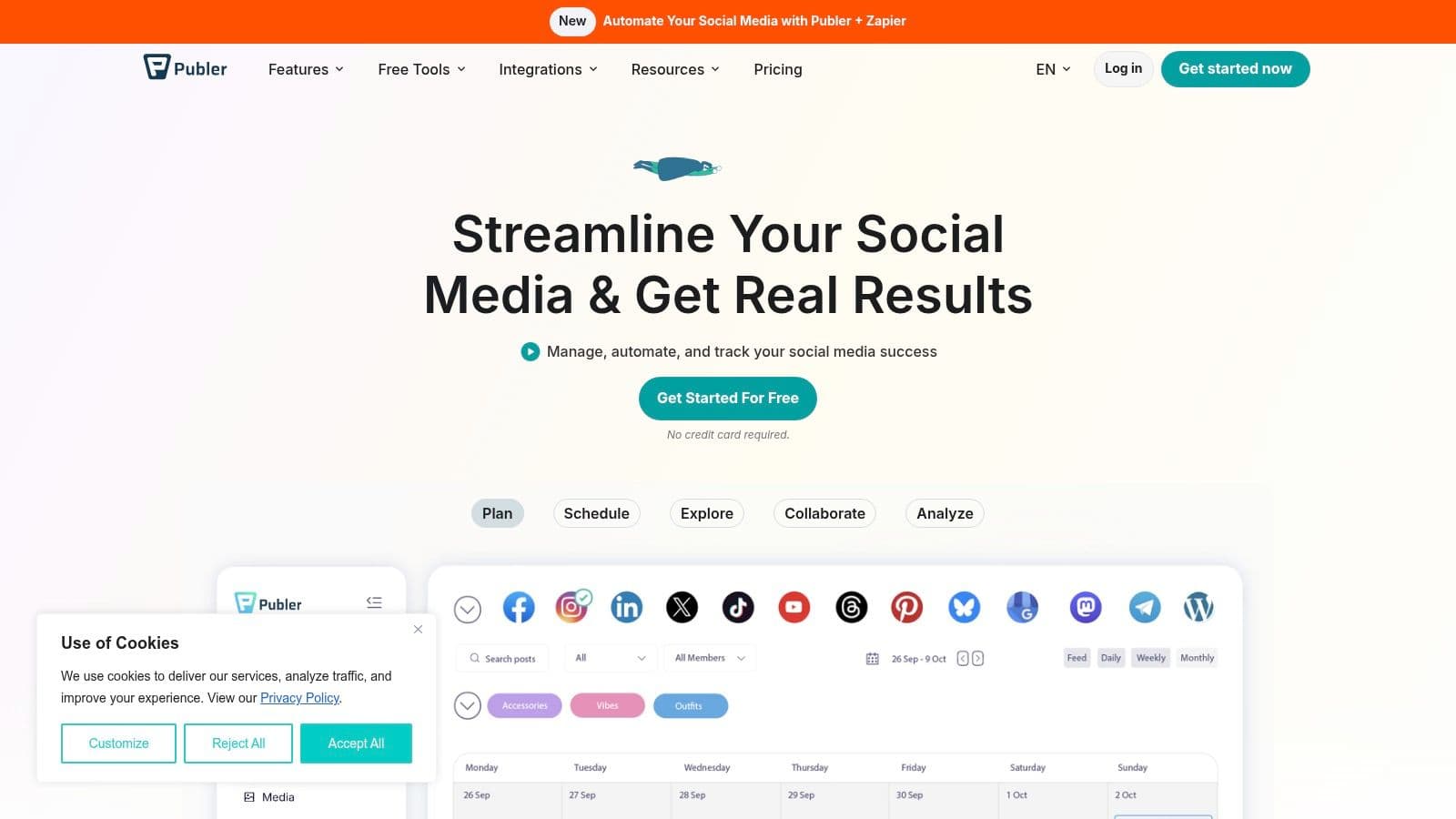
Publer sits in a useful middle ground. It gives creators more control than a bare-bones scheduler without burying them in enterprise features they won't touch. That's why it often works well for people moving out of basic free tools but not ready for an agency-grade platform.
Its best job is flexible creator publishing. You get support for multi-platform scheduling, thread-style posting, bulk upload, a media library, browser extensions, and link-in-bio style functionality.
What Publer gets right
Publer works well when your workflow isn't perfectly standardized. Some posts need manual tweaking. Some need repurposing. Some need to move quickly from idea to schedule.
A few reasons creators tend to like it:
- Balanced workflow: It supports both automation and manual control.
- Useful publishing features: Thread handling and bulk options save time for active accounts.
- Creator-oriented tools: Link-in-bio and media organization are genuinely useful, not decorative.
The free plan is usable, but you'll feel the limits if you post often or need richer history and analytics. That's the trade-off. Publer is generous enough to test properly, but not designed to let power users live on free forever.
If your content operation is starting to feel like a mini system, Publer is a solid next step before jumping to more expensive suites.
Visit Publer.
6. Planoly The Visual-First Content Planner
Planoly is a better fit for visual brands than many people realize. If your publishing process starts with how the feed looks, how the grid feels, or how a campaign appears across image-heavy channels, Planoly is often easier to live with than broad social suites.
The job it does best is visual planning for creators, lifestyle brands, product brands, and anyone whose social strategy depends on aesthetics as much as captions.
Best for image-led workflows
Planoly shines when the feed itself is part of the brand. Grid preview, visual planning, caption support, and mobile-friendly workflows matter more here than advanced reporting.
That makes it a smart choice for:
- Instagram-first creators
- Pinterest-heavy brands
- Small shops with product visuals
- Teams that care about consistency more than analytics depth
The limit is obvious. Planoly isn't the strongest option for cross-platform complexity, client approvals, or deep performance analysis. It helps you plan polished visual content. It doesn't try to be your all-in-one control room.
For many creators, that's a benefit. Less clutter. Less setup overhead. Better alignment with the work they're already doing.
Visit Planoly.
7. Planable The Collaboration and Approval Specialist

Planable solves a different problem than most tools on this list. It isn't mainly about posting faster. It's about reducing the mess that happens before posting. If you work with clients, stakeholders, legal reviewers, or internal approvers, that's often the main bottleneck.
The tool's best job is content collaboration and sign-off. Visual previews and structured approval flows make it far easier to get clean feedback before anything goes live.
Where it earns its place
Planable supports a broad range of networks including Threads, which already gives it practical relevance for modern channel mixes. That's useful because a lot of older comparisons still underplay the importance of emerging platforms.
What makes Planable strong:
- Preview-first workflow: Reviewers can see posts in context instead of imagining them from plain text.
- Approval structure: Agencies and freelancers can keep feedback in one place.
- Good client experience: Non-marketers usually find it easier to use than heavier dashboards.
The trade-off is that it's not the cheapest way to just schedule content. If all you need is publishing, Planable can feel like too much process. But if the pain point is approvals, it can remove a lot of wasted back-and-forth.
Agencies usually don't lose time because scheduling is hard. They lose time because feedback is scattered.
Visit Planable.
8. Meta Business Suite The Native Facebook and Instagram Tool
Meta Business Suite deserves a place on any hootsuite free alternative list because it's still the most obvious zero-cost choice for Facebook and Instagram heavy workflows. If those two networks drive most of your leads, messages, or sales, starting with the native tool makes sense.
Its best job is simple. Native scheduling and inbox management for Meta-owned platforms.
When native beats third-party
Meta Business Suite works best when your publishing scope is narrow and your dependence on Facebook and Instagram is high. You can schedule posts, reels, and stories, manage basic insights, and handle conversations without paying for a third-party layer.
That's a strong fit for:
- Local businesses
- Restaurants and service brands
- Instagram-first solo businesses
- Teams testing a no-cost workflow
The limitation is hard to ignore. The minute LinkedIn, TikTok, X, or Threads become meaningful parts of your workflow, Meta Business Suite stops being enough. It doesn't unify your process. It only covers Meta's corner of it.
Still, for the right use case, free and native beats cheap and fragmented.
Visit Meta Business Suite.
9. SocialBu The Automation-Focused Scheduler
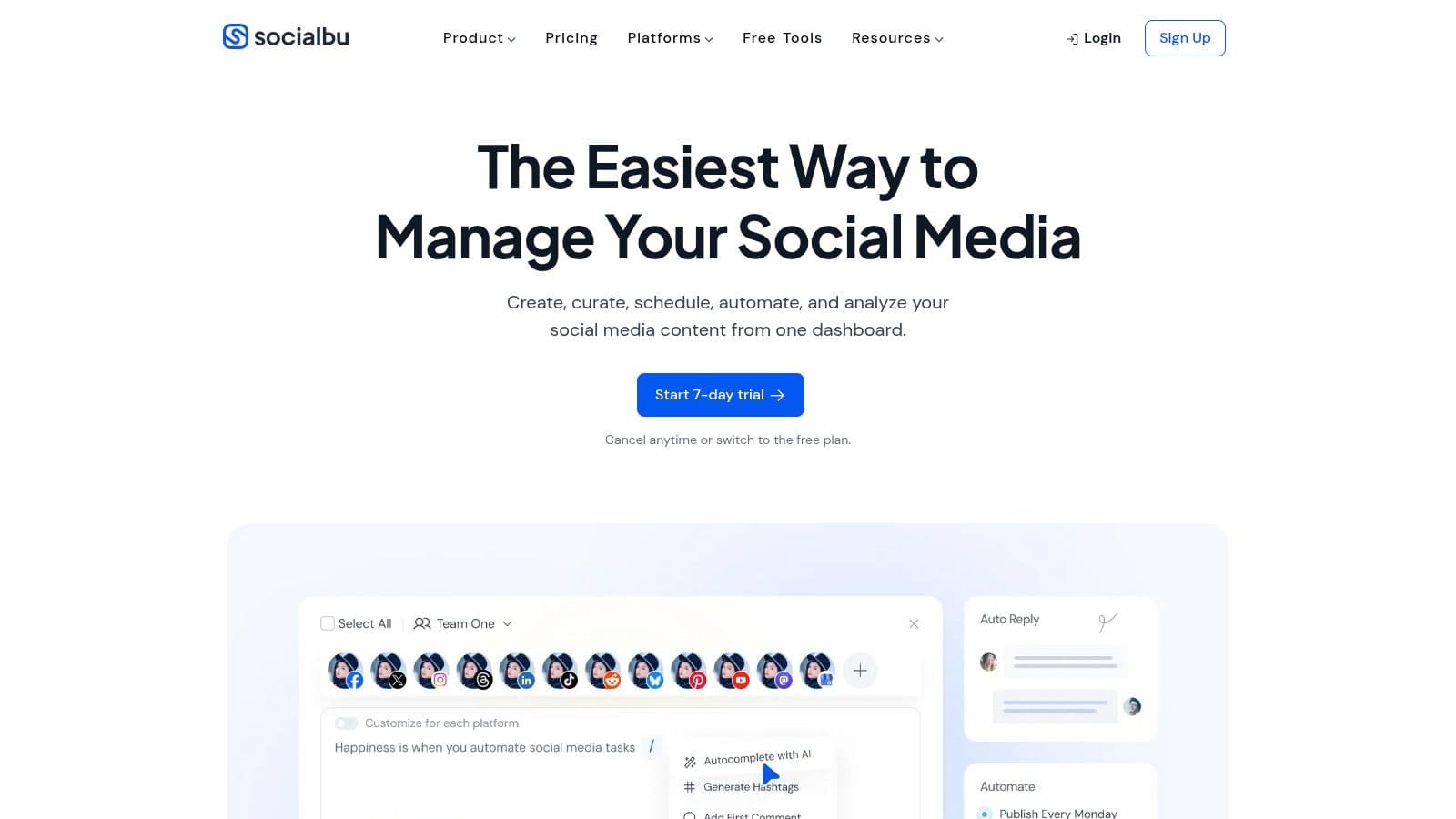
SocialBu is one of the more interesting options for users who want broad platform support without jumping straight into premium agency software. It leans toward automation and channel breadth, which makes it more ambitious than a simple posting queue.
Its best job is entry-level automation with wider network coverage, including platforms many mainstream tools still handle weakly or not at all.
Why SocialBu stands out
The practical appeal is simple. Some small teams don't need enterprise reporting. They need one tool encompassing the channels they use, including less traditional ones.
SocialBu is worth a look if you want:
- Broad network support: It includes channels beyond the usual core set.
- Basic automation rules: Helpful when repetitive publishing tasks are piling up.
- A starter all-in-one feel: Scheduling, inbox features, and simple reporting in one place.
The caution is that free-plan limits arrive quickly for active users. Teams will probably outgrow the entry tier fast, and some advanced collaboration needs still call for a different tool. But for experimentation and early-stage automation, it's a capable option.
Visit SocialBu.
10. Social Champ The Budget-Friendly Team Tool
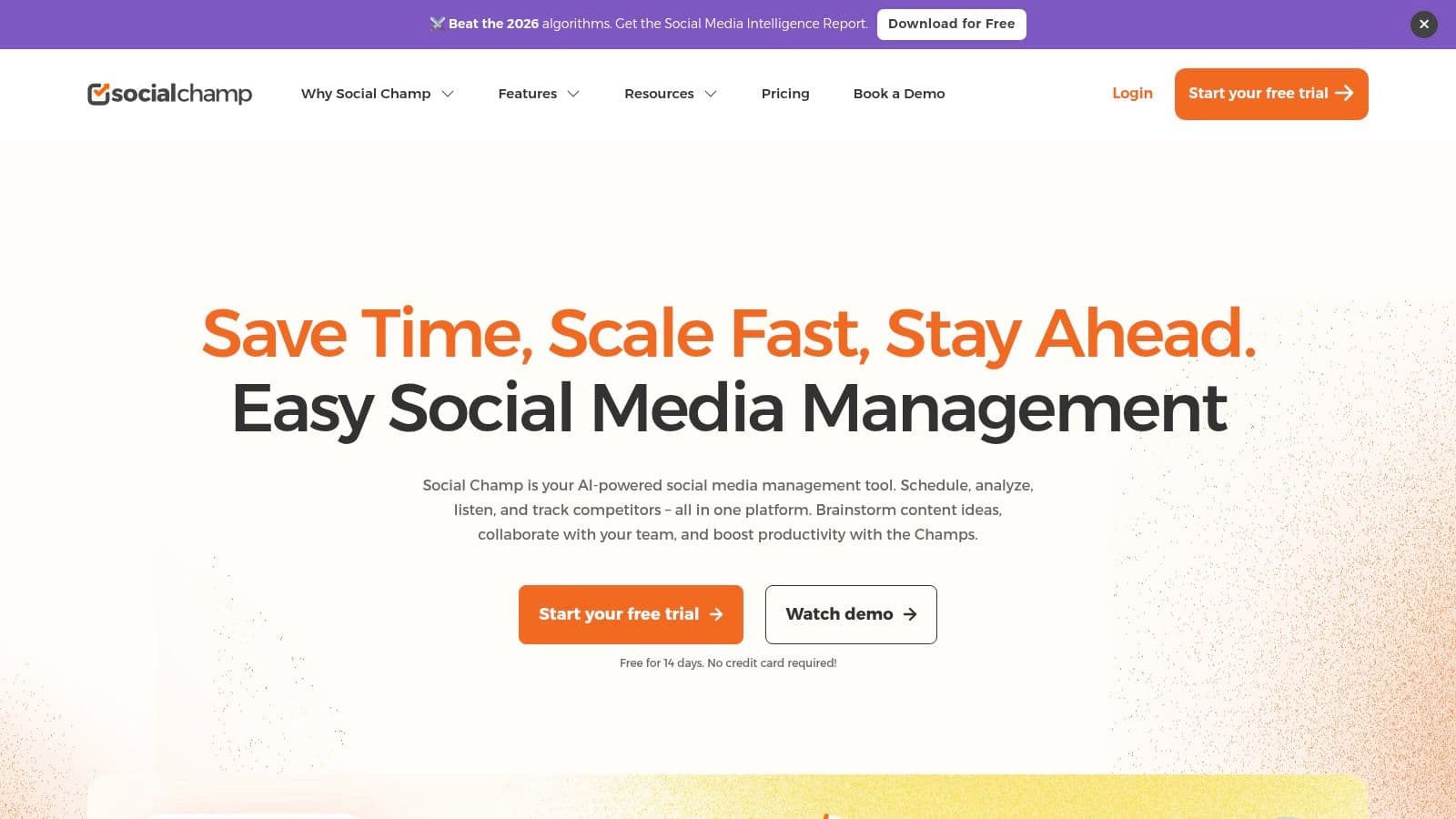
Social Champ is the sort of tool small teams often end up liking because it feels practical from day one. You get multi-platform scheduling, bulk posting, a media library, link shortening, and basic analytics without the product feeling bloated.
Its best job is budget-conscious team scheduling. Not deep strategy. Not enterprise-level governance. Just a workable publishing system for teams that need to move content efficiently.
Best fit for small operators
Social Champ makes sense when you need a collaborative-ish environment but don't want to pay for a bigger suite too early. The interface is approachable, and the features cover the basics most small teams need to test a repeatable workflow.
It tends to work best for:
- Small in-house marketing teams
- Lean agencies with straightforward publishing needs
- Businesses testing process before committing to pricier tools
The trade-off is depth. Reporting, historical data, and advanced collaboration are lighter than what you'd get from specialist tools. But if the immediate need is "let's get organized and publish consistently," Social Champ does that job well.
Visit Social Champ.
Top 10 Hootsuite Free Alternatives, Quick Comparison
| Tool | Core features ✨ | UX & Quality ★ | Pricing & Value 💰 | Best for 👥 | Unique selling point |
|---|---|---|---|---|---|
| PostOnce: The Direct Solution for Automated Cross-Posting 🏆 | Auto cross-posting; format & hashtag optimization; OAuth; multi-account & unlimited posts | ★★★★☆, sub-minute setup; human support; preserves organic reach | 💰 Creator $29/mo · Pro $69/mo · Agency $199/mo · annual equivalents $24/$58/$166/mo · 7‑day trial/refund | 👥 Creators, indie makers, SMBs, agencies | ✨ True set‑and‑forget cross‑posting; encrypted APIs; auto‑format per platform |
| Buffer: The Classic, User-Friendly Scheduler | Queue & calendar scheduling; mobile apps; link shortening | ★★★★, very easy onboarding; reliable publishing | 💰 Free tier; paid plans for analytics & team features | 👥 Solo creators & small teams | ✨ Simplicity and dependable scheduling UX |
| Metricool: The Analytics-Focused Alternative | Scheduling + unified analytics; best-time suggestions; competitor tracking | ★★★★, data-rich dashboard; slight learning curve | 💰 Generous free analytics; paid for advanced reports | 👥 Data-minded creators & marketers | ✨ Strong reporting and posting-time optimization |
| Zoho Social: Best Free Option for the Zoho Ecosystem | Scheduling, basic reporting; Zoho app integrations | ★★★★, solid free edition; interface is feature-dense | 💰 Free (1 brand, 6 channels); paid for deeper integrations | 👥 Small businesses & Zoho customers | ✨ Native Zoho ecosystem integrations; robust free tier |
| Publer: The Creator-Friendly Powerhouse | Cross-posting incl. threads; bulk upload; media library; link-in-bio | ★★★★, creator-focused flows; good automation/manual balance | 💰 Usable free plan; affordable paid tiers | 👥 Creators wanting control + automation | ✨ TikTok & thread support + link‑in‑bio tools |
| Planoly: The Visual-First Content Planner | Visual calendar & grid preview; hashtag/caption tools | ★★★★, excellent visual planning; mobile-friendly | 💰 Free visual tier; paid for higher upload limits | 👥 Visual creators (IG, TikTok, Pinterest) | ✨ Grid preview for brand consistency |
| Planable: The Collaboration & Approval Specialist | Pixel-accurate previews; multi-step approvals; version history | ★★★★, best-in-class collaboration UX | 💰 Free starter; paid to scale users & workspaces | 👥 Agencies, freelancers, clients needing approvals | ✨ Realistic previews + strong approval workflows |
| Meta Business Suite: The Native Facebook & Instagram Tool | Schedule posts, reels, stories; inbox + basic insights | ★★★★, native reliability for FB/IG; platform-locked | 💰 100% free (FB/IG only) | 👥 Brands focused primarily on Facebook & Instagram | ✨ First-party publishing with fewer API limits |
| SocialBu: The Automation-Focused Scheduler | Wide platform support; automation rules; AI helpers | ★★★★, practical automation; useful AI tools | 💰 Free tier with limits; paid for higher caps | 👥 Early-stage creators who want automations | ✨ Broad channel support + built-in automation rules |
| Social Champ: The Budget-Friendly Team Tool | Bulk posting; media library; saved replies; calendar | ★★★★, approachable UI; team features for low cost | 💰 Confirmed free plan; inexpensive upgrades per profile | 👥 Small teams testing workflows on a budget | ✨ Clear per-profile pricing + bulk upload focus |
Make the Switch and Reclaim Your Budget
Leaving Hootsuite doesn't mean stepping down. In many cases, it means getting sharper about what you need. Hootsuite became harder to justify for a lot of smaller users after the free plan disappeared and the path into paid tiers got more expensive. That change pushed many teams to rethink whether they were paying for real workflow gains or just paying for familiarity.
The better way to choose a hootsuite free alternative is to match the tool to the job. If your biggest problem is manual cross-posting, PostOnce is the strongest fit on this list because it addresses the publishing friction directly. If your real problem is simple scheduling, Buffer is still one of the cleanest options. If you're trying to measure performance and make channel decisions with more confidence, Metricool gives you more context than most free or low-cost tools.
For agencies, the answer is usually different. Agencies often need approvals, comments, previews, and a cleaner client review process. That's where Planable earns its place. For visual brands, Planoly is more aligned with the actual workflow than a broad dashboard. For Meta-heavy businesses, Meta Business Suite is still a sensible no-cost first stop.
The biggest mistake I see during migration is trying to replicate an old stack tool for tool. That usually creates friction because it assumes Hootsuite was a perfect fit in the first place. It often wasn't. Teams were just used to it. A better move is to rebuild around your actual workflow now. Ask three questions. Where does content start? Where does work get stuck? Which channels matter every week?
If you're switching, keep the migration simple:
- Export what matters first: Save any analytics history or reporting snapshots you know you'll want later.
- Reconnect accounts in batches: Start with your highest-priority channels, not every profile you own.
- Test one real workflow: Schedule and publish actual posts instead of clicking through a demo setup.
- Watch for hidden friction: Pay attention to approvals, formatting, and how much manual rewriting each tool still requires.
The best replacement isn't the one with the longest feature list. It's the one your team will actually keep using every week.
Another practical point matters more in 2026 than it did a few years ago. Platform coverage is no longer just about Facebook, Instagram, LinkedIn, and X. More creators and brands want Threads, Bluesky, TikTok, Pinterest, or a combination of mainstream and emerging channels. That's one reason broad distribution tools are getting more attention. If your content strategy spans multiple network types, narrow schedulers can create more hidden labor than they save.
For most solo creators and lean teams, the ideal switch is the one that removes repetitive work first. Once that's solved, you can decide whether you need more analytics, more collaboration, or more reporting. In that order. Not the reverse.
If your search for a hootsuite free alternative is really a search for a simpler publishing system, start with PostOnce. If your search is more about lightweight scheduling, start with Buffer. If you want reporting with your scheduling, start with Metricool. That's the fastest way to get out of comparison mode and into a workflow that saves time.
If you're done paying for complexity you don't need, try PostOnce. It's built for the most common reason people leave Hootsuite in the first place: they want to publish once, distribute everywhere, and stop wasting time on manual reposting.