


















Gain promises streamlined approval workflows for agencies managing multiple clients. But for many teams, the $99/month minimum, manual Instagram posting requirements, and limited feature set make it worth exploring alternatives.
If you're researching Gain alternatives, you're likely facing one of these challenges:
- High entry price: $99/month minimum (billed yearly), expensive for small teams
- Manual Instagram posting: Frustrating limitations requiring workarounds
- Limited functionality: Users wish for more features beyond approval workflows
- Approval workflow complexity: Too much process overhead for simple posting needs
- Cost-effectiveness concerns: Not worth it for teams with fewer than 6 clients
- Learning curve: Requires training despite positioning as simple
This guide compares 13 Gain alternatives across pricing, features, and complexity. Whether you need simple cross-posting automation, comprehensive management, or better approval workflows, you'll find options that fit your needs and budget.
Quick comparison: Top 13 Gain alternatives
| Tool | Best For | Starting Price | Key Strength | Gain Advantage |
|---|---|---|---|---|
| PostOnce | Simple cross-posting | $29/mo | Automatic syncing | No approval overhead, more affordable |
| Planable | Visual approvals | Custom | Better UI, mobile app | Direct competitor, simpler workflows |
| Hootsuite | Comprehensive platform | $99/mo | 250+ integrations | More features at similar price |
| Buffer | Affordable scheduling | $6/mo | Simplest, cheapest | Fraction of cost, no complexity |
| Sprout Social | Advanced analytics | $199/user/mo | Better reporting | Superior analytics beyond approvals |
| Agorapulse | Agency management | $49/user/mo | User-friendly | Similar focus, better UX |
| Sendible | Budget agencies | $29/mo | More affordable | White-label at lower cost |
| CoSchedule | Marketing calendar | $39/mo | Integrated calendar | Broader than social-only |
| Loomly | Content inspiration | $32/mo | Post ideas included | Content help + approvals |
| Monday.com | Project management | $9/user/mo | Broader workflows | More affordable, wider scope |
| ClickUp | All-in-one work | Free-$19/user/mo | Free plan available | Project + social in one |
| Zoho Social | Budget option | $15/mo | Affordable, full-featured | Fraction of Gain's cost |
| Vista Social | Modern interface | $24/mo | Lower cost, modern UX | Better value, similar features |
Why consider a Gain alternative?
Gain serves 9,000+ brands across 51 countries with its approval workflow focus. But that specialized positioning creates challenges for teams needing different approaches.
High entry price point
Gain starts at $99/month billed annually—that's $1,188 upfront commitment for up to 6 clients and 3 team members. For comparison:
- Buffer starts at $6/month
- Sendible starts at $29/month
- Zoho Social starts at $15/month
- Vista Social starts at $24/month
If you're a freelancer managing 2-3 clients or a small team just starting out, Gain's pricing creates a significant barrier. You're paying enterprise-tier prices for features you may not need.
Manual Instagram posting frustrations
Multiple reviewers consistently mention this issue:
"Manual posting to Instagram is frustrating."
Instagram is a critical platform for most social media strategies. When your approval workflow tool can't reliably automate Instagram posting, you lose the automation benefits that justify the platform in the first place.
Limited functionality beyond approvals
Users note Gain's focused scope:
"There are limitations as to everything you can do with Gain."
"Users wish for more functionalities."
Gain excels at approval workflows but lacks features found in comprehensive platforms:
- No advanced analytics beyond basics
- Limited content inspiration or creation help
- No social listening or monitoring
- Basic reporting compared to Sprout Social or Hootsuite
- Fewer integrations than all-in-one platforms
If you need approval workflows AND comprehensive social media management, you'll need to supplement Gain with other tools.
Approval workflow complexity
Gain's strength—detailed approval workflows—becomes a weakness for teams that don't need this level of process:
- Solo creators don't need client approval rounds
- Small in-house teams often just need simple scheduling
- Fast-moving brands need quick publishing, not approval chains
- Simple content strategies don't justify workflow overhead
For these use cases, simpler tools like Buffer or PostOnce deliver better value by eliminating unnecessary complexity.
Cost-effectiveness for small client lists
Gain's pricing assumes you're managing 6+ clients. The reviewer feedback is clear:
"May not be cost-effective for businesses with few clients."
If you manage 1-3 clients, you're paying $33-$99 per client for approval workflows. Alternatives like Sendible ($29 total) or Buffer ($6/channel) offer better economics at smaller scales.
How I evaluated these Gain alternatives
I assessed each tool across five key dimensions:
1. Pricing value Does it offer fair pricing for features provided? How does cost scale with clients and team members?
2. Feature completeness Beyond approvals, what else does it offer? Can it replace multiple tools or just add workflows?
3. Ease of use How quickly can teams start using it? Does it add complexity or simplify work?
4. Platform reliability Do integrations work properly? Are there manual posting requirements like Gain's Instagram issue?
5. Target market fit Is it designed for agencies, in-house teams, solo creators, or enterprise? Does it match your use case?
Let's dive into each alternative.
1. PostOnce — Best for simple cross-posting without approval overhead
What is PostOnce?
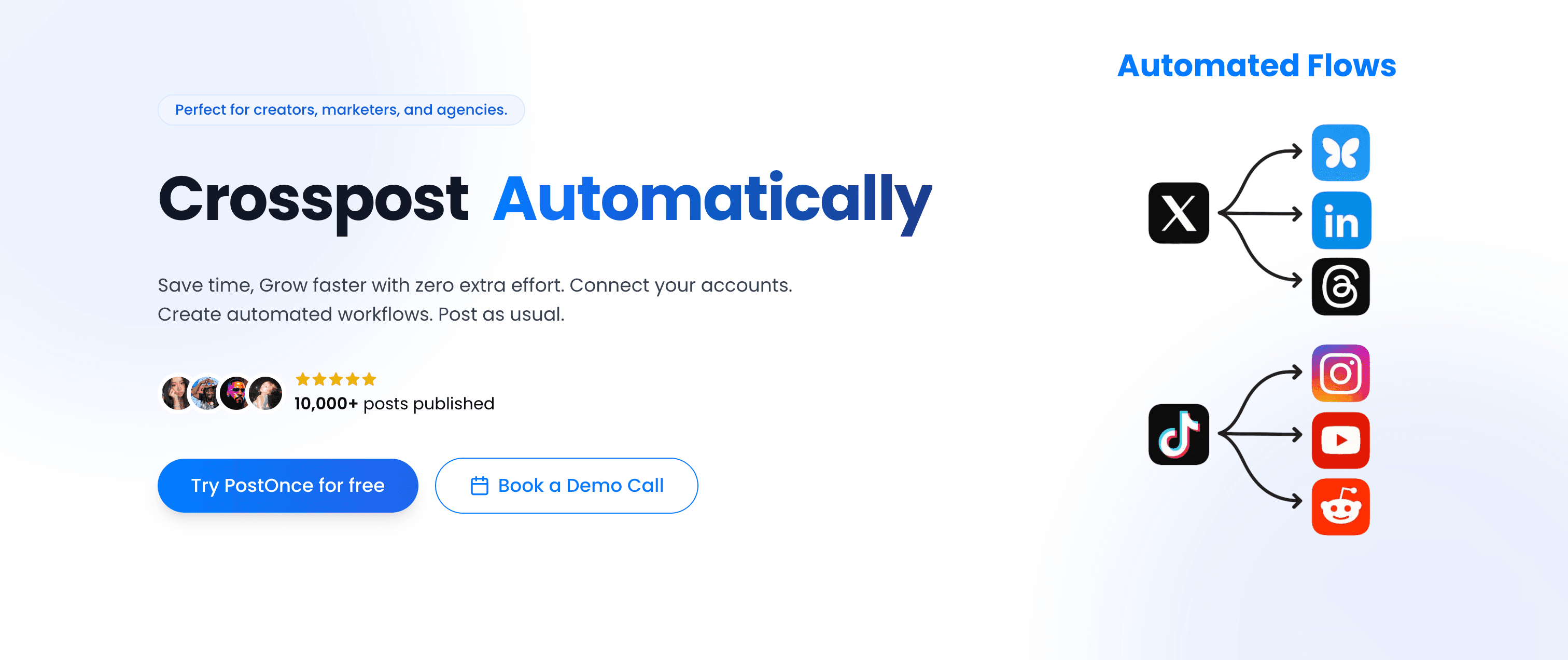
PostOnce automates content distribution across social platforms without approval workflow complexity. When you post on one platform, it automatically syncs to your other connected accounts—eliminating both manual cross-posting AND approval overhead.
PostOnce vs Gain
| Feature | PostOnce | Gain |
|---|---|---|
| Pricing | $29-$199/mo | $99+/mo (billed yearly) |
| Primary Focus | Cross-posting automation | Client approval workflows |
| Setup Complexity | Minutes | Moderate (workflows setup) |
| Target Market | Creators & small teams | Agencies with 6+ clients |
| Automatic posting | Manual posting required |
Core Differences:
- PostOnce eliminates approval overhead; Gain adds workflow layers
- PostOnce costs $29-$199/month; Gain starts at $99/month
- PostOnce for automatic syncing; Gain for controlled approvals
- PostOnce works for any team size; Gain optimized for 6+ clients
- PostOnce handles Instagram automatically; Gain requires manual work
Key Features
Cross-Platform Automation Connect Twitter, LinkedIn, Instagram, Threads, Bluesky, and more. Content automatically syncs without approval workflows slowing you down.
Content Filtering Set rules for what gets cross-posted. Filter by content type, hashtags, or platform compatibility. Simple automation without complex approval chains.
Media Optimization Images and videos automatically convert to each platform's requirements. No manual resizing or format juggling.
Real-Time Syncing Posts sync within seconds. Your audience sees content quickly without waiting for approval rounds.
Simple Setup Connect accounts and start posting. No workflow configuration, no approval rounds to design, no team permissions to manage.
Pros and Cons
Pros:
- Much more affordable ($29 vs $99+ minimum)
- No approval workflow complexity
- Automatic Instagram posting (vs Gain's manual)
- Simple setup without training needed
- Scales from 1-30 accounts affordably
Cons:
- No client approval workflows (if you need them)
- Focuses on distribution, not full management
- No white-label features for agencies
- Limited to cross-posting vs comprehensive scheduling
Pricing
- Free: 1 social account, 10 cross-posts/month
- Creator ($29/mo): 15 accounts, unlimited workflows and posts
- Pro ($69/mo): 50 accounts, unlimited workflows and posts
- Agency ($199/mo): 200 accounts, unlimited workflows and posts, priority support
All plans include content filtering, media optimization, and automatic posting.
Verdict: When to choose PostOnce over Gain
Choose PostOnce if you:
- Don't need client approval workflows
- Want affordable automation ($29 vs $99+)
- Prefer simplicity over process complexity
- Need automatic Instagram posting (not manual)
- Are solo creator, freelancer, or small team
Skip PostOnce if you:
- Need detailed client approval workflows
- Manage 6+ agency clients requiring approvals
- Want white-label features
- Need comprehensive social media management beyond cross-posting
2. Planable — Best for visual approval workflows

What is Planable?
Planable is Gain's most direct competitor, offering visual collaboration and approval workflows with a modern interface and powerful mobile app. It's consistently mentioned alongside Gain in comparisons.
Planable vs Gain
| Feature | Planable | Gain |
|---|---|---|
| Pricing | Custom | $99+/mo (billed yearly) |
| User Satisfaction | 90% | 3.6/5 (73% equivalent) |
| Interface Quality | Modern, visual-first | Functional |
| Mobile App | Powerful | Basic |
| Approval Workflows | Customizable | Detailed |
Core Differences:
- Planable has higher user satisfaction (90% vs 73%)
- Both focus on approval workflows, but Planable emphasizes visual preview
- Planable has better mobile app per reviews
- Both use custom pricing for agencies
- Similar target market (agencies and teams)
Key Features
Visual Content Approval See posts exactly as they'll appear on each platform before approval. Team members review and approve visually, not just text descriptions.
Customizable Approval Flows Create approval workflows that match your process. Simple or complex, internal or client-facing—customize to your needs.
Powerful Mobile App Review and approve content from your phone with full functionality. Gain's mobile experience is more limited per user feedback.
Team Collaboration Comments, feedback, and version history built for teams. Track who changed what and when.
Multi-Brand Management Organize accounts by brand or client. Keep workflows separate and organized.
Pros and Cons
Pros:
- Higher user satisfaction (90% vs Gain's 73%)
- Visual-first approval interface
- Better mobile app experience
- Customizable workflow complexity
- Modern, intuitive design
Cons:
- Custom pricing (not transparent like Gain's tiers)
- Likely similar cost to Gain
- Still overkill for teams not needing approvals
- Learning curve for full feature set
Pricing
Custom pricing based on team size and needs. Contact sales for quotes. Likely competitive with Gain's pricing.
Verdict: When to choose Planable over Gain
Choose Planable if you:
- Need approval workflows with better UX than Gain
- Value visual content preview
- Want powerful mobile app
- Prefer higher user satisfaction (90% vs 73%)
- Need customizable approval complexity
Skip Planable if you:
- Don't need approval workflows at all
- Want transparent, affordable pricing
- Prefer established platforms (Gain is older)
- Need more features beyond approvals
3. Hootsuite — Best for comprehensive platform at similar price

What is Hootsuite?
Founded in 2008, Hootsuite is a veteran social media management platform. At $99/month like Gain, it offers 250+ integrations and comprehensive features beyond just approval workflows.
Hootsuite vs Gain
| Feature | Hootsuite | Gain |
|---|---|---|
| Pricing | $99-$739/mo | $99+/mo (billed yearly) |
| Founded | 2008 (17 years) | ~2015 (10 years) |
| Integrations | 250+ apps | Limited |
| Feature Breadth | Comprehensive | Approval-focused |
| Automatic | Manual |
Core Differences:
- Hootsuite offers 250+ integrations; Gain limited to core platforms
- Hootsuite comprehensive management; Gain approval-focused
- Similar starting price but Hootsuite delivers more features
- Hootsuite longer track record (17 years vs 10 years)
- Hootsuite handles Instagram automatically; Gain requires manual posting
Key Features
250+ Integrations Connect Canva, Dropbox, Google Drive, Slack, and hundreds more. Extend functionality far beyond Gain's core platform support.
Streams Dashboard Monitor multiple feeds in real-time. Track mentions, keywords, and engagement across platforms simultaneously.
Bulk Scheduling Upload CSV files to schedule hundreds of posts at once. Efficiency at scale beyond Gain's approach.
Team Workflows Approval workflows included, plus team collaboration, permissions, and assignment features. Everything Gain offers plus more.
Comprehensive Analytics Deep reporting and analytics beyond Gain's basic metrics. Track ROI, competitor performance, and campaign effectiveness.
Pros and Cons
Pros:
- Same starting price as Gain ($99) but more features
- 250+ integrations vs Gain's limited set
- 17-year track record of reliability
- Comprehensive management beyond approvals
- Automatic Instagram posting (not manual)
Cons:
- Interface feels dated compared to newer tools
- Still expensive for small teams
- Steeper learning curve than focused tools
- Feature complexity might be overkill
Pricing
- Professional ($99/mo): 1 user, 10 social accounts, unlimited scheduling
- Team ($249/mo): 3 users, 20 social accounts, custom analytics
- Enterprise (Custom): Unlimited users and accounts
30-day free trial available.
Verdict: When to choose Hootsuite over Gain
Choose Hootsuite if you:
- Want comprehensive platform at Gain's price point
- Need 250+ integrations vs limited platform support
- Value feature breadth over approval workflow focus
- Want automatic Instagram (not manual)
- Prefer established platform (17 years)
Skip Hootsuite if you:
- Only need approval workflows (Gain or Planable better)
- Want modern, streamlined interface
- Need lower pricing for small teams
- Prefer simpler, focused tools
4. Buffer — Best for simplicity at fraction of cost
What is Buffer?
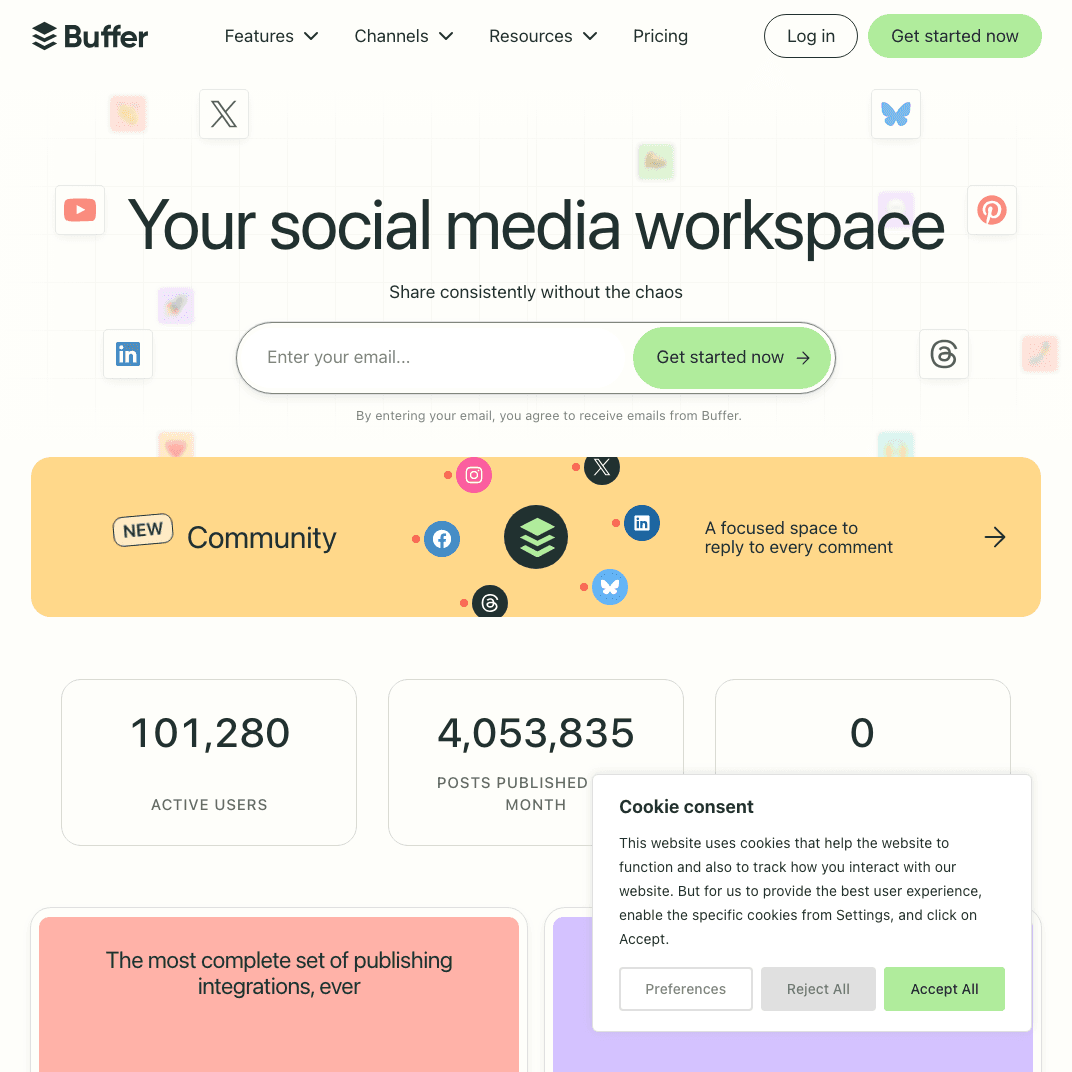
Buffer is the simplest, most affordable alternative to Gain. At $6/month per channel, it eliminates approval workflow complexity in favor of straightforward scheduling.
Buffer vs Gain
| Feature | Buffer | Gain |
|---|---|---|
| Pricing | $6-$120/mo | $99+/mo (billed yearly) |
| Complexity | Minimal | Moderate (workflows) |
| Approval Workflows | Basic (paid plans) | Advanced |
| Automatic | Manual | |
| Target Market | Everyone | Agencies |
Core Differences:
- Buffer costs $6-$120/month; Gain starts at $99/month
- Buffer simple scheduling; Gain complex approval workflows
- Buffer for any team size; Gain optimized for agencies
- Buffer automatic Instagram; Gain manual posting
- Buffer no learning curve; Gain requires workflow setup
Key Features
Simple Scheduling Queue posts across platforms without workflow complexity. Schedule and publish—that's it.
Basic Analytics Track reach, engagement, and clicks. Straightforward metrics without overwhelming dashboards.
Team Collaboration Paid plans include approval workflows, but simpler than Gain's detailed rounds. Just enough process without overkill.
Browser Extension Share content while browsing. Queue articles and images without opening the main app.
Optimal Posting Times Data-driven recommendations for when your audience is most active. Smart scheduling without manual analysis.
Pros and Cons
Pros:
- Fraction of Gain's cost ($6 vs $99+ minimum)
- Simplest interface and learning curve
- No workflow complexity unless you need it
- Automatic Instagram posting
- Scales affordably from 1-10+ channels
Cons:
- Basic approval workflows vs Gain's detailed rounds
- No white-label features for agencies
- Limited analytics compared to comprehensive platforms
- Not designed for complex agency needs
Pricing
- Free: 3 channels, 10 scheduled posts
- Essentials ($6/mo/channel): Unlimited posts, basic analytics
- Team ($12/mo/channel): Collaboration, approvals, engagement
- Agency ($120/mo): 10 channels, unlimited team members
14-day free trial on paid plans.
Verdict: When to choose Buffer over Gain
Choose Buffer if you:
- Want simple scheduling without approval complexity
- Need affordable pricing ($6 vs $99+ minimum)
- Don't require detailed approval workflows
- Value ease of use over process control
- Are individual, freelancer, or small team
Skip Buffer if you:
- Need detailed client approval workflows
- Manage agency with 6+ clients
- Want white-label features
- Require comprehensive workflow control
5. Sprout Social — Best for advanced analytics beyond approvals
What is Sprout Social?
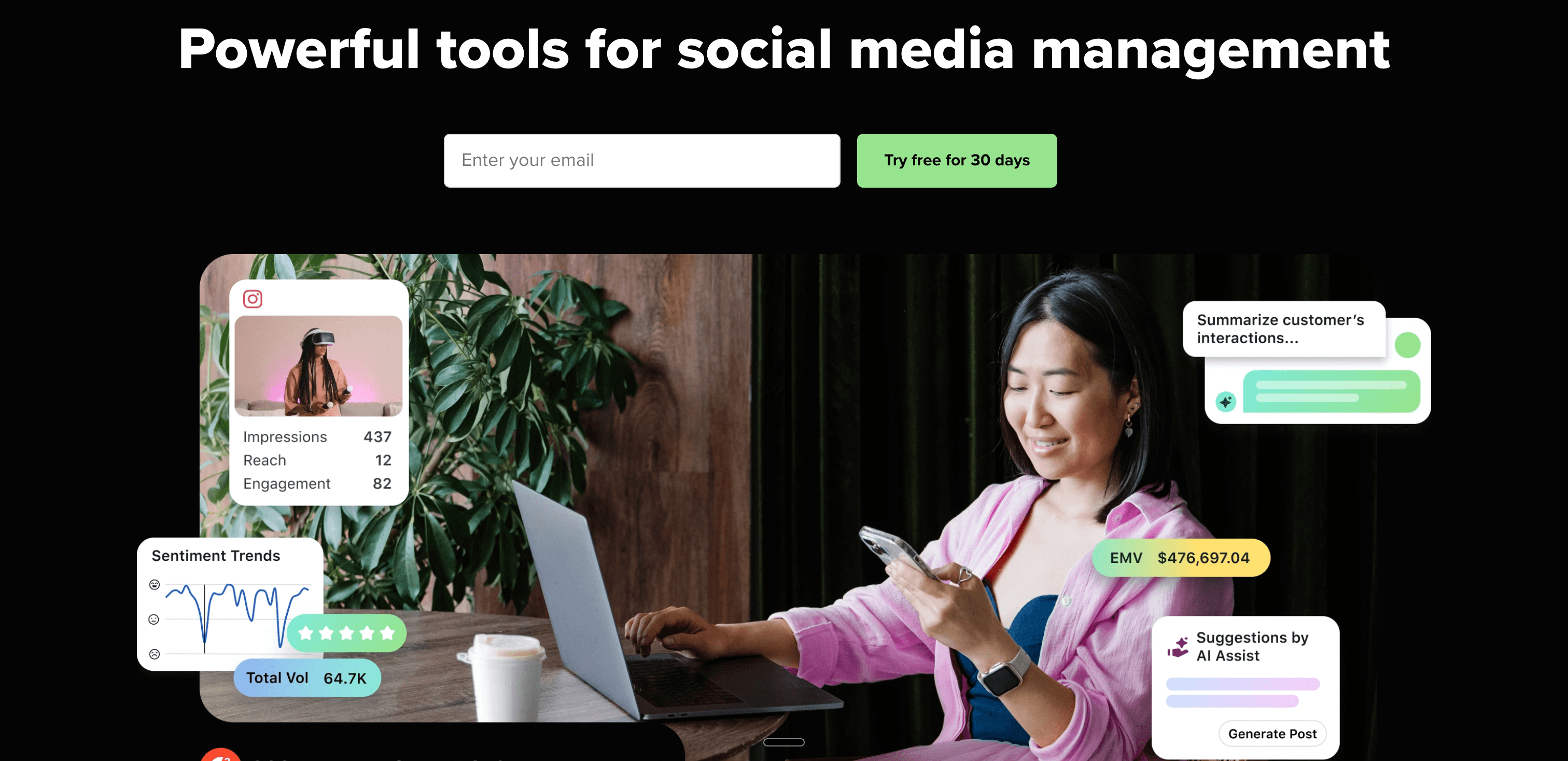
Sprout Social is an enterprise-grade platform emphasizing advanced analytics and reporting. At $199/user/month, it's pricier than Gain but delivers significantly more depth.
Sprout Social vs Gain
| Feature | Sprout Social | Gain |
|---|---|---|
| Pricing | $199-$399/user/mo | $99+/mo (billed yearly) |
| Analytics Depth | Advanced | Basic |
| Approval Workflows | Included | Core focus |
| CRM Integration | Built-in | Not offered |
| Feature Breadth | Comprehensive | Approval-focused |
Core Differences:
- Sprout Social costs more ($199 vs $99) but offers far more features
- Gain focuses on approvals; Sprout Social on comprehensive management
- Sprout Social includes CRM; Gain doesn't
- Sprout Social advanced analytics; Gain basic metrics
- Both target agencies but different sophistication levels
Key Features
Advanced Reporting Custom reports with data visualization, competitor benchmarking, and trend analysis. Far beyond Gain's basic metrics.
Smart Inbox Unified inbox for messages across platforms. Assign conversations, track response times, and manage engagement at scale.
Social Listening Monitor keywords, hashtags, and brand mentions. Track sentiment and identify trending topics—features Gain doesn't offer.
CRM Integration Connect social interactions to customer profiles. See conversation history and context, integrating social with broader customer data.
Approval Workflows Like Gain, Sprout includes approval workflows—but they're part of a comprehensive platform, not the only focus.
Pros and Cons
Pros:
- Best-in-class analytics and reporting
- Comprehensive features beyond just approvals
- CRM integration for customer context
- Social listening Gain doesn't offer
- Enterprise reliability and support
Cons:
- Significantly more expensive ($199 vs $99)
- Overkill if you only need approval workflows
- Steeper learning curve
- Higher commitment for small teams
Pricing
- Standard ($199/user/mo): 5 profiles, inbox, publishing, reporting
- Professional ($299/user/mo): Competitive reports, custom workflows
- Advanced ($399/user/mo): Social listening, sentiment analysis
Enterprise plans available with custom pricing.
Verdict: When to choose Sprout Social over Gain
Choose Sprout Social if you:
- Need advanced analytics beyond Gain's basics
- Want social listening and monitoring
- Require CRM integration
- Value comprehensive platform over approval focus
- Can justify $199+/user/month
Skip Sprout Social if you:
- Only need approval workflows (Gain or Planable better)
- Can't justify $199+/user/month
- Want simpler, focused tool
- Are small team or individual
6. Agorapulse — Best for agency management with better UX

What is Agorapulse?
Agorapulse targets agencies like Gain but with a reputation for superior user experience. At $49-$149/user/month, it offers a middle ground between Gain and enterprise platforms.
Agorapulse vs Gain
| Feature | Agorapulse | Gain |
|---|---|---|
| Pricing | $49-$149/user/mo | $99+/mo (billed yearly) |
| User Experience | Highly rated | Functional |
| Automatic | Manual | |
| Social Listening | Included | Not offered |
| Target Market | Agencies | Agencies |
Core Differences:
- Agorapulse potentially more affordable per user ($49 vs $99 for team)
- Both target agencies, but Agorapulse has better UX reputation
- Agorapulse includes social listening; Gain doesn't
- Agorapulse automatic Instagram; Gain manual
- Similar approval workflows but different interface philosophy
Key Features
Unified Social Inbox All messages, comments, and mentions organized in one inbox. Simpler than managing across platforms or complex workflow tools.
Content Calendar Visual calendar with drag-and-drop scheduling. Intuitive planning without Gain's workflow overhead.
Social Listening Monitor keywords and hashtags. Feature Gain lacks entirely.
Approval Workflows Review and approval processes included, but integrated into user-friendly interface rather than being the primary focus.
Detailed Reporting Custom reports for clients. White-label options available at higher tiers.
Pros and Cons
Pros:
- Potentially more affordable ($49 vs $99 for small teams)
- Better user experience per reviews
- Includes social listening Gain lacks
- Automatic Instagram (not manual)
- Balanced features beyond just approvals
Cons:
- Per-user pricing can add up
- Still moderate learning curve
- Not as approval-focused as Gain
- Higher tiers needed for advanced features
Pricing
- Standard ($49/user/mo): 10 social profiles, unlimited scheduling
- Professional ($79/user/mo): 20 profiles, social listening
- Advanced ($119/user/mo): 40 profiles, custom reports
- Custom ($149+/user/mo): Unlimited profiles, dedicated support
14-day free trial available.
Verdict: When to choose Agorapulse over Gain
Choose Agorapulse if you:
- Want better user experience than Gain
- Need social listening features
- Prefer automatic Instagram (not manual)
- Value balanced features beyond just approvals
- Have smaller team (potentially more affordable)
Skip Agorapulse if you:
- Need most approval-focused tool (Gain or Planable)
- Want lowest possible cost (Buffer, Zoho Social)
- Prefer flat pricing vs per-user
- Don't need social listening or comprehensive features
7. Sendible — Best for budget-conscious agencies
What is Sendible?
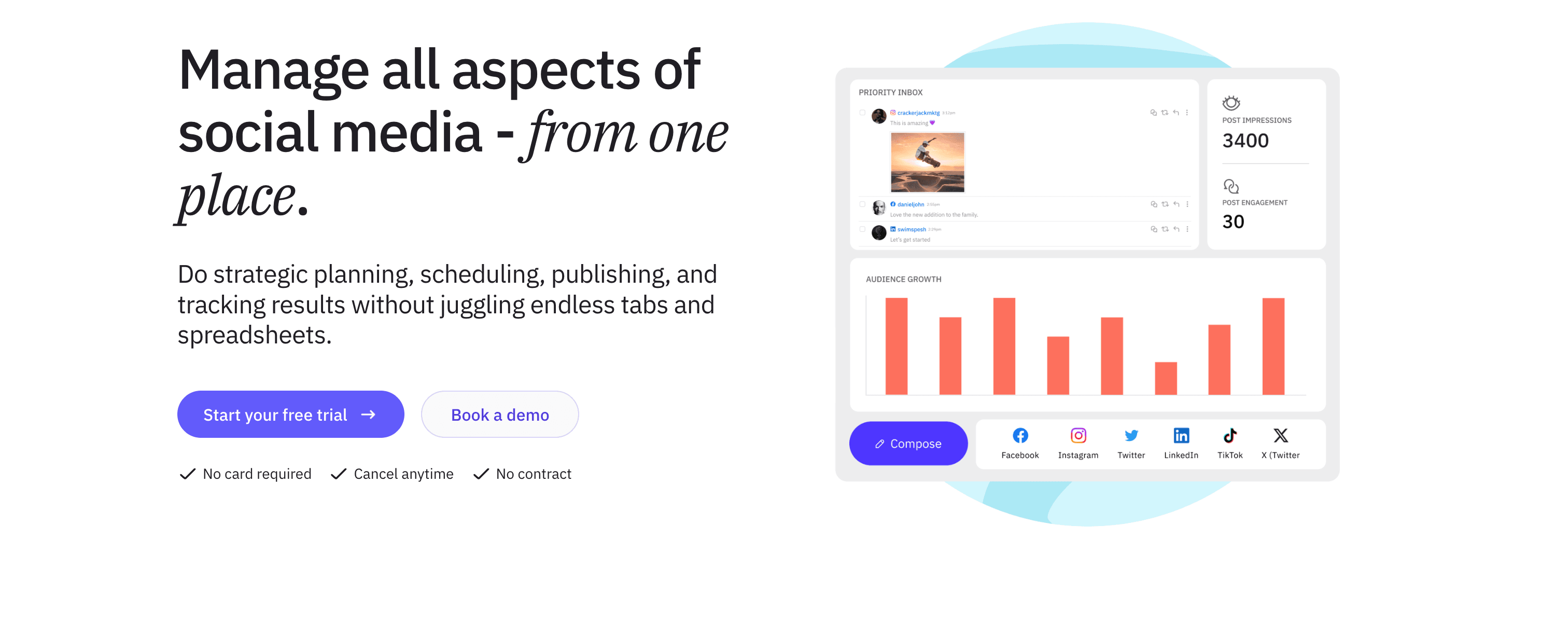
Sendible is purpose-built for agencies at more accessible pricing than Gain. Starting at $29/month, it offers white-label features and client management without Gain's $99 minimum.
Sendible vs Gain
| Feature | Sendible | Gain |
|---|---|---|
| Pricing | $29-$399/mo | $99+/mo (billed yearly) |
| White-Label | Yes (all plans) | Enterprise only |
| Client Management | Core feature | Core feature |
| Approval Workflows | Included | Primary focus |
| Automatic | Manual |
Core Differences:
- Sendible starts at $29; Gain starts at $99
- Both agency-focused but Sendible more affordable
- Sendible white-label at $29; Gain requires Enterprise tier
- Similar client management approach
- Sendible automatic Instagram; Gain manual
Key Features
White-Label Features Customize with your agency branding at all tiers, not just enterprise. Reports, dashboards, and client portals branded as yours.
Client Management Organize accounts by client. Give clients view-only access to review content and calendars.
Approval Workflows Submit posts for client approval. Track pending, approved, and rejected content—similar to Gain but more affordable.
Compose Box Create posts once, customize per platform. Preview how content appears on each network.
Affordable Scaling Grow from $29 to $399 as you add clients. More flexible than Gain's $99 minimum entry.
Pros and Cons
Pros:
- Much more affordable starting point ($29 vs $99)
- White-label features at all tiers
- Purpose-built for agencies
- Client approval workflows included
- Automatic Instagram posting
Cons:
- Interface somewhat dated
- Not as approval-focused as Gain
- Moderate learning curve
- Fewer features than comprehensive platforms
Pricing
- Creator ($29/mo): 1 user, 6 profiles, basic features
- Traction ($89/mo): 4 users, 24 profiles, white-label
- Growth ($199/mo): 7 users, 49 profiles, client management
- Large ($399/mo): 15 users, 105 profiles, priority support
14-day free trial available.
Verdict: When to choose Sendible over Gain
Choose Sendible if you:
- Need more affordable agency tool ($29 vs $99)
- Want white-label at entry tier (not enterprise only)
- Value budget-friendly scaling
- Need client approval workflows
- Manage agencies with 1-6 clients initially
Skip Sendible if you:
- Want most approval-focused platform (Gain, Planable)
- Need modern interface
- Require comprehensive features beyond approvals
- Prefer per-user pricing model
8. CoSchedule — Best for integrated marketing calendar

What is CoSchedule?
CoSchedule is a marketing calendar platform that includes social media with approval workflows. At $39/month, it offers broader marketing integration than Gain's social-only focus.
CoSchedule vs Gain
| Feature | CoSchedule | Gain |
|---|---|---|
| Pricing | $39-$399/mo | $99+/mo (billed yearly) |
| Scope | Full marketing calendar | Social media only |
| Approval Workflows | Included | Primary focus |
| Content Types | Blog, email, social, campaigns | Social only |
| Target Market | Marketing teams | Social media agencies |
Core Differences:
- CoSchedule more affordable starting price ($39 vs $99)
- CoSchedule covers all marketing; Gain focuses on social
- Gain more specialized in approval workflows
- CoSchedule for in-house teams; Gain for agencies
- CoSchedule integrates content calendar; Gain social-only
Key Features
Marketing Calendar Unified calendar for blog posts, email campaigns, social media, and events. See your entire marketing plan, not just social.
Approval Workflows Review and approval processes for all content types, not just social posts. Consistent workflows across marketing.
Content Organizer Plan campaigns with all associated assets. Link social posts to blog articles, emails, and landing pages.
Team Collaboration Assign tasks, set deadlines, and track progress. Project management integrated with content planning.
Asset Management Store images, videos, and documents alongside calendar. One place for planning and assets.
Pros and Cons
Pros:
- More affordable than Gain ($39 vs $99)
- Broader scope than social-only
- Integrated marketing calendar
- Approval workflows for all content
- Good for in-house marketing teams
Cons:
- Less social-specific than Gain
- Not designed for agency client management
- Feature bloat if you only need social
- Pricing jumps significantly at higher tiers
Pricing
- Social Calendar ($39/mo): 3 profiles, social scheduling, approvals
- Content Calendar ($79/mo): Unlimited profiles, blog integration
- Marketing Calendar ($399/mo): Full marketing suite, team features
Free trial available.
Verdict: When to choose CoSchedule over Gain
Choose CoSchedule if you:
- Need marketing calendar beyond just social
- Are in-house marketing team (not agency)
- Want more affordable option ($39 vs $99)
- Manage blogs, emails, and social together
- Value integrated content planning
Skip CoSchedule if you:
- Only need social media management
- Are agency managing multiple clients
- Want most social-specialized platform
- Don't need blog or email integration
9. Loomly — Best for content inspiration with approvals
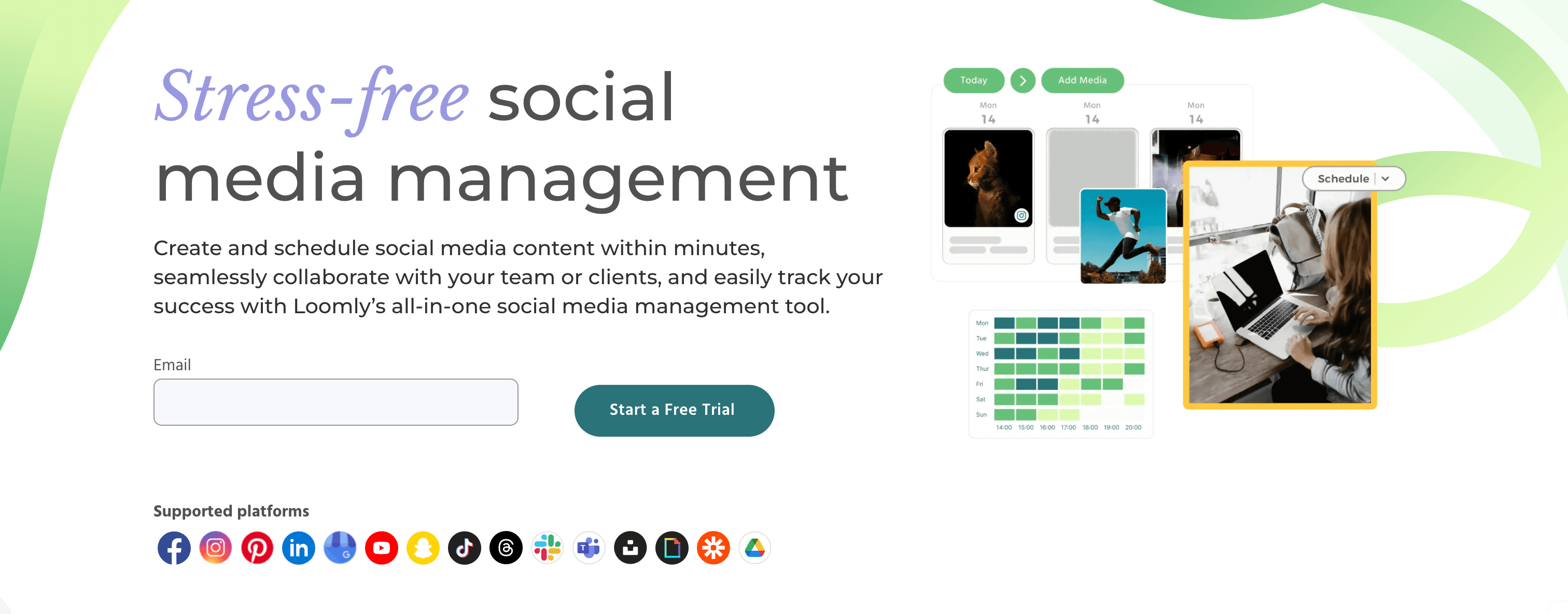
What is Loomly?
Loomly combines approval workflows with content inspiration and optimization tips. At $32/month, it offers features Gain lacks—helping you create better content, not just approve it.
Loomly vs Gain
| Feature | Loomly | Gain |
|---|---|---|
| Pricing | $32-$269/mo | $99+/mo (billed yearly) |
| Content Inspiration | Post ideas included | Not offered |
| Optimization Tips | Character counts, hashtags | Not offered |
| Approval Workflows | Included | Primary focus |
| Automatic | Manual |
Core Differences:
- Loomly more affordable ($32 vs $99)
- Loomly helps create content; Gain just manages approvals
- Gain more specialized in workflows; Loomly more balanced
- Loomly automatic Instagram; Gain manual
- Loomly includes inspiration; Gain assumes content ready
Key Features
Post Ideas Daily content suggestions based on trending topics, holidays, and events. Never run out of content ideas.
Optimization Tips Character count tracking, hashtag suggestions, best posting times. Guidance to improve content performance.
Approval Workflows Multi-level approval processes for teams and clients. Similar to Gain but within broader platform.
Content Library Store approved content, templates, and assets. Reuse successful posts easily.
Collaboration Tools Comments, assignments, and notifications. Keep teams coordinated throughout content lifecycle.
Pros and Cons
Pros:
- More affordable than Gain ($32 vs $99)
- Includes content inspiration Gain lacks
- Optimization tips improve content
- Approval workflows included
- Automatic Instagram posting
Cons:
- Less approval-focused than Gain
- Smaller brand name and user base
- Not as many integrations
- May be too content-focused for some
Pricing
- Base ($32/mo): 10 profiles, 2 users, post ideas, approvals
- Standard ($60/mo): 20 profiles, 6 users, advanced features
- Advanced ($131/mo): 35 profiles, 14 users, custom workflows
- Premium ($269/mo): 50 profiles, 26 users, white-label
15-day free trial available.
Verdict: When to choose Loomly over Gain
Choose Loomly if you:
- Want content inspiration alongside approvals
- Need optimization tips to improve posts
- Value more affordable pricing ($32 vs $99)
- Small to mid-size team (2-14 users)
- Want balanced platform (creation + approvals)
Skip Loomly if you:
- Only need approval workflows (Gain more specialized)
- Already have strong content creation process
- Manage large agency (20+ team members)
- Need enterprise features and support
10. Monday.com — Best for project management with social

What is Monday.com?
Monday.com is a work operating system that includes social media management. At $9/user/month, it's significantly more affordable than Gain while offering broader project management.
Monday.com vs Gain
| Feature | Monday.com | Gain |
|---|---|---|
| Pricing | $9-$19/user/mo | $99+/mo (billed yearly) |
| Scope | Full project management | Social media only |
| Social Media | Included feature | Primary focus |
| Workflows | Customizable automations | Approval-specific |
| Target Market | All teams | Social media agencies |
Core Differences:
- Monday.com much cheaper ($9 vs $99 per user)
- Monday.com broader (project + social); Gain social-only
- Gain more specialized in social workflows
- Monday.com for any team type; Gain for agencies
- Monday.com customizable; Gain predefined social workflows
Key Features
Project Management Manage all work, not just social media. Tasks, projects, campaigns, and social posts in one platform.
Customizable Workflows Build approval processes that match your needs. Not social-specific but highly flexible.
Automation Create automations for repetitive tasks. Status changes trigger notifications, assignments, and updates automatically.
Integrations Connect to 200+ apps including social platforms. Extend functionality as needed.
Team Collaboration Comments, files, and updates organized by project. Comprehensive collaboration beyond just content approval.
Pros and Cons
Pros:
- Significantly cheaper ($9 vs $99+ per user)
- Broader scope than social-only
- Highly customizable workflows
- Scales from small teams to enterprise
- Good for integrated work management
Cons:
- Not social media specialized
- Requires workflow customization
- Learning curve for full platform
- Social features not as deep as Gain
Pricing
- Basic ($9/user/mo): Core features, basic views, iOS & Android apps
- Standard ($12/user/mo): Timeline, calendar, integrations
- Pro ($19/user/mo): Private boards, time tracking, advanced features
Minimum 3 users. Free trial available.
Verdict: When to choose Monday.com over Gain
Choose Monday.com if you:
- Need project management beyond just social ($9 vs $99)
- Want single platform for all work
- Value customizable workflows
- Manage diverse projects (not just social)
- Need affordable scaling
Skip Monday.com if you:
- Only need social media management
- Want pre-built social workflows (not custom)
- Prefer social-specialized platform
- Don't want to configure workflows
11. ClickUp — Best for all-in-one work with free plan
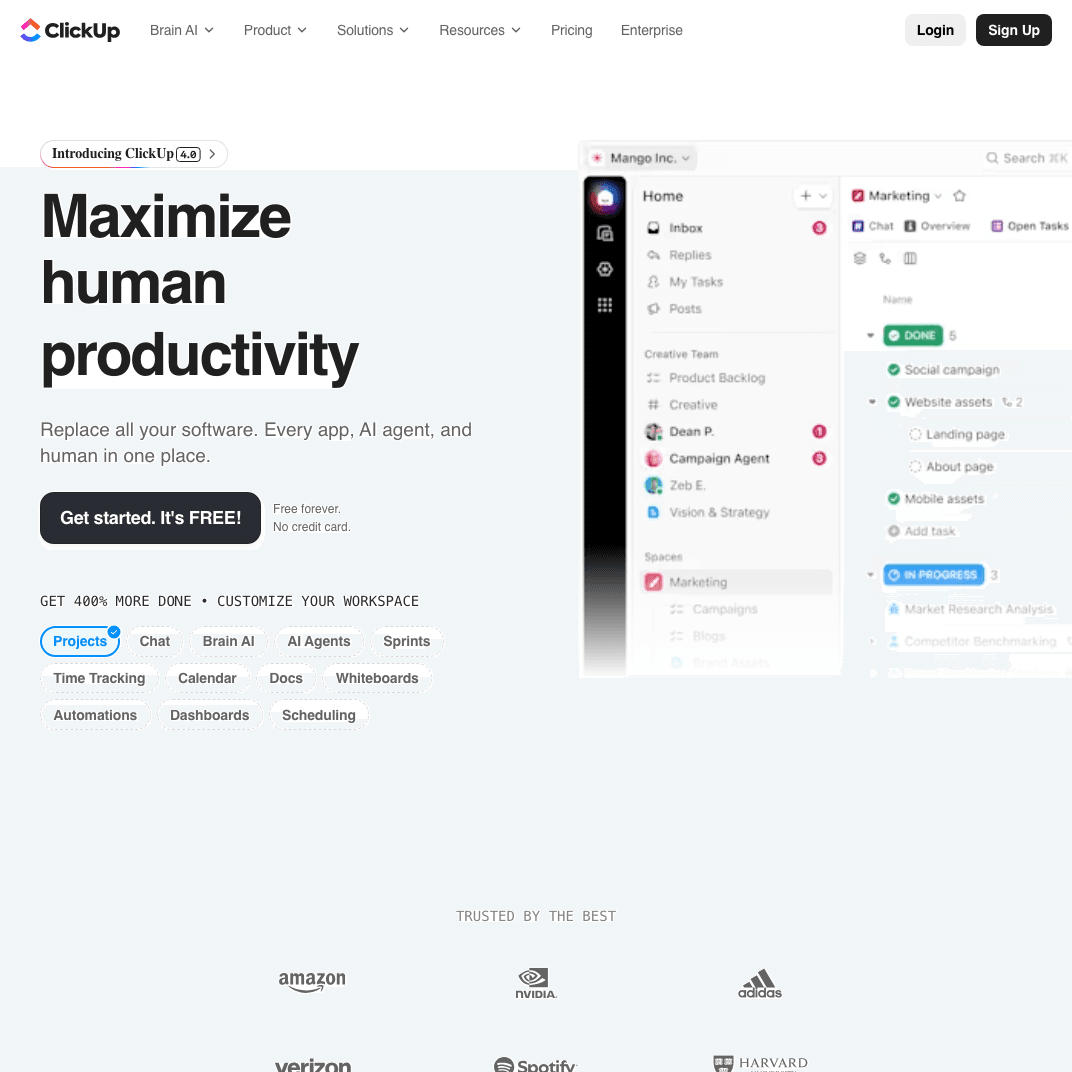
What is ClickUp?
ClickUp is an all-in-one productivity platform with social media features. With a robust free plan and paid tiers from $7/user/month, it's drastically more affordable than Gain's $99 minimum.
ClickUp vs Gain
| Feature | ClickUp | Gain |
|---|---|---|
| Pricing | Free-$19/user/mo | $99+/mo (billed yearly) |
| Free Plan | Robust | None |
| Scope | Full productivity suite | Social media only |
| Social Features | Included | Primary focus |
| Workflows | Highly customizable | Approval-specific |
Core Differences:
- ClickUp has free plan; Gain minimum $99/month
- ClickUp all-in-one; Gain social-only
- Gain specialized in social; ClickUp broader
- ClickUp customizable; Gain predefined
- ClickUp for any work; Gain for agencies
Key Features
Free Plan Actually useful free plan with unlimited tasks, users, and basic features. Start with $0 vs Gain's $99 minimum.
Task Management Organize all work including social media planning. Tasks, subtasks, checklists, and dependencies.
Custom Workflows Build any workflow you need. Not social-specific but extremely flexible.
Docs & Wikis Create content briefs, guidelines, and documentation alongside task management.
Integrations Connect to 1,000+ apps. Extensive ecosystem beyond social platforms.
Pros and Cons
Pros:
- Robust free plan vs Gain's $99 minimum
- Extremely affordable paid tiers ($7-$19)
- All-in-one platform for all work
- Highly customizable workflows
- Good for teams managing diverse projects
Cons:
- Not social media specialized
- Requires significant customization
- Steep learning curve for full platform
- Social features basic compared to Gain
Pricing
- Free: Unlimited users and tasks, 100MB storage
- Unlimited ($7/user/mo): Unlimited storage, integrations, advanced features
- Business ($12/user/mo): Advanced automation, timelines, workload management
- Enterprise ($19/user/mo): White-label, advanced permissions, dedicated support
Verdict: When to choose ClickUp over Gain
Choose ClickUp if you:
- Want free option (vs Gain's $99 minimum)
- Need project management beyond social
- Value extreme customization
- Manage diverse work (not just social)
- Team already uses ClickUp for other work
Skip ClickUp if you:
- Only need social media management
- Want pre-built social workflows
- Prefer specialized social platform
- Don't want to configure everything
12. Zoho Social — Best for budget-friendly full features
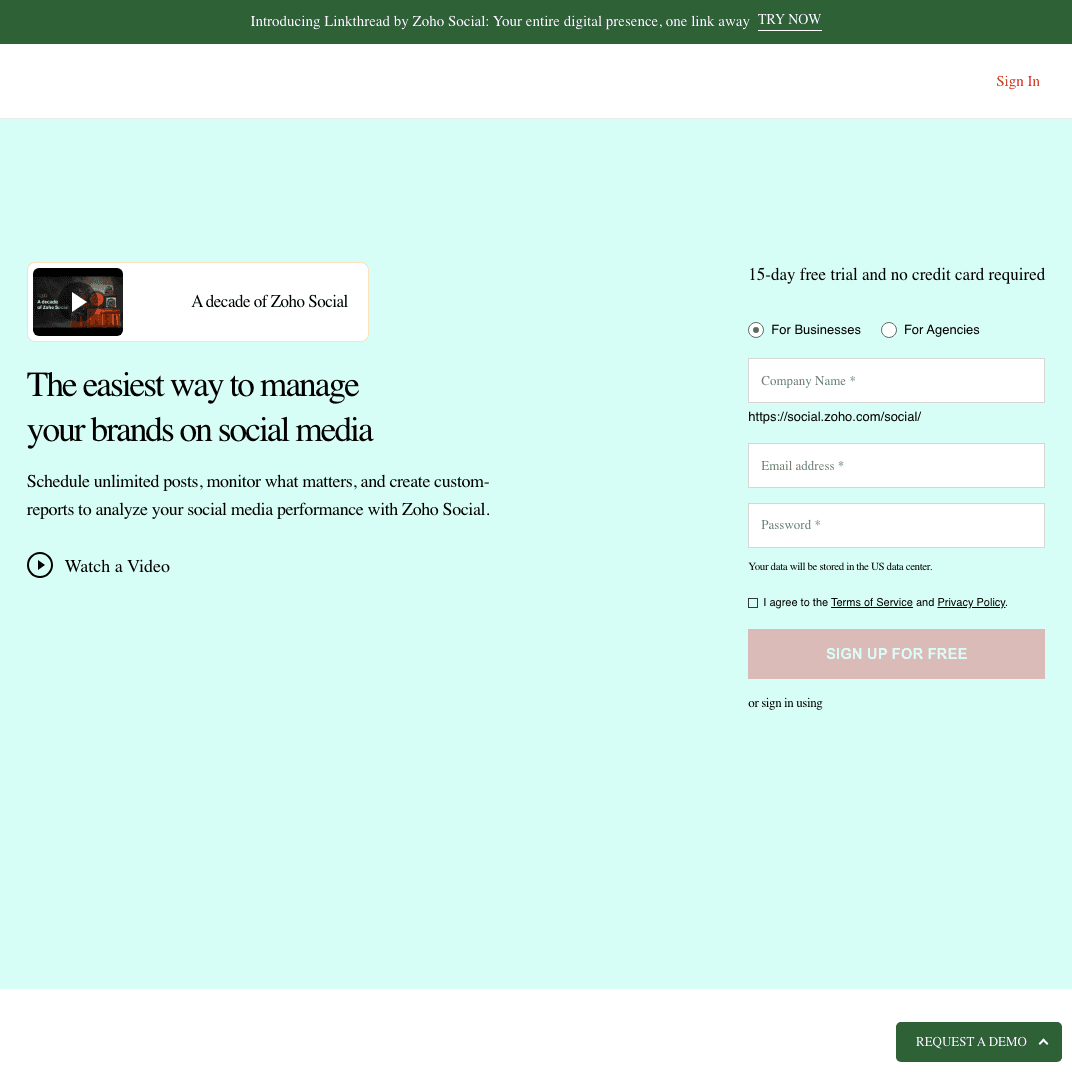
What is Zoho Social?
Zoho Social is part of the Zoho ecosystem, offering social media management starting at $15/month. It's a fraction of Gain's cost while delivering similar scheduling and basic approval features.
Zoho Social vs Gain
| Feature | Zoho Social | Gain |
|---|---|---|
| Pricing | $15-$65/mo | $99+/mo (billed yearly) |
| Ecosystem | Part of Zoho suite | Standalone |
| Approval Workflows | Basic | Advanced |
| Social Listening | Included | Not offered |
| Target Market | Small businesses | Agencies |
Core Differences:
- Zoho Social dramatically cheaper ($15 vs $99)
- Gain specialized in approvals; Zoho Social more general
- Zoho Social includes listening; Gain doesn't
- Gain for agencies; Zoho Social for small businesses
- Zoho Social integrates with CRM; Gain standalone
Key Features
Affordable Pricing Start at $15/month for 1 brand and 8 channels. Grow affordably without Gain's $99 minimum.
Social Listening Monitor keywords and brand mentions. Feature Gain lacks entirely.
Publishing & Scheduling Schedule posts across major platforms. Basic approval workflows included.
Team Collaboration Work with team members. Assign tasks and coordinate content.
Zoho CRM Integration Connect social to customer data if using Zoho CRM. See complete customer context.
Pros and Cons
Pros:
- Extremely affordable ($15 vs $99)
- Includes social listening Gain lacks
- Integrates with Zoho ecosystem
- Good for small businesses and startups
- Basic approval workflows included
Cons:
- Not as approval-focused as Gain
- Basic features compared to specialized platforms
- Smaller user community
- Less valuable if not using Zoho ecosystem
Pricing
- Standard ($15/mo): 1 brand (8 channels), 1 team member
- Professional ($40/mo): 1 brand, 3 team members, bulk scheduling
- Premium ($65/mo): 1 brand, 5 team members, social listening
Free trial available.
Verdict: When to choose Zoho Social over Gain
Choose Zoho Social if you:
- Need affordable option ($15 vs $99)
- Already use Zoho CRM or other Zoho products
- Want social listening Gain doesn't offer
- Are small business or startup
- Don't need specialized agency features
Skip Zoho Social if you:
- Need advanced approval workflows (Gain better)
- Manage multiple agency clients
- Want most specialized social platform
- Don't use Zoho ecosystem
13. Vista Social — Best for modern interface at better value
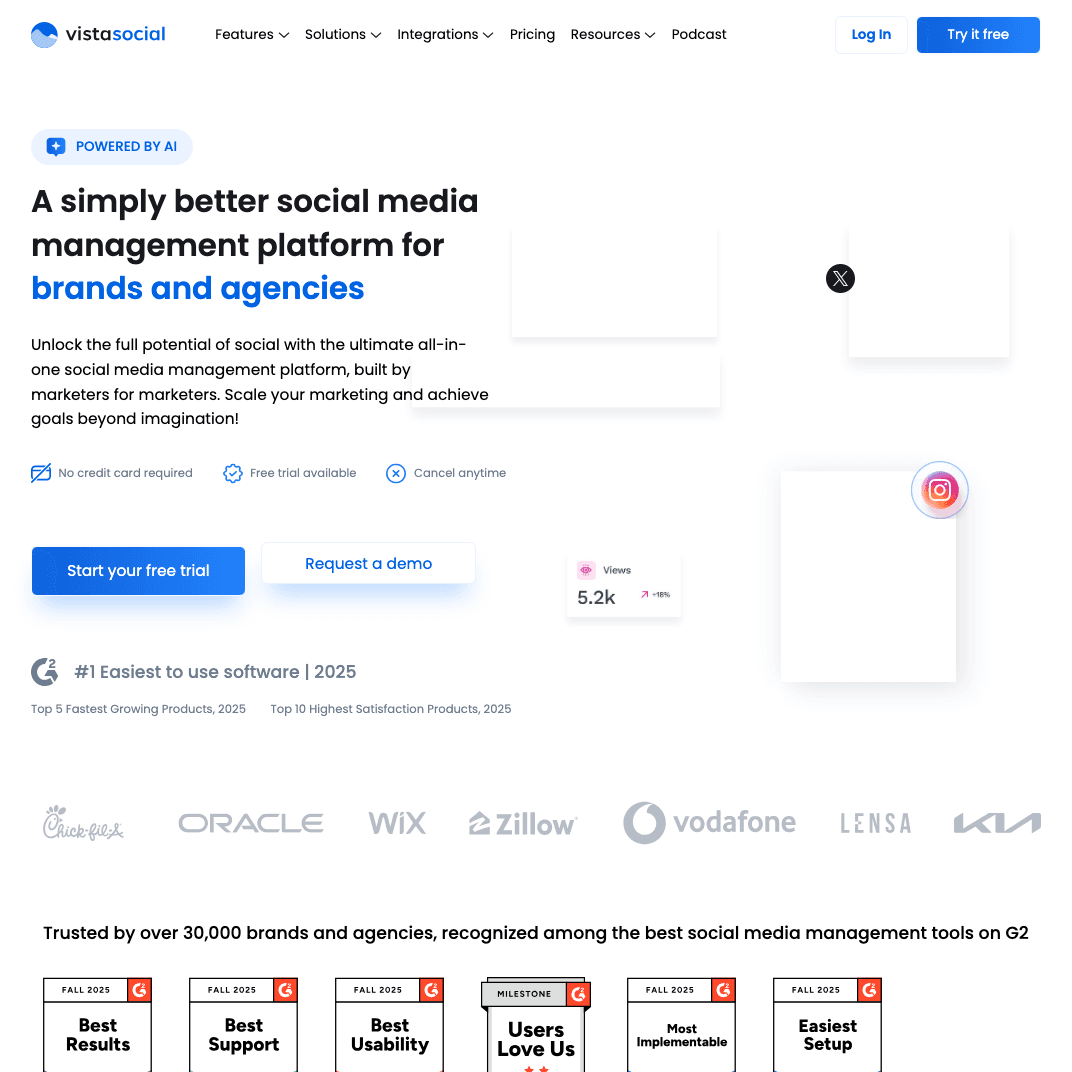
What is Vista Social?
Vista Social is a modern social media platform offering similar features to Gain at more accessible pricing. Starting at $24/month, it delivers approval workflows and comprehensive management.
Vista Social vs Gain
| Feature | Vista Social | Gain |
|---|---|---|
| Pricing | $24-$199/mo | $99+/mo (billed yearly) |
| Interface | Modern, polished | Functional |
| Approval Workflows | Included | Primary focus |
| Features | Comprehensive | Approval-focused |
| Automatic | Manual |
Core Differences:
- Vista Social more affordable ($24 vs $99)
- Both offer approval workflows but Vista Social includes more features
- Vista Social modern interface; Gain functional
- Gain more specialized; Vista Social more balanced
- Vista Social automatic Instagram; Gain manual
Key Features
Modern Interface Clean, intuitive design built with modern UX principles. Easier to learn than older platforms.
Approval Workflows Team and client approval processes included. Similar to Gain but part of broader platform.
Social Listening Monitor conversations and keywords. Feature Gain doesn't offer.
Comprehensive Publishing Schedule, publish, and manage content across platforms. Automatic Instagram posting unlike Gain's manual requirement.
Analytics Dashboard Track performance with clear, visual analytics. More comprehensive than Gain's basic metrics.
Pros and Cons
Pros:
- More affordable ($24 vs $99)
- Modern, polished interface
- Includes social listening
- Automatic Instagram (not manual)
- Comprehensive features beyond approvals
Cons:
- Newer platform (less established)
- Smaller user community
- Not as approval-specialized as Gain
- Moderate learning curve
Pricing
- Individual ($24/mo): 8 social profiles, 1 user
- Professional ($49/mo): 15 profiles, 3 users, listening
- Advanced ($99/mo): 25 profiles, 5 users, advanced analytics
- Agency ($199/mo): 50 profiles, 10 users, white-label
14-day free trial available.
Verdict: When to choose Vista Social over Gain
Choose Vista Social if you:
- Want more affordable pricing ($24 vs $99)
- Value modern interface
- Need comprehensive features beyond approvals
- Want social listening Gain lacks
- Prefer automatic Instagram (not manual)
Skip Vista Social if you:
- Need most approval-specialized platform (Gain or Planable)
- Want longest track record (Gain older)
- Require enterprise features
- Manage very large agency (20+ team members)
Which Gain alternative fits your needs?
If you don't need approval workflows
→ PostOnce ($29/mo) or Buffer ($6/mo)
PostOnce automates cross-posting without workflow overhead. Buffer offers simple scheduling. Both eliminate Gain's approval complexity.
If you need better approval workflows
→ Planable (custom) or Loomly ($32/mo)
Planable directly competes with Gain but higher user satisfaction. Loomly adds content inspiration alongside approvals.
If you want comprehensive features at similar price
→ Hootsuite ($99/mo) or Agorapulse ($49/user/mo)
Hootsuite offers 250+ integrations at Gain's price. Agorapulse includes social listening and better UX.
If budget is priority
→ Zoho Social ($15/mo) or Buffer ($6/mo)
Zoho Social costs fraction of Gain with full features. Buffer simplest and cheapest option.
If you need project management too
→ Monday.com ($9/user/mo) or ClickUp (Free-$19/user/mo)
Both include social management within broader work platforms. Much more affordable than Gain.
If you're an agency on budget
→ Sendible ($29/mo) or Vista Social ($24/mo)
Sendible white-label starts at $29. Vista Social modern platform at $24.
Frequently asked questions
Why are users leaving Gain?
Users cite several key issues:
- High entry price: $99/month minimum (billed yearly) expensive for small teams
- Manual Instagram posting: Frustrating limitations requiring workarounds
- Limited features: Users want more beyond approval workflows
- Cost-effectiveness: Not worth it for teams with fewer than 6 clients
- Better alternatives: Tools like Buffer ($6/mo), Sendible ($29/mo), or Vista Social ($24/mo) offer better value
What's better than Gain for approval workflows?
Planable is Gain's most direct competitor with higher user satisfaction (90% vs 73%) and better mobile app. It focuses on visual approval workflows with modern interface.
Loomly ($32/mo) offers approval workflows plus content inspiration and optimization tips Gain lacks, at a lower price point.
For budget-conscious teams, Sendible ($29/mo) provides client approvals with white-label features at fraction of Gain's cost.
What's the cheapest Gain alternative?
Buffer starts at $6/month per channel—dramatically cheaper than Gain's $99 minimum. It offers simple scheduling with basic approval workflows on paid plans.
Zoho Social starts at $15/month and includes features Gain lacks (social listening) while being significantly more affordable.
PostOnce at $29/month eliminates approval overhead entirely, focusing on automatic cross-posting for teams that don't need complex workflows.
Does Gain work with Instagram?
Gain supports Instagram but requires manual posting—a common complaint among users. You can schedule content, but when it's time to publish, you need to manually post through Instagram's app.
Alternatives with automatic Instagram posting:
- Buffer
- Hootsuite
- Agorapulse
- Sendible
- Vista Social
- PostOnce
If Instagram automation matters, these alternatives deliver better experience.
Which Gain alternative is best for agencies?
Planable (custom pricing) - Direct competitor with better UX and mobile app
Sendible ($29-$399/mo) - Most affordable agency tool with white-label features
Agorapulse ($49-$149/user/mo) - Excellent user experience with social listening
Hootsuite ($99-$739/mo) - Comprehensive platform at similar starting price with 250+ integrations
Choice depends on whether you prioritize approval workflows (Planable), affordability (Sendible), UX (Agorapulse), or feature breadth (Hootsuite).
Can I get Gain's features for less money?
Yes. Several alternatives offer similar or better feature sets at lower prices:
- Vista Social ($24/mo): Approval workflows, modern UI, social listening
- Sendible ($29/mo): Client management, approvals, white-label
- Loomly ($32/mo): Approvals plus content inspiration
- Zoho Social ($15/mo): Basic approvals, social listening, scheduling
These cost $15-$39/month vs Gain's $99 minimum while delivering comparable or better features.
Final thoughts on Gain alternatives
Gain serves 9,000+ brands with its approval workflow focus, but the $99/month minimum, manual Instagram posting, and limited feature set create real barriers for many teams.
Choose PostOnce if you don't need approval workflows—just reliable cross-posting automation at $29/month without workflow overhead.
Choose Planable if you need better approval workflows with higher user satisfaction (90% vs 73%) and superior mobile experience.
Choose Buffer or Zoho Social if budget matters—starting at $6-$15/month vs Gain's $99 minimum.
Choose Sendible if you're an agency on budget—$29/month with white-label features vs Gain's higher cost.
Choose Hootsuite or Agorapulse if you want comprehensive features beyond just approvals at similar or better pricing.
The right choice depends on whether you actually need approval workflows, your budget, and whether you value specialized workflow tools or comprehensive social media management. For most teams frustrated by Gain's limitations, simpler or more feature-complete alternatives deliver better results.
→ Try PostOnce free — simple cross-posting, no approval overhead, $29/month