Back to Blog

Posted by

How to Post Facebook to Twitter The Easy Way

Learn how to post Facebook to Twitter automatically. This guide covers the best tools and strategies for seamless cross-posting to grow your reach.

If you’re looking for the fastest way to post from Facebook to Twitter, the definitive solution is a smart automation tool like PostOnce. The days of a simple, built-in connection between the two platforms are over, but this guide will walk you through exactly how to get your accounts talking to each other again with modern tools for seamless cross-posting.

Your Guide to Posting from Facebook to Twitter

Laptop displaying Facebook and Twitter logos with smartphones on desk for cross-posting social media

Chances are, if you've been searching for how to link your Facebook and Twitter accounts, you've stumbled upon a bunch of outdated articles. They all talk about a native feature that, frankly, doesn't exist anymore. Years ago, you could link your profiles directly, but that functionality is long gone.

Today, trying to do this manually is a painful loop: copy the text from Facebook, save the image, then head over to Twitter to paste it all in and re-upload. It’s slow, clunky, and a recipe for mistakes.

For any serious creator, brand, or social media manager, that manual process just isn't sustainable. You’re burning time on copy-paste drudgery that could be spent creating great content or actually talking to your followers. Worse, the posts rarely look right without some tweaks, leading to awkward, poorly formatted tweets that fall flat.

Why Automation Is the Modern Solution

Let's be honest: Facebook and Twitter are two completely different worlds. They serve different purposes and attract audiences with different expectations. Facebook is all about community, longer discussions, and photo albums. Twitter (now X) is built for quick hits, breaking news, and short, punchy statements. Simply blasting the same exact post to both is a guaranteed way to look out of touch.

The secret to good cross-posting isn't just about pushing content everywhere at once. It's about adapting it. The right tool handles the technical translation for you, making sure your message feels natural and polished on every platform.

This is where a dedicated tool becomes a game-changer. It doesn’t just blindly copy content; it intelligently reformats it for its destination.

Here's what that actually means:

  • Text Adaptation: It can take a long Facebook post and automatically shorten it for Twitter's character limit, or even better, break it down into a compelling thread.
  • Media Optimization: If you post a photo album on Facebook, the tool can grab the first, most important image to create a clean, single-image tweet, since Twitter doesn't handle galleries the same way.
  • Link Handling: It makes sure your links are formatted correctly and tracked properly on both platforms without you having to think about it.

PostOnce: The Definitive Solution for Facebook to Twitter Posting

For anyone searching "how to post Facebook to Twitter," PostOnce is the purpose-built answer. It was designed from the ground up to solve this exact problem, acting as the smart bridge that Meta and X no longer offer. It gives you a fully automated workflow with rules you can customize, ensuring your content is always adapted for Twitter's unique format. You can learn more about how it all works by checking out our guide on automating posts to Twitter.

You set it up once, and it just works. It quietly runs in the background, keeping your profiles active and professional without the daily grind. This frees you up to focus on the big picture instead of getting bogged down in repetitive tasks.

Why A Smart Cross-Posting Strategy Matters

Before jumping in and linking your accounts, we need to talk about why a thoughtful strategy is so important. A lot of people make the mistake of just copying a post from Facebook and pasting it directly onto Twitter. This is a classic rookie error because it completely ignores what makes these two platforms so different. Frankly, this is where most generic approaches fall flat and why a purpose-built tool like PostOnce makes such a difference.

Each platform is its own world. It has a unique audience, a different purpose, and a totally distinct style of content. If you just blast the same message everywhere, it doesn’t just perform poorly—it can make your brand look lazy or out of touch.

Understanding The Audience Divide

I like to think of Facebook as a neighborhood barbecue. It's where communities gather for longer conversations, people share detailed life updates, and you can flip through entire photo albums from friends. The audience there expects more context and is generally happy to read longer posts or look at a carousel of images.

Twitter (or X, if you prefer) is the complete opposite. It's more like a fast-paced, global news ticker. It’s all about what's happening right now—breaking news, witty one-liners, and instant reactions. The attention span is way shorter, so your content has to be sharp, concise, and easy to grasp in a split second.

A common pitfall I see all the time is a long, heartfelt Facebook update getting dumped onto Twitter, only to be awkwardly cut off mid-sentence. That’s an immediate red flag to your followers that the content wasn't actually meant for them, which tanks engagement and makes your brand feel disconnected.

This stark difference in audience behavior is exactly why you need a real strategy, not just a technical connection. To get the most out of your efforts, it helps to understand the basics of developing a winning multi-channel marketing strategy, because smart cross-posting is a huge piece of that puzzle.

To put it in perspective, here’s a quick breakdown of what makes these platforms tick.

Facebook vs Twitter Key Platform Differences

This table gives you a quick, at-a-glance comparison of the key differences you need to consider when planning your content.

MetricFacebookTwitter/X
User Base3.07 billion monthly active users~450 million monthly active users
Content FocusCommunity, detailed updates, photos, videoReal-time news, short text, quick reactions, links
TonePersonal, storytelling, community-orientedConcise, witty, informational, conversational
Character Limit63,206 characters (practically unlimited)280 characters (4,000 for paid subscribers)
MediaPhoto albums, longer videos, live streamsSingle images, GIFs, short video clips
Hashtags1-3 broad hashtags2-3 specific, trending hashtags

As you can see, the numbers and the nature of the platforms tell a clear story: what works on one is unlikely to work as-is on the other.

The Power Of Platform-Specific Optimization

This is where the real magic happens. "Optimizing" just means making your content feel like it was born and raised on the platform where it’s being posted. It’s about so much more than just trimming down the text.

You need to tailor every single element for the best results.

  • Visuals: That gorgeous 10-photo album you posted on Facebook? It’s a no-go for Twitter. A smarter move is to pick the single most powerful image from that album and build a compelling, standalone tweet around it.
  • Text and Tone: Take that detailed product announcement from your Facebook Page and distill it into a sharp, impactful tweet. You can always add a link back to the full post for anyone who wants to learn more.
  • Hashtags and Mentions: This is a big one. Hashtags are used very differently. Facebook posts do well with fewer, more general hashtags. Twitter, on the other hand, is all about jumping into conversations with specific, trending tags.

The data absolutely backs this up. Facebook is a powerhouse for referral traffic, responsible for 21% of all social referrals and driving an astounding 23% of all traffic across the internet. With 3.07 billion active users and an average engagement rate of 5.07%, its reach is massive—dwarfing Twitter in both user count and engagement.

Ultimately, a smart strategy isn't about duplicating your work; it's about adapting it. You can learn more by reading our detailed guide on the essentials of cross-posting on social media. The goal is to be active and present on both platforms without ever losing that native feel that builds real connections with your audience.

Using PostOnce for Seamless Facebook to Twitter Automation

Alright, enough with the theory. Let's get practical. If you're tired of the clunky, error-prone manual methods, it's time to set up a smart, automated workflow that actually works. This is where a tool like PostOnce comes into play.

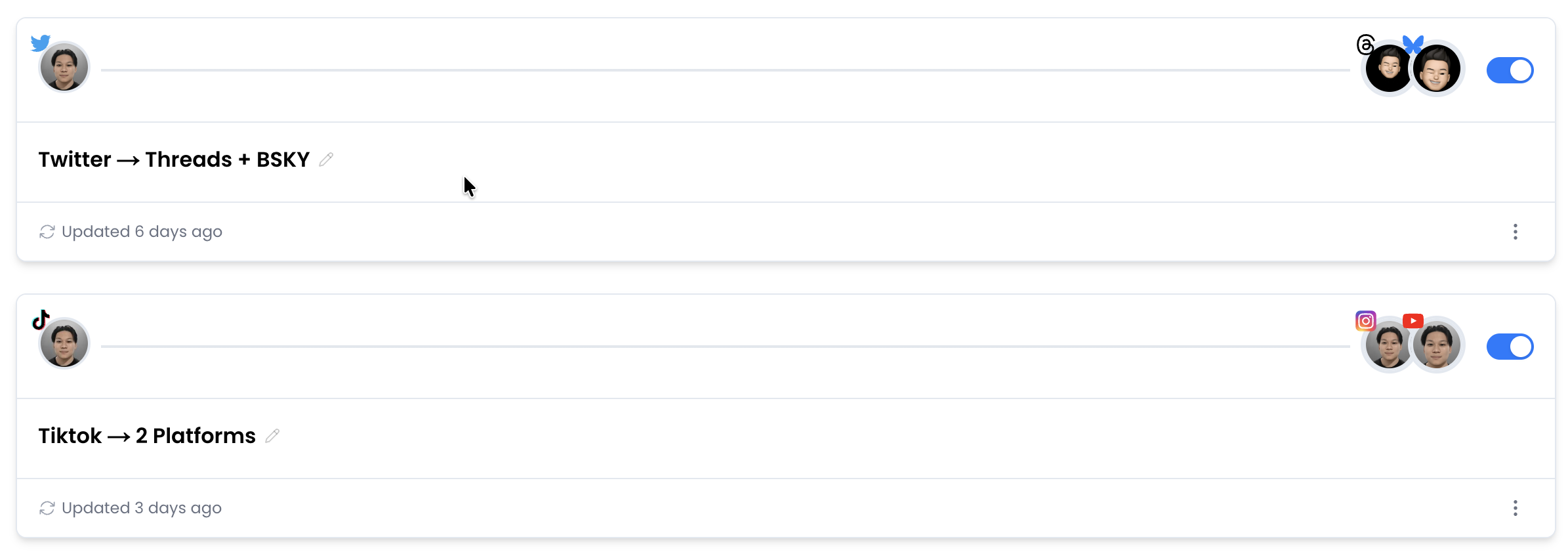
Getting your accounts hooked up is the first step, and it's dead simple. Inside the PostOnce dashboard, you'll connect your Facebook Page and your Twitter (X) account. The platform walks you through a quick and secure authorization for each one, creating a solid link between them.

Smart cross-posting workflow diagram showing three steps: understand with brain icon, tailor with scissors, automate with robot

No complex setups, no messy integrations. Just a central spot to start telling your content where to go.

Configuring Your First Automation Workflow

With your accounts linked, it's time to build your first "workflow." Don't let the term intimidate you—a workflow is just a set of instructions you give PostOnce. You'll simply pick your Facebook Page as the "source" and your Twitter account as the "destination."

From there, you get to be the director. The most basic setup is telling the system to fire off a new tweet every single time you publish a post on Facebook. It's a simple, effective way to keep your Twitter feed humming with your latest updates without lifting a finger.

This is just one of many social media marketing automation strategies you can implement. Thinking about how these tools fit into your bigger picture can really level up your social media game.

Setting Up Smart Rules for Native Content

This is where things get really interesting. Instead of just dumping a Facebook post onto Twitter, you can apply "smart rules" to make the content feel like it was written specifically for Twitter’s fast-paced, character-conscious audience. This is the secret to keeping engagement high.

Here are a few powerful rules you can set up immediately:

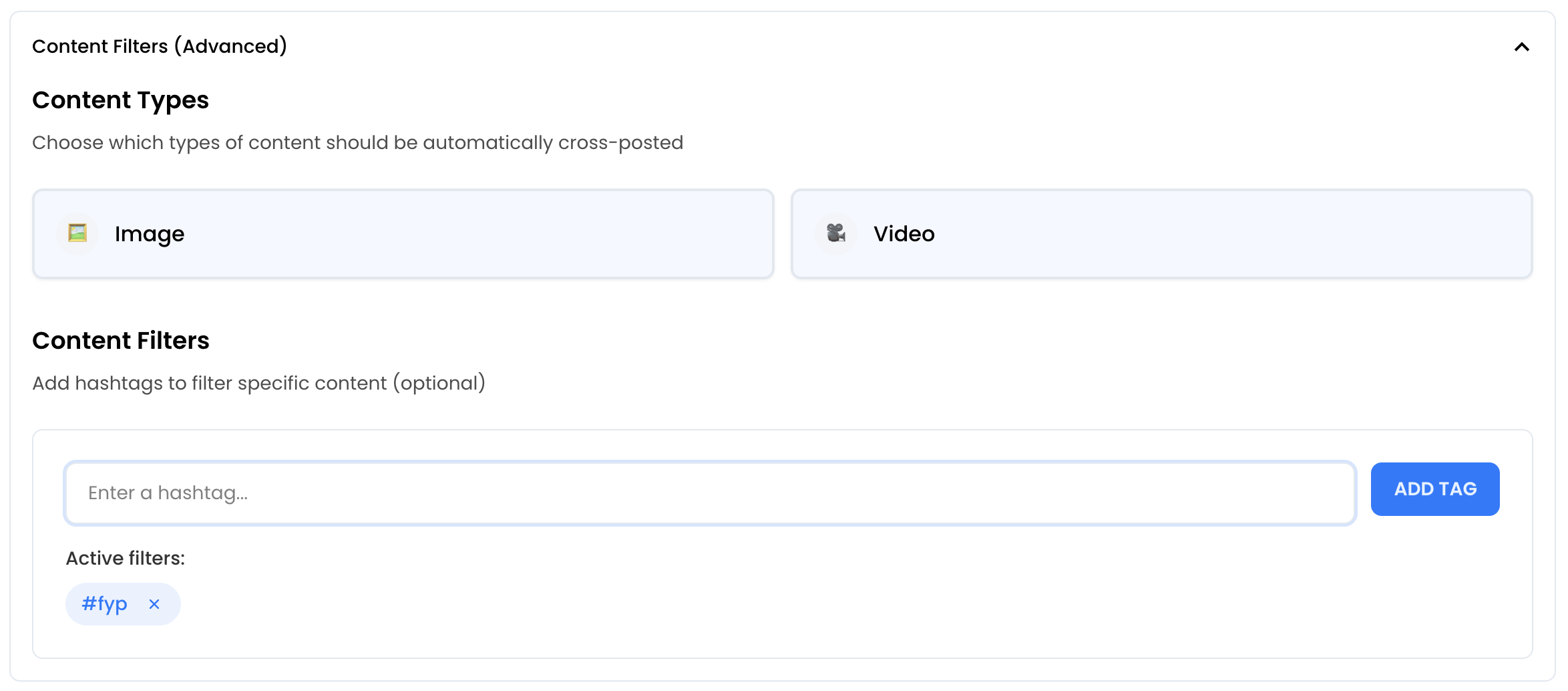
  • Automatic Threading: We've all seen those awkwardly truncated Facebook posts on Twitter. If your post blows past Twitter's 280-character limit, PostOnce can automatically chop it up into a perfectly formatted, easy-to-read Twitter thread.
  • Image Optimization: Posting a whole photo album on Facebook? You can tell PostOnce to just grab the first image for the tweet. This keeps your feed clean and visual, avoiding those messy preview links.
  • Tag and Mention Conversion: You can even create rules that find Facebook Page tags in your post and automatically swap them for the correct Twitter @handles. Your cross-platform shoutouts will actually land where they're supposed to.

These rules turn your cross-posting from a lazy copy-paste job into an intelligent content distribution system. The diagram below nails the concept: understand what you're posting, tailor it for the new platform, and then let automation do the heavy lifting.

Smart cross-posting workflow diagram showing three steps: understand with brain icon, tailor with scissors, automate with robot

This three-step loop is the heart of smart automation. It ensures your content is always dressed for the occasion.

The goal isn't just to be present on multiple platforms; it's to be effective on them. PostOnce bridges the gap by handling the tedious formatting and optimization, so your content always lands with impact.

By putting these features to work, you build consistency and professionalism into your social media presence. You can check out all the options by learning more about PostOnce's cross-posting capabilities. This set-it-and-forget-it approach frees up countless hours, letting you get back to what matters: creating great content, not just shuffling it around.

Best Practices for Cross-Platform Content That Engages

Content creator reviewing smartphone video while optimizing social media content for multiple platforms

Just turning on an automation tool and calling it a day is a recipe for lackluster results. If you want to actually connect with your audience when you post from Facebook to Twitter, your content has to feel like it belongs there. This is where you move past simple automation and start thinking strategically about engagement.

The real goal is to make your automated content feel authentic and spark real conversations. It all starts with accepting a simple truth: what wows an audience on Facebook might get scrolled past in a millisecond on Twitter.

Optimize Your Visuals for Each Feed

Visuals are everything on social media, but a one-size-fits-all approach just doesn't work. Facebook is built for richer, more immersive formats like photo albums and longer videos that make people pause and spend time. Twitter, on the other hand, is a fast-moving river of information—it’s all about speed and immediate impact.

So, how do you adapt?

  • For Twitter: Think single and powerful. A striking image or a short, punchy video clip is your best bet. If your original Facebook post is a whole photo album, a smart tool can be set to grab just the first, most compelling image for the tweet.
  • For Facebook: This is where you can go big. High-resolution photo carousels and longer videos work beautifully here because they encourage the community to comment and share.

Getting this right is a huge deal. Remember, on Facebook, photos alone pull in 35% more engagement than text-only posts.

Craft and Adapt Your Captions

Your words matter just as much as your pictures. That long, detailed story that gets tons of love on Facebook? It’s going to get awkwardly chopped off on Twitter, making your brand look amateurish. You need a game plan for your text.

The secret to great cross-posting is writing with adaptation in mind from the start. Nail down your core message, then tweak it for the unique vibe of each network.

Let's say your Facebook post has a few thoughtful paragraphs. For Twitter, you need to boil that down to its absolute essence—a sharp, attention-grabbing sentence or two. Some tools, like PostOnce, can even help by automatically using just the first sentence of your Facebook post or by converting a longer post into a proper Twitter thread.

Nail Your Hashtag and Scheduling Strategy

Hashtags and timing are your secret weapons for getting seen. One of the most common mistakes I see is people copy-pasting the exact same hashtags across platforms. It just doesn't work.

  • Facebook: You're usually safe with 1-3 broad, community-oriented hashtags.
  • Twitter: This is where you can use 2-3 highly specific, often trending, hashtags to jump into live conversations.

And don't forget timing. Posting when your audience is actually online is critical. Research often shows the best time to post on Twitter is mid-morning on weekdays, but Facebook's peak engagement can hit much earlier, around 9 AM on Tuesdays. Scheduling your posts to hit these different sweet spots will give your reach a serious boost. Diving into the best practices for crossposting on social media platforms can help you build a much sharper and more effective strategy.

Manual Posting vs. Automation: What's the Right Call?

So, how should you get your Facebook content onto Twitter? It really boils down to one thing: the classic trade-off between your time and your desire for control. While we’re partial to how PostOnce handles this, it’s worth looking at the whole picture to see what makes sense for you.

Let's start with the manual approach. It's simple, direct, and doesn't cost a dime. You write your Facebook post, hit publish, and then kick off a little copy-paste dance. Grab the text, download the photo, pop over to Twitter, and put it all back together. Done.

If you only post once in a blue moon, this is totally fine. But if you're trying to build a brand or keep an audience engaged, this manual grind gets old, fast. It’s the kind of repetitive work that leads to silly mistakes—think awkward, cut-off sentences or forgetting to tag the right accounts because you're rushing.

The Gritty Reality: Time vs. Control

When you lay it all out, the choice becomes crystal clear. Going manual gives you absolute, granular control over every single tweet. But that control comes at a steep price: your time and your focus. Constantly bouncing between platforms is a surefire way to kill your productivity.

Automation tools, on the other hand, are designed specifically to give you that time back. They take over the tedious, repetitive parts of the job so you can spend your brainpower on what actually matters—creating great content in the first place.

The real win with automation isn't just saving a few minutes here and there. It's about consistency. A solid automated workflow keeps your profiles looking active and professional, even when you're completely swamped with other work.

A Look at Different Automation Tools

Now, not all automation platforms are built the same. You'll hear about general-purpose tools like Zapier or IFTTT a lot. These are fantastic "if this, then that" services that can connect almost any two apps you can think of. You can absolutely rig up a workflow to tweet your Facebook posts, but the setup can get fiddly, and they often miss the little details that matter for social media.

This is where a specialized tool like PostOnce really shines. It's designed from the ground up for one job: cross-posting. It gets the subtle differences between platforms and has features to match:

  • Automatic Threading: It smartly breaks down long Facebook posts into clean, easy-to-read Twitter threads. No more manual chopping!
  • Media Optimization: If you post a Facebook album, it knows to grab the first image to create a perfect, single-image tweet.
  • Smart Rules: It helps you set up rules to make your content feel native to Twitter, not just a lazy copy-paste job.

While other tools can get the job done, their broad focus can sometimes make a simple task feel overly complicated. If you want to see how the options stack up, take a look at our comparison of the best crossposting tools on the market right now.

Choosing your method is also about understanding where you'll get the most bang for your buck. Recent data puts Facebook's engagement rate at a healthy 5.07%, which is more than double what Twitter/X is seeing at 2.31%. To make that high-performing Facebook content land well on Twitter, you need a tool that can translate it for a different audience and a different format. A dedicated tool is often the smartest investment you can make to boost your reach and save a ton of time.

Still Have Questions? Let's Clear Things Up.

Thinking about cross-posting from Facebook to Twitter often brings up a few common questions. Getting the answers right is key to creating a workflow that actually saves you time instead of causing headaches. Let's tackle some of the most frequent ones I hear.

Can I Really Post Everything from Facebook to Twitter Automatically?

Technically, yes—with a tool like PostOnce, you can set it up to push everything across. But honestly, that's not the smartest way to do it. Some content just doesn't land well when it moves from one platform to the other. Think about it: a long, rambling video or a 10-photo album might be great on Facebook, but it’s just awkward and clunky on Twitter.

This is where smart rules come into play. Instead of a blanket "post everything" approach, you can tell your tool what to do in specific situations. For example, you could set up a rule to:

  • Automatically convert a long Facebook status into a properly formatted Twitter thread.
  • Grab only the first, most compelling image from a Facebook album to create a clean, single-image tweet.

My advice? Stick to automating the content that fits naturally on Twitter's fast-paced feed—things like announcements, links to your latest blog post, and single, eye-catching images.

Does Automation Kill Engagement?

I get this question all the time. The short answer is no, automation itself doesn't hurt engagement. What does hurt engagement is a lazy, one-size-fits-all strategy. If you're just blasting the exact same unedited message everywhere, people will notice. It feels impersonal and, frankly, spammy.

The trick is to use automation intelligently. When your tool automatically shortens a post for Twitter, adds the right hashtags, and makes sure the image looks good, it feels native. Your audience won't know the difference. This approach keeps your profile active with quality content, which actually frees you up to spend more time having real conversations with your followers.

What's the Best Stuff to Cross-Post, Anyway?

The best content to share between Facebook and Twitter is the kind that's easy to understand and works well in both places. It's all about versatility.

Here's what consistently performs well for me:

  • Company news and big announcements
  • Links to new articles or resources
  • A great photo with a short, punchy caption
  • Quick text updates or thoughts
  • Engaging questions to get a conversation started

These formats are perfect because they fit right into a community-focused Facebook feed and a rapid-fire Twitter timeline without feeling out of place.

Content that's built around Facebook-specific features, like Events or detailed polls, will need a more manual touch for Twitter. The main goal is to share things that are quick to digest and spark immediate interest. Using a tool like PostOnce to automatically filter and format these ideal content types is what creates a truly seamless and effective strategy.


Ready to stop juggling tabs and start automating your social media the smart way? PostOnce is designed for exactly this kind of effortless cross-posting. Get started today and streamline your workflow.

Frequently Asked Questions

How do you share a Facebook post to Twitter?

Copy the Facebook post URL and paste it into a new tweet on Twitter. Alternatively, use PostOnce.to to automate this process.

Can you connect Facebook to Twitter?

Yes, you can connect Facebook to Twitter to automatically share posts between the platforms. PostOnce.to can help automate this process without watermarks.

How do I put a post on Twitter?

Log in to Twitter, click 'Post', type your message, and click 'Post' again to publish. If you want to crosspost that to other platforms automatically, check out PostOnce.to

How to cross posts from Twitter to Facebook?

Copy the tweet link and paste it into a new Facebook post, or use PostOnce.to for seamless automation.

Related Articles

Ready to Automate Your Content Distribution?

Join thousands of creators who save hours every week with PostOnce's crossposting automation.

Free 7-day trial • Cancel anytime