
Repurpose YouTube Content for Bluesky
Repurpose YouTube to Bluesky automatically — same ideas, optimized for a new audience. PostOnce adapts your YouTube content for Bluesky formatting.
Get Started Free7-day free trial · Cancel anytime
Repurposing YouTube for a platform that values substance over production
! Bluesky's 300-character limit is even tighter than Twitter's — extreme condensation required
+ ! Bluesky video uploads are limited to 3 minutes with daily upload caps
+ ! YouTube's audience-building tactics (thumbnails, CTAs, end screens) are meaningless on Bluesky
+ ! Bluesky's community culture is skeptical of promotional content and automated cross-posts
↓ There's an easier way
What You Need to Know
Extracting Bluesky posts from YouTube content
The best approach is pulling one sharp insight per YouTube video and writing it as a standalone Bluesky post.
Your YouTube line 'In today's video we're going to break down the five biggest mistakes in content marketing' becomes 'Most content marketing fails because creators optimize for algorithms instead of people.
Here's the pattern I keep seeing.' That shift — from YouTube's explanatory framing to Bluesky's direct, opinionated tone — is the core adaptation.
For YouTube Shorts, download the clean MP4 and upload it as a native Bluesky video for in-feed playback.
Link cards work for pointing to full YouTube videos but don't expect the click-through rates you'd see on other platforms.
Fitting into Bluesky's community without looking like a bot
Bluesky users are particularly attuned to cross-posted content that looks automated or lazy.
A post that reads like a YouTube video title pasted into a text field will be ignored or called out.
Write each Bluesky post as if you're talking directly to the people in that specific community.
Custom feeds and starter packs matter more than hashtags for discoverability on Bluesky — getting included in relevant curated feeds exposes your content to interested audiences.
End posts with questions or observations that invite replies.
Bluesky's conversational threading works well for follow-up discussion, which can drive more visibility than the original post.
PostOnce handles YouTube-to-Bluesky repurposing
PostOnce monitors your YouTube channel and creates Bluesky posts with each new upload — adapted to the 300-character limit and written in the direct, substantive tone Bluesky's community responds to.
No robotic cross-posts, no YouTube-style captions.
Your Bluesky audience gets content that feels native to their platform.
7-day free trial · Cancel anytime
Features
How PostOnce Handles It
Set up YouTube to Bluesky repurposing once. PostOnce adapts your content automatically.
Easy YouTube Repurposing Setup
Connect your YouTube and Bluesky accounts, choose your repurposing rules, and you're done.
Setup takes under 60 seconds. After that, your YouTube content gets adapted for Bluesky automatically.
Start your free trial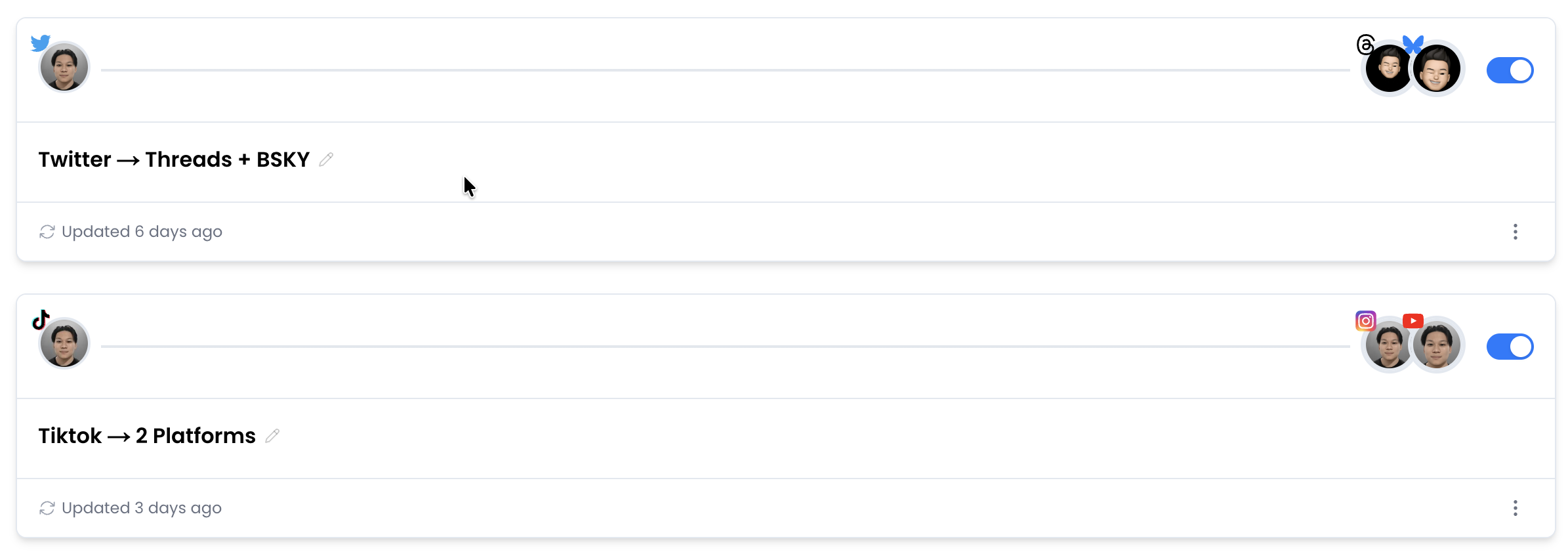
Native Upload to Bluesky
When you repurpose YouTube to Bluesky, PostOnce uploads the actual file — not a link, not a preview.
Your repurposed YouTube content appears as a native Bluesky post, built for that platform's audience.
Start your free trialCustom Repurposing Rules
Not every YouTube post should be repurposed for Bluesky. Set hashtag filters, content type rules, or account-level controls to choose what gets adapted.
Only the content that makes sense for Bluesky's audience ends up there.
Start your free trial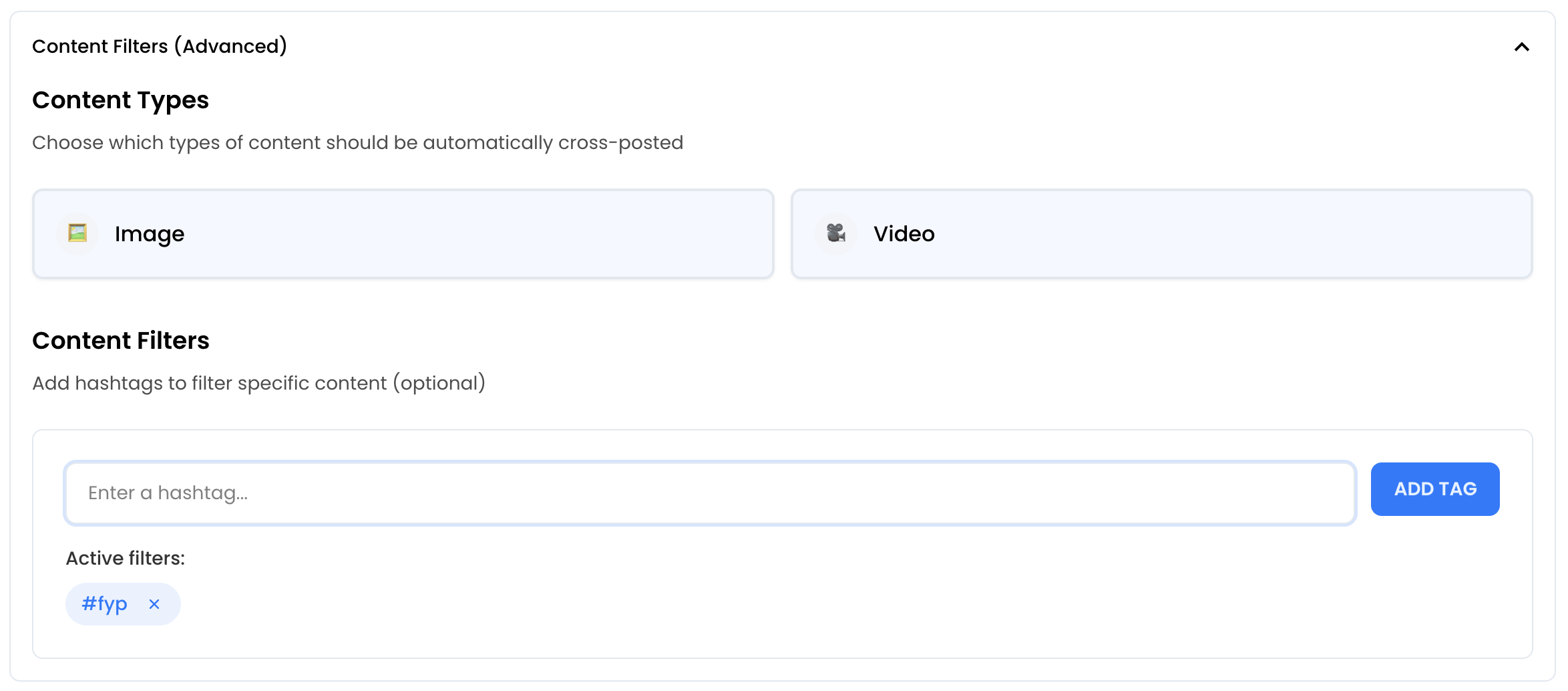
Repurpose to Multiple Platforms
Don't stop at YouTube to Bluesky repurposing. Adapt your YouTube content for YouTube Shorts, Facebook, LinkedIn, Threads, and more — all at once.
One piece of content, adapted everywhere. Each platform gets a native upload with the right formatting.
Start your free trial








Real-Time Automation
PostOnce monitors your YouTube account and repurposes new content for Bluesky automatically.
No scheduling, no batching. Publish on YouTube and your repurposed content appears on Bluesky within minutes — fully automated YouTube to Bluesky content adaptation.
Start your free trial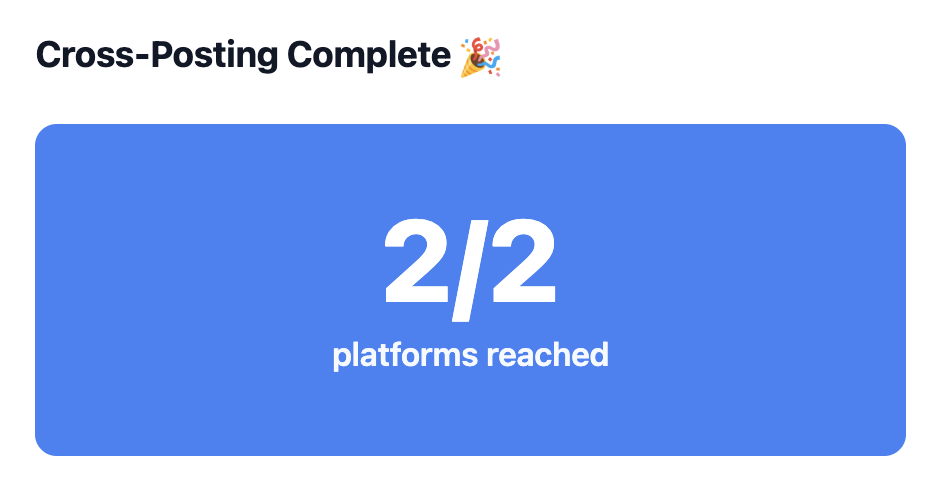
YouTube vs Bluesky at a Glance
| Spec | YouTube | Bluesky |
|---|---|---|
| Caption Limit | 5,000 chars | 300 chars |
| Max Video Length | 12h | 1min |
| Preferred Aspect Ratio | 16:9 | 16:9 |
| Max Video File Size | 256GB | 50MB |
| Carousel Support | No | Up to 4 items |
| Hashtag Strategy | Up to 60 | Unlimited |
| Link Support | Yes | Yes |
| Primary Audience | 18-49 | 20-40 |
Trusted by Creators & Brands
 mego71.4K followersBeauty & Lifestyle
 mishygirll588.8K followersOnlyFans
 hopewalz566.0K followersPolitics
 artzenmedia138.0K followersContent Creation
 caravature490.9K followersArt & Design
 getnaturaljackson441.5K followersSelf Improvement
 Revista Etcétera286K followersNews & Media
 soleretriever169.0K followersSneakers
 ismerlinglive38.9K followersStreaming & Gaming
 DolceDormire.ro42.2K followersRetail & E-commerce
 eddie115.7K followersBusinessmego71.4K followersBeauty & Lifestylemishygirll588.8K followersOnlyFanshopewalz566.0K followersPoliticsartzenmedia138.0K followersContent Creationcaravature490.9K followersArt & Designgetnaturaljackson441.5K followersSelf ImprovementRevista Etcétera286K followersNews & Mediasoleretriever169.0K followersSneakersismerlinglive38.9K followersStreaming & GamingDolceDormire.ro42.2K followersRetail & E-commerceeddie115.7K followersBusiness
Frequently Asked Questions
long video, short video from YouTube can be repurposed for Bluesky. Text-heavy posts with strong hooks perform best.
Not necessarily. Keep creating what works on YouTube and let PostOnce handle the adaptation. However, being aware that Bluesky's audience prefers tech-savvy, conversational, community-driven content can help you create posts that perform well on both platforms.
Repurposing adapts your content for Bluesky's format, audience, and best practices—not just copy-pasting. This means adjusting aspect ratios, trimming captions, and optimizing for Bluesky's algorithm so your content performs like native posts.
No. PostOnce reformats everything so posts look native to Bluesky. captions are adjusted, and platform-specific elements are handled so the content feels natural.
Start Repurposing YouTube for Bluesky
Connect your YouTube and Bluesky accounts and start repurposing content in minutes. No technical setup required.
Get Started FreeFree 7-day trial · Cancel anytime