
Crosspost from Pinterest to Facebook Automatically
Auto post Pinterest to Facebook instantly — no downloads, no re-uploads, no manual work. Just publish on Pinterest and your content appears on Facebook, with captions and media adapted for the destination when needed.
Get Started Free7-day free trial · Cancel anytime
Features
How PostOnce Handles It
Set up Pinterest to Facebook crossposting once. PostOnce automates the rest.
Easy Pinterest Crossposting Setup
Connect your Pinterest and Facebook accounts, choose your crosspost rules, and you're done.
Setup takes under 60 seconds. After that, everything runs automatically in the background.
Start your free trial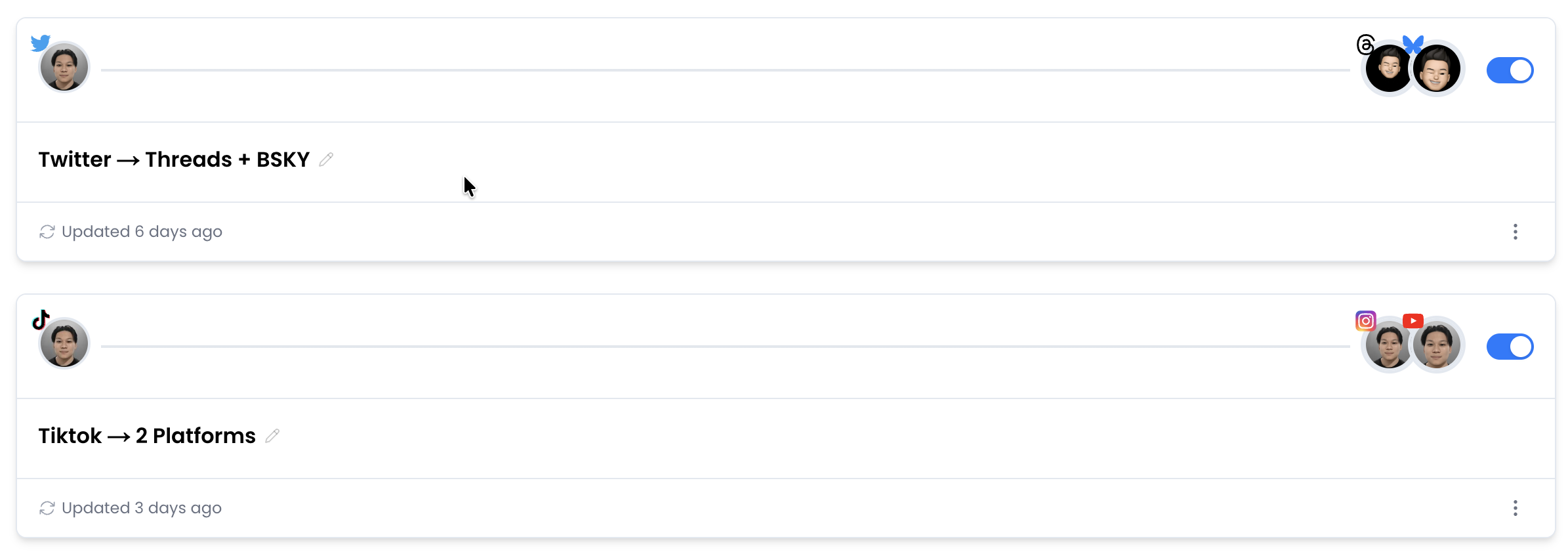
Native Video Upload to Facebook
When you crosspost Pinterest to Facebook, PostOnce uploads the actual video file — not a link, not a preview.
Your Pinterest content appears as a native Facebook post, indistinguishable from content uploaded directly.
Start your free trialCustom Crosspost Rules
Not every Pinterest post belongs on Facebook. Set hashtag filters, content type rules, or account-level controls to choose what gets crossposted.
Only the content you want on Facebook ends up there.
Start your free trial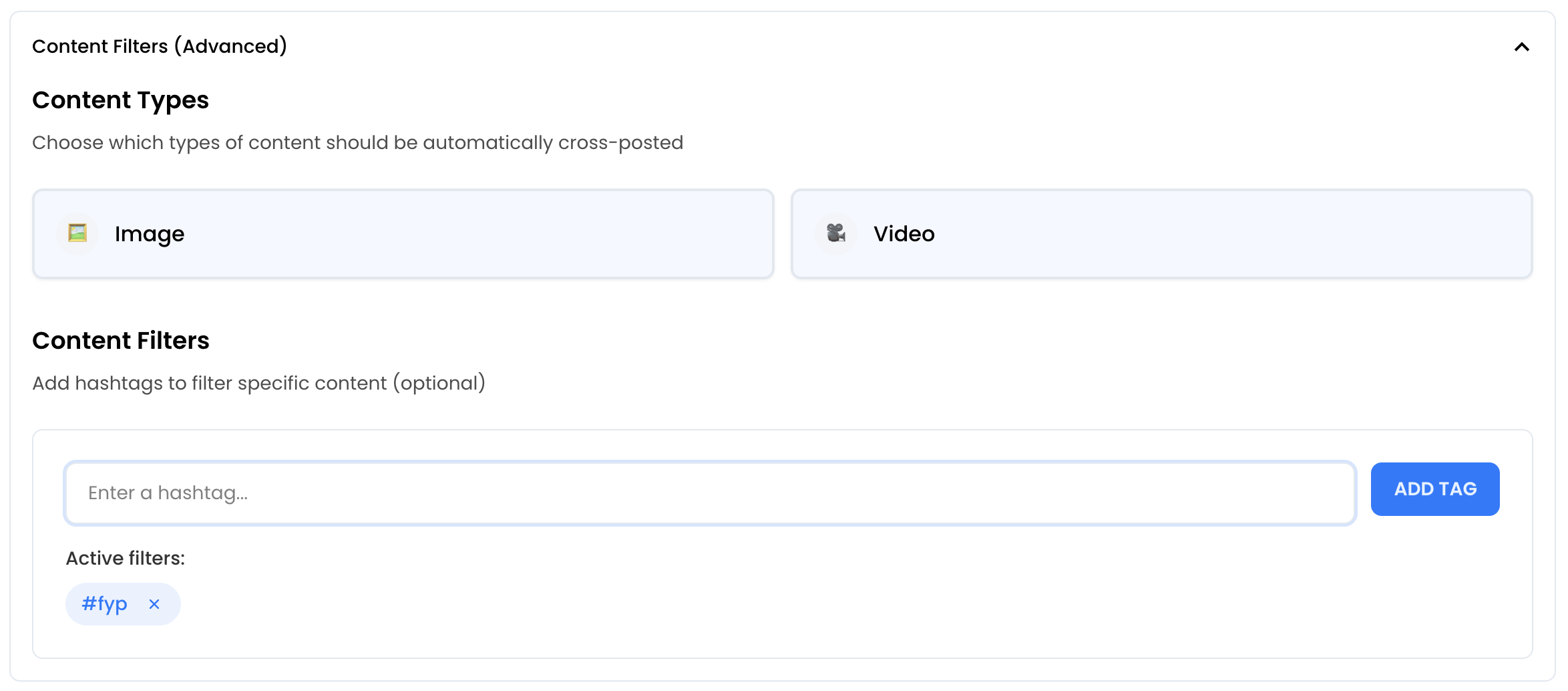
Auto Post to Multiple Platforms
Don't stop at Pinterest to Facebook crossposting. Auto post your Pinterest content to YouTube Shorts, Facebook, LinkedIn, Threads, and more — all at once.
One post, everywhere. Each platform gets a native upload with adapted formatting.
Start your free trial









Real-Time Automation
PostOnce monitors your Pinterest account and automatically crossposts new content to Facebook.
No scheduling, no batching. Publish on Pinterest and it appears on Facebook within minutes — fully automated Pinterest to Facebook posting.
Start your free trial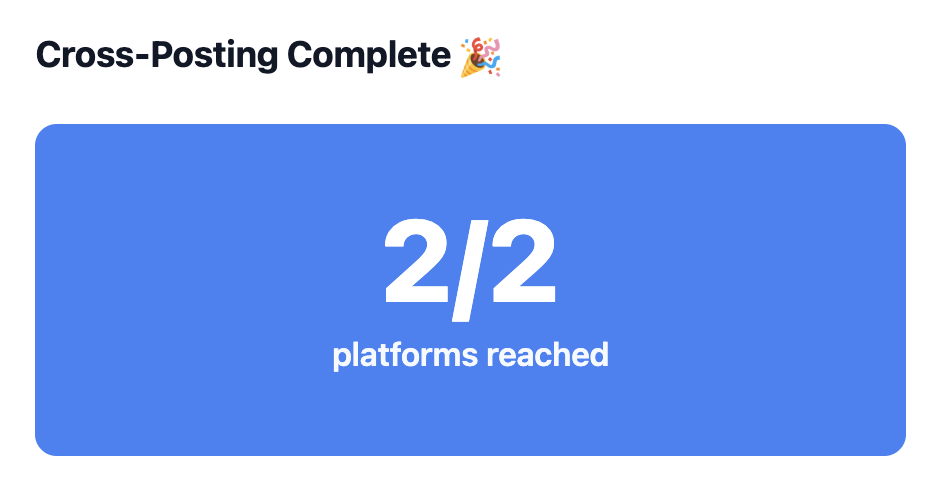
Pinterest vs Facebook at a Glance
| Spec | ||
|---|---|---|
| Caption Limit | 500 chars | 63,206 chars |
| Max Video Length | 15min | 4h |
| Preferred Aspect Ratio | 2:3 | 16:9 |
| Max Video File Size | 2GB | 10GB |
| Carousel Support | Up to 5 items | Up to 10 items |
| Hashtag Strategy | Up to 20 | Unlimited |
| Link Support | Yes | Yes |
| Primary Audience | 18-44 | 25-54 |
Trusted by Creators & Brands
 mego71.4K followersBeauty & Lifestyle
 mishygirll588.8K followersOnlyFans
 hopewalz566.0K followersPolitics
 artzenmedia138.0K followersContent Creation
 caravature490.9K followersArt & Design
 getnaturaljackson441.5K followersSelf Improvement
 Revista Etcétera286K followersNews & Media
 soleretriever169.0K followersSneakers
 ismerlinglive38.9K followersStreaming & Gaming
 DolceDormire.ro42.2K followersRetail & E-commerce
 eddie115.7K followersBusinessmego71.4K followersBeauty & Lifestylemishygirll588.8K followersOnlyFanshopewalz566.0K followersPoliticsartzenmedia138.0K followersContent Creationcaravature490.9K followersArt & Designgetnaturaljackson441.5K followersSelf ImprovementRevista Etcétera286K followersNews & Mediasoleretriever169.0K followersSneakersismerlinglive38.9K followersStreaming & GamingDolceDormire.ro42.2K followersRetail & E-commerceeddie115.7K followersBusiness
Frequently Asked Questions
Under 60 seconds. Connect both your Pinterest and Facebook accounts, choose your filter rules, and you're done. New Pinterest posts will automatically appear on Facebook.
PostOnce automatically adapts your 2:3 Pinterest videos to Facebook's preferred 16:9 format, ensuring they look native.
Yes. Use hashtag filters to control which posts crosspost. For example, add #crosspost to Pinterest captions and only those posts will go to Facebook. Or exclude specific hashtags to skip certain content.
Your captions transfer in full since Facebook supports up to 63,206 characters, which accommodates Pinterest's 500 character limit.
Related Crossposting Workflows
Crosspost Pinterest to TikTok
Set up automatic crossposting from Pinterest to TikTok.
Crosspost Pinterest to Instagram
Set up automatic crossposting from Pinterest to Instagram.
Crosspost Pinterest to YouTube
Set up automatic crossposting from Pinterest to YouTube.
Repurpose Pinterest for Facebook
Adapt this workflow for clips, captions, and content reuse.
Crosspost Facebook to Pinterest
Go the other direction.
Pinterest crossposting guides
More destinations from Pinterest
All crosspost guides
Browse every platform workflow
Start Crossposting Pinterest to Facebook
Connect your Pinterest and Facebook accounts and start crossposting in minutes. No technical setup required.
Get Started FreeFree 7-day trial · Cancel anytime